







A firewall acts as a network’s security guard, filtering incoming and outgoing traffic to block unauthorized access and known threats.
A VPN, on the other hand, creates a private, encrypted tunnel for your data, masking your IP address and protecting your activity, especially on public Wi-Fi. They serve different purposes, operate at different layers, and are often misunderstood as interchangeable.
Our blog explains the real difference between a VPN and a firewall, how each one protects your data, and when using both together makes sense. By the end, you’ll know which tool fits your situation and whether layered security is the smarter choice.
Key Takeaways
|
Definition of VPN & Firewall
A VPN protects data in transit and user privacy, while a firewall controls what traffic is allowed to enter or leave a network. Understanding this difference is critical before comparing or combining them.
A VPN (Virtual Private Network) creates an encrypted tunnel between a device and the internet, hiding the user’s real IP address and location.
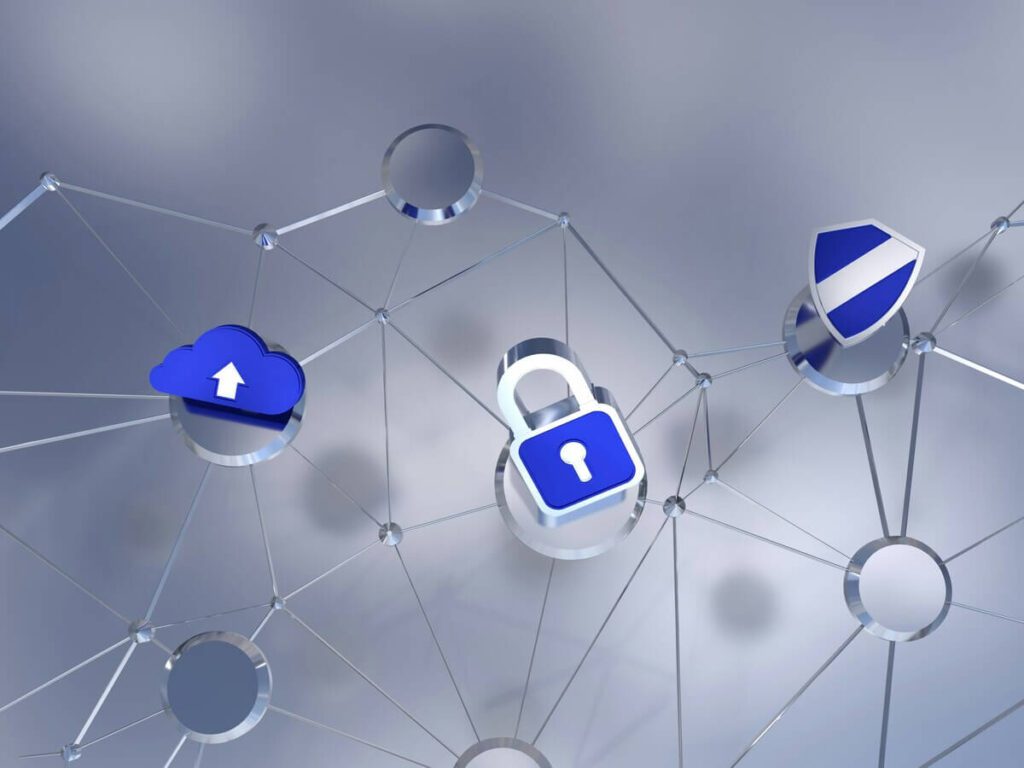
The core role of a VPN is privacy and data protection, not traffic control. When a VPN is active, all outgoing traffic is encrypted before it leaves the device, which prevents ISPs, hackers, or public Wi-Fi operators from reading the data.
Key purposes of a VPN:
- Encrypts data on public or untrusted networks
- Masks IP address and physical location
- Prevents traffic snooping and session hijacking
- Allows access to geo-restricted services
A VPN does not decide which traffic is allowed or blocked. It assumes the traffic is already permitted and focuses on protecting it during transmission.
A firewall is a network security system: software, hardware, or both that monitors and filters incoming and outgoing traffic based on predefined rules. The primary function of a firewall is access control. A firewall inspects traffic, evaluates it against security policies, and decides whether that traffic is allowed, restricted, or blocked entirely.
Key purposes of a firewall:
- Blocks unauthorized inbound connections
- Controls outbound traffic from devices or applications
- Prevents malware, intrusion attempts, and port scanning
- Enforces network-level security rules
A firewall does not encrypt traffic by default and does not hide IP addresses. Its strength lies in preventing threats from reaching systems in the first place, not protecting data once it is already moving across the internet.
Key Difference Between VPN & Firewall
VPNs and firewalls protect networks in very different ways:
A VPN focuses on securing data while it travels, while a firewall focuses on controlling and blocking traffic before it reaches devices.
The sections below compare VPN vs firewall across the most important security criteria.
| Criteria | VPN | Firewall |
| Core Function | Encrypts and hides internet traffic | Filters and blocks network traffic |
| Main Purpose | Privacy and secure data transmission | Perimeter security and access control |
| Encryption | Yes (AES-256, WireGuard) | No encryption (inspects metadata) |
| IP Masking | Yes (replaces real IP address) | No |
| Malware Blocking | No (not core function) | Yes (blocks malicious traffic) |
| Intrusion Prevention | Prevents data interception | Detects and blocks unauthorized access |
| Public Wi-Fi Protection | Encrypts data on open networks | Blocks suspicious incoming connections |
| Primary Strength | Confidentiality and anonymity | Threat detection and traffic control |
Encryption vs traffic filtering
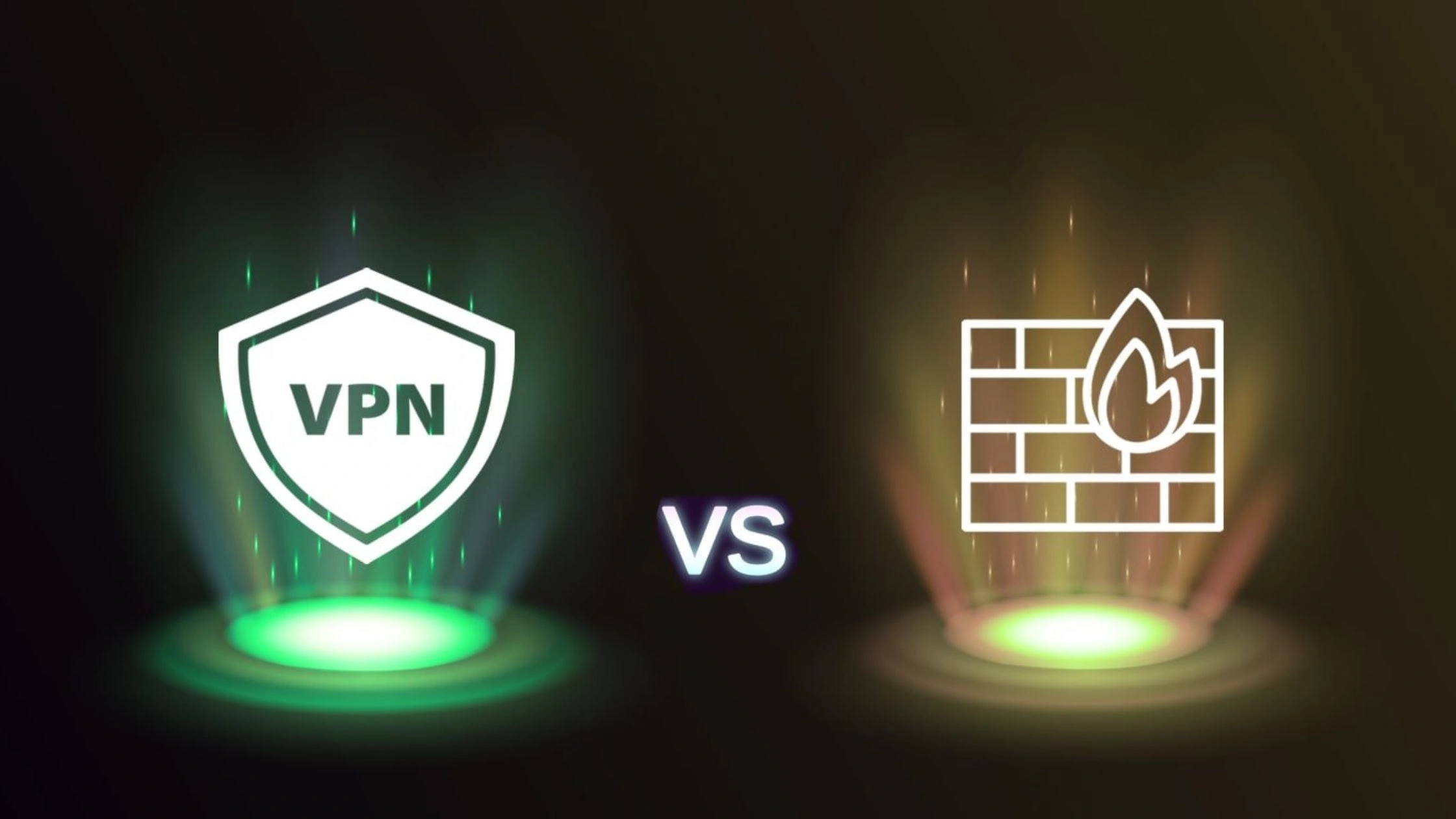
Encryption vs traffic filtering is the most fundamental difference between a VPN and a firewall. A VPN (Virtual Private Network) is built around encryption. A firewall is built around inspection and filtering.
Core function
- VPN (Encryption): Protects privacy and secure data transport. A VPN encrypts traffic, masks IP addresses, and secures data on public or untrusted networks.
- Firewall (Traffic Filtering): Protects the network perimeter. A firewall inspects packets and blocks malicious or unauthorized traffic based on predefined rules.
Security approach
- VPN (Encryption): Uses strong encryption protocols (for example, AES-256) to make data unreadable during transmission.
- Firewall (Filtering): Analyzes traffic metadata such as IP address, port, and protocol to decide whether traffic is allowed or blocked, without encrypting the data itself.
Protection type
- VPN: Protects against man-in-the-middle (MitM) attacks, data theft, and Wi-Fi snooping.
- Firewall: Protects against hackers, malware, and unauthorized network access.
Analogy
- Firewall: A security guard at the gate, checking who is allowed in or out.
- VPN: An armored vehicle that keeps data hidden and protected while it travels.
A firewall blocks threats at the network boundary, while a VPN encrypts traffic once it leaves that boundary. Together, they provide stronger end-to-end protection, especially for remote workers.
IP masking and anonymity
IP masking and anonymity clearly separate what a VPN does from what a firewall does. A VPN actively hides identity, while a firewall does not provide anonymity.
IP masking:
- VPN: Replaces the real IP address with a VPN server IP. Websites see the VPN location, not the user’s real location.
- Firewall: Does not change or hide IP addresses. A firewall only allows or blocks traffic.
Anonymity:
- VPN: Encrypts traffic and masks identity from websites, ISPs, and network observers.
- Firewall: Protects devices from external threats but does not hide user identity or browsing activity.
A firewall improves network safety. A VPN improves privacy and anonymity. These goals do not overlap.
Threat prevention (malware, intrusion, port scanning)
Threat prevention is where firewalls are strong and VPNs are limited. Firewalls inspect and block threats. VPNs secure traffic but do not analyze it. Firewalls act as a perimeter defense, while VPNs act as a secure transport layer.
Key differences in threat prevention
| Feature | Firewall | VPN |
| Primary Goal | Block unauthorized access & threats | Encrypt & hide traffic |
| Malware Protection | Detects and blocks malware (especially next-gen firewalls) | No (usually) |
| Intrusion Prevention | Monitors and stops unauthorized access | No, but prevents traffic interception |
| Port Scanning | Filters and blocks unauthorized ports | No |
| Key Strength | Perimeter security | Privacy and encryption |
Malware protection
- Firewall: Next-generation firewalls can inspect traffic, block malicious websites, and stop malware before it enters the network.
- VPN: Most VPNs do not scan for malware. Some VPNs bundle optional threat-blocking features, but this is not the core VPN function.
Intrusion prevention
- Firewall: Analyzes packets and enforces rules to block intrusion attempts.
- VPN: Prevents attackers from intercepting data, but does not stop intruders from attempting access.
Port scanning and filtering
- Firewall: Monitors open ports and blocks unauthorized connection attempts.
- VPN: Does not manage ports or block scans; it only encrypts traffic.
Firewalls are designed to detect and block threats. VPNs are designed to hide and encrypt data. Using both together provides comprehensive protection: the firewall stops attacks, and the VPN protects data in transit.
Public Wi-Fi protection
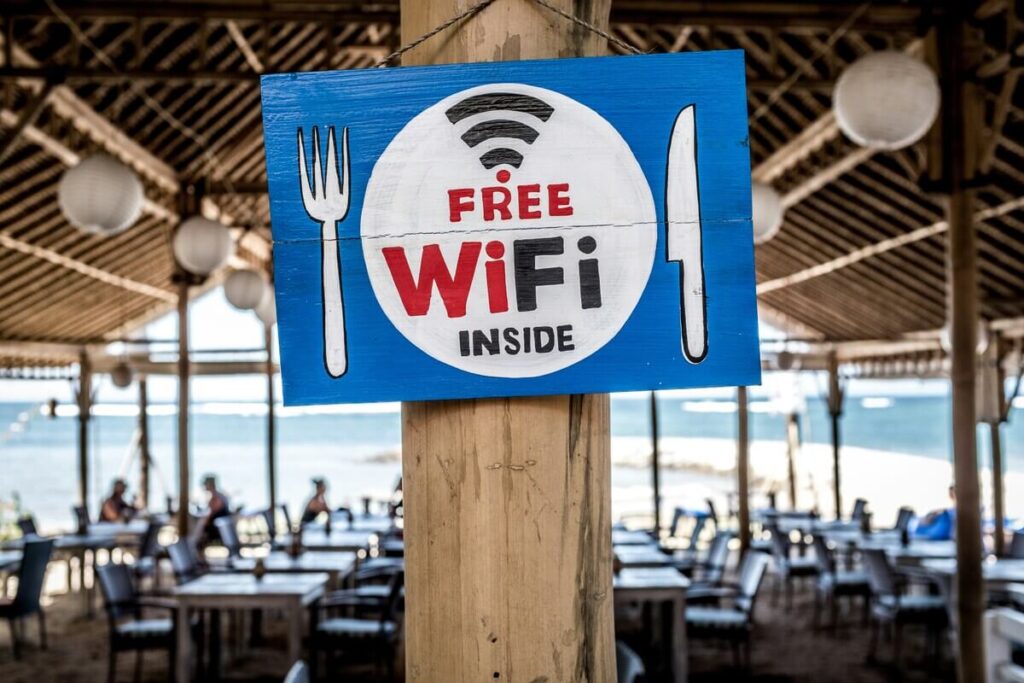
Public Wi-Fi protection highlights how VPNs and firewalls solve different risks on open networks. A VPN (Virtual Private Network) protects data privacy on public Wi-Fi by encrypting traffic, while a firewall protects devices by blocking unauthorized or malicious connections.
How each protects on public Wi-Fi
- VPN: Encrypts all data in transit, preventing spying, packet sniffing, and man-in-the-middle attacks on unsecured hotspots.
- Firewall: Monitors incoming and outgoing traffic on the device or network, blocking suspicious connections, scans, or unauthorized access attempts.
Key distinction
- VPN priority: Privacy and confidentiality. Even if attackers are on the same Wi-Fi network, they cannot read encrypted traffic.
- Firewall priority: Network security. A firewall reduces the attack surface by stopping malicious traffic before it reaches the device.
On public Wi-Fi, a VPN protects what you send, while a firewall protects what can reach you. Using both provides stronger protection than relying on either one alone.
Logging and monitoring capabilities
Logging and monitoring capabilities differ significantly between VPN vs firewall because they serve different security goals. A VPN logs minimal connection data to maintain service and privacy. A firewall logs detailed traffic activity to enforce security policies.
VPN Logging and Monitoring
- Focus: Connection privacy, IP masking, and secure data transmission.
- Logs: Session duration, connection timestamps, data volume, and assigned IP address.
- Privacy model: Many reputable VPNs follow strict no-logs policies, meaning no tracking of browsing history, visited websites, or application usage.
- Monitoring purpose: Server performance, connection stability, and abuse prevention, not user activity surveillance.
Firewall Logging and Monitoring
- Focus: Network perimeter security and threat detection.
- Logs: Source and destination IPs, ports, protocols, application behavior, and allow/deny decisions.
- Visibility: Supports deep packet inspection (DPI) to analyze traffic patterns and payloads.
- Security value: Enables real-time alerts for malware, intrusion attempts, policy violations, and abnormal traffic.
Setup and configuration complexity
Setup and configuration complexity is another clear difference in VPN vs firewall usage. A firewall acts as perimeter security and often requires detailed rule configuration. A VPN acts as a secure tunnel and is usually simpler for end users.
Firewall Setup Complexity
- Home use: Often minimal. Many routers include built-in firewalls enabled by default.
- Enterprise use: High complexity. Requires defining granular rules for traffic filtering, segmentation, NAT, and port forwarding.
- Maintenance: Ongoing rule updates, log review, and tuning to avoid false positives or security gaps.
- Deployment layer: Network-level hardware or software at the edge.
VPN Setup Complexity
- Individual users: Very simple. Typically one-click apps, browser extensions, or built-in OS clients.
- Corporate environments: More complex. Requires VPN servers, user authentication, access policies, and client configuration.
- Core focus: Encryption protocols such WireGuard, or IPsec to secure communication.
Operational perspective
- Firewalls: Operate as a gatekeeper, requiring continuous traffic monitoring and rule management.
- VPNs: Operate as a secure pipe, focused on confidentiality during data transmission.
Firewalls demand more planning and maintenance at scale. VPNs are easy for individuals but can become complex in enterprise remote-access deployments.
How firewalls and VPNs protect at different layers
Firewalls and VPNs protect different security layers of a network: firewalls secure the network boundary, while VPNs secure data while it is moving across networks. This layered distinction explains why one cannot fully replace the other.

Firewall as perimeter protection
Firewall perimeter protection secures the network edge by controlling what traffic is allowed to enter or leave a trusted network.
A perimeter firewall is deployed at the boundary between an internal network and external networks such as the internet. Firewall perimeter protection works by inspecting all inbound and outbound traffic and enforcing security rules to block malicious activity, unauthorized access, and data leakage before threats reach internal systems.
Key aspects of firewall perimeter protection
- First line of defense: Firewall perimeter protection operates at the network edge, acting as the initial inspection point for all traffic.
- Traffic filtering criteria: Firewall rules evaluate IP addresses, domain names, ports, protocols, and sometimes packet content.
- Threat prevention: Next-Generation Firewalls (NGFW) enhance firewall perimeter protection with deep packet inspection, signature analysis, and behavioral detection to block malware, intrusion attempts, and denial-of-service attacks.
- Access control: Firewall perimeter protection restricts access to internal resources and enforces network segmentation policies.
- Directional control: Firewalls filter both inbound and outbound traffic, helping prevent unauthorized data exfiltration in addition to blocking incoming threats.
Perimeter firewall vs internal firewall: Firewall perimeter protection focuses on defending the network boundary. Internal firewalls or network segmentation add an extra layer by limiting lateral movement if an attacker breaches the perimeter.
VPN as data-in-transit protection
VPN data-in-transit protection secures information while it travels between devices and servers.
A VPN (Virtual Private Network) protects data in transit by creating an encrypted tunnel between a user’s device and a VPN server. VPN data-in-transit protection prevents interception, eavesdropping, and tampering, especially on public or untrusted networks.
Key aspects of VPN data-in-transit protection
- Encryption: VPN data-in-transit protection uses protocols such as IPsec, TLS, OpenVPN, or WireGuard to encrypt traffic end-to-end.
- Confidentiality: VPN encryption ensures that intercepted data remains unreadable to attackers.
- Public network safety: VPN data-in-transit protection is critical on public Wi-Fi, where attackers can easily monitor unencrypted traffic.
- IP masking: VPNs hide the user’s real IP address during transmission, reducing tracking and exposure.
- Secure remote access: VPN data-in-transit protection allows remote workers to access internal systems securely over the internet.
Firewall perimeter protection secures who can access the network. VPN data-in-transit protection secures what data looks like while traveling. Together, they form layered security that protects both the network boundary and the data flowing through it.
VPN vs Firewall — Which One Should You Use? (Real-World Scenarios)
The right choice between a VPN and a firewall depends on where you connect, what you access, and what risks you face. In real-world use, VPNs and firewalls solve different problems and in many scenarios, the safest choice is using both together.
Public Wi-Fi and traveling
For public Wi-Fi and traveling, a VPN is essential, and a firewall adds local device protection.
Public networks in cafés, airports, hotels, or hostels are untrusted. Anyone on the same network can potentially monitor traffic or attempt direct device scans.
- Public Wi-Fi (coffee shop / airport): A VPN encrypts traffic, preventing packet sniffing, session hijacking, and data theft.
- Traveling & hotel Wi-Fi: VPN encryption protects against local network attacks and allows access to home-country services.
- Protecting your device from local network intrusion: A firewall blocks other users on the same network from probing ports or scanning the device.
Use VPN and firewall together. The firewall blocks local network attacks; the VPN secures data leaving the device.

Remote work and accessing company networks
For remote work, a VPN is mandatory, and a firewall is non-negotiable. Remote employees often connect from home or public networks, which introduces risk at both the user side and the company network edge.
- VPN role: Encrypts data in transit between the employee and company systems, protecting credentials, files, and internal traffic.
- Firewall role: Protects the corporate network perimeter, allowing only authorized VPN users and blocking external attacks.
Example scenario: An employee works from a café.
- The VPN encrypts traffic on public Wi-Fi.
- The company firewall ensures only authenticated VPN connections reach internal systems.
Use a defense-in-depth model: firewall at the edge, VPN for remote access.
Home users and personal devices
For home users, a firewall provides baseline protection, while a VPN adds privacy and mobility security.
- Firewall: Acts as a digital gatekeeper, blocking unsolicited inbound traffic from the internet. Most home routers include basic firewall protection.
- VPN: Encrypts outbound traffic, protects privacy from ISPs, secures connections on public Wi-Fi, and enables access to geo-restricted content.
Best practice:
- Keep a firewall always on (router or device firewall).
- Use a VPN when privacy, public Wi-Fi safety, or location masking matters.
Business networks and servers
For business networks and servers, VPNs and firewalls are complementary, not interchangeable. In enterprise environments, different risks exist at different layers of the network.
Scenario 1: Secure Remote Work, VPN is critical
- Need: Employees access internal systems from outside the office.
- Solution: VPN to encrypt data across the public internet.
Scenario 2: Protecting Office Network / Data Center: Firewall is critical
- Need: Defend servers and workstations from external hackers and malware.
- Solution: Firewall to filter traffic and enforce perimeter security.
Scenario 3: Connecting Branch Offices: VPN and Firewall
- Need: Securely connect multiple offices.
- Solution: Site-to-site VPN tunnels managed by firewalls at each location.
Scenario 4: Compliance & Content Filtering: Firewall is critical
- Need: Enforce security policies and regulatory compliance.
- Solution: Next-Gen Firewall with application control, DPI, and content filtering.
In business environments, use both. Firewalls protect the network boundary; VPNs secure remote and inter-site communication.
Do You Need Both a VPN and a Firewall?
Yes, using both a VPN and a firewall is strongly recommended because they protect different attack surfaces and close gaps that the other cannot cover alone.
A firewall controls who can reach your device or network, while a VPN protects how your data travels across the internet. Using only one always leaves a security blind spot.
Why one alone is not enough:
- Firewall without VPN: A firewall blocks unauthorized inbound traffic, but does not encrypt data. On public Wi-Fi or unsecured networks, attackers can still spy on traffic, capture credentials, or inject attacks.
- VPN without firewall: A VPN encrypts traffic and hides your IP address, but does not stop malware, port scans, or local network attacks against your device.
This is why cybersecurity best practice favors defense in depth.
Using a VPN and Firewall Together for Layered Security
Using a VPN and a firewall together creates layered security, where each tool covers a different risk layer instead of overlapping inefficiently. This setup is widely recommended in cybersecurity because modern threats rarely come from a single direction.
A firewall protects the network perimeter and device access, while a VPN protects data in transit and user privacy. Combined, they form a defense-in-depth model that reduces attack surfaces significantly. Below is a simple, safe setup that works for most users.
Step 1: Enable your firewall
- Home users: Ensure the router firewall is on (default on most modern routers).
- Device level: Enable the OS firewall (Windows Defender Firewall, macOS Firewall).
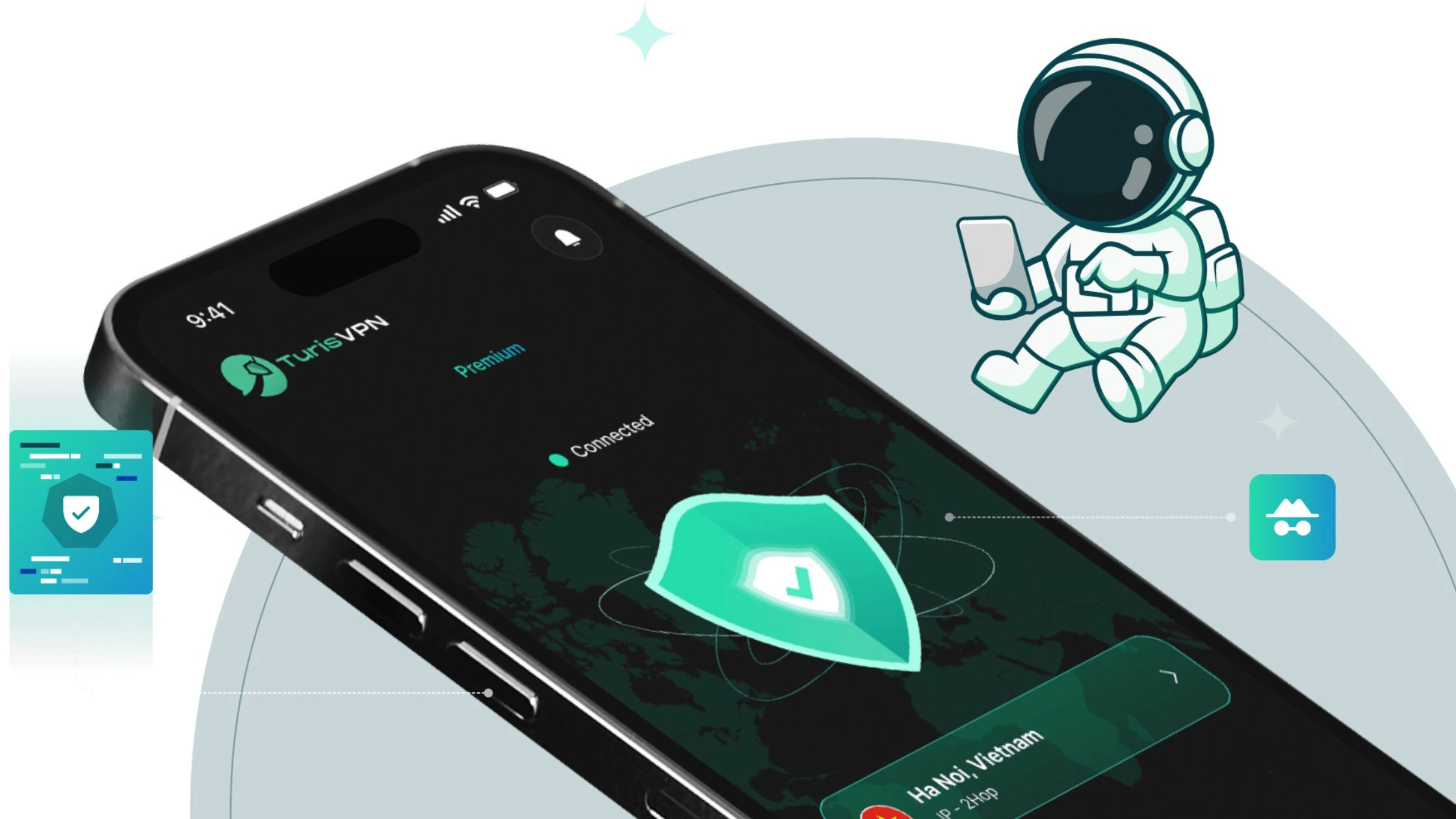
Step 2: Install TurisVPN
- Mobile (iOS / Android): Install the TurisVPN app.
- PC (Windows / macOS): Install the TurisVPN browser extension.
Step 3: Connect to a VPN server
- Open TurisVPN.
- Select a server location.
- Connect before opening browsers, apps, or public Wi-Fi networks.
Step 4: Keep both running
- Leave the firewall enabled continuously.
- Keep TurisVPN connected while browsing, streaming, working remotely, or traveling.
Bottom Line
VPN vs firewall is not a choice between two alternatives, but a question of roles. A firewall and a VPN solve different security problems at different layers of the network.
A firewall controls who can access your device or network, blocking malicious traffic, unauthorized connections, and intrusion attempts at the perimeter. A VPN protects how your data travels, encrypting traffic, masking your IP address, and preventing surveillance or interception especially on public or untrusted networks.
FAQs
Q1. Do I need a VPN if I already have a firewall?
Yes. A firewall and a VPN protect different things. A firewall blocks unauthorized traffic from entering or leaving your device or network, but a firewall does not encrypt your internet traffic or hide your IP address. A VPN is still needed to encrypt data, protect privacy, and secure connections on public Wi-Fi or untrusted networks.
Q2. Can a firewall replace a VPN?
No. A firewall cannot replace a VPN. A firewall controls and filters traffic based on rules, but it does not create encrypted tunnels or mask IP addresses. If data privacy, secure remote access, or protection from network snooping is required, a VPN is necessary.
Q3. Do firewalls provide VPN functionality?
Some firewalls provide VPN functionality, but this does not make them a replacement for a VPN service. Enterprise and Next-Generation Firewalls can act as VPN gateways (for example, site-to-site or remote-access VPNs), but the firewall still handles perimeter security while the VPN component handles encrypted data transmission. The roles remain separate.
Q4. Should I use both a VPN and a firewall?
Yes. Using both a VPN and a firewall is the best practice for layered security. A firewall protects the network perimeter by blocking malicious or unauthorized traffic, while a VPN protects data in transit by encrypting traffic and hiding IP addresses. Together, they provide stronger protection than either tool alone.





