







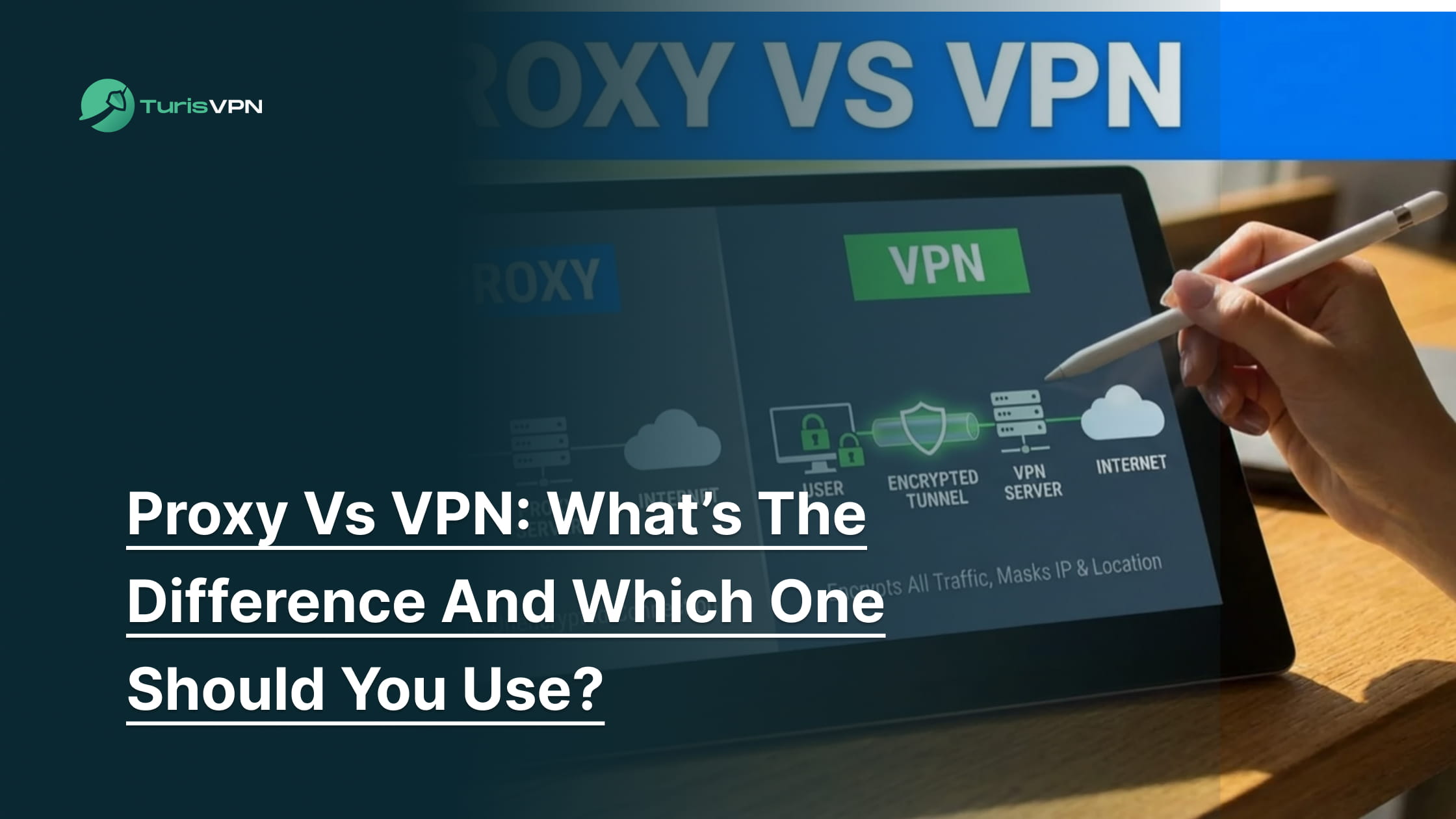
Deciding between a proxy and a VPN is the first step many users take toward better online privacy. While both tools hide your IP address and help bypass geo-restrictions, they function very differently “under the hood.” A proxy acts as a simple mask for a specific app, while a VPN encrypts your entire system’s connection.
In this guide, we will dismantle the technical jargon, compare the trade-offs, and help you decide which tool fits your specific digital needs.
What does a proxy do?
A proxy server acts as an intermediary gateway between your device and the internet. When you send a request, the proxy intercepts your traffic, masks your real IP address with its own, and forwards the data to the destination website.
This process allows you to access content while hiding your true location from the site you are visiting. To better understand the mechanics of this masking, you can read about what an anonymous proxy service is.
Now that we know how a proxy handles your traffic, let’s look at the more comprehensive protection offered by a VPN.
What does a VPN do?
A VPN (Virtual Private Network) creates a secure, encrypted tunnel for all your internet traffic, not just specific apps. It routes your data through a remote server, masking your IP address and encrypting the information so it becomes unreadable to ISPs, hackers, and surveillance.
This provides comprehensive, system-wide protection for your online identity and data security. If you are wondering what VPNs do to ensure this level of safety, the key lies in their robust encryption.
Now that we have defined both tools, we need to break down the specific technical differences that affect your daily browsing.
Core Difference between Proxy & VPN
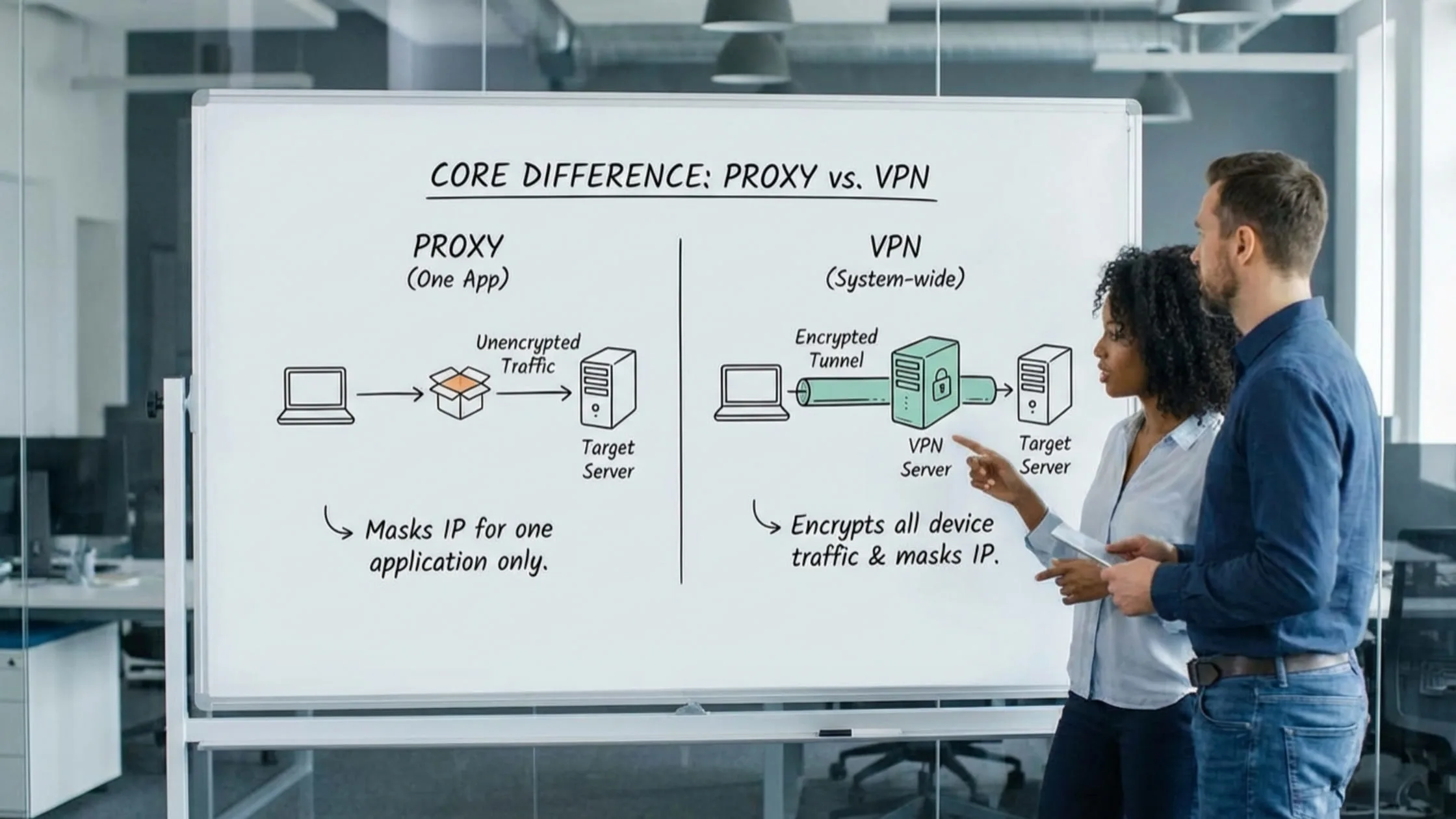
The distinction between proxy vs VPN comes down to how they handle security, privacy, scope, and speed. While both mask your location, they operate very differently.
Security differences between proxies and VPNs
Security is the most significant differentiator between these two tools, largely determined by the presence of encryption.
- Proxies: Standard proxies (HTTP/SOCKS) function as intermediaries. They effectively mask your IP address to bypass restrictions, but they generally transmit data in its original format. If you send an email or password through a standard proxy, the data often travels in plain text.
- VPNs: In contrast, a VPN creates a secure tunnel between your device and the server. Top-tier providers use military-grade AES-256 encryption to scramble every byte of data. Even if a cybercriminal intercepts the connection, they see only indecipherable code.
When weighing your options, this lack of encryption highlights exactly the disadvantages of a proxy. While useful for simple tasks, this limitation is the primary reason why a VPN protects you from hackers far better than a standard proxy ever could.
Privacy and tracking Difference
Hiding an IP address does not guarantee privacy if browsing history is still visible. Deciding whether to use a VPN or a proxy often comes down to who you trust with your data.
- Proxies: Many proxy services operate on a Freemium Model where user data becomes the product. To cover operational costs, proxy owners frequently monitor activity and sell browsing history to third-party advertisers.
- VPNs: Reputable VPNs operate with a strict no-logs policy. They do not track the websites you visit or the files you download. Because of high-level encryption, even your Internet Service Provider (ISP) cannot see your digital footprint; they only see that you are connected to a VPN.
Scope of protection: system-wide vs app-level
It is vital to know which parts of the device are actually protected to avoid accidental leaks.
- Proxies: These work on the application level. You must configure them separately for each browser (like Chrome) or program (like BitTorrent). If you open a different app or a background update runs, that traffic bypasses the proxy. This reveals your real IP address immediately.
- VPNs: A VPN offers system-wide protection. Once you click “Connect,” every byte of data leaving your device flows through the secure tunnel. This ensures that background apps, OS updates, and notifications never leak your location accidentally.
Speed and performance comparison
Speed often involves trade-offs, but premium services minimize the impact.
- Proxies: Theoretically, proxies can be faster because they lack encryption overhead. However, in practice, free proxies suffer from severe server congestion. With thousands of users sharing a single connection, speeds often crawl, and providers enforce strict Data Caps.
- VPNs: Premium VPNs use modern protocols like WireGuard to optimize speed. While encryption adds slight latency, paid VPNs offer Unlimited Bandwidth and high-speed infrastructure. This ensures smooth HD streaming and downloading, making a stable VPN often faster than a crowded, limited proxy.
With the technical specs laid out, let’s explore which tool best suits your specific real-world activities.
Proxy vs VPN: Which One Should You Use? (Real-World Use Cases)
To settle the proxy vs. VPN debate, we need to look at how they perform in specific scenarios, such as streaming and gaming.
Streaming (Netflix, Hulu, sports)

Accessing content from Netflix, Hulu, or sports broadcasters often requires bypassing strict regional locks. Users considering these tools must weigh the disadvantages of a proxy against the cost of a full VPN service.
- Proxies: These tools change your location but lack sophisticated obfuscation. Modern streaming sites like Netflix easily detect and blacklist known proxy IP addresses, leading to the dreaded “proxy error” screen.
- VPNs: A high-quality VPN rotates IP addresses and uses obfuscation technology to look like regular internet traffic. This reliably unlocks global libraries. Furthermore, VPNs prevent ISP throttling, in which your provider slows your internet connection when it detects you are streaming video.
Conclusion: Ultimately, for consistent, buffer-free streaming and access to global content libraries, a VPN is the clear winner.
Torrenting and P2P
Participating in P2P file sharing means connecting directly to other users, which carries inherent privacy risks. Many users wonder if they can use a proxy without a VPN to mask their identity while downloading large files.
- Proxies: Users must configure them perfectly inside the torrent client. If the proxy connection drops for even a second, the client will revert to your standard connection. This exposes your real IP address to the entire P2P swarm and copyright trolls.
- VPNs: A VPN masks the IP address from other peers, keeping identity anonymous while downloading. With Unlimited Bandwidth, users can share large files without hitting a cap or being throttled by their ISP. It is also vital to know whether free VPNs are safe for torrenting before trusting them with sensitive data.
Conclusion: Given the privacy risks involved in P2P sharing, a VPN is the only tool that keeps you truly anonymous.
Gaming and lag

Competitive gaming demands a stable connection with minimal latency to avoid lag spikes. Players frequently ask if they can use a proxy and a VPN together, hoping to maximize performance and security simultaneously.
- Proxies: Proxies are not built for real-time data packets (UDP). They often introduce “jitter” and packet loss, leading to rubber-banding and connection drops during matches.
- VPNs: A VPN protects against DDoS attacks by hiding the IP address from angry opponents. In some cases, it can even lower ping by bypassing congested ISP routes, providing a more direct path to the game server.
Conclusion: If you want a stable, protected connection that won’t ruin your match, a VPN is the superior choice.
Work and travel (public Wi-Fi security)

Using public Wi-Fi at airports or coffee shops exposes internet traffic to anyone else on the network. Many users are unsure when to use a proxy and whether it provides enough security for sensitive tasks like banking.
- Proxies: These offer zero encryption. If you use hotel or airport Wi-Fi, a hacker can perform a “Man-in-the-Middle” attack. They can intercept your session cookies or passwords because the proxy sends data in readable text.
- VPNs: An encrypted tunnel secures the connection instantly. This makes untrusted public networks safe for banking, checking confidential emails, and remote work, ensuring your data remains private regardless of the network owner.
Conclusion: For protecting sensitive information like passwords and banking details on public networks, a VPN is the only option you should trust.
Now that you see why a VPN is generally the superior choice, let’s walk through how simple it is to set one up.
Using TurisVPN instead of a proxy for full privacy
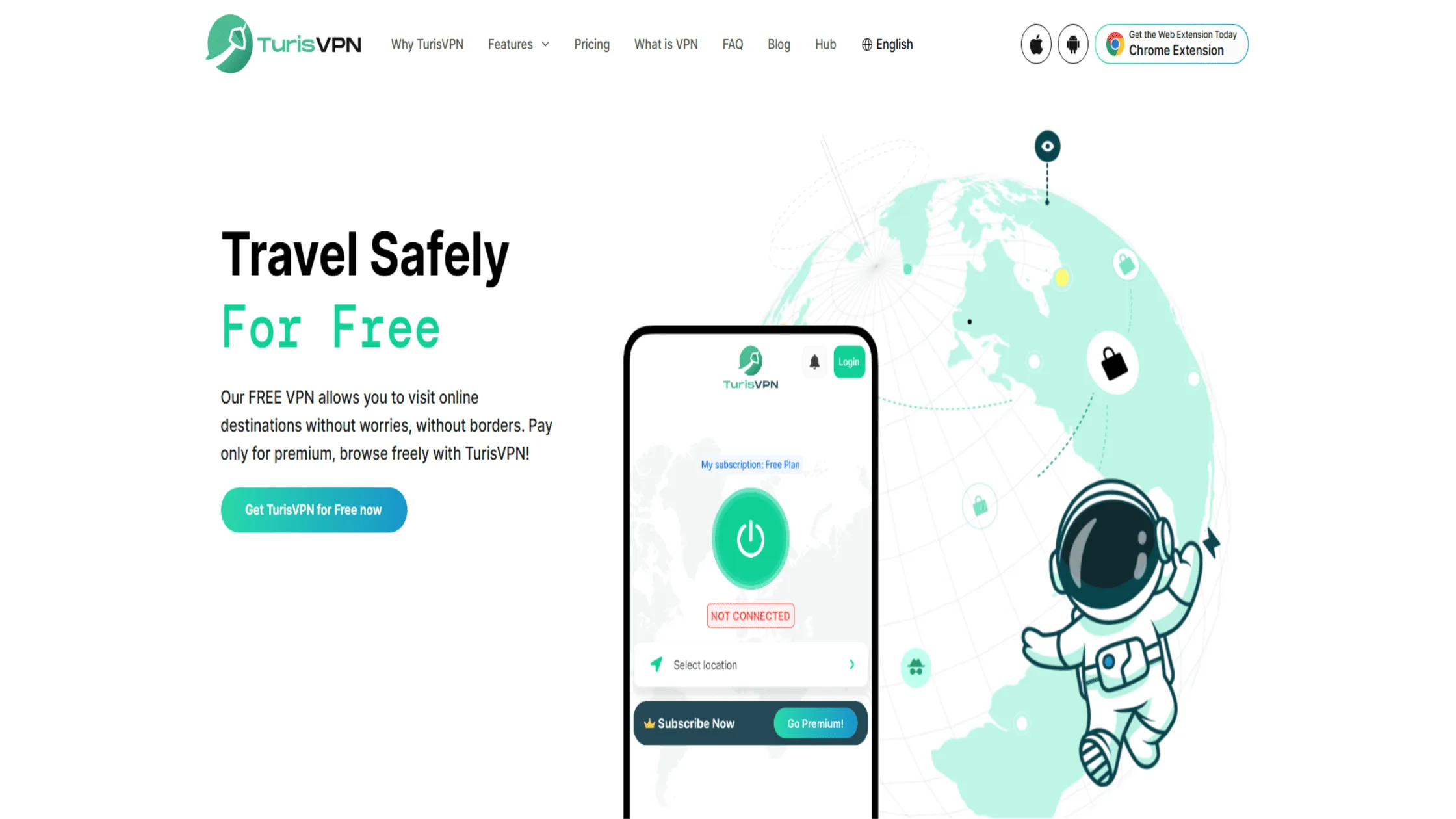
Switching from a proxy to TurisVPN is the best way to ensure comprehensive device protection. Setting up a proxy often involves digging into browser settings, copying IP addresses, and manually entering port numbers. It is tedious and prone to error. In contrast, using a VPN is designed to be “click-and-go.”
How to use TurisVPN to secure your connection:
- Download and Install: Get the TurisVPN app for your mobile phone or install the Chrome Extension on your computer.
- Log In: Enter your credentials to access your secure account.
- Choose a Server: Select a country you want to browse from. If you just want security, choose “Quick Connect” for the fastest server near you.
- Connect: Click the large power button. Wait a few seconds for the status to turn green.
- Verify: Your internet is now encrypted system-wide.
It really is that simple. You don’t need to configure individual apps. For a more detailed walkthrough of protocols and settings, check our guide to the setup process for secure connections. We handle the heavy lifting so you can browse freely.
Bottom Line
The proxy vs VPN debate comes down to choosing between a temporary mask and a permanent shield. A proxy is a lightweight tool for bypassing simple website blocks, but it exposes data and compromises privacy.
For anyone serious about stopping ISP tracking or securing public Wi-Fi connections, TurisVPN is the necessary choice. It delivers the encryption, Unlimited Bandwidth, and system-wide protection that modern internet usage demands. Do not settle for risky shortcuts when your digital identity is on the line.
FAQs
Q1. What is the main disadvantage of a proxy?
The biggest downside is the lack of encryption. Your data is sent in plain text, meaning your ISP and hackers can still read it. Additionally, proxies only work on the specific app you configure them for, leaving the rest of your device exposed.
Q2. Does a proxy completely hide your IP address?
Not always. Flash, JavaScript, or WebRTC leaks in your browser can reveal your real IP address even when using a proxy. A VPN is much more effective at completely masking your IP because it tunnels all traffic from the operating system level.
Q3. Is a VPN better than a proxy for privacy?
Yes. A VPN encrypts your traffic so no one can see what you are doing. It also hides your IP from every app on your device. Most reputable VPNs also have strict no-logs policies, whereas many free proxies track and sell your browsing data.
Q4. Can I use a proxy and a VPN together?
Yes, this is often called “double-hop” or “VPN over Tor,” but it is usually unnecessary for average users. It will significantly slow down your connection speed. For 99% of users, a strong VPN provides all the security and spoofing capabilities you need without the complexity of adding a proxy.
Q5. Which is safer: a free proxy or a paid VPN?
A paid VPN is safer. Free proxies often operate on a Freemium Model where you pay with your data. They may inject ads, track your history, or carry malware. A paid VPN relies on your subscription to fund its infrastructure, ensuring your privacy is the product, not the currency.





