Does a VPN protect your email from prying eyes and cyber threats? The short answer is yes, but with limitations. Many users believe a VPN acts as a magic shield for everything they do online, including sending sensitive messages. The reality is more nuanced.
While it encrypts your internet connection, a VPN does not scan your inbox for viruses or encrypt the message itself once it lands on the server. Understanding this distinction is vital for maintaining true digital privacy. In this guide, we will break down exactly how our tools support email security and where you need to take additional precautions.
Does a VPN Protect Your Email?
Yes, it protects the connection, but it does not encrypt the email content itself. Here are the core takeaways regarding how a VPN affects email security:
- Connection Security: A VPN encrypts the data traveling between your device and the internet, preventing hackers on public Wi-Fi from intercepting your login credentials.
- IP Anonymity: A VPN hides your IP address, so your email provider or snoopers cannot trace the email back to your physical location based on connection data.
- No Content Encryption: A VPN does not apply End-to-End Encryption (E2EE) to the message body. If your email provider is compromised, your messages are readable.
Now that we have established the basic limitations, it is important to distinguish between two concepts often used interchangeably: security and privacy.
Email security vs email privacy: what’s the difference?
Distinguishing between security and privacy is the first step in understanding exactly how a VPN protects your email. Security defends against attacks, while privacy prevents unwanted surveillance.
- Email Security: This protects data from malicious actors. Hackers try to guess passwords or inject malware. Large platforms like Gmail often rank as the most hacked email service simply due to their massive user base.
- Email Privacy: This keeps identity and content from legitimate third parties, such as ISPs and advertisers. Privacy tools mask a digital footprint, explaining why users need a VPN for email anonymity.
So, how does a VPN affect these two? It tackles them differently. A VPN enhances security by encrypting connections, preventing hackers from intercepting passwords on public Wi-Fi. Simultaneously, it protects privacy by hiding the IP address, ensuring ISPs cannot track the user’s location or email habits.
With these definitions clear, let’s explore the specific technical mechanisms we use to secure data as it moves between your device and the web.
How a VPN protects your email connection
Many users want to know exactly how a VPN affects email security. The answer lies in the connection. A VPN creates a secure environment for your data. It ensures the path between you and the email server is unbreakable.
1. Encryption in Transit
A VPN creates an Encrypted Tunnel between a device and the server. Activating the software immediately scrambles every piece of data, rendering login credentials and email bodies unreadable. Most top-tier services use Data Encryption (AES-256) for maximum security.
Consequently, any attacker intercepting the stream sees only gibberish, ensuring the message remains private during transmission.
2. Defeating Man-in-the-Middle (MITM) Attacks
Unsecured public networks like coffee shop Wi-Fi pose significant threats. Hackers frequently use Man-in-the-Middle attacks to intercept data mid-transmission. Fortunately, a VPN protects your email effectively in this scenario.
Since traffic travels inside a secure tunnel, hackers cannot read passwords or messages, effectively neutralizing the threat of local snooping.
3. IP Address Masking
Every email carries metadata that often includes the sender’s IP address. Many users worry whether an email can be traced if they use a VPN. Masking the IP addresses that fear directly. By replacing the real IP with a server address, the VPN hides the user’s physical location from the receiving mail server and any tracking pixels.
4. Privacy from ISPs
An Internet Service Provider (ISP) tracks all online activity. They know exactly when a customer accesses email services. While Transport Layer Security (TLS) hides specific message content, the provider can still build a behavioral profile.
A VPN blinds the ISP completely. The provider sees a secure connection but cannot see specific email activity, restoring privacy
While the connection is secure, it is vital to understand that a VPN is not a cure-all. There are specific internal threats that no VPN can stop.
What a VPN does NOT protect when it comes to email
It is important to be honest. A VPN protects the pipe, not the water flowing through it. If the water is poisoned, encryption cannot save you. Here are the limits you must know.
1. Phishing and Social Engineering
Phishing remains the number one threat to email security. This attack involves tricking a victim into voluntarily giving up a password or clicking a bad link. A VPN cannot protect a user from their own actions.
If a person receives a fake email claiming to be from a bank and enters their credentials, the VPN will encrypt that data and send the information straight to the hacker.
2. Malware and Infected Attachments
Similarly, if a user downloads a PDF attached to an email that contains a virus, a VPN protects the download process so no one else can steal the file. However, the software does not scan the file for malware. Once that infected file lands on a hard drive, the VPN’s job is done, and antivirus software must take over to prevent infection.
3. Email “At Rest” (Storage)
Emails are stored on servers owned by Google, Microsoft, or Yahoo. A VPN protects the data while the information travels to these servers, but once the message arrives, the data is decrypted and stored.
If Google’s servers are hacked, or if a rogue employee decides to read user emails, a VPN cannot stop the intrusion. This state is known as data “at rest.”
4. End-to-End Encryption
There is a major difference between the connection encryption VPN provides and End-to-End Encryption (E2EE).
- VPN Encryption: Protects data from your device to the VPN server.
- E2EE: Protects data from your device to the recipient’s device.
Standard emails (like Gmail) are encrypted in transit via Transport Layer Security (TLS) but are stored in a readable format by Google. We cannot add E2EE to a service that doesn’t support it. To get E2EE, you must use a specialized email provider like Proton or Tutanota alongside our service.
5. Identity Tracking
Can an email be traced if you use a VPN? To an extent, yes, if the user is logged in. If a person is signed into a personal Gmail account while using a VPN, Google still knows exactly who the user is. The tech giant may not know the true physical location thanks to the VPN, but it can still track activity and link it to a specific identity profile.
6. Account Security
A VPN cannot stop a hacker from guessing a weak password. If a password is “password123,” a hacker can log into the email account from their own computer. The fact that the legitimate owner uses a VPN on their computer does not stop an attacker from accessing the account remotely.
Understanding these gaps helps you realize that email privacy is a puzzle, and a VPN is just one critical piece.
Do you need a VPN for email?
Absolutely. While the tool does not fix every vulnerability, the software secures the most dangerous environment: public networks. Using a VPN becomes mandatory for travelers and remote workers for several key reasons:
- Securing Public Wi-Fi: Hackers easily scrape login credentials from the airwaves in cafes or airports. A VPN blocks this unauthorized access.
- Bypassing Local Snoops: Network administrators at work or school often monitor traffic. Encryption prevents them from seeing personal email activity.
- Protecting Metadata: ISPs and routers see connection data. Masking the IP address keeps these details private.
Once the decision to use protection is made, knowing how to implement the solution specifically with our service ensures maximum effectiveness.
Using TurisVPN for better email privacy
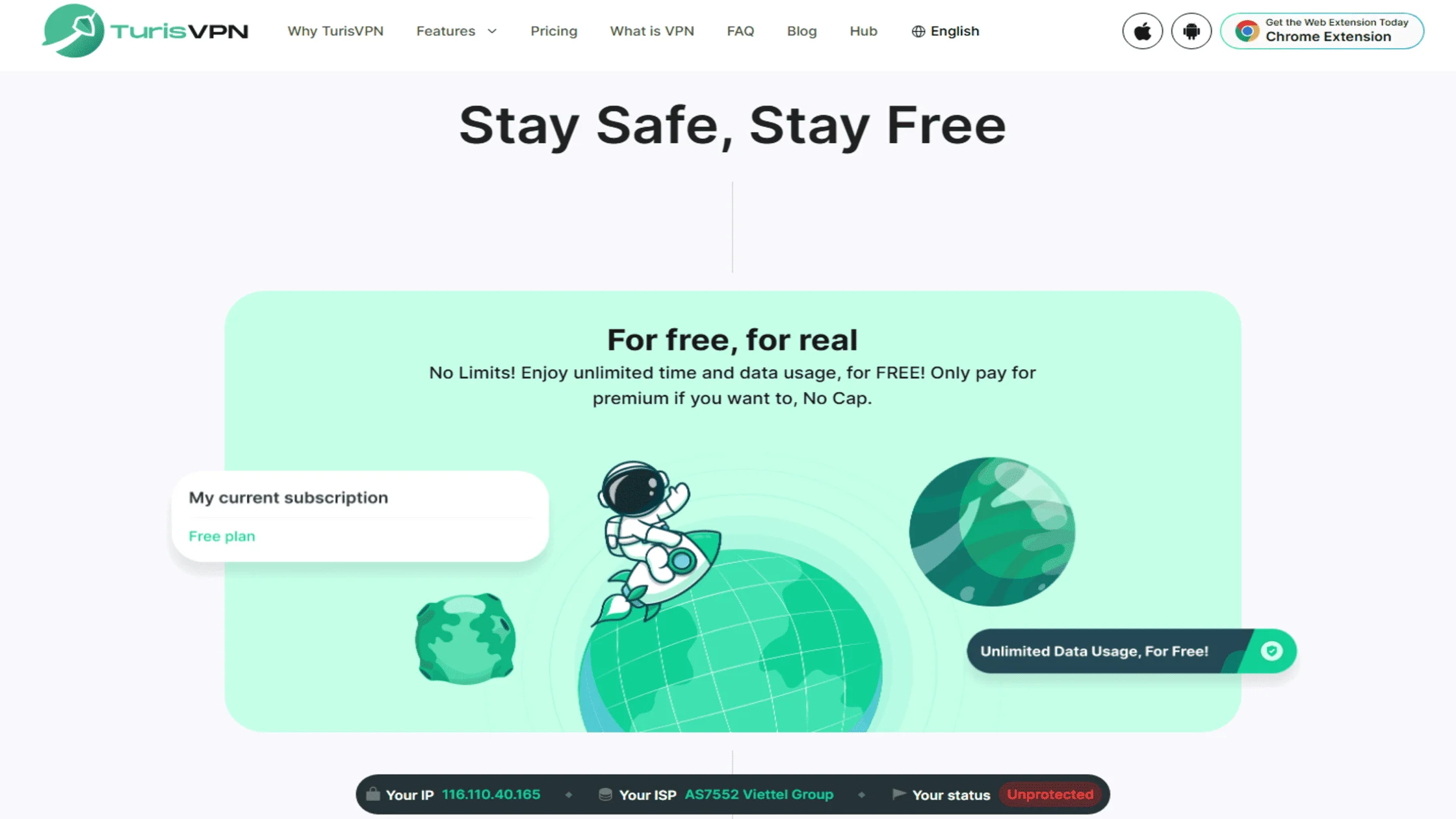
We have designed TurisVPN to be the simplest layer of your security stack. We focus on speed and high-grade encryption without complicating your experience. Below is the step on how to use TurisVPN to secure your email sessions:
- Download and Install: Get the TurisVPN app for your mobile device or the Chrome extension version on your desktop.
- Connect to a Server: Choose a server location. For the best speed, choose the one closest to you. For privacy, choose a server in a different country.
- Verify Connection: Ensure the “Connected” status is visible.
- Login to Email: Only open your email client or web browser after the connection is established.
By following this sequence, you ensure that the initial “handshake” with the email server happens inside the encrypted tunnel. If you are new to this technology, you can read our detailed guide on how to use a VPN effectively.
While our tool handles the connection, you must handle the account security. Here is how to close the remaining gaps.
Best practices to fully protect your email
A secure connection is useless if the account itself is weak. We recommend combining TurisVPN with the following habits to create a robust defense system.
Use strong, unique passwords and two-factor authentication
The most common way emails are hacked is through weak passwords. Ensure every account has a unique, complex password. Furthermore, enable Two-Factor Authentication (2FA) on the email account. This step ensures that even if a hacker has the password, the attacker cannot log in without the second code sent to a phone.
Choose secure or encrypted email providers
If a user is concerned about a provider reading emails, switching to a privacy-focused email service like ProtonMail or Tutanota is wise. These services offer built-in End-to-End Encryption (E2EE).
Even when using these secure providers, verifying the connection is important, so we recommend following our steps to check if the VPN is working to ensure metadata remains private.
Learn to recognize phishing and social engineering
No software can fix human error. Be skeptical of urgent emails asking for personal information, even if the messages look like they come from a trusted source. Never download attachments from unknown sources. Always check the sender’s address carefully. Remember, vigilance is your only defense against social engineering.
Combine VPN, email security tools, and safe browsing habits
Security is about layers. Think of your security suite as a team. Your antivirus handles malware, your password manager handles credentials, and TurisVPN handles your connection privacy. Together, they create a formidable barrier.
- Layer 1 (Connection): TurisVPN encrypts the tunnel.
- Layer 2 (Platform): A secure email provider encrypts the storage.
- Layer 3 (User): You use strong passwords and avoid clicking bad links.
This comprehensive approach effectively mitigates potential VPN vulnerabilities, ensuring that even if one defense layer is tested by sophisticated cyber threats, the others remain intact.
Bottom Line
So, does a VPN protect your email? Yes. It provides a critical layer of defense by securing your connection and masking your identity, but it is not a silver bullet. To truly secure your inbox, you must combine the connection security of TurisVPN with robust account habits like 2FA and vigilance against malware.
By understanding how a VPN affects email privacy, you can take control of your digital life. Don’t leave your correspondence open to the world; encrypt your connection today.
FAQs
Q1. Does a VPN protect your email from hackers?
Protection depends on the type of hacker. A VPN protects a user from hackers on a local network (e.g., at a cafe) who try to intercept Wi-Fi traffic. However, the software does not protect a user if a hacker guesses a password or if the user accidentally downloads a virus. If you are curious about broader threats, we have analyzed VPN protection against hackers in contexts beyond email.
Q2. Can my ISP see my emails if I use a VPN?
No. When you use TurisVPN, your ISP can only see encrypted gibberish. They cannot see the content of your emails, their subject lines, or even which email service you use.
Q3. Is a VPN enough to keep my emails private?
Yes, but it is not enough on its own. You also need a secure password, 2FA, and ideally a privacy-focused email provider that supports End-to-End Encryption (E2EE) to ensure total privacy.
Q4. Can emails be traced if you use a VPN?
It is very difficult. The email header will display the VPN server’s IP address rather than your home IP address. However, if you include personal details in the body of the email, the recipient can still identify you.