







VPN (Virtual Private Network) and VLAN (Virtual Local Area Network) are not interchangeable technologies.
A VPN is used to encrypt traffic and secure remote access over public networks or across a WAN. A VLAN is used to segment and organize devices inside a LAN for better control and performance.
Our blog will clearly explain the VPN vs VLAN difference, how each works at different OSI layers, how they compare in security, and when a business should choose one over the other.
Key Takeaways
|
What is VPN?

A VPN (Virtual Private Network) is a technology that encrypts your internet traffic and routes it through a secure server before it reaches the public internet. Instead of connecting directly to websites, your device first connects to a VPN server.
The VPN server then forwards your traffic to the website. That’s what a VPN does to mask your real IP address and protects data from interception.
A VPN mainly works at Layer 3 (Network Layer) of the OSI model. It is designed to secure communication across a wide area network (WAN), such as the internet. A VLAN controls traffic inside a local network. A VPN protects data while it travels between networks.
Key Aspects of a VPN
- Enhanced Security: A VPN encrypts your internet traffic using secure protocols. This encryption protects your data. ISPs, network admins, or attackers cannot easily read it. Sensitive data like passwords, banking details, and browsing activity stay protected.
- Privacy & IP Masking: A VPN hides your real IP address. It replaces it with the IP of the VPN server. Websites see the server location instead of your real location. This helps reduce tracking based on your IP.
- Secure Remote Access: Businesses use VPNs for remote work. Employees can safely connect to company systems from outside the office. This keeps internal data protected from public internet risks.
- Safe Public Wi-Fi Usage: Public Wi-Fi in cafes, hotels, or airports is often unsafe. A VPN encrypts your connection on these networks. Even if someone intercepts the traffic, they cannot read the data.
How a VPN Works
- Connection: You open a VPN app and connect to a VPN server.
- Encryption & Tunneling: Your device encrypts outgoing data. Then, sends it through a secure tunnel to the VPN server.
- Routing Through the Server: The VPN server decrypts the traffic. Then, forward it to the destination website. Responses are encrypted again before being sent back to your device.
Because a VPN encrypts traffic across the internet, it solves a completely different problem than a VLAN.
What is VLAN?
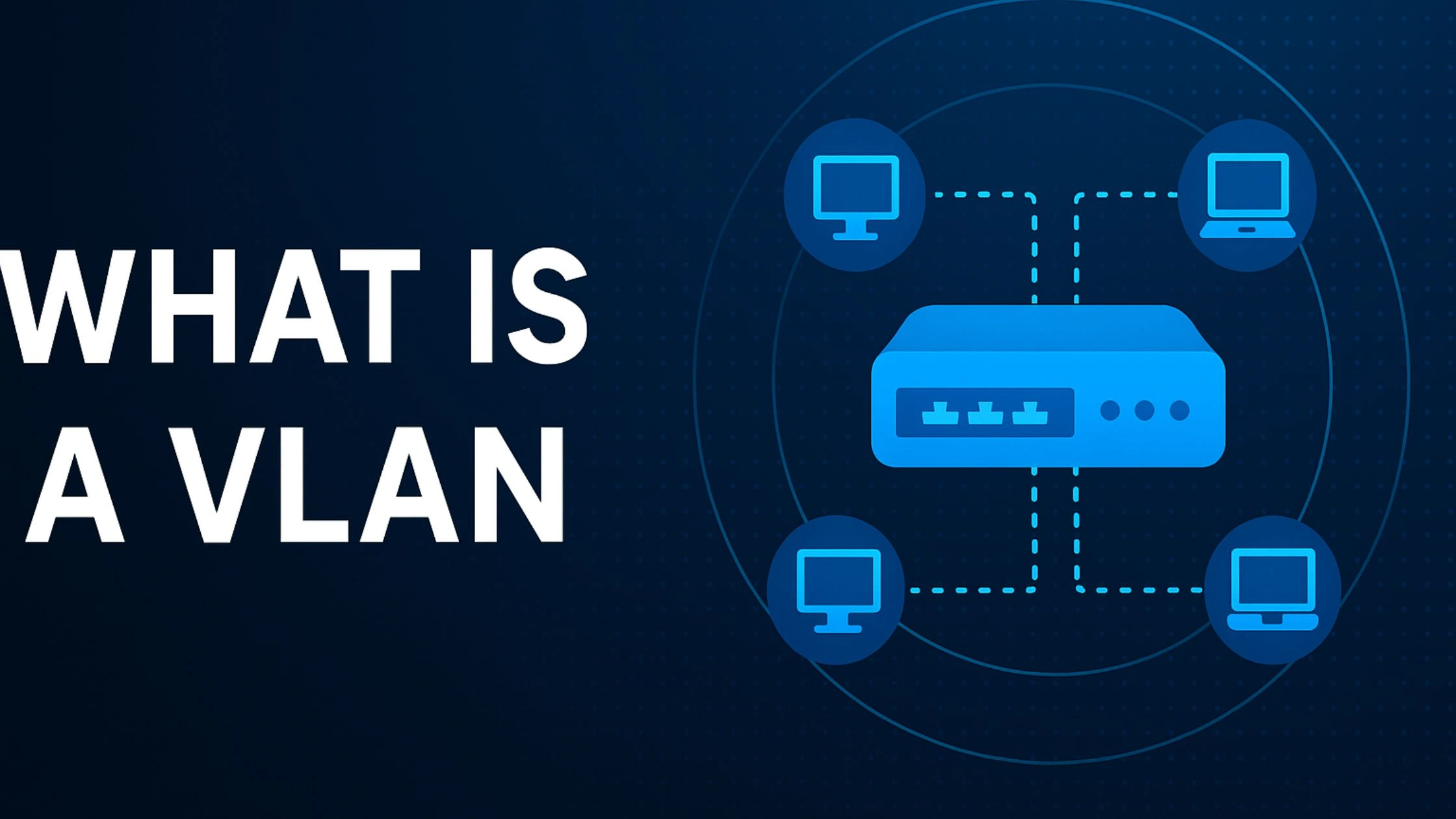
A VLAN (Virtual Local Area Network) is a network technology that divides a single physical LAN (Local Area Network) into multiple isolated segments.
A VLAN lets devices on the same switch act like separate networks. Even though they share the same hardware, they work as different groups.
Unlike a VPN, a VLAN does not secure traffic across the internet. It works inside a local network and focuses on separating and managing network traffic
How VLAN Works
VLAN operates at Layer 2 (Data Link Layer) of the OSI Model. VLAN segmentation is achieved through IEEE 802.1Q VLAN tagging, which adds a tag to Ethernet frames. The tag tells switches which VLAN a frame belongs to. Switches then forward traffic only to ports assigned to the same VLAN.
Because VLAN functions at Layer 2, traffic between different VLANs requires a router or Layer 3 switch. Inter-VLAN routing makes each VLAN behave like a separate physical network.
Key Purposes of VLAN
- Reduce Broadcast Domains: VLAN limits broadcast traffic to a specific group of devices. Smaller broadcast domains improve performance and reduce unnecessary network load.
- Improve Network Organization: Admins can group devices by department, role, or function. Physical location does not matter. For example, HR devices can be in one VLAN and Finance devices in another, even if they use the same switch.
- Enhance Internal Security: VLANs separate network groups. Devices in different VLANs cannot communicate directly unless routing rules allow it. This helps keep sensitive systems isolated.
- Optimize Traffic Flow: VLANs can separate or prioritize traffic. This helps reduce congestion and improves performance for applications that need low latency.
Key Differences Between VPN and VLAN
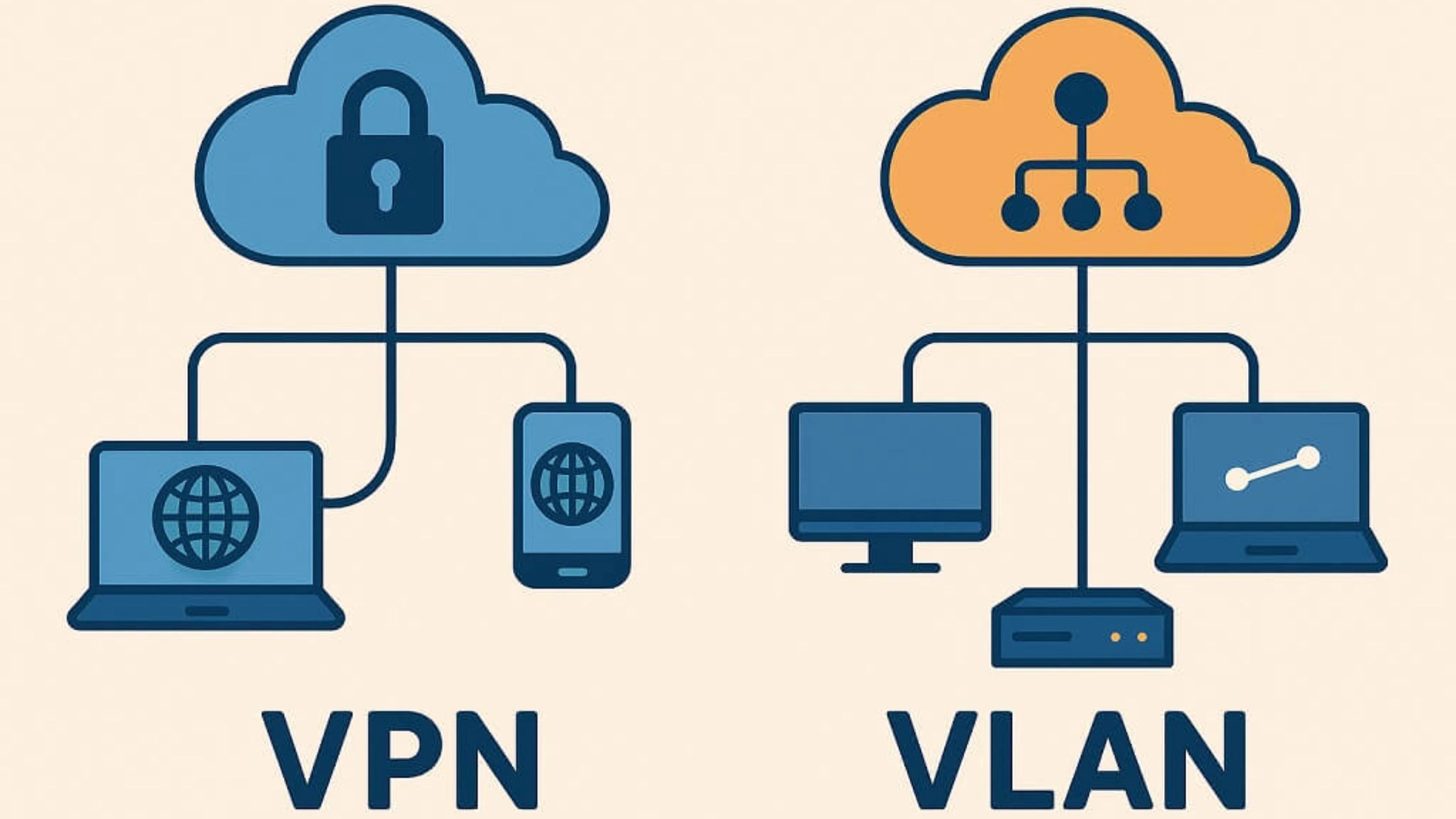
VPN and VLAN solve different networking problems. A VPN secures communication across public networks. A VLAN organizes and segments traffic inside a local network. The VPN and VLAN difference becomes clear when you compare purpose, OSI layer, security model, scope, and performance.
| Feature | VPN | VLAN |
| Full Name | Virtual Private Network | Virtual Local Area Network |
| Primary Goal | Secure remote access & encryption | Internal network segmentation |
| OSI Layer | Layer 3 (sometimes 4–7) | Layer 2 |
| Encryption | Yes | No |
| Scope | Across WAN / Internet | Inside LAN |
| Configuration | Router, firewall, VPN server | Network switches |
| Best For | Remote workers, public Wi-Fi security | Department segmentation, VoIP isolation |
Primary Purpose
VLAN is not a VPN, VLAN is a segmentation tool. VPN is an encryption and remote access tool.
A VLAN (Virtual Local Area Network) segments a physical LAN into smaller, isolated Layer 2 broadcast domains. VLAN improves traffic management and internal network organization. For example, VLAN can separate guest Wi-Fi from employee devices or isolate finance systems from general staff traffic.
A VPN (Virtual Private Network) creates an encrypted tunnel over a public network such as the internet. VPN protects data privacy and enables secure remote access to internal systems across a WAN.
In short:
- VLAN manages internal network structure.
- VPN protects data and enables secure remote connectivity.
OSI Layer
VPN and VLAN operate at different layers of the OSI Model, which explains how vpn works vs vlan.
VLAN operates at Layer 2 (Data Link Layer): VLAN uses IEEE 802.1Q VLAN tagging to label Ethernet frames. Switches read the VLAN tag and forward traffic only within the assigned VLAN. VLAN segmentation is based on MAC addresses and switching logic. VLAN does not encrypt traffic, VLAN tagging organizes traffic, but VLAN does not encrypt packets.
VPN operates primarily at Layer 3 (Network Layer), sometimes Layer 4–7 depending on protocol: IPsec VPNs operate at Layer 3. SSL/TLS VPNs operate at higher layers. VPN encapsulates IP packets into encrypted tunnels before routing them across a WAN.
Key OSI difference:
- VLAN is Layer 2 (switch-based segmentation inside LAN)
- VPN is Layer 3 (encrypted routing across WAN)
Security & Encryption
The biggest confusion in VLAN and VPN security comes from assuming segmentation equals encryption.
VPN Security Model
- Encrypts traffic (commonly AES-256)
- Protects data from interception on public networks
- Secures remote access
- Prevents ISP or external monitoring
VLAN Security Model
- Segments internal traffic
- Reduces lateral movement inside a LAN
- Separates departments or device types
- Does NOT encrypt traffic
VLAN improves internal structure and reduces internal risk, but VPN provides stronger data protection over public networks. They protect against different threats.
Scope and Scale
Scope is another major VPN and VLAN difference.
VLAN Scope
- Operates inside a single physical location
- Limited to switch infrastructure
- Used for internal traffic segmentation
- Common in offices, campuses, data centers
VPN Scope
- Operates across the internet (WAN)
- Connects remote users, branch offices, or cloud environments
- Scales globally
- Enables site-to-site or remote access connectivity
VLAN organizes traffic within a building. VPN connects networks across cities or countries.
Businesses use VLAN instead of VPN when separating internal departments or devices inside the same office. Use VPN when securing remote workers or linking branch offices.
Speed and Performance
Performance impact differs significantly.
VLAN Performance
- Operates at near line speed (Layer 2 switching)
- Reduces broadcast traffic
- Improves network efficiency
- Adds minimal latency
VPN Performance
- Adds encryption and decryption overhead
- Routes traffic through remote servers
- Speed depends on protocol, server distance, and congestion
- May reduce internet speed slightly
VPN trades speed for security. VLAN improves performance by reducing unnecessary traffic
When to Use VPN vs VLAN
Use a VPN when you need encrypted communication over the internet or secure remote access to a private network. Use a VLAN when you need to segment and organize traffic inside a physical LAN (Local Area Network). VPN protects data across a WAN, while VLAN structures traffic within a local switch infrastructure.
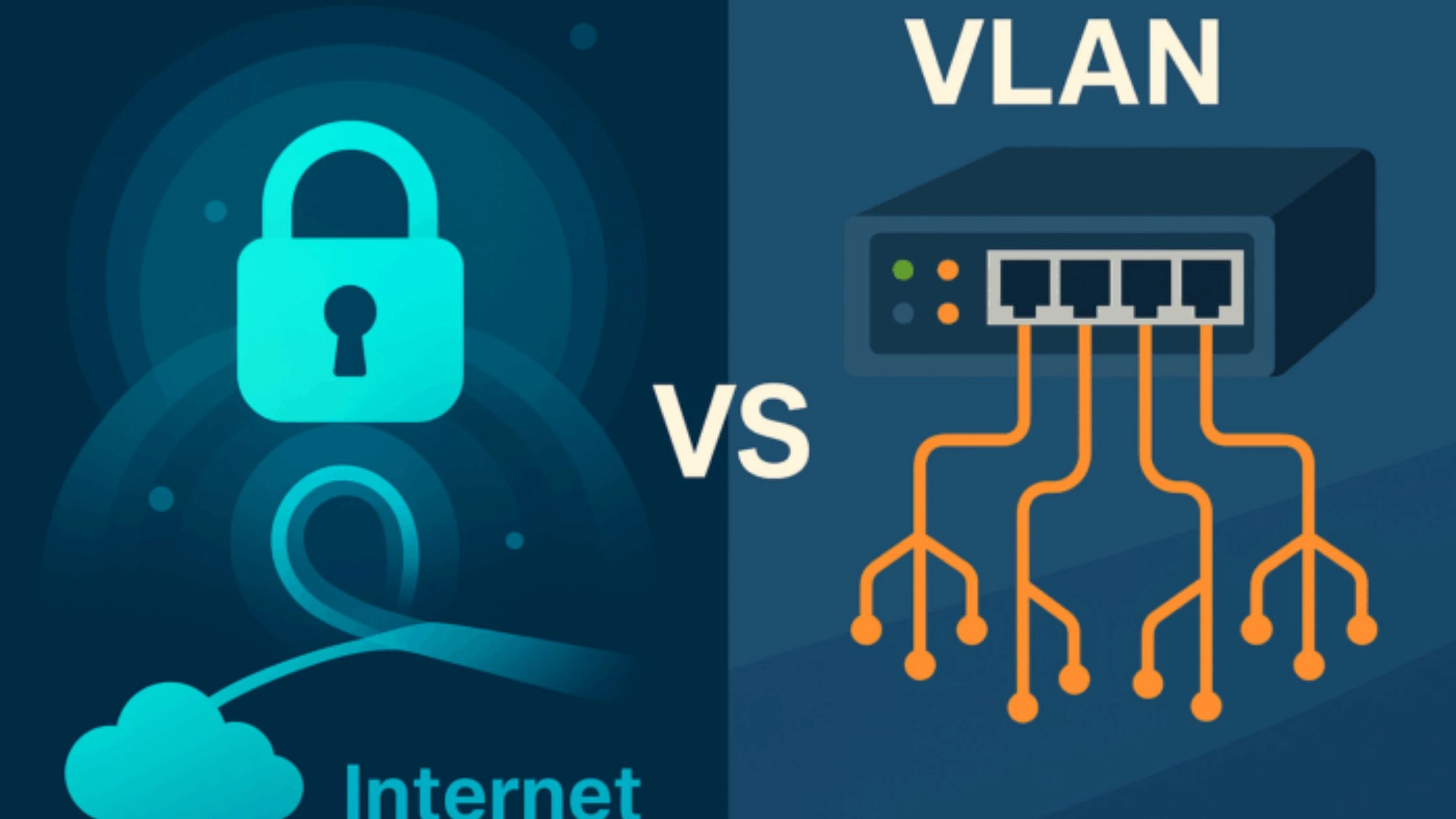
The choice depends on whether the problem is external security or internal network segmentation.
When to Use a VPN (Virtual Private Network)
A VPN is the correct solution when traffic leaves the local network or travels across public infrastructure.
- Remote Work Access: Remote employees connecting from home, hotels, or airports need encrypted tunnels to securely access corporate systems. VPN protects credentials and sensitive data during transit.
- Public Wi-Fi Security: Public networks expose traffic to interception. VPN encrypts packets at Layer 3, preventing attackers from reading transmitted data.
- Secure Site-to-Site Connectivity: Businesses with multiple offices use VPNs to connect their networks over the internet. This is cheaper than renting private network lines.
- IP Masking and Geo Access: A VPN hides your real IP address. This helps protect your privacy and can help you access content that is restricted by location.
When to Use a VLAN (Virtual Local Area Network)
A VLAN is the correct solution when organizing or isolating traffic inside a single physical network.
- Network Segmentation: VLANs separate different types of devices on the same network. For example, guest Wi-Fi, employee devices, VoIP systems, and servers can each use a different VLAN. This uses IEEE 802.1Q VLAN tagging. It limits broadcast traffic and reduces unnecessary network traffic between groups
- Performance Optimization: VLAN reduces broadcast traffic inside a switch. Smaller broadcast domains improve speed and reduce congestion.
- Internal Security Isolation: VLAN restricts communication between departments. HR systems can remain isolated from marketing or guest networks unless routing rules allow access.
- Large Network Management: VLAN simplifies management of large infrastructures. Devices are grouped logically rather than by physical location.
Quick Decision Rule
- Traffic leaving the building or crossing the internet → Use VPN
- Traffic staying inside the office network → Use VLAN
- Remote access needed → VPN
- Internal segmentation needed → VLAN
VPN and VLAN solve different problems. In many professional environments, both technologies work together rather than replacing each other.
TurisVPN for Remote Work and Privacy
If you need secure remote access and encrypted internet traffic, TurisVPN offers a simple solution. It protects your connection without complex network setup.
A VLAN can organize traffic inside a local network. But it cannot protect employees who work from home, travel, or use public Wi-Fi.

TurisVPN secures data at the network level by encrypting traffic before it leaves your device. Encryption protects login credentials, internal documents, emails, and cloud access from interception. TurisVPN also masks your IP address, reducing tracking and location-based monitoring.
When TurisVPN Makes Sense
- Remote employees accessing company systems
- Freelancers working from cafés, hotels, or airports
- Teams using cloud platforms (Google Workspace, Microsoft 365, Slack)
- Users who want privacy from ISP tracking
- Businesses that need secure WAN connectivity without complex setup
How to Set Up TurisVPN (Quick Steps)
- Step 1: Install TurisVPN: Download the TurisVPN mobile app (iOS or Android) or install the browser extension on your PC.
- Step 2: Sign In: Create an account or log in. Enable any available security features inside settings.
- Step 3: Connect to a Server: Choose a server location and tap connect. TurisVPN will establish an encrypted tunnel and assign a new IP address.
- Step 4: Work Securely: Access business tools, email, or internal systems while your traffic remains encrypted.
TurisVPN removes the complexity of traditional VPN setup. It still provides secure tunneling and IP protection.
For businesses with remote teams, or individuals who want stronger privacy, a VPN like TurisVPN is a practical solution.
Combining VPN and VLAN for Better Network Security
Combining VPN (Virtual Private Network) and VLAN (Virtual Local Area Network) creates a stronger, layered security model. VLAN handles internal segmentation inside a LAN, while VPN secures external access across a WAN. Together, they reduce both internal lateral movement and external interception risks.
VLAN controls who can talk to whom inside the building. VPN controls who can enter the building from outside.
Using both creates multiple layers of protection. This approach is called defense-in-depth. It does not rely on just one security control.
Key Benefits of Combining VLAN and VPN
- Segmented Remote Access: A remote employee connects through VPN and is routed only to a specific VLAN (for example, the Server VLAN). The VPN does not automatically expose the entire internal network. Access is restricted at the subnet level.
- Stronger Security Policies: Firewalls apply different rules to different VLANs. VPN routing rules can limit which VLANs remote users are allowed to reach. A contractor might access only a project VLAN, not finance or HR systems.
- Reduced Lateral Movement: If a device inside one VLAN becomes compromised, VLAN segmentation limits spread. At the same time, VPN encryption protects remote access points from external interception.
- Performance and Privacy: VLAN reduces broadcast congestion at Layer 2. VPN encrypts traffic at Layer 3 across public infrastructure. Internal efficiency and external security work simultaneously.
- Controlled Site-to-Site Connectivity: For multi-branch businesses, IPSec or OpenVPN site-to-site tunnels connect specific VLAN subnets between offices. Routers on both sides are configured to route only approved VLAN traffic across the tunnel.
How to Implement Combined VLAN and VPN Security
- Configure VLAN Segmentation: Divide the LAN into functional VLANs:
- Server VLAN
- Employee VLAN
- Guest VLAN
- IoT VLAN
- Management VLAN
Use IEEE 802.1Q VLAN tagging on switches to enforce separation.
- Configure VPN Routing: Set the VPN gateway to route traffic only to approved VLAN subnets. Avoid granting full LAN access unless required.
- Apply Firewall Rules: Define which VPN user groups can access specific VLANs. Use role-based policies.
- Set Up VPN Gateway or Site-to-Site Tunnel: For branch offices, configure IPSec so routers understand remote VLAN subnets and route accordingly.
Bottom Line
The difference between VPN and VLAN comes down to purpose.
A VPN (Virtual Private Network) protects data as it travels across the internet. It encrypts traffic and allows secure remote access over a wide network.
A VLAN (Virtual Local Area Network) works inside a local network. It separates traffic using Layer 2 switching and IEEE 802.1Q tagging. This helps improve organization, performance, and internal control.
Many businesses use both. They use VLAN to organize internal networks. They use VPN to protect remote access from outside the network. The right choice depends on the problem you want to solve. Use VLAN for internal traffic control. Use VPN for external security.
FAQs
Q1. When should I use VPN over VLAN?
Use a VPN when traffic travels across the internet or outside your office. It works well for remote work, connecting branch offices, protecting public Wi-Fi, and encrypting data over a wide network.
A VLAN is only for organizing traffic inside a local network. It does not encrypt data.
Q2. Can I use both VPN and VLAN together?
Yes, many businesses use both for better security. A VLAN separates internal departments, such as HR, Finance, or Guest Wi-Fi. A VPN allows secure remote access to those networks. This setup improves security and reduces the risk of unwanted access.
Q3. What is the cost difference between VPN and VLAN?
A VLAN usually has little extra cost. Most network switches already support VLAN features. A VPN may require a subscription or VPN server setup.
The cost depends on the provider, the number of users, and the features included.





