







Deciding between VPNs and DNS creates a major dilemma for users who want to improve their internet privacy and access restricted content effortlessly. While both can help you bypass certain geographic restrictions, they operate in fundamentally different ways when it comes to your data security and connection speed.
We will break down exactly how these technologies differ so you can pick the right one. This guide compares VPNs vs. DNS across every category that matters: speed, security, gaming, and streaming. Understanding the basics of these tools is the first step, so let’s look at how a Virtual Private Network actually functions.
What is a VPN and How Does It Work?
A Virtual Private Network (VPN) is a cybersecurity tool that creates a private, encrypted connection between your device and the internet. Its primary function is to secure your data and mask your digital identity.
When you connect to a VPN, the software establishes a secure tunnel for your internet traffic. Instead of sending data directly to the open internet, it routes everything through a remote server. This process hides your actual IP address and replaces it with the server’s IP address.
Here is the technical process of how a VPN works:
- Encryption: The VPN scrambles your data into unreadable code, ensuring that no one can monitor your activity.
- Tunneling: Your traffic is encapsulated and sent through a secure pathway to the VPN server.
- IP Masking: The server assigns you a new IP address, effectively hiding your physical location from websites and online trackers.
While this tool secures the entire connection, the next technology focuses specifically on how your device communicates with website directories.
What is Smart DNS and How Does It Work?
Smart DNS is a technology used specifically to bypass geographic restrictions on web content. It allows users to access region-locked websites and streaming services by redirecting specific location data.
To understand how it works, you must look at the Domain Name System (DNS). A DNS server acts like a phonebook for the internet, translating domain names (like website.com) into IP addresses. Smart DNS modifies this process by intercepting connection requests for specific websites and routing them through a proxy server located in a different country.
Here is the breakdown of the Smart DNS mechanism:
- Selective Routing: The technology only reroutes data related to location verification, leaving the rest of your traffic untouched.
- DNS Redirection: It tricks specific websites into believing you are accessing them from an approved region.
- No Encryption: The data is not encrypted, meaning it travels in plain text without any security layers added to the connection.
Now that we have defined both tools, let’s dive into the specific comparisons to see which one performs better in real-world scenarios.
Key Differences Between VPN and Smart DNS
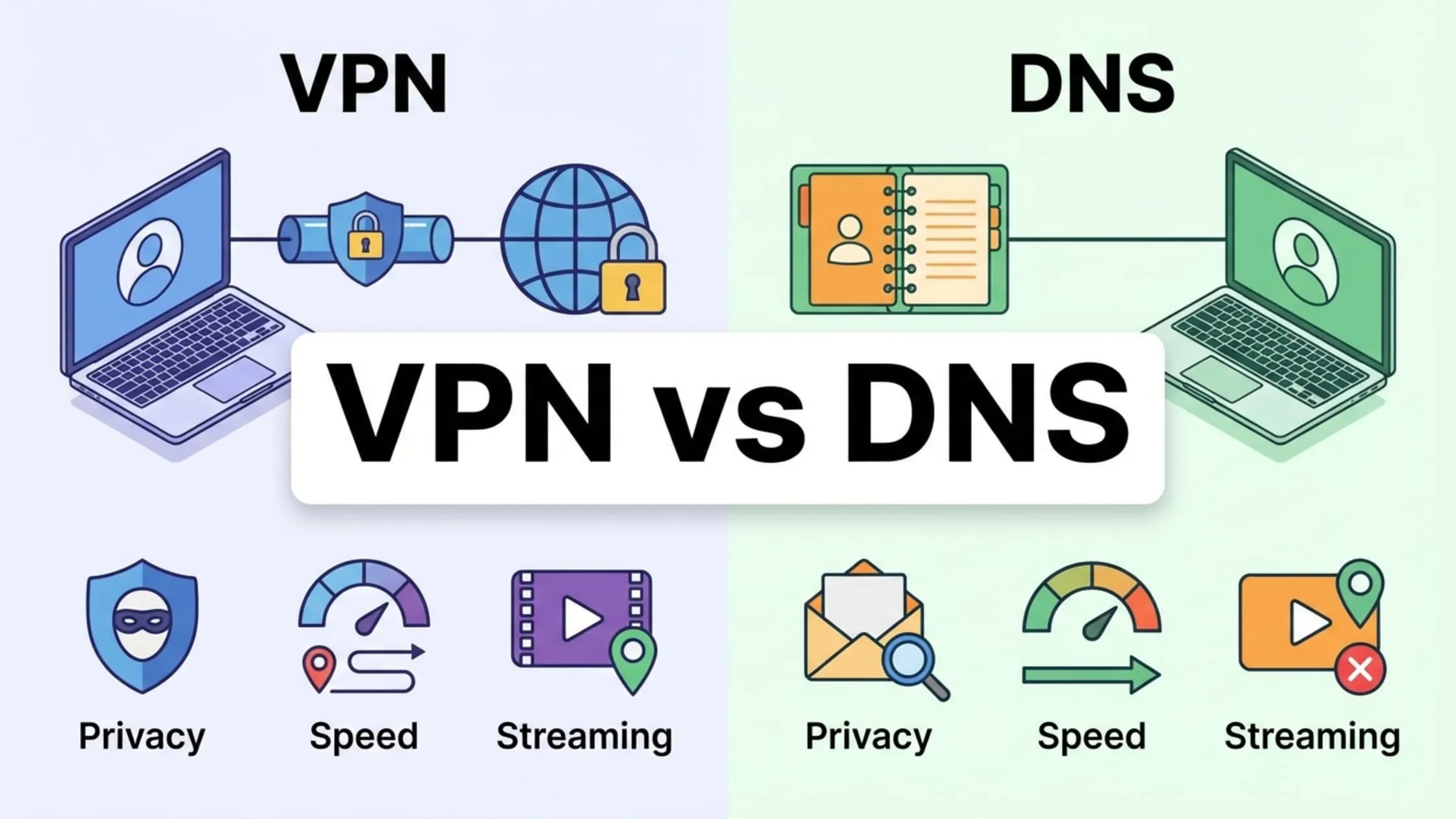
Deciding between VPN vs DNS depends on how you want to handle your data. We need to look at five specific categories to help you pick the right tool. The main VPN vs DNS difference becomes clear when we analyze how each method processes your connection
Encryption & Security
Encryption is the process of scrambling data to make it unreadable to unauthorized parties. This is where VPNs dominate completely.
If you are wondering if DNS is safer than VPN, the answer is a definitive no. Standard DNS, even popular options like Google Public DNS (8.8.8.8) or Cloudflare DNS (1.1.1.1), leaves your traffic visible.
A VPN encrypts your data with military-grade protocols to shield your passwords and messages from prying eyes, providing the ultimate defense against hackers needed when navigating the modern web.
| Feature | VPN | Smart DNS |
| Data Encryption | Encrypts the entire internet traffic tunnel. | No encryption; data travels in plain text. |
| Public Wi-Fi Safety | Protects against hackers and packet sniffers. | Vulnerable; offers no protection on open networks. |
| ISP Visibility | Hides browsing history from your ISP. | ISP can see every website you visit. |
| Which is better for privacy: VPN or DNS? | VPN (Superior Protection) | Smart DNS (No Privacy) |
IP Masking & Anonymity
IP masking involves hiding your unique digital identifier so websites and trackers cannot trace your physical location.
Many users ask, Is changing DNS the same as using a VPN? It is not. Merely changing DNS settings does not hide who you are. A VPN completely replaces your IP address with one from a remote server, offering true anonymity. Smart DNS only works with specific services, but leaves your real IP address visible to everyone else.
| Feature | VPN | Smart DNS |
| IP Address | Replaces your real IP address with a server IP address. | Your real IP address remains visible. |
| Location Masking | Hides physical location from all websites. | Spoofs location only for specific streaming sites. |
| Anonymity Level | High (Total identity concealment). | None (Identity is exposed). |
Performance & Speed
Performance refers to how quickly data travels from your device to the server, often measured in latency and download speed.
In the VPN vs DNS speed comparison, Smart DNS usually wins on raw numbers because it lacks encryption overhead. This makes it ideal for devices with weak processors. However, modern VPN protocols are catching up. While VPN vs DNS for streaming often favors DNS for raw speed on older devices, a high-quality VPN can still handle 4K content without buffering.
| Feature | VPN | Smart DNS |
| Connection Speed | Slight reduction due to encryption overhead. | Full speed of your base internet connection. |
| Latency (Ping) | May increase slightly based on server distance. | Minimal to no impact on latency. |
| Best Use Case | Secure browsing, downloading, and privacy. | Streaming on older devices with slow CPUs. |
Compatibility
Compatibility measures how easily a service runs on different types of hardware, from phones to smart fridges.
The debate between VPN vs DNS for gaming often leans toward Smart DNS, since consoles like PlayStation and Xbox support DNS settings natively but do not support VPN apps. However, for mobile phones and laptops, a VPN app provides a much more user-friendly “one-click” solution.
| Feature | VPN | Smart DNS |
| Setup Difficulty | Easy app installation on phones/PCs. | Requires manual network configuration. |
| Device Support | Windows, macOS, Android, iOS. | Smart TVs, Xbox, PlayStation, Apple TV. |
| Router Required? | Yes, for consoles and Smart TVs. | No, works directly on almost any device. |
Reliability for Unblocking
Reliability means how consistently the service can bypass geo-blocking and strict firewalls over time.
Streaming services constantly fight back against unblockers. When asking DNS vs VPN, which is better for consistent access, VPNs are generally more robust. VPN have thousands of servers to switch between if one gets blocked, whereas Smart DNS relies on specific keys that can stop working overnight.
While users often worry about whether a VPN can be hacked, the robust infrastructure of a premium service makes brute-force interruptions virtually impossible.
| Feature | VPN | Smart DNS |
| Server Options | Thousands of global servers available. | Limited to specific DNS resolver locations. |
| Firewall Bypassing | Can bypass strict school/work firewalls. | Often blocked by strict network filters. |
| Consistency | High; easy to switch IPs if blocked. | Moderate; requires provider updates if blocked. |
With the technical differences laid out, let’s identify exactly when a VPN is the mandatory choice for your needs.
When Should You Choose a VPN Over Smart DNS?

You should choose a VPN when privacy, security, and consistent access are your top priorities. In the VPN vs DNS debate, only a VPN actually protects your data from hackers on public Wi-Fi or prevents government surveillance in restrictive countries.
Select a VPN if you:
- Value privacy: Stop ISP tracking and keep browsing history private.
- Use public networks: Connect safely to unsecured Wi-Fi at cafes or airports where data theft is a risk.
- Enhance security: Unlock content without exposing personal data.
- Face censorship: Bypass strict firewalls that Smart DNS cannot penetrate.
When determining which is better for privacy: VPN or DNS, the answer is always the VPN. Unlike Smart DNS, which offers no encryption, a VPN provides a comprehensive solution for a safe internet. Even for casual browsing, a free VPN ensures that advertisers cannot build a profile based on an exposed IP address.
However, there are specific scenarios in which security takes a back seat to raw performance and device support.
When Should You Choose Smart DNS Over VPN?
Smart DNS is the superior option when the goal is strictly to watch geo-restricted content on devices that lack VPN support, provided privacy is not a major concern. This choice often depends on hardware; for instance, setting up Smart DNS on an Apple TV or gaming console is far simpler than configuring a router-level connection.
You should select Smart DNS if:
- Hardware is incompatible: The device (e.g., a console or Smart TV) does not support native VPN apps.
- Maximum speed is required: Slower internet connections benefit from reduced encryption overhead.
- Privacy is secondary: The visibility of browsing activity to an ISP is an acceptable trade-off for access.
Regarding VPN vs DNS for gaming, console gamers often prefer Smart DNS because it avoids routing traffic through a distant server, keeping ping (latency) low. While a VPN protects against DDoS attacks, it can cause lag when the server is far away.
Fortunately, you do not have to choose between speed and security when using a modern, optimized service.
How TurisVPN Can Combine Security and Speed for Optimal Online Experience
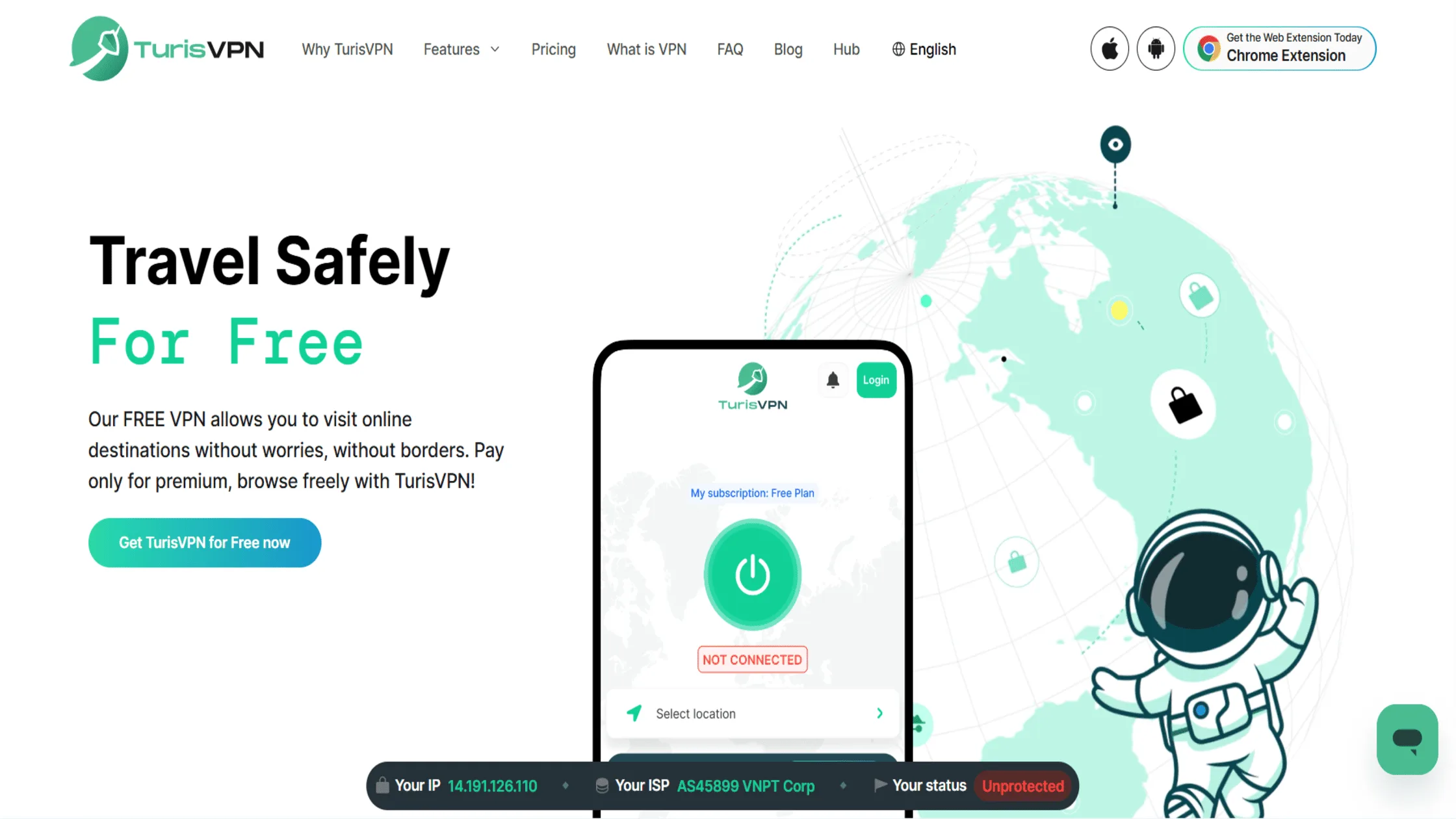
TurisVPN is designed to offer the robust protection of a VPN while maintaining the high speeds users expect from Smart DNS. Our servers are optimized to handle high-bandwidth activities like streaming and gaming without lag, ensuring you do not have to sacrifice security for speed.
Efficient routing keeps secure daily internet surfing fast and reliable. The technical heavy lifting is handled automatically, so there is no need to manually configure DNS settings on every device unless you prefer to. Here is how to use TurisVPN to secure your connection:
- Download and Install: Download the TurisVPN app for your mobile phone or install the Chrome Extension on your computer.
- Log In: Open the app and enter your credentials.
- Select a Server: Choose a server location that matches the content you want to access (e.g., a US server for US content).
- Connect: Click the large connection button. Wait a few seconds for the encryption tunnel to establish.
- Verify: Browse freely. Your connection is now encrypted, and your IP is hidden.
Our simple setup process ensures you don’t need to be a tech expert to enjoy the benefits of VPN. We manage DNS requests within the VPN tunnel, preventing leaks and ensuring you can access the content you want. For those just starting out, using a free, anonymous VPN is the most effective way to test these privacy benefits without a financial commitment.
Bottom Line
The VPN vs. DNS decision ultimately comes down to whether you prioritize privacy or raw speed on unsupported devices. If you need to secure your data, hide your IP address from your ISP, and stay safe on public Wi-Fi, a VPN is non-negotiable.
However, for high-speed streaming on gaming consoles or Smart TVs where apps aren’t an option, Smart DNS is a useful tool. We recommend TurisVPN because we bridge this gap, offering top-tier encryption without killing your connection speed. Choose the tool that effectively solves your specific problem.
FAQs
Q1. Which is better for streaming: VPN or DNS?
Smart DNS is faster on slow connections, but a VPN is more reliable. Streaming services aggressively block Smart DNS proxies. A VPN allows you to switch servers instantly to bypass these blocks. Additionally, many ISPs throttle streaming traffic; our VPN hides your activity, preventing this throttling.
Q2. Can Smart DNS provide privacy like a VPN?
No. This is a common misconception in the debate over VPN vs. DNS. Smart DNS only changes how specific websites see your location. It does not encrypt your traffic or hide your IP address from your ISP. For privacy, you must use a VPN.
Q3. Why should I use a VPN over Smart DNS for security?
Smart DNS lacks encryption. A VPN creates an encrypted tunnel, protecting your passwords, banking details, and personal messages from hackers, especially on public Wi-Fi.
Q4. Is changing DNS the same as using a VPN?
No. Changing your DNS (e.g., to Google Public DNS 8.8.8.8) might speed up website loading, but it does not change your IP address or encrypt your data. Only a VPN hides your identity and secures your connection.
Q5. What is the difference between VPN and DNS for gaming?
For gaming, Smart DNS is often preferred because it doesn’t increase lag (latency) as encryption might. However, a VPN protects you from DDoS attacks and IP bans.
Q6. DNS vs VPN: Which is better for mobile devices?
A VPN is far better. Mobiles connect to various insecure Wi-Fi networks daily. A VPN ensures that your data is encrypted everywhere you go. Smart DNS on mobile is cumbersome to set up and offers no protection on public networks.





