The official iOS App Store currently hosts 1,745,556 apps, and 94.6% of them are free. However, Apple tightens approval rules and removes thousands of apps each year. Many users feel limited by App Store policies, regional restrictions, missing apps, and the inability to sideload. That’s why interest in third-party and alternative app stores on iOS has surged across the US, EU, and Asia.
Our blog will help you break down the 10 best iOS alternative app stores. These include official EU-approved marketplaces and global sideloading options. So you can choose safely, understand the risks, and get the freedom Apple normally doesn’t allow.
Key Takeaways
|
What Are 3rd Party App Stores for iPhone?
Third-party app stores are app platforms that are not run by Apple. They let you download and install apps on your iPhone or iPad outside of the official Apple App Store.
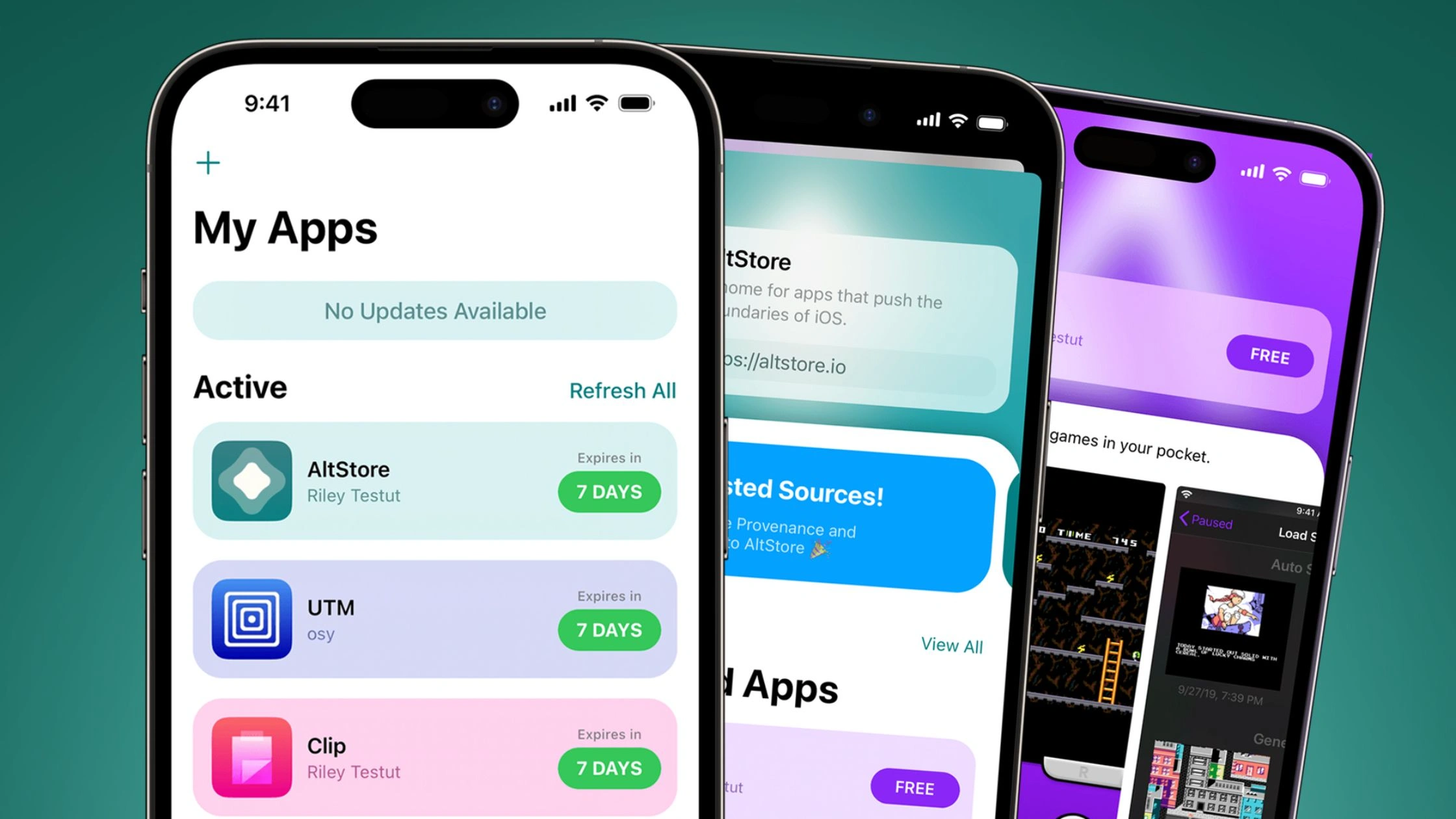
In the European Union, some third-party stores now operate as legal “Alternative App Marketplaces” under Apple’s new rules. They get an official entitlement from Apple, and every app must pass Apple’s notarization check for basic security.
These stores let you install apps without going through the main App Store, but they still follow EU law and Apple’s platform rules. They are official alternatives, not jailbreaks or hacks.
Outside the EU, most “alternative app stores iOS” users talk about are really sideloading tools. They install .ipa files using Apple’s developer or enterprise profiles, and are popular for apps Apple rejects, such as emulators, tweaked apps, and older versions.
These installs do not go through App Store review, and they can stop working at any time if Apple revokes the certificate, so they offer more freedom but also more risk.
Top 3 “Official” Alternative App Stores
Three alternatives operate with Apple’s approval, use notarized apps, and install safely without jailbreaks. If you live in the EU or connect through a VPN, these marketplaces offer the most stable and secure alternative iOS app store options available today.
AltStore PAL
AltStore PAL is the first true official third-party app marketplace for iOS, created by developer Riley Testut, known for the Delta emulator. It became possible after the EU required Apple to allow alternative app stores in 2024. No jailbreak is needed. Apps install directly on iPhone and iPad.
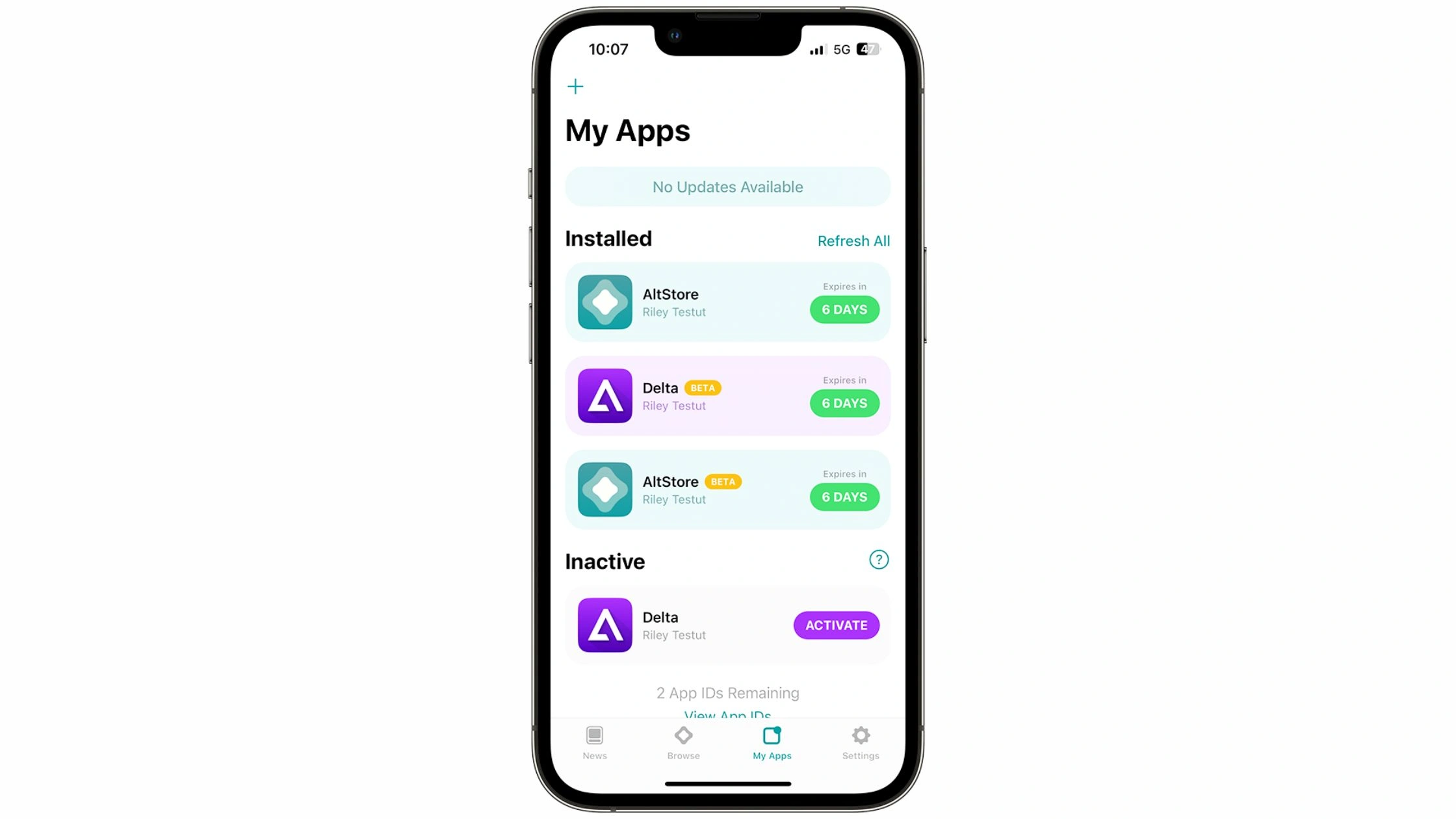
AltStore PAL is free for now (the original €2 fee was removed after a grant). The store focuses on apps Apple normally rejects, including emulators, torrent clients, and advanced utilities.
Key apps & features
AltStore PAL includes core apps such as:
- Delta: Retro game emulator
- UTM SE: Run Windows/Linux virtual machines on iOS
- iTorrent: Torrent client
- qBitControl: Remote control for qBittorrent
- PeopleDrop: Nearby matching/dating tool
Apple still performs notarization checks on all apps, but AltStore sets its own content rules. The catalog is small today but expanding fast, especially with the arrival of Epic Games content (Fortnite, Rocket League, Fall Guys).
Pros (vs. App Store)
- Allows emulators and power-user apps
- No jailbreaking required
- Free to use
- Apps pass Apple’s security notarization
- Ability to add “Sources” for more content
Cons
- Only available in the EU (expanding soon)
- Very small app catalog today
- Some apps may push technical limits and be less stable
Subscription: Free (for now)
Epic Games Store (iOS EU)
The Epic Games Store is a major PC and mobile game marketplace with over 270 million users. In 2024, Epic launched an EU iOS version after gaining legal approval under the DMA. This is the easiest way to get Fortnite back on iPhone.
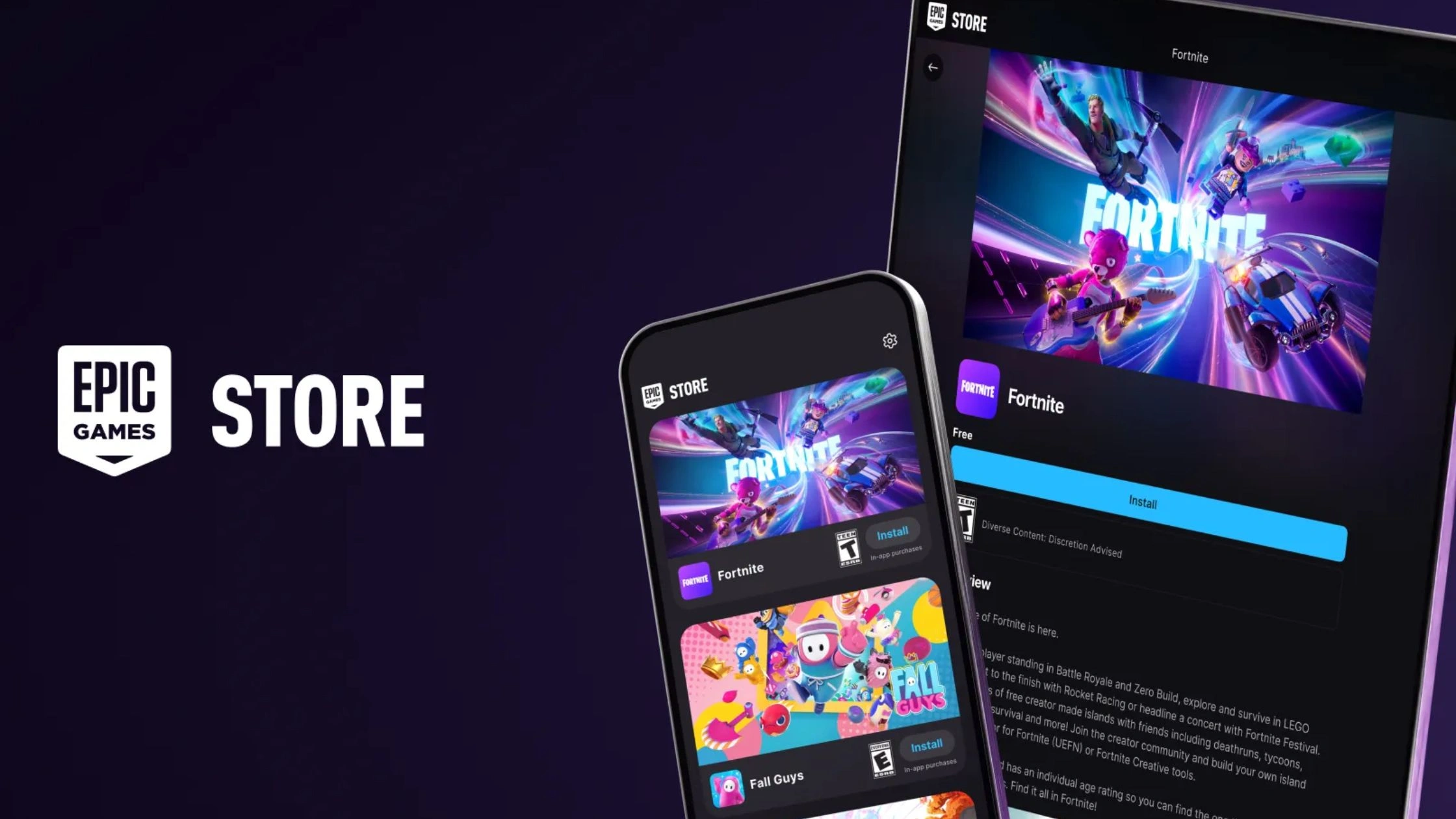
Epic’s store focuses only on games. It brings PC-level game distribution to mobile, with free games, exclusives, and cross-platform titles.
Key games & features
- Fortnite (primary attraction)
- Rocket League Sideswipe
- Fall Guys
- Free games like Bloons TD 6 and Dungeon of the Endless: Apogee
- Large gaming ecosystem with 2,900+ titles (PC + mobile catalog combined)
Pros (vs. App Store)
- Fortnite and other titles are unavailable on the App Store
- Large existing PC ecosystem
- Frequent free game giveaways
- Supports cross-platform accounts
Cons
- Games only (no utilities or tools)
- Some titles may not run smoothly on older iPhones
- Launcher is heavier than the other stores
Subscription: Free to use
Setapp Mobile
Setapp Mobile is created by MacPaw, the company behind CleanMyMac X. It focuses on high-quality, curated productivity apps, not games. Setapp originally launched for Mac in 2016 and expanded into an EU-approved iOS marketplace in 2024.
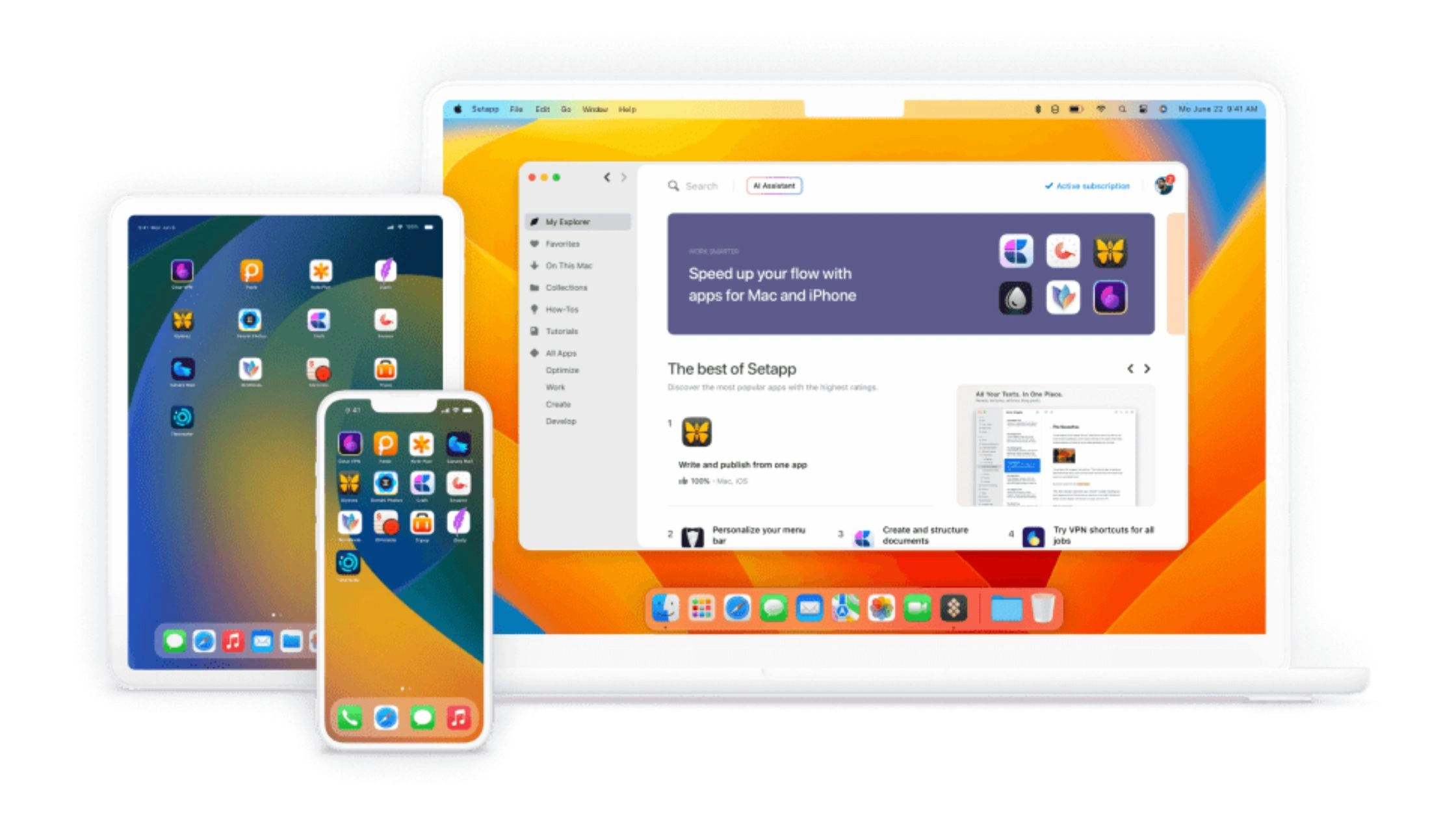
Setapp avoids ads, in-app purchases, and low-quality apps. Every app is hand-picked by their team, making this the most premium alternative store.
Key features
- 250+ curated apps (growing)
- Strict quality control → no spam apps, no ads
- One subscription unlocks everything
- Works across up to 4 iOS devices + 1 Mac
- Ideal for professionals, students, and creators
Pros (vs. App Store)
- Hand-picked catalog → no junk apps
- No ads, no in-app purchase traps
- One subscription covers all apps
- Premium tools are normally paid for individually
Cons
- No free apps after trial
- Not ideal for gaming
- Smaller catalog compared to App Store
Subscription
- Free 7-day trial
- $12.49/month
- $11.24/month with a yearly plan
However, it is strictly for EU users. If you are outside the region, you may need to change location in iPhone App Store to access these alternative app marketplaces.
Top 7 Best Sideloading Stores for Global Users
Outside the EU, most alternative iOS app store options work through sideloading. These platforms don’t rely on Apple’s official marketplace system, they use developer certificates, exploits, or on-device signing tools to install apps that Apple normally blocks.
AltStore Classic
AltStore Classic is the original version of AltStore created by developer Riley Testut (before AltStore PAL existed). It is still one of the most reliable sideloading tools worldwide because it uses your personal Apple ID to sign apps safely. There is no jailbreaking required.
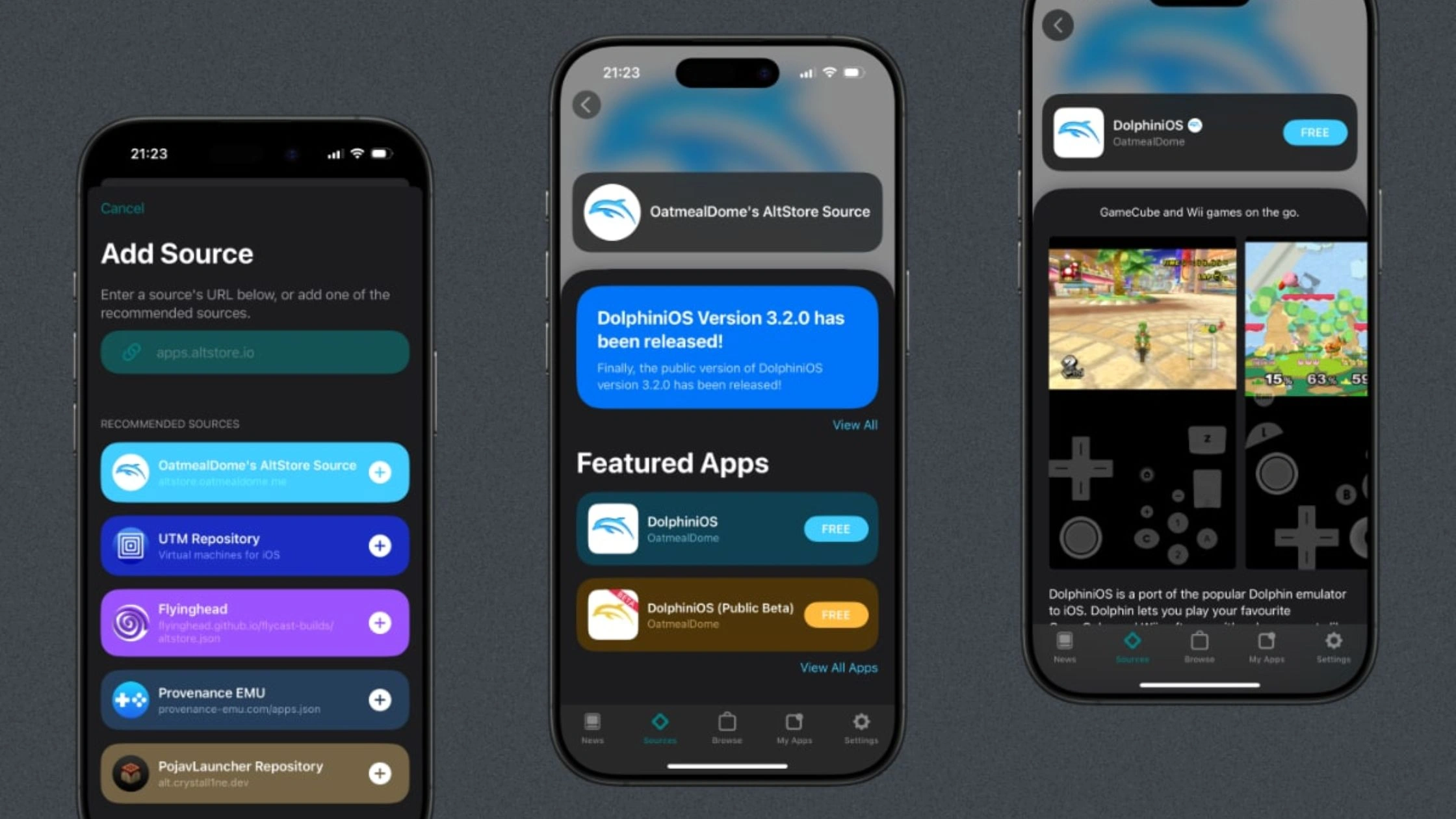
AltStore Classic installs apps through AltServer, a companion tool that runs on your Mac or Windows PC. You connect your iPhone via USB/Wi-Fi and refresh apps every 7 days, as required by Apple’s free developer limits.
Key features
- Sign in and install apps with your Apple ID
- Supports emulators like Delta, utilities, and custom .IPA files
- Very stable because it does not rely on public enterprise certificates
- Allows up to 3 active sideloaded apps at a time (Apple’s limit)
Pros (vs. App Store)
- Install apps Apple rejects (emulators, advanced utilities)
- No ads, no injected malware
- Uses personal credentials, low revoke risk
- Fully legal under Apple’s developer rules
Cons
- Requires a computer for setup and weekly refresh
- Max 3 active apps
- Slightly technical for beginners
Subscription: Free (optional Patreon subscription unlocks extra features)
SideStore
SideStore is a community-built fork of AltStore. It was designed to fix the biggest pain point: needing a computer every week. After the first setup, SideStore refreshes your apps directly on your iPhone using a VPN profile (WideGuard/StosVPN).
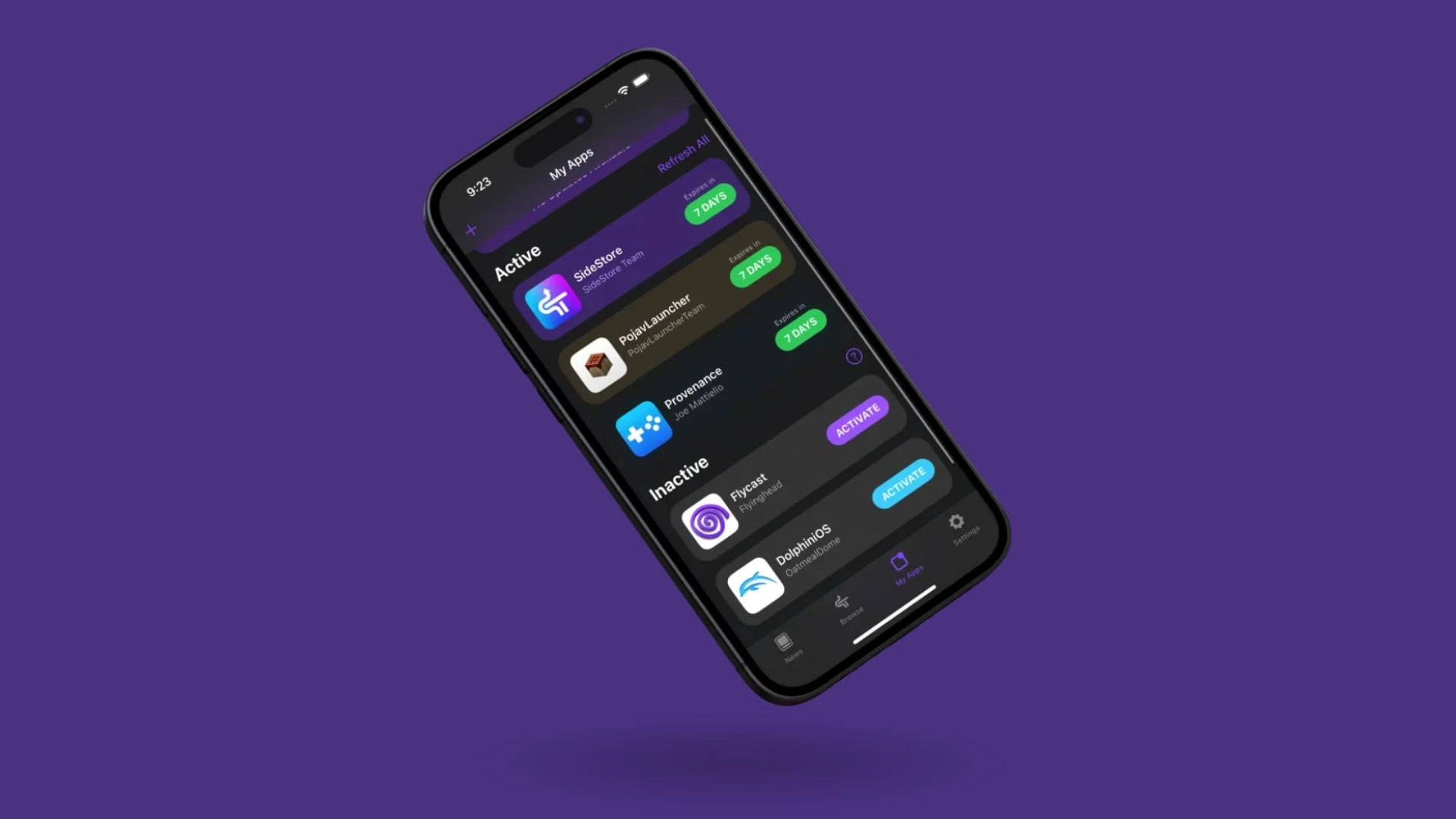
SideStore is one of the most convenient sideloading methods for non-EU users. The store is also popular among emulator fans because it supports JIT (Just-In-Time Compilation), improving performance in apps like PPSSPP or DolphiniOS.
Key features
- Fully on-device refresh (no computer needed after setup)
- Works worldwide
- Supports JIT for emulators
- Works similarly to AltStore but with more convenience
Pros (vs. App Store)
- Install apps Apple blocks
- Refresh apps anytime from the phone
- Great for gamers and emulator users
- Lower revoke risk than certificate-based sideloading
Cons
- The setup still requires a PC once
- Uses a local VPN tunnel, which some users may find confusing
- Still limited by Apple’s 7-day refresh rule and 3-app limit
Subscription: Free
Scarlet
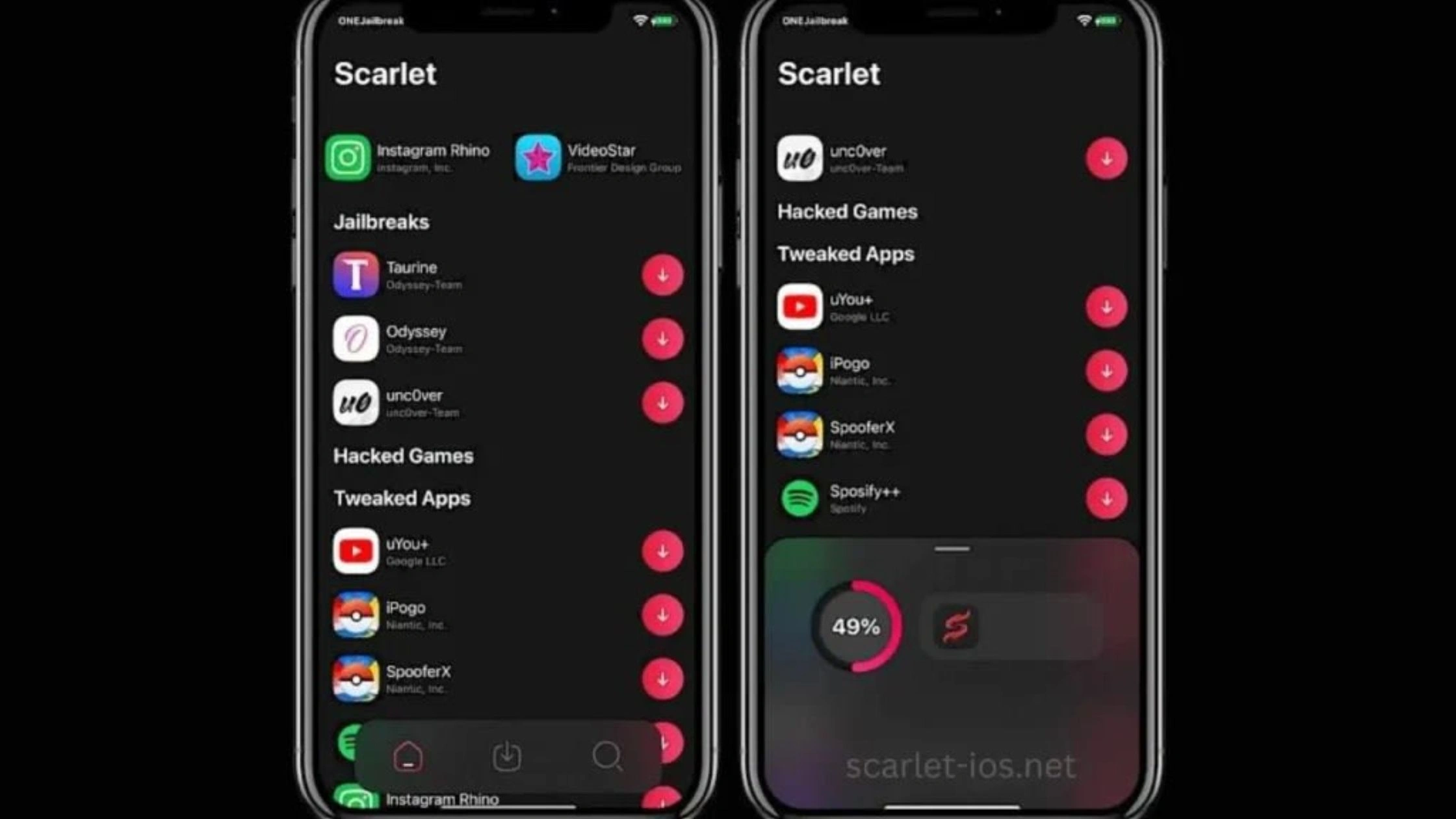
Scarlet is a popular sideloading store that installs apps directly from a website without needing a computer. It uses enterprise certificates, which allow one-tap installation of large app libraries (emulators, tweaked apps, modded apps).
Because it relies on public certificates, Scarlet often includes apps unavailable on the App Store, like YouTube++ and cracked utilities. However, this method is also the riskiest because Apple frequently revokes certificates, causing apps to stop working without warning.
Key features
- One-tap installation from Scarlet’s website or app
- Offers modded apps, tweaked apps, emulators, and utilities
- Advanced signing tools and IPA import
- No PC required at any point
Pros (vs. App Store)
- Huge catalog of apps, including mods and premium unlocks
- Fast one-tap installation
- No device limits
- No weekly refresh requirement
Cons
- High revoke risk (apps can stop functioning suddenly)
- Some builds may include ads or injected code
- Security and licensing concerns (DMCA risk for modded apps)
- Not officially supported by Apple
Subscription: Free, but some signers offer paid “anti-revoke” plans
Scarlet often includes apps unavailable on the App Store, allowing users to find iOS bypass paywall solutions or premium-unlocked versions of popular tools.
AppDB
AppDB is one of the largest online IPA libraries, built by a long-running community that maintains thousands of apps, tweaks, emulators, utilities, and old app versions.
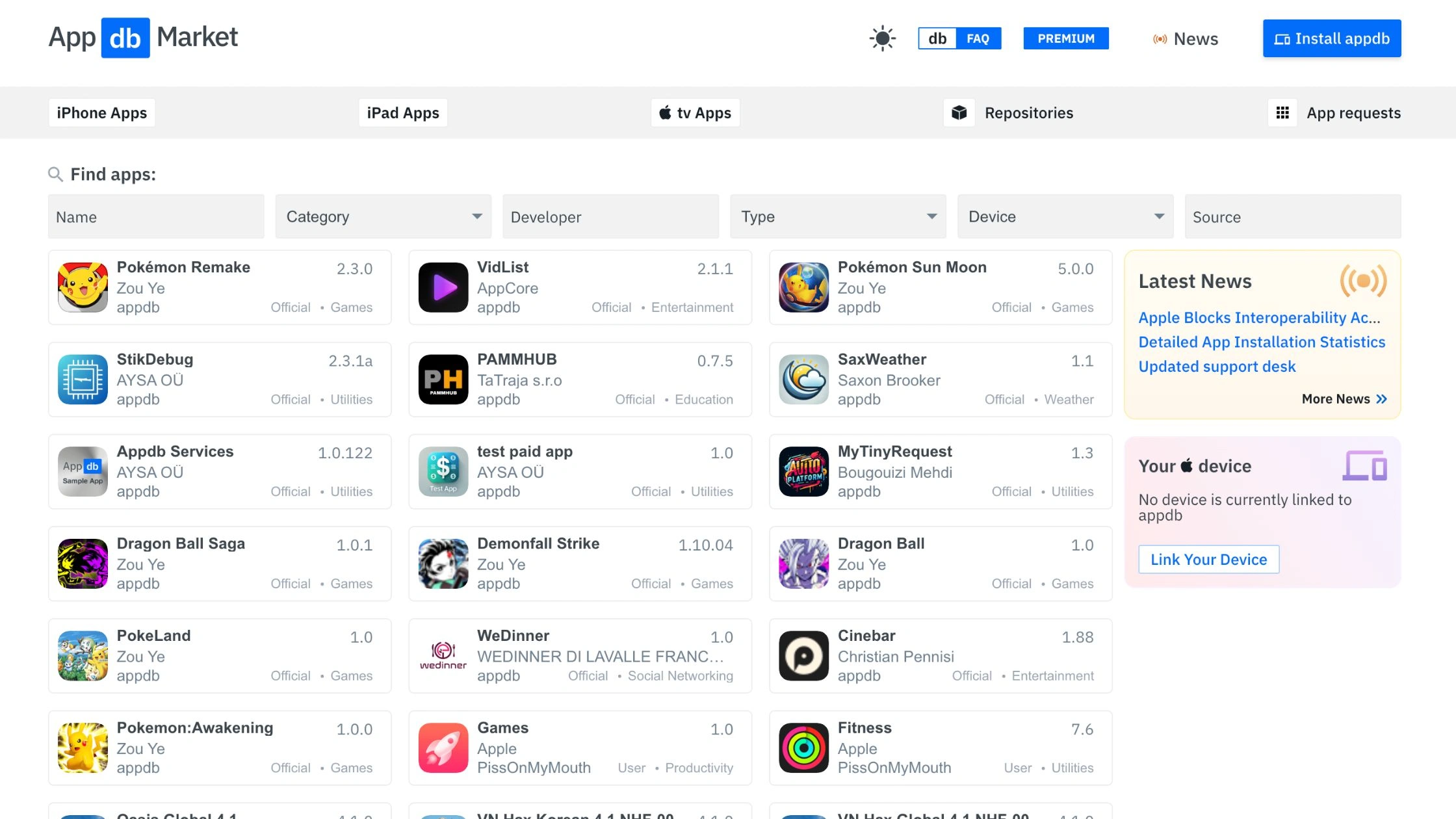
Instead of being a typical app store, AppDB acts as both a database and signing service, allowing users to install apps directly on an iPhone or through sideloading tools.
Key features
- Massive IPA library (emulators, retro apps, modded apps)
- Free signing via shared enterprise certificates
- Paid “PRO” signing using private developer accounts
- Works on all modern iOS versions
- No PC needed
Pros (vs. App Store)
- Huge catalog, including apps Apple removes or rejects
- Fast installation
- Pro signing is more stable than free certificate stores
- Great for users who want older app versions
Cons
- Free certificates get revoked often
- Some apps may include ads or modified code
- Requires trust in a third-party developer profile
- Not officially approved by Apple
Subscription
- Free tier (unstable, frequent revokes)
- PRO account (≈ $20–$30/year depending on region)
TrollStore
TrollStore is the most powerful sideloading method available, often called the “holy grail” of iOS sideloading.” Created by developer @opa334, TrollStore uses a CoreTrust signing bug that allows permanent app installation without expiration, revocation, or the 7-day developer limit.
Key features
- Permanently signed apps (never expire)
- Install unlimited apps (no 3-app limit)
- Works without a computer
- Ideal for power users, emulators, and system utilities
Important limitation
TrollStore only works on specific iOS versions that still contain the CoreTrust bug:
- iOS 14.0 – 16.6.1
- iOS 17.0. Newer versions are patched and cannot use TrollStore.
Pros (vs. App Store)
- Unlimited sideloaded apps
- Apps never expire
- No certificate revokes
- No PC needed after install
Cons
- Only works on older iOS versions
- Installation can be technical for beginners
- Some system-level apps may introduce stability risks
Subscription: Completely free
ESign / GBox
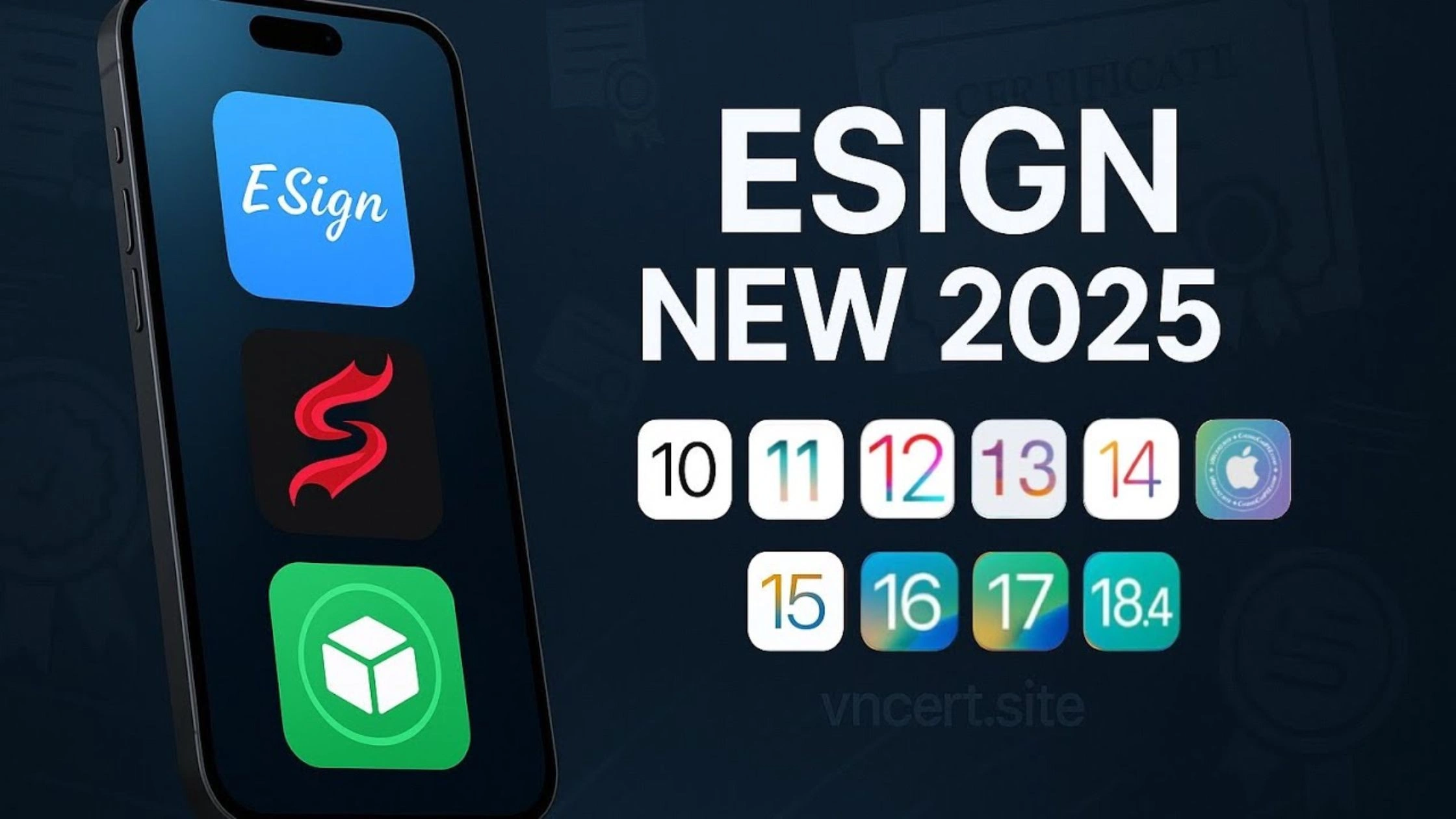
ESign and GBox are popular “all-in-one” sideloading utilities. They let users install IPAs directly from their iPhone, usually with enterprise certificates or private signers. They serve the same market as Scarlet and AppDB but focus on ease of use.
Key features
- Install IPAs directly from the app
- Supports imported .IPA files
- Built-in app libraries (emulators, tweaked apps)
- No PC required
- Re-signing options inside the app
Pros (vs. App Store)
- One-tap installation for hundreds of apps
- Great for beginners
- Supports modded and premium-unlocked apps
- Active signing community
Cons
- Enterprise certificates = high revoke risk
- Some builds contain ads
- Not as stable as AltStore or SideStore
- Trust profile required for installation
Subscription
- Free tier
- Paid “signer credits” or paid certificates (varies by provider)
iOS Haven
iOS Haven is a long-running community repository that hosts download links for popular IPAs, tweaked apps, and utilities. It is not a signing service itself; instead, it acts as a directory that works with other sideloading tools like AltStore, SideStore, Scarlet, and ESign.
Key features
- Large selection of community-uploaded apps
- Works as a link hub for many sideloading tools
- No account required
- Great for finding older or modded versions of apps
Pros (vs. App Store)
- Easy to browse and download IPAs
- No restrictions on app types
- Useful for finding rare or discontinued apps
Cons
- No built-in signing → requires another tool
- Quality varies because files come from many uploaders
- No official developer verification
- Not approved by Apple
Subscription: Free
How Do Alternative App Stores iOS Work?
Alternative app stores operate in two very different ways depending on whether they are official EU marketplaces or global sideloading tools. Here is the simple breakdown so any iPhone user can understand how they function.
1. EU / DMA Official Marketplaces (AltStore PAL, Epic Games Store, Setapp Mobile)
These stores work under the Digital Markets Act (DMA) and follow Apple’s new rules for approved third-party marketplaces.
How they work:
- Distribution: Developers upload their apps directly to the marketplace (for example, Setapp Mobile or AltStore PAL).
- Notarization: Every app must pass Apple’s mandatory notarization check. This automated and human review scans for malware, security issues, and crashes.
- Installation: Users download the marketplace itself. The marketplace uses a special Apple entitlement that allows it to install apps on iPhone just like the App Store. No jailbreak and no certificates required.
These marketplaces behave like official stores but with more freedom in content rules and business models.
2. Global Sideloading Tools (AltStore Classic, SideStore)
Outside the EU, third-party app stores rely on Apple’s free developer provisioning system.
How they work:
- Signing: Tools like AltStore Classic use your personal Apple ID to create a free developer certificate. This certificate allows up to 3 active apps, each valid for 7 days.
- Installation: The sideloading tool signs the IPA file locally and installs it on your device.
- Refresh: After 7 days, the app must be refreshed (re-signed) or it stops opening.
AltStore Classic requires a computer running AltServer. SideStore removes this limitation by refreshing apps on your device through a local VPN/Anisette server, so you never need a computer again.
3. Permanent Sideloading Tools (TrollStore)
TrollStore uses a powerful CoreTrust vulnerability that Apple cannot patch on older iOS versions.
How it works:
- Exploit: TrollStore takes advantage of a system-level signing flaw in iOS 14.0, 16.6.1 and 17.0.
- Permanent Signature:
- Apps installed through TrollStore are fully trusted by iOS and never expire.
- No 7-day limit.
- No app count limit.
- No need to re-sign anything.
TrollStore offers the closest experience to real app freedom, but only on supported iOS versions.
Advantages and Risks of Using Alternative iOS App Stores
Benefits of Using 3rd Party App Stores
Alternative iOS app stores offer advantages that the official App Store simply does not allow:
- Access to Apps Apple Rejects
- Emulators (Delta, RetroArch, PPSSPP)
- Torrent clients (iTorrent, qBitControl)
- Virtual machines (UTM)
- Tweaked or older app versions
- Game modding tools and utilities
- More Freedom in Installation
- Install apps directly from developers
- Access regional apps Apple restricts
- Install apps are not allowed on the App Store because of Apple’s policies
- No Apple Commission or Payment Restrictions
- Developers can offer direct downloads
- Some marketplaces (Epic, Setapp) remove in-app purchase fees
- Users may find cheaper subscription plans
- Better Customization
- Ability to sideload modified apps
- Support for themes, utilities, and custom tools
- Access to game mods, productivity tweaks, and automation tools
- Real Ownership of Apps (in some cases)
- With tools like TrollStore, apps are permanently installed
- No forced updates
- No expiration (unlike 7-day developer certificates)
Potential Risks of Alternative iOS App Stores
Despite the freedom, third-party stores come with real risks you must understand.
- Security & Malware Risks
- Sideloaded apps do not always pass Apple’s security review
- Enterprise certificates can be abused
- Some sites host modified IPAs with hidden scripts
EU marketplaces are safer (Apple still performs notarization), but global sideloading stores are less controlled.
- Revokes & Expired Certificates
- Apple can revoke enterprise certificates at any time
- Apps installed via Scarlet, ESign, AppDB Free, etc. may stop opening suddenly
- With free developer accounts, apps expire every 7 days unless refreshed
- Limited Stability
- Sideloaded apps crash more often
- iOS updates can break compatibility
- Some stores disappear after legal takedowns
- Privacy Concerns
- Some third-party stores collect device info
- Installing apps from unknown sources increases tracking risks
- Modified apps may contain analytics or unwanted behavior
Simply using Incognito mode isn’t enough. Many users wonder can private browsing be traced on iPhone? The answer is yes, by your ISP and network administrators, unless you use a VPN.
- Legal and Policy Issues
- Downloading copyrighted or pirated apps is illegal
- Some stores distribute paid apps for free (high risk)
- Apple may restrict or disable accounts if misused
- Device Vulnerabilities
- Installing apps via exploits (like TrollStore) is only safe on supported versions
- Incorrect use can cause system instability
- Not recommended for corporate or work devices
How Enhance Your Experience with Alternative iOS App Stores?
TurisVPN gives you a safer and more private way to explore any alternative app store iOS option. Therefore, knowing how to use VPN creates an encrypted tunnel for your traffic, hides your real IP from ISPs and network admins, and helps you reach stores that are geo-limited.
What TurisVPN helps with:
- Privacy from ISPs and Wi-Fi owners: Your ISP and school/work networks see only encrypted VPN traffic, not what store or IPA you download.
- Access to region-locked marketplaces: Connect to an EU server to reach EU-only “Alternative App Marketplaces” (like AltStore PAL, Setapp Mobile, Epic Store) if they block non-EU IPs.
- Safer browsing on shady IPA sites: Protecting you from hackers when visiting signing services, IPA indexes, or sideloading portals that may inject ads or trackers.
- Extra security features: TurisVPN supports modern protocols (like WireGuard) for speed and stability, and its Threat Protection, fake download buttons, and pop-ups.
alt: TurisVPN
Quick Steps: How to Use TurisVPN with Alternative iOS App Stores
- Step 1: Install TurisVPN: Download the TurisVPN app on your device and log in with your account.
- Step 2: Pick a server: Choose the nearest fast server.
- Step 3: Connect, then open store: Tap Connect in TurisVPN, wait until it’s connected, then launch your alternative store or sideloading tool.
- Step 4: Install apps under VPN: Keep TurisVPN on while installing, refreshing, or updating apps so your IP stays hidden from ISPs, schools, and untrusted sites.
Bottom Line
Alternative app stores on iOS are now a real option for users who want more freedom, more apps, and fewer restrictions than Apple’s App Store allows. With official EU marketplaces like AltStore PAL, Epic Games Store, and Setapp Mobile, plus global sideloading tools such as AltStore Classic, SideStore, Scarlet, AppDB, and TrollStore, users can finally choose how they want to install and manage their apps.
Using strong protection, especially a privacy-focused VPN like TurisVPN is essential. As long as you understand the benefits and risks, alternative iOS app stores can safely expand what your iPhone or iPad can do.
FAQs
Q1. Are Alternative iOS App Stores Legal?
Yes, in the EU, official alternative app marketplaces like AltStore PAL, Setapp Mobile, and Epic Games Store are legal under the Digital Markets Act (DMA). Outside the EU, sideloading tools are legal to use, but Apple does not endorse them. They may violate Apple’s Terms of Service, which can lead to certificate revocation, not legal penalties.
Q2. How to Remove or Uninstall an Alternative App Store on iOS?
You can uninstall them like any normal app:
- Press and hold the app icon.
- Tap Remove App → Delete App.
- For sideloading tools, also delete any installed profiles:
Settings → General → VPN & Device Management → Remove Profile.
This fully removes the store and its signing certificates from your device.