Being banned when you are just trying to meet new people is incredibly frustrating. If you are reading this, you are likely looking for a reliable VPN compatible with OmeTV to get back in the action. You are not alone, as thousands of users face these restrictions daily, often for unclear reasons.
Using a VPN is the most effective method to regain access, protect your identity, and ensure a smooth chatting experience. In this guide, we will walk you through exactly how to bypass these unfair bans, protect your privacy, and use TurisVPN to get back to chatting in minutes.
What Is OmeTV and How Does It Work?
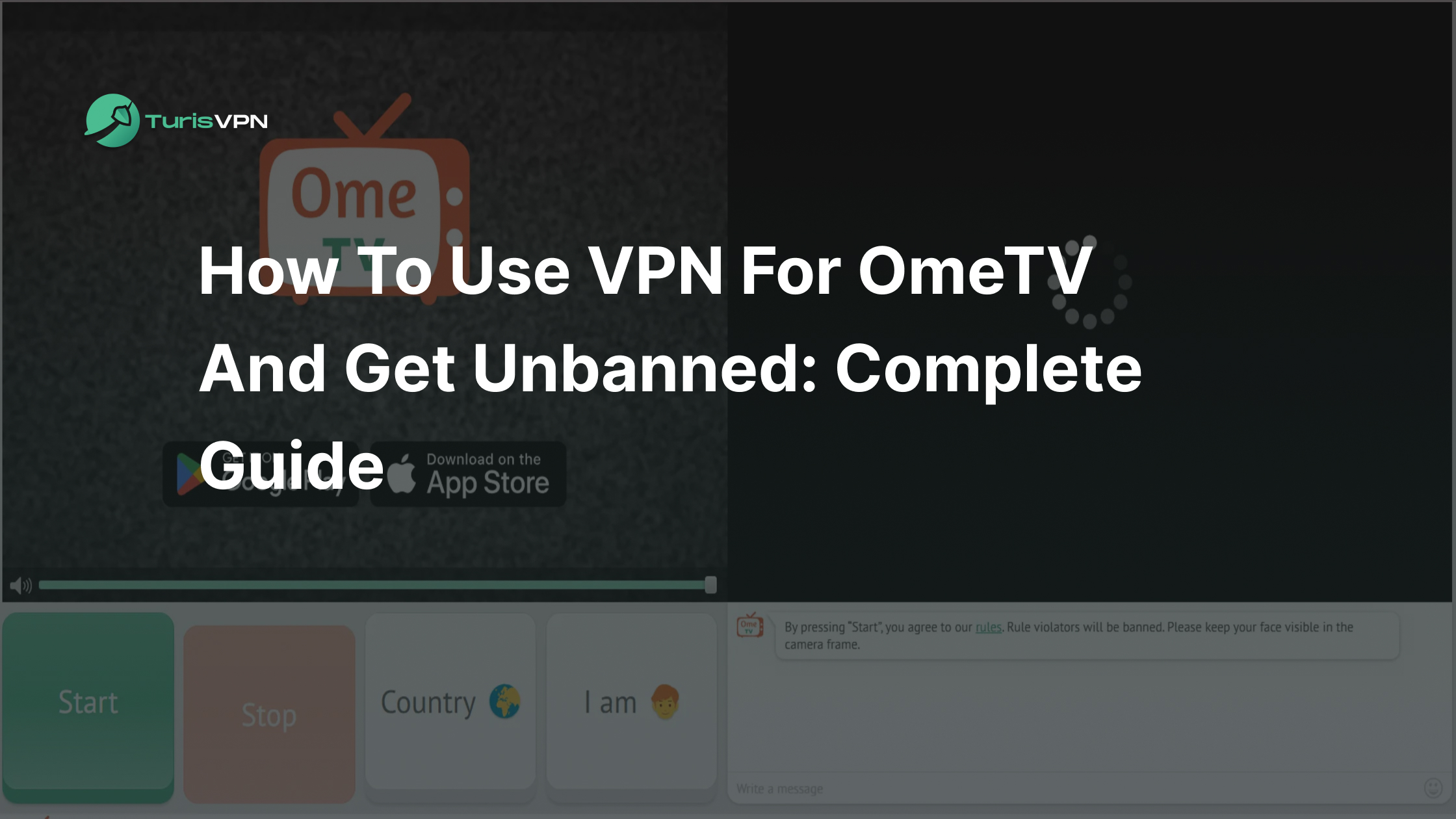
OmeTV is a random video chat platform. It connects strangers for webcam-to-webcam conversations, offering a modern way to make friends globally. You see a stranger’s face immediately and can choose to chat live or hit “Next” for a fresh match.
OmeTV utilizes a structured interface with specific features to keep users engaged. The platform pairs you with random partners worldwide in seconds based on quick scans of location and language preferences.
Many users ask how Omegle works compared to OmeTV. While what happened to Omegle is a story of total shutdown due to moderation issues, OmeTV has survived by implementing stricter community guidelines.
However, this added security changes the login process. Regarding the common question of how to sign up for Ome TV without an email, the platform essentially forces you to link a social media account (Facebook or VK) to hold users accountable. This adds a layer of safety but also makes bans stricter.
That’s where OmeTV-compatible VPNs excel; they completely mask your identity. A secure VPN keep speeds high for lag-free video. Users also report better matches, as fresh IPs often evade crowded blocklists.
Why You Might Get Banned on OmeTV

OmeTV’s moderation system combines automated AI bots with human moderators. Because the system is sensitive, users often search for ways to avoid getting banned on Ome TV after realising they were blocked for something minor. Understanding the triggers can help you stay safe.
Obscene or Inappropriate Behaviour
This is the most common reason for an immediate ban. The platform’s AI continuously scans video feeds for nudity, obscene gestures, or sexually explicit conduct. The system is high-speed; even a momentary flash of inappropriate content can trigger a permanent ban on your IP address. If the algorithm detects skin exposure that exceeds its threshold, you are out.
Disrespectful or Discriminatory Actions
OmeTV aims to be a friendly community. If you are reported by other users for using racial slurs, engaging in hate speech, making threats, or bullying, human moderators will review the report. If verified, this will result in a ban. The platform takes harassment seriously, and repeat offenders often face harder-to-bypass restrictions.
Camera and Content Violations
You might be surprised to learn that you can be banned for what you don’t show. Pointing your camera at the ceiling, a wall, or a computer screen is a violation. The system views this as “fake” behaviour.
Similarly, using software to broadcast pre-recorded videos instead of a live feed is strictly prohibited. Even sleeping on camera or being shirtless (for men in some regions) can trigger the automated moderation bots.
Advertising or spamming
The platform is for conversation, not commerce. If you attempt to promote your Instagram account, sell a product, or drive traffic to an external website, you will be flagged. Copying and pasting the same message to multiple users is a surefire way to get identified as a “spambot.”
The system creates a fingerprint of your behaviour, and repetitive text patterns are an instant red flag.
Using a shared or dynamic IP address
This is the most unfair reason for a ban. If you are using public Wi-Fi at a cafe or university, you share an IP address with hundreds of other people. If just one person on that network breaks the rules, the entire IP gets blocked. You might try to log in and find yourself banned before you even say “hello.”
Types of OmeTV Bans & How Long They Last

Before trying to bypass the OmeTV ban, it is helpful to understand the type of penalty you are dealing with.
Temporary Ban
A temporary ban is a warning shot. These are typically issued for minor infractions, such as a few user reports for skipping chats too quickly or minor instances of rudeness. These bans typically last anywhere from 2 hours to a few days.
While you could wait, using a robust VPN that works with OmeTV allows you to bypass this waiting period instantly by changing your digital location.
Permanent Ban
This is the standard punishment for nudity, severe harassment, or repeated offences. A permanent ban means your current IP address is burned forever on their server. OmeTV offers a built-in “unban” feature, where you can pay a fee to restore access.
Users often wonder about the cost of getting unbanned on OmeTV. It usually varies by region but frequently costs between $10 – $20. However, paying is not guaranteed to keep you safe from future bans. A more cost-effective and long-term solution is to change your IP.
Shadowban / Device Ban
This is the most sophisticated level of restriction. If you are trying to remove the OmeTV ban on your iPhone or Android device and finding that even Wi-Fi changes don’t work, you are likely device-banned. The app has logged your phone’s unique ID or advertising ID.
In this state, you might be able to log in, but you will never connect to another person; you will spin in an endless search loop.
How to Bypass OmeTV Ban Using TurisVPN?
If you want to know how to bypass OmeTV ban quickly and securely, a virtual private network is your best tool. By masking your real IP address, you appear as a completely new user to the OmeTV system. Here is your step-by-step guide to using OmeTV with a VPN.
Select TurisVPN
You need a service that offers both speed and reliability. When looking for a VPN for Ome TV, TurisVPN stands out because we provide a powerful FreeVPN feature with unlimited data. Unlike other limited free services, our free tier is secure, encrypted, and robust enough for video chatting.
For users who require access to a broader range of specific countries to bypass challenging regional blocks, our premium plans offer an extensive list of global servers.
Download and Install
- Sign up for a TurisVPN account.
- Download the app for your device (available for Chrome extension, iOS, and Android).
- Launch the application and log in.
Clear Browser Data
This step is crucial. Even with the best VPN for Ome TV, old cookies can give you away.
- Open your browser settings.
- Navigate to “Privacy and Security.”
- Select “Clear Browsing Data” and wipe cookies and cached images.
For added security, learn how to use a VPN in Incognito mode to prevent data leaks.
Connect to a Server
- Open TurisVPN.
- Select a server location. (If you were banned while connected to a US server, try connecting to a different server.)
- Wait for the “Connected” indicator to appear.
Verify Connection
Before launching the chat platform, verify that your VPN for OmeTV is working correctly by visiting an IP checking website. If the location displayed matches your selected server, you are successfully hidden.
Access OmeTV
Return to the OmeTV website or launch the browser-based version of OmeTV. You should see the standard login screen instead of the ban notification. Log in, preferably with a fresh social account if necessary, and you have successfully mastered how to use Ome TV with a VPN.
If you are banned on Chatroulette as well, similar steps apply. You can read our guide to get unbanned from Chatroulette for more specific details.
Common Problems with OmeTV and VPNs

Sometimes, simply turning on a VPN isn’t enough. Users frequently search for how to use VPN on Ome TV effectively because they run into technical hurdles. Here are common issues and fixes.
VPN Detection and IP Blacklisting
If you see a “Connection Error” message, OmeTV may have flagged the specific IP address you are using. While our FreeVPN is highly reliable, popular servers can sometimes become crowded or flagged.
Users often ask whether free VPNs are safe for bypassing bans. With TurisVPN, the answer is yes, because our free tier uses the same military-grade encryption as our paid plans. If you encounter a block on a free server, simply switching to a different location or upgrading to our premium network usually resolves the issue instantly.
Slow Speeds and Lag
Video chatting requires a consistent and fast internet connection. If your video feed is stuttering or pixelated, the server you chose might be too far away.
Fix: Connect to a server that is geographically closer to your actual location. When speeds still dip during peak hours, switching between TCP and UDP protocols in your VPN settings can make a significant difference for stable OmeTV streams. UDP often wins for low-latency video, while TCP ensures reliable delivery on shaky networks without dropping frames.
Distance isn’t the only reason for lag; server quality matters too. That’s why many users turn to our paid VPNs vs free comparison when troubleshooting speed issues. Premium servers tend to be less crowded, delivering noticeably smoother HD video quality for OmeTV chats.
Browser and App Conflicts
Mobile users often face persistent bans because the OmeTV app stores deep identifiers on the device. If you are struggling to remove the Ome TV ban on iPhone, the application itself is likely the culprit.
Fix: Uninstall the OmeTV app completely. Do not reinstall it. Instead, download a fresh browser (like Firefox or Opera), activate TurisVPN, and access OmeTV through the mobile website. This method bypasses the device-level tracking associated with the app.
Camera and Microphone Issues
Sometimes, privacy settings can interfere with the hardware access required for video chat.
Fix: Ensure your browser has permission to access your camera and microphone. If the issue persists, check if your VPN has “WebRTC Leak Protection” enabled. This feature protects your real IP. However, it can occasionally disrupt the peer-to-peer video connection and may need to be temporarily toggled off.
Firewall or Antivirus Interference
Aggressive security software on your computer may mistakenly block the encrypted VPN connection.
Fix: Add TurisVPN to the allowlist or exclusion list in your firewall settings. If you are unsure how to configure this, our guide on how to use a VPN offers detailed setup tips for beginners.
Unintended Bans
It is possible to connect to a VPN server only to find that the IP address is already banned because another user on that server violated the rules.
Fix: This is a common issue with shared IP addresses. Disconnect and select a different server from the list to obtain a new address.
Bottom Line
Getting banned on OmeTV doesn’t have to be the end of your online social life. By using a reliable VPN that works with OmeTV, such as TurisVPN, you can bypass unfair restrictions, protect your personal data, and chat with peace of mind.
Remember, while tools can help you get back online, the best strategy is always to follow the community guidelines to avoid future disruptions. Whether you are dealing with a simple IP ban or a complex device restriction, we are here to help you regain your freedom.