







Determining which web browser is safest in 2026 requires looking beyond simple speed and focusing on deep privacy and anti-tracking technologies. We know that the modern internet is a minefield of trackers and zero-day exploits. In early 2026, major vulnerabilities in mainstream browsers reminded us that no platform is perfect.
However, some tools protect your identity better than others. Choosing a secure portal is your first line of defense against data harvesting and malicious scripts. Our team has tested the latest updates to bring you a definitive ranking of the 10 most secure ways to navigate the web.
Overview of Browser Safety in 2026
Browser safety is a multi-layered shield that protects your hardware and your personal identity from external interference. This shield includes sandboxing, phishing protection, and strict telemetry controls. Variations in safety levels depend on whether the code is open-source or managed by big tech corporations.
For example, a “hardened” browser might block all scripts by default, offering maximum protection at the cost of some website functionality. When users search for what is the No. 1 web browser for security, they often find that open-source projects outperform commercial giants because their code is transparent and community-vetted.
Navigating the web safely involves balancing convenience with ironclad security. In 2026, we see a massive shift toward “agentic” browsers that use AI to summarize content, but this shift has introduced new risks, such as prompt injection. We have analyzed how these features affect your privacy to determine which web browser is safest for your specific needs.
While some users prioritize speed, we prioritize the ability to block intrusive fingerprinting that follows you across the web. Understanding these risks helps you appreciate why choosing the right software is vital for your digital life.
Transitioning from a general overview to specific tools, we will now examine the top 10 safe browsers in 2026 to see how they perform in real-world scenarios.
Top 10 Safe Browsers in 2026
Selecting the safest web browser requires a detailed look at the current market leaders and niche privacy projects. We have vetted these 10 options based on their 2026 performance, update frequency, and commitment to zero-telemetry.
1. LibreWolf
LibreWolf is widely considered the best choice for users who want a “Firefox experience” without data collection. It is a custom, open-source fork of Firefox that removes all telemetry and adds advanced security patches by default.
This browser is a privacy-first tool because it eliminates “phone-home” signals that normally send your usage data to developers. Users gain absolute privacy here, though they must accept minor inconveniences, such as disabled Google Safe Browsing and DRM, which can occasionally break media-heavy sites.
| Key points | Pros | Cons | Safety rating | Pricing | Best for |
| Telemetry-Free | No data harvesting; extreme privacy focus | Can break some streaming sites (DRM) | 10/10 (Elite Privacy) | Free | Privacy purists |
| Open Source | Fully auditable code; community-driven | Manual updates on some OS versions | Power users | ||
| Secure Defaults | No setup required for top-tier security | No “Sync” feature for history | High-risk browsing |
2. Mullvad Browser
The Mullvad Browser is a unique collaboration between Mullvad VPN and the Tor Project, designed to provide “Tor-level” privacy on the regular web. It aims to defeat browser fingerprinting by making every user appear identical to trackers. This browser comes pre-configured to mask your digital identity, so you don’t have to manually hunt for cross-site tracking prevention methods often hidden in standard settings.
For those asking what is more secure than Google products, Mullvad provides a standardized environment that strips away unique identifiers. It lacks cloud sync, however, so you cannot easily share passwords across devices.
| Key points | Pros | Cons | Safety rating | Pricing | Best for |
| Anti-Fingerprint | Best-in-class protection against tracking | No built-in password sync | 10/10 (Maximum Safety) | Free | Avoiding tracking |
| Tor Tech | Built on proven Tor Project security | Restricted window sizes for safety | Anonymous research | ||
| Privacy First | No telemetry or background data leaks | Some sites may flag the generic ID | VPN users |
3. Firefox
Firefox remains a privacy staple because it is the only major browser not built on Google’s Chromium engine. It allows users to “harden” their settings via the about:config menu for elite-level protection. The software offers a great middle ground for privacy, but reaching the security levels of LibreWolf requires manual configuration.
| Key points | Pros | Cons | Safety rating | Pricing | Best for |
| Non-Chromium | Independent of Google, huge customizability | Requires manual “hardening” for best safety | 8/10 (High with setup) | Free | General privacy users |
| Secure Sync | Encrypted data sync across all devices | Some default telemetry exists | Everyday browsing | ||
| Extension Support | Supports powerful tools like uBlock Origin | Can be resource-heavy on RAM | Custom setups |
4. Brave Browser
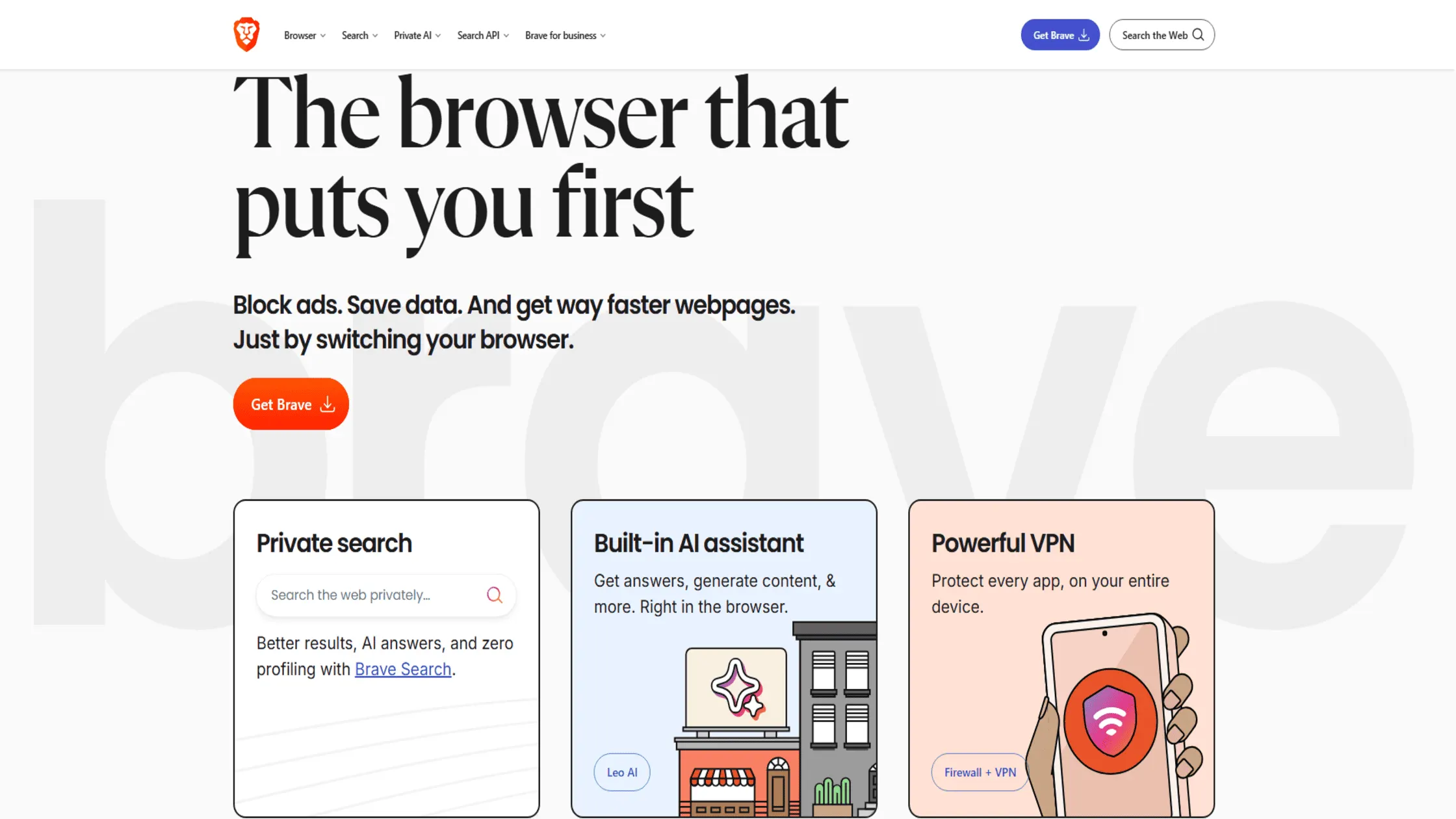
The Brave Browser has become the go-to choice for mainstream users who want privacy without any technical setup. It is a Chromium-based browser that includes “Brave Shields” by default to block ads, trackers, and cross-site scripts. Users enjoy incredible speed and ad-blocking, though the Chromium-based engine and built-in crypto features remain points of contention for some.
| Key points | Pros | Cons | Safety rating | Pricing | Best for |
| Auto Ad-Block | Fastest browsing out of the box; no ads | Chromium-based; includes bloatware | 9/10 (Very Secure) | Free | Mainstream users |
| Easy Privacy | No technical knowledge required | Controversy over its crypto features | Mobile browsing | ||
| Secure Engine | Frequent patches for zero-day exploits | Heavy battery usage on laptops | YouTube fans |
5. Tor Browser
The Tor Browser is the gold standard for anonymity because it routes your traffic through three different layers of encryption. It is a specialized tool that connects to the Onion Router network to hide your IP address and physical location. While the network is robust, privacy enthusiasts often debate whether you need a VPN with Tor to ensure your ISP remains unaware of your onion routing activity.
| Key points | Pros | Cons | Safety rating | Pricing | Best for |
| Triple Relay | Ultimate anonymity; impossible to trace | Very slow speeds compared to others | 10/10 (Unmatched) | Free | Total Anonymity |
| Hidden Services | Access the .onion dark web safely | Many “clearnet” sites block access | Whistleblowers | ||
| No Footprint | Leaves zero trace on your local computer | Not suitable for video streaming | High-risk activities |
6. Safari
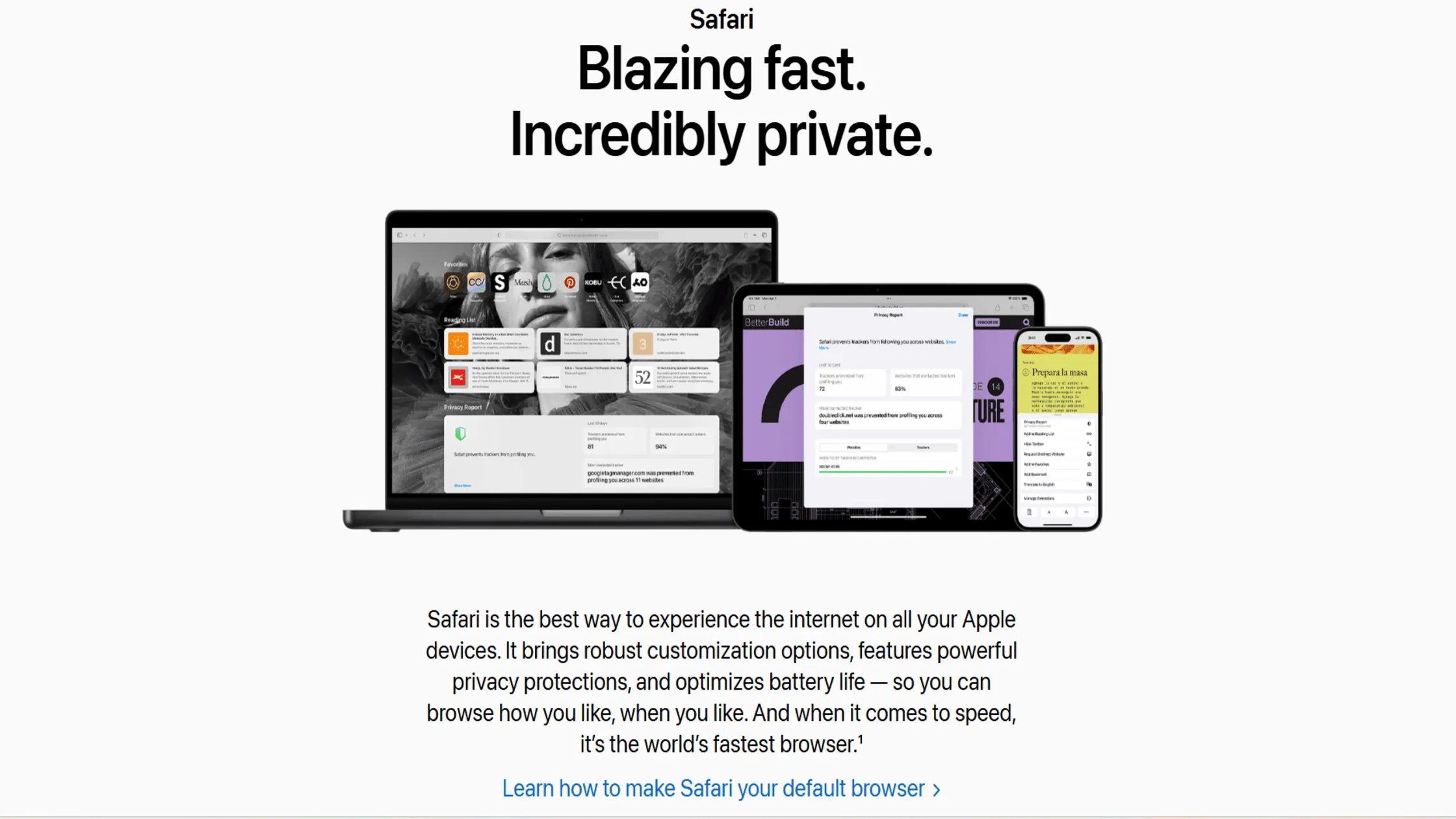
Safari is the safest choice for users within the Apple ecosystem because it uses on-device intelligence to block trackers. It is a sleek, efficient browser that integrates deeply with macOS and iOS security features.
When users weigh their options on Apple devices, a detailed Safari vs Chrome security comparison usually reveals that Safari’s native sandboxing offers a significant edge in protecting local system files from web-based threats. It is incredibly secure for Apple users, yet the lack of Windows or Android support limits its cross-platform utility.
| Key points | Pros | Cons | Safety rating | Pricing | Best for |
| Apple Native | Best battery life; seamless ecosystem fit | Only available on Apple devices | 8/10 (Very Private) | Free | iPhone/Mac users |
| Hardware Sync | Deep integration with FaceID/TouchID | Less customizable than Firefox | General use | ||
| Privacy Relay | Hides IP address from known trackers | Limited extension library | Eco-system fans |
7. Chrome
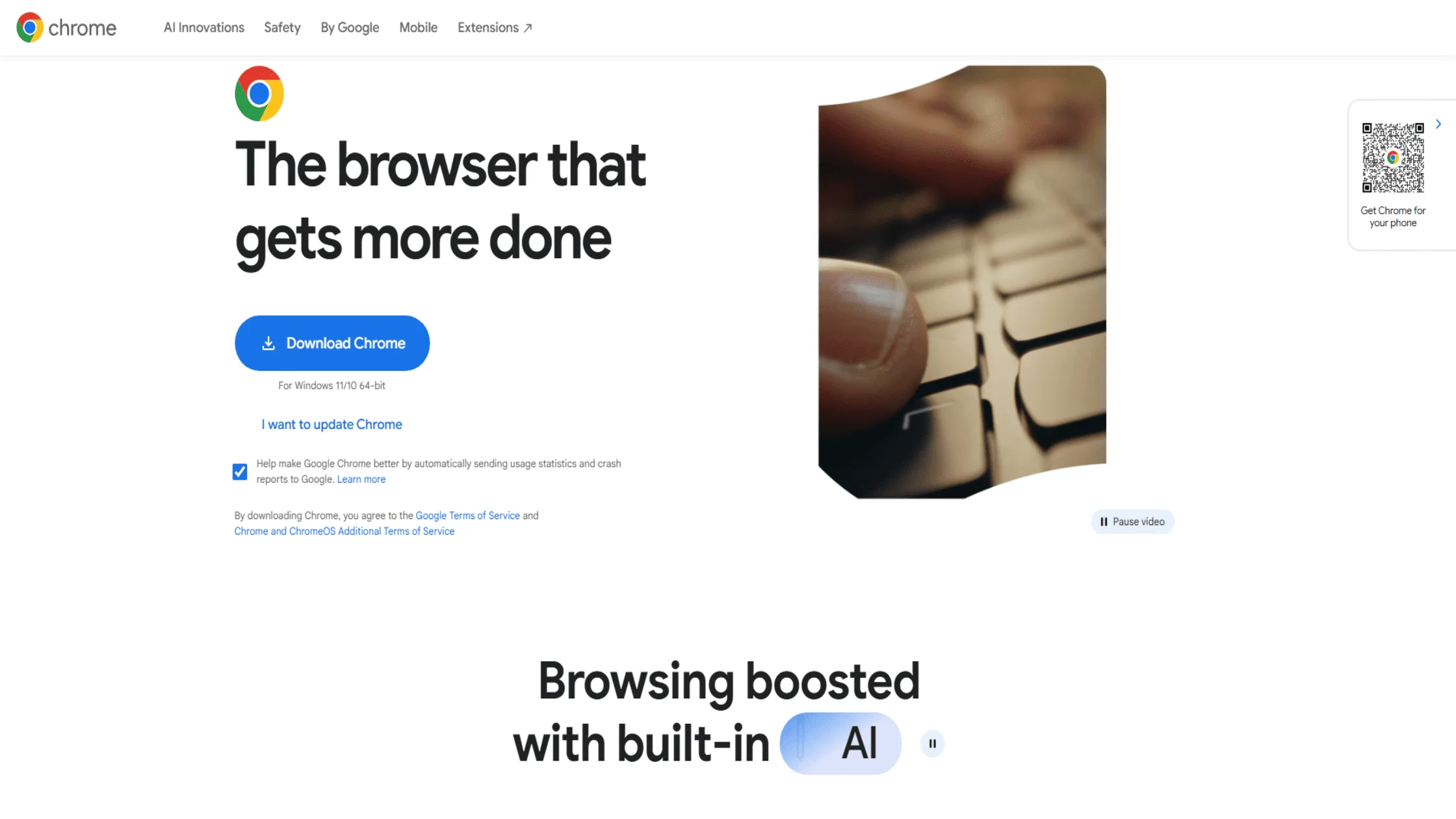
Chrome is the world’s most popular browser, known for its incredible speed and frequent security patches. It is a high-performance portal that pioneered “sandboxing,” which isolates each tab for security.
While it is arguably the best at stopping hackers, it is the worst for privacy, as it is designed to feed data back to Google’s advertising machine. A major reason people are moving away from Chrome in 2026 is the Privacy Sandbox’s invasive nature, which many view as just another way to track users without cookies.
| Key points | Pros | Cons | Safety rating | Pricing | Best for |
| Fastest Patches | Best protection against active exploits | Poor privacy; owned by Google | 7/10 (Secure but Public) | Free | Security over privacy |
| Best Sandboxing | Very difficult to “break” via malware | Massive RAM and CPU consumption | High-speed tasks | ||
| Google Sync | Perfect integration with Google Workspace | Constant data telemetry to Google | Business users |
8. Microsoft Edge
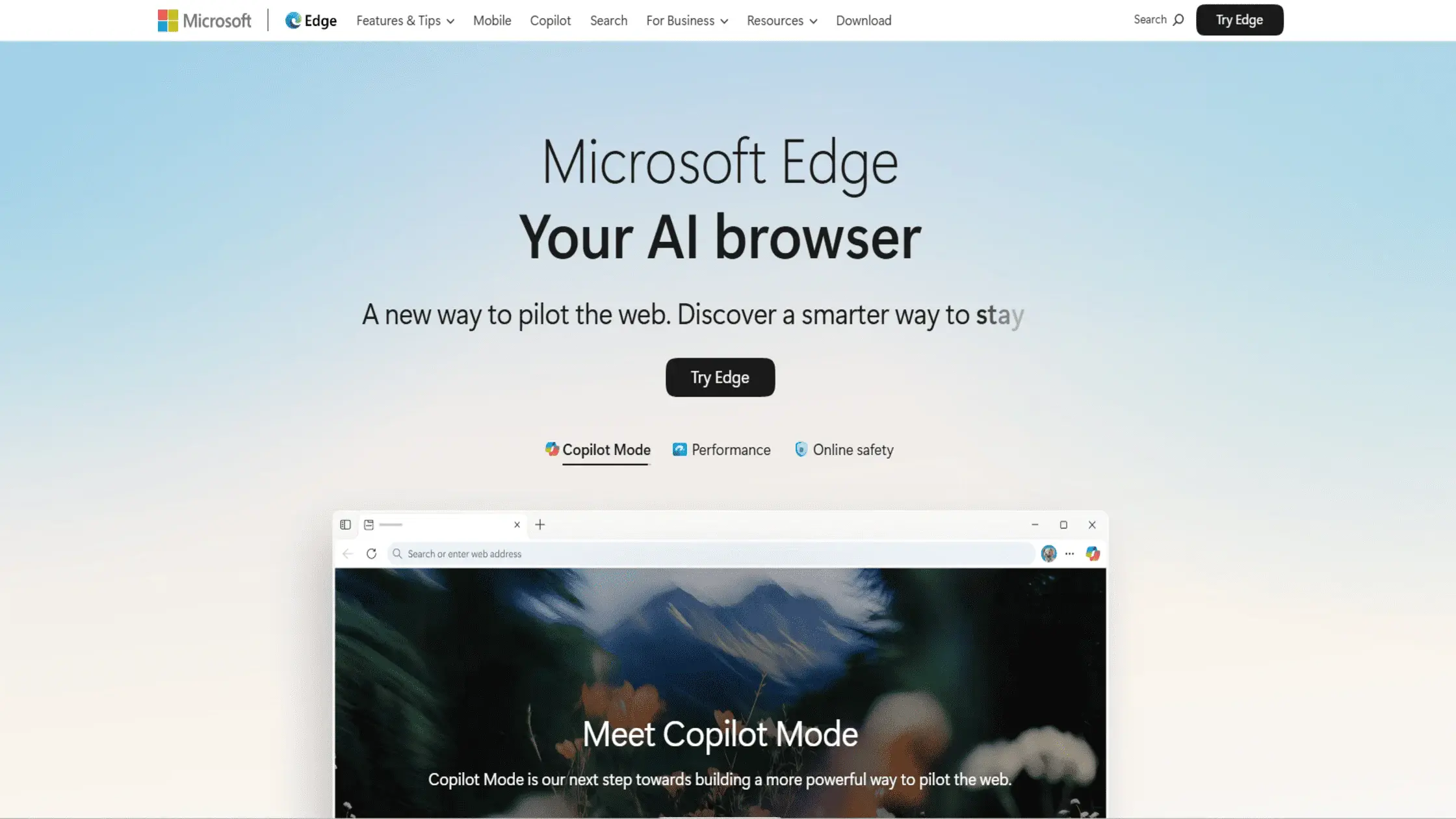
Microsoft Edge has evolved into a powerhouse for business security by integrating directly with Windows Defender. It uses AI-powered “SmartScreen” technology to block phishing sites. The browser enhances Windows security, but it is often criticized for heavy telemetry and constant prompts to use Microsoft services.
| Key points | Pros | Cons | Safety rating | Pricing | Best for |
| Windows Native | Best performance on Windows 11 | High telemetry; invasive marketing | 7/10 (Corporate Safe) | Free | Enterprise/Work |
| AI Protection | Blocks phishing sites with high accuracy | Hard to remove “bloat” features | Productivity | ||
| Secure Engine | Strong protection against web-based hacks | Aggressive data collection | Office 365 users |
9. Opera
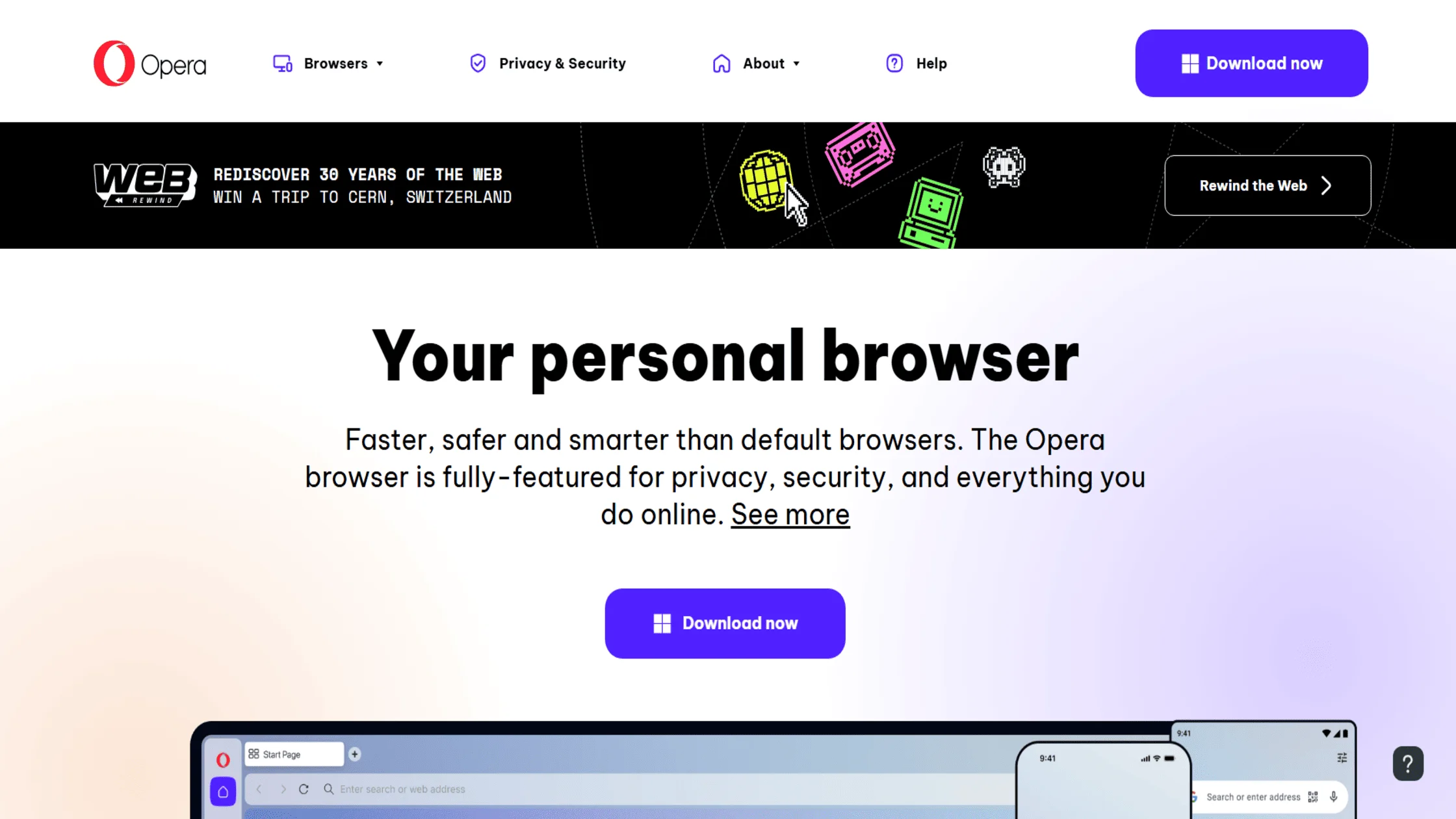
Opera is a feature-rich browser that stands out for its integrated “free VPN” and ad blocker. It is a highly customizable tool that includes a sidebar for messaging apps and social media. Users trade transparency for these features, as the browser is owned by a consortium that has faced scrutiny over data logging.
| Key points | Pros | Cons | Safety rating | Pricing | Best for |
| Feature Rich | All-in-one tool; built-in free VPN | Questionable data privacy history | 6/10 (Feature Heavy) | Free | Casual browsing |
| Gaming Version | GX version allows RAM/CPU limiting | Not truly anonymous (VPN logs) | Gamers | ||
| Sidebar Sync | WhatsApp/Messenger integrated | Built on Chromium; high telemetry | Social users |
10. Puffin
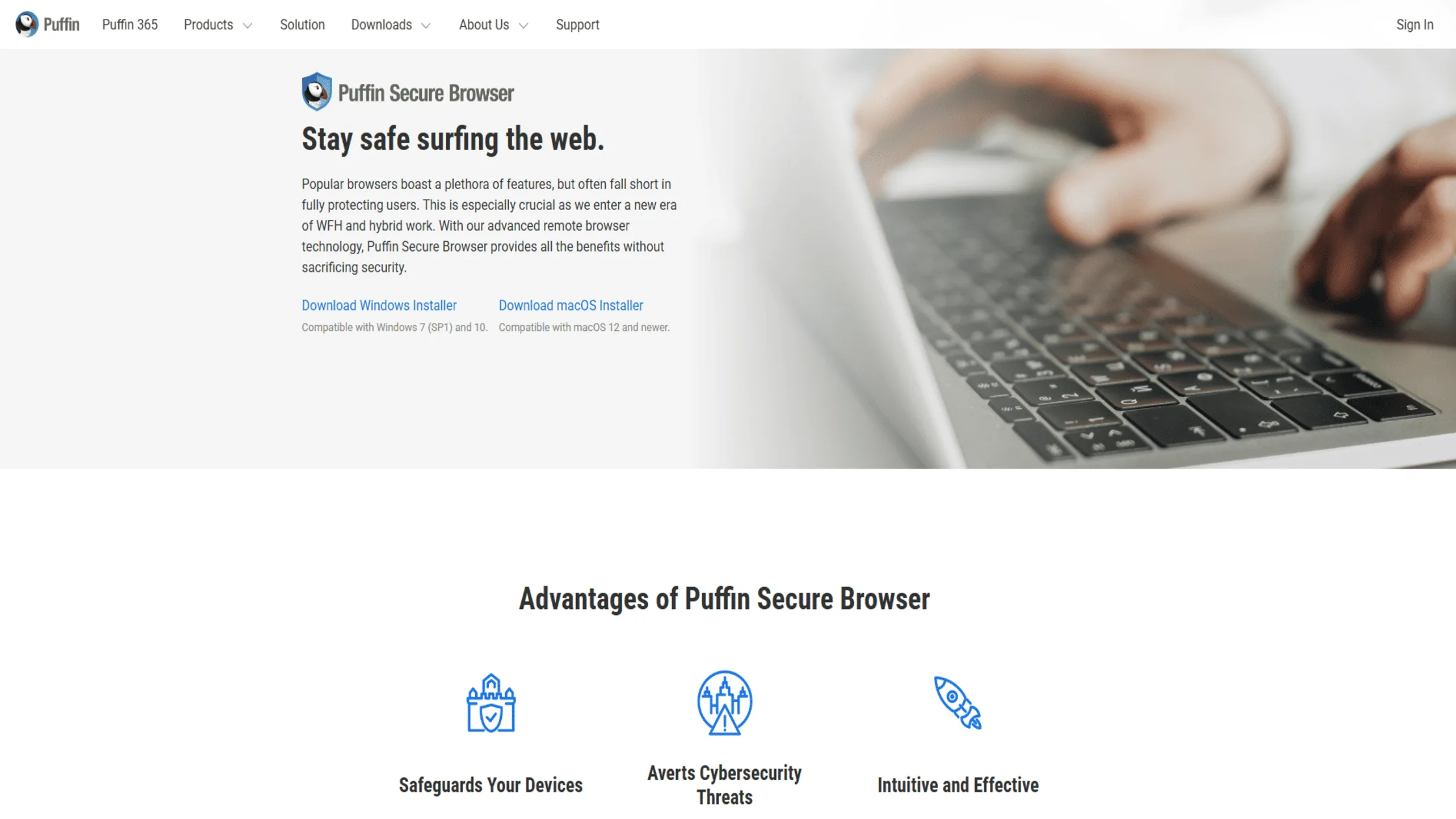
Puffin uses a “Cloud-to-Device” architecture that renders websites on remote servers rather than on your local hardware. This acts as a physical shield between your device and the internet. This isolation makes it nearly immune to malware, but users trade off total privacy since the company must decrypt data on its servers.
| Key points | Pros | Cons | Safety rating | Pricing | Best for |
| Cloud Render | Impossible for web malware to infect a device | Zero privacy (Company sees all) | 6/10 (Malware Proof) | Subscription | Old/Weak devices |
| Flash Support | Still supports legacy web technologies | Requires a monthly paid subscription | Legacy sites | ||
| Fast Processing | Massive speed on underpowered phones | Not suitable for private accounts | Low-end hardware |
Having looked at the top tools, we must now understand the core principles that make a browser truly secure.
Key Considerations for Choosing the Safest Browser
To truly know which web browser is the safest, you must understand the technical pillars that support online protection. It isn’t just about one feature; it is about how the browser handles your data and interacts with your system.
1. Core Security Features
A secure browser must have robust technical defenses to stop hackers from accessing your hardware. These features include sandboxing, automatic updates, and HTTPS-only modes. Sandboxing is a process-isolation technique that treats each tab as a separate “room,” so a fire in one tab doesn’t burn down the whole house.
Variations in update speed also matter; a browser that patches zero-day flaws in hours is always better than one that takes weeks. For example, in February 2026, a major font-handling bug was patched in Chrome within 48 hours, demonstrating the power of frequent updates.
2. Privacy & Anti-Tracking Protections
Privacy is just as important as security when choosing the safest web browser for you. This involves blocking third-party cookies, preventing canvas fingerprinting, and stopping “cross-site tracking.”
Fingerprinting is a method where websites gather data about your fonts, screen size, and battery level to create a unique ID for you. A good browser will provide “noise” to these scripts so they can’t identify you. We recommend using a multi-hop VPN to add an extra layer of privacy that even the best browser cannot provide on its own.
3. Trust & Transparency
You must be able to trust the organization behind your browser. This is why open-source software like Firefox and LibreWolf is often preferred over closed-source options from big corporations. Open-source means the code is public and can be audited by anyone to ensure there are no hidden “backdoors.”
Transparency also means a clear business model: if the browser is free and the company sells ads, you are likely the product. This is a key reason why people are moving away from Chrome to more transparent alternatives.
Understanding these pillars allows you to make an informed decision. Now, let’s see how our own tool can make any of these browsers even more secure.
How Turis VPN Enhances Browser Security
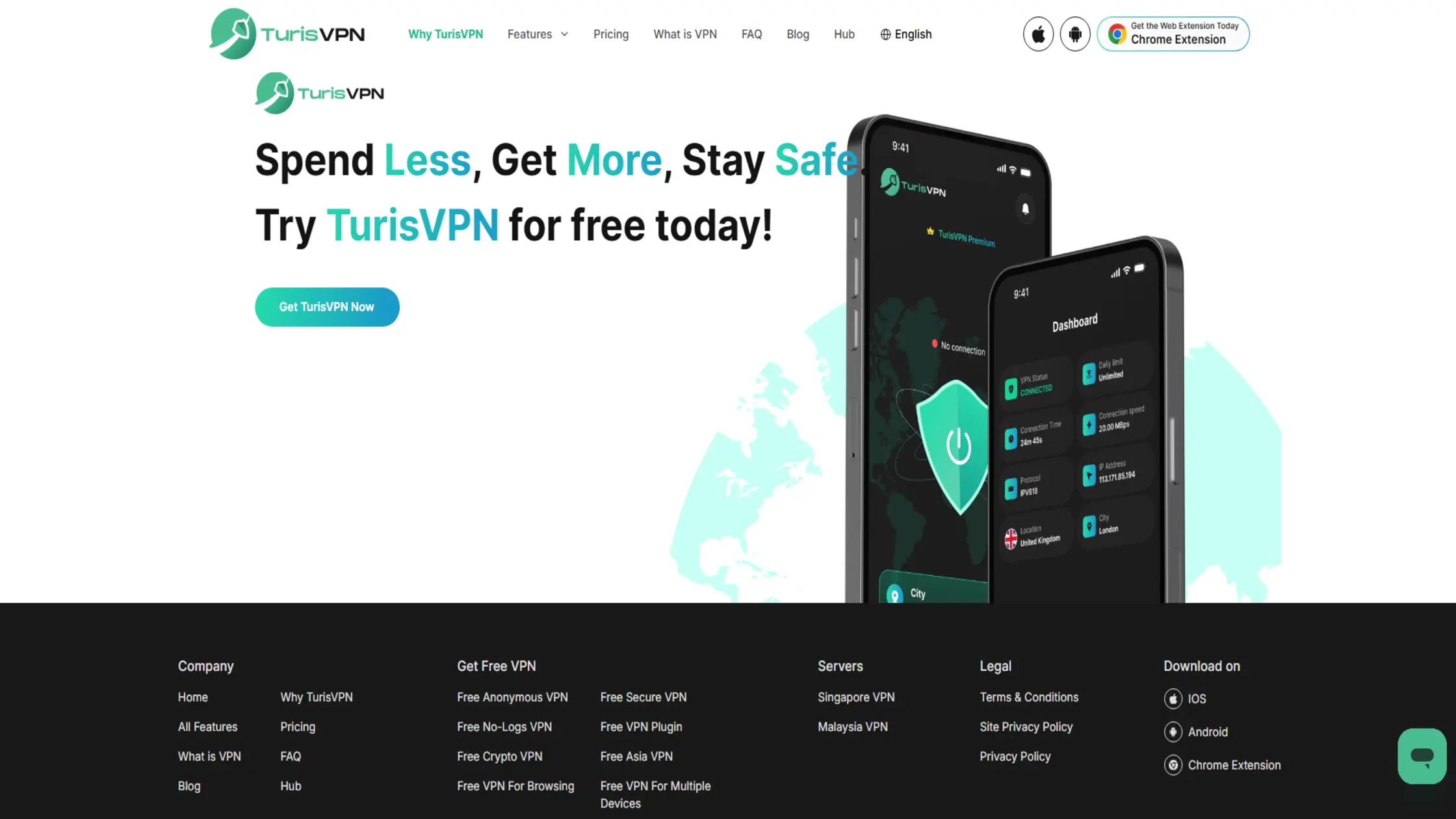
Even the most secure browser has limitations, which is why we recommend using TurisVPN to fill the gaps. A VPN encrypts your entire connection, ensuring that your ISP and local hackers cannot see your browsing activity. This is vital when you are using public Wi-Fi or when you want to bypass regional blocks.
We provide a simple way to upgrade your digital defense in seconds. How to use TurisVPN to secure your browser:
- Platform Integration: Set up our dedicated application on your mobile device or add the lightweight TurisVPN extension.
- Connect: Open the app and tap the connect button to find the fastest server.
- Browse: Once connected, open your favorite browser. Your traffic is now encrypted.
Users should exercise caution because many industry experts question whether free VPNs are safe, given the high operational costs of maintaining server privacy without a paid subscription model. Understanding the differences between paid VPNs and free options will help you see why our premium service is the better choice for serious privacy.
We believe that combining the right browser with a trusted VPN is the ultimate way to answer which web browser is safest. Adding a VPN is a great step, but how do the top browsers actually compare when put head-to-head?
Comparing Brave, Firefox, and Tor for Browser Safety
When we compare Brave, Firefox, and Tor, we see that each serves a different level of threat model. Brave is the best for daily, fast browsing with automatic ad-blocking. Firefox is the best for those who want to customize every aspect of their privacy. Tor is the only choice for total anonymity, though it is significantly slower.
| Feature | Brave | Firefox | Tor Browser |
| Engine | Chromium | Gecko | Gecko (Hardened) |
| Primary Goal | Ad-blocking & Speed | Customization | Total Anonymity |
| Fingerprint Protection | Good | Moderate (Requires setup) | Excellent |
| Ease of Use | Very High | High | Low (Slower speeds) |
| Best For | Mainstream users | Privacy enthusiasts | Whistleblowers / Anonymity |
This table shows that the safest web browser depends on what you are trying to hide. For most, Brave or a hardened Firefox is plenty. For those needing to hide from state actors, Tor is mandatory.
Bottom Line
Deciding which web browser is safest in 2026 comes down to your personal balance of privacy, security, and convenience. We have seen that mainstream options like Chrome and Edge offer excellent security against hackers but fall short on data privacy. On the other hand, tools like LibreWolf and the Mullvad Browser provide elite privacy but may require more effort to maintain.
For the average user, we believe that Brave or Safari offers the best out-of-the-box protection. However, no browser is a complete solution on its own. Pairing your chosen browser with a high-quality VPN like TurisVPN is the only way to ensure your data remains truly your own.
FAQs
Q1. Is Brave more secure than Chrome?
Yes, in terms of privacy, Brave is more secure because it strips out Google’s tracking and blocks ads by default. While both are technically secure against malware, Brave protects your identity much better.
Q2. Does using a VPN make my browser safer?
Absolutely. A VPN encrypts your data before it leaves your device, preventing your ISP or hackers on your network from seeing your activity. It is the best way to determine which web browser is safest by adding an external layer of protection.
Q3. Which is better for privacy: Tor or Brave?
Tor is better for total anonymity, while Brave is better for daily privacy. Tor is much slower because it routes data through three servers, so most people find Brave more practical for normal use.
Q4. Which browser is 100% safe?
There is no such thing as a 100% safe browser, as new vulnerabilities are discovered every day. However, using an open-source, zero-telemetry browser like LibreWolf combined with a VPN gets you as close to 100% as possible.
Q5. Which is the least safe browser?
While no mainstream browser is “unsafe” against viruses, Microsoft Edge and Chrome are often cited as the least private browsers due to the massive amounts of telemetry they send to their parent companies.
Q6. Which is safer, Safari or Chrome?
When it comes to safety, Safari is generally considered safer for privacy. It does not track your data for advertising purposes and includes more aggressive anti-fingerprinting tools.





