







If you’re wondering how to get ABC on Roku in 2026, you’ve come to the right place. Roku provides an easy way to stream ABC shows, news, sports, and more, whether through the official app, streaming services, or even screen mirroring.
This article walks you through the best methods to enjoy ABC content on your Roku device, including free and cable-free options.
What Is ABC?
ABC stands for the American Broadcasting Company, owned by Walt Disney Television. It is a cornerstone of American television. ABC is one of the three largest broadcast TV networks in the US, along with CBS and NBC.
The network’s main job is to provide American viewers with a full range of quality entertainment and essential information. ABC programs are very diverse. They include compelling primetime dramas like Grey’s Anatomy, popular reality shows like The Bachelor, and major news coverage.
The news division, ABC News, is well-respected. It provides news all day, including World News Tonight and the streaming channel, ABC News Live. Furthermore, ABC broadcasts major live sporting events. These often fall under the ESPN on ABC brand, covering college football games.
Because of its license agreements, you can access the full content, including the live stream, only from within the United States. This is a vital point for anyone trying to figure out how to get ABC on Roku from another country.
Can You Watch ABC on Roku?
Yes, you can watch ABC streaming on Roku, but it requires some setup because ABC doesn’t come pre-installed on Roku devices. The network offers an official ABC app on Roku, which allows you to watch live programs and on-demand content.
Additionally, you can also access ABC live stream on Roku through third-party live TV streaming services or by mirroring your device’s screen to Roku.
However, some users might wonder, “Is there an ABC app on Roku?” The answer is yes, but availability can vary by location, and sometimes it may require signing in with a TV provider. The app offers both free content and premium access options.
3 Ways to Watch ABC on Roku
There are three main and effective ways to get ABC on Roku quickly. These options depend on whether you have a cable provider, a Live TV streaming service, or neither. This flexibility allows you to pick the best choice for your viewing needs.
1. The official “ABC App”
The simplest way to get ABC on Roku is by installing the official ABC app available from Roku’s Channel Store. This app allows users to watch live ABC broadcasts, recent episodes, and exclusive content. Usually, signing in with your cable or streaming service credentials is necessary to unlock live features.
2. Live TV Streaming Services
If you want to watch ABC on Roku without cable, live TV streaming services are an excellent option. Platforms like Hulu + Live TV, YouTube TV, and Fubo include ABC as part of their channel lineup. These services stream ABC live and provide additional benefits such as DVR recording and access to other networks.
3. Screen Mirroring (AirPlay or Casting)
If you want to watch ABC free on Roku without downloading apps or subscribing to streaming services, screen mirroring is a handy alternative. You can mirror your smartphone, tablet, or PC screen that’s streaming ABC content directly to your Roku device via AirPlay (for Apple devices) or casting options on Android and Windows.
How to Add the “ABC App” Channel on Roku (Step-by-Step)
Installing the official channel from the Roku Channel Store is the quickest way to start watching ABC content. For those asking, is there an ABC app on Roku? The answer is yes, and adding it takes only a moment.
Here are the step-by-step instructions on how to get ABC on Roku using the official channel:
- Start at the Home Screen: Press the Home button on your Roku remote control.
- Move to Search: Scroll up or down. Select the Search option on the menu to the left.
- Find the App: Use the on-screen keyboard to type the word “ABC.” The search results will show up as you type the letters.
- Pick the App: Highlight and select the official ABC channel logo from the results list. It usually just says “ABC.”
- Install the Channel: Select the Add Channel button on the channel’s information page. Your Roku will download and install the app automatically.
- Open the Channel: After installation finishes, select OK. Then select Go to channel. You can also return to the Home screen, where the new ABC channel tile will be visible.
This simple process shows how to get ABC on Roku for free if you have a TV provider or how to get limited free episodes without logging in.
How to Watch ABC Live on Roku Without Cable
Getting rid of your cable service does not mean you must give up watching live network television. It has actually become incredibly easy to find out how to get ABC on Roku without cable by using modern streaming services. These services provide the full live TV experience, including local channels like ABC, over the internet.
Understanding “Live TV Streaming Services” (vMVPDs)
Live TV streaming services, or vMVPDs, deliver channels like ABC over the internet without cable contracts. They offer flexible monthly subscriptions, cloud DVR, multiple device support, and local channel access. These services are perfect for Roku users wanting hassle-free, cable-free live TV with popular channels and on-demand content.
1. Hulu + Live TV
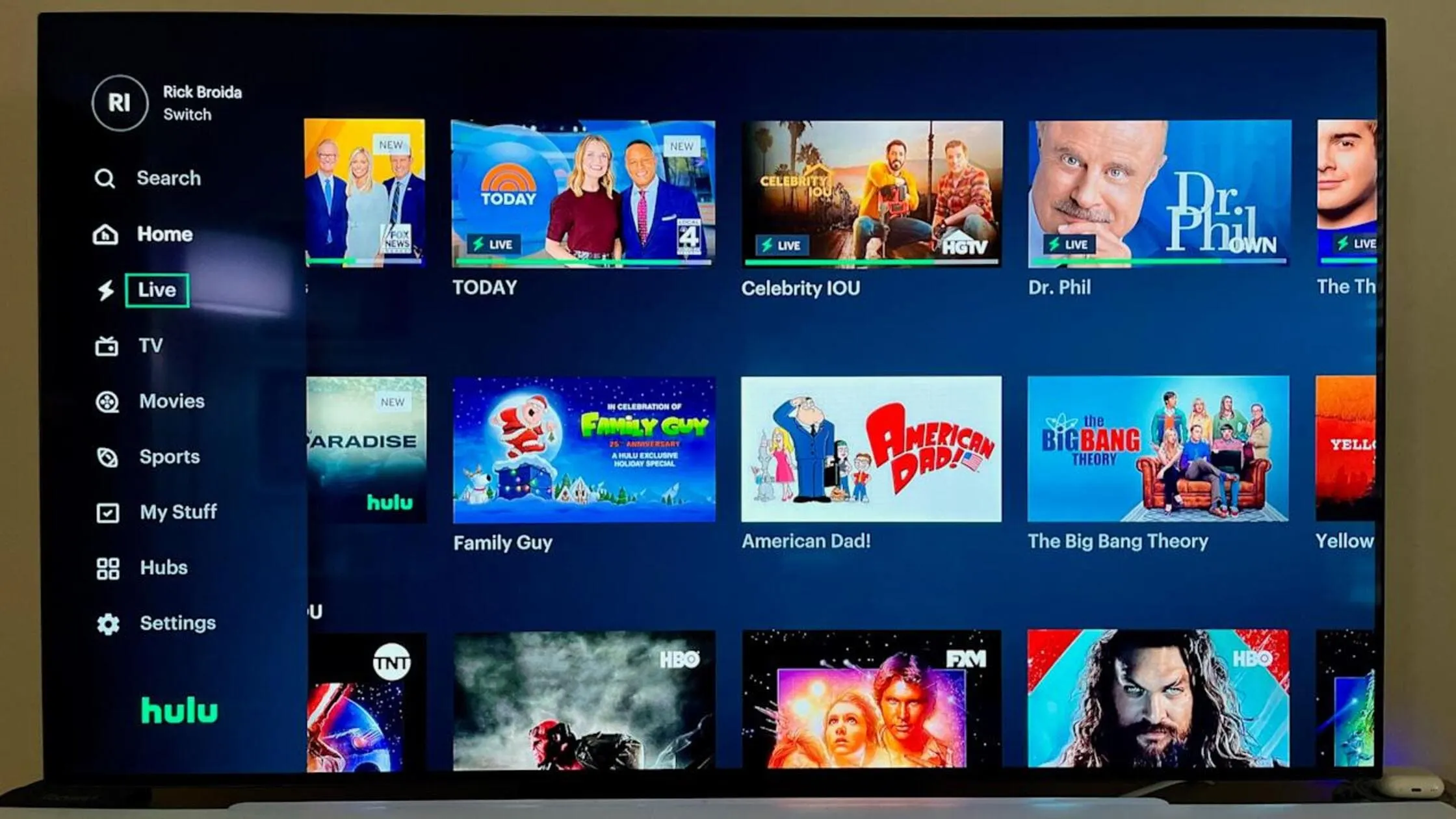
Hulu + Live TV is one of the most popular vMVPDs, as it combines a massive library of on-demand content (including Hulu Originals) with over 85 live channels, including the live ABC local channel in most areas. This makes it an all-in-one solution for both catching up on past shows and enjoying the ABC streaming on Roku.
The service is native to Roku, easy to navigate, and is a great choice for Disney fans, as the parent company, Disney, owns both Hulu and ABC. Our users often find this to be the simplest way to watch all of their favorite content.
2. YouTube TV

YouTube TV offers another great method to get ABC streaming on Roku. This service provides a huge selection of channels. It also includes an unlimited cloud DVR. This feature is perfect for recording live shows or special events on ABC and watching them back later.
Its simple, guide-like interface feels familiar to anyone used to traditional cable TV. This makes the move easy for those finding out how to get ABC on Roku without cable. If you want a deeper dive into these technologies, you can find out how to use a VPN for many different applications.
3. Fubo
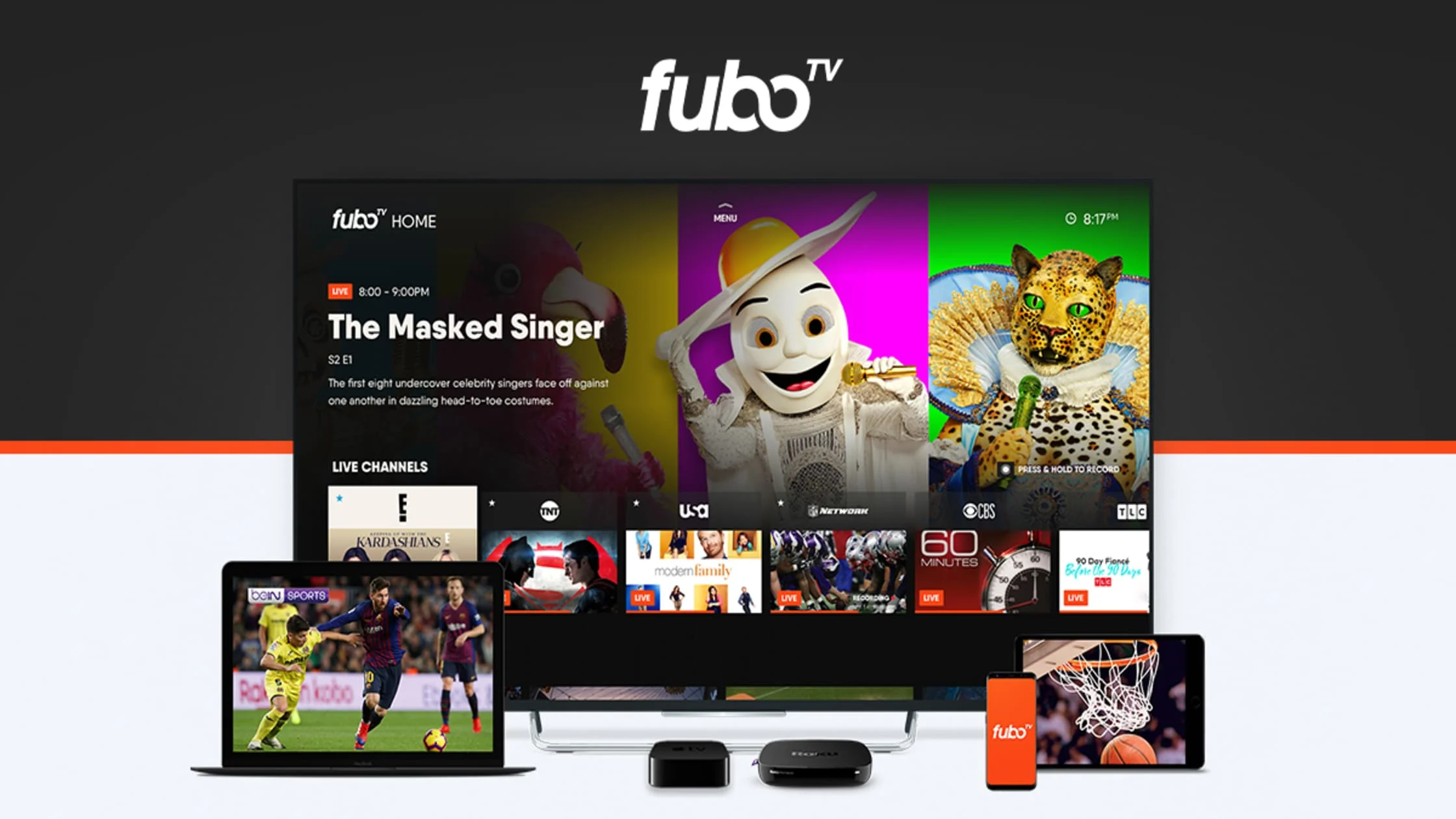
Fubo started as a service focused on sports. It has now greatly increased its general entertainment offerings, and it includes the local ABC channel in most US markets. Fubo is known for having a strong lineup of sports channels.
If you plan to watch college football games aired on ABC, this is an excellent choice for a dedicated ABC live stream on Roku experience.
4. DirecTV Stream
DirecTV Stream offers a high-quality live streaming experience. The ABC channel is included in its packages. It might cost more than other competitors. However, it often has better coverage of regional sports networks. It is a reliable way to make sure you have the local ABC feed.
All of these Live TV Streaming Services usually offer a free trial. This can be a great option for those looking into how to get ABC free on Roku for a short period. For those looking for security tips for their various online accounts, you might want to look into whether a VPN can be hacked.
How to Screen Mirror ABC to Roku
Screen mirroring is a smart alternative to get ABC on Roku, especially since the standalone ABC app for Roku was retired in late 2024. It lets you show content from your phone, tablet, or computer directly onto your TV screen through your Roku.
This method is particularly helpful if you want to stream ABC content from websites or apps on your device that aren’t available through other Roku streaming services.
Using AirPlay (iPhone/iPad)
AirPlay is Apple’s technology for casting, and most new Roku devices support it. It makes it exceptionally simple to get content onto your TV. Here are the steps to use AirPlay to stream ABC to Roku:
- Ensure your iPhone/iPad and Roku are connected to the same Wi-Fi network.
- Swipe to open the Control Center on your device.
- Tap Screen Mirroring and select your Roku device.
- Open the ABC app or website on your device and start playing content.
- Your Roku screen will mirror the ABC content.
If you are using Apple devices and thinking about security, you might find our article helpful: Is iCloud Private Relay a VPN?
Using Screen Mirroring (Android/PC)
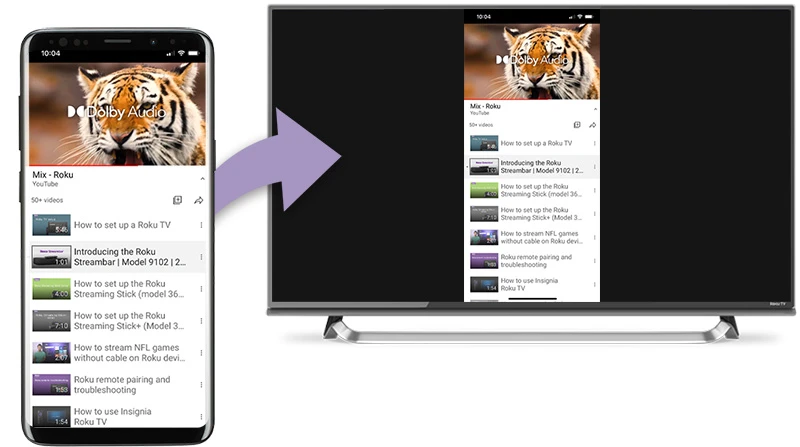
Android and Windows devices use a different standard for mirroring, often called Miracast or Smart View. Roku also supports this standard. Follow these steps:
- On your Roku, enable screen mirroring (Settings > System > Screen Mirroring).
- On your Android device or Windows PC, select the Cast option from settings.
- Choose your Roku device to connect.
- Open ABC streaming on your device, and your Roku will display the content.
For PC users, Windows 10 and 11 can cast easily. Press the Windows Key + K and select Connect to a wireless display. Then choose the Roku. If you want more general information on how to use secure browsing tools, check out how to use a VPN in Incognito.
Problem: Can’t Find or Watch ABC? (Geo-Restrictions)
One of the biggest problems for people outside the United States is being blocked from using the ABC app or live streams. If you have been asking why I can’t find the ABC app or wondering how to get ABC on Roku from an international location, the cause is location-based restrictions.
Why is ABC blocked outside the US?
ABC is a U.S. network. Its content is protected by strict licensing and distribution contracts. These contracts only allow the network to broadcast specific shows, movies, and sports within the US.
When you try to use the ABC channel on your Roku from abroad, the service reads your IP address. Your IP address shows your physical location. The service then blocks access automatically to obey these agreements.
You will often see an error message saying that the content cannot be viewed in your area. The restriction affects almost all major US streaming platforms. This is a key hurdle for people trying to find out how do I get ABC on Roku when they are outside the country.
When streaming, people also often wonder about things like data usage. Understanding how much data a VPN uses per hour can help manage mobile bandwidth while using a VPN for streaming.
How TurisVPN Unblocks ABC on Roku?
TurisVPN gives you an easy, powerful way to get around these location barriers and enjoy ABC on Roku for free. A Virtual Private Network (VPN) works by sending your internet connection through a secure server in a location you choose.
- IP Address Change: When you connect to a TurisVPN server inside the United States, your real IP address is hidden. You are given a temporary US IP address instead.
- Location Masking: To ABC’s servers, it looks as if you are physically located within the US. This meets their location requirement.
- Encrypted Connection: TurisVPN does more than just bypass the block. It also encrypts your connection. This keeps your streaming activity private and secure.
If you’re interested in whether other security measures are necessary, a helpful read is Do You Need a VPN for Tor.
Step-by-Step: How to Set Up TurisVPN for Your Roku
Setting up TurisVPN on your Wi-Fi router ensures that your Roku is always connected through a secure, US-based IP address. Here’s how to do it:
- Subscribe to TurisVPN and install it on a compatible device since Roku doesn’t support VPN apps directly.
- Connect your Roku device to the VPN-enabled router network.
- Choose a US server on TurisVPN to get a US IP address.
- Open the ABC app or streaming service on Roku and enjoy ABC programming without geographic limits.
For more details on VPN protocols and setup, check our guide on VPN protocols and installation tips. We also recommend you consider whether free VPNs are safe, as paid services offer much better reliability and security.
Bottom Line
Knowing how to get ABC on Roku in 2025 gives you multiple ways to enjoy this popular channel at home or on the go. Whether using the official ABC app, subscribing to live TV streaming services, or screen mirroring from your device, you have options tailored to your viewing preferences.
If you face geo-restrictions, TurisVPN helps you unblock ABC on Roku securely and easily. Our service provides the necessary configuration files and support. We are happy to help users understand the benefits of a service like a paid VPN vs a free option. Start streaming your favorite ABC shows and live events on Roku today!
FAQs
Q1. Is ABC free on Roku?
ABC offers some free episodes on its Roku app, but live streams usually require TV provider credentials or a subscription to a streaming service.
Q2. Can I watch ABC without cable?
Yes, you can watch ABC without cable by using live TV streaming services like Hulu + Live TV or YouTube TV that provide ABC live streams on Roku.
Q3. Why can’t I find the ABC app?
Availability of the ABC app can vary by region or may not be pre-installed, so you may need to search and add it manually from the Roku Channel Store.
Q4. Do I need a VPN to access ABC abroad?
Yes, if you are outside the US, using a VPN like TurisVPN is essential to bypass geo-restrictions and access ABC on Roku. If you are concerned about your digital footprint, you may want to check out whether a VPN hides search history as well.





