In today’s digital world, cyber threats are everywhere. Masquerade attacks are some of the most advanced dangers. Both organizations and individuals must stay alert.
In this guide, we’ll help you understand what a masquerade attack is, how it works and, most importantly, how to protect your systems, especially with the aid of a VPN.
What is a Masquerade Attack?
A masquerade attack is a type of cyber attack where a malicious actor pretends to be someone or something else. In this attack, the hacker impersonates a legitimate user, device, or system to trick the network into granting access.
The main goal of a masquerade attack is to get into a system without permission. The attacker pretends to be someone the system trusts. This helps them access private data, apps, or network tools.
One simple example is email spoofing. A hacker sends a fake email that looks like it’s from your boss or your bank. It might ask you to click a link or share your password. Because it looks real, many people fall for it.
A masquerading attack often uses methods found in other cyber threats, like:
- Stolen login credentials
- Fraudulent or compromised user accounts
- IP address spoofing
- Exploitation of system vulnerabilities
- Phishing schemes trick users and dodge security systems. They gather personal information for unauthorized access.
While masquerade attacks typically target enterprise-level IT environments, individuals can also fall victim, particularly when using unsecured networks or weak credentials.
How Do Masquerade Attacks Work?
A masquerading attack happens in stages. The attacker imitates a trusted identity. This trick helps them get into protected systems. This method is particularly dangerous because it often bypasses traditional security controls by appearing legitimate.

Here’s how it typically unfolds:
Step 1: Identity Theft
The attacker begins by stealing login credentials, device identifiers, or session tokens. This is often achieved through phishing emails, keyloggers, or brute-force attacks.
Step 2: Impersonation
Once enough information has been obtained, the attacker begins to masquerade as the trusted party. This could involve:
- Spoofing an IP or MAC address
- Steal login credentials with one of these phishing or malware tactics
- Hijacking an active session
This is because the attacker is trying to mimic an existing user or system and “fool” the authentication mechanism without being identified.
Step 3: Malicious Actions
Once inside, the attacker can view or steal sensitive data, manipulate internal systems, or install malware. This type of unauthorized access is one of the main concerns in masquerading cybersecurity, as it often goes unnoticed until damage is done.
Step 4: Covering Tracks
In order to avoid detection, the hacker may also erase or alter activity logs and encrypt the data being transmitted out of the network. Hidden “backdoor” admin accounts might also be created to ensure future access for the attacker.
Common Examples of Masquerade Attacks

What is an example of masquerade? In point of fact, the vast majority of the attacks that are in use today (assuming they work, and they are in wide use because they do work) are all what the industry calls a masquerade you may have heard of as well:
- Phishing Emails Impersonating Trusted Organizations: An attacker sends a fake email that appears to be from a bank or IT support to trick users into entering login details on a spoofed website. These credentials are then used to gain unauthorized access to a network information system or application.
- Email Spoofing at Organizational Level: Spoofing the sender of an email is something that two or more parties can collude to do.
- IP Address Spoofing to Bypass Network Defenses: An attacker pretends to be a trusted IP address. This lets them sneak past firewalls and access systems like a real internal user.
- Session Hijacking on Web Applications: An attacker steals a valid session token. They then use it to act like an authenticated user, skipping the login step.
- Masquerade Breach with Stolen Credentials: An attacker gets valid login info from phishing or malware. Then, they log in using a real user’s account. This often goes unnoticed.
👉 Read more: Rootkit Malaysia: Key Insights From ROOTK1T Cyber Attacks
Key Difference Between a Masquerade Attack and a Replay Attack?
While both masquerade and replay attacks involve deception, their approaches and goals differ. Here’s a quick comparison:
| Aspect | Masquerade Attack | Replay Attack |
| Definition | Attacker impersonates a legitimate identity. | Attacker intercepts and re-transmits legitimate data. |
| Method | Credential theft, spoofing, session hijacking | Records and resends valid messages or requests. |
| Example | Attacker logs in with stolen account credentials. | Attacker resends a valid transaction to withdraw money again |
| Goal | Unauthorized access and control of a system | Repeat a previously valid action to gain advantage or perform duplication |
👉 You might be interested in: DoS Vs DDoS Attack: Key Differences and Effective Ways to Prevent It
How Masquerade Attacks Can Threaten Your Organization’s Security
A masquerade network attack can have serious effects on an organization. It can cause data loss and harm its reputation.
Unauthorized Access to Sensitive Data
A bad actor can pretend to be a real user. Then, they steal your important information. This includes customer data, financial records, or company secrets. This causes legal trouble. Scammers also use this data to get into bank accounts and credit cards.
Financial Loss and Fraud

The money lost from a masquerade attack can be huge. Attackers can use unauthorized access to commit fraud. They transfer money or buy things using the company’s or an employee’s name. This can lead to massive financial losses.
Data Breaches and Legal Consequences
A masquerade breach often results in data breaches, causing sensitive information to leak. Organizations face hefty fines from regulatory bodies and lawsuits from affected parties, especially when related to data protection regulations like GDPR or HIPAA.
Reputational Damage
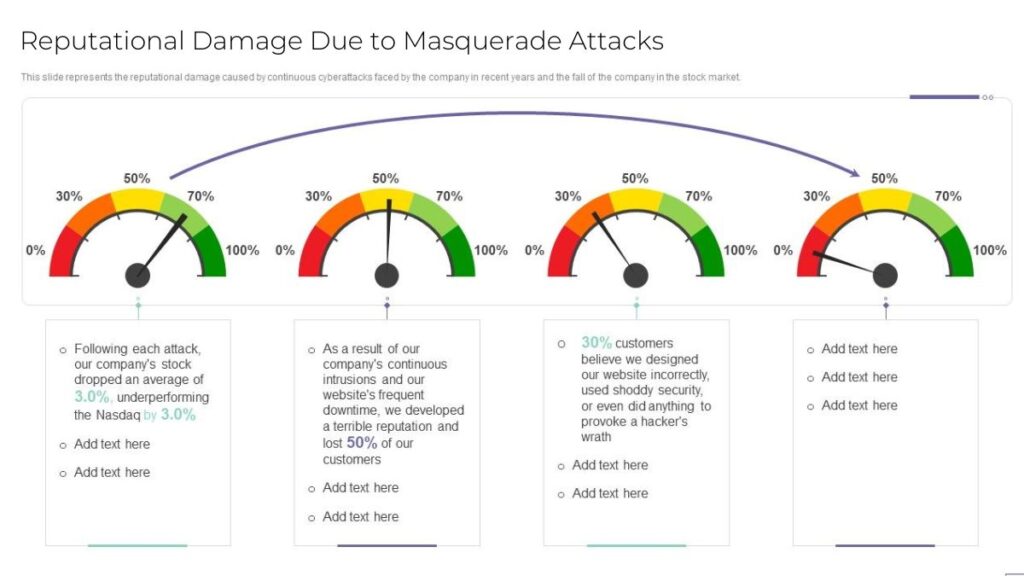
Any security breach hurts a company’s good name. When a company is attacked and data leaks, customer trust drops. Fixing your reputation after this takes a lot of time and money.
Why VPN is Essential in Protecting Against Masquerade Attacks?
Virtual Private Networks (VPNs) are key tools that present improved security and anonymity to users which in turn protects against many cyber threats which include masquerade attacks.
Reduced Digital Footprint
One compelling reason to utilize VPNs is their ability to significantly reduce a user’s digital footprint. This makes it harder for attackers to gather information about you to carry out impersonation attacks.
Mitigation of Session Hijacking
A free VPN encrypts all your traffic which includes session info. This in turn makes it hard for attackers to intercept and take over your session which is a practice often used in impersonation attacks.
Protection on Untrusted Networks
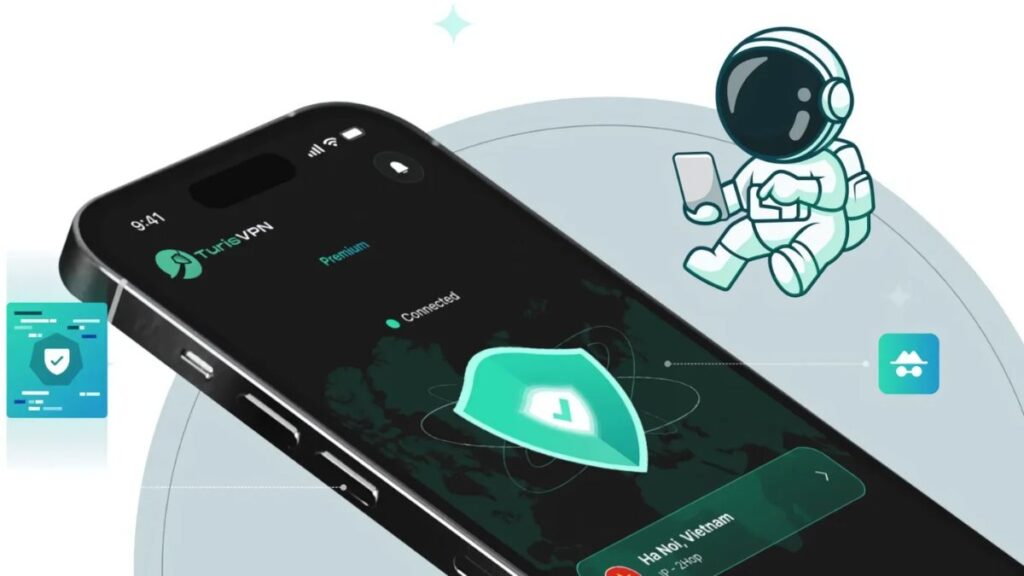
When you use public networks like Wi-Fi at coffee shops or airports you are very much at risk to attacks. Without a VPN users are at the risk of man in the middle attacks which opportunistic cyber criminals may use to get at unencrypted data thus causing masquerade attacks.
IP Address Masking
As previously stated, one of the fundamental features of VPNs is IP address masking. This prevents attackers from using your IP address to impersonate your identity or track your online activities.
Encryption of Data in Transit
The encryption prowess of VPNs plays a crucial role in safeguarding against masquerading threats. If an attacker intercepts your data, they still can’t read it. It’s encrypted, so they can’t use that information to impersonate you.
Important note: Beware of fake VPN services that promise privacy but lack proper encryption or logging transparency. To truly protect your identity and prevent masquerade threats, you need a VPN you can trust.
→ See how TurisVPN masks your identity and prevents impersonation attacks below.
How TurisVPN Masks Your Identity and Prevents Masquerade Attacks?
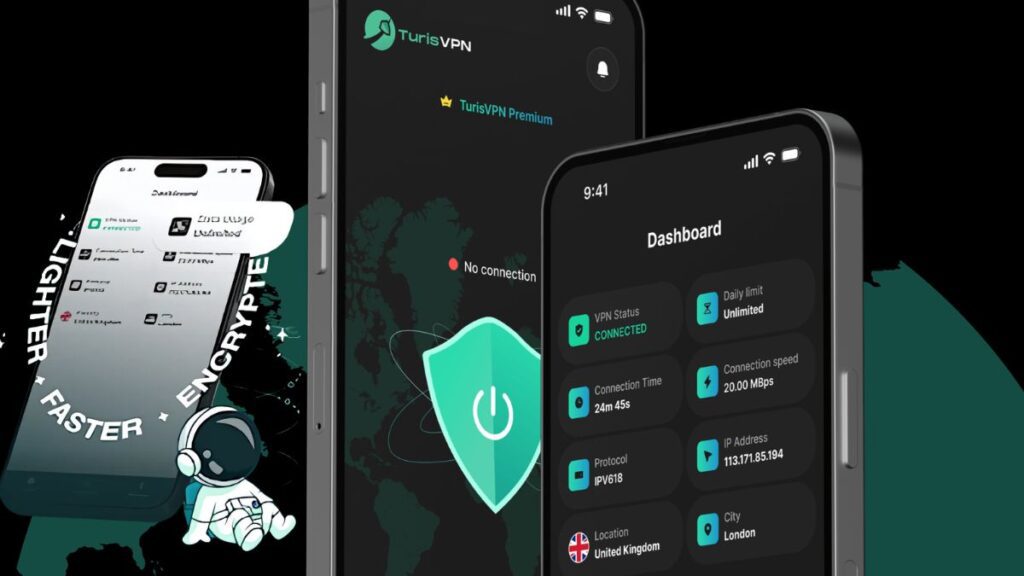
TurisVPN stands at the forefront in providing robust solutions for countering cyber threats like masquerade attacks. With TurisVPN, your online identity is protected through the following key features:
- Secure Encryption: TurisVPN uses strong encryption to keep your data safe. It protects everything you send and receive, so your information stays secure from snoopers.
- High-Speed Servers: TurisVPN operates a vast network of high-speed servers located across the globe. When you connect to a Singapore VPN or other servers, your real IP address is replaced with the server’s IP address. This IP address masking is a fundamental defense against masquerade attacks.
- No-Logs Policy: TurisVPN won’t store logs of your activities. This means your privacy is safe, and there’s no data for attackers to misuse.
- Compatible with Multiple Devices: TurisVPN’s free plan works on two devices. This makes it a great choice for anyone wanting to explore VPN benefits for streaming without a long-term commitment.
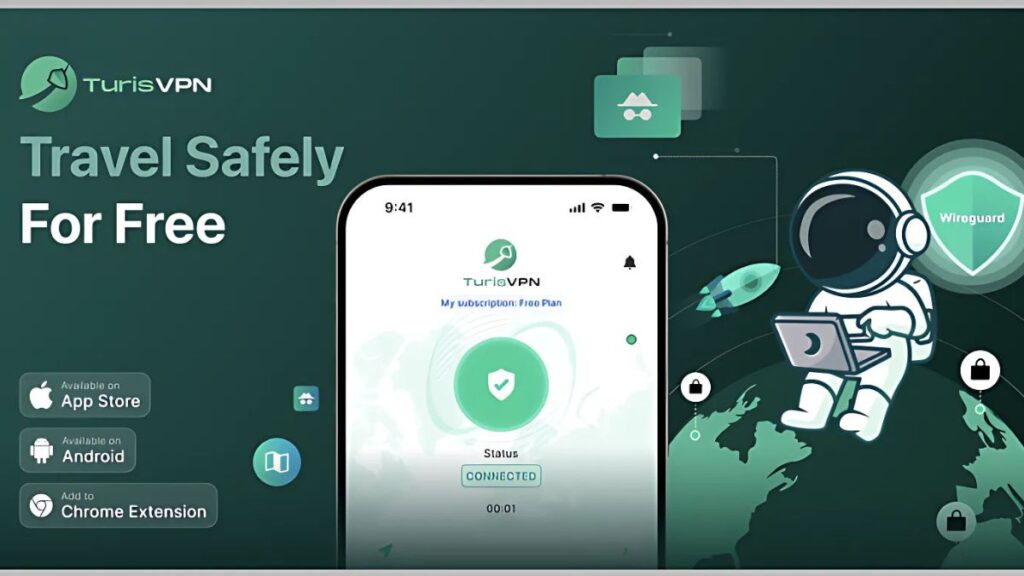
TurisVPN offers all the basic features needed to protect one from masquerade attacks. How do you get started? Here are the steps to install it:
- Visit the TurisVPN website: Go to TurisVPN’s website to download the appropriate application for your device (Chrome Web Extension, Android, iOS…).
- Install the application: Follow the on-screen instructions to complete the installation process.
- Log in and connect: Open the TurisVPN app. Log in to your account or sign up if needed. Next, you choose a server and click the Connect to a Secure Server button.
In a few minutes, your internet will be secure. This will help protect you from network threats.
Protecting Your Network with TurisVPN
In the digital age, protecting online information and identity is paramount. Masquerade attacks are a clear reminder of the necessity of strong security measures. TurisVPN offers a complete solution. You can browse, shop online, and work with peace of mind. There’s no need to worry about impersonation or attacks.
Download TurisVPN today and secure yourself from prying eyes!
Bottom Line
Overall, masquerade attacks pose serious threats to data, finances, and reputation. To stay safe, you need to know how these attacks happen. Use trusted tools, like TurisVPN, to hide your identity and stop unauthorized access. With the right defenses in place, you can reduce the risk and keep your digital environment secure.If you wanna know more about this topic, don’t hesitate to visit our TurisVPN blog for more information!