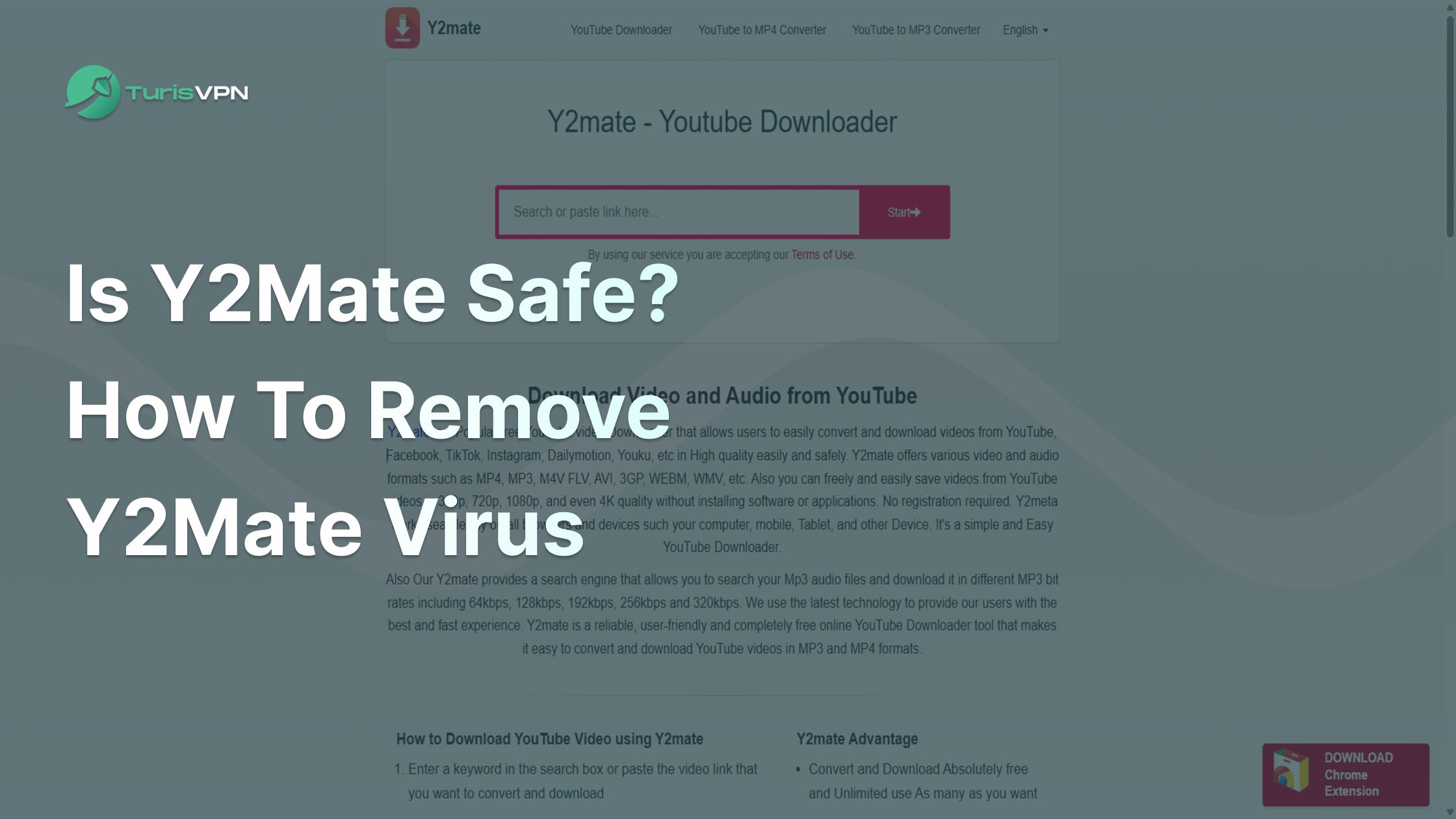
Is Y2Mate safe? This is a question we see every day as more people search for ways to download YouTube videos. With the rise of free online downloaders like Y2Mate, users want to know if these tools are trustworthy or if they put their devices and personal information at risk.
Many users search for this keyword because they have heard reports of malware, unwanted ads, or security warnings when using such platforms, and they want to protect themselves from potential threats from unsafe YouTube converters.
The “virus-free” factor is crucial since a single infected download can compromise your computer, steal your data, or lead to costly repairs.
In this comprehensive guide, we’ll answer “Is Y2Mate safe?” and show you how to remove the Y2mate virus, avoid malware, and choose safer alternatives. We’ll also cover related topics like Y2Mate company, Y2Mate mp4 download, Y2Mate nu, and more.
If you want a YouTube downloader without a virus or the safest YouTube converter for 2025, keep reading to find out the reliable and secure video downloaders right below!
What Is Y2Mate and How Does It Work?
Y2Mate is a free web portal to download videos and audio from YouTube and other streaming platforms. The Y2Mate business began the service in 2016, and it immediately gained popularity due to its simplicity and support of Y2Mate mp4 download and MP3 formats.
Step-by-Step: How to Use Y2Mate
This is the detailed steps to use Y2Mate and convert YouTube videos:
- Copy the Video Link: Start by visiting YouTube (or another supported site) and copying the URL of the video you want to download.
- Paste the Link: Go to the Y2Mate website. At the top of the homepage, you’ll find a search bar. Paste the copied video link into this field.
- Choose Format and Quality: After passing the link, Y2Mate processes the URL and displays a list of available download options. You can select from various formats, such as MP4 for video or MP3 for audio, and choose the quality (for example, 720p, 1080p, or audio bitrate).
- Start the Download: Once you’ve chosen your preferred format and quality, click the corresponding download button. Y2Mate will prepare the file for download.
- Save the File: When the file is ready, your browser will prompt you to save it to your device. Select a location, and the download will be complete.
Internal Mechanism
Y2Mate works by fetching the video stream from the provided URL and converting it into the format you select. The platform’s backend processes the video or audio, then generates a downloadable file based on your choices.
No software installation is required; everything happens through your web browser. Some versions of Y2Mate, like Y2Mate nu or Y2Mate lol, operate under different domain names but use the same core process.
The service is designed to be accessible and user-friendly, making it easy for anyone to convert and download content in just a few steps.
Is Y2Mate Safe to Use?
The answer is no. Though hugely popular, Y2Mate puts users at risk of a variety of security issues. When you visit Y2Mate, you get bombarded with frustrating pop-ups and advertisements.
Some of the ads redirect you to dangerous websites or ask you to install software that has malware or potentially unwanted programs (PUAs). The infections can hijack your computer, steal your information, or slow your computer.
It is also another risk that hijacks the browser. Y2Mate frequently asks to access display notifications. Providing it, you can have spam, phishing, or even ransomware links sent to you.
The y2mate.com virus is also well-known for altering browser settings, hijacking searches, and showing unwanted ads.
Is Y2Mate legal? The program itself is not a virus, but illegal and unsafe to use to download YouTube videos. It is also against the terms of YouTube to download copyrighted material through Y2Mate, which could be illegal in your country.
The Truth About Y2Mate and Potential Risks
Y2Mate isn’t working is a frequent problem brought about by browser security settings, ad blockers, or blacklisting as a result of reputation. If you are looking for a virus-free YouTube downloader, Y2Mate is definitely not the answer.
Y2Mate may look safe, but its risks extend much further than annoying ads. Here’s what you should know:
- Malware & Adware: A single click on the wrong message can add malware, adware, or PUAs to your system. Numerous users have the grievance of getting infected when they visit Y2Mate or its duplicates, such as Y2Mate nu and Y2Mate lol.
- Phishing & Data Theft: Certain advertisements or pop-ups request your information or falsely download duplicate software. This can result in identity theft or money loss.
- Browser Hijacking: The y2mate.com virus can change your new tab, search engine, and homepage settings. It can also install additional browser extensions that monitor your internet activity.
- Legal Issues: Is Y2Mate illegal? Nope. Downloading unauthorized copies of copyrighted YouTube content is illegal and can lead to fines or account suspension.
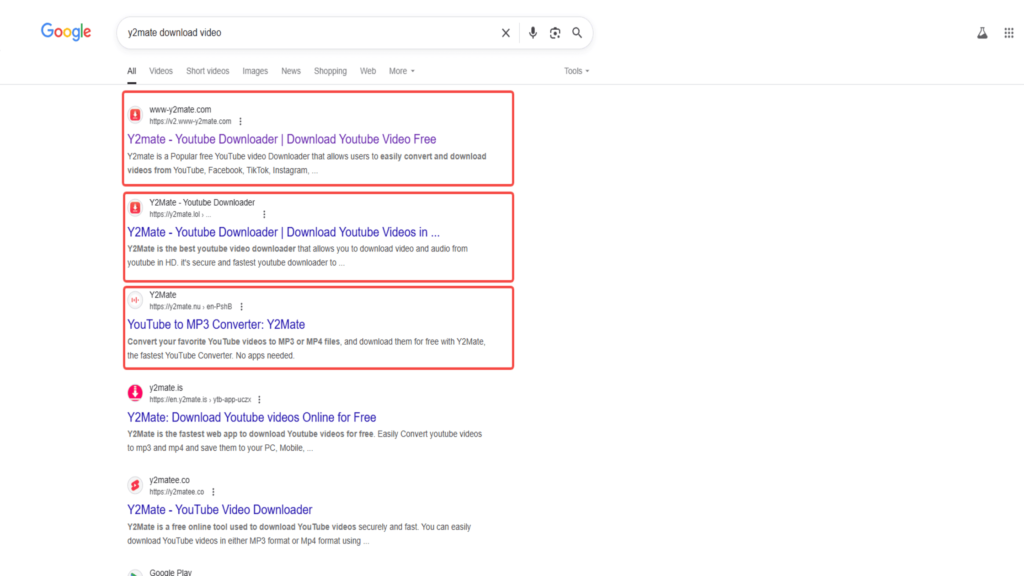
- Fake Clones: Most of the websites, such as Y2Mate party or Y2Mate nu, are not original and might even be unsafe.
Y2mate reviews and customer feedback on websites such as Y2mate Trustpilot support such risks. Various customers regret that they ever went to Y2Mate because of scams, malware, or browser issues.
For the best and safest YouTube converter experience, avoid Y2Mate and seek sincere alternatives.
How Does Y2Mate Infect Your Device?

It is important to understand how Y2Mate infects your device in order to avoid getting into trouble. This is how it infects your device:
- Misleading Popups and Ads: Each time you launch Y2Mate or its alias terms, you’re flooded with popups and misleading download buttons. It might result in starting downloads for malicious files or direct you to phishing web pages.
- Bundled Applications: Occasionally, Y2Mate is bundled along with other free applications. You might unknowingly install it if you skip the installation process, possibly if you avoid reading through the installation process. This is a common way in which the Y2Mate virus spreads.
- Browser Notification Abuse: Y2Mate will frequently request you to allow notifications. You will receive spam advertisements and links that might direct you to other malware if you do.
- Browser Extensions: The website might request you to install browser hijack extensions, alter settings, and display advertisements.
Ytmp3 virus elimination steps are typically required after Y2Mate execution, as infections tend to be the same. The impact includes slowdowns, annoying adverts, information pilfered, and even infection by ransomware.
If you notice that something is wrong with your browser after a download, then it is most likely already infected.

How to Remove the Y2Mate Virus: 3 Simple Step Guide
If you suspect your device is infected with the Y2Mate virus, follow these steps to clean your system. This guide works for Windows, Mac, and all major browsers.
Step 1: Remove Unwanted Browser Extensions and Reset Browser Settings
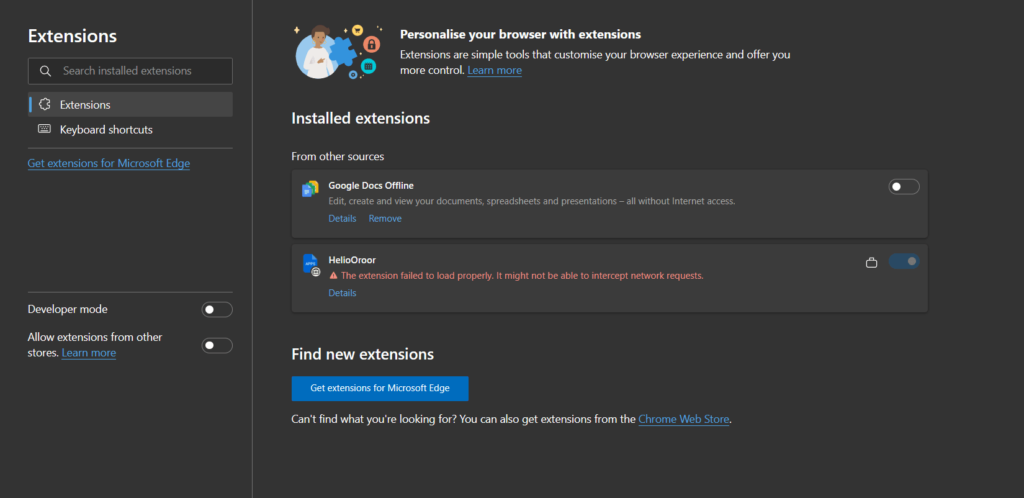
Start by checking your browser for suspicious extensions or add-ons. Remove anything you don’t recognize.
- Chrome: Go to Menu > More Tools > Extensions. Remove anything suspicious. Then, go to Settings > Advanced > Reset and clean up > Restore settings to their original defaults.
- Firefox: Click Menu > Add-ons and Themes > Extensions. Remove unwanted extensions. Go to Help > More troubleshooting information > Refresh Firefox.
- Safari: Click Safari > Preferences > Extensions. Uninstall unfamiliar extensions. Go to Safari > Clear History and Website Data.
Resetting your browser removes hijackers and restores default settings.
Step 2: Use Antivirus Programs to Scan and Remove Y2Mate Virus

Run a full system scan using a reputable antivirus program. Many free and paid options are available. Let the software detect and remove any threats related to the Y2Mate viruses or similar adware. Repeat the scan until your device is clean.
Step 3: Clear Your Browser History and Cache
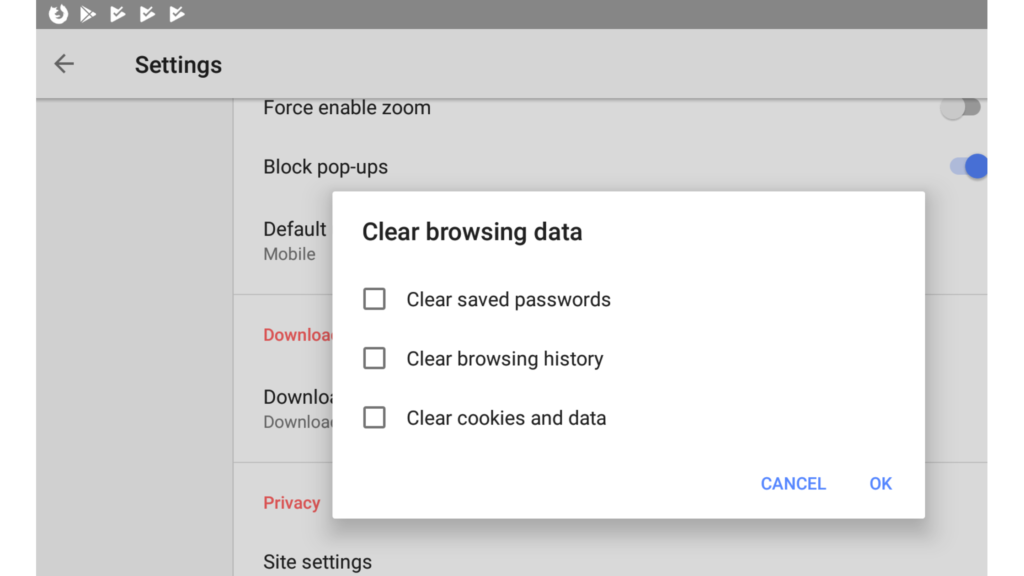
Finally, clear your browser’s history and cache to remove any lingering scripts or cookies. This step helps prevent reinfection and improves performance.
- Chrome: Menu > History > Clear browsing data.
- Firefox: Menu > History > Clear Recent History.
- Safari: Safari > Clear History.
If you followed these steps but still see issues, consider seeking professional help or using dedicated malware removal tools.
What Is the Safe Way to Download YouTube Videos Without Viruses?
If you want a YouTube downloader without a virus, you must avoid risky sites like Y2mate and its clones (y2mate nu, y2mate party, y2mate lol). Below are the safest options, each backed by independent reviews and trusted sources.
1. YouTube Premium (Official Method)
YouTube Premium is the safest and most legitimate way to download YouTube videos. As a Google-owned service, it follows strict guidelines and security measures.
You simply tap the “Download” button in the YouTube app, and your video is saved for offline viewing. This method is always legal and never exposes you to malware or the y2mate.com virus.
2. Reputable Desktop Downloaders
For desktop downloads, choose tools with strong reputations and positive user reviews. For example:
2.1. 4K Video Downloader
4K Video Downloader is widely recognized as safe and legitimate, provided you download it from the official website. Trustpilot reviews praise its user-friendly interface and clean installation—no adware, malware, or hidden software.
You can now copy the YouTube link, paste it into the app, and select your format. This process is simple and avoids the risks of the ytmp3 virus removal or browser hijackers.
2.2. VideoProc
VideoProc is another trusted solution, developed by Digiarty, a reputable company with over 256 million users worldwide. ScamAdviser and other review sites confirm it is free from malware and does not bundle unwanted programs.
Download VideoProc from the official site, install it, and use it to convert or download YouTube videos in various formats. This keeps your system safe and avoids the y2mate.com virus.
3. Trusted Online Downloaders (No Install Required)
If you prefer not to install software, use reputable online tools:
1. Cobalt.tools
Cobalt.tools has a high trust score on ScamAdviser, which confirms it is legit and safe to use. Paste your YouTube link, pick your format, and download—no popups or fake buttons.
2. iRocket Filmdown Online
iRocket Filmdown Online is backed by positive Trustpilot reviews, with users highlighting its ease of use and secure experience. Always access the tool from the official site to avoid clones that may carry malware.
Extra Tips:
- Never grant notifications or permissions to sites like www.y2mate.com or y2mate.nu.
- If you see “Y2mate not working” or popups, close your browser and run a malware scan.
- Use antivirus software after every download.
By choosing these trusted options, you avoid the risks of the y2mate.com virus and enjoy safe, offline videos.
Use TurisVPN to Avoid Future Y2Mate Infections and Stay Safe Online
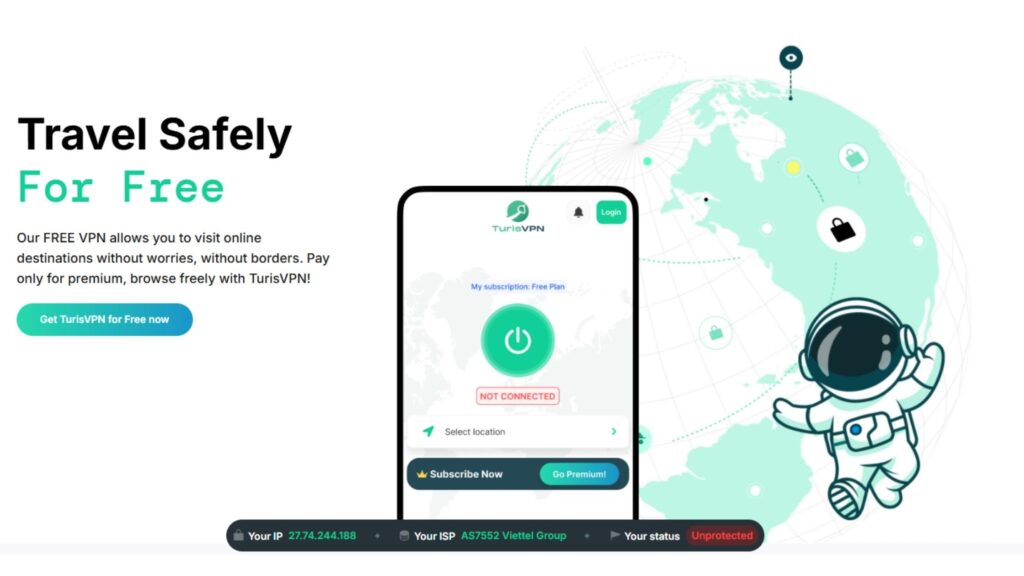
One of the best ways to protect yourself from threats like the Y2Mate or ILOVEYOU virus (one of the first computer viruses in the Philippines) is to use a VPN. TurisVPN encrypts your internet traffic, hides your IP address, and blocks malicious sites before they can infect your device.
With Singapore VPN servers from TurisVPN, you can enjoy fast speeds and extra privacy. Here is the most detailed step-by-step guide to show you how to employ our VPN service and protect your device.
Step 1: Download and Install TurisVPN
Go to the official TurisVPN website and download the app for your device. Follow the on-screen instructions to install TurisVPN. Always download from the official site to avoid fake versions or malware.
Step 2: Create or Log In to Your Account
Open the TurisVPN app. If you’re new, create an account using your email. If you already have an account, simply log in.
Step 3: Connect to a Secure Server
Once logged in, select a server location. For the best speed and privacy, choose a Singapore VPN server or the one closest to your location. Click “Connect.” You’ll see a notification when your connection is secure.
Step 4: Browse and Download Safely
With TurisVPN active, your internet traffic is encrypted. This hides your IP address and blocks many malicious sites, including those known for spreading the virus.
Now, when you search for YouTube downloaders or visit new websites, you’re protected from phishing, trackers, and dangerous ads.
Step 5: Stay Protected
Keep TurisVPN running whenever you browse, especially if you’re searching for video downloaders or streaming content.
A VPN won’t remove existing malware, but a VPN will protect you from hackers, help you avoid phishing sites, and “hide” from dangerous downloads in the future.
Safer Alternatives to Y2Mate for Downloading YouTube Videos
If you want to avoid the risks of Y2mate, try these safer alternatives. These tools are well-reviewed and trusted by millions.
SnapDownloader

SnapDownloader is a powerful desktop app that supports downloads from YouTube and over 900 other sites. It offers high-quality formats, batch downloads, and regular updates. No popups, no malware, and a strong reputation for safety.
Any Video Converter

Any Video Converter is another excellent choice. It supports a wide range of formats, includes basic video editing tools, and is free from adware. Always download from the official site to avoid fake versions.
However, for better privacy while using these alternative video converters, you should use the TurisVPN services. All of your personal data and digital footprint will be well-protected.
Bottom Line
Is Y2mate safe? In short, Y2mate is not safe to use for downloading from YouTube. The malware, adware, browser hijacking, and legal risks are far greater than the convenience factor.
If privacy and your device security are a concern, stay away from Y2mate and similar sites, of Y2mate nu, Y2mate party, and Y2mate lol. Alternatively, use official substitutes such as YouTube Premium or secure desktop apps such as 4K Video Downloader and SnapDownloader.
For continuous protection, use TurisVPN to block harmful websites and keep your data private. Select the virus-free YouTube downloader most appropriate for your requirements, and at all times prioritize security rather than speed.
FAQs
Q1. Why is Y2Mate Not Working on My Chromebook?
The reason for Y2Mate not working on Chromebook may be caused by security settings in the browser, ad blockers, or the website being blacklisted for its notorious history of malware spreading and intrusive advertisements.
Q2. Is Y2Mate No Longer Working?
If Y2Mate is unavailable, it could be that the official website is down, your browser is preventing access to it, or your antivirus has identified it as a threat. Most Y2mate websites are blacklisted at the moment due to general complaints over the y2mate com virus.
Q3. What Should I Do if I’ve Already Used Y2Mate?
If you already have Y2Mate, run a complete antivirus scan, remove any suspicious browser plugins, and clear your browser settings. Follow our “How to Remove the Y2Mate Virus” guide above, or use the ytmp3 virus removal guides if you feel there are root infections.
Q4. What is the Safest YouTube Video Downloader in 2025?
The safest YouTube converters in 2025 are YouTube Premium, 4K Video Downloader, SnapDownloader, and Any Video Converter. They all have good reputations, minimal advertising, and no previous history of malware transmission.