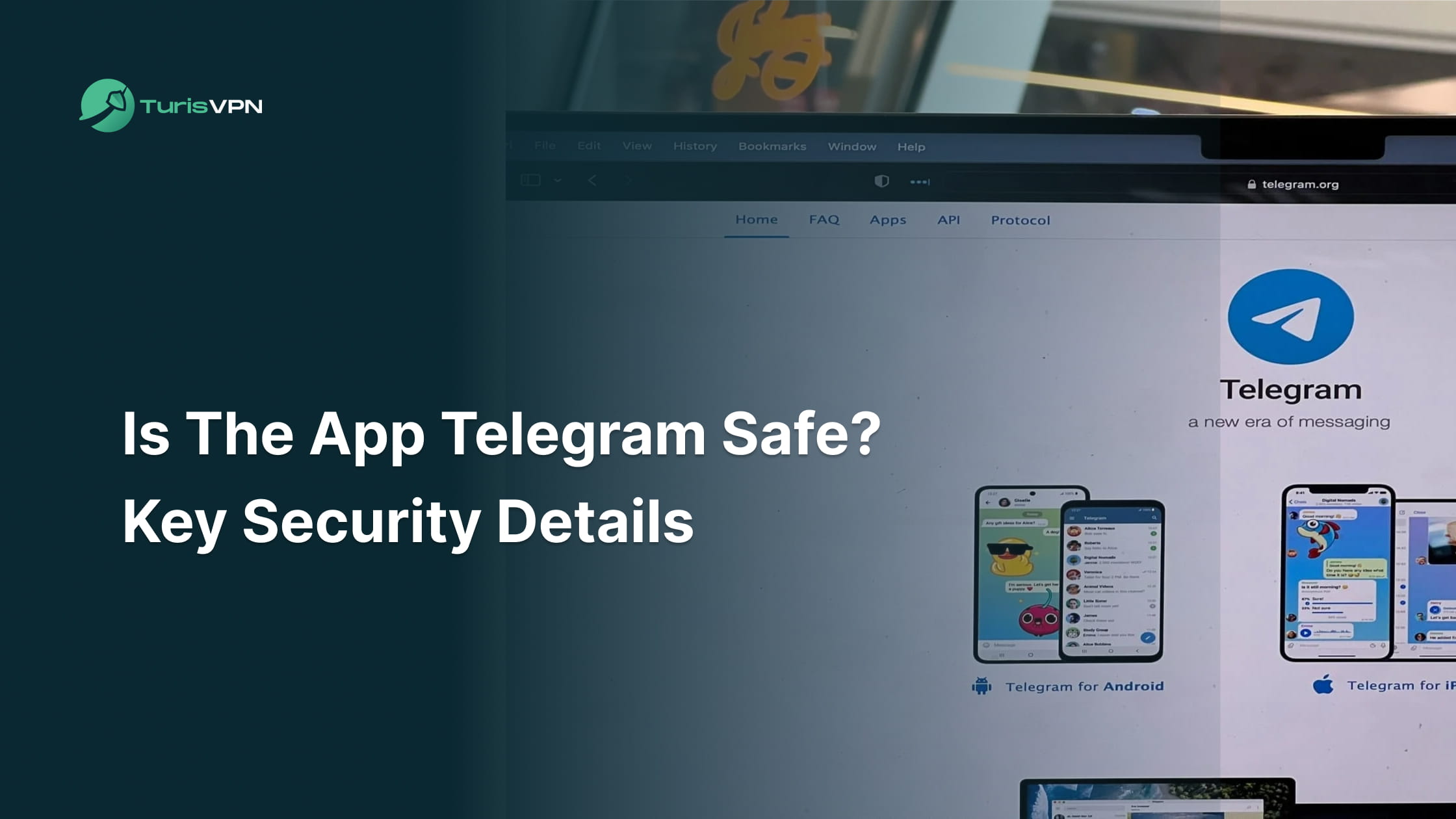
Telegram is a safe app for millions of users who prioritize speed and rich features, but its security for private conversations depends heavily on how you configure your settings. While the platform currently serves over 900 million users, this massive scale makes it a primary target for sophisticated hackers and digital surveillance.
At TurisVPN, we believe you deserve a clear look at how your data is handled. This guide breaks down Telegram’s security gaps, explains how to protect your identity, and shows you why a VPN is your best defense against modern digital threats.
Overview of Telegram’s security features
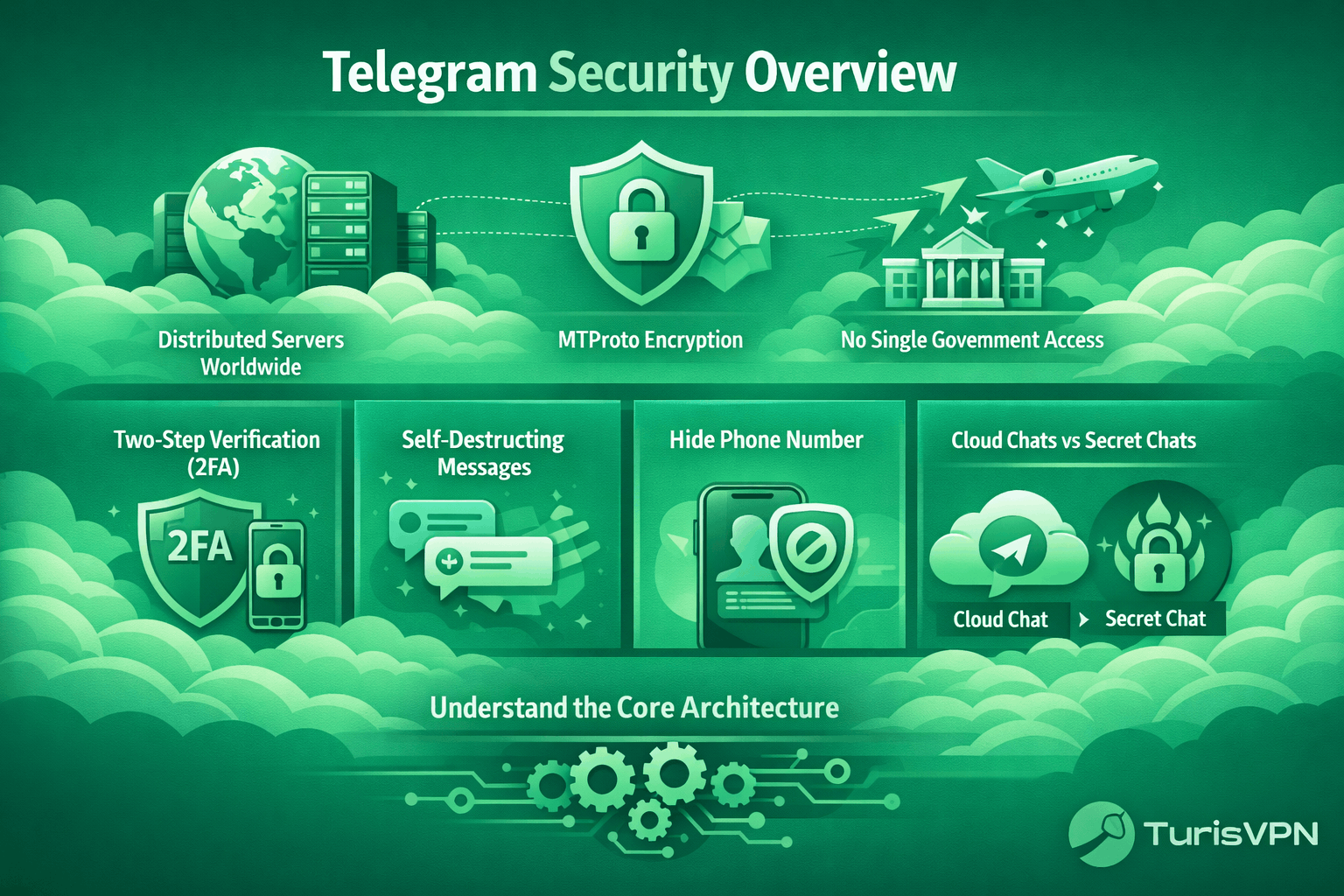
Telegram uses its own MTProto protocol to protect data sent between your device and its servers. This custom encryption is the engine behind the app’s speed and its ability to host massive groups and bots. The platform distributes its servers across multiple countries to ensure that no single government can easily seize user data without triggering a global legal battle.
Beyond basic encryption, Telegram provides several tools to help you stay private. You can set up two-step verification (2FA), use self-destructing messages, and even hide your phone number from people you don’t know. These layers of defense give you control over how much of your digital life is visible to others.
However, these features are only effective if you know how to use them properly. Understanding the difference between a “cloud chat” and a “secret chat” is the first step toward true privacy. While these built-in features provide a solid foundation for privacy, we must examine the platform’s core architecture to answer the most important question.
Is the App Telegram Safe?
Yes. The Telegram app is safe to use for most general users, but its security depends entirely on which features you use. While Telegram is much more secure than traditional SMS, its default settings prioritize convenience over total privacy.
Standard conversations on the platform use “Cloud Chats,” which are encrypted during transit but stored on the company’s servers. Telegram allows you to sync messages across multiple devices, but it also means the service provider holds the decryption keys. For many, this setup makes the platform feel like “public-lite” rather than a fully private vault.
If your goal is to share sensitive data or business secrets, you should not rely on the default settings. Instead, you must manually enable “Secret Chats” to ensure that only you and the recipient can read the messages. In short, the platform offers high-level security, but you must actively turn it on to stay fully protected.
Knowing these basic safety levels leads us to examine the specific reasons some experts still have doubts about the platform.
Key Security and Privacy Concerns with Telegram
Many cybersecurity experts often debate why Telegram is a red flag when compared to apps that encrypt everything by default. We will now examine the specific technical issues that give rise to these security concerns.
1. Lack of Default End-to-End Encryption (E2EE)
Standard conversations on the platform do not use end-to-end encryption by default, meaning your data is not private between the sender and receiver. End-to-end encryption is a security system where only the sender and receiver can read messages, as data is scrambled on one device and unscrambled only on the other.
In a typical cloud chat, your messages are stored on a central server to allow access from any device, but this means the service provider holds the decryption keys. While this architecture enables easy syncing, it creates a significant vulnerability if those servers are ever compromised or legally accessed.
For those prioritizing absolute privacy, this lack of default encryption requires you to manually start “Secret Chats” to ensure only the intended recipient can read your messages. This technical choice is a central point when comparing privacy settings between Telegram and WhatsApp, or weighing the pros and cons in the Signal vs. Telegram security debate.
2. Proprietary and Closed-Source Technology
The platform uses its own private encryption protocol instead of industry-standard tools that the public can verify. One of the primary disadvantages of Telegram is its “closed-source” approach to server-side software. In software terms, “closed-source” means the original code is a trade secret that is not shared with the public.
Unlike open-source apps, where anyone can inspect the code for bugs or backdoors, Telegram’s back-end remains a “black box” under the company’s complete control. Since the back-end code is not open source, users cannot independently verify how their data is handled once it reaches the hardware.
This reliance on company trust rather than verifiable facts presents a risk for high-stakes communication. The llack of transparency means you must trust that the developers have not made mistakes or left intentional gaps in the security layers.
3. Metadata Collection and IP Leaks
The app collects metadata, such as your IP address, which can reveal your physical location to others on the network. During voice calls, a peer-to-peer connection might even expose your IP directly to the person on the other end.
This is a common reason why users search for how to block someone on Telegram when they suspect a contact is tracking their digital footprint. Metadata reveals patterns of behavior that are often just as sensitive as the message content.
4. Platform Misuse and Lax Moderation
Large groups and automated bots make the app a frequent target for scammers and malware distribution. Because moderation is relatively loose, malicious actors can easily create fake profiles to steal sensitive user data.
Many people look for ways to delete a contact in Telegram after realizing they accidentally added a scam bot to their list. Human error, such as social engineering, remains the platform’s biggest security vulnerability.
5. Legal and Geopolitical Risks
Telegram has shifted operations across jurisdictions, including its current registration in Dubai, UAE, complicating its legal status despite its Russian founders. Pavel Durov left Russia in 2014 after refusing VK’s data-sharing demands, relocating the team through multiple countries to the Middle East. This history often leads users to ask whether Telegram is a Russian app, but it remains independent of Kremlin control.
Standard cloud chats are stored on servers, exposing users to potential compliance with legal requests across jurisdictions. Telegram now shares IP and phone data in response to valid requests, while Secret Chats remain end-to-end encrypted. This creates uncertainty and risk for sensitive activities under strict regimes
With these risks in mind, let’s summarize the practical benefits and drawbacks of using the platform.
Pros & Cons of Using Telegram
We must evaluate the platform’s specific advantages and drawbacks to determine whether its features align with your personal security needs. Below is a table summarizing the app’s key strengths and vulnerabilities to help you make an informed decision about your privacy.
| Feature | Pros | Cons |
| Encryption | Secret Chats offer E2EE; MTProto is fast. | Default chats are not E2EE; Proprietary code. |
| User Experience | Syncs across all devices; 2GB file sharing. | Large groups can be “noise” and harbor scams. |
| Privacy Tools | Self-destructing messages; Hide phone number. | Collects metadata and IP addresses by default. |
| Accessibility | Best bots and “cheapest Telegram premium” options. | High risk of social engineering and phishing. |
Weighing these factors helps you decide when to use the app and when to switch to a more secure alternative. While the pros are significant for daily use, the cons require a proactive security approach. Now that you know the trade-offs, let’s look at the specific steps you can take to secure your account.
How to Use Telegram More Safely
Alt: Is the app Telegram safe to use?
Telegram is safe if you take five minutes to lock down your account today. We suggest checking these settings every few months to make sure nothing has changed. Staying safe is an ongoing process, not a one-time task. Follow these simple steps to protect your data from hackers and unwanted guests.
1. Enable End-to-End Encryption (Secret Chats)
You must manually start a “Secret Chat” to engage end-to-end encryption for any conversation you want to keep private. Unlike regular chats, these are device-specific and are not stored on Telegram’s servers, meaning only you and the recipient can read them. Step-by-Step to Start a Secret Chat:
- Open the profile of the person you want to message.
- Tap on the three dots (More) or “Edit.”
- Select “Start Secret Chat.”
- Confirm the action and wait for the recipient to come online.
Using this mode ensures that even if Telegram is hacked, your secret messages remain unreadable because the keys are only on your physical devices.
2. Lock Down Your Account Access
Securing your account with Two-Step Verification (2FA) is the single most effective way to prevent unauthorized logins. Even if someone steals your SIM card or intercepts your SMS code, they cannot access your account without your secondary password. How to enable 2FA:
- Go to Settings > Privacy and Security.
- Tap on Two-Step Verification.
- Set a strong, unique password and a recovery email.
Additionally, we suggest you check your “Active Sessions” regularly to ensure no unauthorized devices are logged in to your account. If you see something suspicious, terminate the session immediately.
3. Tighten Privacy Settings
Telegram’s default privacy settings are often too permissive, allowing strangers to see your phone number or add you to random groups. To stop this, you must restrict who can interact with you and see your personal details. Here is how to strengthen the privacy checklist:
- Phone Number: Set to “Nobody” or “My Contacts.”
- Last Seen & Online: Set to “My Contacts” or “Nobody.”
- Groups & Channels: Restrict to “My Contacts” only to avoid being added to scam groups.
- Voice Calls: Set Peer-to-Peer to “Never” or “My Contacts” to prevent IP leaks.
Managing these settings reduces the chance of unwanted contact and keeps your profile hidden from data scrapers.
4. General Safety Best Practices
Beyond the app’s internal settings, using external security tools is the best way to ensure your connection is truly private. We always recommend using a VPN like TurisVPN to hide your IP address and encrypt your entire internet tunnel. This prevents your ISP or local network administrators from even knowing you are using Telegram.
Always be wary of clicking links or downloading files from people you don’t know. If you experience connection issues or messages aren’t sending, checking for a localized outage, such as Telegram down in Singapore, can help you determine if the problem is a server failure rather than a security breach. Staying calm and using verified tools will keep your data safe.
This brings us to why a dedicated VPN is the missing piece of your security puzzle.
Why Using TurisVPN is Essential for Telegram Security
Telegram is generally safe, but your ISP can still see your IP address and track your activity. By routing your traffic through our encrypted tunnel, TurisVPN masks your real identity and shields your data from external monitoring. Our service offers high-performance features designed for total privacy.
We use the WireGuard protocol for blazing-fast speeds and follow a strict no-logs policy to ensure your history is never recorded. With military-grade encryption and global server access, we provide a complete shield for your digital life. Setting up our service is simple and takes only a few minutes.
Follow these steps to secure your connection before you open your next chat:
- Download: Start by downloading our secure application from the official website or installing our lightweight extension in your desktop browser.
- Sign In: Open the app and log in to your account or create a new one in seconds.
- Select a Server: Choose a secure location from our global list, such as a Singapore or Malaysia server.
- Connect: Tap the “Connect” button to activate your encrypted tunnel and hide your IP address.
Once your connection is secured with our VPN, you can enjoy all the platform’s features without fear of being tracked or intercepted.
Bottom Line
Is the app Telegram safe for you to use in 2026? Yes, it is a great tool for fast communication, as long as you are willing to manage your own privacy settings. While the app is famous for features like the cheapest Telegram Premium plan, its real value lies in its “Secret Chat” and 2FA features.
By taking a few minutes to secure your account and using TurisVPN to hide your connection, you can chat with total peace of mind. Don’t wait for a breach to happen before you take action. Lock down your settings today and keep your private life private.
FAQs
Q1. Is Telegram Safe from Malware and Scams?
Telegram is generally safe from malware if you do not download files or click links from unknown sources. However, because it is a popular platform for bots and large groups, it is a frequent target for scammers.
Q2. Is Telegram fully encrypted?
No, Telegram is not fully encrypted by default. Only “Secret Chats” are end-to-end encrypted; regular cloud chats are encrypted between the client and the server but are stored on Telegram’s hardware.
Q3. Is Telegram safe for sending private photos?
No, it is safe only if you use Secret Chats and enable the self-destruct timer. This ensures the photo cannot be saved to the recipient’s cloud or forwarded to others.
Q4. Is Telegram a Russian app?
While Telegram was founded by Russian entrepreneur Pavel Durov, it is not currently a Russian app under either legal jurisdiction or server location. The company is headquartered in Dubai and has explicitly stated that it moved to avoid Russian government interference.