Over 4 million subscribers wake up to 1440 every morning. In an era of daily news overload, newsletters like 1440 have surged in popularity by offering curated briefings from multiple sources with minimal commentary.
Yet many readers still ask: Is 1440 News safe? Does it carry hidden bias, quietly sell your data, or blur the line between reporting and advertising? Our blog post explains what 1440 is, whether it’s truly unbiased, what real user reviews reveal, how safe it is to use, and the best practices for protecting your privacy when subscribing.
Key Takeaways
| – 1440 News is safe; it operates transparently, with clear privacy practices and no selling of personal data. – 1440 strives for neutrality, offering concise summaries without partisan framing. – 1440 News is free and funded through sponsorships and affiliate marketing, not subscriptions. – 1440 prioritizes user privacy with minimal data collection and strong security standards. – Sponsored content and affiliate links are clearly labeled for transparency. |
What is 1440 News?
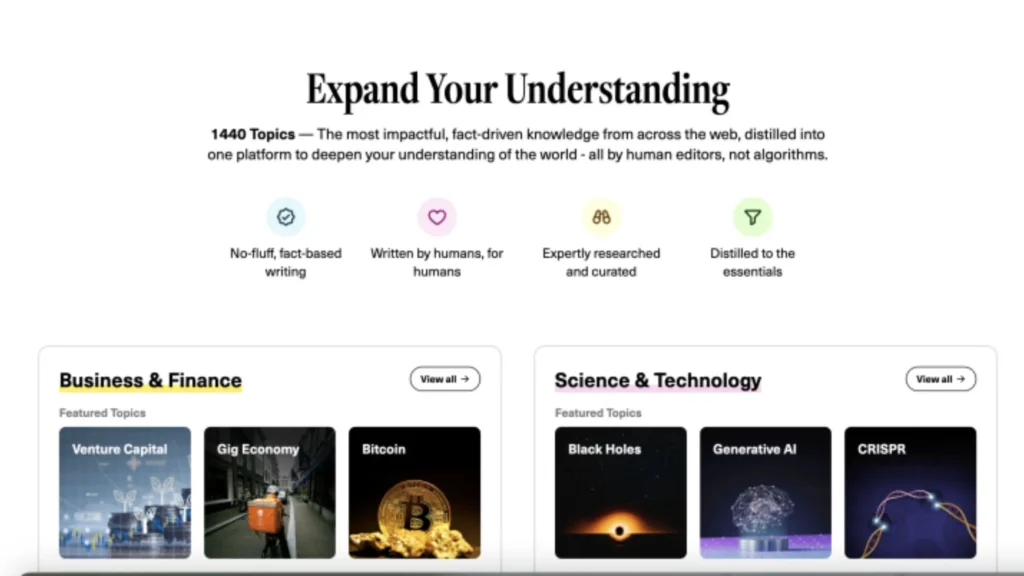
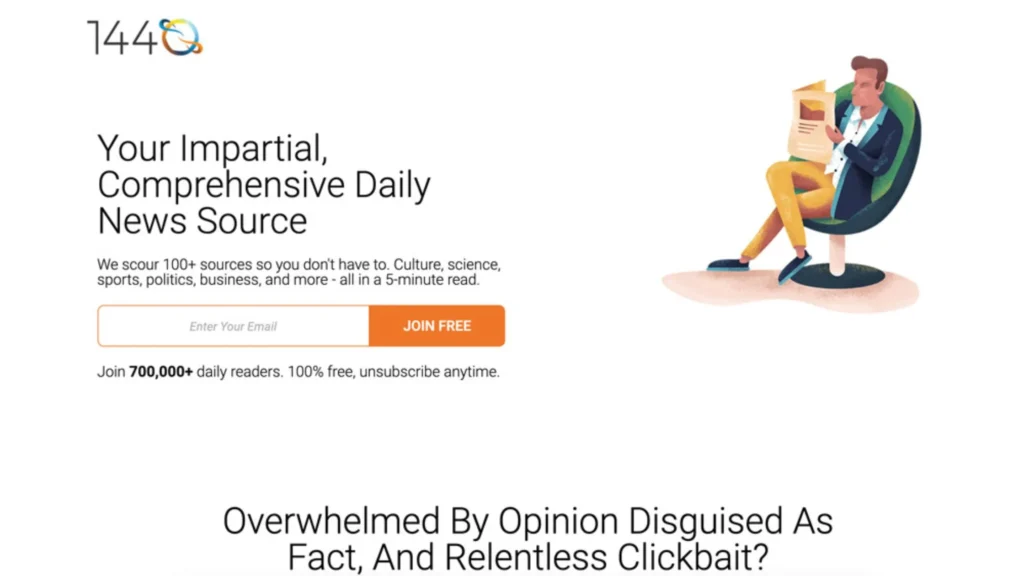
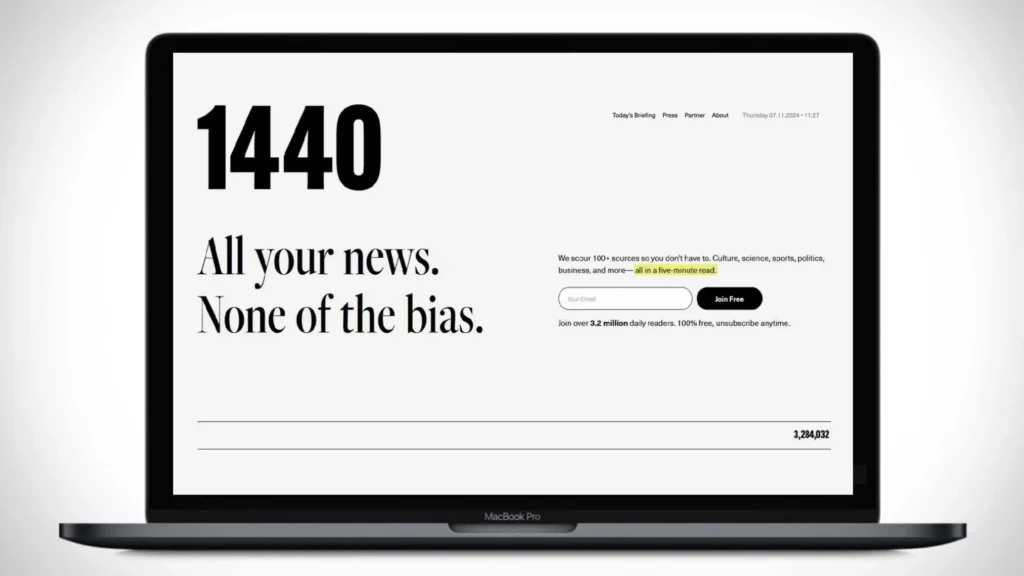
1440 News is a free daily email newsletter launched in 2017 by Tim Huelskamp, Andrew Steigerwald, and Pierre Lipton. The was designed to give readers “all your news in 5 minutes” without the noise of clickbait or heavy editorializing.
The name “1440” refers to the 1,440 minutes in a day, symbolizing efficient use of time, and it nods to the year 1440, when the printing press was invented, a turning point in the spread of information.
Here’s what sets the 1440 newsletter apart:
- Coverage: U.S. and global politics, business, science, culture, and trending events.
- Format: Concise, fact-based summaries with direct links to sources. Minimal commentary ensures readers can form their own opinions.
- Ownership: Run by 1440 Media LLC, this is also the reason why we call “ 1440 News” an independent company with no corporate parent or major media backing.
- Cost: The 1440 news daily briefing is free to subscribe to. There’s no membership fee, though the company generates revenue via sponsorships and some optional partnerships.
This positioning has made 1440 attractive to busy professionals, students, and anyone who wants a quick, neutral news overview without sifting through dozens of outlets.
Is 1440 News Really Unbiased?
Yes, 1440 News is one of the more balanced and concise news sources available. It positions itself as delivering “news without bias,” and Media Bias/Fact Check rates it as Least Biased with high factual reporting.
The newsletter curates diverse sources, linking to original reporting from multiple outlets across the political spectrum. This approach ensures that readers are exposed to a range of perspectives rather than a single ideological viewpoint.
1440 News emphasizes factual reporting, citing sources and avoiding sensational headlines. Summaries are concise and primarily informational, helping readers get the core facts quickly.
So, while 1440 strives for neutrality, like all media, it is not completely free from bias. However, compared to many alternatives, it is one of the most balanced and trustworthy options available.
If you’re looking for a relatively unbiased source of news, 1440 News is a solid choice, but remember that perfect objectivity is impossible.
| >> Read more: Is It Safe To Access Ahmia? |
Is 1440 News Safe to Use?
Yes, 1440 News is safe to read and subscribe to. The platform operates with transparency and adheres to solid privacy standards, making it a trustworthy source for your daily news.
Privacy and Safety Overview
Based on 1440’s privacy policy and independent reviews, here’s a breakdown of what you need to know about its safety:
- Data Collection:1440 News collects basic data such as email address, IP address, browser/device type, and site activity to enhance user experience and improve its service. This data is necessary for functionality, like delivering the newsletter and offering analytics.
- Data Sharing: The company clearly states that personal data is not sold to third parties. They may share some information with service providers, such as those handling email delivery or conducting analytics, but there’s no indication of malicious or insecure data sharing practices.
- Security: Users can access, edit, or delete their personal data by reaching out to 1440’s privacy team. This level of control ensures that your information is safe and manageable.
- Transparency: 1440 News provides clear contact details, a privacy policy, and opt-out links in every email. This openness fosters trust and ensures users can easily manage their subscriptions.
Therefore, 1440 News operates safely and securely, offering a valuable service with minimal risks to your privacy.
1440 News Reviews and Complaints from Real Users
- Positive Feedback: Users highlight 1440 News’ concise, fact-based summaries without overwhelming details. Appreciated for unbiased reporting, neutral tone, and lack of sensational headlines. Many subscribers value it for time efficiency and coverage of multiple topics in one digest. Snopes and Ad Fontes Media Bias chart findings confirm that 1440 generally sticks to the facts without favoring one political leaning. Readers from diverse backgrounds, including busy professionals and students, find it trustworthy and useful.
- Main Complaints: Some users perceive minor left-leaning tendencies in wording for certain political topics (e.g., reporting on Trump administration policies). A few comments suggest that “facts are left-leaning according to Republicans,” reflecting subjective interpretations rather than evidence of bias.
Readers see 1440 News as a refreshing alternative to ad-heavy or partisan media sources, and the overall user sentiment is overwhelmingly positive.
| >> Read more: Is Y2Mate Safe? Is Stremio Safe to Use in 2025? |
How to Use 1440 News Safely?
To maximize your safety while using 1440 News, follow these best practices to protect your data and privacy while enjoying daily updates:
Verify Authenticity of Emails and Links
Always ensure that emails and links from 1440 News are coming from the official https://join1440.com/ domain. Phishing attacks often disguise themselves as legitimate newsletters, so it’s essential to double-check that the sender is genuine.
If you’re unsure, avoid clicking on any links and directly type the URL into your browser.
Use Strong, Unique Passwords
A strong, unique password is your first line of defense. Ensure that your email account, which is linked to 1440 News, has a complex password.
Avoid reusing passwords across multiple sites to reduce the risk if one of your accounts gets compromised.
A strong password typically:
- Is at least 12 characters long
- Uppercase and lowercase letters
- Numbers and special symbols
- Avoids common words, names, or predictable patterns
Tools to help create and manage strong passwords:
- LastPass: generates and stores secure passwords
- 1Password: creates complex passwords and autofills safely
- Bitwarden: free, open-source password manager with strong password generator
Enable Two-Factor Authentication (2FA)
Enable two-factor authentication (2FA) for your email provider if available. This additional layer of security will make it harder for unauthorized individuals to access your account, even if they have your password. Many email platforms like Gmail, Yahoo, and Outlook support 2FA.
Enable Two-Factor Authentication (2FA) on Gmail
- Step 1: Go to your Google Account at https://myaccount.google.com.
- Step 2: In the left sidebar, click Security.
- Step 3: Under “Signing in to Google”, select 2-Step Verification and click Get Started.
- Step 4: Enter your Google password to verify your identity.
- Step 5: Follow the prompts to add a second verification method (e.g., phone number for SMS codes or an authenticator app like Google Authenticator).
- Step 6: Once set up, every time you log in to Gmail on a new device, you’ll be prompted for the 2FA code in addition to your password.
Avoid Using Public or Unsecured Wi-Fi
Public Wi-Fi networks are often not secure. If you’re opening 1440 News emails or clicking on links while on a public network, you run the risk of exposing your data to hackers.
Avoid public or unsecured Wi-Fi when checking emails or accessing external news sites.
Regularly Update Apps and Devices
Ensure that your browser, email apps, and devices are regularly updated. Software updates often contain security patches that protect you from vulnerabilities. Set your devices to auto-update for convenience.
Understand Their Privacy Policy
Before subscribing, take the time to review 1440 News’ privacy policy. It will provide you with insights into how your data is collected, stored, and used. Knowing their practices helps you make informed decisions about your data privacy.
Beware of Suspicious Requests
1440 News will never ask you for sensitive information such as Social Security numbers (SSNs) or credit card details. If you receive any requests like this, it’s likely a scam.
Do not respond or provide any information. Always verify with 1440 News before acting on such requests.
Use Reputable VPN Services
For extra privacy when browsing external links, consider using a VPN service. A VPN encrypts your internet traffic, ensuring that your browsing history remains private, even when accessing external news sources.
To enhance your privacy, TurisVPN is an excellent option for secure browsing. Here’s how to use TurisVPN to protect your information:
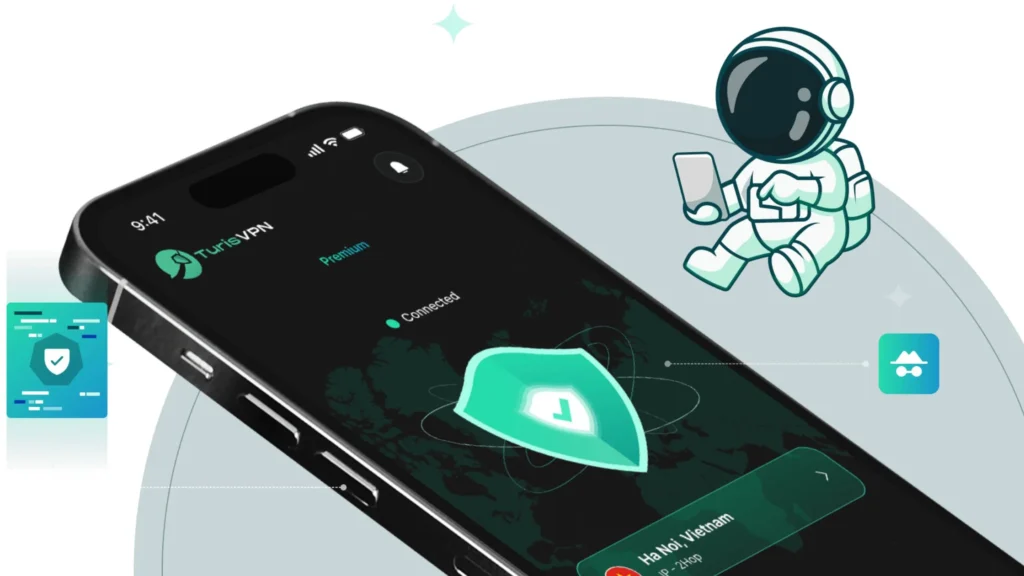
Steps to Use TurisVPN for Extra Privacy:
- Step 1: Download and install TurisVPN: Available for iOS and Android
- Step 2: Log In: Create an account or log in if you already have one.
- Step 3: Select a Server Location: Choose a server that is geographically close to your location for optimal speed. (e.g Singapore VPN)
- Step 4: Access 1440 News Safely: Browse and open the newsletter links while keeping your connection secure.
TurisVPN will ensure that your online activities, including visiting 1440 News and other websites, stay safe and private.
The Ways 1440 News Makes Money
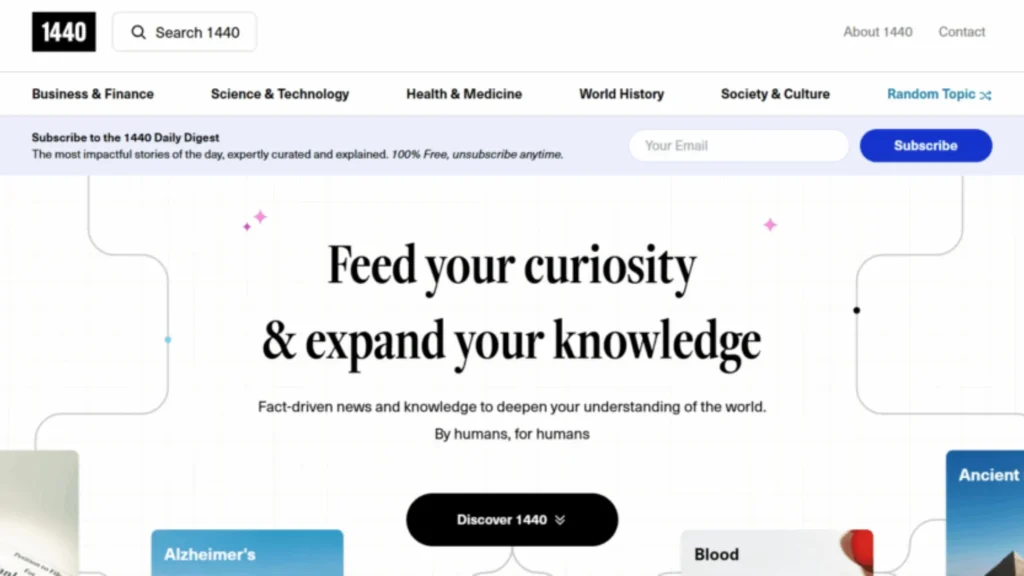
1440 News provides free daily newsletters to its subscribers, it still needs a sustainable business model to operate and maintain the service. Here’s how 1440 News generates revenue:
- Native Advertising & Sponsorships: These are often clearly labeled within the newsletter, ensuring transparency. Sponsored sections might include product recommendations or service promotions tailored to the demographic of 1440 News subscribers.
- Affiliate Marketing in Lifestyle/Product Sections: When subscribers click on affiliate links and make purchases, 1440 News earns a small commission. These links are typically for products or services that align with the interests of the newsletter’s professional audience.
- Partnership Promotions with Other Newsletters or Services: These collaborations often involve promoting relevant offers or products to their audience. For example, 1440 News might promote services or content that is aligned with their values or is of interest to their subscribers. In exchange for promoting these services, 1440 News receives compensation.
- No Subscription Fee: Free Access to Attract Advertisers: The fact that 1440 News is free to subscribe makes it more appealing to advertisers who want to reach a broad and diverse audience. By offering free access, 1440 News can maximize its reach and attract more sponsorship and advertising opportunities, ultimately enabling the newsletter to grow without relying on user subscriptions.
Through these methods, 1440 News has managed to balance providing a free service to its readers while maintaining a sustainable business model.
Bottom Line
1440 News is a safe and legitimate daily newsletter offering concise, unbiased news summaries without sensationalism. It provides valuable content in a user-friendly format and adheres to privacy standards, making it a trustworthy source of information.
If you’re looking for a reliable, efficient, and unintrusive news source, 1440 News is a solid choice.
FAQs
Q1. Who owns 1440 News?
1440 News is owned and operated by 1440 Media LLC, an independent company with no corporate parent. The company was founded by Tim Huelskamp, Andrew Steigerwald, and Pierre Lipton.
Q2. Is 1440 News free?
Yes, 1440 News is completely free to subscribe to, with no subscription fees. The newsletter is funded primarily through sponsorships and advertising.
Q3. Why the name 1440?
The name “1440” refers to the 1,440 minutes in a day, emphasizing the company’s goal to deliver the day’s news concisely and efficiently, allowing readers to stay informed without wasting time.
Q4. Does 1440 News sell your email address?
No, 1440 News does not sell your email address. They are transparent about their data handling, and while they do collect some information for service provision, they do not share personal data with third parties for profit. Their privacy policy ensures that your email and personal details are protected.