Many people search for how to get Discovery Plus for free because Discovery Plus has a treasure trove of reality shows, documentaries, and live events.
Is Discovery Plus free? The answer is mostly no, but several ways let you access it without paying up front. This article explains how to stream Discovery Plus free or with discounts through trials, promotions, and clever tricks using TurisVPN.
What is Discovery Plus?
Discovery Plus is a subscription streaming service from Warner Bros. It offers nonfiction shows and documentaries pulled from channels such as the Discovery Channel, TLC, Animal Planet, and Food Network. The platform focuses on real-world programming, covering nature, crime, home improvement, and sports.
Some users wonder, “Do you have to pay for Discovery Plus?” Generally, yes, but Discovery Plus offers free trials, free content, and subscription plans that either include advertisements, are ad-free, or come with an additional cost (such as sports). Each subscription will have a different monthly cost. There are often promotional offers and trials.
The Discovery Plus library has a huge collection of original and exclusive singles and series that subscribers can stream, such as “90 Day Fiancé,” “Gold Rush,” and “The Diana Investigations.” Sometimes, you can watch free live streaming of Discovery Channel content through the Discovery GO app.
Discovery Plus also has live events and sporting events, depending on the subscription purchased (e.g., Premium). In essence, fans seek ways to get Discovery Plus for free for its foundation of entertainment for fans of reality programming, and a step beyond scripted TV.
How to Get Discovery Plus For Free: 7 Ways to Access
Unlocking ways to get Discovery Plus for free can be simple with some insider tips. If you wonder how to watch the Discovery Channel for free, below are seven practical methods to enjoy Discovery Plus content without an immediate payment.
Use Free Trial
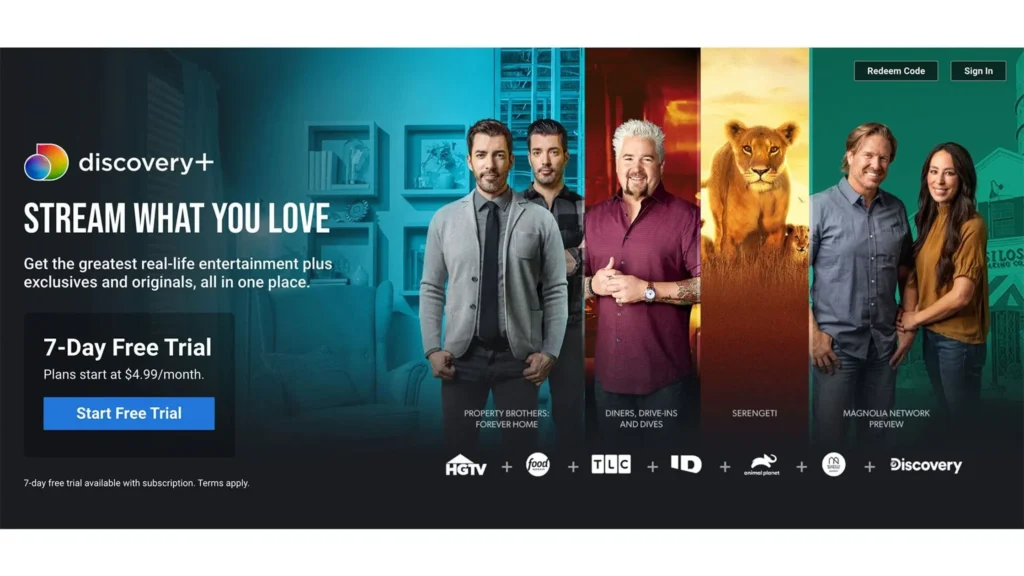
The most straightforward way is via the standard Discovery Plus free trial, which offers 7 days of full access, including the Discovery GO free trial for live streams. This free trial is the simplest way to access everything without paying. You can choose between an ad-supported or an ad-free experience during this period.
Here are 5 clear steps for signing up for a Discovery Plus free trial:
- Step 1: Just go to the Discovery Plus website.
- Step 2: Click “Sign Up” and enter your email, then create a password.
- Step 3: Choose a subscription plan that includes the free trial.
- Step 4: Fill in your payment details as required.
- Step 5: Confirm your registration, and the free trial begins immediately.
Just be sure to cancel before the seven days end if you don’t want to be charged afterwards.
Use Shared Accounts
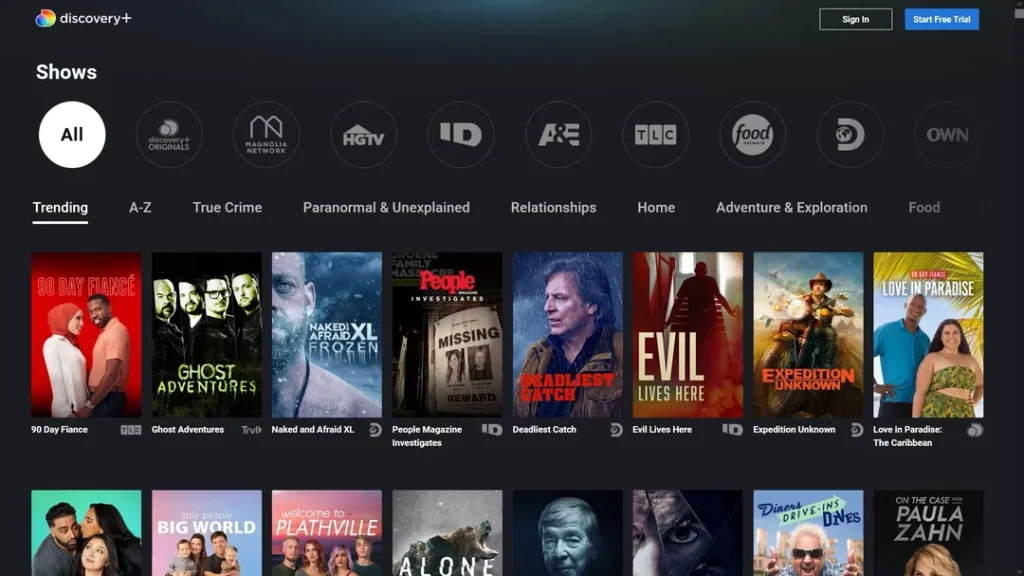
There are lots of plans on Discovery Plus that will give you access to stream on multiple devices at the same time. If you have a family member or friend with a Discovery Plus subscription, you can ask them to share a login with you. Using a shared login means you get full access to everything, but don’t have to pay separately.
Just be sure to respect the privacy of the account holder and do not share the login with others. Many streaming services, including Netflix, offer bundled or shared access. To learn how free trials and sharing work on other platforms, check out our advice on How to Get a Netflix Free Trial.
Access Discovery Plus via Amazon Prime Channels Trial
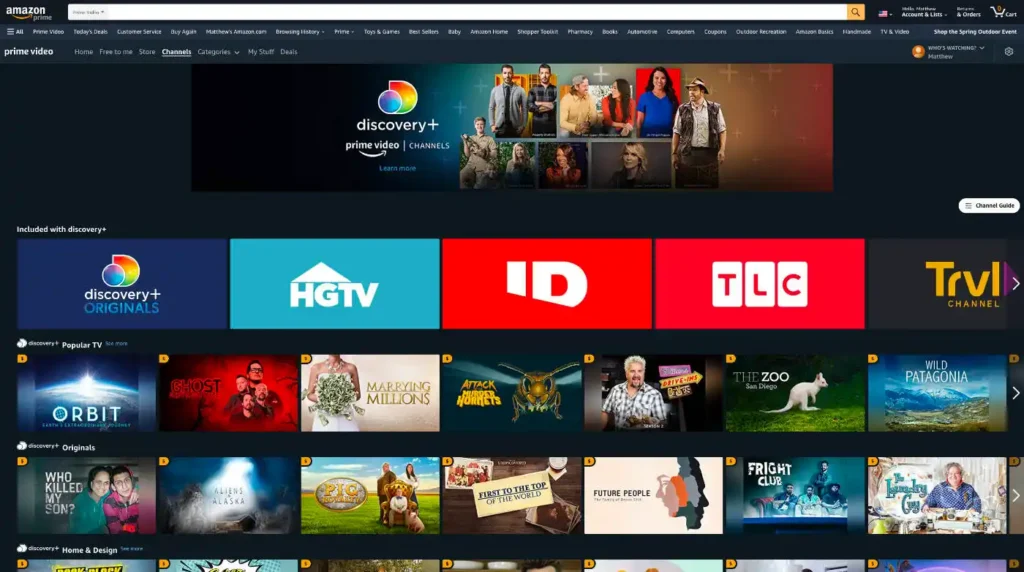
If you have Amazon Prime, you gain extra perks. Amazon offers Discovery Plus as an add-on channel, usually with a Discovery Plus free trial lasting 30 days or seven days, depending on the promotion. You can add this channel through your Prime account, then start watching Discovery Plus right inside the Prime Video app.
If you wish to stop the trial, here is the step-by-step to cancel Discovery Plus through Amazon:
- Step 1: Log in to your Amazon account using a web browser (desktop or mobile).
- Step 2: Hover over “Account & Lists” at the top right and select “Memberships & Subscriptions.”
- Step 3: Scroll through the list and find Discovery Plus in your active subscriptions.
- Step 4: Click the “Cancel Subscription” or “Cancel Channel” button next to Discovery Plus.
- Step 5: Follow the on-screen prompts to confirm cancellation.
You will receive a confirmation email, and your access continues until the billing period ends.
Explore Free Discovery Plus Content
Discovery Plus sometimes offers select shows or previews at no cost. By visiting the Discovery GO app or the Discovery website, you can watch some free content without paying or creating an account.
These options change often, so check regularly to catch new free episodes or specials. This is a good way to enjoy parts of the service without subscribing. This option gives another easy route to stream Discovery Plus for free.
Check for Promotional Offers
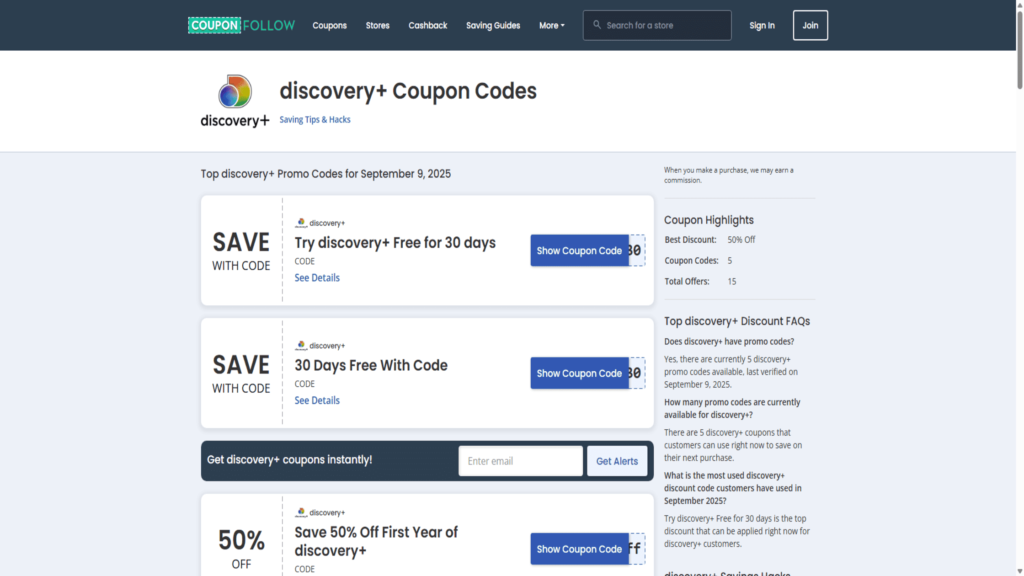
Discovery Plus often offers promotional codes that can save you money on subscriptions. Current deals include up to 50% off the first year, $5 off your purchase. Students may find unique savings through the Discovery Plus student discount for as low as $2.99 a month.
Trusted websites like CouponFollow and SimplyCodes provide up-to-date Discovery Plus coupons and promo codes. Some current offers include:
- 50% Off First Year – Code: SAVE50
- $5 Off Subscription – Code: FIVEOFF
- 15% Off Sitewide – Code: DISC15
- 30% Off Subscription – Code: THIRTYOFF
- Student Discount (40% Off) – Code: STUDENT40
- Extended 30-day Free Trial – Code: WELLDONE30
Please note that the promo code availability may vary, so always verify the code’s validity on trusted coupon sites before use. Regularly checking these sites can help you score a deal on Discovery Plus and enjoy free Discovery Plus when available.
Utilise Public Library or University Programs

Some public libraries and universities offer free access to streaming services. While not widespread, a few institutions may grant streaming sites as part of their digital media collection.
Ask your local library or school media centre what streaming benefits they provide. If available, this allows you to watch Discovery Plus for free legally at no personal cost.
Use VPN to Access Free Trials in Other Regions
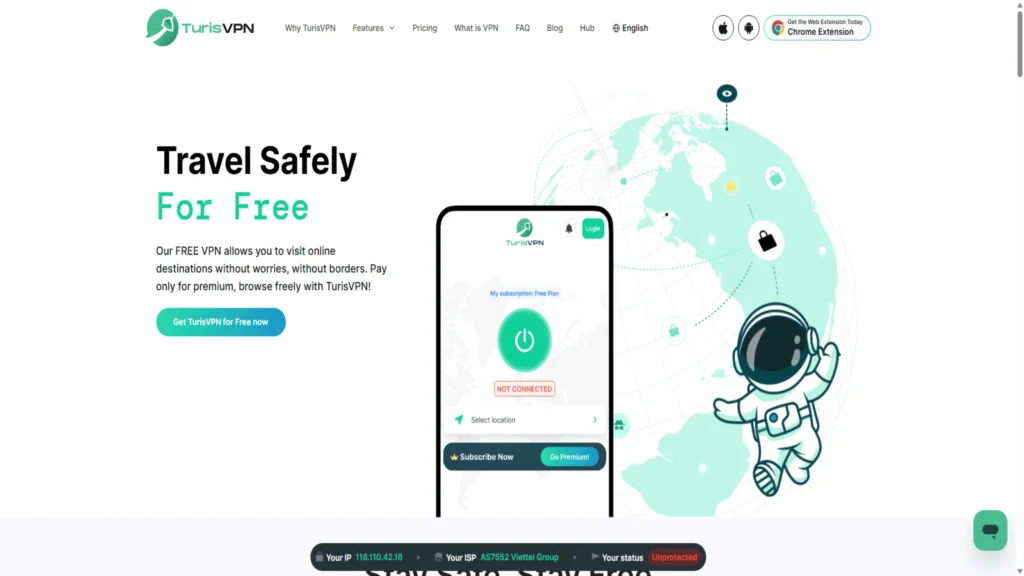
Like many streaming services, Discovery Plus has differing offers and trials depending on the country/region. If you use a VPN service such as TurisVPN, you can change your virtual location, and you may be able to access free trials or free promotional offers that may not be available in your current geographical region.
To take advantage of this approach, you will set up and use a VPN and register through the region-specific Discovery Plus site that has the trial available, such as the United States, Canada, or the United Kingdom.
Clear cookies on your browsers or use incognito mode, and sign up for the free trial while connected. Stream content during the trial and remember to cancel before it ends to avoid charges.
Why TurisVPN Helps Unlock Free Discovery Plus Anywhere
Using TurisVPN is key to accessing Discovery Plus for free or longer trial options that might be geographically locked. VPNs mask your IP address, making it appear as though you are browsing from another country, where better deals or free trials exist.
TurisVPN is reliable for bypassing geo-restrictions with strong security and fast speeds, ensuring smooth streaming. Using TurisVPN ensures your streaming sessions stay private and lets you access more shows by virtually changing your location.
Here is a short step-by-step guide to install and set up TurisVPN for you to refer to:
- Install and open the TurisVPN app.
- Sign in with your TurisVPN account credentials.
- Choose a server location where your desired streaming service offers content or free trials (for example, the US or UK).
- Connect to that server and wait for the connection to establish.
- Open your streaming app or website (e.g., Discovery Plus) while connected to TurisVPN.
- Sign up or log in and start streaming the content available in that region.
- When finished, disconnect the VPN or switch servers if needed for other content.
For more details on unlocking geo-blocked movie franchises for free, see our guide on platforms that let you watch The Hunger Games for free.
What’s Included in a Discovery Plus Account?
Knowing what you get clarifies why many seek ways to get Discovery Plus for free.
Free Membership vs. Basic Plan vs. Standard Plan
- Free Membership offers limited content and a few live channels with ads. It’s a way to explore some shows with no cost, but it comes with restrictions on on-demand content and streaming quality.
- The Basic Plan is a paid tier giving access to most shows with ads. It has a low monthly fee and is suitable for regular viewers who don’t mind occasional interruptions. Offline downloads and multiple device streaming may be limited.
- The Standard Plan provides an ad-free experience with features like offline downloads and streaming on several devices simultaneously. It costs more monthly but suits viewers who want convenience and uninterrupted watching.
Premium Options (Sports, Live Events)
The top-tier plans include the premium sports channels such as TNT Sports and Eurosport, complete with live Premier League football and other competitions. Fans who want to see them live often subscribe to the premium tiers so that they can watch the full live event.
By this time, if you have considered your viewing style and budget, you will have identified the best fit for you, which will lead to a fulfilling streaming experience. Here is a summary comparison table for you to assess:
| Plan Type | Benefits | Disadvantages | Price (USD/GBP per month) |
| Free Membership | Access to limited content and some live channels for free. | Very limited on-demand content; contains ads; fewer features. | Free |
| Basic Plan | Access to most shows with ads; low monthly fee; good value. | Ads interrupt viewing; no offline downloads; limited streams. | $5.99 (US) / £3.99 (UK) |
| Standard Plan | Ad-free viewing; offline downloads; multiple simultaneous streams (usually 4+ devices). | Higher monthly fee compared to Basic; no live sports included. | $9.99 (US) / £6.99 (UK) |
| Premium (Sports) | Live sports channels; exclusive events | Highest price; not for general entertainment | £30.99–£33.99 (UK) |
If you want specific sports content, like MLB TV, using a VPN may also help you find deals or free trial options for sports streaming, which is explained step-by-step in our free MLB TV guide.
Bottom Line
Learning how to get Discovery Plus for free unlocks a world of quality real-life entertainment without an upfront payment. With options such as the free trial, promotional codes for Discovery Plus, and the powerful TurisVPN, you can find a way to enjoy Discovery Plus free for a year.
Remember to cancel in time if you don’t want ongoing charges. Discovery Plus offers unmatched access to reality shows, documentaries, and sports with plans tailored to all preferences. Try these tips today to start streaming smarter.