Eventually, many users start thinking about stepping away from social media. Although there are many different reasons, it’s common to want a cleaner digital footprint or to take a vacation from constant online interaction.
If you’ve been asking yourself, “how do I delete iFunny account?”, you’re in the right place. This article provides detailed instructions and important considerations for a smooth account deletion process. Let’s get started.
What is the iFunny App?
If you’ve ever searched “what is the iFunny app,” here’s a quick rundown: iFunny is a meme-sharing network available on both mobile application and website, where users may watch, share, and comment on funny material. iFunny, which launched in 2011, immediately gained popularity among teenagers and young adults searching for fast chuckles.
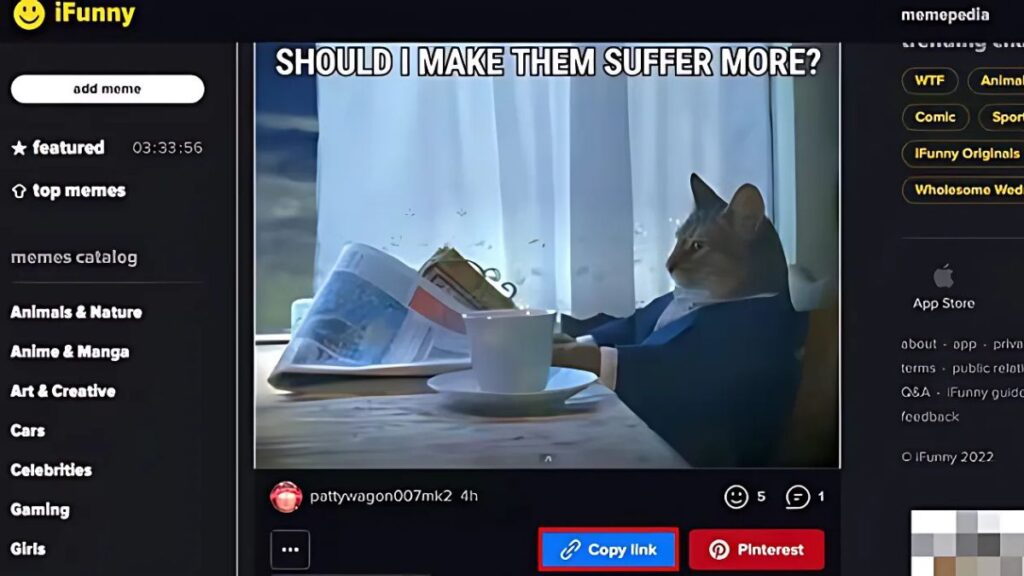
But, beneath the humour, iFunny has received criticism. Many users have expressed concerns over the years regarding improper material, poisonous comment areas, and minimal monitoring. Some even consider some areas of the site as spawning grounds for inappropriate content or extreme ideologies.
As we approach 2025, concerns about user safety, privacy, and platform transparency continue to rise. According to a 2024 Pew Research Center report, 79% of internet users say they are more concerned about online privacy compared to five years ago. Even though iFunny still has loyal fans, growing privacy concerns and shutdown rumors are pushing many users to leave.
Top Reasons Why Users Want to Delete Their iFunny Accounts
The decision to delete an iFunny account often stems from a combination of factors:
Addiction and Productivity Loss
Many users find themselves spending hours scrolling through memes. While funny content can be a stress reliever, excessive screen time often results in decreased productivity and focus.
Many apps – including iFunny – rely on recommendation algorithms to serve up an endless feed, so if you’ve ever found yourself glued to your phone against your will, consider it a warning sign.
Exposure to Inappropriate Content
Despite iFunny’s community guidelines, graphic images, hate speech, and offensive jokes often slip through moderation. Some users, especially parents and younger audiences, cite this as their main reason for deleting their account.
There have also been discussions online about iFunny shutdown rumors tied to its moderation issues, although these have not materialized as of 2025.
Privacy and Data Security Concerns
Many users are also concerned about what data iFunny collects and how it’s used. With increasing scrutiny on digital privacy, users are more conscious than ever about how their information is handled.
Who is the owner of iFunny? The app is owned by FunCorp, a Russian company, which has raised privacy concerns for users in the U.S. and other countries. As regulations tighten, some people prefer to walk away before policies change.
Decline in Platform Quality
Compared to its earlier days, many long-time users claim that iFunny’s quality has dropped. Recycled content, clickbait, and divisive posts dominate much of the feed now.
Combined with fewer updates and limited community management, the app’s appeal is fading for some.
Desire to Regain Control Over Time and Online Identity

Taking breaks from social media or deleting platforms altogether is becoming common. For those who want more control over their mental health and online footprint, deleting iFunny is a positive step. Some users even look up how to search iFunny or search iFunny users before deciding to walk away from the community.
How Do I Delete an iFunny Account Manually?
So you’ve made the decision. But how exactly can you delete an iFunny account? Here are your options:
Method 1 – Delete via Email Request
As of 2025, there’s no in-app “delete account” button. Instead, you’ll need to reach out directly.
- Open your email.
- Send a deletion request to ifunny support email: [email protected]
- Include the following details:
- Your username
- Registered email address
- A simple request like: “Please delete my iFunny account permanently.”
You can refer to the sample email provided by Turis below to send your account deletion request to [email protected]:
| Subject: Request to Delete My iFunny Account To: [email protected] |
| Dear iFunny Support Team, I am writing to request the permanent deletion of my iFunny account. Below are my account details: – Username: [your iFunny username] – Registered email: [your email associated with the account] Please confirm once my account has been successfully deleted. If you need any further information to verify my identity, feel free to let me know. Thank you for your assistance. Best regards, [your name] |
Note: Responses may take a few days, so be patient. If you haven’t heard back within a week, consider resending the email or contacting them via social media.
Method 2 – Delete via iFunny App (If Option Available)
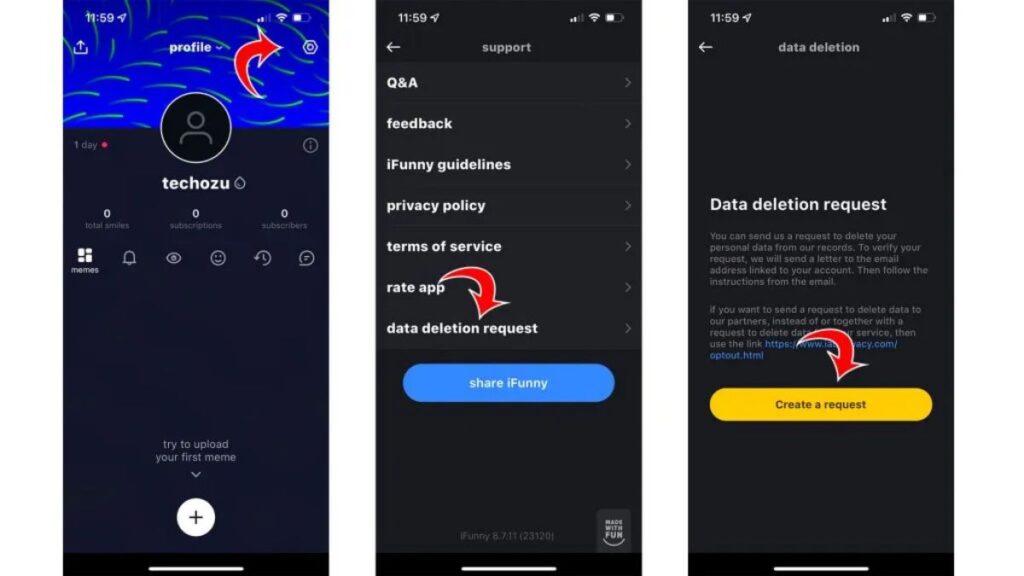
Sometimes iFunny tests new features, so check your app version for an account management option.
- Open the iFunny app.
- Tap on your profile.
- Go to “Settings.”
- If you see a “Delete Account” or “Close Account” option, follow the prompts.
However, most users report that this option is not consistently available.
Method 3 – Unsubscribe from Emails and Notifications
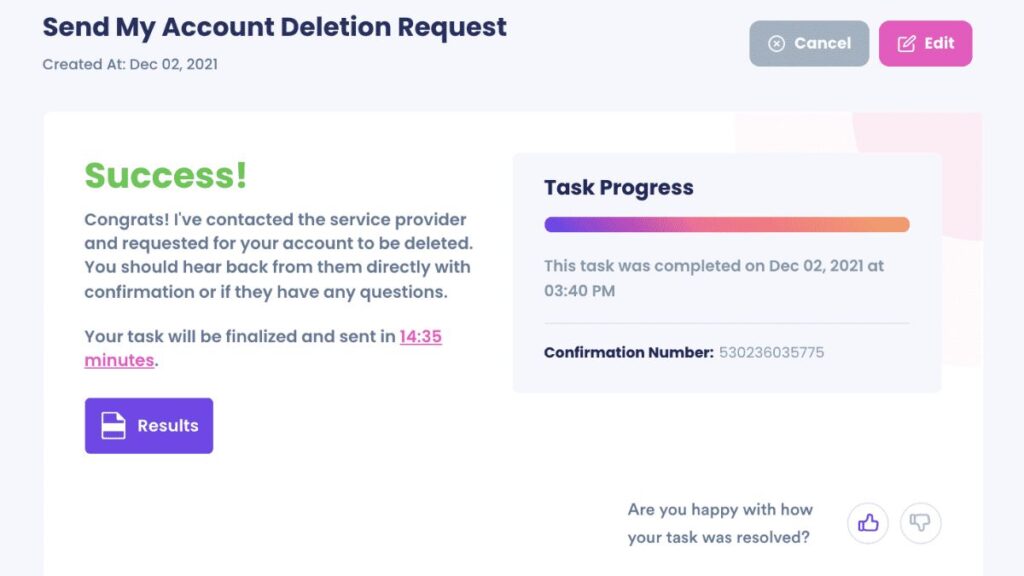
While this won’t delete your account, it helps reduce your digital footprint:
- Open an iFunny email.
- Scroll to the bottom.
- Click “Unsubscribe” to stop email notifications.
- Log in to the app > Settings > Notifications, and turn all alerts off.
This is useful if you want to take a break before deleting completely.
Protect Your Digital Privacy – Why TurisVPN Helps?
Deleting an account is a great start, but it doesn’t guarantee total digital privacy. Apps often retain user data long after you’ve left. That’s where TurisVPN steps in.
How to Protect Your Digital Privacy with TurisVPN?
TurisVPN encrypts your internet connection. This means that all the data passing between your device and the internet is scrambled, making it unreadable to anyone trying to intercept it. This is particularly important when you use public Wi-Fi networks, which are often unsecured.
Additionally, a Free VPN masks your IP address. Your IP address is like your internet fingerprint, revealing your geographical location and sometimes even your internet service provider. By masking it, TurisVPN makes it much harder for websites, advertisers, and other third parties to track your online activities and build a profile of your browsing habits.
You can start using TurisVPN in just three steps:
- Step 1: Download the TurisVPN app from the official website.
- Step 2: Pick a plan that works for you – or try the free version to explore the features.
- Step 3: Connect to your desired secure server such as Singapore VPN and enjoy safer, more private browsing.
TurisVPN is a smart companion if you’re trying to permanently delete iFunny – or even learning how to delete my account on IMVU or similar platforms.
Why Does TurisVPN Help?
TurisVPN isn’t just for streaming or accessing blocked websites. It’s a powerful tool to keep your personal data hidden from apps like iFunny and other platforms that track user behavior:
- Enhanced Anonymity: TurisVPN helps you browse the internet more anonymously. Your online actions become harder to link back to your real identity.
- Secure Data Transmission: By encrypting your data, TurisVPN protects your sensitive information, such as login credentials, financial details, and personal communications, from potential cyber threats and surveillance.
- Bypassing Geo-Restrictions: While not directly related to privacy from iFunny, a VPN can also allow you to access content that might be geographically restricted, giving you more freedom online.
- Prevention of Data Tracking: With your IP address hidden and traffic encrypted, data brokers and advertising networks find it significantly more challenging to collect and sell your online activity data.
By using a secure VPN, you’re one step closer to reclaiming your privacy in the digital age.
iFunny Alternatives: Where to Get Safer Fun Content
Leaving iFunny doesn’t mean giving up on memes or funny content. Here are some iFunny alternatives that are safer and more moderated:
1. Reddit
Reddit is one of the largest online communities, and it’s a goldmine for meme lovers. Subreddits like r/funny, r/memes, and r/dankmemes serve up an endless stream of jokes, images, and viral posts. Thanks to Reddit’s upvote/downvote system, the best content usually rises to the top – while inappropriate or low-quality posts are buried.

Pros:
- Massive variety of humor styles
- Community-moderated for better content control
- Constantly updated content feeds
- No need to register just to browse
Cons:
- Can be overwhelming for new users
- Some subreddits may still feature mature or offensive content if you’re not cautious
👉 Read more: How To Delete Account On Lyft In 2025?
2. 9GAG
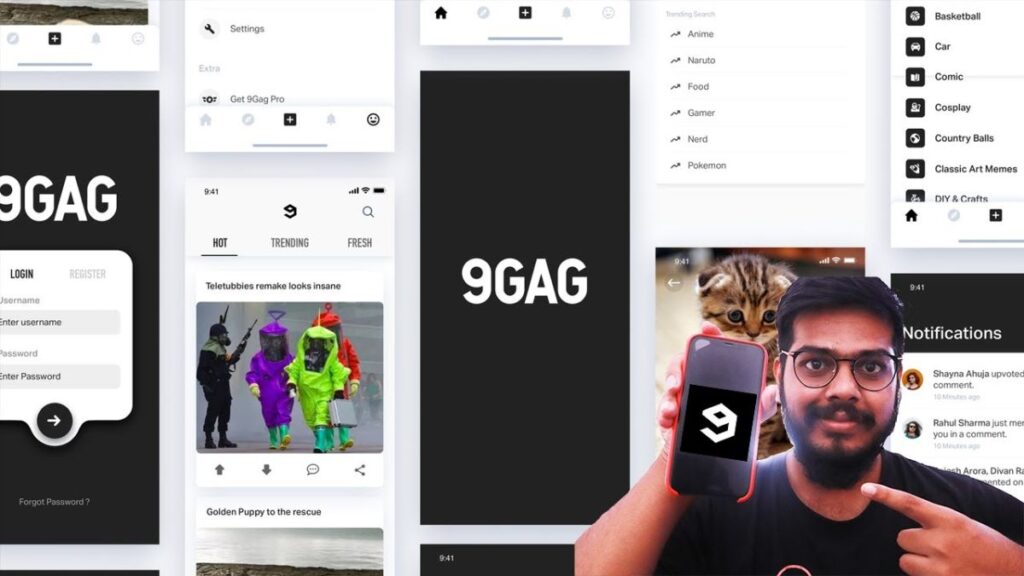
9GAG is similar in spirit to iFunny but generally has stricter content moderation. You can browse without an account and share posts directly to social media.
Pros:
- Designed specifically for funny content
- User-friendly interface
- Safer content moderation than iFunny
- Active global user base
Cons:
- Some repetition in meme formats
- Ads can occasionally interrupt the experience
3. BuzzFeed
BuzzFeed is a digital media company that produces a wide range of content, including quizzes, news, and numerous articles and posts focused on pop culture and humor.

Pros:
- High-quality humorous content
- Engaging quizzes and listicles
- Less exposure to harmful or offensive material
- Great for light entertainment and trending topics
Cons:
- Not a dedicated meme platform
- Less community-generated content than other sites
👉 Read more: How To Delete Your Account In Roblox: Quick And Easy Steps (2025)
4. Funny or Die
Funny or Die is a comedy video website and film production company. It features exclusive comedy videos from well-known comedians and user-submitted content.

Pros:
- Focus on professional comedy content
- Features well-known comedians and guest appearances
- Cleaner content with higher production value
Cons:
- Heavily video-based, not ideal if you prefer image-based memes
- Content updates aren’t as rapid as other platforms
5. Cheezburger
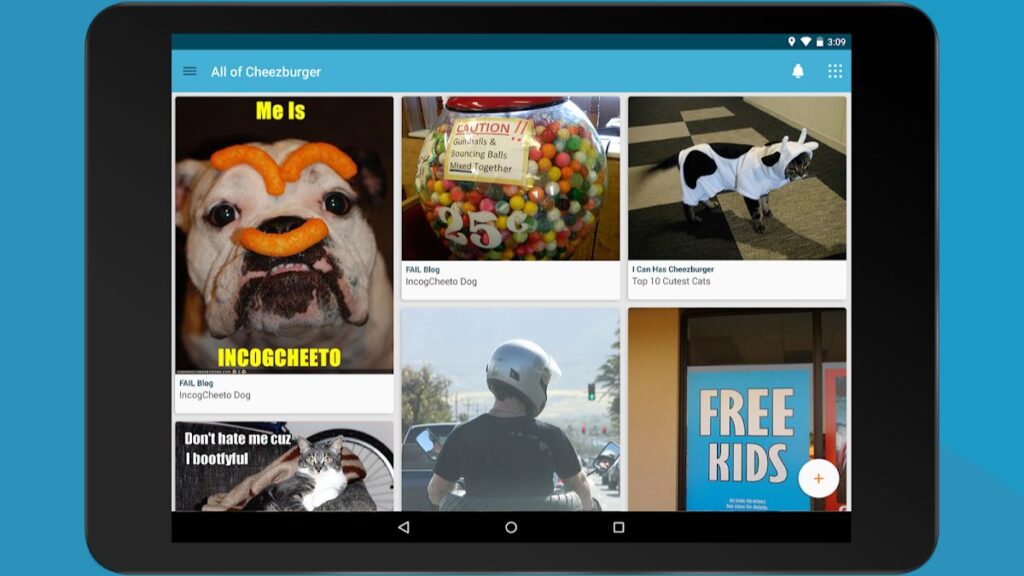
Cheezburger remains a classic hub for memes, cat pics, and wholesome internet content. It’s a family-friendly alternative that doesn’t rely on shock humor.
Pros:
- Long-standing reputation in meme culture
- Great for animal and wholesome humor lovers
- Easy-to-navigate site design
Cons:
- Can feel dated compared to newer platforms
- May lack the fast-paced vibe of trendier apps
👉 Read more: How to Delete OnlyFans Account: A Complete Guide (2025)
Bottom Line
Deleting your iFunny account is entirely your choice, and now, you know how. Whether you’re looking to protect your privacy, boost your productivity, or simply escape toxic content, removing iFunny from your life can be a step toward better digital health.
Remember, you don’t need to give up humor altogether. There are plenty of fun, safe spaces online. And if privacy matters to you, pairing account deletion with a reliable VPN like TurisVPN gives you peace of mind.
FAQs
Q1. Can I delete my iFunny account if I forgot the password?
Yes. In your email to [email protected], explain that you no longer have access to your password. Provide as many identifying details as possible to verify ownership.
Q2. Is deleting the app the same as deleting the account?
No. Deleting the app from your device does not remove your account or data. You need to contact support or follow manual deletion methods.
Q3. Can I recover my account once deleted?
Generally, once iFunny confirms your deletion request, the process is irreversible. Make sure you’re 100% certain before proceeding.
Q4. Is the iFunny app safe to use in 2025?
Safety is subjective. While iFunny hasn’t been officially shut down, users still report moderation gaps, offensive content, and privacy issues. If you’re concerned, it might be worth exploring alternatives.