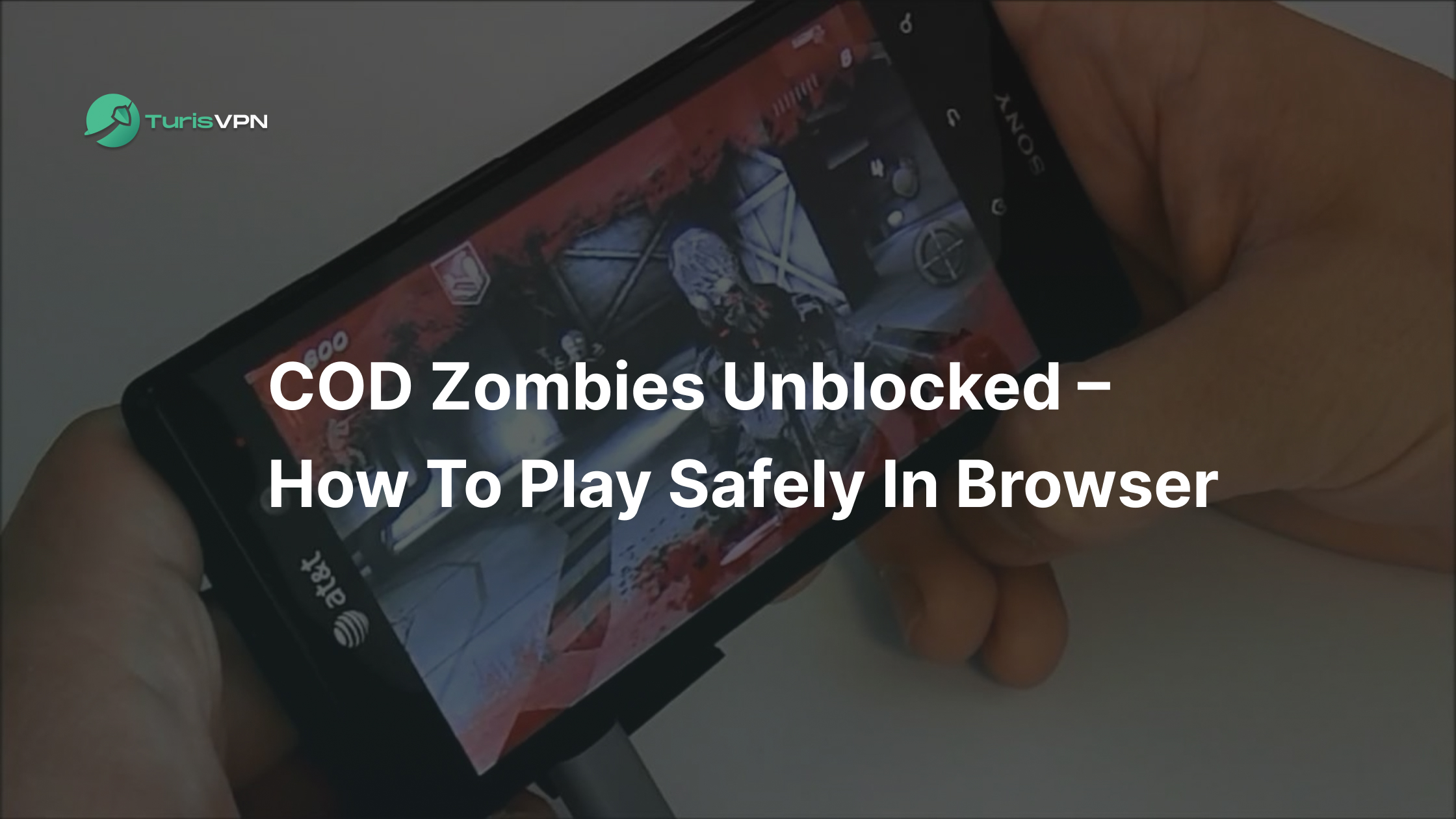
Call of Duty Zombies is still one of the most addictive survival modes ever made, so it’s no surprise people search for “COD Zombies Unblocked” to play it at school, in libraries, or on locked-down PCs. In 2025, this usually means fan-made, browser-based remakes of COD Zombies that run with no download and no official license.
Our blog post will help you understand what COD Zombies Unblocked actually is, whether it’s safe, how you can play similar zombie modes on PC and mobile, and how to unblock these games safely using TurisVPN on restricted networks without exposing your identity.
Key Takeaways
|
What Is COD Zombies?
Call of Duty Zombies (often called COD Zombies) is a co-op survival mode game. There are 1–4 players fighting endless waves of zombies, earning points, and using them to buy guns, perks, and unlock new areas on the map.
The game is the iconic wave-based survival mode created by Treyarch, first released in Call of Duty: World at War (2008). The game quickly became one of the most popular game modes in the franchise, featuring endless rounds of zombies, mystery weapons, perks, and hidden easter eggs.
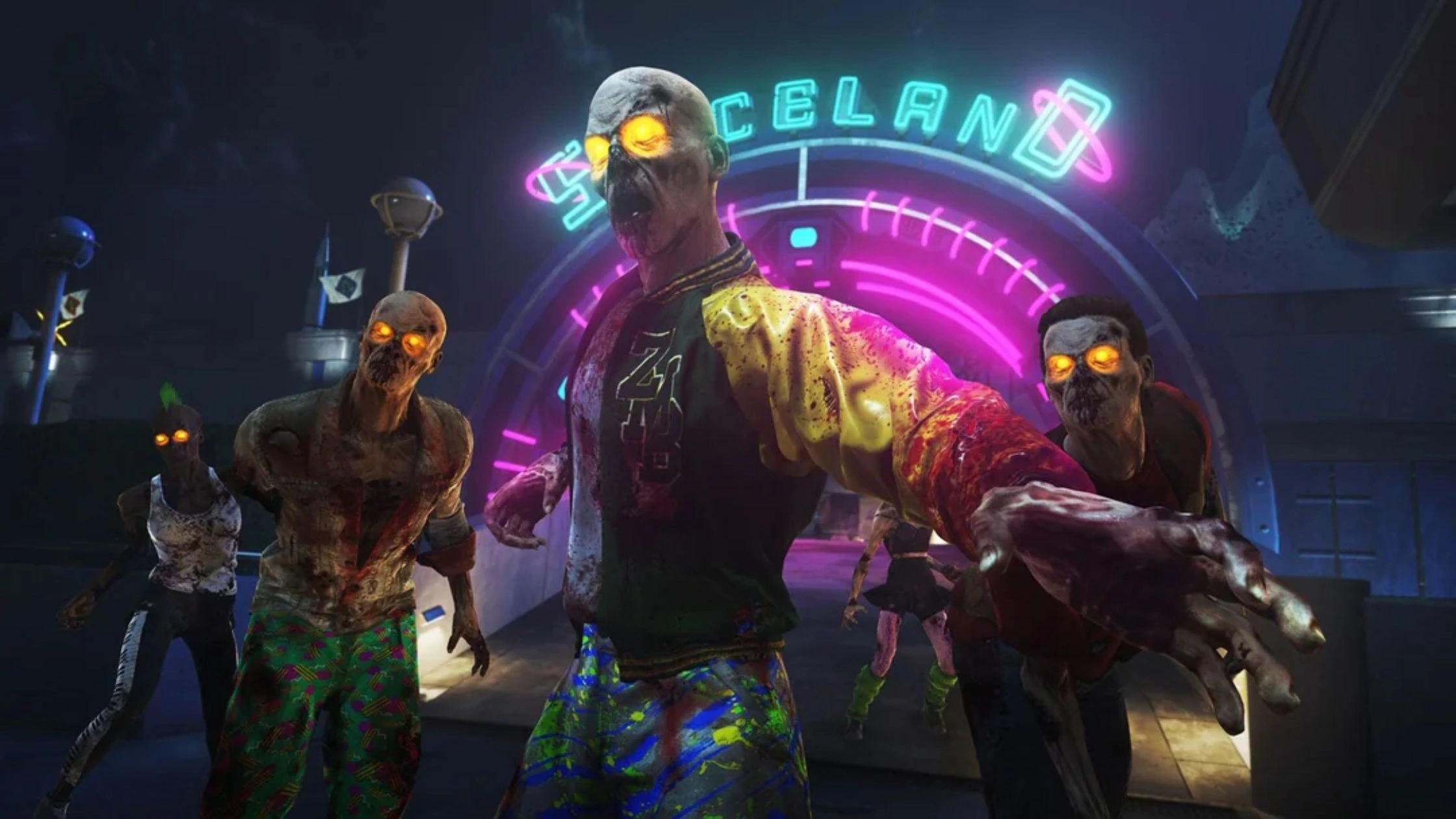
Official versions of COD Zombies are available on PC, PlayStation, Xbox, and Mobile, but none of these are free unless included in a game bundle. This is why many players search for browser versions like COD Zombies Unblocked to play without installing anything.
The official game is not free, but some fan-made browser versions are free to play. Official COD Zombies supports local co-op and online multiplayer. Browser-based unblocked versions may or may not support co-op, depending on the fan project.
COD Zombies is known for its signature gameplay elements:
- Perks such as Juggernog, Speed Cola, Double Tap, Stamin-Up
- Mystery Box with random weapons
- Pack-a-Punch machine that upgrades guns
- Easter eggs & hidden challenges
- Boss rounds like Hellhounds and special zombies
This classic formula is what fan-made “COD Zombies Unblocked” versions try to recreate inside your browser.
How COD Zombies works?
COD Zombies follows a simple but addictive survival loop. Whether you play the official game or a COD Zombies Unblocked browser version, the core gameplay stays the same:
- Fight endless waves of zombies
- Earn points for kills, headshots, barricade repairs
- Unlock doors to expand the map
- Buy weapons from the wall
- Spin the Mystery Box for powerful guns
- Survive as long as you can
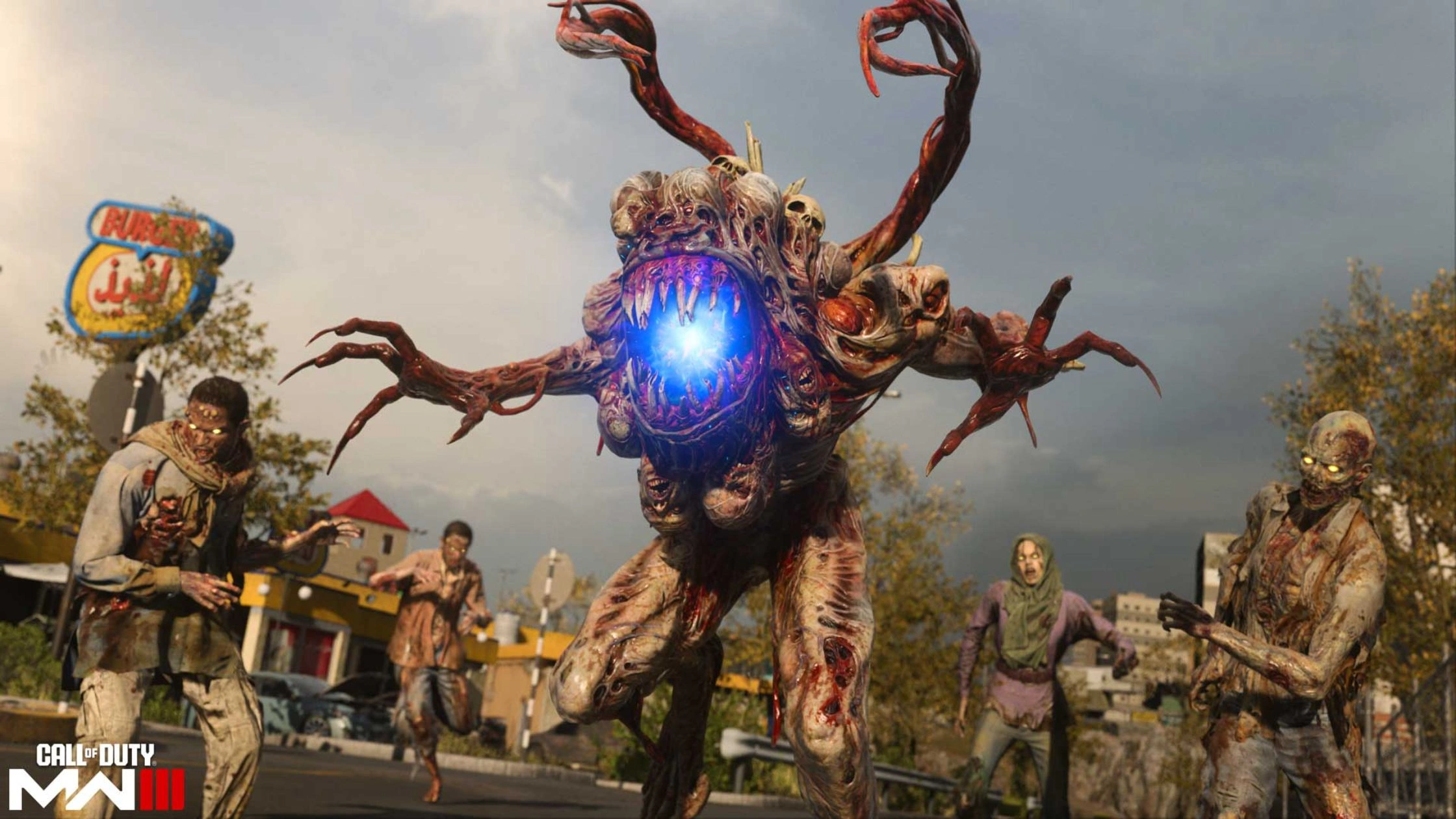
The browser-based “COD Zombies Unblocked” versions recreate this loop surprisingly well, often far better than expected for a no-install web game. Fan-made versions found online include many of the real COD Zombies mechanics:
- Achievements (e.g., “Reach Round 15”, “Turn a zombie into a crawler”)
- Mystery Box weapons like the Ray Gun, PPSH, STG, Type 100, Wonder Waffe
- Custom maps with Easter eggs (such as shooting floating teddy bears)
- Perks: Juggernog, Quick Revive, Double Tap, Speed Cola, Stamin-Up, PHD
- Pack-a-Punch upgrades
- Special rounds like Hellhound waves
- Classic physics: Dolphin diving, Two-hit downs, Knife mechanics, Perk jingles…
Some versions even include teleporters, Easter egg steps, and multiple fan-made maps, all running directly in Chrome, Opera GX, or Edge. This is why COD Zombies Unblocked has become a favorite among players who want quick, free, and no-install gameplay, especially in restricted environments like school networks.
How to Play COD Zombies Unblocked?
There are two main ways to access COD Zombies Unblocked in 2025. Choose based on what device you have and how much control or performance you want.
Option 1: Browser-Based Fan Games
This is the most popular method, especially for students or users on restricted networks.
- Step 1: Open your browser: Use Chrome, Firefox, Opera GX, or even Edge.
- Step 2: Visit a COD Zombies Unblocked site: These sites host fan-made versions that run directly in the browser.
- Step 3: Click “Play”: The game loads instantly, no downloads, no account needed.
- Step 4: Choose a map: Select from remakes like Nacht der Untoten, Kino-style, Warehouse, Temple, House, or dozens of custom maps.
- Step 5: Start surviving: Play normally: buy perks, spin the Mystery Box, unlock doors, complete mini Easter eggs.
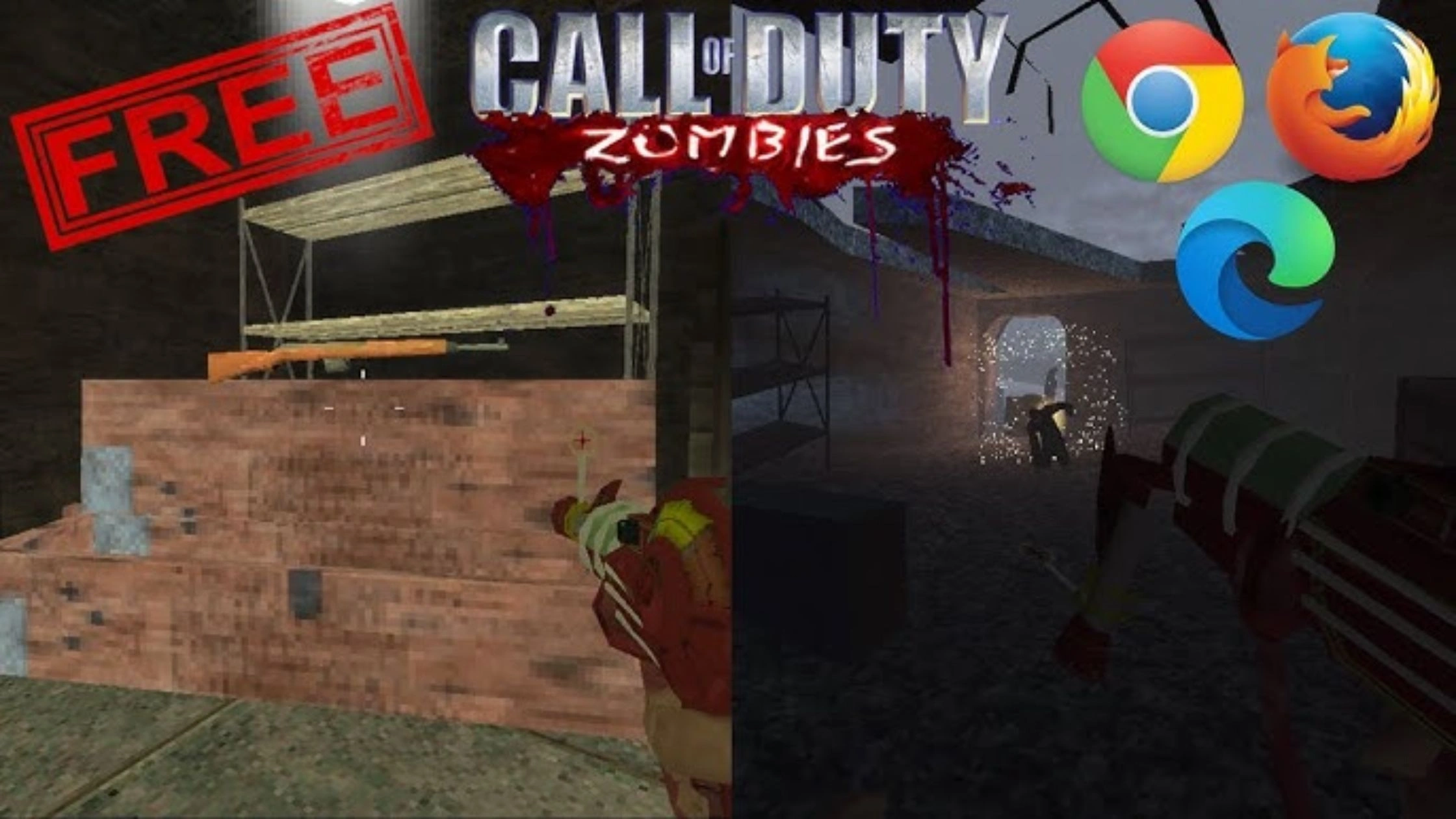
Typical features:
- Fully playable remakes of Nacht der Untoten, Kino-style, Warehouse, Temple, House, etc.
- 20+ custom maps (boss rounds, teddy bear Easter eggs, hidden ladders, puzzle steps).
- Mystery Box with Ray Gun, PPSH, STG, Wonder Waffe.
- Pack-a-Punch, perks, dogs, teleports, achievements.
- Runs smoothly in Chrome, Opera GX, Firefox, Edge.
Pros:
- 100% free
- No install required
- Works on school computers
- Fast loading, light performance
- Tons of fan-made maps
Cons:
- Graphics are simplified
- Hit detection/knife mechanics can be glitchy
- Some sites contain ads or redirects, requires safety tools (VPN)
- Multiplayer rarely works consistently
Browser versions are best for casual play and “I’m bored at school/work” situations.
Option 2: Third-Party/Modded PC Clients
These are downloadable community projects that run a fuller version of Zombies, often closer to Black Ops 1 or 2 quality.
- Step 1: Download a trusted client: Choose a reputable fan project or mod launcher (GitHub builds, community clients, BO1/BO3 custom zombies projects).
- Step 2: Install the game files: Follow the setup instructions provided by the developer or repository.
- Step 3: Launch the client: Open the modded launcher to access maps, settings, and controls.
- Step 4: Select your Zombies map: Pick official-style recreations (Nacht, Verrückt, Kino) or custom creations.
- Step 5: Configure controls & graphics: Set FOV, brightness, keybinds, and performance settings for smooth gameplay.
- Step 6: Play Solo or Co-op: Many clients allow private lobbies, LAN play, or co-op with friends.
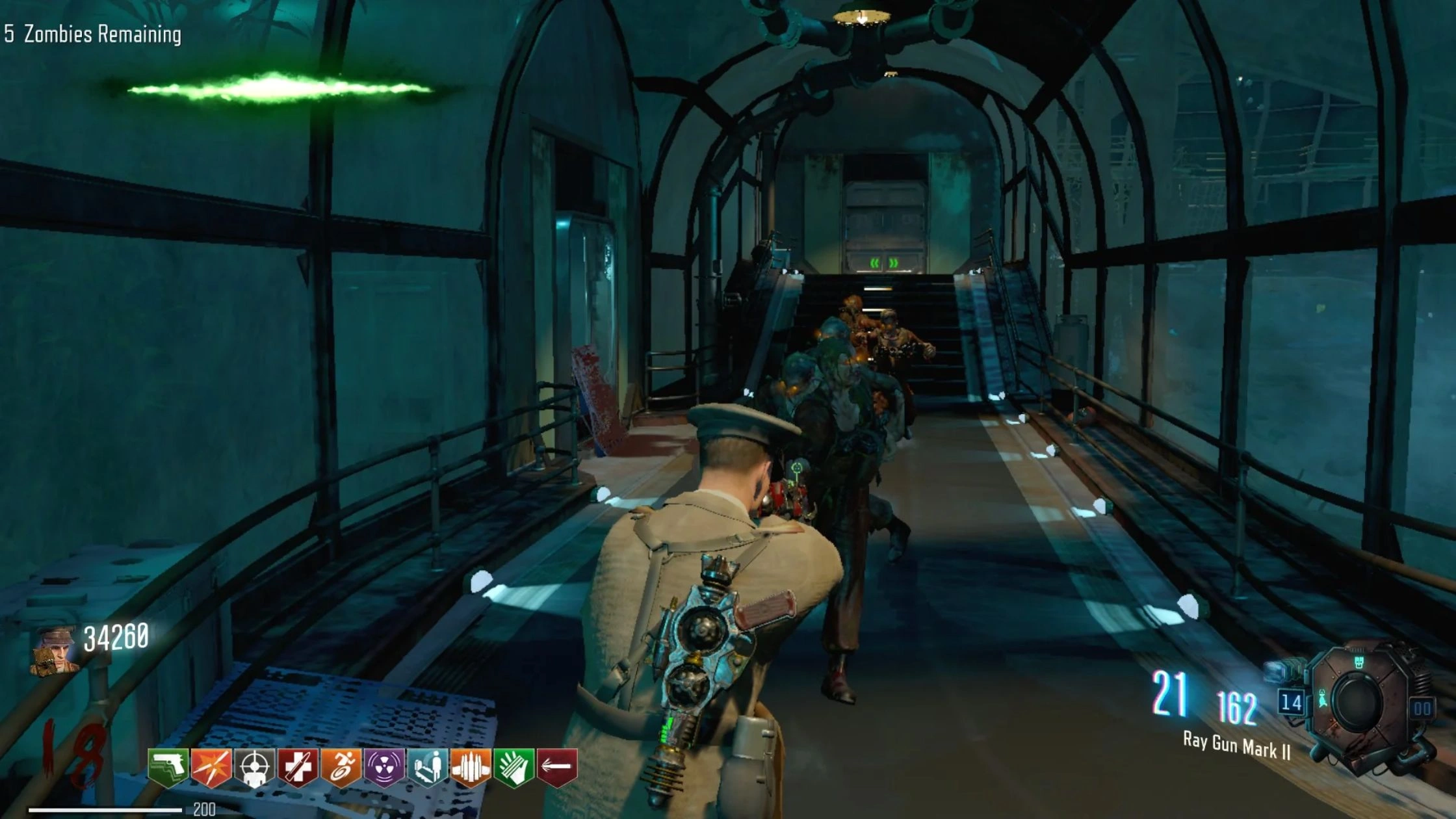
Pros:
- Better graphics
- Fullscreen support
- Smoother controls
- Larger custom map selection
- More stable performance
Cons:
- Requires downloading files (security risk if from unknown sites)
- Usually blocked on school devices
- Higher chance of being flagged by network filters
- Must be careful not to download malware-cloned versions
These are ideal for players who want a richer Zombies experience, as long as they install from trusted sources.
Playing COD Zombies on Different Devices
You can play official Call of Duty Zombies or unblocked browser versions across multiple devices. Each platform has different limitations, performance levels, and available methods.
PC
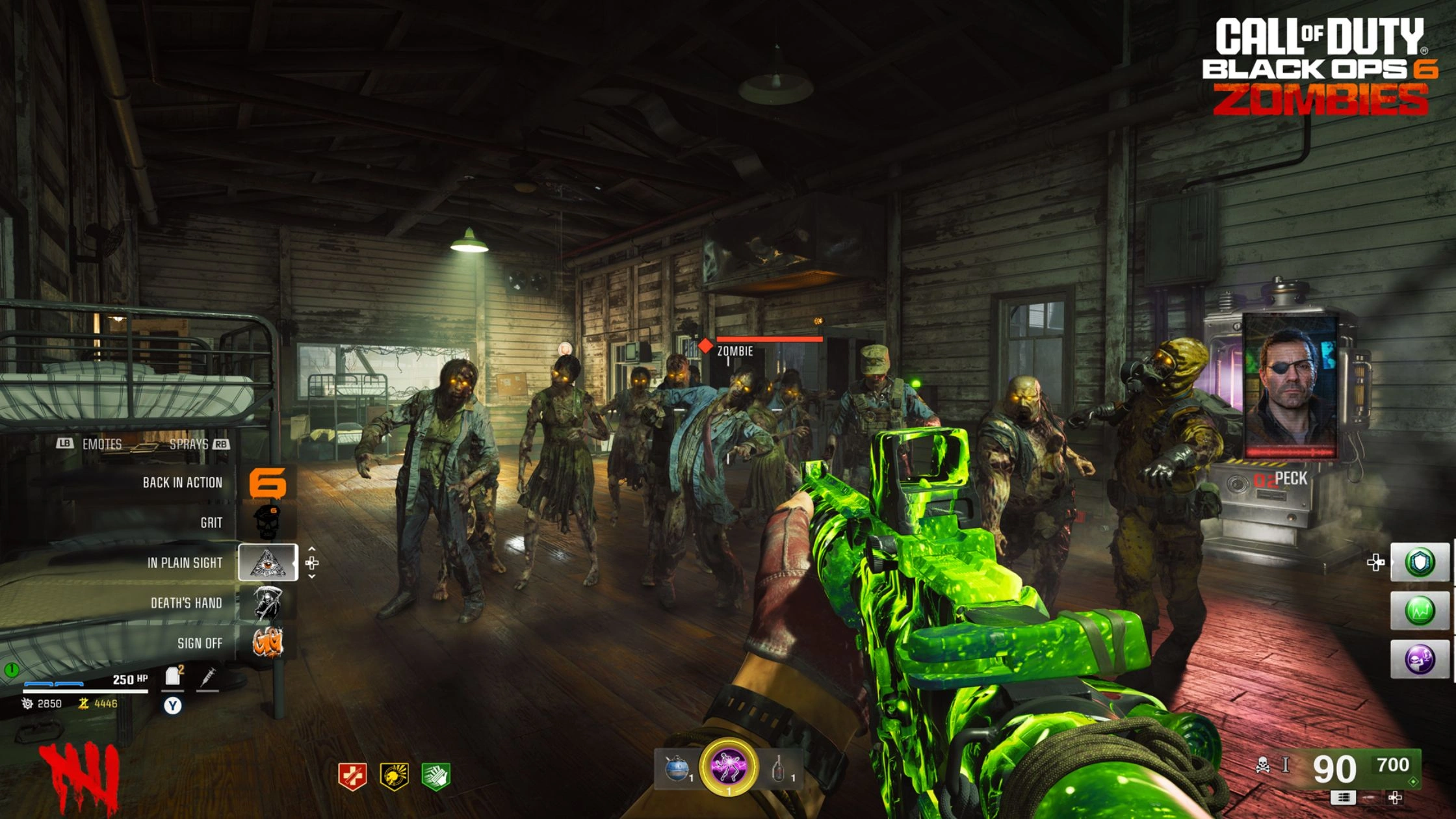
PC gives you the most flexibility for COD Zombies Unblocked. You can play via browser, mods, emulators, or official COD titles.
What works on PC:
- Browser-based Zombies
- Fan-made remasters and custom maps
- Modded clients with high FPS
- Official COD Zombies (BO1–BO3, Cold War, etc.)
Why PC is best: Full keyboard/mouse controls, stable performance, and compatibility.
Consoles (PlayStation and Xbox)
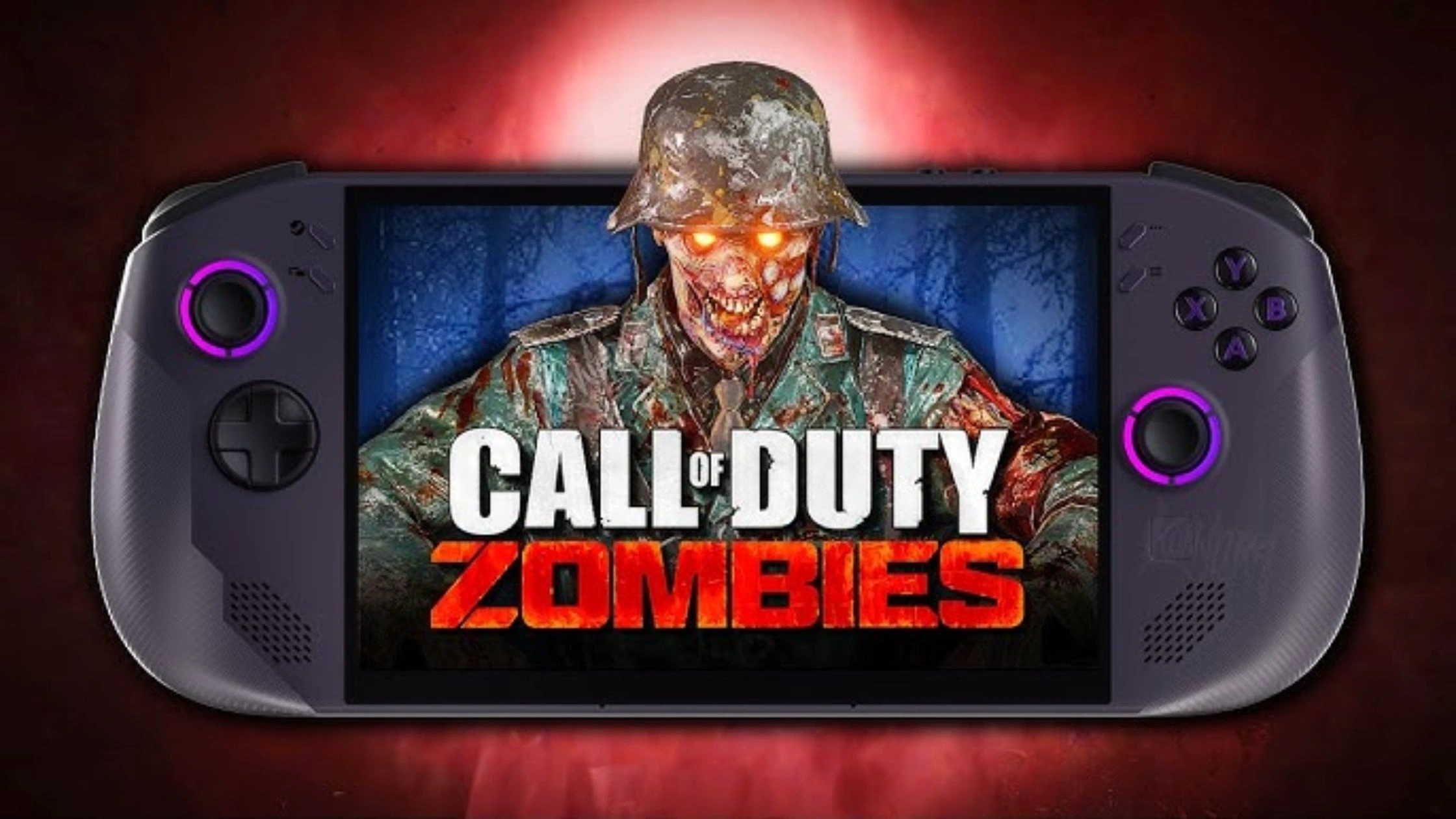
On consoles, “unblocked” browser versions do NOT work, these systems restrict browsers and scripts.
Limitations:
- No browser unblocked versions
- No custom maps unless via official mod support (BO3 PC only)
- No third-party downloads
If you want the full Zombies experience on console, official titles are the only option.
Mobile Devices (iOS and Android)
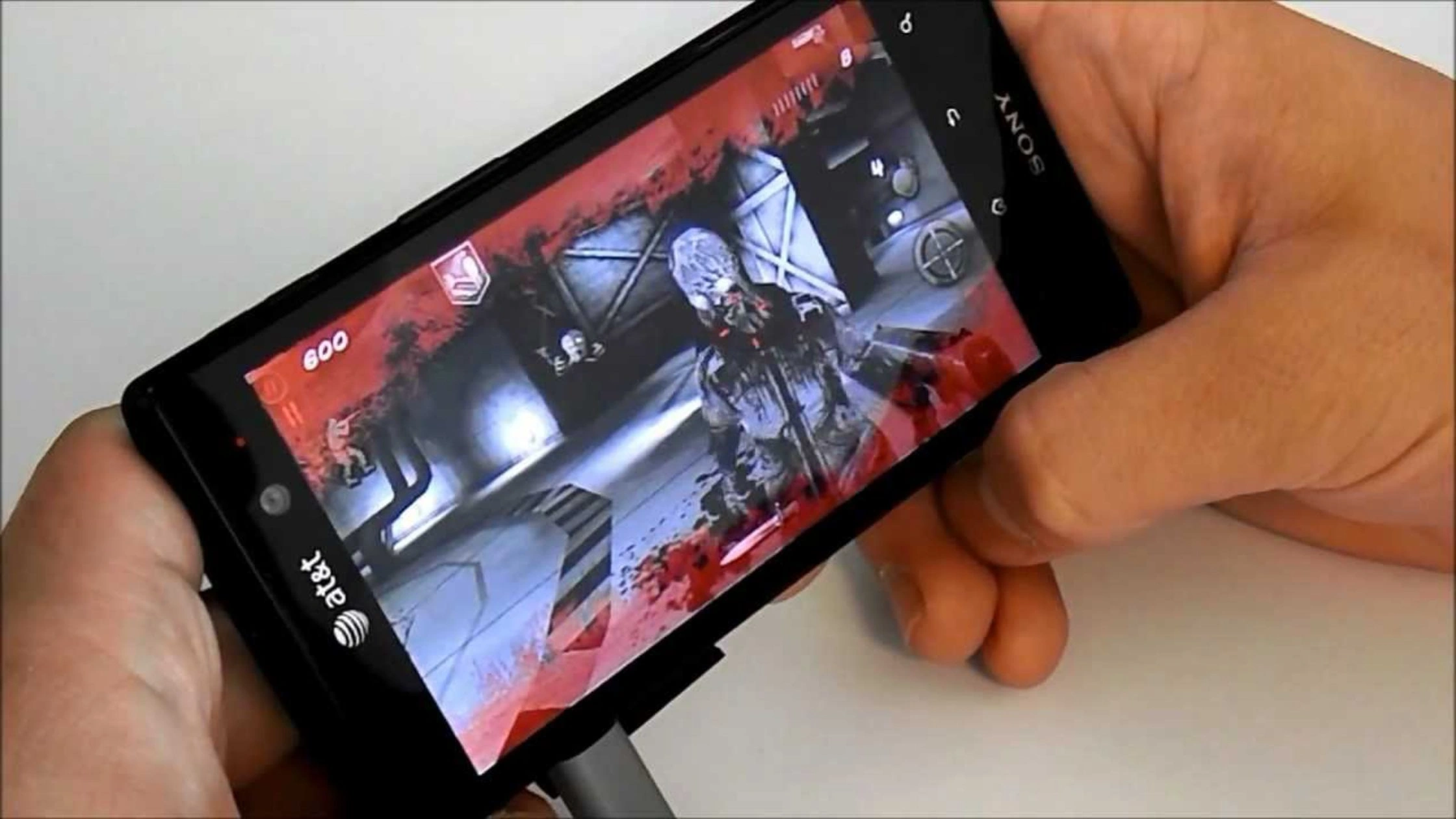
Mobile browsers can run COD Zombies Unblocked, but performance varies.
What works on mobile:
- Browser fan games (lightweight versions)
- Some modded APKs (Android only, risky, not recommended)
- Official mobile Zombies (older versions discontinued)
Limitations:
- Higher risk of pop-ups or redirects
- Lower frame rates
- Touch controls are less precise
- Many networks block unblocked gaming sites
Best practice: Use a VPN + ad blocker + private browser (Brave, Firefox) for safety.
Using TurisVPN to Access COD Zombies Unblocked Safely
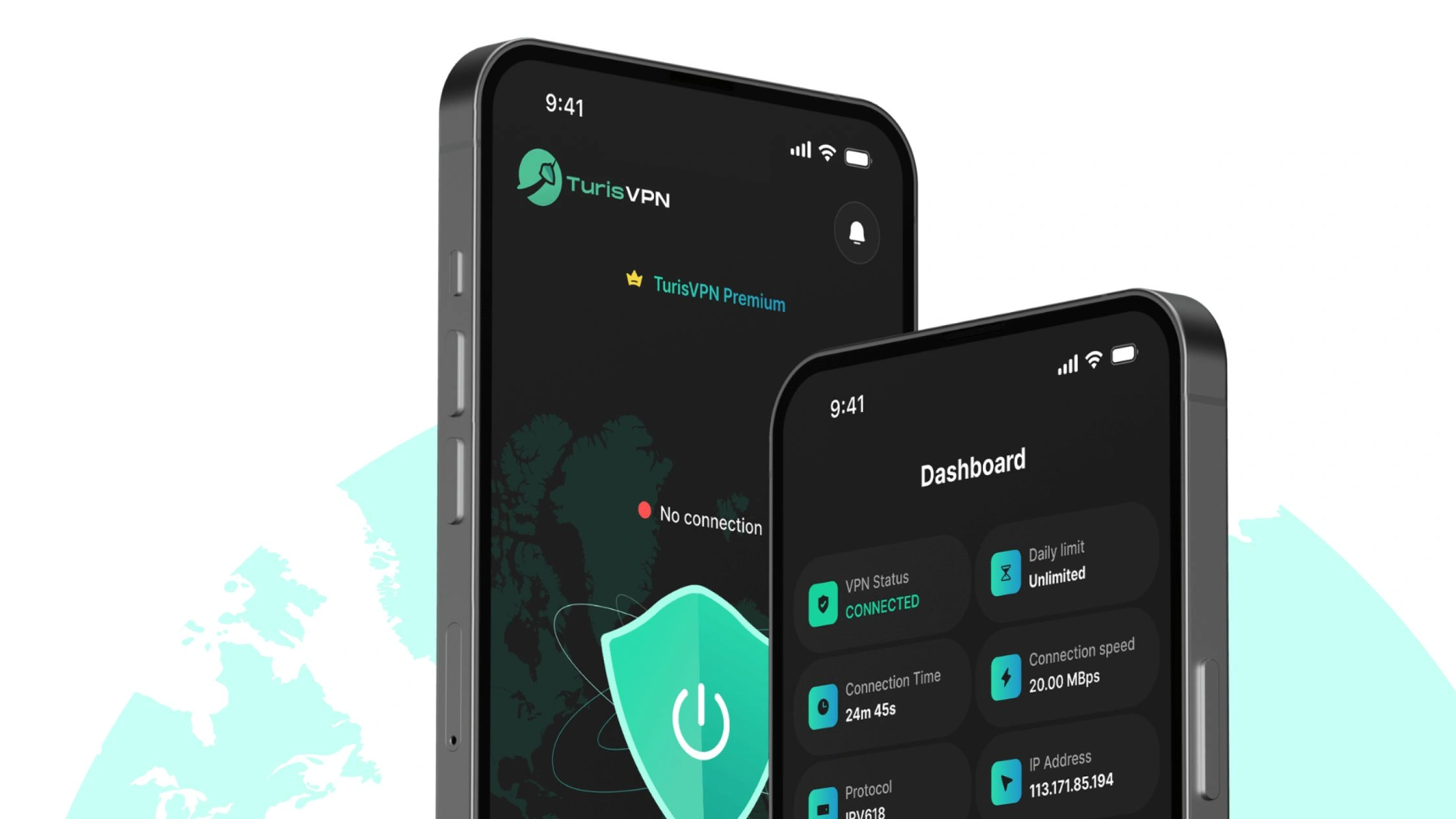
Knowing how to use TurisVPN helps you bypass those blocks privately, protect your device from risky hosting sites, and keep your gaming activity hidden from network filters.
Why unblocked game websites are often restricted by schools or networks
Schools, libraries, offices, and public Wi-Fi commonly block unblocked gaming sites because:
- They use web filters that flag gaming pages as “distraction content.”
- Some sites host ads, scripts, or trackers, making them a security risk.
- Network admins want to reduce bandwidth usage.
- Many gaming mirrors look suspicious or resemble malware sites.
That’s why COD Zombies Unblocked often refuses to load on these networks.
How TurisVPN helps access blocked gaming sites privately
TurisVPN bypasses school or workplace blocks by creating an encrypted tunnel between your device and the internet. With TurisVPN, you get:
- Hidden IP address: websites can’t track your real location
- Bypassed filters: firewalls can’t see you’re accessing a gaming site
- Protection from ads & redirects using ThreatShield
- Secure game loading by avoiding network throttling
- Safe browsing when visiting fan-made game mirrors
Simply put, TurisVPN lets you play COD Zombies Unblocked without anyone on the network seeing what you access.
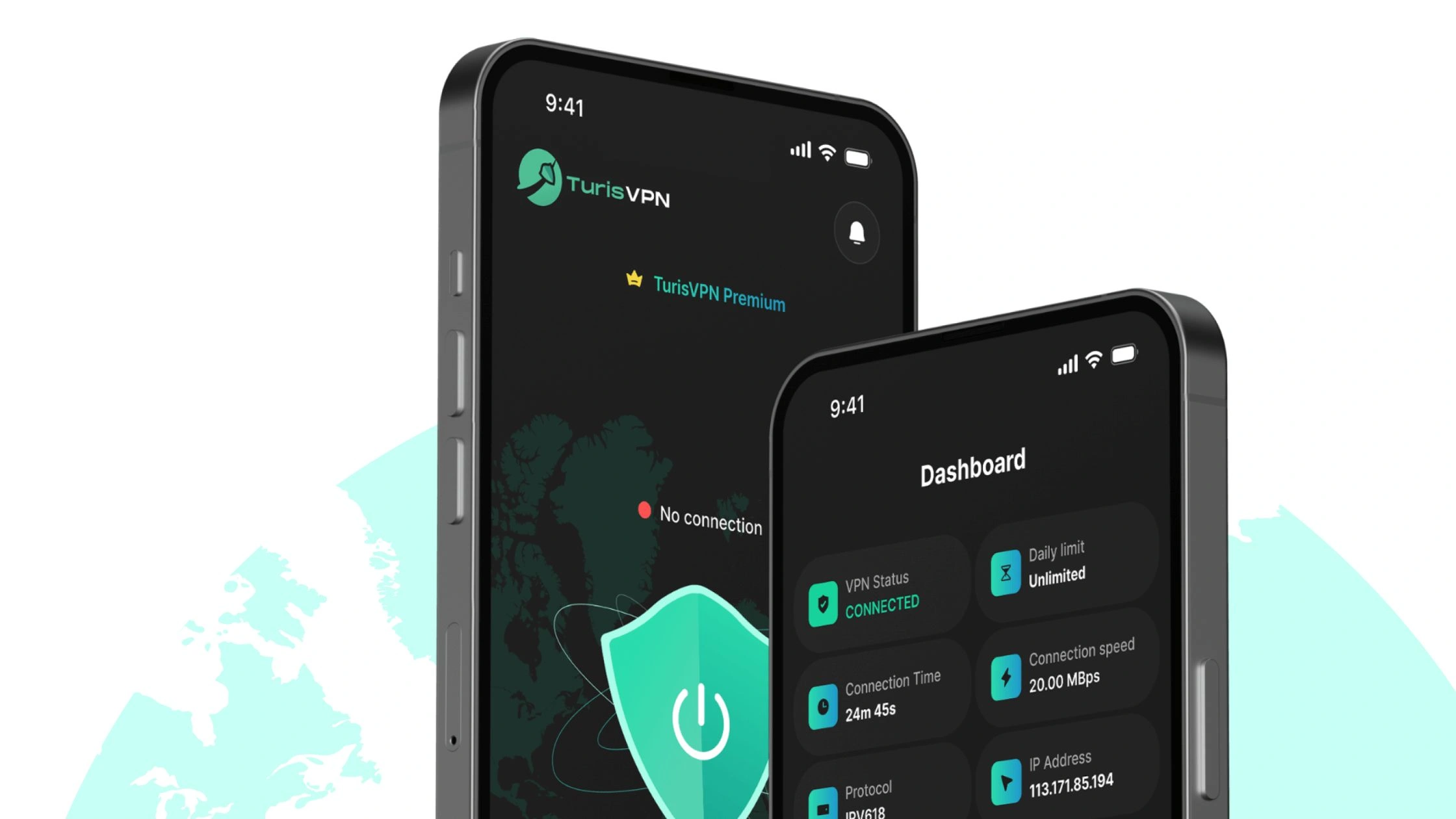
Quick Steps: How to Use TurisVPN for COD Zombies Unblocked
- Step 1: Download TurisVPN: Install on Chrome Web Extension, iOS, or Android.
- Step 2: Open TurisVPN and Log In: Use your account credentials.
- Step 3: Choose a Fast Nearby Server: Closest servers that has lowest ping for smoother gameplay. (Singapore VPN)
- Step 4: Visit Your COD Zombies Unblocked Site: Browser versions will now load without restrictions.
Best COD Zombies Unblocked Alternatives
If your school or network blocks browser-based versions or you want something deeper than fan-made maps, these four titles deliver the closest full-scale zombie-survival experience to COD Zombies. All are safe, polished, and available on modern platforms.
Sker Ritual
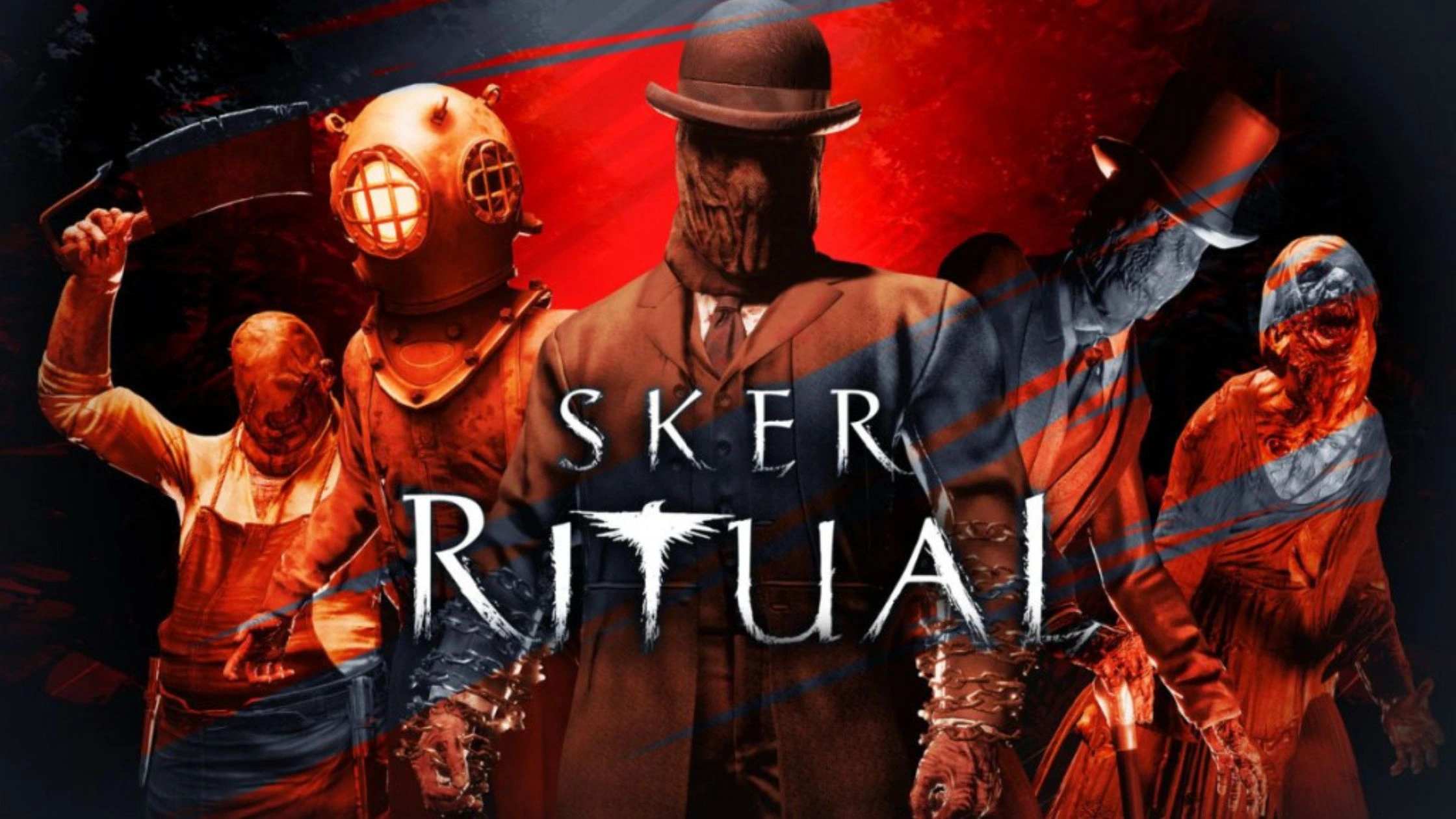
Sker Ritual is a spiritual successor to Maid of Sker’s FPS zombie mode, designed as a wave-based co-op shooter.
Why it’s a strong alternative:
- First-person survival gameplay similar to COD Zombies
- Perk upgrades, special waves, minibosses
- Designed for 1–4 player co-op
- PC-friendly (low–medium specs)
Feels like a darker, more horror-focused version of Zombies with modern visuals.
Left 4 Dead 2
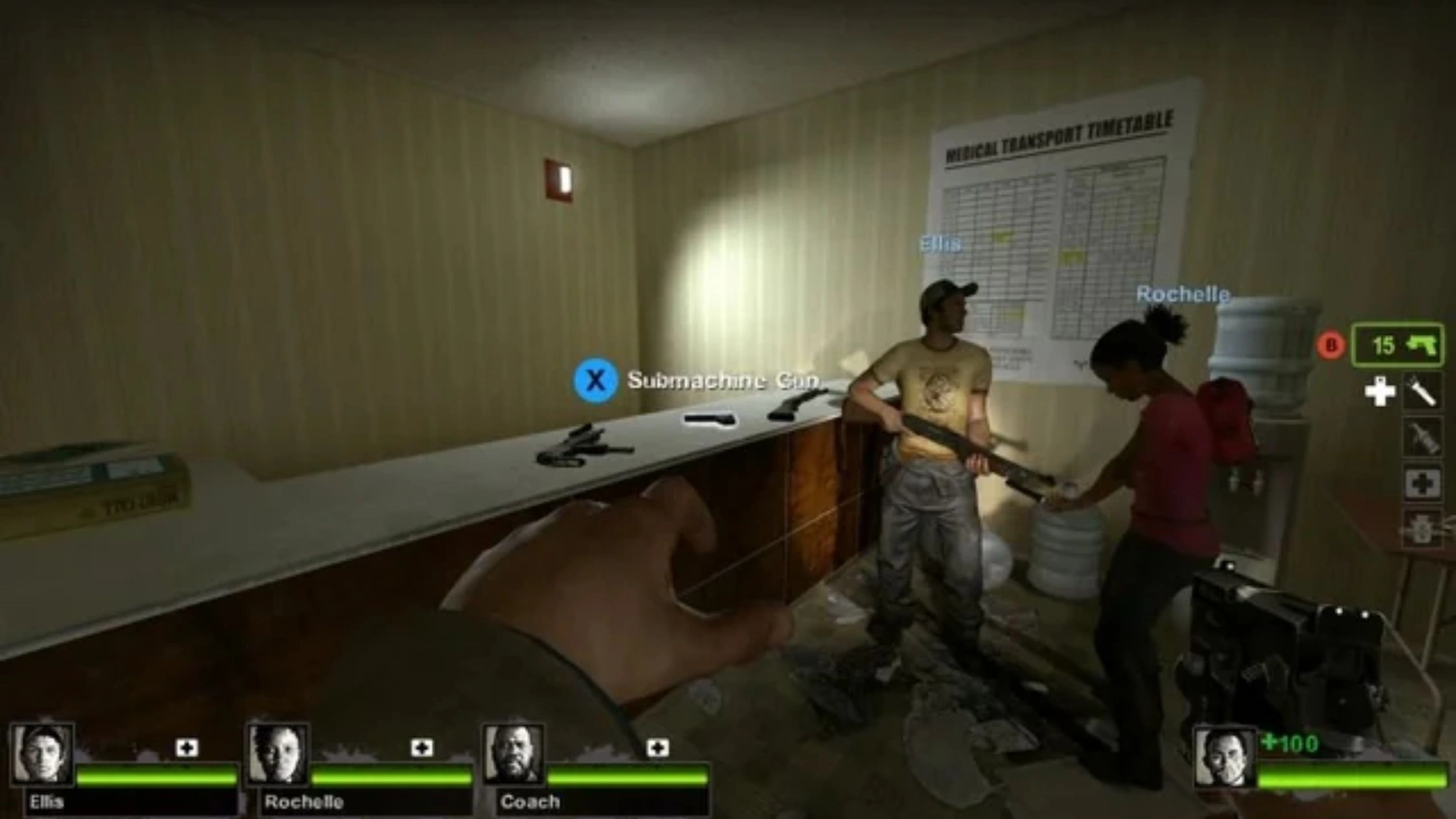
Left 4 Dead 2 is a timeless 4-player co-op zombie classic that remains extremely popular in 2025.
Why it’s great:
- Fast-paced, replayable missions
- Huge Steam Workshop modding community
- Custom maps recreate COD Zombies layouts
- Still gets community updates and servers
If you want nonstop action instead of round-based gameplay, this is the smoothest upgrade from COD Zombies Unblocked.
Killing Floor 2
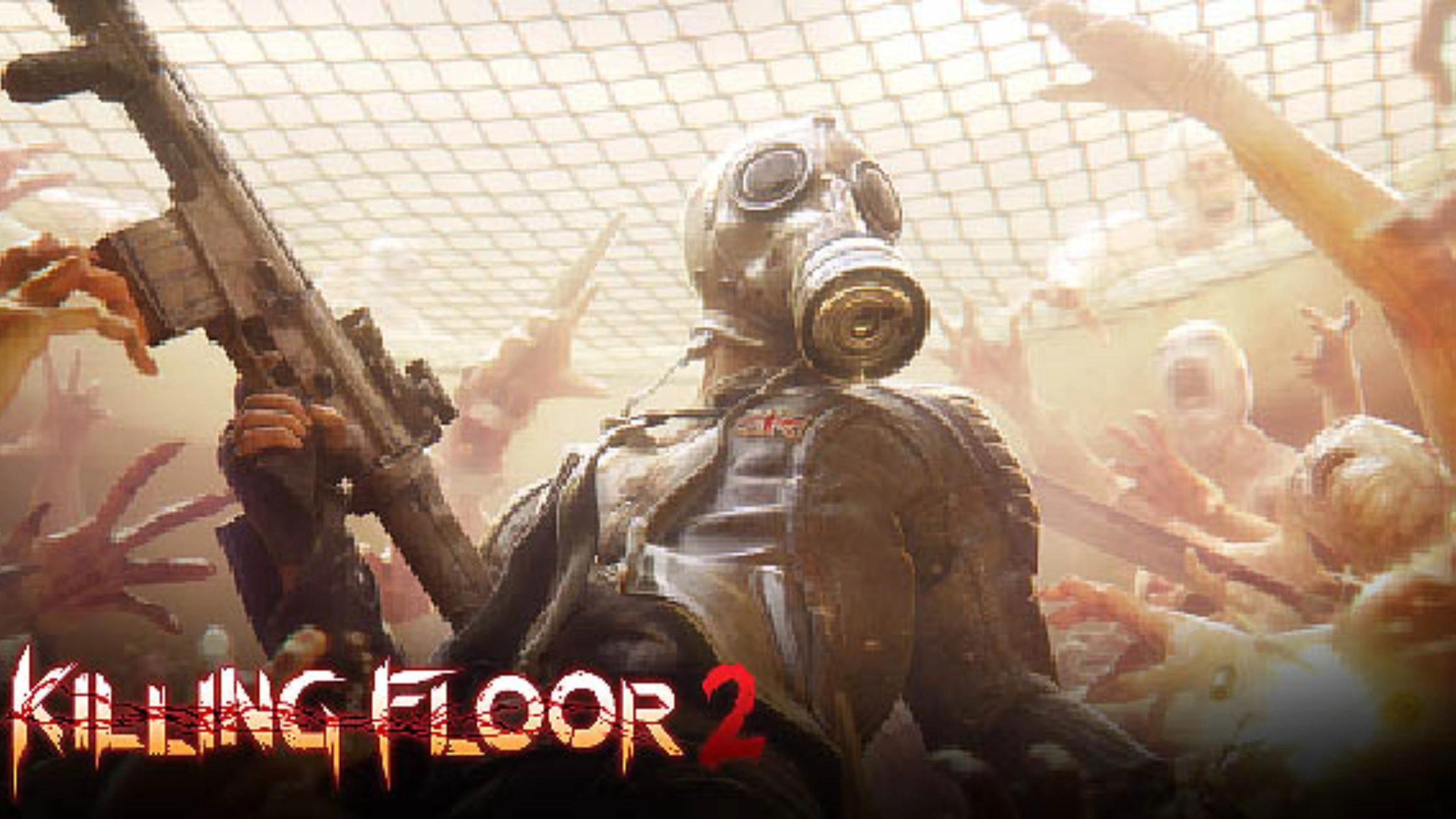
Killing Floor 2 is one of the best wave survival shooters ever made—similar structure to Zombies but faster and more intense.
Why it’s a top choice:
- Deep perk system (Berserker, Commando, Demolitionist, etc.)
- Satisfying gore physics
- Boss fights each wave cycle
- Seasonal events and official maps
- Strong co-op design
If you want the “round-based survival and upgrades” formula done professionally, KF2 is the closest experience.
World War Z
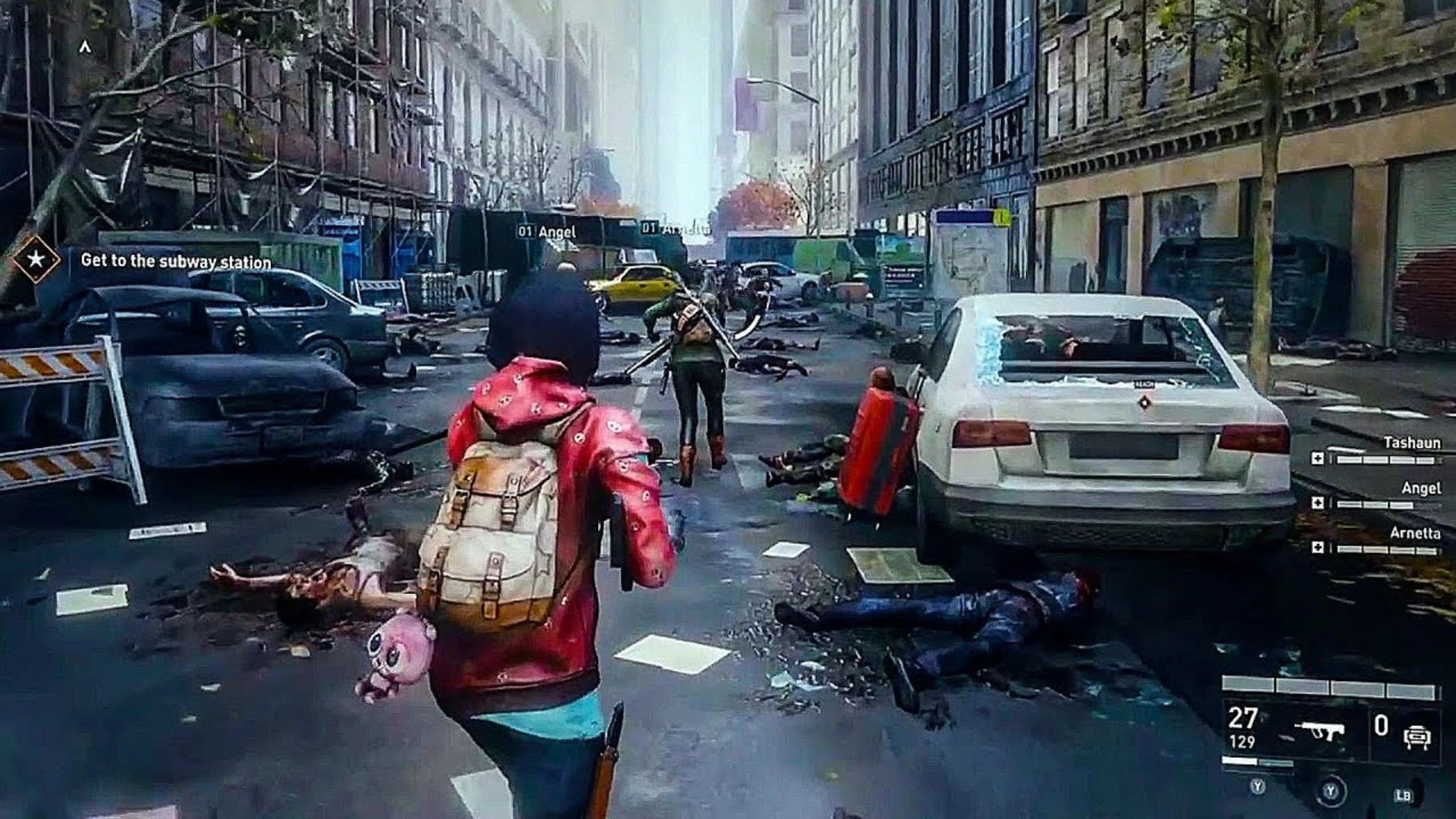
World War Z is a third-person shooter built around massive zombie swarms and co-op missions.
Why players love it:
- Huge hordes of zombies attacking in waves
- Class system with weapon upgrades
- Very smooth online co-op
- Missions across multiple global locations
More cinematic than COD Zombies, but perfect if you enjoy fast pacing and teamwork.
>> Read more:
| Safely Access Unblocked Games G Plus |
Safety Tips When Playing Unblocked Games
Unblocked gaming sites are convenient, but many host ads, redirects, or unsafe files. Use these essential precautions to avoid malware, tracking, or identity risks.

Avoid Downloading Unknown Software
Many fake “COD Zombies Unblocked” sites push .exe files or “launchers.” So, never download anything unless it comes from a trusted, verified source. Browser versions should run instantly without installation.
Only Use HTTPS Websites
Check for https:// and a padlock icon before playing. Encrypted sites reduce the chance of data interception, fake redirects, or injected malware.
Be Wary of Suspicious Links and Ads
Unblocked game portals often fund themselves with aggressive ads. Avoid clicking:
- Pop-ups
- “Update Flash Player” banners
- External download links
- Fake “Play Now” buttons
Stick to the game canvas only.
Use Antivirus/Security Software
A lightweight antivirus blocks:
- Malicious scripts
- Drive-by downloads
- Redirect attempts
- Browser hijackers
Even browser games can trigger unsafe scripts, keep protection running.
Consider a Reputable VPN
A VPN hides your real IP and keeps schools, workplaces, and ISPs from tracking which unblocked game sites you visit. TurisVPN also helps:
- Bypass network restrictions
- Stop DPI-based blocking
- Reduce throttling on gaming sites
This is especially important on school Wi-Fi.
Keep Personal Information Private
Never sign up with your real email on fan-made gaming portals. Avoid sharing:
- Full name
- Phone number
- Real location
- Social media accounts
Treat unblocked gaming sites as public spaces, so stay anonymous.
Bottom Line
COD Zombies Unblocked gives players an easy, no-install way to enjoy the classic survival mode through browser fan games or lightweight modded clients.
But unblocked sites come with risks: school firewalls, shady mirrors, aggressive ads, and potential malware. The safest way to play is simple: stick to reputable HTTPS versions, avoid downloads, and use TurisVPN to stay private and bypass restrictions without exposing your real IP.