You absolutely can use Claude with a VPN, and for many, it is the only way to use Anthropic’s AI while keeping your digital privacy. Whether you face regional blocks or want extra data security, knowing how to set this up is vital for a smooth task.
At TurisVPN, we see that AI and privacy now overlap in complex ways. This guide explains how to use a VPN safely with Claude AI. We will cover technical fixes and show you how to keep a stable link without risking account flags.
Can I use Claude with a VPN?
Yes, you can use a virtual private network to access Claude AI as long as you use a provider with clean, high-quality IP addresses. Anthropic does not ban all VPN use, but they do flag suspicious activity. This usually happens when many people share one low-quality IP address at the same time.
The Claude AI platform uses sophisticated IP-based geofencing to restrict access in certain regions. When you connect through a secure server, your real location is masked, allowing the platform to see a permitted IP address instead.
However, the success rate depends heavily on whether your VPN service can bypass the increasingly stringent bot-detection mechanisms many AI platforms now employ to prevent automated scraping or service abuse.
Now that we know access works, let’s look at the security perks of this setup.
Why Use a VPN for Claude?
Using a VPN with Claude AI gives you global access, better privacy, and protection against network blocks. While Claude works in many spots, users in blocked zones or on strict office networks often find themselves locked out of the latest AI tools. A virtual private network lets you change your digital footprint to bypass these walls and stay productive.
Borderless Access
Borderless access lets you access Claude AI from anywhere by routing your traffic through a secure server in a supported region. If you travel to a place where Anthropic does not work, a virtual private network helps you stay productive. By masking your geographic location, we help you keep your work going across any physical border without a break.
Enhanced Privacy
Enhanced privacy is a top reason to use a VPN, as it stops your Internet Service Provider (ISP) from watching your chats. While Anthropic has its own rules, local logs still track which sites you visit and for how long. A secure tunnel hides your metadata from prying eyes on your local network, ensuring your private habits stay private.
Data Encryption
Data encryption turns your prompts into unreadable code before they leave your device to stop hackers on public Wi-Fi. When you send private business data to Claude, you must prevent “man-in-the-middle” attacks from stealing that stream. A “man-in-the-middle” attack occurs when a hacker secretly intercepts and monitors the data moving between your device and the AI platform. Modern VPN uses AES-256 encryption to wrap your data packets, keeping them safe even if they’re intercepted.
Bypassing Local Network Blocks
Bypassing local network blocks is key for users on school or office networks that use firewalls to stop AI use. These blocks often target a specific IP address or site name to prevent “distractions” at work. A VPN hides your traffic so it appears to be a private link, giving you the freedom to use Claude AI whenever you need it.
These privacy perks show why a secure link is vital for AI, which leads us to the best way to set up your own connection.
How to Use a VPN to Access Claude AI
To use Claude AI with a VPN, you must pick a strong provider, connect to a supported region, and clear your browser cache. This setup stops the system from seeing old location data that might conflict with your new IP address. By following a clear plan, you avoid the “location mismatch” errors that lead to account blocks or login failures.
Choosing the Right VPN
Choosing the right VPN means finding a service that uses the WireGuard protocol for fast speeds and low lag. Many free apps use crowded servers that AI security teams quickly flag and block.
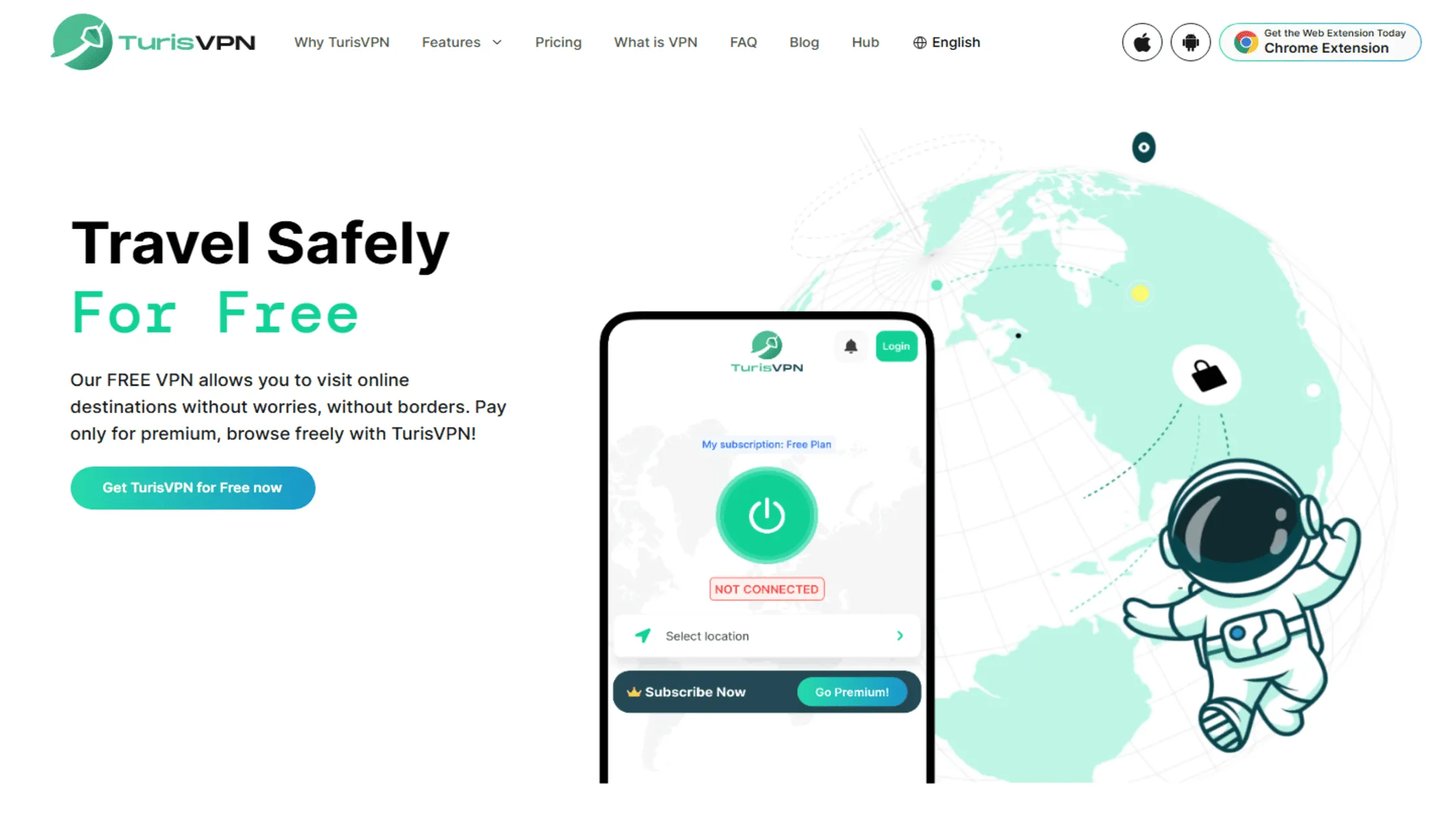
At TurisVPN, we provide high-speed servers and unlimited daily data so your AI chats never cut out. Our IP-2Hop feature masks your IP twice for even better privacy, while our strict no-logs policy keeps your data safe from prying eyes.
Setting Up a VPN
You may need to know how to use a VPN on all your gear for total privacy. Using TurisVPN reduces your risk of seeing an “Access Denied” screen. We provide high-speed nodes that look like real residential traffic to web services. Setting up a VPN for Claude is a straightforward process that takes less than five minutes when following our optimized workflow.
- Download and Install: Get the TurisVPN app for your specific operating system (iOS, Android, or Chrome Extension).
- Select a Server: Choose a server located in a supported country.
- Enable the Connection: Click the connect button and wait for the “Protected” status to appear.
- Open Claude: Navigate to the Claude AI website in an Incognito/Private browser window.
- Log In: Enter your credentials and begin your session with a masked IP address.
A fast link ensures you don’t experience lag, and some users find that using a VPN can increase internet speed by stopping ISP throttling. Once your connection is established, you are ready to use the AI, but you should remain aware of common pitfalls that can occur during a session.
Common Issues When Using a VPN with Claude
Knowing how to set up your link is great, but you should also watch for common tech bugs. You might face account bans, login loops, or dropped links if you use a flagged IP address. Claude AI has strict security measures that detect automated traffic or suspicious activity from known proxy servers.
1. Account Bans and Suspensions
Account bans and suspensions can occur if you frequently switch between VPN servers in different countries within a short timeframe, triggering “impossible travel” alerts. Anthropic’s security systems may interpret rapid location changes as account sharing or a bot attack.
To avoid this, always use a consistent server location with Claude and ensure your VPN is active before opening the browser to prevent leaking your real IP address.
2. Login and Connection Errors
Login and connection errors, such as the “Unexpected Error” message, often stem from the browser’s cookies and local storage holding onto your old, non-VPN location data. If Claude sees a conflict between your browser metadata and your VPN IP, it may block the login attempt.
To fix this, always clear your browser’s site data for anthropic.com or use a dedicated Private Browsing window every time you connect via a new server.
3. Technical Performance Issues
Technical performance issues usually manifest as slow response times or the “Claude is having trouble reaching the server” notification. This is often caused by packet loss or a high ping rate on a crowded VPN server.
Using a lightweight protocol like WireGuard can help mitigate these delays. If you experience persistent lag, switching to a different server within the same country often resolves the bottleneck and restores the high-speed AI experience you expect.
By managing these common technical hurdles, you can enjoy a stable AI session, leading to a much more productive and secure experience in the long run.
Bottom Line
Can I use Claude with a VPN? You can definitely use a VPN with Claude AI if you pick a top provider like TurisVPN and connect to a stable server. While the perks of enhanced privacy, data encryption, and borderless access are great, you must stay alert. Using the same server location and clearing your browser data helps keep your account status stable and free of flags.
By using a secure tunnel, you bypass geographic blocks and keep your chats with Claude AI private. We suggest keeping your app up to date and choosing a secure server with low latency for the best results. Staying consistent is the best way to enjoy AI tools without any sudden interruptions
FAQs
Q1. Will Using a VPN with Claude Affect My Performance?
Using a VPN can slightly increase the time it takes for Claude to generate responses because your data travels farther to the secure server. However, if you use a high-performance service like TurisVPN, the difference is usually negligible (milliseconds). In some cases, a VPN can even improve performance if your ISP is actively throttling your connection to high-bandwidth AI sites.
Q2. Are There Any Issues with Using a VPN on Claude?
The most common issues include IP blacklisting and account verification prompts. Because many VPN users share the same IP addresses, Anthropic might flag those IPs as “high risk.” If this happens, you might be asked to complete more CAPTCHA or, in rare cases, find your account temporarily locked. Choosing a provider with a large pool of fresh IPs is the best way to mitigate these risks.
Q3. Can I Use Claude in Restricted Countries with a VPN?
Yes, using a VPN is the primary way to access Claude in countries where it is currently unavailable. By selecting a server in a supported region, such as the United States, you can bypass local geoblocking. However, you should still adhere to Anthropic’s Terms of Service and ensure that your payment method (if using a Pro account) is compatible with the region you claim to be in.