The best and safest way to get a US IP address is by using a VPN. A VPN allows you to replace your real IP address with a US IP address. This is the simplest solution for beginners because it works in one click, doesn’t require technical setup, and protects your connection at the same time.
Our blogpost will show you all practical methods to get a US IP address, explain which ones are secure, which ones are risky, and help you choose the option that fits your needs.
Key Takeaways
|
Best Methods to Get a US IP Address
The most reliable way to get a US IP address is by using a VPN, because a VPN changes your IP at the network level while encrypting your traffic.
Other methods such as proxy servers or the Tor network can also assign a US-based IP, but they are less consistent and often weaker in security or speed. Proxies usually lack encryption, while Tor prioritizes anonymity over location accuracy. For most users asking “Which method should I choose?”, the answer is simple: use a VPN first, then consider alternatives only if you have a specific technical reason.
This comparison-first approach helps you decide quickly: VPN for ease and security, proxies for limited use cases, and Tor for anonymity not for stable US location access.
Method 1: Using TurisVPN
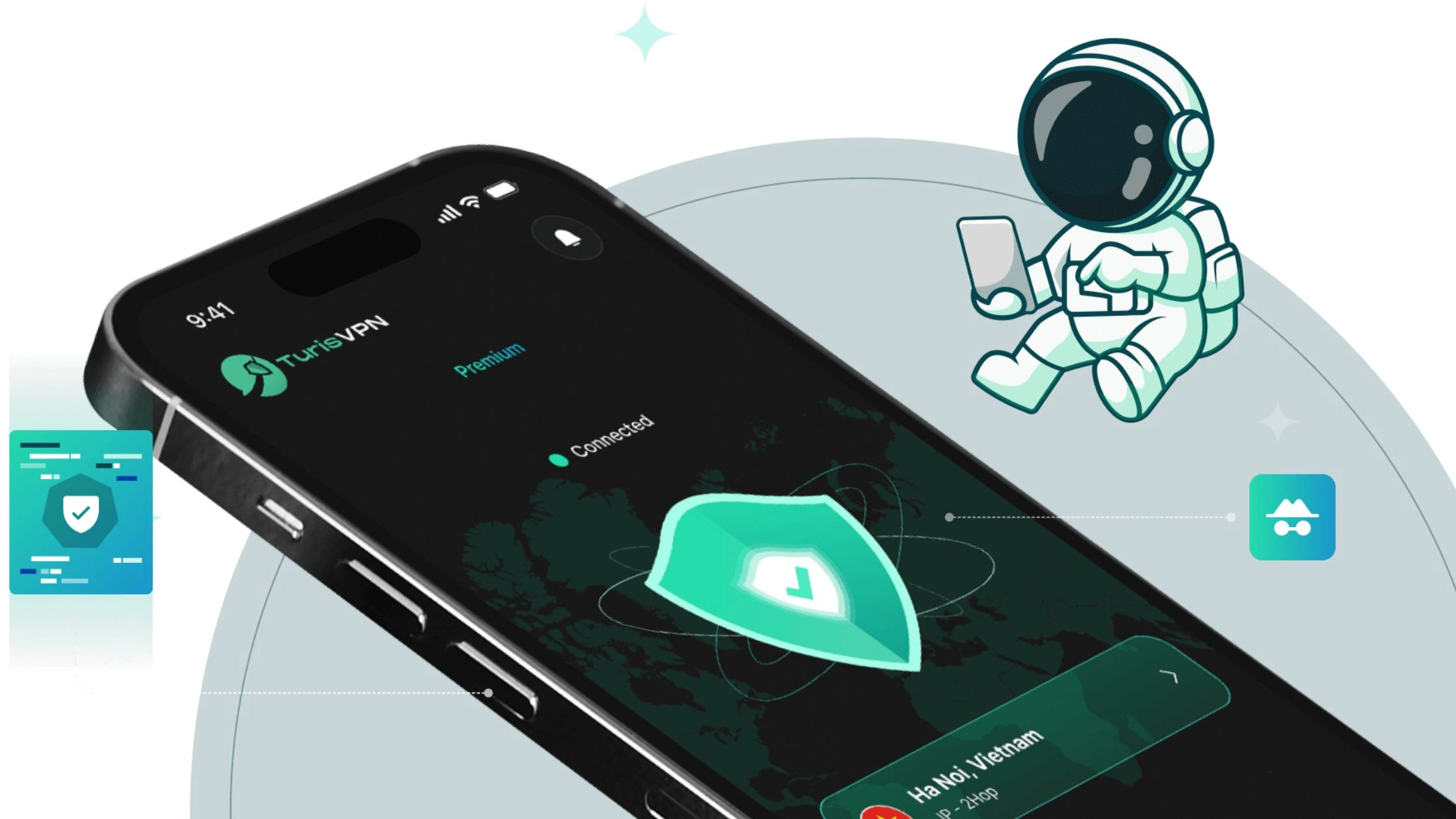
Using TurisVPN is the fastest and easiest way to change your IP address to the US. The setup takes minutes and requires no technical knowledge.
How to get a US IP address with TurisVPN:
- Step 1: Install TurisVPN on your device.
- Step 2: Sign in and open the server list.
- Step 3: Select a United States server.
- Step 4: Connect your real IP address is instantly replaced with a US IP address.
TurisVPN encrypts your traffic and routes it through US servers, making the IP change both fast and reliable. Most connections use IPv4, which remains the most compatible format for US-only websites, while IPv6 traffic is handled automatically where supported.
Method 2: Using a Proxy Server

A proxy server can give you a US IP address, but a proxy is not a full privacy tool because it usually does not encrypt your traffic. A proxy mainly reroutes your browser or app connection through a US-based server, so websites see the proxy’s IP address instead of your real one.
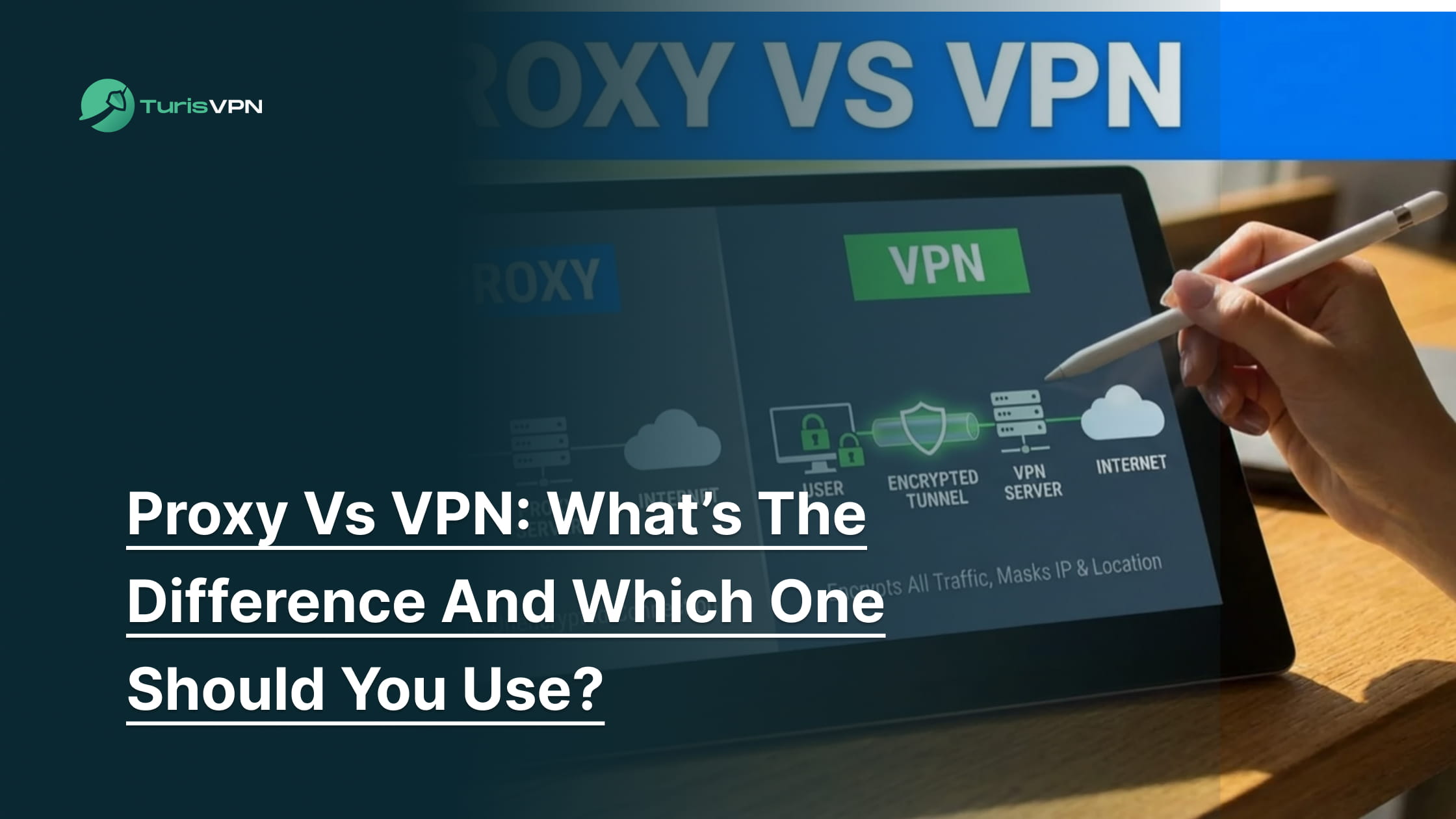
How a proxy differs from a VPN:
- Proxy (HTTP/HTTPS): changes your IP for specific traffic, often just the browser, and usually no encryption.
- VPN: changes your IP across the device and encrypts everything, which is why VPNs are safer for streaming, accounts, and logins.
A proxy can be “enough” for low-risk tasks like viewing a US-only webpage, but a proxy is a downgrade vs a VPN for anything involving accounts, payments, or privacy. Many free proxies are also unstable, slow, or blocked quickly.
Step 1: Choose a US Proxy Provider:
Select a paid, reputable proxy provider that offers US-based servers. Free proxies are often slow, unstable, and risky. Common US proxy providers:
- Bright Data
- Oxylabs
- Smartproxy
The provider will give you:
- Server address (IP or hostname)
- Port number
- Optional username/password
Step 2: Configure Proxy Settings on Your Device
Windows
- Open Settings → Network & Internet → Proxy
- Enable Use a proxy server
- Enter the proxy IP address and port
- Click Save
MacOS
- Open System Settings → Network
- Select your active connection → Details / Advanced
- Go to Proxies
- Enable Web Proxy (HTTP) and Secure Web Proxy (HTTPS)
- Enter the proxy IP address and port, then Apply
Android
- Go to Settings → Network & Internet → Wi-Fi
- Long-press the connected network → Modify network
- Open Advanced options
- Set Proxy → Manual
- Enter Hostname (IP) and Port, then save
IOS
- Open Settings → Wi-Fi
- Tap the ⓘ icon next to the network
- Scroll to HTTP Proxy → Configure Proxy
- Select Manual
- Enter Server (IP) and Port
Step 3: Verify Your US IP Address: Visit an IP-checker site (for example, What Is My IP Address). The detected location should show United States.
Method 3: Using the Tor Network
The Tor Network can sometimes show a US IP address because Tor routes traffic through multiple relays and exits through an Exit Node. You can also try to force US exit nodes using configuration rules, but the Tor Project generally discourages using Tor for location spoofing because it can reduce anonymity and make connections less reliable.

Tor sometimes gives you a US IP, but Tor is not built for consistent “USA server” access. Expect slower speeds, more CAPTCHAs, and unstable results compared to a VPN.
How to Force a US Exit Node in Tor (Advanced)
- Close Tor Browser completely
- Locate the torrc configuration file:
- Windows:
Tor Browser\Browser\TorBrowser\Data\Tor - macOS:
~/Library/Application Support/TorBrowser-Data/Tor - Linux:
Tor Browser/Browser/TorBrowser/Data/Tor or /etc/tor/torrc
- Windows:
- Open torrc in a text editor
- Add
| ExitNodes {us} StrictNodes 1 |
5. Save the file (ensure no .txt extension)
6. Restart Tor Browser
7. Check your IP address online
Method 4: Setting Up Your Own Server in the US
Setting up your own US VPN server is the most “full control” way to get a US IP address, because you rent a VPS in the United States and run your own VPN on it. This method avoids shared VPN IPs, but it’s high-effort and best for power users.
When this method makes sense
- You want a dedicated US IP that’s less likely to be flagged as “VPN traffic”
- You’re comfortable managing servers and basic networking
- You want control over VPN protocols and logs
Step-by-step (high level)
Step 1: Rent a US VPS: Pick a provider with US regions:
- AWS (EC2)
- Google Cloud (Compute Engine)
- DigitalOcean / Vultr / Linode (also common)
Step 2: Install a VPN protocol
Typical setup tasks:
- Generate keys/certificates
- Configure routing and firewall rules
- Open required ports (e.g., WireGuard UDP 51820 or OpenVPN 1194)
Step 3: Connect from your device
- Import the config into a VPN client
- Connect → your traffic exits via the VPS US IP address
Step 4: Verify your US IP: Use any IP checker to confirm the location shows United States.
Pros (vs other methods)
- Dedicated US IP address you control
- Less “VPN detection” compared to shared VPN servers (often)
- You choose the protocol and settings
Cons
- More expensive than it looks (VPS cost + bandwidth)
- Maintenance burden (updates, keys, firewall, outages)
- Misconfiguration can leak data or break connectivity
VPS is a solid edge-case for advanced users, but for most readers, TurisVPN stays the easiest and safest default for a US IP.
Why Do You Need a US IP Address?
A US IP address is needed when websites or services restrict access based on location and only allow users inside the United States. Many platforms check your IP address to decide what content, prices, or features you’re allowed to see. Using a US IP through a VPN also improves privacy by encrypting traffic and reducing exposure on public Wi-Fi, especially important if you want to protect you from hackers on public networks.

The most common reason is geo-restriction. Major streaming services such as Netflix (US library), Hulu, Max, Peacock, and regional sports platforms block access when your IP shows a non-US location. A US IP unlocks the same catalog Americans see.
A US IP address is also useful for banking and travel. US banks, payment platforms, and government or insurance portals often flag foreign logins as suspicious. Connecting through a US IP reduces account locks and verification loops when you’re abroad.
Privacy and ISP visibility matter as well. Some Internet Service Providers monitor traffic or apply regional throttling. Using a US IP through a VPN encrypts traffic and prevents your ISP from seeing which sites you access.
Finally, a US IP can help avoid price discrimination. Airlines, SaaS tools, subscriptions, and e-commerce sites sometimes display different prices based on location. Appearing as a US user can result in more consistent or lower pricing.
How to Setup and Use TurisVPN for a US IP Address
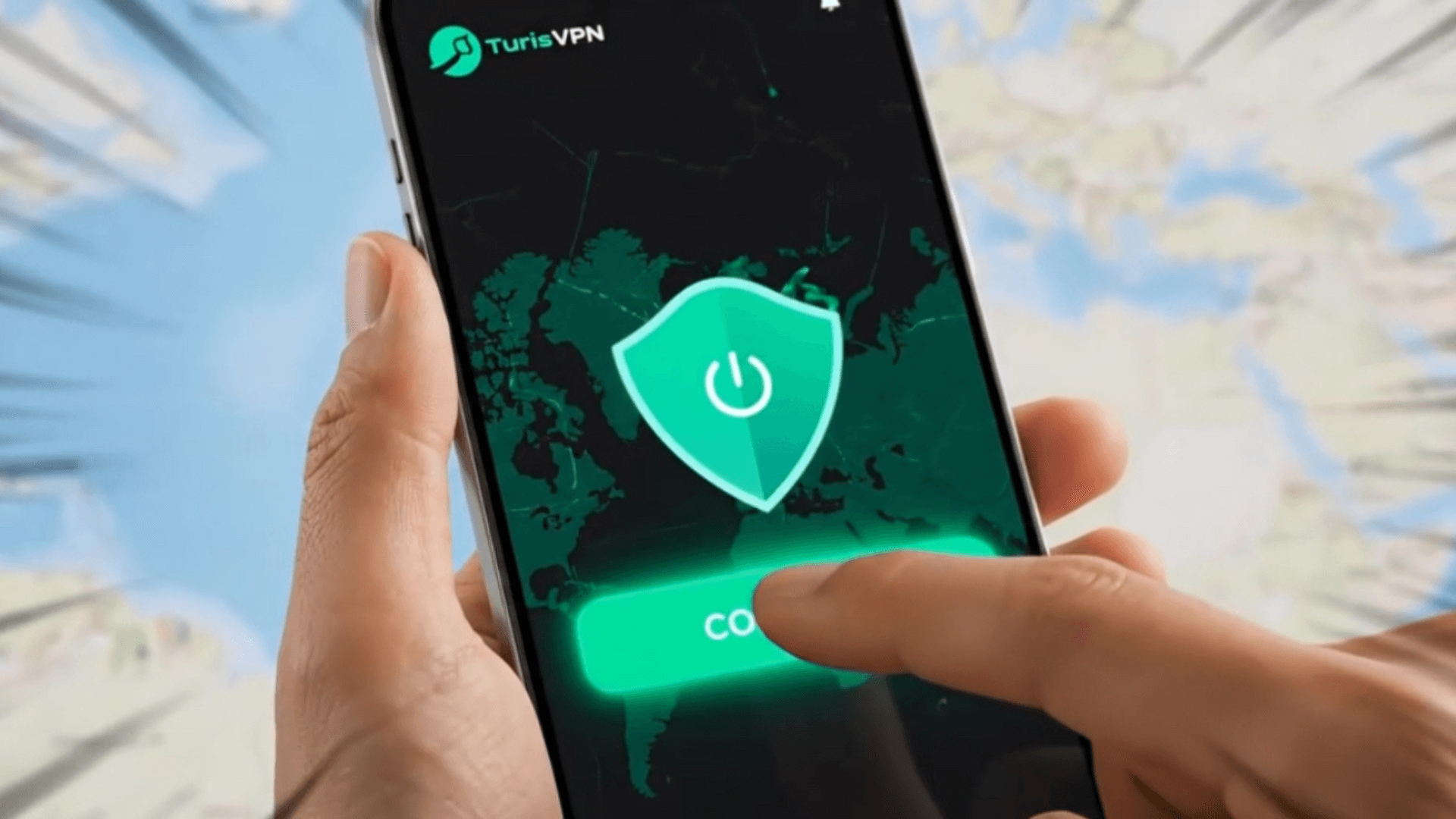
Setting up TurisVPN to get a US IP address is straightforward and designed for beginners. The goal is simple: connect to a US server so your real IP address is replaced with a US-based one, while your traffic stays encrypted.
Step 1: Install TurisVPN on Your Device
TurisVPN works on mobile devices and browsers, not as a full desktop or TV app.
- iOS / Android: Download TurisVPN from the Apple App Store or Google Play Store.
- Windows / macOS: Install the TurisVPN browser extension (Chrome-based browsers).
Step 2: Sign In and Enable Protection: Open TurisVPN and sign in to your account. Before connecting, check that:
Step 3: Connect to a US Server
From the server list, select a United States location. Once connected:
- Your IP address switches to a US IPv4/IPv6 address.
- Websites and apps will treat you as if you’re browsing from inside the US.
Step 4: Verify Your US IP Address
Open a browser and visit any IP-check tool (for example, “What is my IP”). Confirm that:
- The country shows United States
- Your ISP location is masked
This step helps catch DNS leaks early, especially if you’re using public Wi-Fi.
Step 5: Use Your US IP Normally
With TurisVPN connected, you can:
- Access US-only streaming services
- Log in to US banking or work platforms
- Browse with added privacy from your ISP
If a site doesn’t load correctly:
- Switch to another US server
- Clear browser cookies/cache
- Restart the app or extension and reconnect
Once connected, TurisVPN keeps your US IP active until you disconnect—no manual configuration required.
Is Using a US IP Address Legal?
Using a US IP address is legal in most countries, including the United States, and changing your IP with a VPN is not illegal by itself. VPNs are widely used for privacy, security, and remote access, and many businesses rely on them every day.
What matters is how the US IP address is used, not the IP change itself. Accessing public websites, protecting your traffic from your ISP, or browsing securely on public Wi-Fi is generally lawful. Problems only arise if a US IP address is used for illegal activities such as fraud, hacking, or copyright abuse.
One important distinction is Terms of Service. Some websites, especially streaming platforms restrict access by region. Using a VPN to bypass geo-restrictions may violate those terms, which can lead to service blocks or account suspension, but it is still a civil policy issue, not a criminal offense in most regions.
Risks of Using Free VPNs or Proxies
Free VPNs and free proxy services carry significant security and reliability risks. That’s why they are rarely recommended for obtaining a US IP address or protecting privacy.
- Data logging & resale: Many free VPN services fund operations by logging browsing activity and selling it to advertisers or data brokers.
- Malware, trackers, and ad injection: Free VPN/proxy apps often bundle trackers, intrusive ads, or malicious SDKs. Some inject ads or redirect traffic to unsafe pages.
- Weak or no encryption: Free proxies typically have no encryption (HTTP/HTTPS proxy or VPN tunnel). Some free VPNs use weaker setups and skip protections that paid VPNs treat as standard.
- No critical safety features: Many free tools don’t include a Kill Switch, so your real IP Address can leak if the connection drops. DNS/IP leaks are more common on low-quality services.
- Slow speeds and unstable servers: Overloaded servers cause buffering, failed connections, and frequent disconnects especially on popular US IP address endpoints.
- Blocked by websites more often: Free VPN IP ranges get flagged quickly, so “US server” connections fail more often on streaming, banking, and shopping sites.
- Privacy risk on public Wi-Fi: Without strong Encryption, traffic is easier to intercept on cafés, airports, and hotels.
- Account/security consequences: If a free VPN/proxy is compromised, leaked sessions or credentials can put accounts at risk.
Bottom Line
Getting a US IP address is straightforward, but the method you choose makes a big difference in security, reliability, and ease of use. For most users, a VPN is the safest and simplest option because it changes your IP address while encrypting your traffic and protecting you from tracking, leaks, and interception. TurisVPN make the process beginner-friendly with one-click US server selection and no complex setup.
Other options such as proxies, Tor exit nodes, or running your own US server can work in specific situations, but they come with clear trade-offs in privacy, stability, or technical complexity. Free VPNs and proxies may look tempting, yet they often introduce more risks than benefits, from data logging to malware and frequent IP blocks.
FAQs
Q1. How Can I Get a US IP Address for Free?
You can use free VPNs, free proxy servers, or the Tor Network to obtain a US IP address at no cost. However, these options are unreliable and risky: free VPNs often log data or inject ads, proxies don’t encrypt traffic, and Tor is slow and not designed for location spoofing. For stable and secure access, a reputable paid VPN is the safer choice.
Q2. How to Verify My US IP Address After Setup?
After connecting, open a browser and visit an IP-checking site such as “What Is My IP.” If the location shows the United States, your US IP address is active. If it shows your real country, reconnect or switch servers.
Q3. Can I Use the Same US IP Address on Multiple Devices?
Yes, if you use a VPN that supports multiple devices under one account. The exact number depends on the provider. Browser extensions usually cover PCs, while mobile apps handle phones and tablets.