








For sports fans eager to catch live action, Eurosport Singapore offers access to top international competitions. Knowing how to watch Eurosport in Singapore ensures you don’t miss your favourite sports events.
This guide covers everything from subscription options and TV providers to smart VPN use. With expert advice from TurisVPN, you will enjoy secure, smooth streaming without hassle or legal worries.
What is Eurosport?
Eurosport is a major pan-European sports television network owned by Warner Bros. Discovery. It’s globally known for its comprehensive coverage of a huge range of sporting events, far beyond just mainstream sports.
You can watch world-class events like the Olympic Games, all four Grand Slam tennis tournaments (including the Australian Open & Roland-Garros), major cycling races (such as the Tour de France and the Giro d’Italia), winter sports, and various forms of motorsport.
The network runs channels like Eurosport 1 and Eurosport 2. Globally, all of its live and on-demand content is now streamed through the Discovery+ platform, which has replaced the old “Eurosport Player” service. For many enthusiasts, this channel is the essential resource for professional televised sports
Is Eurosport Available in Singapore?
Yes, Eurosport is available in Singapore, but with some limitations. Due to licensing and regional rights, the full Eurosport Player Singapore service is not natively available. Fans cannot subscribe directly within Singapore. This forces many sports fans to look for alternative solutions to watch their favourite sports.
Local partnerships have opened some doors over time. Eurosport Singapore StarHub previously secured distribution rights for the dedicated linear channel. However, dedicated Eurosport channels are generally no longer available through StarHub or Singtel TV packages. The content itself is now mainly accessed via streaming.
Other telecom providers, including Singtel, have had intermittent broadcast deals for major sports events. These deals often cover headline matches but may change or end seasonally. Eurosport content is mostly incorporated into the Discovery+ platform locally.
If you are looking for an up-to-date Eurosport Singapore schedule, consult the Discovery+ app. You can also scan a dedicated sports streaming guide. These lists will keep you up to date on live matches and event replays. While restrictions exist, several proven workarounds exist. Tech solutions keep your viewing secure and legal.
Ways to Watch Eurosport in Singapore (Step-by-Step Guide)
Are you looking for reliable ways to stream Eurosport Singapore? This guide will provide the most up-to-date and precise methods while clarifying common misconceptions (especially those related to F1). Watching Eurosport in Singapore comes with its own set of rules that differ from other regions. Here are the most current and verified ways to access Eurosport.
Discovery+ Singapore

Discovery+ has rapidly grown as the primary hub for Eurosport’s digital content, aggregating live and on-demand streams of everything from tennis Grand Slams to key sporting events. Here’s how to get started:
- Step 1: Check Availability: Go to the Discovery+ website or app. Verify if the Eurosport Asia Singapore package is included for the Singapore region.
- Step 2: Sign Up: If “Eurosport” is part of your Discovery+ plan, register. Use a valid Singapore address and payment method.
- Step 3: Browse Content: Use the search tool to find specific events. Look for cycling races, tennis matches, or ongoing football leagues.
- Step 4: Stream Safely: Consider using a reliable VPN for uninterrupted streaming. This ensures your connection is private. You can also access content libraries from neighbouring countries if regional restrictions apply.
- Step 5: Enjoy Match Highlights: Catch up on game recaps, event replays, and specialised content. The platform often curates this for the Singaporean audience.
For better peace of mind, using a VPN in incognito mode combines browser privacy settings. You get robust VPN protection for all your Eurosport Singapore streaming needs.
StarHub or Singtel TV
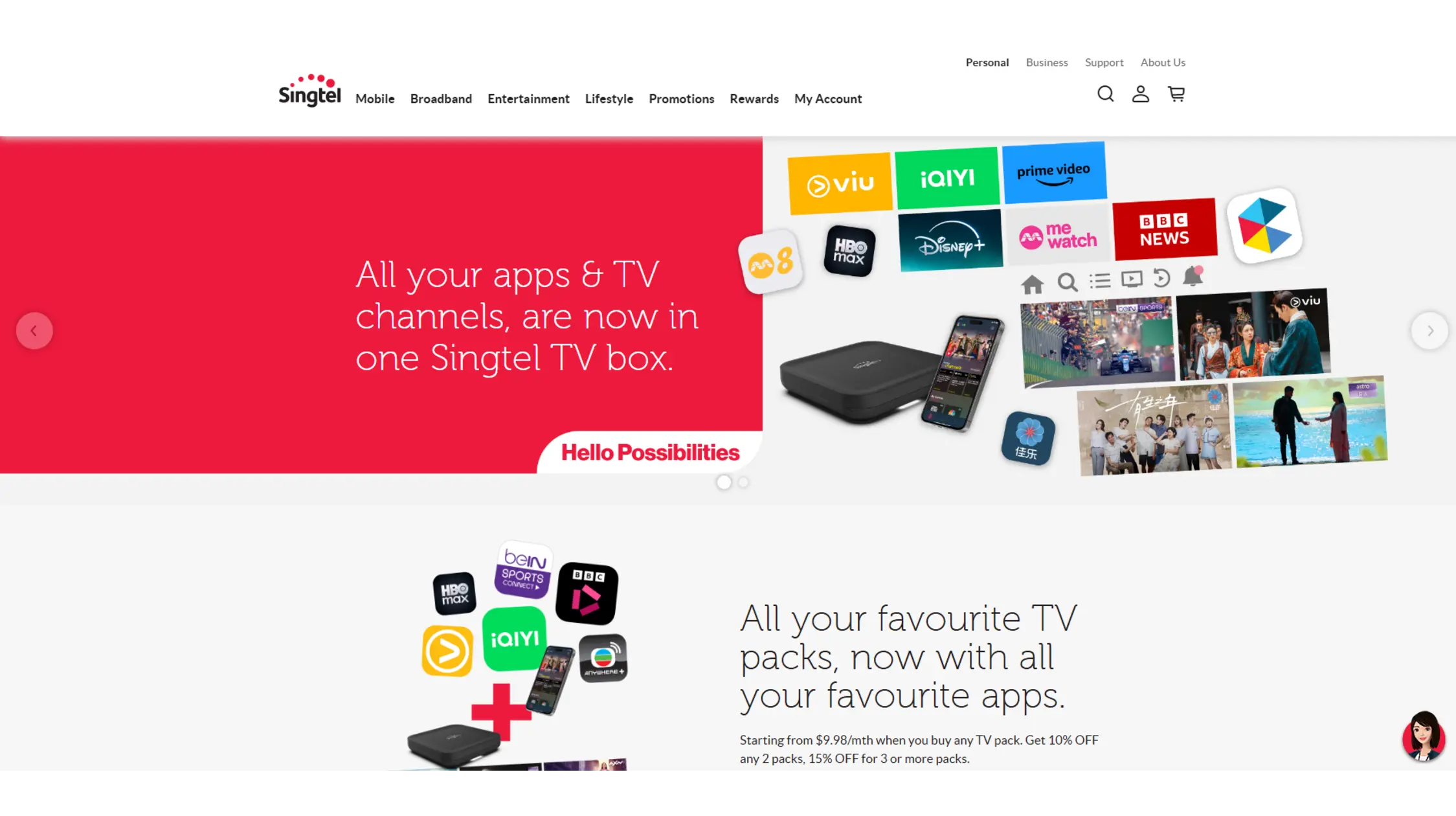
Traditional pay-TV subscriptions are no longer a standard way to access a dedicated Eurosport channel. Both StarHub and Singtel TV previously distributed the channel to local subscribers. However, neither StarHub nor Singtel currently carry Eurosport.
You can still access some Eurosport content if it is sub-licensed to other channels within their sports packs. Here are the general steps to check:
- Step 1: Select Your Provider: Choose between StarHub and Singtel, noting Eurosport 1 HD and standalone Eurosport options are no longer available.
- Step 2: Check Package Content: Add sports packages (excluding Eurosport).
- Step 3: Set Up Devices: Ensure your set-top box or smart device is connected and up to date. This is necessary for HD streaming.
- Step 4: Check Listings: Visit the Eurosport TV guide Singapore page. However, do not expect Eurosport to be listed. These packages offer other sports networks like beIN Sports and Hub Sports.
- Step 5: Activate Remote Viewing: Use mobile or web apps offered by StarHub/Singtel. This allows streaming access from multiple locations within Singapore.
- Step 6: Catch Up on Missed Broadcasts: Most cable providers offer replay and highlight options so you can watch at your convenience. This option works especially well for those who prefer live TV without technical setups.
Important Notice: Eurosport Does NOT Broadcast F1 in Singapore
- Eurosport does not have the rights to show Formula 1 (F1) in Singapore. Any suggestion to watch “Eurosport F1 Singapore” or “Singapore Grand Prix” on Eurosport or local channels is false.
- To watch F1 legally, you must subscribe to beIN Sports via StarHub or Singtel.
Watch Eurosport in Singapore Safely with TurisVPN

TurisVPN delivers fast, secure, and easy protection for streaming Eurosport Singapore. Built with advanced WireGuard technology and a unique IP-2Hop feature, TurisVPN hides your IP address twice for stronger privacy. One account supports multiple devices smoothly. Thanks to global high-speed servers, buffering stays minimal while you watch your favourite sports.
Here’s how to use FreeVPN to watch Eurosport Singapore safely:
Step 1: Download and install the TurisVPN app from the official website or app store for your device.
Step 2: Sign up or Log In to your TurisVPN account.
Step 3: Choose a Server Location in a country where Discovery+ offers the full Eurosport package, such as the UK or another European country.
Step 4: Connect to the VPN and wait for the secure connection to establish.
Step 5: Access the Discovery+ website (or app) for that region (e.g., discoveryplus.com/gb). You will need to create an account and purchase a subscription (like the “Entertainment & Sport” pass in the UK).
Step 6: Once subscribed, you can stream all content included in that package—such as Grand Slam tennis, major cycling tours, and winter sports—even when physically in Singapore.
If you are tempted to search for the best free VPN for streaming Eurosport in Singapore, be aware that free options are often slow, unreliable, and pose significant security risks. Many users also find our comparison of paid vs free VPNs helpful when choosing reliable streaming tools.
Eurosport Subscription Plans in Singapore
Understanding your subscription options is vital for seamless access to Eurosport Singapore content. Here is what you need to know about pricing, availability, and what each plan covers:
| Subscription Plan | Availability in Singapore | Pricing | Coverage Highlights | Notes and Considerations |
| 1. Discovery+ Singapore | Available in some packages | $4.99/month (With Ads) or $8.99/month (Ad-Free) | Integrated Eurosport content, including cycling and tennis. | No F1 rights in Singapore |
| 2. StarHub / Singtel TV | Available via select premium bundles | Varies widely. Part of larger sports/entertainment bundles (e.g., StarHub TV+ Passes start from $5.08/month for basic access) | Some sub-licensed Eurosport content on other channels (beIN Sports, Fight Sports, Hub Sports. Dedicated Eurosport channels are generally no longer available. | No Eurosport channel or standalone option |
| 3. Free Streaming Alternatives | Unofficial and risky | Free | Limited and unreliable access to Eurosport content | Many sources expose users to malware, pop-ups, and poor quality; not recommended for safety |
Bottom Line
To watch key Eurosport Singapore events like Grand Slam tennis and major cycling, your only official and reliable option is to subscribe to Discovery+. For fans looking to catch live F1 racing, signing up for beIN Sports via StarHub or Singtel is required.
Combining these subscriptions with a secure VPN service like TurisVPN ensures smooth, private streaming and access to content without regional restrictions, making your sports viewing experience seamless and hassle-free.
FAQs
Q1. Can I watch Eurosport for free in Singapore?
No. There is currently no official way to access full Eurosport coverage for free in Singapore. The only legitimate method is a paid Discovery+ subscription. You can learn about safer online entertainment options in our resource on secure alternative Kisscartoon sites.
Q2. Is Eurosport on Discovery+ Singapore?
Eurosport is available in certain Discovery+ Singapore packages, but availability varies. Check the current offering, and if content seems missing, consider using a VPN for access to other regions’ libraries. Note that F1 is not included.
Q3. What VPN works best for Eurosport?
TurisVPN leads for streaming Eurosport in Singapore. We offer high speeds, strong security, and consistent content unlocking across regions. For more VPN security, see our guide on whether VPNs can be hacked.
Q4. Does StarHub still have Eurosport channels?
Eurosport was historically part of StarHub’s Sports Group packages, but it was discontinued in 2018. Singtel also no longer carries Eurosport channels. Neither provider currently distributes Eurosport in Singapore. Consult official channel guides for current sports offerings.
Q5. Can I stream live sports legally outside the EU?
Accessing Eurosport content abroad depends on holding rights in the viewing region. Using a VPN to watch a home subscription is common but may violate the terms of use. Check the legal considerations for VPN use in Singapore before proceeding. For more, read about the legal considerations of VPN use in Singapore.





