







Many students frequently ask how to unblock games on school computer systems, especially during breaks. You need to know that school networks exist for important reasons. They promote focus, manage bandwidth, and protect students from unsafe content.
Before attempting any workaround, you must understand why these rules exist. You must also know the risks of bypassing school firewalls. This article explores five methods students use to access games. We focus on TurisVPN as the safest and most reliable tool for fast, secure connections on your personal device.
How to Unblock Games with TurisVPN in 3 Steps
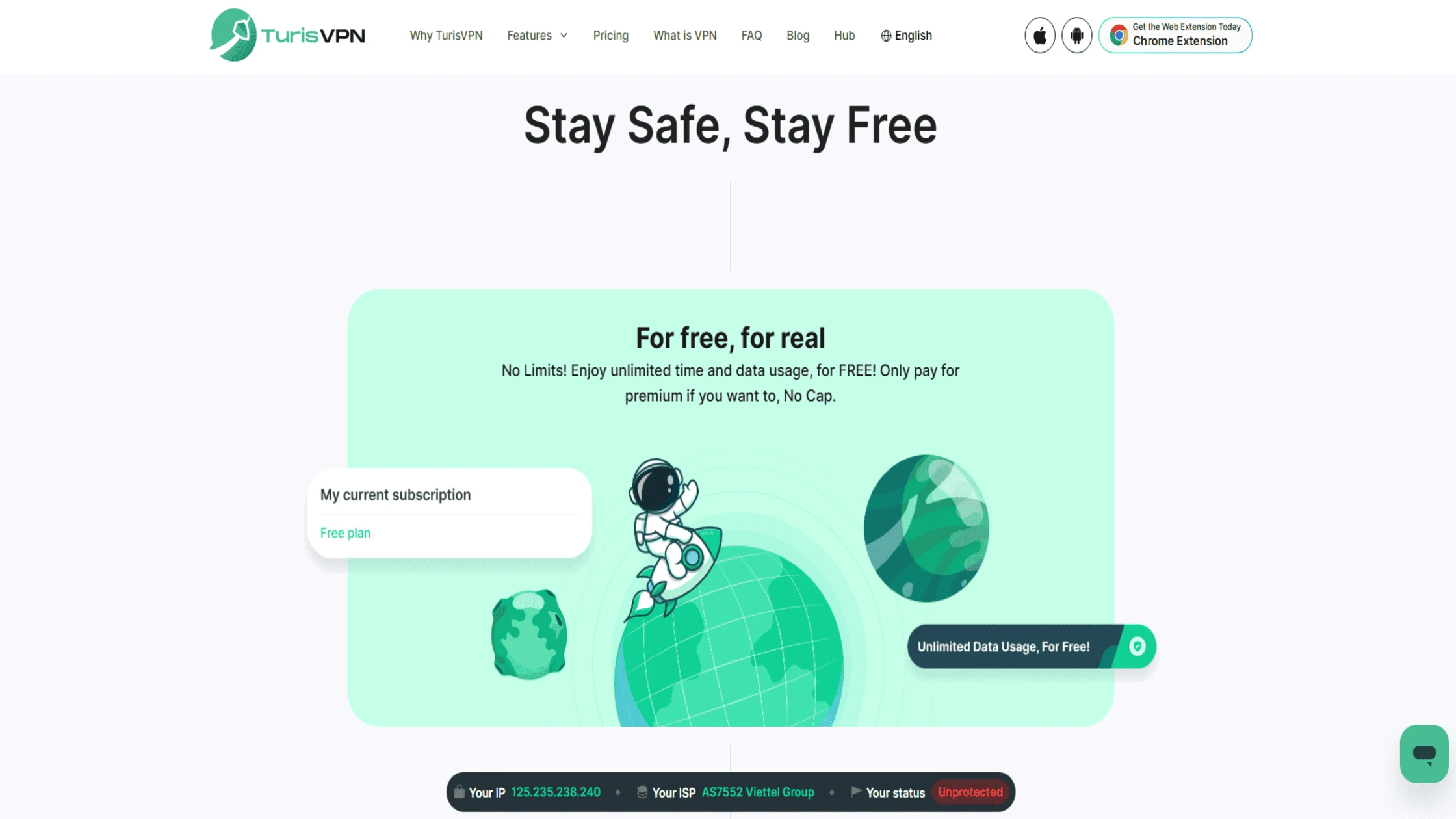
How to Use TurisVPN for Security on Public Wi-Fi. TurisVPN is designed to protect your privacy and secure your data on any network. When using your personal device on public Wi-Fi, like at a school or library, follow these steps to secure your connection.
Step 1: Install TurisVPN
Start by downloading TurisVPN from the official website. It offers a hassle-free installation process compatible with Chrome Web Extension. If you’re new to VPNs, check out our detailed guide on how to use a VPN to ensure proper setup.
Step 2: Connect to a Server
After installation, open the TurisVPN app and connect to a nearby server. This connection encrypts all your internet traffic and hides your IP address, bypassing school firewalls that block access to gaming websites.
Step 3: Browse Securely
Once connected, your internet traffic is encrypted, protecting your personal data from snoops and cyber threats common on public networks. You can now use the internet with an added layer of security.
Why Are Games Blocked at School? (Understanding the Firewall)
Understanding network restrictions is the first step toward responsible online behavior. Many students ask why they can’t access favorites like Roblox or Minecraft, or want to know what games are not blocked on a school network. This is often the first hurdle when trying to figure out how to unblock games on a school computer.
Reason 1: Network Firewalls & Content Filtering
School IT teams use firewalls and content filters to block gaming and entertainment sites. These systems check website content and block domains that might distract students. They also block content that could be inappropriate. The main goal is to keep the online environment safe and focused on learning.
Reason 2: Conserving Network Bandwidth
Gaming uses a lot of bandwidth to run. High usage can significantly slow down essential school resources like virtual classrooms and research tools. Schools restrict gaming traffic to keep the network running smoothly. They make sure educational services always have priority access to the internet speed.
Reason 3: Maintaining a Focused Learning Environment
Blocking games and entertainment sites simply reduces distractions during class. Schools want students to stay focused and engaged. For this reason, they limit access to websites that might take attention away from learning and academic activities.
Common Methods Used to Bypass Firewalls and Their Dangers
Online searches may reveal several methods for bypassing network restrictions. However, these techniques come with significant security and disciplinary risks. We are outlining them here to educate you on the dangers they pose
Method 1: Use a High-Quality VPN (Most Reliable & Safest for Personal Security)
The most reliable way to secure your internet traffic is by using a reliable VPN like TurisVPN. A good VPN encrypts your traffic. This means your activity is hidden from most filters. VPNs also provide the fast connections needed for uninterrupted gameplay at home. Besides potentially unblocking games, VPNs protect your privacy and data security.
If you’re looking for guidance on using VPNs for specific online actions, understanding how to use VPN on incognito mode for an extra layer of privacy can be beneficial.
Method 2: Use Your Phone’s Mobile Hotspot (Easy & Safe—if Allowed)
Using your personal phone’s mobile hotspot avoids the school’s network completely. Your computer connects to cellular data instead. This method is easy and secure because it skips the school’s firewall. Be aware that this can use a lot of mobile data and might cost extra, depending on your phone plan.
This method is one way to ensure uninterrupted access when you visit download sites for games from your own device outside of school hours.
Method 3: Find “Unblocked Games” Websites (Risky)
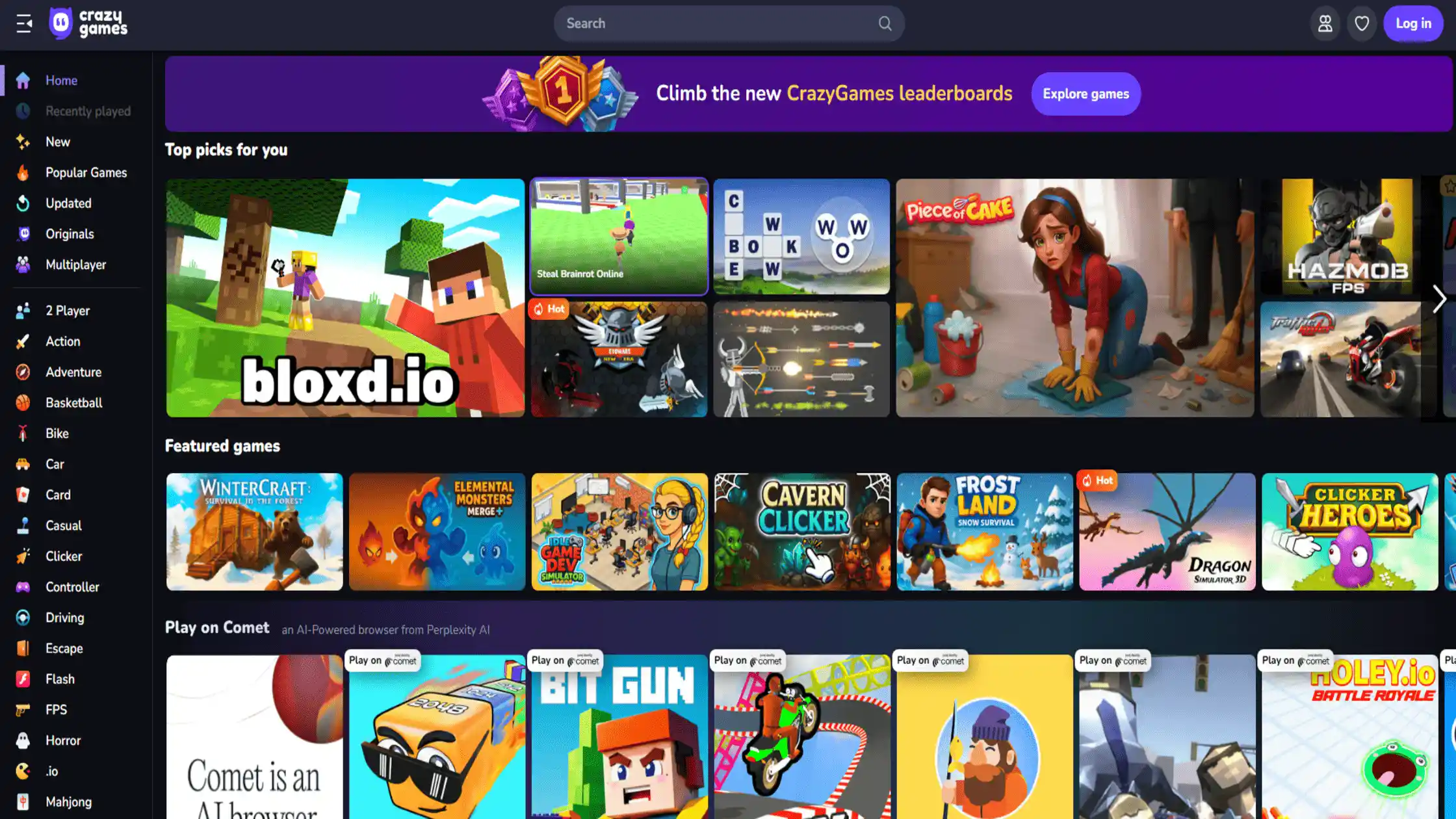
Several websites offer proxy unblocked games designed to bypass school restrictions. These sites host popular games accessible during school hours. However, these sites carry risks including malware infections, slow load times, and distracting ads. For somewhat safer options, check trusted sources like unblocked games G Plus.
Method 4: Use a Web Proxy or Browser Extension (Very Risky)
Web proxies and browser extensions can sometimes bypass firewalls. But they often lack encryption and are prone to malware. School IT can also easily block them. Free extensions, in particular, pose serious risks to your data privacy. People looking for a proxy unblocked games solution should know the high risk involved.
Method 5: Change Your DNS Server (Often Ineffective)
Changing your DNS server settings (like using Google DNS) might bypass simple filters. However, this method is usually ineffective against modern, well-managed school firewalls. Also, changing your DNS offers very little protection and can be easily flagged by network monitoring.
If you ever need to remove security software from your devices for maintenance, knowing how to uninstall a VPN on any device safely is good general knowledge
WARNING: The Risks of Bypassing School Firewalls
The desire to find a quick guide on how to unblock games on a school computer is common, but the penalties are severe. We strongly advise students to consider the risks before attempting to circumvent content filters. If you value security, you should never compromise it, even for fun.
1. Getting Caught by IT & Disciplinary Action
School IT teams continuously monitor network activity. If you attempt to bypass blocks, there’s a high chance you’ll get caught. Consequences range from losing internet access on school devices to official disciplinary steps. Schools take these violations seriously to maintain a focused learning environment.
2. Malware & Virus Infection (From “unblocked” sites & proxies)
Many websites and proxy services that claim to unblock games host malware or viruses. Using these unsafe resources can infect your device, causing damage or data loss. Malware can also spread through the school network, compromising others’ computers.
Staying safe online is important for all game-related activities, even getting free UC PUBG Mobile without compromising your security.
3. Data & Password Theft (From free proxies & extensions)
The “free” nature of many proxy-unblocked games services or browser extensions often hides a steep price: your personal data. These services can intercept and read all of your internet traffic. This includes sensitive information like usernames, passwords, and details used for logging into educational or personal accounts.
If you encounter issues with a game account, our guides cover topics like how to get unbanned from Rocket League, but we always advocate for network safety first.
Why TurisVPN is the Only Safe Solution for School Wi-Fi (for Security, Not Circumvention)
TurisVPN is built on principles of security and privacy. We do not support using our service to violate network policies. However, we offer protection for your personal device anytime you connect to a public network. Asking how to unblock games on a school computer should lead you to secure, responsible methods, not risk.
Hides Your Activity from IT (Full Encryption)
TurisVPN encrypts your entire connection. This means that while the school IT administrator can see your device is connected to our servers, they cannot see what you are doing. This is an essential security feature for protecting your privacy whenever you use an unsecured public network.
Blocks Malicious Sites (Built-in Malware Protection)
Our service includes built-in Threat Protection. This feature actively scans for and blocks connections to known malicious domains. If you accidentally click a sketchy link while searching for unblocked games or a random proxy unblocked games site, our protection would likely block the connection before any malware could download.
Secures Your Data (Strict No-Logs Policy)
Unlike free proxy services or risky browser extensions, TurisVPN operates under a strict, independently audited No-Logs Policy. We never track, collect, or store any information about your online activity. Your personal data stays private and secure, offering much more than any simple proxy unblocked games service ever could.
Blazing-Fast Speeds for Lag-Free Gaming (At Home)
Our optimized servers are designed for speed. They ensure a low-latency connection. While we discourage violating school policy, using TurisVPN at home can help you maintain the best connection quality for competitive gaming sessions. Many classic games, like the ability to play Counter-Strike 1.6, depend on low latency for the best experience
When considering what games are not blocked on a school network (typically none), remember the best, safest gaming happens on your own secure network.
What Popular Games Are Usually Blocked?
School filters are highly effective at identifying and blocking the most popular online games. They cause high bandwidth consumption and potential distraction. This is a key concern for any student wanting to know how to play blocked games at school.
Roblox

Roblox is a massive multiplayer platform. School filters block it almost universally. Its high popularity and constant data streaming make it an easy target for content filters that aim to reduce network strain.
Minecraft
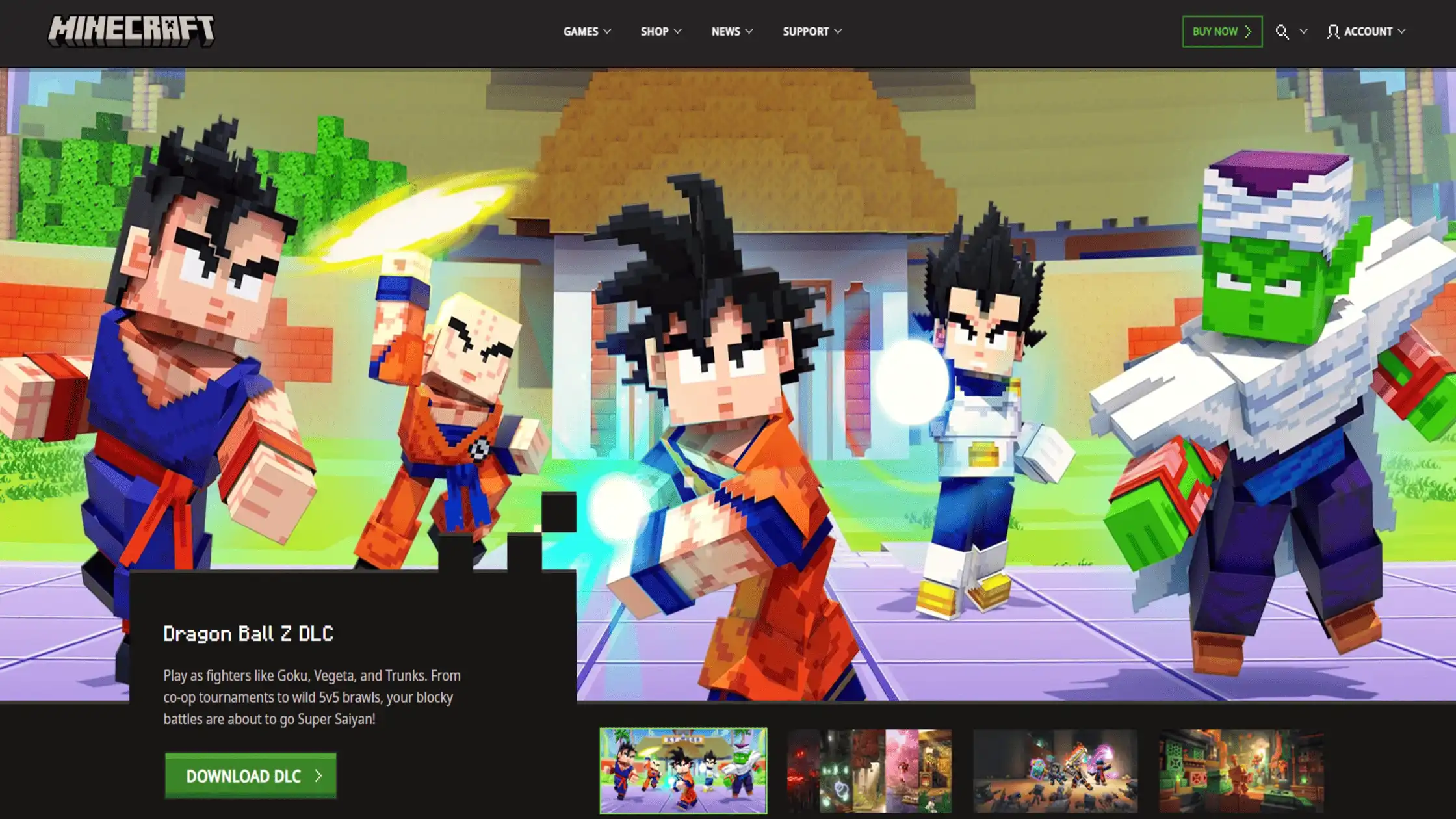
Minecraft has an educational version, but schools often block the standard commercial version. The constant need for server communication and high resource use is flagged by IT security as too much for an educational setting.
Fortnite

Fortnite is a high-speed, competitive game. It requires a low-latency connection and immense bandwidth. Schools block it often using both domain filtering and port blocking. This makes accessing it on a school network nearly impossible.
For serious gamers who want to maximize performance on their home connections, learning how to get low ping on Fortnite is key.
Unblocked Games 66/76 sites
These are examples of sites that are not specific games themselves, but they are portals that host browser-based games. Students seek them out hoping they are among gaming websites that are not blocked by schools.
Yet, the IT department tracks and blocks these sites constantly, which is why new domain names (e.g., 66, 76, 99) appear all the time.
Bottom Line
When you ask how to unblock games on school computer, you are essentially asking how to circumvent a sophisticated security system. This system is in place to protect you, your classmates, and the school’s network integrity.
Wanting a quick game during a break is normal, but the school network is the wrong place for it. The danger is too high. You risk punishment, malware and theft from an unsecured proxy unblocked games site. Always follow your school’s rules.
If you want a secure and private internet experience on your personal device, especially on public Wi-Fi, TurisVPN offers the legitimate, encrypted security solution you need. We focus on securing your connection, not violating policy.
FAQs
Q1. Can the school see me using a VPN?
Yes, the school IT team can usually see that a computer is connecting to an external VPN server IP address. While they cannot see what you are doing, they can tell you are using unauthorized software to encrypt your traffic.
Q2. Is it illegal to use a VPN at school?
No, using a VPN to unblock games on a school computer is not illegal in the criminal sense. However, it definitely breaks the school’s policy. Breaking this rule can lead to severe school-level punishment, including suspension or expulsion.
Q3. What’s the difference between a VPN and a proxy?
A VPN encrypts all your device’s traffic. It secures your entire connection using strong security protocols. A proxy only handles traffic for one specific app, like a web browser. Proxies usually lack strong encryption. This makes a proxy a much weaker and riskier choice than a VPN for a proxy unblocked games solution.
Q4. Will a free VPN work for unblocking games at school?
Free VPNs are usually useless against modern school firewalls. The filters quickly blacklist their servers. Worse, they often have slow speeds, strict data limits, and pose a huge security risk by logging and selling your private data.
Q5. What is “unblocked games 66” and is it safe?
Unblocked games 66 are third-party websites that host simple browser games. They try to sneak past the school’s content filtering radar, and typically are not safe. They carry a high risk of malware infection, inappropriate advertising, and data compromise.





