Omegle is a popular online chat platform, but sometimes users find themselves blocked or banned, raising the question: how to get unblocked on Omegle? Whether you’re trying to access Omegle in a restricted school network, workplace, or from a country-level block, understanding the reasons behind these blocks and how to safely bypass them is essential. This article will explore why Omegle gets blocked, the types of blocks, and five working methods to regain access, giving you the best guidance on how do you unblock on Omegle and stay safe while using it.
Why Omegle Gets Blocked or Banned?
Omegle bans and restrictions arise from efforts to maintain safety and comply with legal and community standards. The platform blocks users to prevent misuse, protect others, and abide by external policies.
Excessive Dropping
One frequent reason for an Omegle block is excessive dropping, which happens when users end chat sessions too quickly or too often. Omegle’s system may see this as spam or automated bot activity. If you drop conversations repeatedly, Omegle might ban your IP address to stop unproductive or disruptive behavior.
Harassment
Harassment consists of sending inappropriate messages, bullying, or threatening others. This type of behavior goes against the community guidelines of Omegle. If the behavior is reported by other users or workers at Omegle, or if it is flagged by automated systems, Omegle may block your access to protect the rest of the community
Reports from Other Users
Omegle allows users to report misconduct or suspicious behavior. Multiple reports against a single user increase the chances of a ban. This mechanism helps maintain a safe and respectful environment, but can also lead to bans if users are falsely reported.
Posting Adult Content
Posting adult or sexually explicit material on Omegle is not allowed. Users who submit to such requests will be banned immediately. This helps Omegle stay compliant with the law while ensuring community safety.
Exploitation of Minors
Omegle has had a zero-tolerance policy against any activity that suggests the exploitation of minors. Any conversation, image, or action that hints at child abuse, sexualization, or endangerment will lead to a permanent ban. Such activities can result in serious legal consequences, reflecting the severe repercussions for this type of violation.
Lawsuits from Victims
Sometimes blocks originate from external pressures, such as lawsuits by victims of abuse or harassment on the platform. Omegle enhances its blocking and moderation system to prevent legal repercussions by restricting access to certain users or regions.
Inadequate Moderation
Omegle’s moderation system is automated and can sometimes result in wrongful bans due to a misunderstanding of user behavior. While it aims to curate a safe chat environment, some bans occur due to system errors or overreach.
Regional Blocking
In certain countries, Omegle was regionally blocked. This happens when internet service providers (ISPs) or national firewalls restrict access to the website for compliance with government regulations. Countries that are concerned about privacy, content, or security issues may restrict access. Result in users from those areas being unable to access the site.
Is It Legal to Get Unblocked on Omegle?
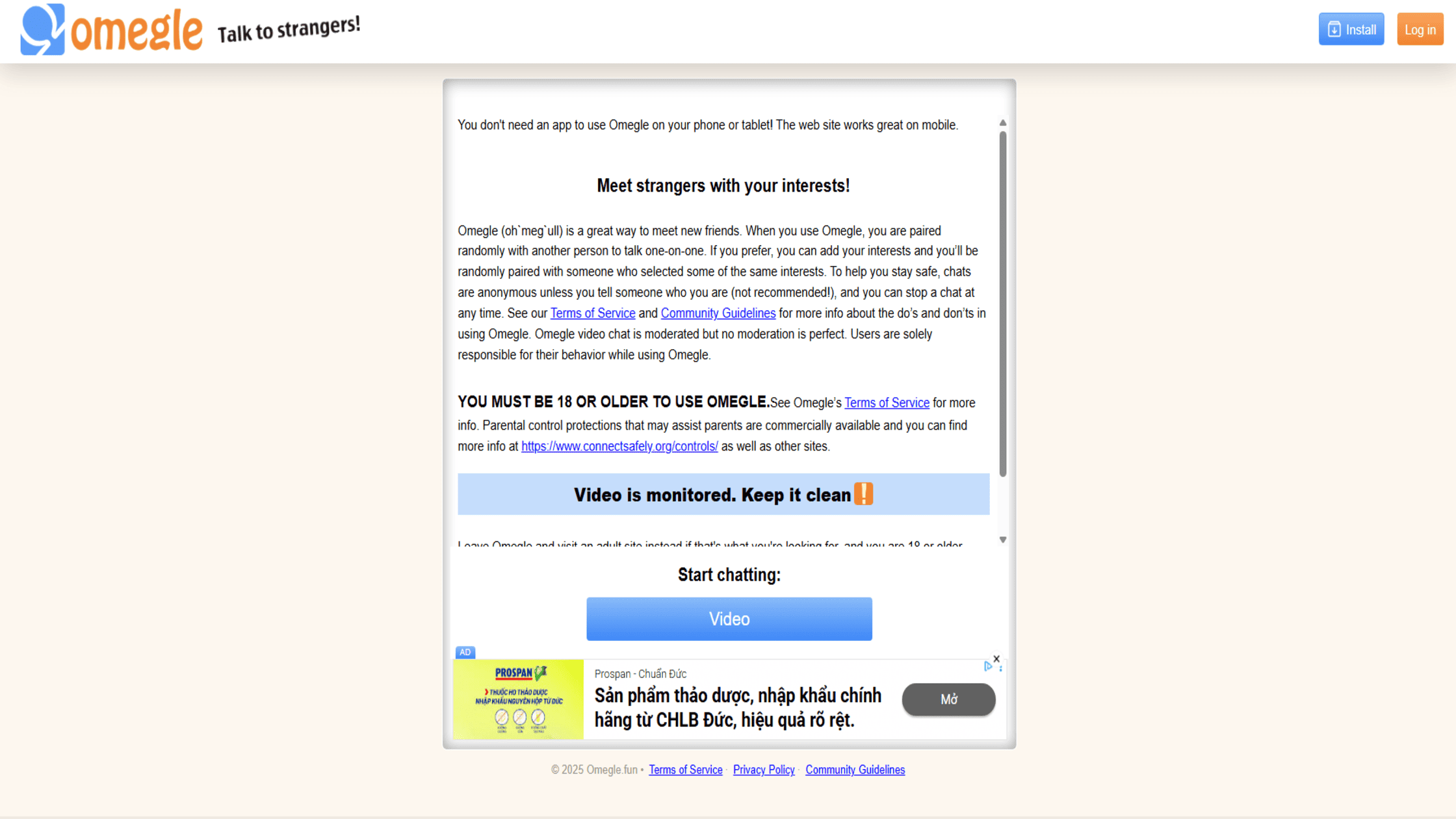 The legality of getting unblocked on Omegle depends greatly on your location and the circumstances behind the block. In many countries, using tools like VPNs to bypass blocks on networks such as school or work is legal, although it may violate their specific policies. However, in countries with strict internet censorship, such as Iran or the UAE, using VPNs or other methods to evade government-imposed geo-restrictions might be illegal and subject to penalties. Therefore, it’s crucial to understand your country’s laws regarding internet access and VPN usage. You should also check whether any specific national laws, like those that may apply to the legal use of the internet in a territory like Singapore, might affect your ability to bypass blocks. Furthermore, some nations ban unauthorized VPNs outright, permitting only those approved by the government. Always ensure that bypassing a restriction does not involve participation in illegal activities, as using Omegle for any criminal purpose remains unlawful regardless of your method of access. Being informed about local regulations helps you navigate the legal aspects of how to unblock Omegle ban safely and responsibly. -> Read more: Are VPNs Legal In Singapore?
Types of Omegle Blocks and How They Work
To find the best way on how to get unblocked on Omegle, it is important to identify the exact type of block you face. Omegle and network admins use several technologies to restrict or ban access. Understanding each will help you pick the right solution.
1. IP Ban (by Omegle)
An IP ban is when Omegle blocks your internet address. This happens if Omegle flags your IP address for violating its guidelines, such as harassment or posting adult content. For example, if many users report your behavior or you drop chats too quickly, Omegle’s system can block your IP. Once banned, you cannot connect using the same internet address until the ban expires or is lifted. Some bans are temporary, lasting a few days, while others can be permanent. This type of block targets your device’s IP regardless of the network used.
2. Network Ban (by School/Work)
A network ban happens when a school, workplace, or organization blocks access to Omegle on their Wi-Fi or internet system. They often use firewalls or filtering software to block certain sites and services. For example, if you try to connect to Omegle while using your school’s Wi-Fi, the network firewall may prevent your device from reaching Omegle’s servers. This ban affects all devices on that network, even those without individual Omegle bans. If you switch to a mobile network, this block usually won’t apply.
3. Geo-Restriction (by Country or ISP)
Some countries or internet service providers block Omegle due to legal restrictions or content regulations. For instance, countries with strict censorship, like the UAE, may block Omegle entirely. Similarly, some ISPs might restrict access based on their policies or government orders. When blocked this way, you cannot access Omegle from that country or through that ISP’s network normally. You’ll see error messages, or the site won’t load.
5 Working Methods to Get Unblocked on Omegle
Getting back on Omegle doesn’t have to be a complicated process. We’ve compiled the five most effective ways to get unblocked from Omegle.
1. Use TurisVPN (Safest & Most Effective)
Alt: ways to unblock Omegle safely One of the best ways to get unblocked from Omegle is by using a VPN like TurisVPN. This service routes your internet traffic through secure servers located worldwide, which hides your real IP address and encrypts all data. Follow these steps to use TurisVPN:
- Sign up for TurisVPN and download the app on your device.
- Install and open the app, then log in with your account details.
- Choose a server location where Omegle is accessible, such as the US.
- Connect to the chosen server and wait for the secure connection to establish.
- Open Omegle and start chatting. TurisVPN’s encryption keeps your data safe while also bypassing network or geo-blocks.
TurisVPN offers powerful protocols that balance privacy and speed, making it the top choice for unblocking Omegle without risking your security. We also recommend you consider the importance of combining these steps with a more private session, such as learning how to use VPN on incognito mode for an extra layer of privacy that prevents your browser from storing session-related cookies.
2. Clear Browser Cache & Cookies
 Sometimes, Omegle blocks are linked to stored data in your browser. Clearing cache and cookies can reset saved sessions and remove traces of prior bans. Here’s how to be unblocked from Omegle by clearing browser cache and cookies:
- Open your browser’s settings or preferences menu.
- Find the privacy or history section and locate the option to clear browsing data.
- Select “Cookies and other site data” and “Cached images and files.”
- Choose “All time” or a wide date range to clear everything related to Omegle.
- Confirm and clear the data, then restart your browser.
- Visit Omegle again and see if access is restored.
This simple step often helps users unblock quickly and can also resolve issues, such as how to unblock the camera on Omegle on a MacBook, caused by cached permissions.
3. Reset or Change Your IP Address
 If your ISP provides dynamic IP addresses, resetting your internet connection may assign you a new, unblocked IP. Follow these tips to go on Omegle unblocked:
- Turn off your modem/router and unplug it from power.
- Wait for about 5 minutes to allow your ISP to release the old IP.
- Plug the modem/router back in and turn it on.
- Check your new IP using an IP lookup service to confirm the change.
- Try accessing Omegle again with the new IP.
Alternatively, switching to a different internet source, like a mobile hotspot or a friend’s Wi-Fi, can assign you a different IP address that Omegle may not block. Changing your IP is a fast way on how to get unblocked in Omegle when dealing with IP bans.
4. Use a Proxy (With Caution)
 A proxy server acts as a middleman by routing your internet traffic through another server, hiding your real IP. To use a proxy safely:
- Select a reputable proxy provider with servers favorable for Omegle access.
- Configure proxy settings on your browser or device as instructed by the provider.
- Connect to the proxy server before visiting Omegle.
- Avoid free proxies as they can expose your data or cause unstable connections.
While proxies can unblock Omegle, they typically offer less security than VPNs. Use them cautiously if you prioritize privacy or worry about how to unblock Omegle securely.
5. Use a Tor Browser
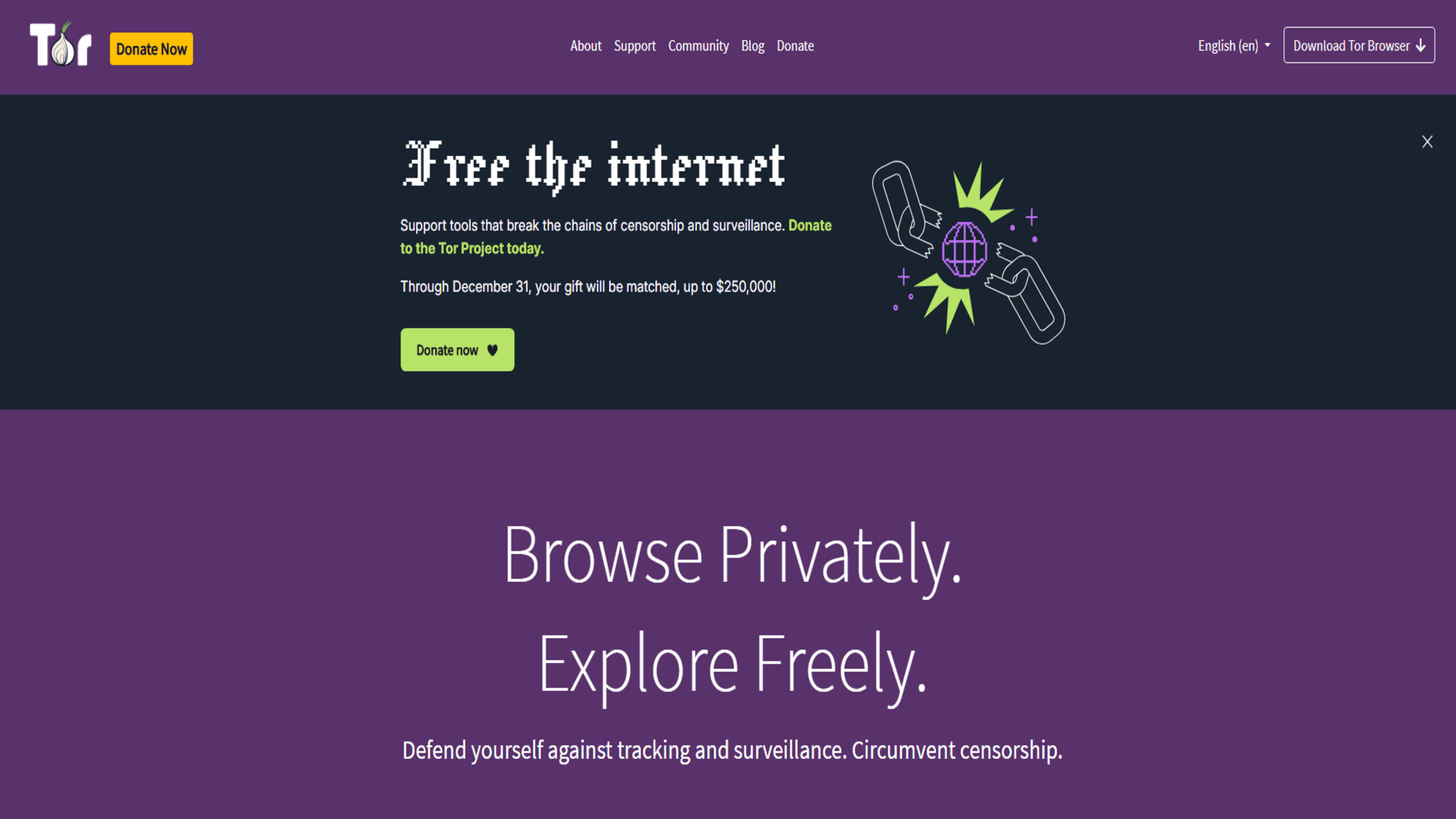 Tor Browser improves anonymity by sending your traffic through multiple random servers worldwide. Steps to use Tor for Omegle:
- Download and install the Tor Browser from the official website.
- Open Tor Browser and wait for it to connect to the Tor network.
- Visit Omegle and try to start a chat session.
- Understand that browsing and video streaming might be slower due to the traffic routing.
Tor is an option for unblocking Omegle when other methods fail, but slower speeds can reduce the quality of video chats, which is something to consider if you want to know how to get unblocked Omegle quickly and smoothly.
VPN vs. Proxy vs. Tor: Why TurisVPN is the Best Choice?


When it comes to reliably figuring out how to get unblocked on Omegle, the choice of tool matters immensely. Here’s a quick comparison highlighting why we recommend TurisVPN for getting unblocked and safe Omegle use:
| Feature | TurisVPN (Premium VPN) | Proxy Server | Tor Browser |
| IP Change | Yes (New, Clean IP) | Yes (Unencrypted IP) | Yes (Random Exit Node IP) |
| Encryption | Strong (Military-Grade AES-256) | None or Weak | Strong |
| Speed | Fast & Consistent (Ideal for video) | Variable, often slow | Very Slow (Poor for video) |
| Security | Highest (No-Logs Policy, Kill Switch) | Poor (Logs and monitoring risk) | High (But can be tracked) |
| Network Bypass | Excellent (Encryption defeats firewalls) | Poor (No encryption) | Very Good (But can be blocked) |
| Cost | Free and Affordable subscription plans | Free and paid options available | Free but resource-intensive |
| Best For | Reliable unblocking & video chat | Basic unblocking, no security concern | Maximum anonymity, text chat only |
The security aspect of any tool is paramount. As you weigh your options, you should know that even the most secure services have vulnerabilities, and it is smart to look into whether a VPN can be hacked for a realistic understanding of online safety.
How to Stay Safe on Omegle (And Avoid Getting Banned Again)
Regaining access is only part of the solution; knowing how to get unblocked on Omegle long-term means not getting banned in the first place. Follow these essential guidelines to stay safe and keep your access:
- Respect the Terms of Service: Omegle’s rules are in place for a reason. Avoid nudity, sexually suggestive content, hate speech, and harassing behavior. Simply following the platform’s guidelines is the most effective way to prevent an Omegle-issued ban.
- Maintain Engagement: Avoid “dropping” too many conversations too quickly. Try to engage in actual chat, even if brief. Excessive dropping can trigger the automatic banning algorithm.
- Be Mindful of Backgrounds: If using video chat, ensure there is nothing in your background that could violate the Terms of Service (e.g., copyrighted music, adult posters, or illegal activity).
- Never Share Personal Information: As a rule of thumb, never give out your full name, location, social media handles, phone number, or any other personally identifying information to strangers.
- Use TurisVPN Always: Even when you’re not banned, using our VPN is the best practice for privacy. It constantly masks your real IP address and adds a layer of
Many users are tempted by free options, but it’s crucial to understand the risks associated with free VPNs and why paying for quality is worth the investment. You can learn more about this through our article “Are free VPNs safe?”
Bottom Line
Knowing how to get unblocked on Omegle is crucial if you want unrestricted access at school, work, or within restricted countries. The safest and most effective method is using a trusted VPN like TurisVPN, which ensures both privacy and reliable access. Other methods, like clearing your cache or changing your IP, can help, but have limitations. Always stay mindful of Omegle’s guidelines to avoid future bans and enjoy safer chatting experiences online. Getting unblocked Omegle is just a few smart steps away.
FAQs
Q1. Can I get unbanned from Omegle?
Yes, you can usually get unbanned. Omegle bans your IP address, so using a VPN like TurisVPN or changing your IP by resetting your router helps restore access. Some bans are temporary, so waiting can also work.
Q2. Why did I get banned on Omegle for no reason?
You might get banned due to reports from others, automated moderation, or network issues. Sometimes bans happen due to mistaken identity or aggressive behaviors like excessive dropping.
Q3. In which countries is Omegle banned?
Omegle is banned in countries with strict internet regulations, such as the UAE and Turkey. These places block Omegle mostly for privacy and content control reasons.
Q4. How long does an Omegle ban last?
Ban lengths vary: temporary bans can last days to weeks, while serious violations can lead to permanent blocks. Temporary bans usually lift automatically, but permanent bans require using tools like VPNs to access Omegle again.