Someone is using your phone number!—If you’ve ever faced odd bills, angry calls, or account warnings, you know this modern headache is both real and risky.
With just your number, scammers or strangers can steal your identity, harass your contacts, or trick companies into giving them control.
In a digital world where your number unlocks so much, knowing what to do is key. This guide covers every symptom, risk, and step—plus how TurisVPN helps—so you stay secure if your phone number falls into the wrong hands.
8 Signs That Someone Is Using My Phone Number
If you’re worried your phone number is being used by someone else, stay alert for these warning signals that your privacy may be compromised or your number is being abused.
1. Unusual activity on your phone bill
If your monthly bill includes mysterious charges for premium services you never activated, unexpected international calls, or a sudden, unexplainable surge in data or call volume, it often means someone is using your phone number without your consent.
Also, be alert for late-night activity or new subscriptions you didn’t authorize.
2. Receiving unexpected calls or texts from unknown people
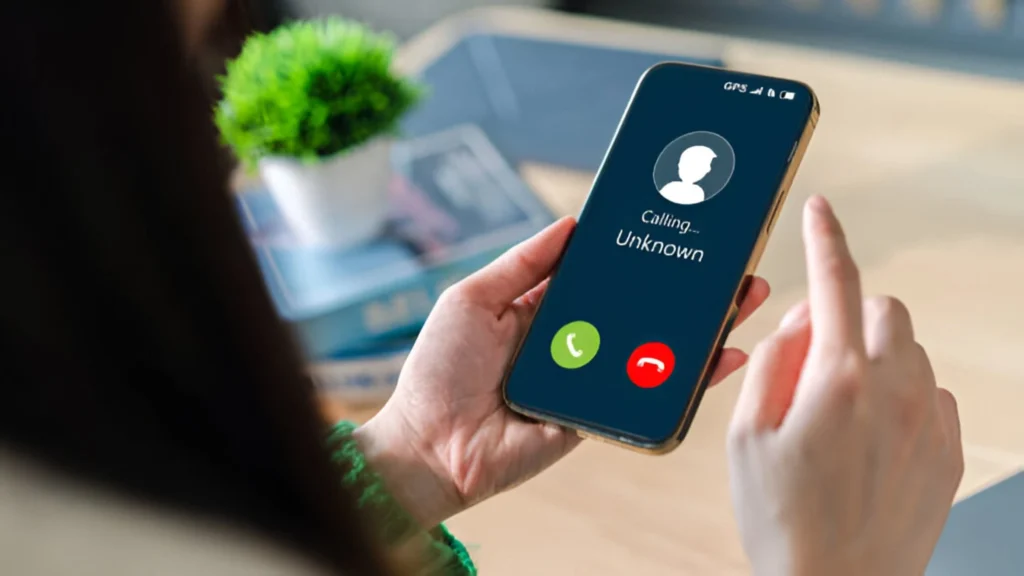
Getting calls or texts from strangers who claim you called them first, or who seem confused or angry, can be a sign that scammer phone number check tools have flagged your number—or that someone is spoofing your line. These unexpected messages are a big clue.
If you are looking for the most reliable scammer phone number checker tool, you can refer to Bitdefender, Truecaller, YouMail Blog, and Cybertrace.
3. Getting random one-time passwords (OTPs) or verification codes you didn’t request
If you get OTPs out of the blue, it could mean someone is trying to access your online accounts and is using your number for verification. This is a favorite attack vector for online thieves—an early clue when you wonder who is using your phone number.
4. Unauthorized access to your online accounts
Unfamiliar logins or password reset alerts linked to your number are red flags. It’s clear proof that your phone number is being used by someone else—especially if you notice strange activity on your social or banking profiles.
5. Sudden surge in spam calls or texts

If you notice a flood of unwanted spam, robocalls, or phishing texts to your number, it’s a red alert. A spam caller using your number may have sold your digits online, or you might be part of a new scam ring.
6. Phone service interruptions
Losing the ability to make or receive calls or texts—while your bill is paid—may signal that a SIM swapping (port-out scam) is underway. Attackers may have redirected your number to a new device, locking you out.
7. People complaining about spam or scam calls coming from your number
Friends, family, or even strangers might say they’ve been contacted by “you” with spam or scam messages. This is often caused by caller ID spoofing, where someone fakes your number to hide their identity.
8. Notifications from your carrier about suspicious activity or SIM changes
If you get official warnings from your carrier about SIM swaps, number porting, or large changes to your account, act quickly. These messages may be your last chance to stop fraud.
How To Check Where My Phone Number Is Being Used?
When suspicion arises, figuring out how to check if someone is using my number is critical. Here’s how:
- Step 1 – Review your phone bill for odd activity: unexplained numbers, calls, or premium services.
- Step 2 – Search your number (in quotes) on scam and lookup websites, or use a scammer phone number check tool to see if anyone online is reporting misuse tied to your digits.
- Step 3 – Ask your carrier for a list of all devices or SIMs attached to your account. Check for numbers or services you never set up.
- Step 4 – Monitor your major accounts for security alerts, sudden logouts, or settings changes that hint your number was used to hijack your access.
- Step 5 – Notice patterns in spam calls/texts—if you start getting asked “What is your phone number?” or see your number in complaint databases, you’re likely under attack.
What to Do If Someone Is Using Your Phone Number?
Don’t panic—but act fast. If it’s clear someone is using your phone number, use these concrete steps to regain control and protect your identity.
1. Contact Your Phone Carrier Immediately
Report evidence and ask them to lock your account with extra security. Most carriers can set up PINs or passwords to stop SIM swapping or unauthorized changes.
2. Use Call Blocking and Anti-Spoofing Apps
Install trusted third-party blockers, or activate built-in features that flag spam and spoofed calls. This helps guard against a spam caller using my number and offers some relief from repeated harassment.
3. Register Your Number on the National Do Not Call Registry
While it won’t stop all “bad actors,” joining legitimate registries can reduce recognized marketing calls, making abuse stand out more.
4. Monitor Your Online Accounts and Change Passwords
Update passwords for all accounts tied to your number—banking, email, cloud storage, and social media. Enable multi-factor authentication wherever possible, but avoid SMS-only options, which may be vulnerable to SIM swapping.
5. Consider Using a Virtual Phone Number for Online Activities
Reserve your real number for trusted contacts and use a virtual number for shopping, sign-ups, or contests. This keeps your private data separate from riskier situations.
6. File a Complaint with Authorities
If your number is being used for scams, file a report with police or consumer protection agencies, like the FTC or Action Fraud in your country.
7. Warn Your Contacts
Notify friends, family, and work partners not to trust suspicious calls or texts they get “from you.” This prevents phishing attempts from spreading by your stolen identity.
How Can Someone Use Your Phone Number? (What’s the Damage?)
Having your phone number known by a stranger may feel harmless—but today, it can be dangerous. Here’s how bad actors abuse real numbers, backed by research:
Data Breaches and Leaks
When your info gets stolen in a breach (from a store, social network, or bank), hackers combine your phone number with your name or address, enabling targeted attacks and even identity theft. Your number can appear for sale on the dark web.
Research by IBM revealed that the average cost of a data breach globally reached a record $4.45 million in 2023, highlighting the significant financial impact of stolen data, which often includes phone numbers.
Publicly Available Information
People-search sites, old forums, or business listings may reveal your phone’s owner, leading to unwanted attention, “doxing” attacks, blackmail, or ransomware scams— what information you can get from a phone number is more than you might expect.
Online Forms, Contests & Giveaways
Entering numbers on untrusted websites can put your details on robocall or scam lists for years, resulting in waves of unwanted solicitation.
For instance, Americans received over 50.8 billion robocalls in 2023 alone, a clear indicator of how widely phone numbers are exploited for automated and often fraudulent communication.
Mobile App Permissions
Some popular—and even legitimate—apps quietly harvest numbers for future marketing or resale, causing a long-term flood of spam or phishing.
Social Engineering & Phishing
Attackers may impersonate your bank or employer via a call or SMS, using your number or seeking account services call ID credentials to access more details or trick others.
The FBI’s Internet Crime Complaint Center (IC3) reported over $79.8 million in losses from personal data breach-related incidents (often initiated via phishing) in 2023, demonstrating the severe financial consequences of such scams.
SIM Swapping (Port-Out Scams)
In a SIM swap, thieves convince your carrier to transfer your number to their device. They then reset passwords, drain bank accounts, and seize control of digital assets tied to your line—a scam that cost victims over $26 million in 2024 alone.
This devastating scam led to victims reporting over $72.6 million in losses to SIM-swapping schemes in 2023 alone.
Caller ID Spoofing
By faking your number on outgoing calls, attackers can trick your contacts or strangers, leading to return calls from angry victims—and possibly your number appearing in databases with a “scammer phone number check” tag.
For more detailed information, check out our post on the difference between unknown and no caller ID.
More Dangers
Giving your number to untrusted sources or forms—online or offline—magnifies the risk. Have you ever wondered, “what can a stranger do with your phone number?” The answer is they can impersonate you, set up fake accounts, or even harass you or your contacts.
How TurisVPN Can Help Protect Your Phone Number
TurisVPN is designed to secure every single detail of your digital life, including your most basic—but most powerful—identifier: your phone number.
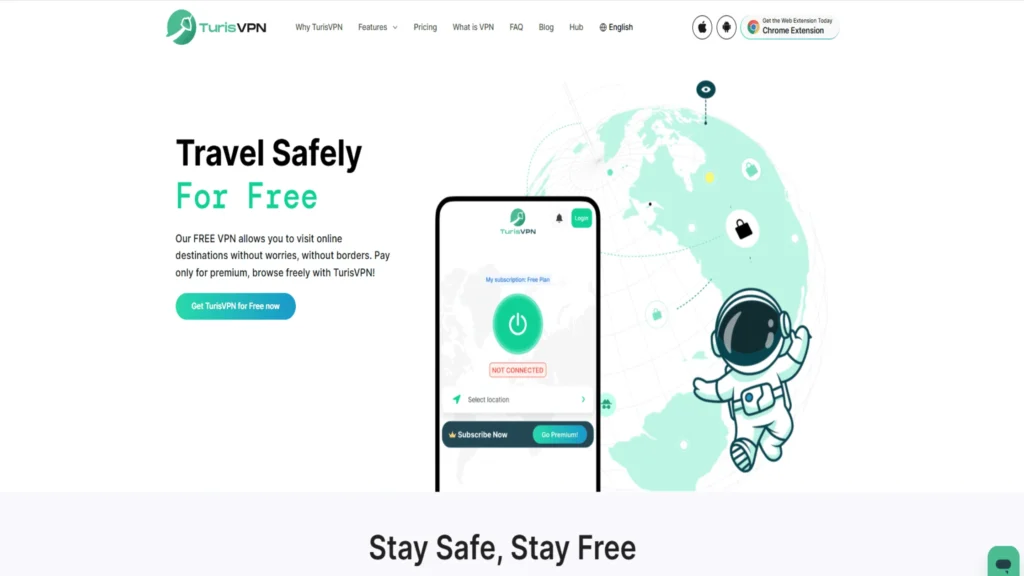
Encrypts your internet traffic
Every time you use public WiFi or browse websites, TurisVPN creates a secure tunnel, blocking hackers and data harvesters from intercepting records that could include your number or related account info.
Masks your IP address and location
By hiding your true location, TurisVPN makes it far harder for snoops and spammers to link web actions or sign-up data with your phone. This frustrates targeted attacks and makes it harder for hackers to find out where a phone number comes from.
Enhances anonymity during account verification
During two-factor authentication or other online signups, TurisVPN creates an extra buffer, helping prevent crooks from linking your phone number-regarded queries to online activity.
Prevents ISP and third-party surveillance
TurisVPN blocks ISPs and ad trackers from logging your devices and metadata, stopping companies from building or selling profiles based on your cellular or WiFi use.
Secures your phone number from data harvesting
By preventing third parties from sniffing out your digital activity, our VPN makes it tougher for brokers and scammers to gather or resell your contacts—closing off the threat posed by leaked lists and “dangers of giving out phone number” worries.
For more on blocking scam tactics, read our advice on avoiding scam calls with no caller ID. Or else, you can also refer to our in-depth look at spam risk phone calls to avoid any disturbing action.
How To Download TurisVPN Safely and Properly?
The steps below will walk you through how to download Free VPN safely and properly, making sure your connection stays private and your device stays protected.
- Step 1: Go to the official TurisVPN website or search for TurisVPN in trusted app stores like Google Play or Apple’s App Store. Never use links from unknown emails, ads, or third-party sites.
- Step 2: Select the correct version for your device (Web Extension, Android, or iOS) and click the official download button. Avoid downloading cracked or unofficial versions.
- Step 3: Once the file is downloaded, scan it with your antivirus or anti-malware program before installing. This helps ensure there are no hidden threats.
- Step 4: During installation, carefully read all permission requests. Only allow what’s necessary for VPN service—not access to contacts, camera, or microphone unless required.
- Step 5: Keep TurisVPN updated by installing any new version when notified. Updates provide improved security and fix possible bugs.
Bottom Line
Worrying about “someone is using my phone number” is more than an annoyance—it is a gateway for identity theft, fraud, and a flood of spam or scams. With just a single piece of data, outsiders may hijack accounts, spoof friends, or empty your wallet.
Stay vigilant: review your bills, set up tough security at your carrier, educate your contacts, and use TurisVPN to block snoopers everywhere you browse.
In a world where privacy matters more every day, your best defense is a mix of awareness, action, and cutting-edge digital protection.