If you are leaving Project Free TV, it is likely because of problems. Dead links, constant redirects, popups, and sudden shutdowns are common issues. Most users are not looking for a better streaming service. They simply want a site that works.
Our blog lists 5+ alternatives to Project Free TV that are legal and free. These options may not have the same content as link sites. Licensing rules and region locks decide what each platform can show. The trade-off is clear: you may see ads and smaller catalogs, but you get more stable streams, fewer sketchy redirects, and a safer viewing experience.
Key Takeaways
|
Overview of Project Free TV
Project Free TV was a long-running, unofficial streaming site that worked more like a click-and-play link directory than a real platform.
Instead of hosting content itself, the site is not legal by listing links submitted by users. People could search for a movie or TV show and open a link to a third-party streaming page.
That model is also why it is risky to use Project Free TV over time:
- Unstable access: Links often break, disappear, or get replaced. Domains can change, and the site can go offline without warning.
- High ad and redirect load: Many pages rely on aggressive ad networks, which can trigger pop-ups, redirects, and fake “Play/Download” buttons.
- Legal and enforcement risk: Because the content is typically unlicensed, sites like this sit outside normal licensing agreements and can face takedowns or blocking.
If you want free streaming without the chaos, another link site is not the best option.
Legal free streaming platforms with ads are a better choice. Services like Freevee offer free movies and TV shows with fewer risks.
They won’t mirror the same catalog, but they’re far more consistent and safer to browse.
Top Legal Project Free TV Alternatives for Free Streaming
These options replace the habit of Project Free TV with a legal model: FAST / AVOD (free ad-supported streaming). You lose everything in one place, but you gain stable apps, fewer redirects, and lower malware risk.
Tubi TV
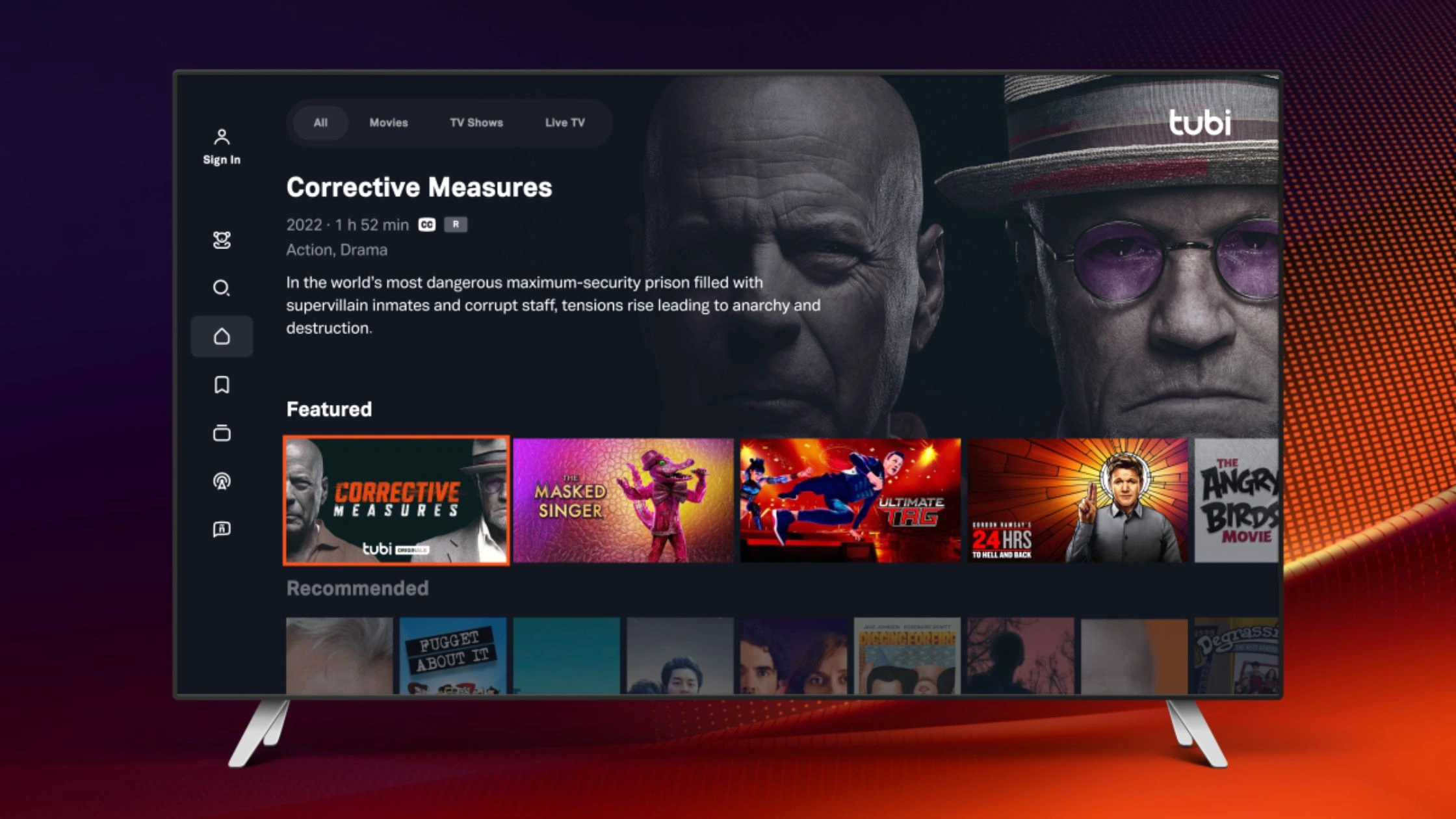
If you’re leaving Project Free TV due to pop-ups, dead links, or sketchy redirects, Tubi is a legal alternative that delivers free movies and TV with a stable app experience.
Tubi is a free, ad-supported streaming service (owned by Fox) that focuses on on-demand movies and series. It scaled to 100+ million monthly active users (reported June 17, 2025), which usually translates to better uptime than link-directory sites.
Key features
- Free, ad-supported on-demand streaming (no subscription required)
- Optional sign-in to save watchlists and resume playback (varies by device/app)
- Broad device support via apps and web (typical for major FAST services)
Pros
- No domain hopping, fewer dangerous redirects than link sites
- Stable playback on mainstream devices (better than random embedded players)
- Simple open and watch workflow, close to the Project Free TV habit, minus the chaos
Cons
- Ads are unavoidable (that’s how free is funded)
- Catalog rotates and can differ by country due to licensing and region availability
- Not designed for day-one episodes like paid anime/simulcast services
Pricing: Free (ad-supported).
Best for: People who want free on-demand TV/movies with a legal, low-risk experience and can tolerate ads.
Pluto TV
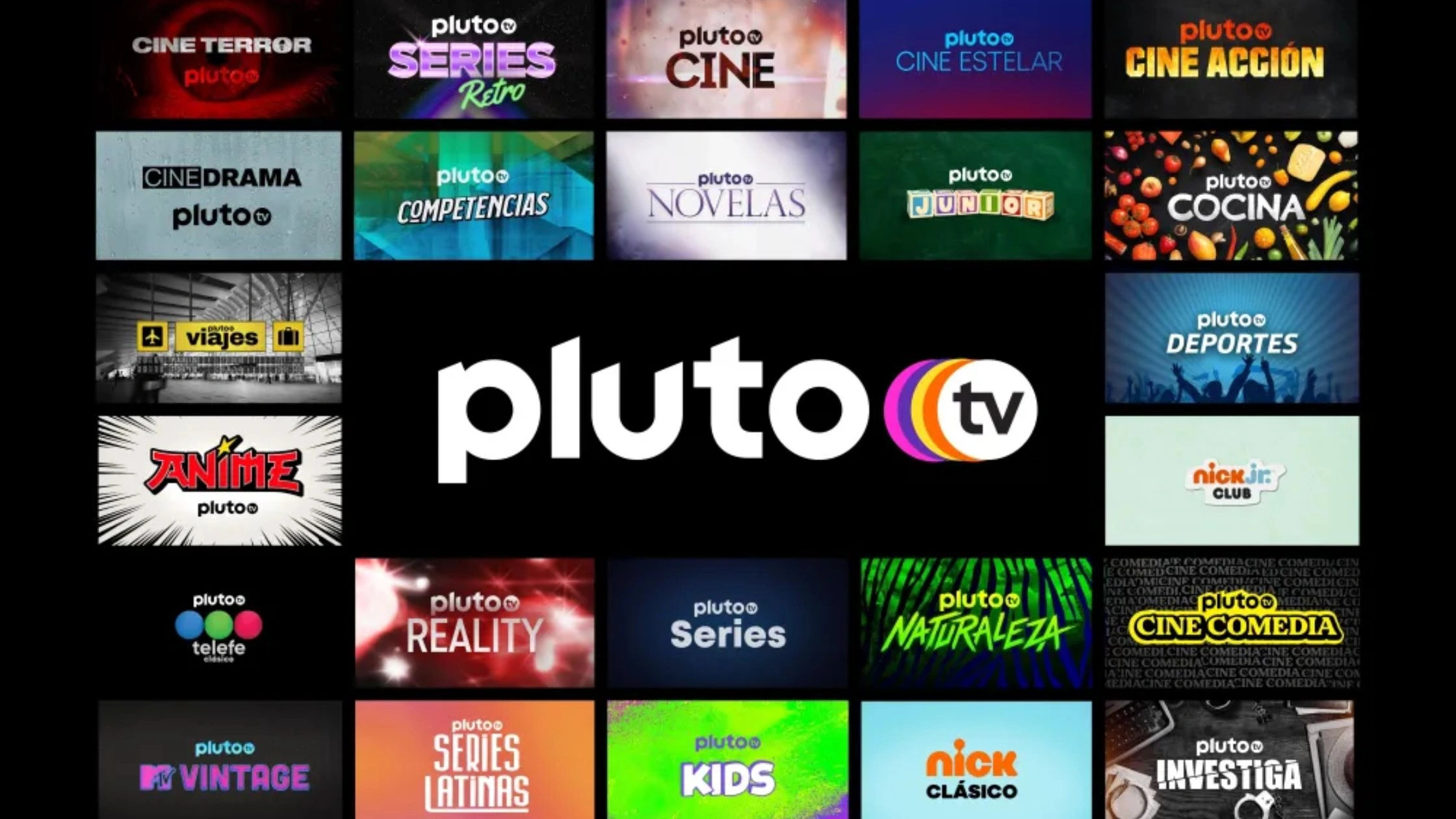
If you’re leaving Project Free TV because links keep breaking and the site feels risky, Pluto TV is a legal alternative with free live channels and on-demand content in one app.
Pluto TV is a Paramount-backed FAST service with both live channel-style TV and on-demand titles. It reported 80 million monthly active users (April 2023), which supports the reliable and stable expectation for a free platform.
Key features
- Live channels + on-demand library (free with ads)
- Available in multiple regions (Pluto lists supported regions on its site)
- Wide device support via its official app across many platforms
Pros (tied to Project Free TV pain)
- No dead links, content plays inside the official app/site
- Far fewer fake Play button traps than link directories
- Live TV option is a strong replacement when you just want something on in the background
Cons
- Ads can feel frequent during long sessions
- Channel lineup and on-demand titles vary by country because of licensing/region-locking
- You don’t control live programming the way you do with on-demand streaming
Pricing: Free (ad-supported).
Best for: Viewers who want free live TV and on-demand in one place, and prefer an app that just works.
The Roku Channel
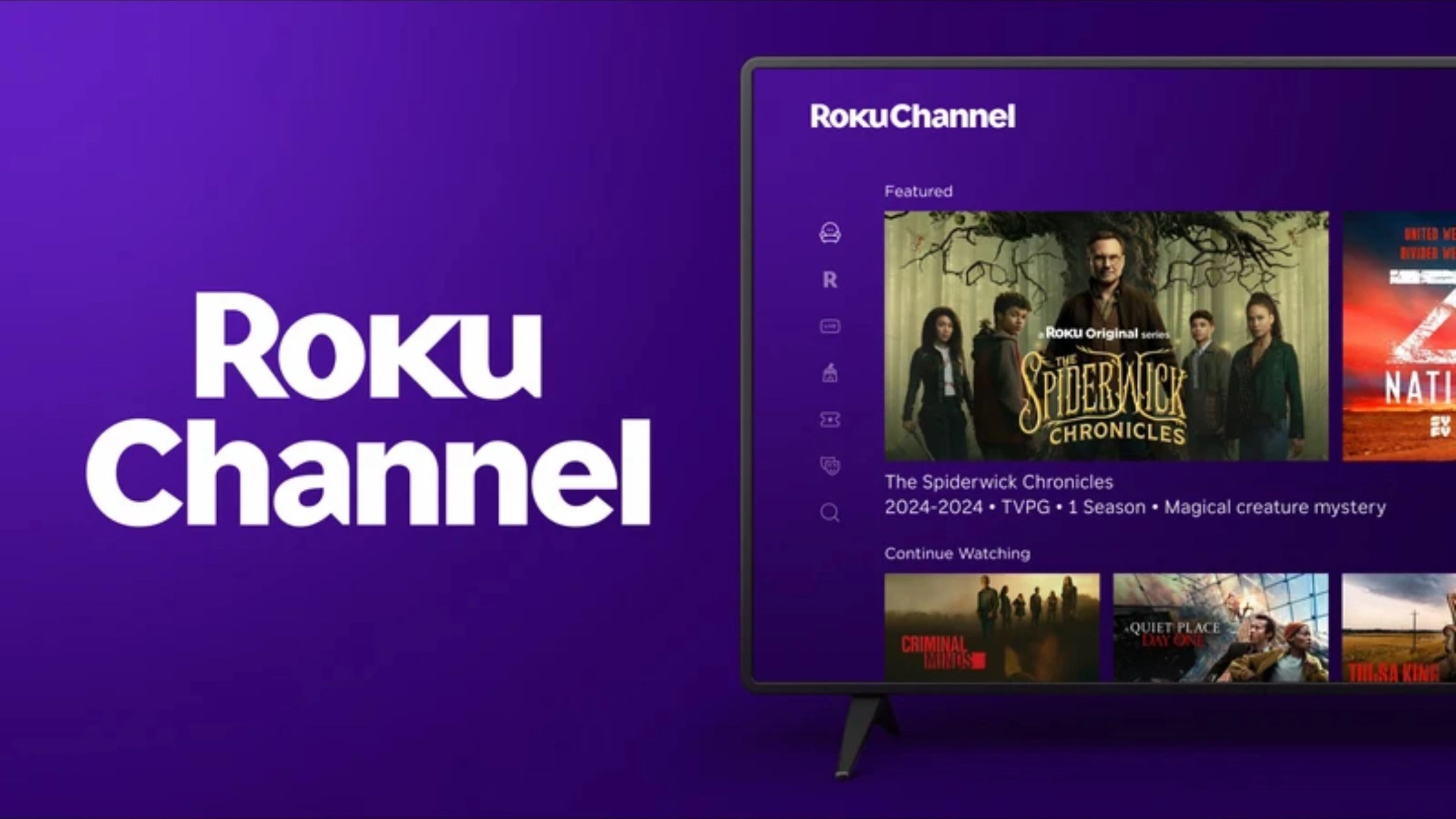
The Roku Channel is a legal alternative that offers free movies, shows, and live TV-style content with fewer risk flags.
The Roku Channel is Roku’s hub for free (ad-supported) and optional premium content. You can watch on the web or supported devices, making it a clean replacement for click-and-play habits.
Key features
- Free ad-supported movies, TV shows, and live news/sports-style programming
- Watch on web or Roku devices (availability depends on country)
- Save List for keeping titles you want to watch (requires account sign-in)
Pros
- Stable official platform: no link rot, no mirror sites, fewer malicious ad patterns
- Easy to use on TV devices, not just a browser tab
- Better continuity (Save List / synced viewing) than anonymous link sites
Cons
- Ads are part of the free experience
- Availability varies by country (Roku notes where The Roku Channel is available)
- Content rotates; you won’t always find the exact show you were hunting on Project Free TV
Pricing: Free (ad-supported), with optional premium add-ons depending on region.
Best for: People who want a Project Free TV replacement for general entertainment, especially if they already use Roku or prefer TV-first streaming.
Kanopy
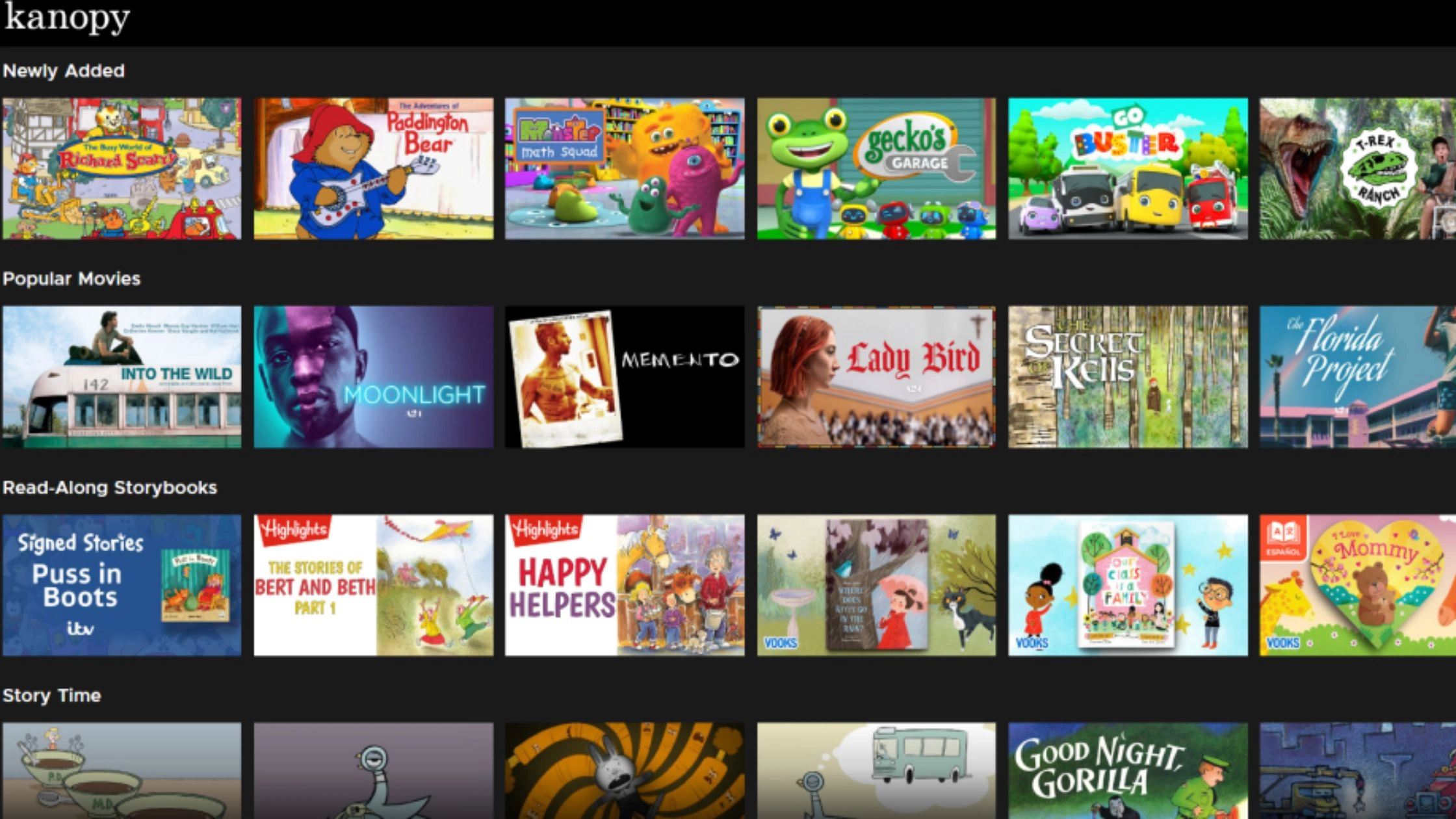
Kanopy is a legal alternative that replaces random links with library-backed streaming. Kanopy is an ad-free streaming service you access through a participating public library or university. OverDrive acquired Kanopy in 2021, and the service is commonly described as offering 30,000+ films focused on indie cinema, documentaries, and classics.
Key features
- Ad-free viewing (big upgrade from Project Free TV popups)
- Access via library card/university login (availability depends on your institution)
- A credit-based model is common (monthly play credits vary by library/university)
Pros
- No sketchy redirects or fake “Play/Download” buttons
- Legit platform with predictable playback
- Great for quality films you won’t find on typical FAST apps
Cons
- Not a replacement for everything new
- Access depends on your library/university and monthly credit limits
- Catalog leans toward indie/doc/classics more than the newest mainstream series
Pricing: Free (with eligible library/university access; limits depend on institution).
Best for: Viewers who want the safest free streaming experience and don’t mind a library-style catalog or monthly viewing limits.
Freevee
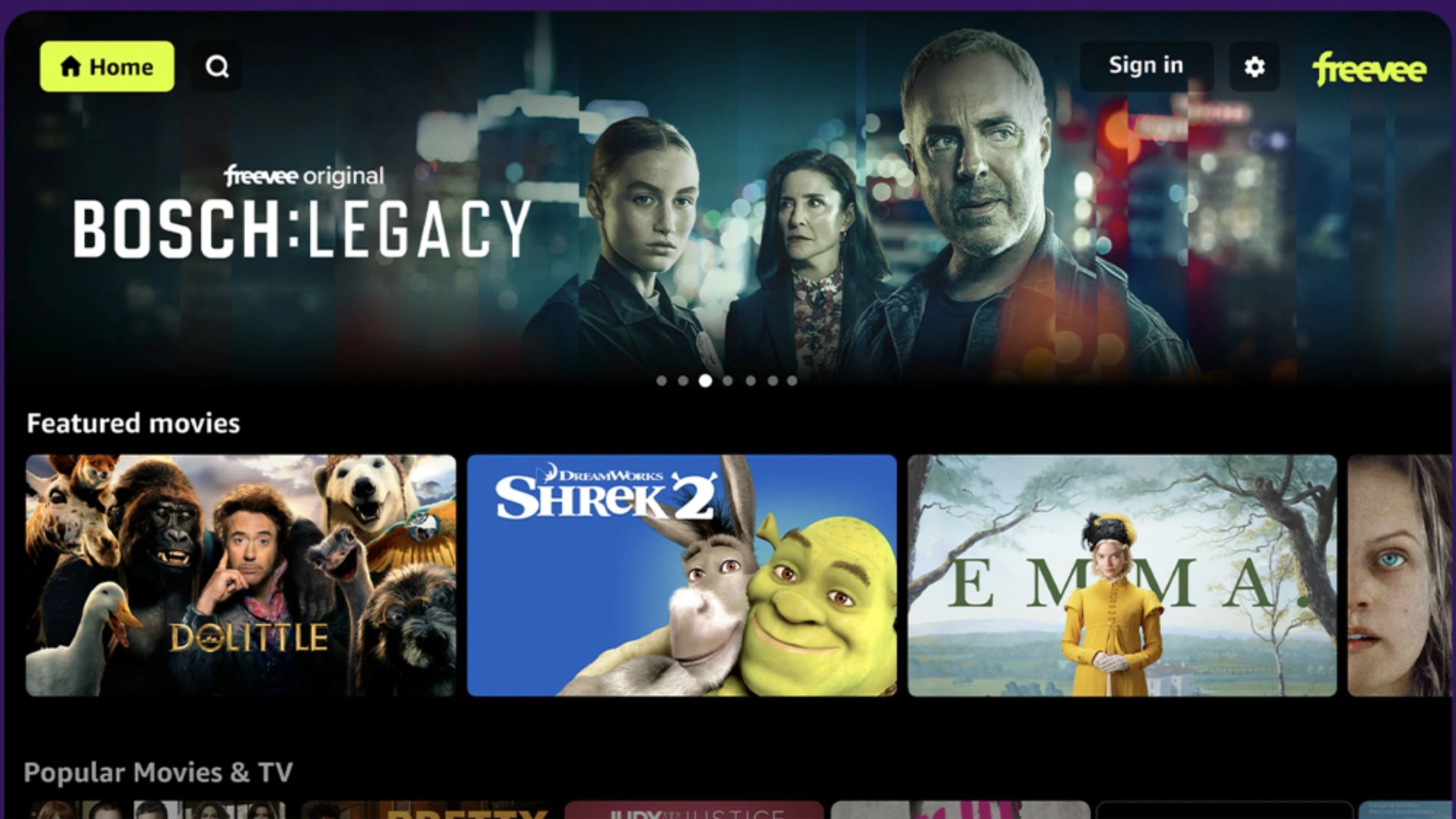
Freevee is a legal alternative that keeps free streaming but with official apps and fewer security red flags. Amazon Freevee is a free, ad-supported service that’s being folded into the Prime Video app (often shown as a Free with ads, Watch for Free area). You don’t need a paid Prime membership to watch Freevee titles, but ads are part of the deal.
Key features
- Free movies, shows, originals, and live-style channels (ad-supported)
- Accessible through Prime Video app/web under a free-with-ads section
- No subscription required for Freevee content (you may need an Amazon account)
Pros
- Official platform: fewer malicious ad patterns than link-directory sites
- More stable playback and device support than random embedded players
- Easy to use on TVs and mobile through Prime Video
Cons
- Ads are frequent and non-skippable on free content
- Availability can be region-limited (example: Freevee UK availability is location-dependent)
- User experience can feel buried inside Prime Video navigation
Pricing: Free (ad-supported).
Best for: People who want free mainstream TV/movies in an official app and can tolerate ads.
YouTube

YouTube is a legal alternative when you stick to official uploads and free-with-ads movies. YouTube isn’t one free streaming service, but it can still replace Project Free TV habits in two ways:
- Free movies with ads (where available), and
- Official studio/publisher channels that legally upload full films or episodes.
Key features
- Free-with-ads movies (availability varies by country)
- Official channels sometimes upload full titles for ad-supported viewing
- Works on every device, with easy casting to TVs
Pros
- No mirror sites or link rot when content is hosted on YouTube
- Huge device compatibility (smart TVs, phones, browsers)
- Easy discovery through search, plus subtitles on many uploads
Cons
- Library is fragmented (not a single catalog like Tubi/Pluto)
- Free movies and official uploads can be region-limited and rotate
- Quality and legitimacy depend on the uploader, avoid obvious reupload channels
Pricing: Free (ads). Optional paid tiers (YouTube Premium) exist but aren’t required for free titles.
Best for: People who want the lowest-friction free option and are willing to hunt via search and official channels.
Plex
Plex is a legal alternative that gives you free movies, shows, and live channels inside a legitimate app. Plex is best known for personal media servers. Still, it also offers a free, legal, ad-supported streaming library with on-demand titles and live channels. It’s available in almost every country, and you can watch on the web or the Plex app on many devices.
Key features
- Free on-demand movies and TV (ad-supported)
- Live channels + broad device support (TVs, mobile, browser)
- Optional account for watchlist and continue-watching (better continuity than Project Free TV)
Pros
- Official app experience: fewer redirects, less risk than link directories
- Easy TV watching (Fire TV / smart TV apps) instead of fragile browser streams
- Good backup platform when other free services rotate content out
Cons
- Ads are part of the free model
- Catalog rotates and won’t match any show, any time expectations
- Discovery can feel busy compared to a simple one-page link site
Pricing: Free (ad-supported).
Best for: Viewers who want a legal Project Free TV replacement that works well on TVs and offers both on-demand and live-style streaming.
How to Access Project Free TV Alternatives Safely
Legal free streaming services are safer than link directories, but safety still depends on how you stream. Most problems come from public Wi-Fi, fake apps, and risky clicks, not the official platforms themselves.
Using TurisVPN to Secure Your Internet Connection
If you stream on café, hotel, airport, or shared Wi-Fi, TurisVPN is a free VPN that helps by encrypting your traffic and reducing basic IP-based tracking.
What TurisVPN helps with
- Encrypts your connection on public Wi-Fi (reduces exposure to snooping on shared networks)
- Protects your browsing privacy by masking your real IP from websites and ad trackers
- Helps keep your streaming sessions more consistent when networks are unstable (results vary by network)
- New WireGuard VPN Protocol: The protocol offers faster speeds, stronger security, rock-solid security, and super-simple setup.
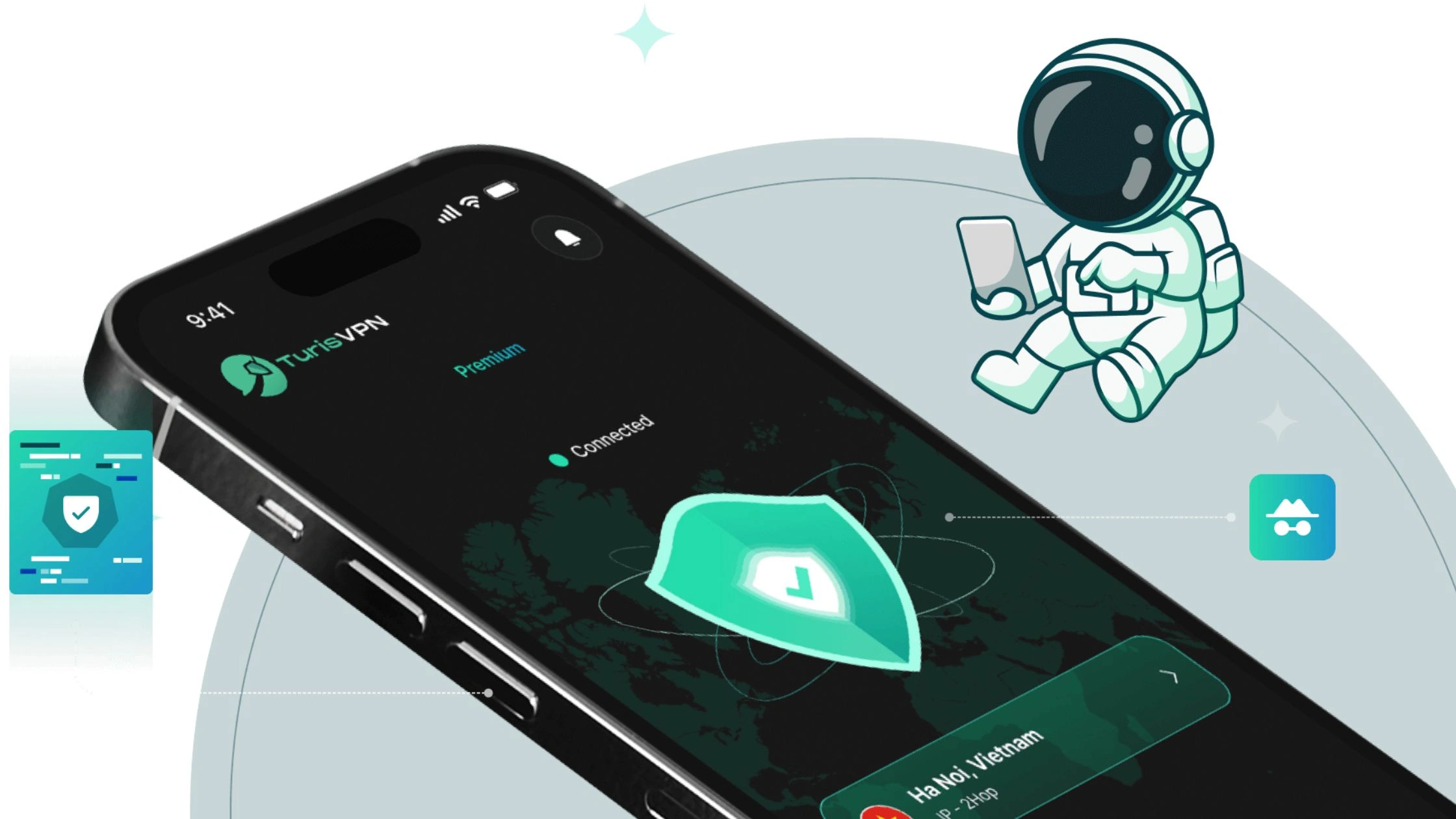
Brief setup steps with TurisVPN
- Step 1: Install TurisVPN: Use the mobile app on phone/tablet or the browser extension
- Step 2: Open TurisVPN and sign in
- Step 3: Connect to a server: Pick a nearby location for better speed and stability, then tap Connect.
- Step 4: Open your streaming app/site: Launch Tubi, Pluto TV, Roku Channel, Freevee/Prime Video, YouTube, or Plex as normal.
If you want a simple turn-on and streamlayer of protection on public Wi-Fi, TurisVPN is the quickest upgrade you can make for safer streaming.
Protect Your Device from Malware While Streaming
Even when you use legal platforms, your device can still get hit by fake apps, phishing pages, or download traps. These steps cut most risks fast.
Use official sources
- Install streaming apps only from official app stores (Google Play, Apple App Store, Roku Channel Store, Amazon Appstore).
- Avoid modded APKs and third-party app stores unless you fully trust the source.
Avoid common click traps
- Don’t install special video players, HD codecs, or browser updates pushed by pop-ups.
- If a page insists you must download something to watch, exit.
Harden your browser
- Keep your browser updated.
- Block popups in browser settings.
- Use a reputable ad/tracker blocker if it doesn’t break playback on legal sites.
Keep accounts safe
- Use a unique password for your streaming accounts.
- Turn on 2-step verification where available.
- Don’t reuse the same password across services.
Keep your device clean
- Update your OS and apps regularly (security patches matter).
- Run a trusted antivirus/anti-malware scan if your device starts opening tabs, showing persistent ads, or overheating during browsing.
Bottom Line
Project Free TV worked because it was simple: search a show, click a link, hit play. That same model is also why it became unreliable and risky is dead links, popups, redirects, and sudden shutdowns are normal for link directories.
For the safest setup, stream through official apps and protect your connection on public Wi-Fi with TurisVPN. Use it for privacy and security, not as a promise that every title will be available everywhere.
FAQs
Q1. Can Free Streaming Sites Be Safe to Use?
Yes, if they’re legal, official platforms like Tubi, Pluto TV, The Roku Channel, Freevee, YouTube (official uploads), Plex, or Kanopy. Unofficial link sites and mirror domains are higher risk because they often rely on aggressive ads, redirects, and clones.
Q2. Are Project Free TV Alternatives Legal to Use?
Yes, the licensed alternatives listed in this guide are legal because they stream under licensing agreements. Project Free TV–style link directories typically don’t operate the same way, which is why they face takedowns and blocks.
Q3. Why is Project Free TV not working?
Common reasons: dead links, domain changes, takedowns, or ISP/network blocking. Link-directory sites also break more often because they depend on third-party hosts.