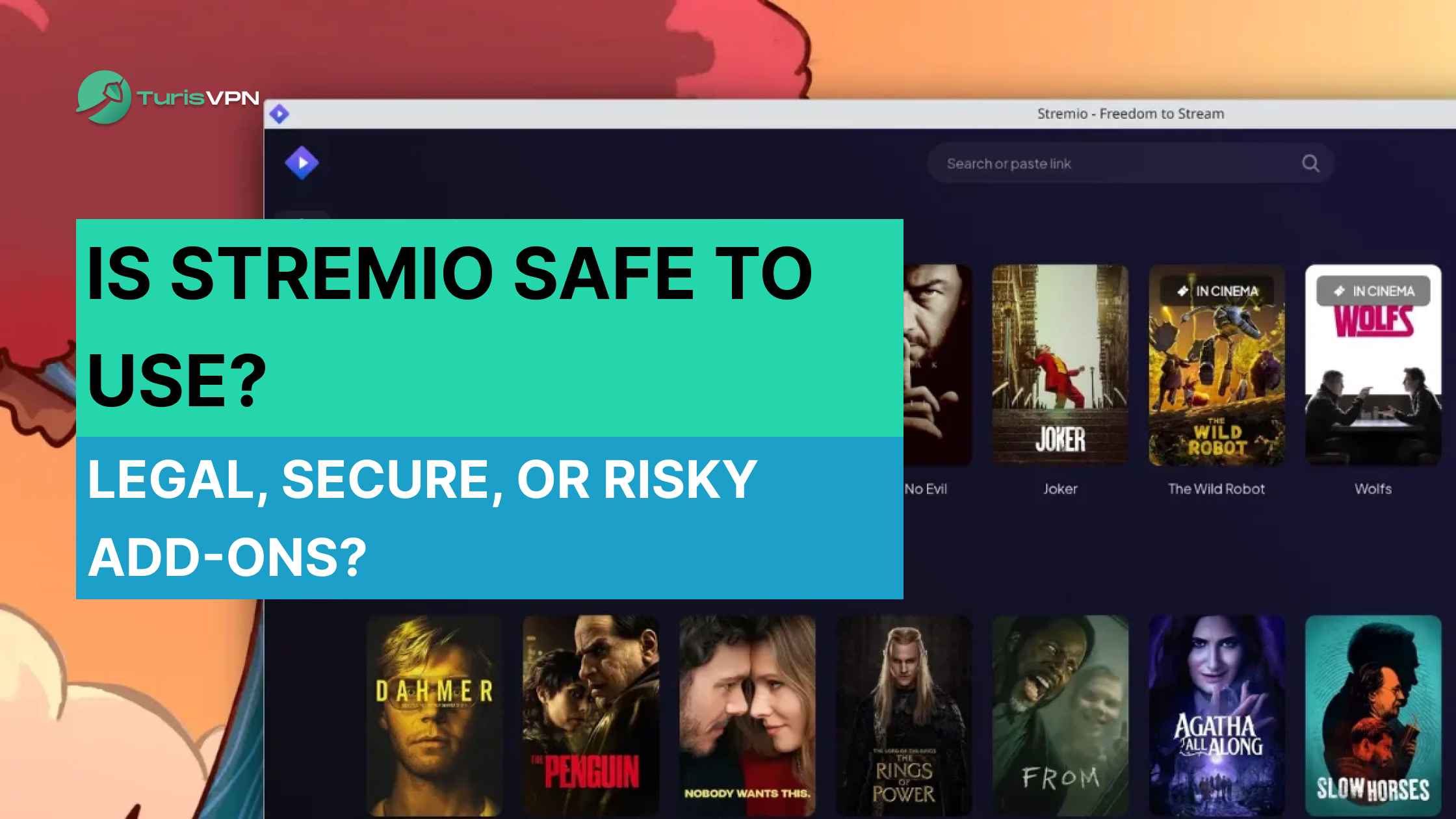
In the crowded streaming world, Stremio stands out as a one-stop content hub. This has led many to the crucial question: Is Stremio safe? As we navigate 2026, concerns about digital security and legality are paramount. The answer isn’t a simple yes or no; it depends entirely on how you use the platform.
In this guide, we’ll break down everything you need to know about Stremio. Discover what makes Stremio unique, how its add-ons work, its legal status, and why your streaming habits decide how safe it is. Let’s get started!
Is Stremio Safe in 2026?
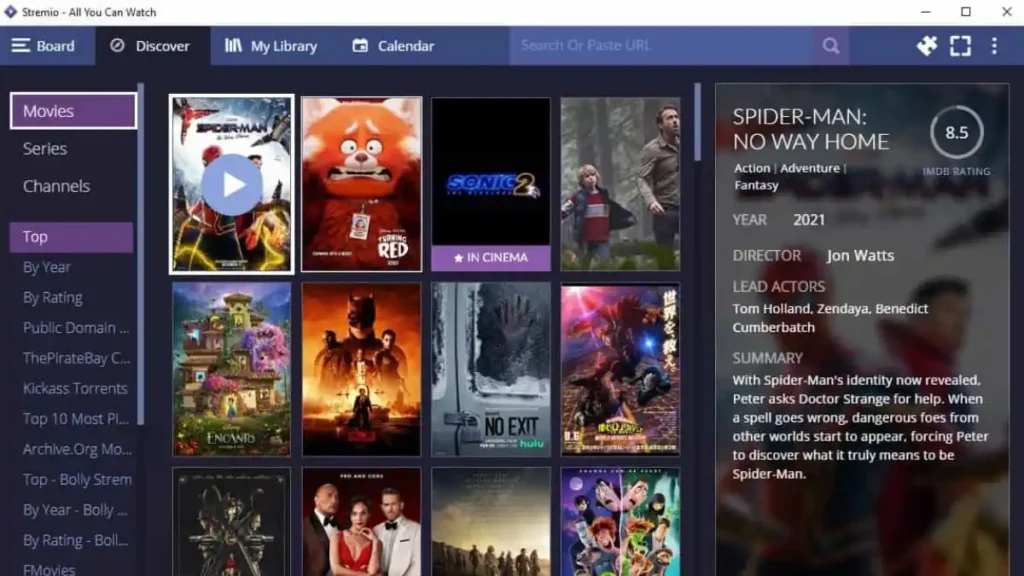
Yes, the Stremio application itself is safe. Its biggest strength is that it is open-source, meaning its code is transparently hosted on GitHub for anyone to audit. Unlike other platforms, Stremio’s core architecture is designed to be a “Media Aggregator” that doesn’t host or distribute content directly.
The Verdict Box:
- The App: 100% Safe (Open-source & Minimal data collection).
- Official Add-ons: Completely Safe (Verified sources).
- Community Add-ons: High Risk (Often use P2P/BitTorrent protocols).
- Protection Level: Requires a VPN (like TurisVPN) to encrypt P2P traffic and hide your IP.
Is Stremio Legal in 2026?

It depends! Your activity’s legality depends entirely on which add-ons you use:
- Legal: Streaming from official add-ons, like YouTube, is legal. Connecting to your paid subscriptions is also fine.
- Illegal: Streaming copyrighted material without permission through third-party add-ons is piracy. It breaks the law.
Having the Stremio app isn’t illegal. However, using it to infringe on copyright laws is.
Note for Users in Singapore & Malaysia
Users in countries like Singapore and Malaysia face higher risks. This is because of strict copyright enforcement. Streaming pirated content through unofficial add-ons can lead to significant fines. For users in these areas, using Singapore VPN or Malaysia VPN. You can also protect your privacy with a good VPN.
Best Stremio Add-ons in 2026
For a great experience, use official or trusted community add-ons. This keeps Stremio safe. Here are some of the top choices for 2025.
1. WatchHub
WatchHub is a fantastic add-on that tells you where a movie or TV show is legally available to stream. It pulls data from services like Netflix, Hulu, and HBO Max. Then, it gives direct links to the content on these platforms.
2. Archive.org Movies
This add-on gives you free access to the Internet Archive’s massive library of public domain films. It’s ideal for classic movie lovers who enjoy vintage cinema, documentaries, and historical footage. Since all content is legally available, this add-on is a safe and reliable option.
3. The Movie Database Addon (TMDb)
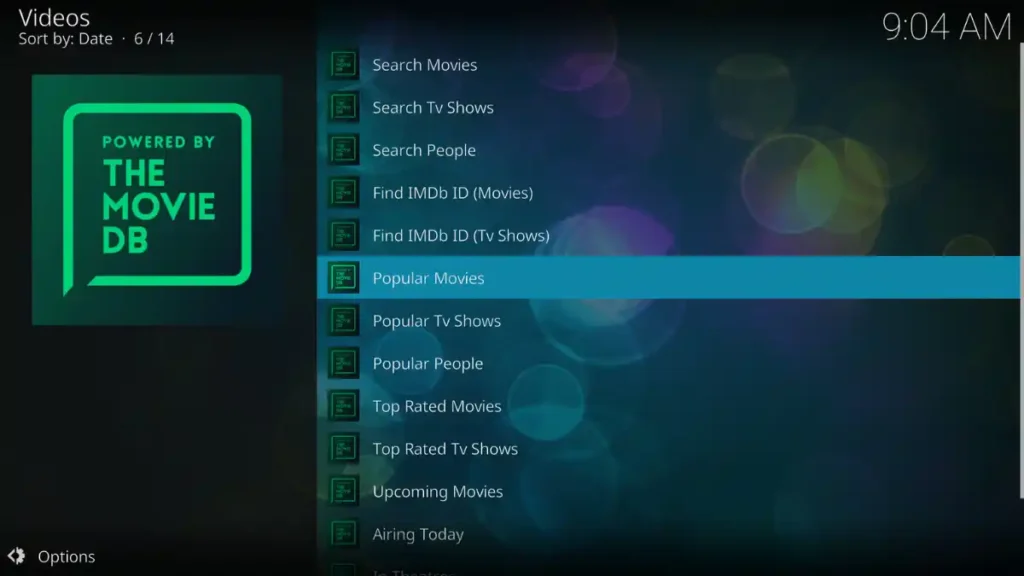
While it doesn’t provide streams, TMDb is an essential add-on for rich metadata. It enhances your Stremio experience by providing rich metadata, including high-quality posters, backgrounds, and detailed information about movies and TV shows, often in multiple languages. It also allows you to connect with your TMDb account to sync your watchlist and ratings.
4. OpenSubtitles (official)

The official OpenSubtitles add-on is a must-have for anyone who watches content in different languages or simply prefers having subtitles. It automatically finds and loads accurate subtitles for virtually any movie or show.
5. YouTube

The official YouTube add-on lets you access the biggest video platform right in your Stremio interface. Watch your favorite channels, trending videos, and music all in one app.
Setting Up and Using Stremio Across Devices
Getting started with Stremio is a simple, three-step process:
- Step 1: Create an Account – Visit the official Stremio website to sign up. A free account is essential for syncing your library, settings, and add-ons across all devices. You can also use “Guest mode,” but nothing will be saved or synced.
- Step 2: Install the App – Download and install the correct version of Stremio for your device.
- Step 3: Install Add-ons – Open the app and navigate to the add-ons section. Add-ons from the official catalog can be installed with a single click and will automatically sync with your account.
Stremio for iPhone & Android

Stremio offers excellent mobile support, though the experience differs between Android and iOS.
- Android: Get the full-featured native app from the Google Play Store or directly from the Stremio website as an APK. It includes complete library management, add-on support, and Chromecast casting.
- iPhone & iOS: There is no native app. Instead, use the official web app at web.stremio.com. This progressive web app (PWA) functions like a native app when added to your home screen, making it the best solution for those seeking a free streaming movies app for iPhone.
Stremio on Firestick and Other Platforms
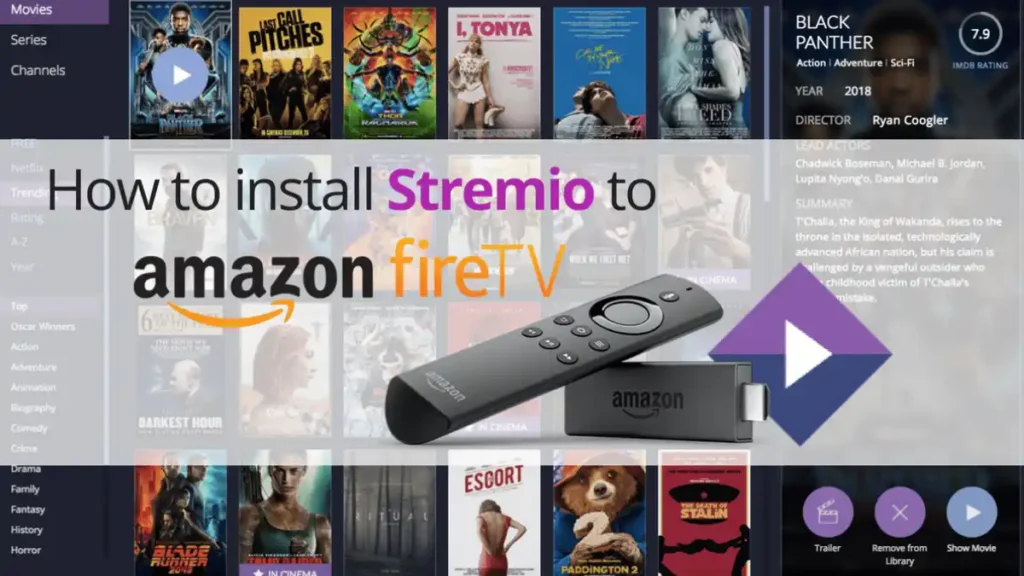
Stremio’s versatility extends to desktops and a wide array of TV-connected devices.
- Firestick & Android TV: An official app is available for Android TV devices (like Nvidia Shield). For Amazon Firestick, you’ll need to “sideload” it: use the Downloader app to install the Android TV APK directly from the Stremio website.
- Desktop (Windows, macOS, & Linux): The full-featured desktop apps from the Stremio website offer the best performance and are ideal for managing your library or casting to a TV.
- Other Smart TVs (LG, Samsung, Vizio): A native Stremio app is available for modern LG (WebOS) TVs. For other platforms like Samsung or Vizio, casting is the best solution. To get stremio on Vizio TV, just play content on your computer or phone and cast it to your television.
How To Use TurisVPN To Access More Content on Stremio?
Using a VPN (Virtual Private Network) like TurisVPN with Stremio is a straightforward process that significantly enhances both your privacy and your access to content. A VPN encrypts your internet connection and masks your IP address, making your streaming activity anonymous and allowing you to bypass geo-restrictions.
Here’s a simple step-by-step guide to get started:
Step 1: Download TurisVPN
Get the official TurisVPN app from the website, Google Play, Apple Store, or as a browser extension.
Step 2: Log In or Sign Up
Open the app and sign in with your account. If you’re new, create one in just a few clicks.
Step 3: Choose a Server
Pick a server location that matches the content you want to watch. For example, connect to a US server to unlock the American Netflix library.
Step 4: Connect the VPN
Tap to connect. Once the VPN is active, all your Stremio traffic is encrypted and routed through the chosen server.
Step 5: Launch Stremio
Open the Stremio app and enjoy private, secure streaming with access to global libraries.
Bottom Line
Stremio is a powerful, legal, and user-friendly platform for streaming movies, TV shows, and live channels. Its open-source design and secure add-on system make the core app highly trusted, giving users full control over their streaming experience.
The key to staying safe lies in your choice of add-ons. By sticking to official add-ons, you maintain a legal and reliable hub for all your content. If you explore third-party add-ons, using a quality VPN like TurisVPN is highly recommended. TurisVPN encrypts your connection, keeps your activity private, and ensures that your streaming remains secure.
So, is Stremio safe? The answer is a confident yes. When used responsibly, paired with TurisVPN for added privacy, it stands out as one of the best media center apps available in 2025.
FAQs
Q1. Is Stremio legal in India?
Yes, the Stremio application itself is legal in India, but the legality of what you watch depends entirely on the add-ons you use.
Q2. Can Stremio usage be tracked?
Yes. Without a VPN, your ISP can see your activity, and torrent-based add-ons may expose your IP address. Using a trusted VPN hides your traffic and makes your streaming private.
Q3. Is Stremio trustworthy?
Yes. Stremio is a reliable platform with millions of users, transparent open-source code, and minimal data collection. Official add-ons are safe and consistent, while community add-ons may vary in quality.
Q4: Which app is better than Stremio?
Kodi: Best for users who want deep customization and management of large local media libraries, though it has a steeper learning curve.
Plex: Ideal for those who want to build a “Personal Netflix” from their own video files with advanced content curation.
Stremio: Remains the top choice for simplicity, a modern interface, and easy cross-platform syncing.
Q5: Is Netflix better than Stremio?
Netflix: Superior for 100% legal compliance, stable streaming quality, and exclusive high-budget content.
Stremio: Better for content aggregation (bringing YouTube, Public Domain, and multiple services into one hub), but it requires users to take full responsibility for their own security and copyright compliance.