If you’re dreaming of how to get Apple Music free forever, you’ve landed at the right place. Many music lovers want unlimited tunes without paying, and Apple Music’s free trial is always favorable.
In this comprehensive guide, we’ll share secrets, legal tricks, and advanced techniques to maximize all the Apple Music free trial deals (e.g, like deals from Shazam). Some deals might last around 3 or even up to 6 months!
Plus, we’ll show you real methods to save your favorite tracks for a lifetime. If you want permanent access, discover smart workarounds and how to combine offers with services like TurisVPN for global promotions.
Don’t hesitate to read on to discover how to enjoy Apple Music for free forever right below!
Is Apple Music Ever Completely Free?
Before we discuss how to get Apple Music for free forever, let’s be clear: Apple does not officially offer a free subscription to Apple Music. Unlike certain streaming platforms, Apple does not offer a perpetual free tier.
The service requires a paid subscription after any free period expires. Most users begin with a free trial of Apple Music. This trial usually lasts 1 to 6 months. The length depends on promotions, and if you’ve used offers before.
But why isn’t Apple Music free? Apple Music has over 100 million songs. It pays royalties to artists and creators. Plus, it provides a smooth experience with no ads.
Maintaining rights, servers, and exclusive content costs a lot. So, making Apple Music subscription free isn’t realistic for the company in the long run.
Still, savvy users often ask, “Can you use Apple Music for free?” Technically, yes, but only for as long as a promotion or trial is valid. New and returning subscribers can grab limited-time Apple Music promo offers.
They can use bundles, device deals, and targeted codes. It’s important to know how long the Apple Music free trial lasts. Also, returning subscribers can enjoy Apple Music for free.
This knowledge helps you make the most of your opportunities. By blending all possibilities, you can stretch your free listening to its maximum, sometimes up to a year with careful planning.
Top 9 Ways to Get Apple Music Free (Up to 6 Months)
Apple Music hands out several legal methods for both new and existing users to enjoy their streaming perks at zero cost. Here are the top 9, organized for simplicity and effectiveness.
1. Standard Free Trial (1 Month)
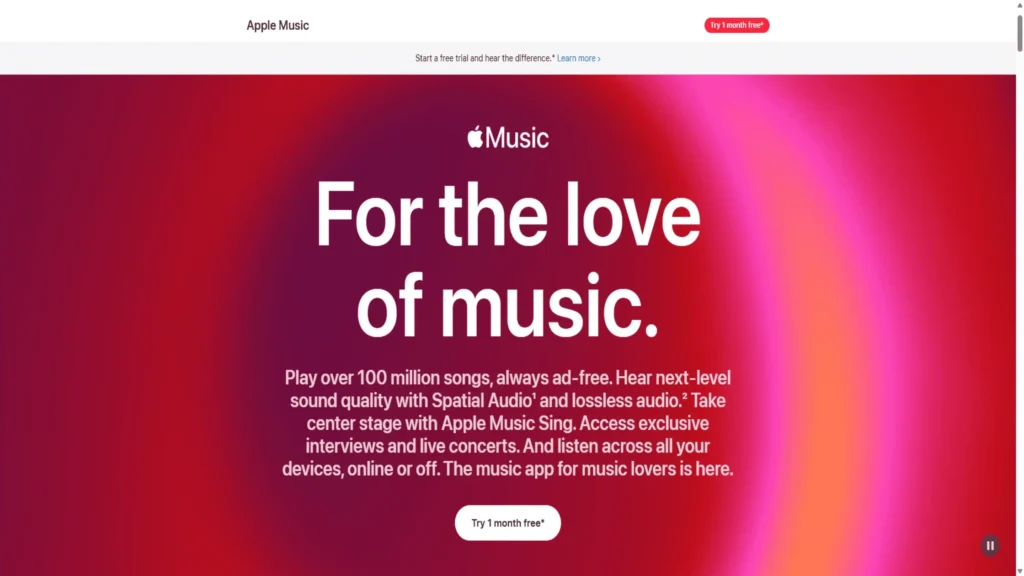
The way to sign up for Apple Music is easier than ever: just an Apple ID, a few taps, and you’re in. When you first register, you’re greeted with a “try one month free” prompt right in the app or on apple.com.
- Redeem the Offer: Open the Apple Music app (iOS/Android/macOS), select “Try it free”, and log in with a fresh Apple ID. Instant activation.
- How to get: Visit the Apple Music website or app, hit the top-right “Start free trial”, and activate your month-long jam session. If you had an old account, trying again with a new Apple ID might work for a second ride.
Remember to cancel before the trial ends if you don’t want automatic renewal.
2. Adding Funds to Apple Account (2 Months)
Some regions and special campaigns reward users with an extra 2 months when topping up their Apple ID Balance. These deals are more common during seasonal Apple Music promo events or when purchasing digital goods.
- Redeem the Offer: Look for announcements in your Apple ID’s Add Funds page. If a promotion is available, you’ll see an option for “get 2 months of Apple Music free” after topping up.
- How to get: From your device, open Settings (or App Store), tap on your profile, and select “Add Funds to Apple ID.” Watch for banners or notifications about the extra months.
This hack is useful if you’re about to extend paid services. If you miss it, watch for any new Apple Music redeem notifications throughout the year!
3. Target Circle Promotion (2 Months)
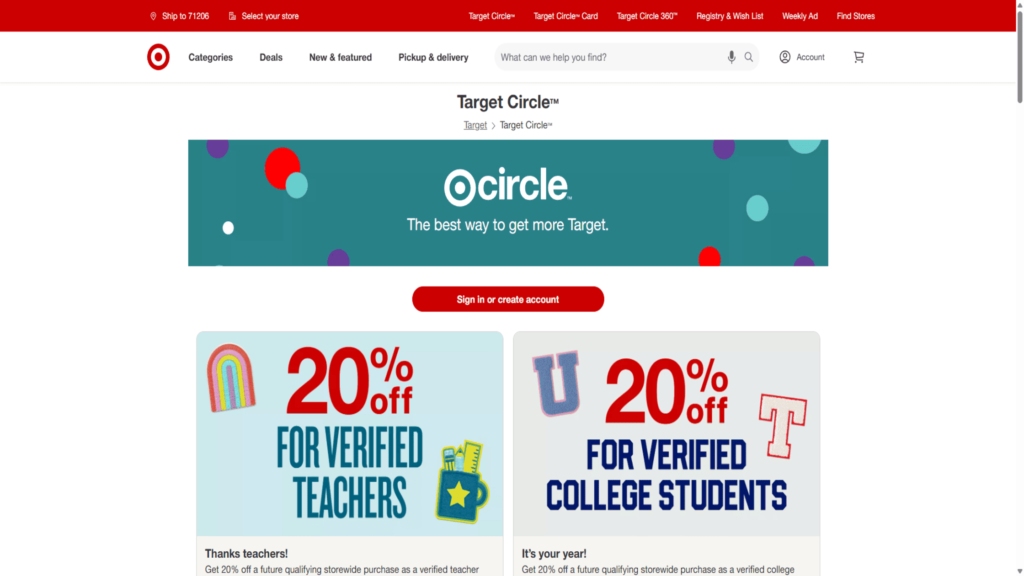
Target (US retailer) fans, rejoice, a sporadic offer through Target Circle provides two free months for new Apple Music users.
- Redeem the Offer: Join Target Circle (free, digital loyalty program), look under “Partners” or check for email alerts.
- How to get: On Target’s website/app, navigate to your Circle offers, find Apple Music, and click “activate.” Use the code provided to sign up for the Apple Music app or website.
Even if you’ve used an Apple Music trial in the past, check if you’re eligible. These partner deals sometimes work for Apple Music and are also free for returning subscribers.
4. Apple Card Entertainment Offer (3 Months)
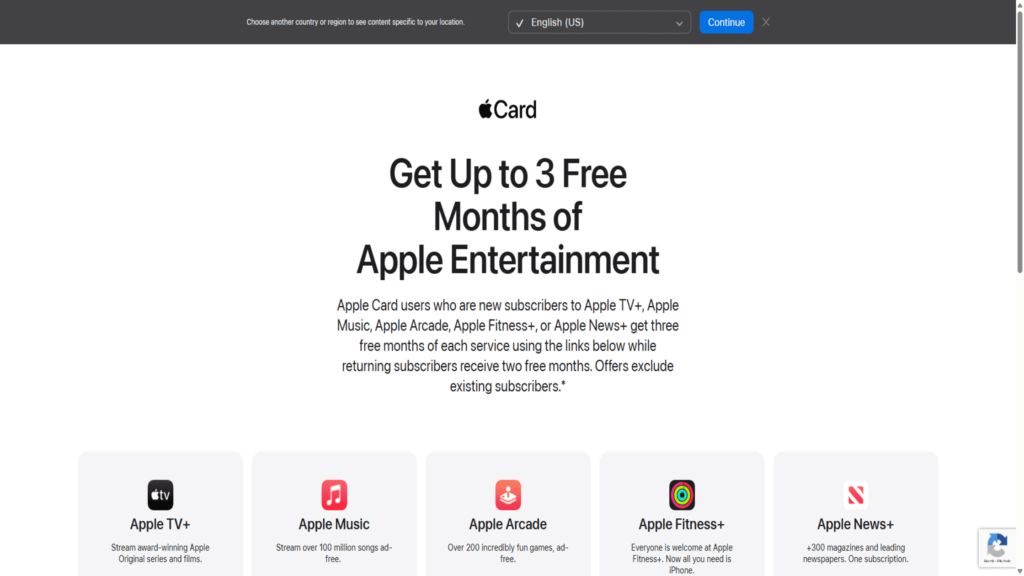
As a cardholder, you can unlock special Apple Music promo trials. The Apple Card Entertainment Offer can net both new and returning subscribers up to 3 free months.
- Redeem the Offer: Log in to your Apple Account with a linked Apple Card and head to the official Apple redemption site.
- How to get: Follow the activation flow, if you qualify, Apple Music 3 months free will be visible. This is perfect for those who are curious about the monthly price of Apple Music since you can avoid paying for three billing cycles.
If you’re not yet a cardholder, applying for one might offer other perks beyond a standard free trial to Apple Music.
5. Purchase Eligible Apple Devices (Up to 6 Months)
Get a great deal! Buy a new Apple gadget, like an iPhone, iPad, HomePod, AirPods, or Mac. You can enjoy up to 6 months of Apple Music for free. This unlocks extra value for any planned tech upgrades!
- Redeem the Offer: Upon device activation, you’ll be prompted to claim your trial.
- How to get: Connect your new device to Wi-Fi, update it to the latest iOS/macOS, sign in with your Apple ID, and open the Apple Music app. The three or 6-month offer appears, then tap “Redeem.”
This is the easiest route for a long-lasting Apple Music free trial and a vital move for those hoping to grab Apple Music free for 3 months or more. If you receive an Apple Music redeem code from a retailer like iSTYLE, follow the provided instructions to claim.
6. PlayStation 5 Offer (Up to 6 Months)
Owning a PlayStation 5 can mean extra music freedom! New subscribers get up to 6 months of Apple Music free. This is convenient for gamers who are also audiophiles.
- Redeem the Offer: Download the Apple Music app directly from your PS5’s Media tab.
- How to get: Sign in with your Apple ID and follow on-screen prompts to start the extended free trial, which is available in select regions.
If you’ve tried other options, the PS5 route can let you reset your chance for another Apple Music free for returning subscribers offer.
7. Carrier or Partner Offers (Varies, Up to 6 Months)
Mobile providers and global partners like Verizon, EE, Rogers, Orange Spain, and O2 often team up with Apple. They sometimes offer Apple Music for free, with promotions lasting up to 6 months.
- Redeem the Offer: Check with your mobile carrier’s app or website.
- How to get: Look under “Add-ons” or “Entertainment” in your career dashboard, activate the Apple Music deal, and follow the steps to claim. Most deals are friendly for returning subscribers if you haven’t claimed before.
If you wonder, “Who offers free Apple Music”? Carriers and companies, like Verizon, Rogers, EE, iSTYLE (an Apple Premium Partner with a chain of authorized Apple stores across Central Europe, the Middle East & Africa), and Best Buy, often offer exclusive deals for their customers.
Therefore, don’t forget to always check current offers in your country.
8. Use of Shazam App Trial (1 Month)
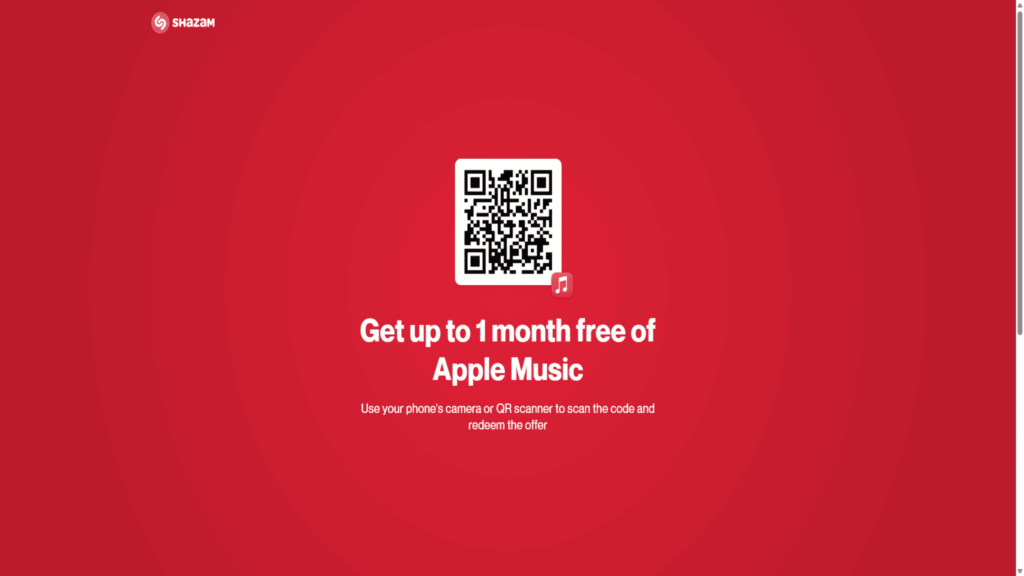
Shazam’s app trial is less well-known, but powerful. It’s a popular app that quickly identifies songs playing around you, even integrating seamlessly with Apple Music. Scan for music as usual, then find the in-app prompt for Shazam’s free Apple Music code.
- Redeem the Offer: Open the Shazam app, scan, and look for the Apple Music offer.
- How to get: To activate this code, you might need to change your Apple ID region. Regions like the UAE, the US, or the UK can offer different deals. You can do this safely using a good VPN like TurisVPN. Redeem the code in Apple Music’s “Account > Redeem Gift Card or Code” area.
Great for users looking for a free Apple Music code for existing users, especially if you’ve cycled through other trials.
9. Creative Region or Account Methods
Sometimes, Apple’s best deals are geo-blocked. If a region, like the US or UAE, has better Apple Music free trial conditions, use a trusted VPN. You can try our TurisVPN partners, the FreeVPN plugin, or the Singapore VPN server to change your device’s location.
- Redeem the Offer: Using a VPN, access Apple’s website/app from the desired region, and sign up as if you’re a local.
- How to get: Create a new Apple ID with your VPN enabled, select a region where promotions are active, and follow the regular sign-up flow.
This trick often lets you access the free trial of Apple Music again. It works well for Apple Music, is free for returning subscribers, and helps you make the most of seasonal Apple Music promo launches.
For instance, you might find a three-month free trial offered around the holiday season or during a major iPhone release.
Don’t forget: for more techniques like this, you can also explore how to get premium Spotify for free forever using VPN region-shifts.
How to Secure Your Apple Music Access Using TurisVPN?
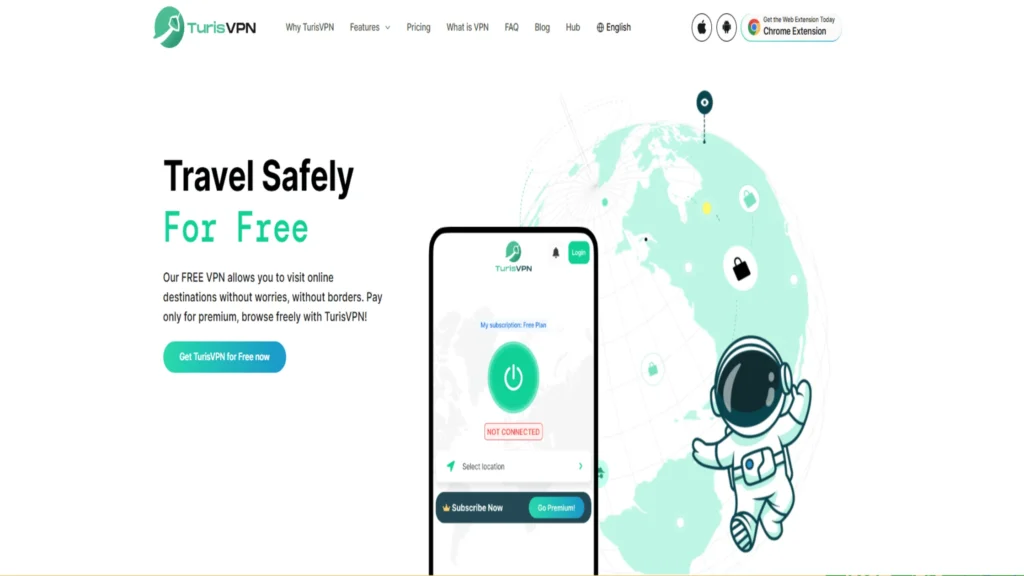
Your journey to how to get Apple Music free forever is incomplete without robust region-switching tools. Many Apple Music offers and promos are country-specific. That’s where TurisVPN’s Free VPN and Singapore VPN become essential.
With superior encryption and user-friendly apps, TurisVPN empowers you to:
- Access geolocked Apple Music offers that are unavailable in your current region. This means you can tap into promotions restricted to countries like the United States, Canada, the United Kingdom, or Japan.
- Sign up with a virtual address. This makes your ID ready for great global promotions. Examples include “Apple Music 3 months free” and “iSTYLE Apple Music.”
- Redeem regional codes (eg, Shazam, iSTYLE, or Target) safely by bypassing country limitations.
- Maintain privacy and security while you explore region trickery, so your Apple accounts remain safe.
From our experience, a reliable VPN can change the game for getting. Besides, employing TurisVPN can also help shield your IP addresses when using dating platforms or getting games for free.
For example, if you are finding ways to unlock OnlyFans for free, referring to our guide right here will help.
Tutorial On How To Download Apple Music Permanently: Step-by-Step Guide
A vital part of getting Apple Music free for a long time is knowing how to save your music collection for permanent, offline use. Here’s how you can preserve your favorite tracks forever, even after trials expire :
1. Understand Apple Music Downloads and Limitations
Let’s clarify what happens with Apple Music downloads. While you subscribe, you can download any track for offline listening. But once your subscription (trial or paid) ends, access to all downloaded Apple Music files is revoked.
You do not own the downloaded files. To keep track forever, special steps are required.
2. How to Download Songs for Offline Listening (As Long as Subscribed)
To download any song for free (while your Apple Music free trial is active):
- Open the Apple Music app.
- Search or browse for your chosen song, album, or playlist.
- Click the “+” to add to your Library.
- Tap or click the download icon (cloud-arrow).
Limit: music downloaded this way is playable only while your Apple Music subscription’s free status (trial or paid) is active.
3. Download Entire Library Using Smart Playlist (Mac/iTunes)
Mac and iTunes users enjoy batch tools called Smart Playlist:
- Open iTunes or Apple Music on your Mac.
- Select all (⌘A or Ctrl+A) in Library, right click, then “Add to Playlist”> “New Playlist”.
- Open the new playlist, click the three-dot icon, and choose “Download”.
This speeds up bulk downloads for large libraries during any Apple Music free subscription.
4. Permanently Save Apple Music Songs Using Third-Party Converters
Here’s the critical secret for how to download music from Apple Music for free and keep it forever after your trial: you need a music converter tool. These apps convert any track in your Apple Music library to a permanent MP3 file. Our three top picks:
NoteBurner Apple Music Converter
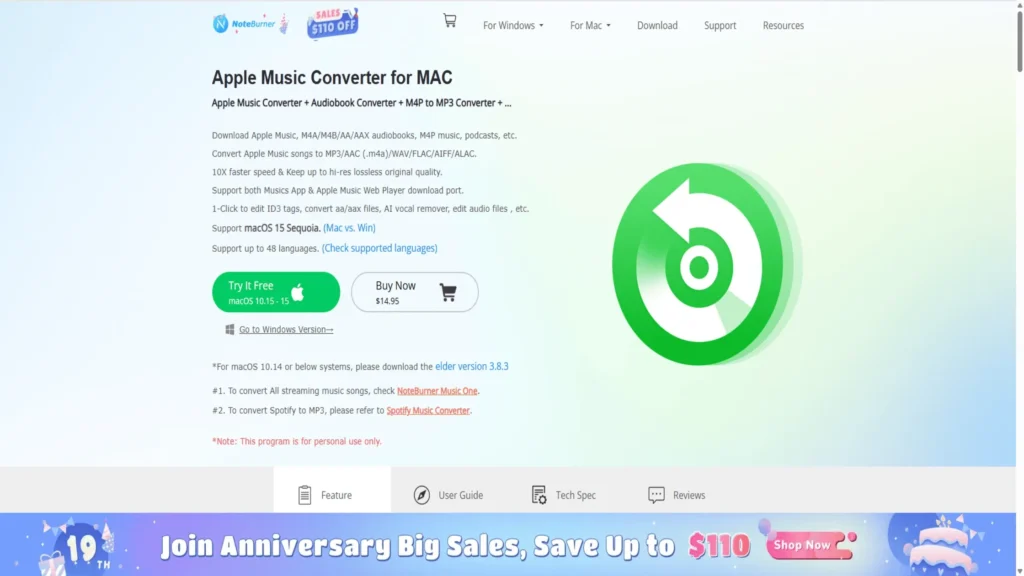
- Converts Apple Music, iTunes purchases, Audible, and audiobooks to MP3, AAC, and FLAC.
- Preserves tags, quality, and supports batch conversion.
- Ideal for those who always want a permanent free Apple Music trial.
AudiCable Apple Music Converter
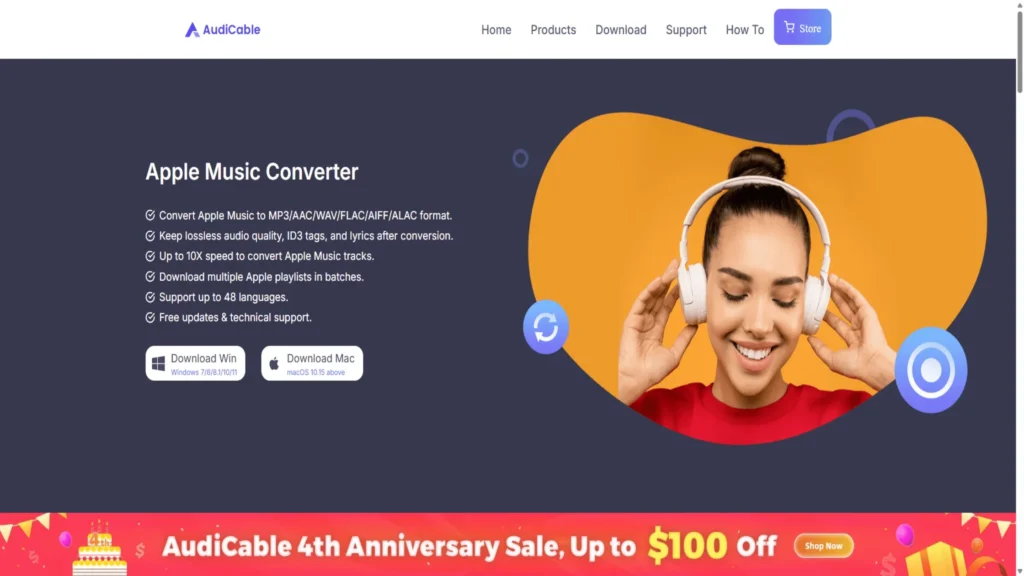
- Reliable, easy-to-use, and works on both Windows and Mac.
- Records directly from the official Apple Music app with high fidelity.
- Great for users aiming to transfer soundtracks to all devices for lifetime use.
TuneCable Apple Music Converter
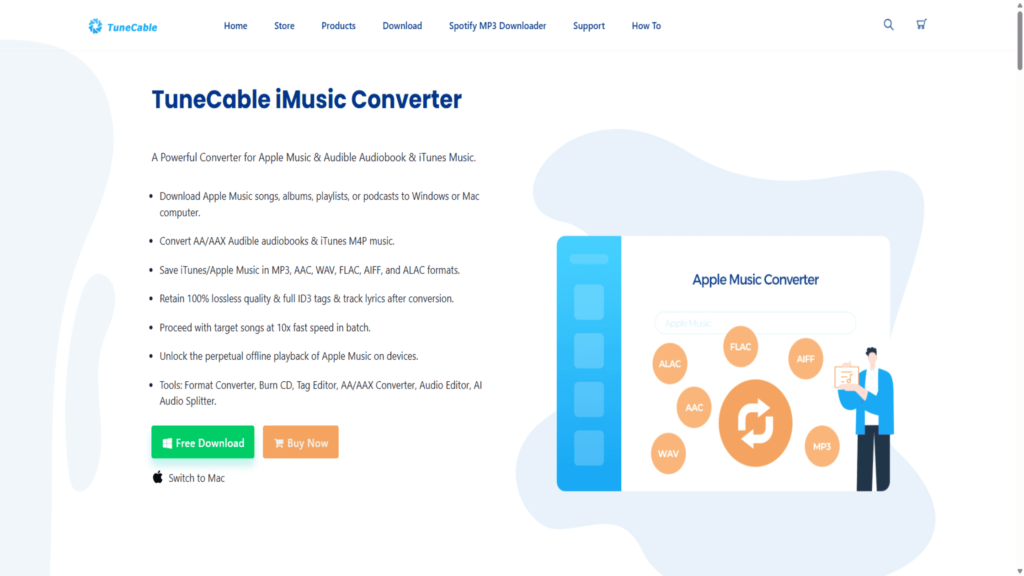
- Keeps original metadata.
- Let you rip playlists or entire albums for future backup.
- Excellent to sync your Apple Music for free for returning subscribers’ offers, and not lose music if your trial ends.
Always ensure ethical, personal use. Downloading or sharing copyrighted files for commercial gain is illegal in most regions.
5. Using iTunes Store Purchased Music for Permanent Files
Did you know that music purchased on iTunes is yours for good, forever? This is a top-tier guide on how to get Apple Music free forever, especially for the songs you truly love :
- Buy songs or albums via the iTunes Store.
- Download as DRM-free AAC/MP3 to your computer or device.
- These files NEVER disappear or lock after your Apple Music subscription expires.
If you need a reference, this Microsoft forum discussion offers more details for PC users.
For additional savings, always look for Apple Music redeem discounts and Apple Music promo bundles during special events like Black Friday, Cyber Monday, or even Apple’s own product launch keynotes.
These periods often feature reduced prices on subscriptions, gift card bonuses that effectively lower the cost, or exclusive bundles that might include other Apple services or hardware at a discount when you redeem them.
Bottom Line
From multiple Apple Music free trial methods to clever use of TurisVPN, we’ve shown you every trick behind how to get Apple Music free forever.
Stack trials, redeem all Apple Music free for returning subscribers, and snag deals to keep your free listening going. Follow these steps to download music from Apple Music for free using converter tools. This way, you won’t have to worry about losing your playlists.
Apple might not plan to give away its 100M+ songs forever. However, with the clever methods and tools shared here, you can keep your favorite tunes close. You may even feel like you’ve figured out how to enjoy Apple Music for free all the time.
For further digital freedom, feel free to explore our guides on TurisVPN’s blog. No matter whether you want to use dating apps and games like Minecraft for free, it’s all possible. Your online universe is waiting!
FAQs
Q1. Can You Get Apple Music Multiple Times for Free?
Sure! You can rotate Apple IDs. You can also use TurisVPN to redeem offers from different regions. Another option is to apply sixteen free Apple Music codes for returning subscribers.
Look for new Apple Music promo events. Change your virtual country if needed. Always check the eligibility rules for deals from iSTYLE, Shazam, PS5, and major mobile carriers.
Q2. How Long Does Apple Music Free Trial Last?
This depends on the method and region. In most countries, the standard Apple Music free trial is 1 month for new users.
Buying an eligible Apple device, redeeming exclusive Apple Music redeem codes, playing via Partner offers, or using direct promotions like the Apple Card can extend this to 3–6 months.
Keep watching for seasonal Apple Music 3 months free and Shazam’s free Apple Music code deals that could net you extra time.
Q3. Is It Possible to Use Apple Music Without Paying?
Yes, it is possible. You can claim valid trial or promo offers anytime. To save tracks permanently, use our recommended music converters. They help you back up playlists during the trial.
If you only want songs purchased from iTunes or the Apple Store, you can access them forever. This is true no matter your subscription status. Regularly check partner offers and use a VPN when needed to unlock more options.