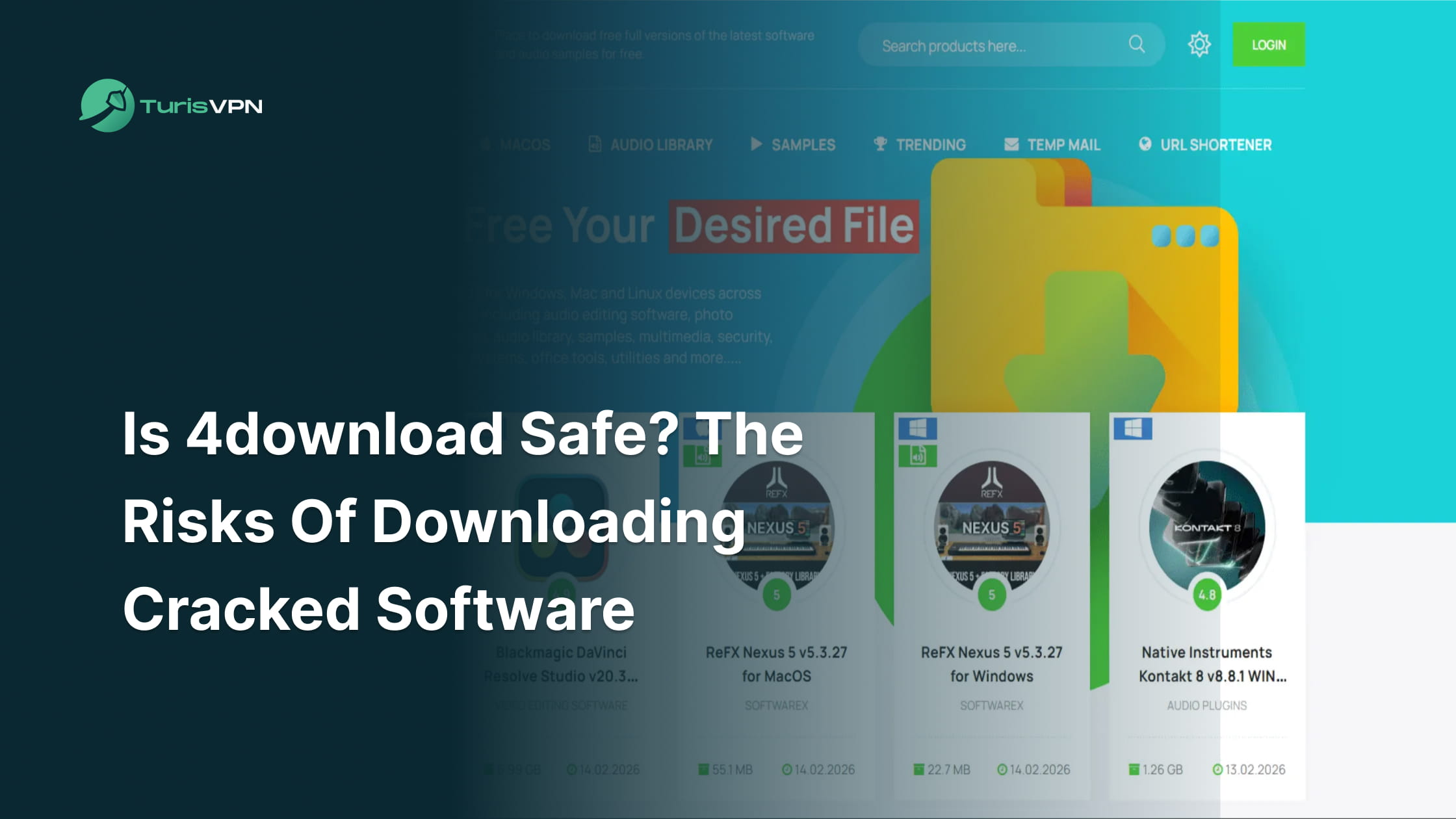
4download is not safe to use. You have probably stumbled upon this site (often called 4download.net) while hunting for free versions of premium software or games. It markets itself as a trustworthy spot for cracked apps and audio tools, but the reality is far riskier.
In this guide, we will analyze the legitimacy of 4download, the potential dangers hidden in its files, and how you can protect your digital footprint.
What is 4download?
4download is a file-sharing website widely used for distributing “cracked” software, VST plugins for music production, and PC games. Unlike official storefronts like Steam or Adobe Creative Cloud, 4download hosts modified versions of software that bypass licensing requirements, allowing users to use paid programs for free.
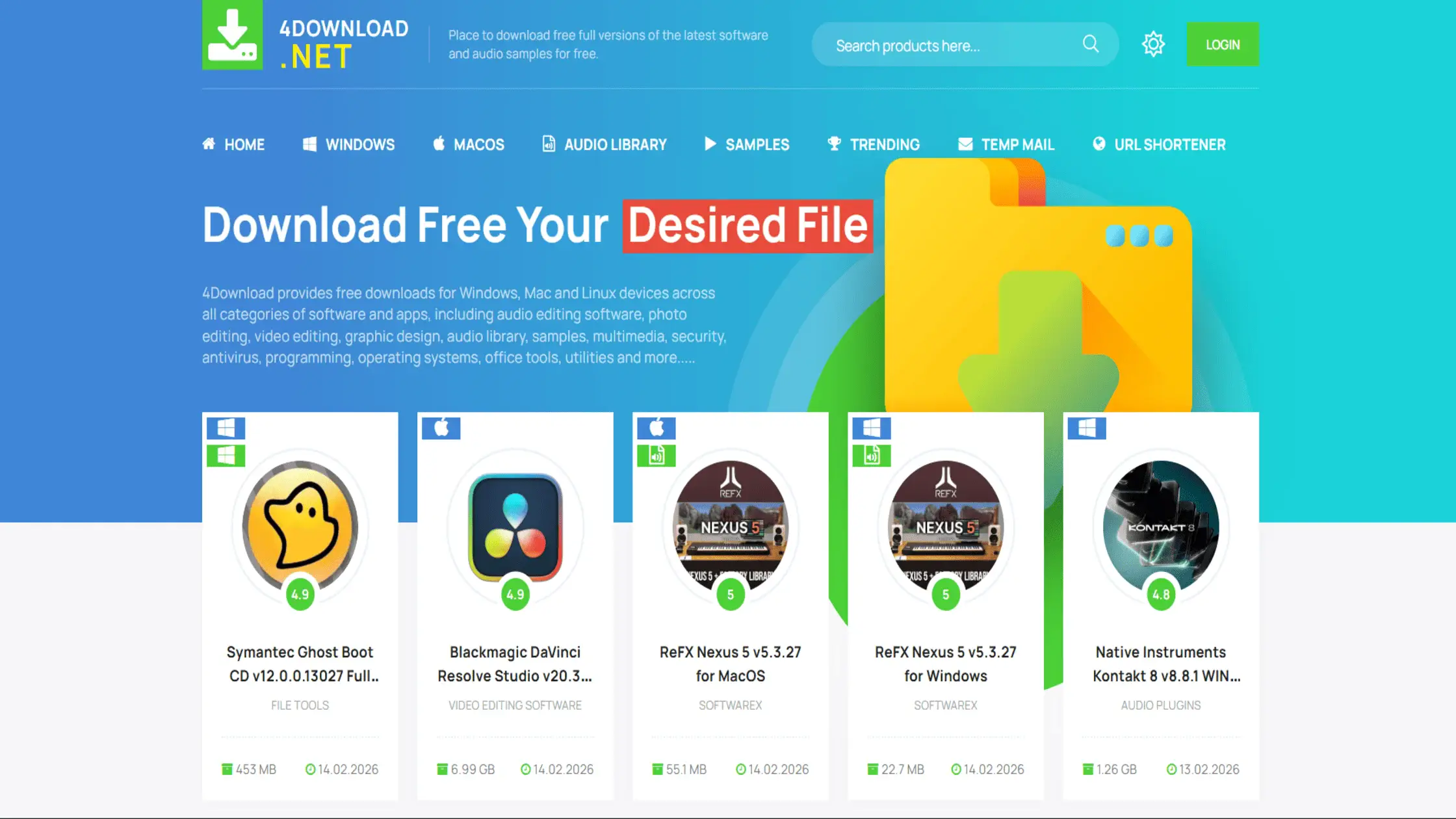
The site is particularly popular among students, freelance designers, and music producers looking for expensive tools without the price tag. It operates by hosting files on third-party cloud storage services (such as MediaFire or Google Drive) rather than on dedicated servers.
While it has built a reputation in some communities as a cleaner alternative to torrent sites, the reality of 4download’s safety is far more complex than a simple yes-or-no.
Is 4download Safe?
No, it is not 100% safe. You might download a file that works, but you are taking a huge risk with your personal data. Here is why we warn against it:
- No Quality Control: You are relying entirely on an anonymous uploader. Unlike official stores that scan every file, 4download has no rigorous safety team. If a hacker uploads a legitimate-looking file with a virus hidden deep inside, it might stay online for days before anyone notices.
- Hidden Threats: A file might look normal, but the danger lies in the execution. To make cracked software work, you often have to run a “patch” tool. These tools frequently contain malicious code or “binders” that install malware silently in the background while you are distracted by the installation.
- Uncertain Legitimacy: The community is constantly divided. For every user who says it works, another reports a crash or a virus. We see this pattern across all piracy sites. It is similar to the debate when users ask if Steamrip is safe; the hesitation exists because there is no guarantee. If you have to ask if a site is safe, that uncertainty is already a red flag.
- Security Trade-offs: There is always a cost. When you decide to download cracked games, you are trading money for security. You might save $60 on a game, but you leave your PC open to ransomware or data theft. That is a steep price to pay for a “free” file.
The uncertainty of safety leads us directly to the specific dangers that can harm your device and personal data.
The Risks of Downloading from 4download.net
To truly understand why 4download is unsafe, we need to examine the specific threats you face when you click the download button.
Malware and Viruses
Malware is the most common risk associated with downloading cracked files, often disguised as desired software. Hackers frequently embed malicious code inside the installation files of cracked games or applications. Running the installer allows a Trojan or virus to infect the system without any visible signs.
Such infections are a major concern for 4download legit claims, as a legitimate-looking file can still be a carrier of a 4download virus. We discuss how these threats operate and whether a VPN protects you from hackers in our detailed guide on cyber defense.
Browser Hijackers
Browser hijackers are malicious programs that change browser settings without authorization in order to reroute traffic. On these websites, clicking on download buttons or pop-ups may result in the unintentional installation of a hijacker. The application modifies the search engine, new tab settings, and homepage.
By forcing users to visit particular websites, hijackers help the attackers make money from advertisements. It can be very challenging to remove these scripts, which makes browsing sluggish and annoying. These disruptions are a frequent annoyance for people who click on the incorrect link while searching for 4download cracked games.
Data and Identity Theft
Identity theft occurs when malicious software harvests sensitive personal information directly from an infected computer. Spyware hidden in downloads can track keystrokes, capturing passwords, credit card numbers, and login details.
Stolen information is then sent to cybercriminals, who can use it to access bank accounts or commit fraud. The risk of ransomware is also real here; the malicious code locks files and demands payment to release them. Protecting digital identity is crucial, especially when dealing with unverified sources.
Performance Issues
Performance issues arise when hidden crypto-miners or bloatware use the CPU and RAM to perform tasks for hackers. A sudden system slowdown after a download often indicates an infection.
Malicious actors frequently bundle crypto-mining software with cracked software. The unauthorized program runs in the background, consuming electricity and hardware power to mine cryptocurrency for the attacker. Such activity causes overheating, lag, and can physically damage components over time.
Legal Consequences
Legal consequences are a genuine possibility when downloading and using copyright-protected material without payment. Downloading pirated content is illegal in most countries. Internet Service Providers (ISPs) monitor traffic and can flag connections if torrenting or illegal downloads are detected.
Penalties can lead to speed throttling, service termination, or even fines. While not everyone gets caught, the risk remains. Many users consequently choose to download cracked games with a VPN to mask their activity from ISPs.
No Official Support
Without official support, there would be no one to turn to if the program malfunctioned, crashed, or had bugs. Users who use 4download cracked games are unable to uninstall the downloaded version. Developers provide no help if the program malfunctions or causes the system to break.
It is impossible to get patches that close security flaws or boost efficiency. The only way to fix it is to rely on forums and random people, which can lead to even greater security risks. Despite these risks, rigorous safety procedures must be followed to reduce the device’s risk.
How to Safely Download Files from 4download?
If you decide to take the risk, you need to know how to check if a download file is safe before executing it. Follow these steps to add layers of security to your process.
1. Verify the Link and File Before Opening
Scanning the file with multiple antivirus engines is the most effective way to detect hidden threats. Here is how to verify a file:
- Download the file, but do not open it.
- Go to a site like VirusTotal.
- Upload the file to the scanner.
- Review the report to see if any engines flag it as malicious.
If multiple engines flag the file, delete it immediately.
2. Isolate the Software (Sandboxing)
Sandboxing creates a virtual environment that keeps the downloaded software separate from your main operating system. Here is how to sandbox a download:
- Install a virtual machine like VirtualBox or Sandboxie.
- Create a fresh virtual Windows instance.
- Install the downloaded software inside this virtual machine.
- If the software contains a virus, it will only damage the virtual machine, not your actual PC.
3. Use Browser Protection
Browser protection tools block malicious scripts, pop-ups, and redirection attempts before they can load. Here is a guide on how to secure your browser:
- Install a reputable ad-blocker (like uBlock Origin).
- Enable “Safe Browsing” features in Chrome or Firefox.
- Avoid clicking on “Allow Notifications” on download sites.
This helps prevent browser hijackers and drive-by downloads.
4. Watch for Red Flags
Watching for red flags involves checking file extensions, sizes, and the behavior of the download page. You can learn to spot red flags by checking the following details:
- Check the file extension. An image or video should not end in .exe.
- Look at the file size. A modern game should be GBs, not MBs.
- Be wary of password-protected ZIP files from random users.
Being vigilant is your best defense to help you determine whether 4download is safe for a specific file.
Your local defenses are strong, but securing your internet connection is equally important to maintain privacy and safety.
How TurisVPN Can Help Secure Your Downloads
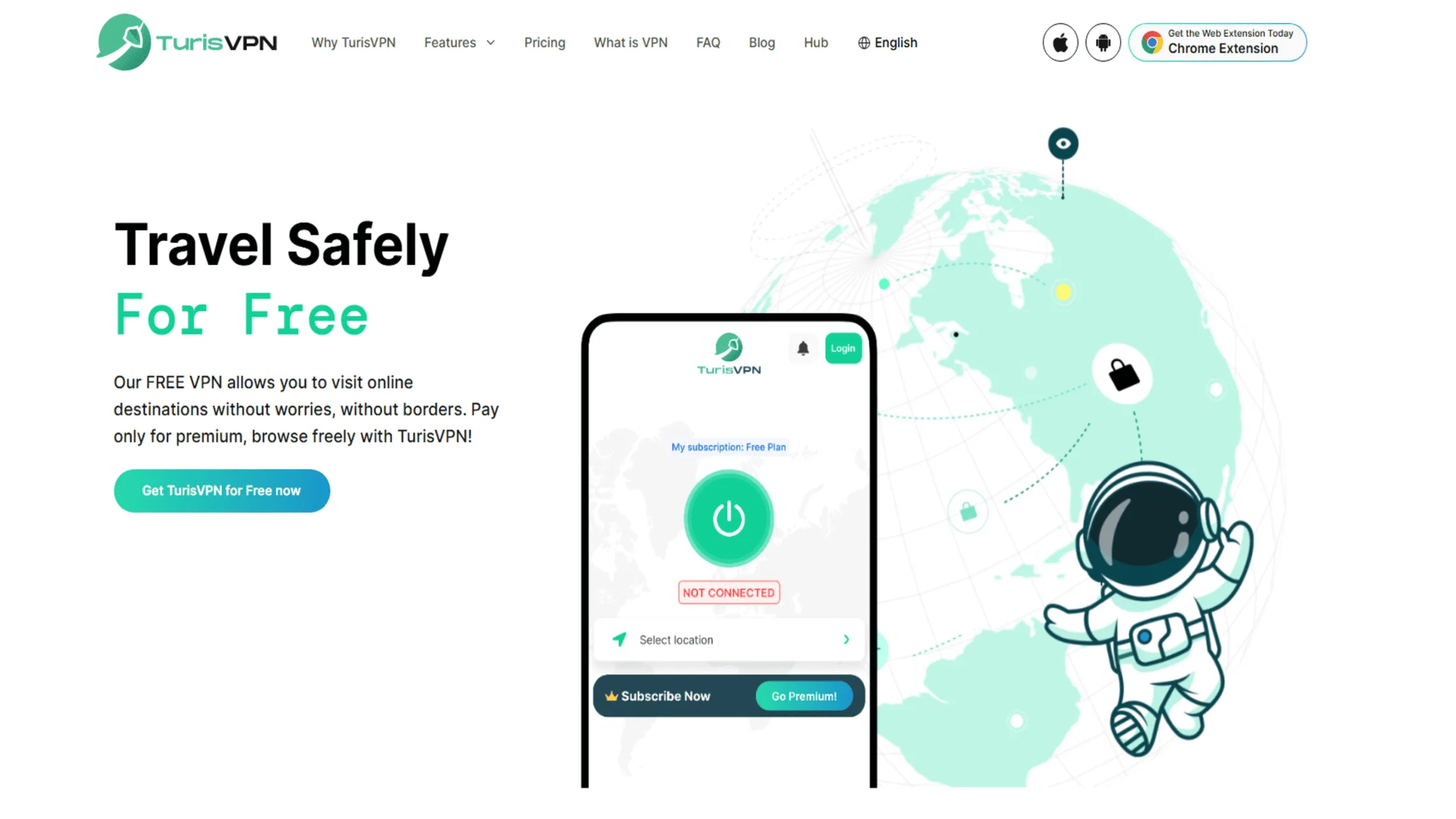
When you download files, your IP address is visible to everyone in the network swarm and your ISP. If you don’t use a VPN, your online activity is an open book. TurisVPN uses military-grade encryption to create a secure tunnel for your data, preventing your ISP from seeing that you are visiting sites like 4download or downloading pirated content.
This privacy is essential for anyone who wants to download cracked games while using a VPN. But speed matters just as much as safety. That is why we offer a choice of protocols. You might wonder about the difference between WireGuard and OpenVPN when you need a fast download. We recommend WireGuard for its blazing speed, while OpenVPN provides robust stability for unreliable connections.
Here is a step-by-step guide on how to use TurisVPN to secure your downloads:
- Download the TurisVPN app for your mobile phone or install the Chrome Extension on your computer.
- Open the app and log in to your account.
- Select a server location (preferably one with strict privacy laws).
- Click “Connect” to secure your connection.
- Once connected, proceed to browse and download with enhanced privacy.
Furthermore, we handle heavy traffic efficiently. If you are concerned about limits, you can check our guide on how much data VPN uses per hour to understand how we manage bandwidth.
Bottom Line
Is 4download safe? No, there is a considerable risk involved in using 4download. The website itself is well-known for 4download cracked games and cracked software, but because there is no official regulation, you are constantly at risk of malware, Trojan horses, and legal repercussions. No file is guaranteed to be completely clean.
To prevent ransomware and data theft, we strongly recommend using reputable software sources whenever feasible. Always check files, use a sandbox, and use TurisVPN to secure your connection if you must use such websites. The cost of a free app is not as important as your online safety.
FAQs
Q1. How to check if a downloaded file is safe?
To verify whether a download file is safe, upload it to VirusTotal. This service scans the file against over 70 different antivirus engines. If multiple engines flag it, delete it immediately. Do not rely on just one antivirus program.
Q2. What are the best antivirus programs to detect 4download.net malware?
We recommend using reputable security suites like Malwarebytes or Bitdefender. These are effective at detecting specific “Bundler” and “PUP” (Potentially Unwanted Program) signatures, often found in 4download debates about safety.
Q3. How to Safely Download Files from 4download?
To minimize the risk of downloading a file from 4download:
- Connect to TurisVPN to mask your IP.
- Use a browser with strict privacy settings.
- Download the file, but do not open it.
- Right-click and scan with your antivirus.
- If clean, run it inside a Windows Sandbox environment first.
Q4. What are safe alternatives to 4download?
The safest alternatives are always official stores like Steam and the Epic Games Store, or the developer’s official website. These sources guarantee the files are free from ransomware and legal issues.