







Webcam rips turn your personal laptop or phone into a hidden spy camera. Users often fear data theft, yet the thought of a stranger watching through your lens is much more terrifying. At TurisVPN, we understand that modern cyber threats are evolving rapidly.
This guide provides a direct look at the mechanics of camfecting, the specific malware used to execute these attacks, and the actionable steps you must take to secure your environment. We will examine how these breaches happen and provide the tools necessary to stop them.
What Are “Webcam Rips”?
Webcam rips refer to unauthorized video or image recordings captured from a compromised webcam, resulting in personal data theft without the victim’s consent. Hackers utilize malicious software to remotely activate a camera, record the feed, and extract the file to a remote server. The term is often associated with the underground trade of free webcam rips found on illicit forums.
In these scenarios, the attackers do not just watch. They record specific sessions for malicious purposes like blackmail, extortion, and public humiliation. Unlike standard surveillance, these attacks target personal devices like laptops, smartphones, and smart home monitors. The footage is often high-quality and includes audio, rendering the privacy violation absolute.
Victims rarely know the recording exists until it is used against them. Before understanding the risks, you must determine whether remote observation is technically feasible.
Can Someone Watch You Through Your Webcam?
Yes, skilled attackers can watch you through your webcam if they gain remote access to your operating system or network. This process is known as camfecting. It allows an intruder to see exactly what your camera sees in real-time. They can disable the hardware indicator light, so the green LED never turns on while they record.
This capability is not limited to state-sponsored spies; standard cybercriminals use widely available tools to scan for vulnerable devices. If your computer is infected with specific malware types, your camera becomes a window for strangers. The reality of webcam-leaked footage proves that this is a widespread issue, not a theoretical danger.
If hackers can watch you, the subsequent damage to your personal life and security can be catastrophic.
Why Webcam Rips Are a Serious Privacy and Security Risk

Webcam rips destroy the barrier between your digital life and your physical safety. We see these incidents frequently leading to severe crimes that transcend the digital realm.
Extortion and Blackmail
Criminals often use the footage for extortion. They record victims in compromising situations and threaten to release the live cam rips to family, friends, or employers unless a ransom is paid. This is the most common monetization strategy for camfecting. The psychological toll on the victim is immense, often leading to financial ruin or severe mental health crises.
Identity and Credential Theft
Cameras can capture more than faces. If you hold physical documents, credit cards, or a login specifically near your screen, high-definition cameras can capture the text. Hackers analyze webcam rips frame by frame to extract sensitive data. This visual data complements other stolen information, making identity theft much easier to execute.
Physical Security Threats
A compromised camera acts as a surveillance tool for burglars. By watching live cam rips, criminals learn your schedule. They know when you leave for work, when you go on vacation, and where valuable items are stored in the room. This transforms a cyber breach into a real-world physical danger for your household.
Lateral Network Attacks
Access to a webcam often signifies total system compromise. Once inside, the attacker uses your machine as a staging ground. They launch attacks on other devices connected to your Wi-Fi. Understanding internet security against cybercriminals is crucial here, as the camera is just one entry point in a broader network invasion.
Now that the risks are clear, we must examine the technical methods hackers use to seize control.
How Hackers Create Webcam Rips
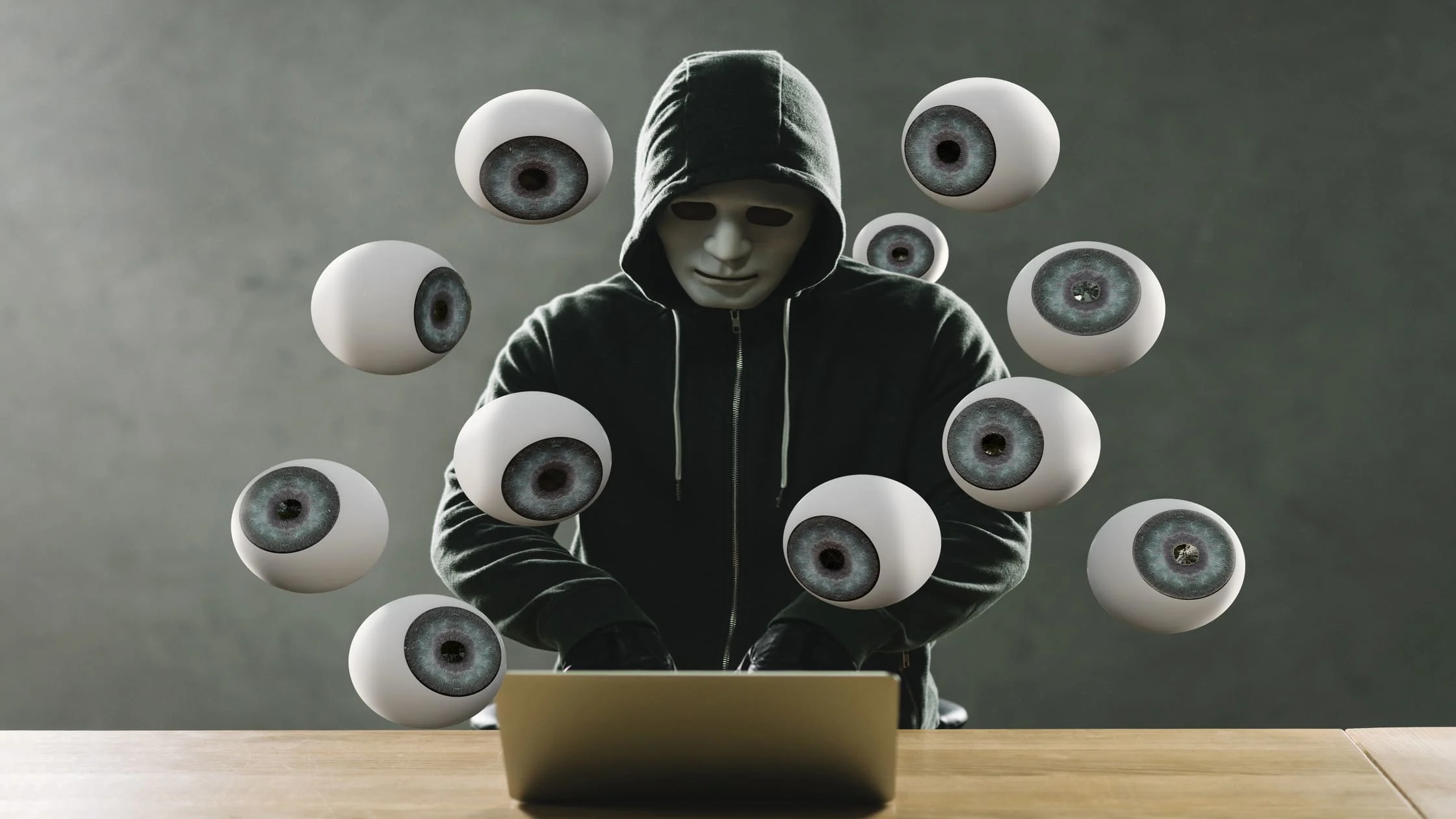
Hackers create webcam rips by deploying malware that silently establishes a connection between their server and your hardware. This process exploits software vulnerabilities or uses deception to bypass security. Once the connection is established, the attacker can record your video feed with a single command.
1. Delivery of Remote Access Trojans (RATs)
The primary tool for these attacks is the Remote Access Trojan (RAT). A RAT is a type of malware that grants an attacker full administrative control of your computer. They can open files, use the mouse, and activate the webcam.
RATs are often disguised as legitimate files, such as game mods, email attachments, or software cracks. Once installed, the RAT runs in the background, waiting for commands.
2. Silent Activation and Recording
Sophisticated RATs can disable the webcam’s LED light. This is done by modifying the camera controller’s registry or firmware. The user looks at a dark camera, assuming it is off, while the attacker records free webcam rips directly to their hard drive. The lack of visual cues is what allows these campaigns to persist for months without detection.
3. Exploiting Standalone Smart Cameras (IoT)
Many users install IP cameras for home security. If these devices lack End-to-End Encryption (E2EE) or use default passwords, hackers can access the stream via the internet. Search engines like Shodan crawl the web for unsecured cameras, allowing anyone to view the feed. This leads to webcam-leaked content appearing on public forums without the owner’s knowledge.
4. Network and Browser Hijacking
Sometimes the browser itself is the vulnerability. Malicious websites use “clickjacking” to trick users into granting camera permissions. Alternatively, an unsecured Wi-Fi network allows attackers to intercept traffic. If you are unsure whether your network is compromised, check for signs of monitoring.
You must remain vigilant for specific hardware and software anomalies that indicate a breach.
Warning Signs Your Webcam May Have Been Hacked

Recognizing subtle indicators of compromised hardware can help prevent webcam rips. Most users ignore small glitches, attributing them to old hardware or software bugs. However, consistent irregularities often point to Spyware & Malware activity.
Indicator Light Abnormalities
The most obvious sign is the LED light turning on when you are not using a video application. While some RATs disable the light, many lower-tier malware strains do not. If the light blinks or stays on randomly, an application is accessing the feed.
Unexpected “In Use” Errors
If you try to open your camera app and receive an error stating the webcam is “already in use,” investigate immediately. This implies that another process has locked the hardware resource. If you have no other video apps running, a background process, likely malicious, is controlling the device.
Strange Sounds
Some malware enables the microphone alongside the camera. You might hear strange clicking sounds, static, or echoes coming from your speakers. This audio feedback loop occurs when the attacker monitors the audio stream in real-time.
Unknown Files and Folders
Check your video and picture folders. Hackers sometimes accidentally save webcam rips locally before uploading them. Look for video files with random alphanumeric names or timestamps that do not match your activity.
Rapid Battery Drain & Overheating
Streaming video requires significant processing power. If your laptop fan spins loudly or the battery dies quickly while the device is idle, a hidden process is consuming resources. Continuous video encoding by spyware causes high CPU usage.
Spikes in Data Usage
Uploading video files consumes bandwidth. If you notice slow internet speeds or unexpected spikes in your data usage monitor, malicious software may be uploading live cam rips to an external server.
Altered Security Settings
Malware often disables antivirus software or changes firewall rules to maintain the connection. If your security software is disabled or you cannot update it, your system’s defenses are compromised. This is often a precursor to the exfiltration of webcam-leaked data.
Identifying the signs is only the first step; active defense is required to ensure your privacy remains intact.
How to Protect Yourself From Webcam Rips
Preventing webcam rips requires a combination of physical barriers and robust software security measures. We recommend a layered defense strategy. You cannot rely on a single tool to stop all attack vectors.
1. Use a Physical Lens Cover
The most effective defense against visual spying is physical. Place a sliding cover or opaque tape over the lens when the camera is not in use. Even if a hacker uses a RAT to activate the camera, they will only see black. This defeats the purpose of the webcam rips entirely.
Here are the step-by-step:
- Purchase a sliding webcam cover or use black electrical tape.
- Clean the area around the lens.
- Apply the cover, ensuring the lens is fully blocked.
- Slide it open only when you are on a deliberate call.
2. Secure Your Network and Hardware with TurisVPN

A VPN encrypts your internet traffic, masking your IP address and making it difficult for attackers to target your specific network ports. TurisVPN adds a layer of encryption that hides your activity from prying eyes.
How to use TurisVPN to secure your connection:
- Download the TurisVPN app for your mobile phone or install the Chrome Extension on your computer.
- Log in with your secure credentials.
- Select a server location to mask your true IP.
- Enable “IP-2Hop” to route traffic through two servers for double safety.
- Keep the VPN active whenever you go online to enjoy unlimited data protection.
3. Prevent Malware Infections
Since RATs are the primary vehicle for these attacks, keeping them off your system is critical. Keep your operating system and antivirus software up to date. Regular scans can detect and remove Spyware before it activates the camera. Avoid clicking on suspicious links or downloading attachments from unknown sources.
4. Practice Safe Browsing
Be cautious about which websites you visit and what permissions you grant. Hackers often host sites that attempt to install drive-by downloads. Understanding the scope of online hacker protection mechanisms helps you recognize these malicious sites.
Furthermore, if you suspect your mobile device is also compromised, you should review techniques to identify phone trackers to clear your entire digital ecosystem. To wrap up, maintaining privacy requires constant vigilance and the right set of tools.
Bottom Line
Webcam rips represent a violation of personal space that can lead to extortion and identity theft. The prevalence of Remote Access Trojans and unsecured IoT devices makes this a persistent threat for everyone, not just high-profile targets. We advise treating your webcam as a window into your home that needs to be curtained.
By using physical covers, maintaining strict digital hygiene, and securing your connection with TurisVPN, you render these attacks useless. Do not wait for webcam leaked footage to appear online before you act. Take control of your hardware today.
FAQs
Q1. What do most streamers use for webcams?
Most professional streamers use high-end DSLR or mirrorless cameras connected via camcorder link cards rather than standard USB webcams for better image quality. However, they are still vulnerable to webcam rips if the capture computer is infected with malware.
Q2. Are webcam rips illegal?
Yes, creating, possessing, or distributing webcam rips is illegal in most jurisdictions. It falls under laws regarding voyeurism, wiretapping, computer fraud, and GDPR (General Data Protection Regulation) violations. There is no legal gray area for recording someone without their consent in a private setting.
Q3. Can a VPN protect my webcam?
Yes, a VPN shields your camera by hiding your digital footprint. Encryption stops hackers from finding your network entry points. Attackers cannot easily target what they cannot see. However, the software cannot remove malware already on your hard drive. Pairing a VPN with antivirus scans offers the best defense against spies.





