







The question “Is Depop legit?” has become one of the most searched queries among online shoppers exploring secondhand fashion. Depop has built a huge community where vintage lovers, creators, and resellers trade clothes with ease. However, like any online marketplace, it faces scams that can cost buyers and sellers money.
This article explains how Depop works, identifies common Depop scams, and provides simple strategies to help you stay safe every time you shop online, with or without TurisVPN.
What Is Depop?
To understand whether Depop is legit, it is important to know what Depop actually is. Depop is a social shopping platform, part marketplace, part social media, where users buy and sell used clothing, handmade accessories, and collectable items. You can follow other users, like photos, and message sellers directly.
The Depop company was founded in London in 2011 and has since expanded globally. As of 2025, Depop reports having approximately 43.5 million registered users worldwide. It has become a hub for young creators and secondhand resellers looking for sustainable fashion options.
Unlike many classified ad sites, Depop integrates secure payment systems and Depop buyer protection measures that aim to make shopping easier and more transparent. But understanding how it works is key to knowing whether Depop is a legitimate site or not.
How Does Depop Work?
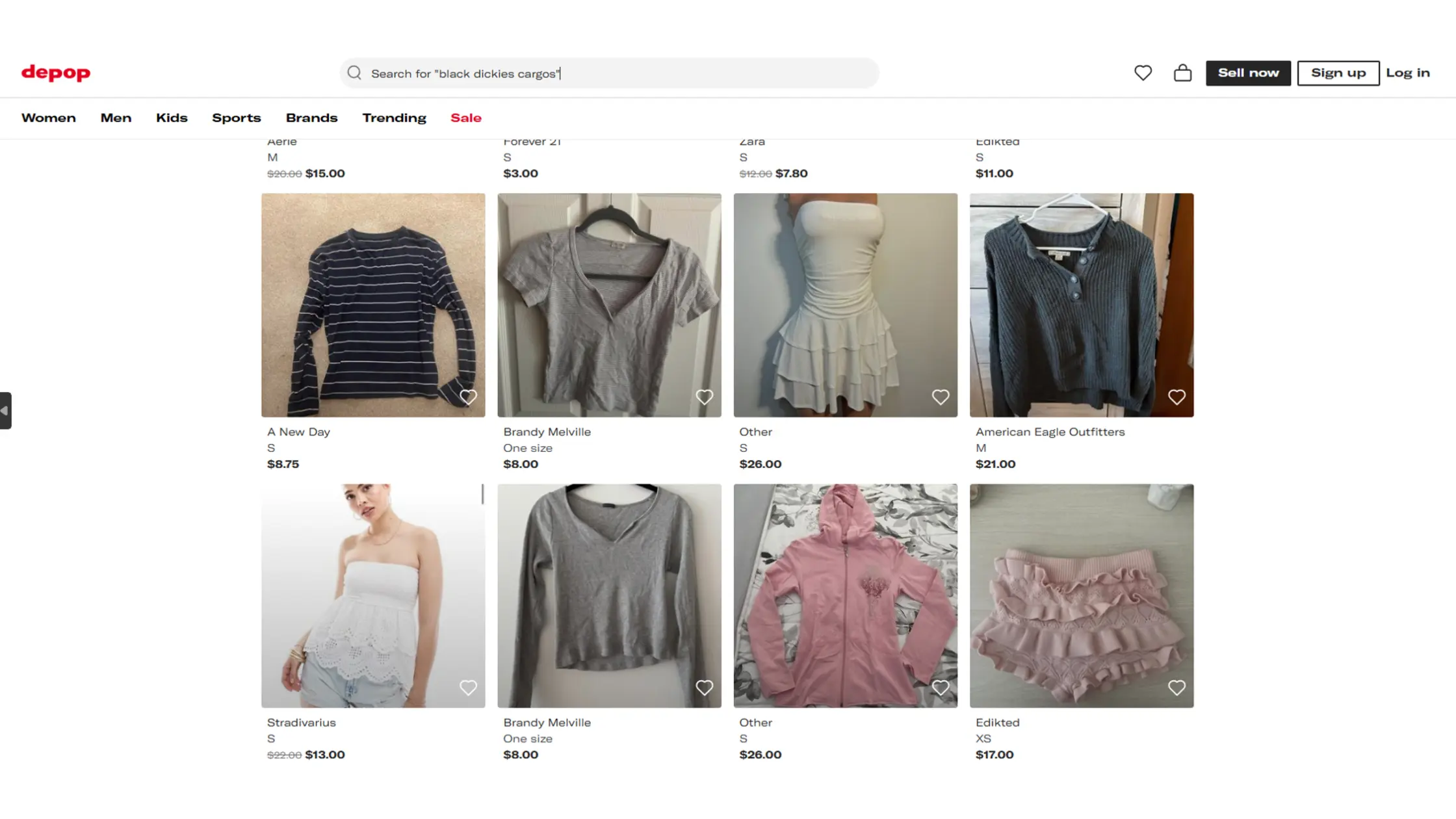
Now that you know what Depop is, let’s explore how it functions from both the buyer’s and seller’s sides.
Buyers browse listings, filtered by category, size, or brand. When they find something interesting, they can message the seller or click “Buy Now.” All payments go through Depop’s integrated system, managed through PayPal or Depop Payments. That’s what ensures Depop seller protection.
Sellers can upload product photos, write descriptions, and set their prices. Depop collects a 10% commission once an item sells. The platform also asks for seller verification. Sometimes, Depop asks for your Social Security number to confirm your identity and prevent fraud if you’re in the U.S., particularly if you plan to earn above certain sales thresholds.
This system may sound like any other marketplace, but the unique part of Depop is its “social” design. Each shop looks like a mini Instagram page, letting buyers check if a seller seems trustworthy before committing to a purchase.
Still, users often wonder: Is this sense of trust enough? Or, more directly, is Depop safe to buy from and not just a clever interface masking potential scamming activities?
Is Depop Legit or a Scam?
So, is Depop legit or a scam? In most cases, it’s legitimate. The core question for many remains: Is it possible to get scammed on Depop? The answer is yes. Scams do occur, usually due to the human side of the marketplace, not Depop’s system itself.
Depop protects transactions made inside the app through Depop buyer protection and PayPal’s dispute system. When users pay within the platform, both parties are shielded: sellers must provide proof of shipment, and buyers receive a refund if their product never arrives.
Issues generally arise when buyers or sellers move communication outside of Depop. For example, a scammer may ask for payment through Venmo, Cash App, or direct transfer to “avoid fees.” That’s where users can get into trouble.
We’ve seen this pattern play out in other platforms, just like concerns raised in our article about whether Booksi is legitimate; users sometimes confuse platform design with protection quality. The same principle applies to Depop: legitimacy depends on how responsibly you use it.
In short, Depop is a legitimate site, but staying within its system is crucial. If something feels off, trust your instincts.
Most Common Scams on Depop (and How to Spot Them)
When asking if Depop is legit, it’s important to recognise that while Depop is known for great deals and rare finds, the platform can also attract scammers testing new tricks. Let’s explore the most common Depop scamming strategies and how to avoid them.
1. Fake Item Listings – “Too Good to Be True” Deals
Seeing a luxury item priced way below market value is often a warning sign. Fake listings frequently feature counterfeit goods, stolen images, or products that don’t exist.
How to Spot It: To verify whether items on Depop are authentic, ask for original photos, carefully compare descriptions with images, and check if the seller has positive Depop selling reviews or a history of consistent sales. Avoid new accounts with unrealistic prices.
2. Payment Scams – Paying Outside the App
Scammers often convince buyers to pay through external apps like Venmo or Cash App to avoid Depop fees. This stops you from receiving Depop buyer protection.
How to Spot It: Any request to pay outside the official Depop payment system is a red flag. Always complete transactions within the app to stay protected. If unsure, remember you can get scammed on Depop mostly through this method.
3. Fake Shipping Proofs and Non-Delivery
Some sellers provide fake tracking numbers or false shipping confirmations for items they never send. Buyers often ask, “Will Depop refund you if scammed?” Yes, if the payment was through Depop or PayPal.
How to Spot It: Verify tracking details with the carrier beforehand. Contact the seller for updates and rely on the app’s messaging to have a proof trail.
4. Phishing Links Posing as Depop Notifications
Scammers impersonate Depop support, sending messages with links asking you to “verify” your account or payment details, trying to steal login or banking info.
How to Spot It: Never click links from unexpected messages. Always visit the official Depop site or app directly. Use protection like TurisVPN to block malicious sites, as detailed in our guide on whether Lensa is legit.
5. Refund Fraud or Chargeback Abuse
Some buyers claim non-delivery or request refunds after receiving items, then keep the product or return a cheaper one. This harms honest sellers despite Depop seller protection.
How to Spot It: Keep detailed shipment records, photographs before sending, and tracking info to dispute false claims efficiently.
6. Impersonation Scams (Fake Depop Staff or Buyers)
Impersonators pose as official Depop representatives or buyers, requesting personal info, payment verification, or login details to hack accounts.
How to Spot It: Official Depop contacts won’t ask for passwords or verification codes outside the app. Always verify sender details and never share sensitive data. Similar scams have been noted on major platforms like Trip.com.
How to Protect Yourself When Using Depop
While Depop is safe overall, users play a vital role in keeping their transactions secure. Below are actionable steps to follow.
Always Pay Within the Depop App
Only payments made through Depop are eligible for Depop buyer protection and official refund assistance. External transfers are outside Depop’s control and common targets for Depop scammer tactics.
Check Seller Reviews, Ratings, and Product Photos Carefully
If you want to check whether a Depop seller is legit or not, before buying, review the seller’s track record. Low ratings or blurred images can indicate risk. Look at buyer comments; they often reveal past issues such as fake items or late deliveries.
Watch for Unrealistic Discounts or New Accounts
Unusually cheap deals or newly created accounts with high‑priced products can be signs of a scam attempt. We’ve seen users run into similar patterns on Survey Spotter, where fake offers lure victims through unrealistic promises.
Enable Buyer Protection Features and Secure Payment Options
Always activate buyer and seller protection tools built into Depop and PayPal. Use two‑factor authentication for extra safety. If you often buy while travelling or on public Wi‑Fi, consider using a secure VPN, such as TurisVPN, to ensure all data transmitted between you and Depop stays anonymous and encrypted.
Stay Safe Online with TurisVPN
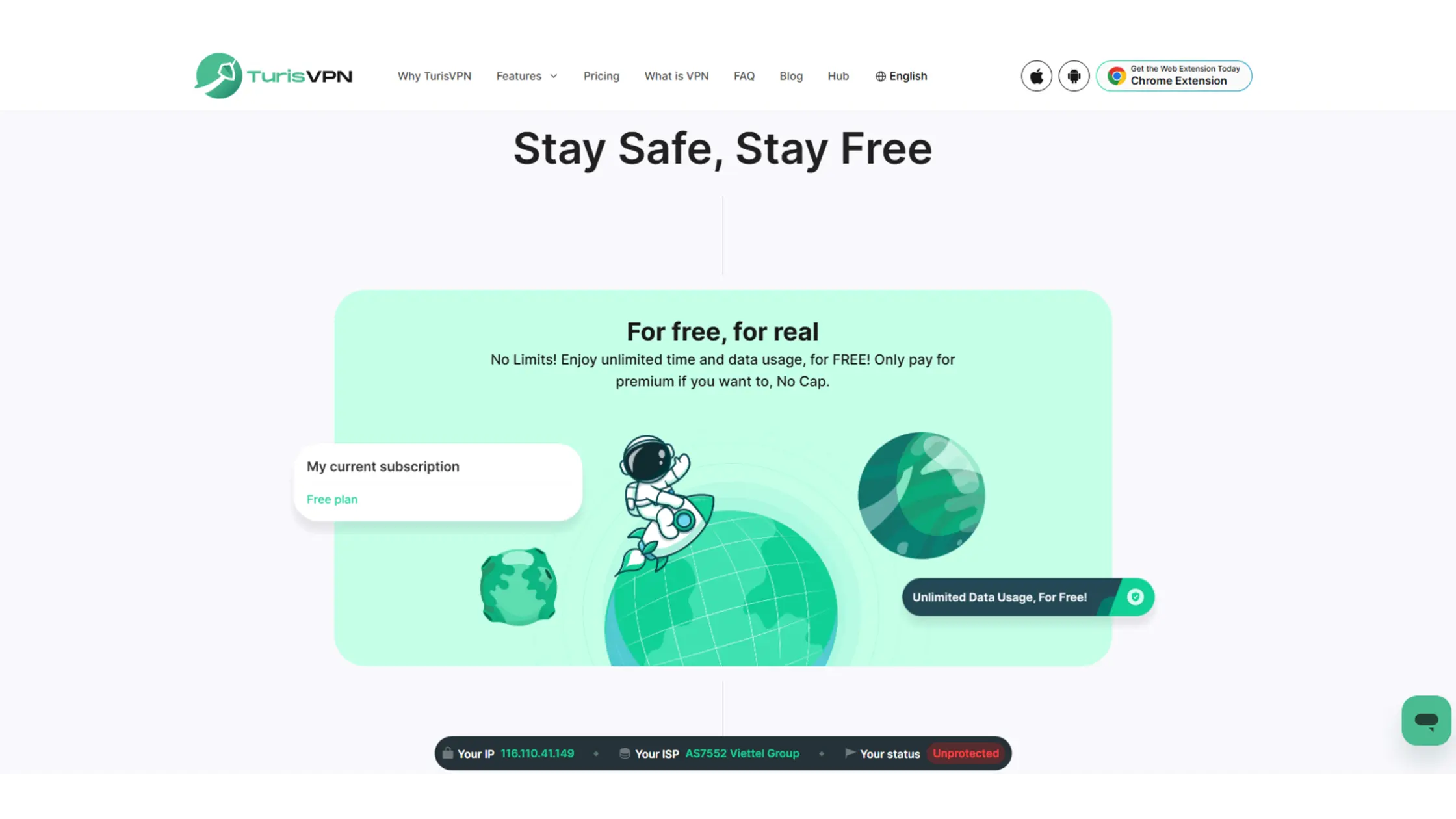
Depop is considered a legit site due to its ecosystem, but threats can also come from outside sources, hacked Wi‑Fi networks, phishing pages, or malware. Using TurisVPN helps keep your identity secure while browsing or shopping.
Why a VPN Adds an Extra Layer of Protection When Shopping Online
When you connect to Depop from a public Wi‑Fi, hackers can intercept unencrypted data. That’s where a VPN, such as TurisVPN, becomes essential.
- End-to-End Encryption: TurisVPN encrypts your entire connection. Encryption makes it impossible for hackers or Wi-Fi snoopers to view sensitive data. They cannot see your login details or payout verification information.
- IP-2Hop Privacy Routing: Your internet traffic goes through two secure VPN servers. This hides your true IP address twice. It adds an extra privacy barrier against anyone trying to trace your identity.
- Protection Against Man-in-the-Middle Attacks: TurisVPN stops attackers on public networks. It prevents them from intercepting or changing your communication. Your data stays safe when connecting with Depop or payment processors.
- Strict No-Logs Policy: TurisVPN never records your browsing or session data. This ensures full anonymity while you shop or transfer sensitive information online. Your activity stays private.
- Multi-Platform Security: You can use TurisVPN on iOS, Android, and desktop browsers, as an extension. It protects all your devices at the same time. Use it whenever you shop or log in from public connections
This is a vital defence. It helps you determine whether Depop is trustworthy or use your favourite online bank.


How TurisVPN Helps You Avoid Phishing & Data Theft on Public Wi-Fi
Here is a short step-by-step guide on how to use TurisVPN to avoid phishing and data theft when connected to public Wi-Fi:
- Download and install TurisVPN: Get the official TurisVPN app on your device from the website or your app store to ensure authenticity.
- Launch the App and Sign In: Open TurisVPN and log in to your account or create a new one if you don’t have one yet.
- Connect to a Secure Server: Choose a VPN server location and tap “Connect” to establish an encrypted and private connection before accessing Depop or other sites.
- Enable Security Features: Premium TurisVPN users can utilize the IP-2Hop feature, which routes internet traffic through two different VPN servers, adding an extra layer of complexity and security that makes tracing online activities even more difficult.
- Browse and Shop Safely: With TurisVPN active, your data is encrypted and phishing sites are filtered, allowing you to verify sensitive info like Social Security numbers or payments on public networks without fear of interception.
- Disconnect Securely When Done: After completing your online session, disconnect from TurisVPN and close the app to end your secure connection.
Following these steps helps safeguard your data and identity against phishing scams and data theft when using public Wi-Fi, as discussed in our guide on whether Ticketmaster is legit.
What to Do If You Get Scammed on Depop
If you happen to get scammed on Depop, don’t panic. Here’s what to do:
- Stop Communication: End all contact with the seller or buyer immediately. Do not be talked into any more negotiations or attempts to pay money outside the app.
- Gather Evidence: Collect all important information. This includes screenshots of the listing, your sales receipt, any relevant in-app messages, and tracking numbers (even fake ones).
- Report to Depop: The first and most important step is to report the issue to the Depop company. Use the official Help Centre. Buyers must report the issue within 30 days of the purchase date.
This is necessary to be eligible for Depop buyer protection. Describe the problem in detail (item not received, not as described, etc.) and provide all your evidence.
- File a Dispute with the Payment Processor: If you paid with PayPal, you must also start a dispute via the PayPal Resolution Centre. If you used Depop Payments, Depop will handle the payment claim process internally.
Most importantly, do not delete your chat history. Those messages help Depop verify your story faster. The platform usually refunds buyers for verified cases under buyer protection.
You can sell on Depop without an SSN only if your annual sales are below $600. Once you reach that threshold, U.S. tax law requires you to provide your Social Security Number (SSN) for IRS reporting under the 1099‑K form. This verification ensures compliance with federal tax regulations and helps prevent fraudulent seller activity.
Bottom Line
So, is Depop legit? Yes, but it requires awareness. The app is a legitimate and largely safe marketplace when you stay inside official payment channels, check profiles thoroughly, and enable protection features.
At TurisVPN, we encourage safe online behaviour, pairing smart shopping habits with VPN encryption to avoid phishing, fake sites, and identity theft. Whether you’re buying vintage denim or branded shoes, online caution always pays off.
FAQs
Q1. Is Depop Safe for First-Time Buyers?
Yes. Depop is designed for safety as long as you stay within the app. Using Depop buyer protection and checking seller reviews are key.
Q2. Does Depop Offer Refunds for Scams?
Yes. If paid correctly, Depop seller protection and PayPal’s policies ensure you get a refund when items never arrive or arrive damaged.
Q3. Is It Legal to Use Depop to Sell Branded Items?
Yes, you can sell authentic branded goods. However, counterfeit sales break Depop’s terms. Always confirm that your items on Depop are authentic before listing.
Q4. What Are Alternatives to Depop for Safer Shopping?
Alternatives like eBay, Poshmark, and Vinted are also established marketplaces. They operate with similar peer-to-peer models and offer comparable buyer/seller protection schemes.





