







Many Spectrum customers have asked the same question: Does Spectrum throttle internet speeds? Spectrum is one of the largest ISPs in the U.S. But in 2025, it reported 117,000 net losses in broadband subscribers. Many users complain about slower speeds during streaming, gaming, or heavy usage.
In our blog post, you’ll learn what ISP throttling really means, whether Spectrum actually slows your connection, how to test it yourself, and the best ways to stop or prevent it.
Key Takeaways
|
What Is ISP Throttling?

ISP throttling happens when your Internet Service Provider (ISP) intentionally slows parts of your internet traffic. It’s also called data throttling or bandwidth throttling.
Throttling is different from normal slowdowns caused by Wi-Fi issues or network congestion. It’s deliberate and targeted, often used to limit data use or manage network load.
It can affect streaming, gaming, downloads, and even video calls. In some cases, ISPs slow down specific content like HD Netflix streams, torrent traffic, or cloud backups.
Does Spectrum Throttle Internet Speeds?
Spectrum says it does not throttle internet speeds. However, many users still ask, “Is Spectrum throttling my internet?” because they notice sudden slowdowns, especially at night or during heavy streaming.
User tests show that spectrum internet speed often drops during peak hours. This slowdown is most visible in the evening when many people are online. Some users even believe spectrum throttling internet at night happens regularly, though Spectrum calls it normal network congestion.
According to the FCC’s new net neutrality rules, Spectrum cannot slow specific websites or apps. Still, overall traffic shaping is allowed when the network is busy. This means your connection may slow down if the local node is overloaded.
Spectrum’s parent company, Charter Communications, manages data flow to keep Charter internet speed balanced across users. This system is meant to improve fairness, not target individuals.
There are no active data caps on most Spectrum plans, but speed drops may occur if you use a lot of bandwidth for long periods. Some customers also report slower speeds when their bill is due, but there’s no official proof that Spectrum throttles internet for billing reasons.
In short, Spectrum doesn’t officially throttle, but network management and busy-hour slowdowns can still make your connection feel slower.
Why Is Spectrum Throttling Your Internet?
Spectrum internet is often so slow often comes down to network management rather than deliberate limits. Even though it isn’t officially confirmed that spectrum throttles the internet, several common factors can make your connection feel slower, especially during busy hours. Here are the usual reasons:
- Network congestion during peak hours: When too many users are online, spectrum throttling may occur at night to balance available bandwidth.
- High-bandwidth usage: Heavy activities like HD streaming, large downloads, or gaming can trigger temporary slowdowns.
- Traffic management policies: Spectrum may reduce speeds for certain content types, such as video streams or torrents.
- Fair-use balancing: Users consuming a lot of data might experience short-term speed reductions so others can get stable service.
- Device type: Mobile hotspots or shared Wi-Fi connections often get lower priority compared to wired users.
- Outdated equipment: Old modems, routers, or crowded local nodes can create bottlenecks that look like throttling.
In most cases, Spectrum slows connections automatically under heavy demand rather than manually restricting individual users.
Is Spectrum Throttling Internet Legal?
Yes, throttling is legal in the U.S. if it’s transparent and applied equally. But if a provider advertises “unlimited data” and secretly limits your speeds, that can trigger regulatory action or lawsuits under consumer protection rules.
alt: spectrum throttling internet legal
After April 25, 2024, the FCC restored Net Neutrality rules, meaning ISPs like Spectrum can no longer throttle specific websites or apps. Targeting individual platforms, such as Netflix or YouTube, is now illegal under federal law.
However, general network-wide throttling is still allowed. Spectrum can slow traffic for all users at once if its network is overloaded or if it needs to manage congestion fairly. This kind of spectrum throttling is considered normal network management, not a violation.
ISPs are legally permitted to throttle only when:
- You reach your data cap (if your plan includes one).
- Their network faces heavy congestion.
- They disclose the practice clearly in their service terms.
How to Check if Spectrum Is Throttling Your Internet?
If you often notice Spectrum slow download speed or unstable streaming, it’s worth testing for throttling. These quick checks will help you find out whether your connection is being limited or if you’re just facing normal Spectrum internet speed issues.
Test for throttling with a VPN
Checking if Spectrum internet throttling is affecting your connection is simple. Follow these short steps to confirm whether slow speeds are caused by throttling or normal congestion.
Run a baseline speed test

Start by measuring your regular connection. Use Speedtest.net or Fast.com at different times of day: morning, evening, and late night to check for changes.
This helps you find your average Spectrum internet speed and identify patterns in slow performance. If you often see Spectrum slow download speed or buffering, it might point to Spectrum internet speed issues instead of one-time lag.
Activate a VPN
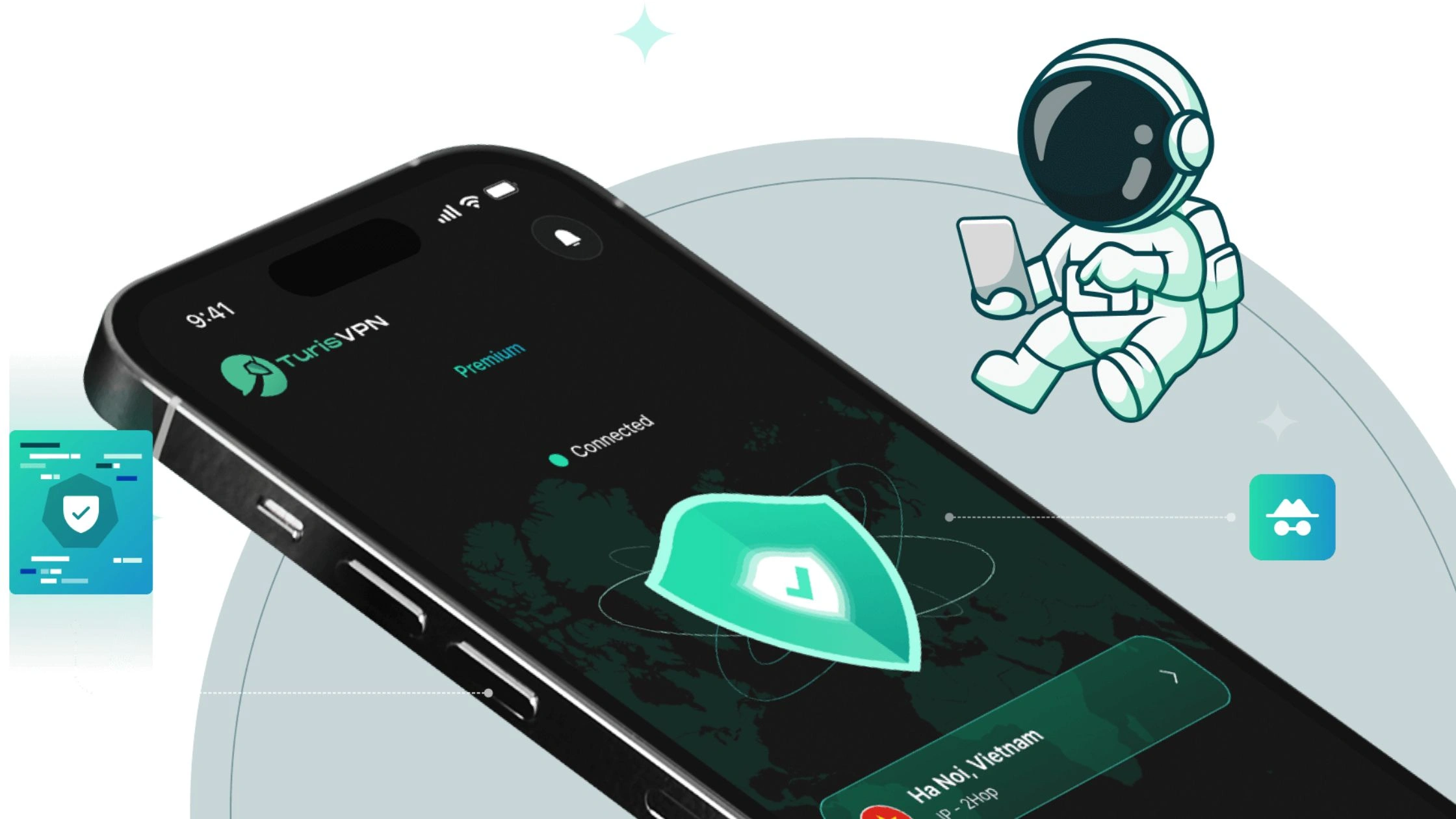
Next, connect to a secure VPN such as TurisVPN. It hides your traffic from Spectrum, preventing them from identifying what services you use.
Choose a server close to your location and make sure the VPN stays active during your second test.
Run a second speed test
Repeat the same speed test while the VPN is on. Record both results carefully. This helps you see what Spectrum’s internet speed is under protected and unprotected conditions.
If your Spectrum WiFi is slow but improves when using a VPN, throttling could be the cause. Compare these findings with the best Spectrum internet speed for your plan.
For example, if you pay for a 300 Mbps package, your Spectrum internet speed test results should stay close to that range. If your Spectrum 300 Mbps upload speed drops significantly without VPN, throttling or congestion might be affecting your connection.
Compare the results
Compare both sets of numbers. If your speed increases when the VPN is on, your ISP may be shaping or restricting certain types of traffic.
If there’s no major difference, your slowdown is likely due to Wi-Fi signal issues, outdated equipment, or heavy local usage, rather than Spectrum throttling your internet.
Look for other signs of throttling
Even without running speed tests, you can often detect Spectrum throttling your internet by observing how your connection behaves. These are the most common warning signs to check for.
alt: signs of throttling
Slower speeds during peak hours
If your connection feels fine in the morning but drops in the evening, it may be Spectrum throttling internet at night to manage heavy network traffic. Peak hours (6–10 PM) are when most people stream or game, and Spectrum sometimes reduces speeds across local nodes to keep the network stable.
Buffering on streaming services
Frequent buffering or lower video quality on Netflix, YouTube, or Hulu can indicate throttling. If other sites load quickly but video services keep pausing, Spectrum might be limiting streaming bandwidth. Using TurisVPN can help confirm this if playback improves with a VPN, throttling is likely.
Inconsistent speeds for certain services
When specific apps, such as gaming platforms or cloud backups, feel much slower than normal browsing, that’s another clue. Spectrum throttling internet often targets certain data-heavy services. If you notice uneven performance between apps or devices, throttling or selective traffic management may be the reason.
How to Stop Spectrum from Throttling Your Internet?
If you’ve confirmed Spectrum is throttling internet on your internet connection, here are simple ways to stop it or reduce the impact.
1. Install TurisVPN
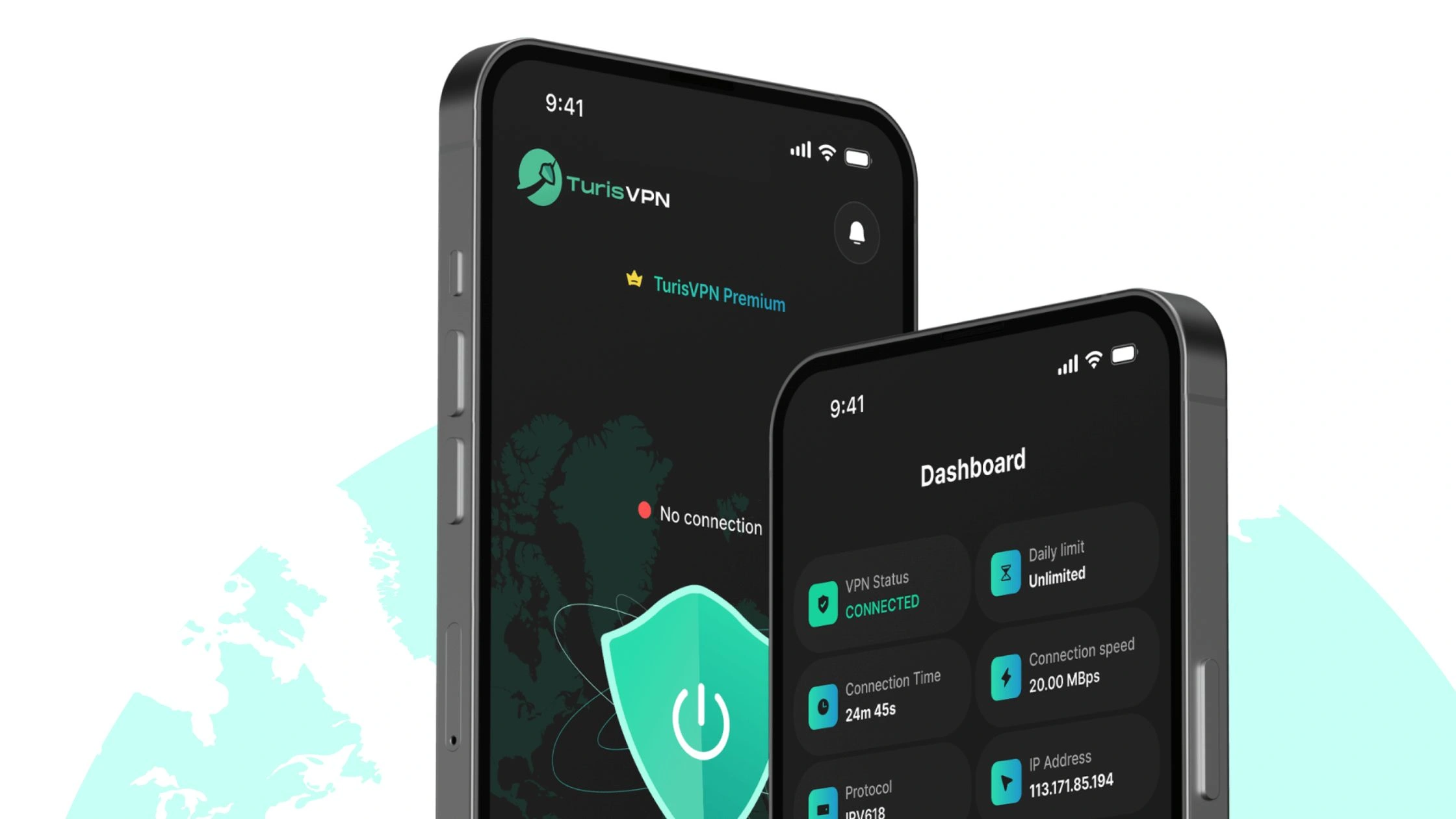
TurisVPN hides your online activity from Spectrum, preventing it from detecting what sites or apps you use. This makes it harder for your ISP to throttle specific types of traffic like streaming or gaming.
Quick steps:
- Step 1: Download and install TurisVPN on your device.
- Step 2: Open the app and sign in.
- Step 3: Choose a nearby server for the fastest connection (e.g Singapore VPN)
- Step 4: Click Connect, then use the internet normally.
Once connected, your traffic is encrypted, and Spectrum can’t apply targeted slowdowns.
2. Change Your Internet Provider
If throttling or congestion happens too often, consider switching to another provider. Fiber-based ISPs like Frontier or Verizon Fios often offer no-throttle or no-data-cap plans.
Before switching, run consistent speed tests and compare your spectrum internet speed with other providers available in your area.
3. Manage Your Data Usage
Avoid hitting hidden soft caps that can trigger throttling. Limit multiple 4K streams or large downloads running at the same time. Schedule heavy updates or backups during off-peak hours.
Using Spectrum’s app or router dashboard to track usage can help you stay below any bandwidth thresholds and keep your connection stable.
Bottom Line
So, does Spectrum throttle internet speeds? The short answer is sometimes. Spectrum doesn’t officially slow specific websites or apps, but temporary slowdowns can happen during peak hours or when the network is congested.
Using TurisVPN is one of the easiest ways to protect your speed and privacy. If throttling continues despite using a VPN, compare local providers and consider switching to one with better reliability. Stay informed, test your speeds regularly, and take control of your internet performance.
FAQs
Q1. How can I tell if my Spectrum internet is being throttled?
Run a speed test with and without a VPN. If your speeds are faster while using a VPN, throttling is likely. You can also check for patterns: slower speeds at night or buffering on specific services are common signs.
Q2. Is it against the law for ISPs like Spectrum to throttle internet speeds?
No, throttling is legal if it’s disclosed and applied equally across all users. What’s illegal is targeting specific websites or apps, which is banned under Net Neutrality rules.
Q3. Can using a VPN stop my Spectrum internet from being throttled?
Yes, a VPN like TurisVPN hides your activity from Spectrum, so it can’t see or limit what you’re doing online. This helps prevent selective throttling and keeps your speeds more consistent.
Q4. What are the best ways to prevent Spectrum from throttling my internet?
Use a VPN, manage your data usage, and avoid heavy streaming during peak hours. If throttling happens often, test your connection regularly and consider switching to a provider with no data caps or throttling policies.





