







If you’ve ever wondered how to play counter strike 1.6, you’re in the right place. CS 1.6 is a classic, fast-paced first-person shooter that has remained popular for over two decades. In 2025, it’s still a favorite among competitive gamers, thanks to its tactical gameplay, iconic maps, and team-based challenges.
Our blog post walks you through everything from installation and system setup to multiplayer play, beginner tips, and advanced strategies. So, you can start your journey, improve your gameplay, and dominate the battlefield.
Key Takeaways
| – CS 1.6 is a classic FPS, tactical, team-based gameplay with Terrorists vs. Counter-Terrorists. – Play options are available as a paid Steam version or free browser-based platforms for quick access. – Use LAN or TurisVPN to host or join games securely with friends. – Focus on aiming, movement, map knowledge, and team coordination to improve your skills. – The game remains popular in 2025, with active community servers, tournaments, and browser-based play. |
What Is Counter-Strike 1.6?
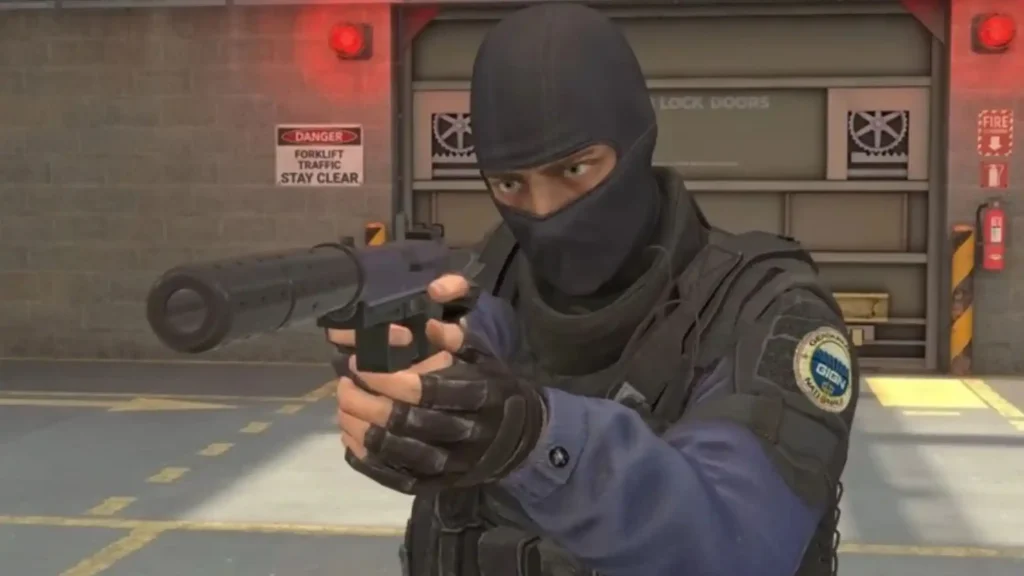
Counter-Strike 1.6 is a classic team-based tactical first-person shooter (FPS) released in 2000 by Valve. The game online Counter Strike pits two opposing sides against each other: Terrorists and Counter-Terrorists, each with distinct objectives and strategies.
Players must complete mission-based goals such as planting or defusing bombs and rescuing hostages, all while navigating maps filled with strategic choke points and combat zones. The gameplay balances simple, intuitive mechanics: shoot, move, aim with deep strategic elements that reward teamwork, positioning, and map knowledge.
Today, CS 1.6 web is available not only as a downloadable game but also through browser-based versions, making it easy for anyone to jump into online Counter-Strike matches without heavy installation requirements. This combination of accessibility, competitive depth, and community longevity explains why CS 1.6 remains a favorite among FPS fans.
Is Counter-Strike 1.6 Still Popular Today?
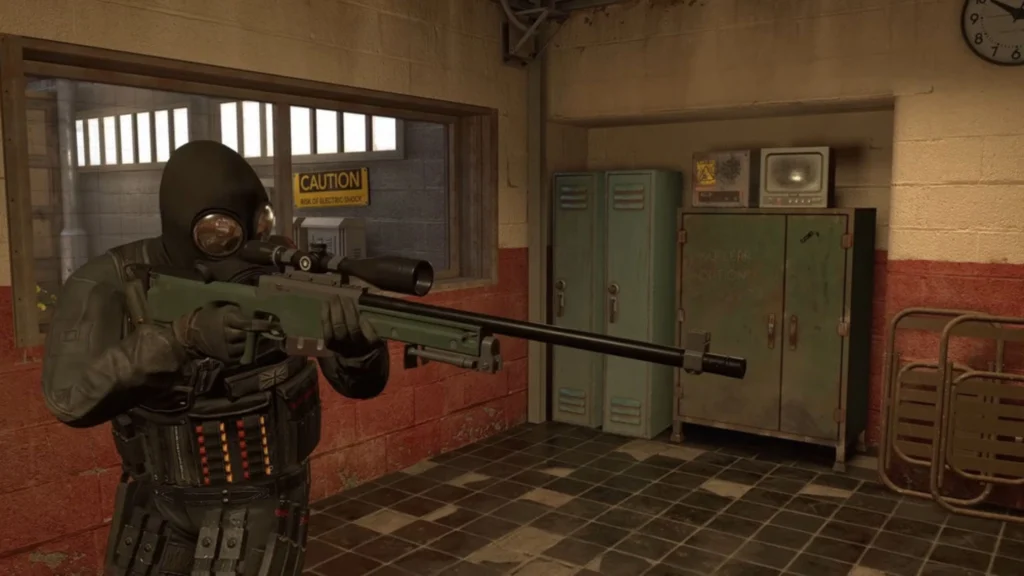
Yes, Counter-Strike 1.6 remains a beloved classic in the FPS community. Despite being over two decades old, it continues to attract an active global player base, with thousands of players logging in daily. As of early 2025, CS 1.6 maintains over 18,000 concurrent users on Steam, demonstrating its enduring appeal.
The online counter strike game play still holds relevance alongside newer titles like CS: GO and CS2, thanks to its simple mechanics, tactical depth, and nostalgic charm. Fans continue to organize community-driven servers and tournaments, keeping competitive play alive and vibrant.
Additionally, browser-based versions of CS 1.6 and CS: GO allow players to play online games counter strike without full installations, expanding accessibility for newcomers and casual gamers alike. This accessibility helps preserve CS 1.6 as a key player in the online multiplayer FPS landscape.
System Requirements & Installation For Counter-Strike 1.6
You can download Counter-Strike 1.6 from trusted sources like FileHorse or Counter-Strike Download. Make sure your PC meets the minimum requirements before starting the installation:
- OS: Windows XP
- GPU: 16MB video card
- RAM: 96 MB
- CPU: 500 MHz processor
For those who prefer browser-based play, you can access CS 1.6 or CS: GO in browser versions without downloading full clients.
Some websites advertise “CS 1.6” or “CS: GO Online Browser” versions that claim you can play directly without downloading the official game. However, it’s important to note that Valve has never released or authorized any browser-based version of CS 1.6 or CS :GO. Most of these so-called “browser versions” are either:
- Unofficial clones or imitation games, using similar graphics or gameplay to attract players.
- Game streaming services (like now.gg or private cloud emulators) that run pirated or remote instances of the original game.
Potentially unsafe websites, which may include malware, intrusive ads, or phishing attempts disguised as free access.
If you want to experience the authentic Counter-Strike safely, the only trusted source is Steam’s official Counter-Strike page for CS 1.6 .
How to Play Counter-Strike 1.6 With Friends via A VPN on the Web Browser?
Playing Counter-Strike 1.6 online with friends is simple using TurisVPN, which allows you to simulate a local network and host multiplayer sessions securely. Here’s a step-by-step guide on how to play counter strike 1.6 for both hosting and joining a game:
Game Server Setup (Host)
Step 1: Install TurisVPN & Create a Network
- Download and install TurisVPN.
- Open the main window → select “Create Network”.
- Set a Network Name and Password, then click Create.
Step 2: Share Network Details With Friends
- Send your friends the Network Name and Password so they can join.
Step 3: Run Counter-Strike 1.6
- Launch Counter-Strike 1.6 (Steam or non-Steam). If your platform doesn’t support a native app, the setup may only work via web browser or mobile device.
- Once TurisVPN is active, the game will detect all players in the same VPN as if they’re on the same local network.
Step 4: Switch TurisVPN Server to a Game-Friendly Region
- Open TurisVPN and switch to a server in a region where CS 1.6 ports or multiplayer connections aren’t restricted.
- Recommended regions include Singapore, Malaysia, or Thailand, as these are stable, low-latency locations for Southeast Asian players.
Step 5 (Optional): Disable Steam Networking
- If using the Steam version, consider disabling Steam Networking for smoother connection.
Step 6: Create New Game
- Launch CS 1.6 → open the console (~) → note your IP (e.g., 26.12.125.71:27015).
- Type sv_lan 0 to enable online play.
Game Client Setup (Joiner)
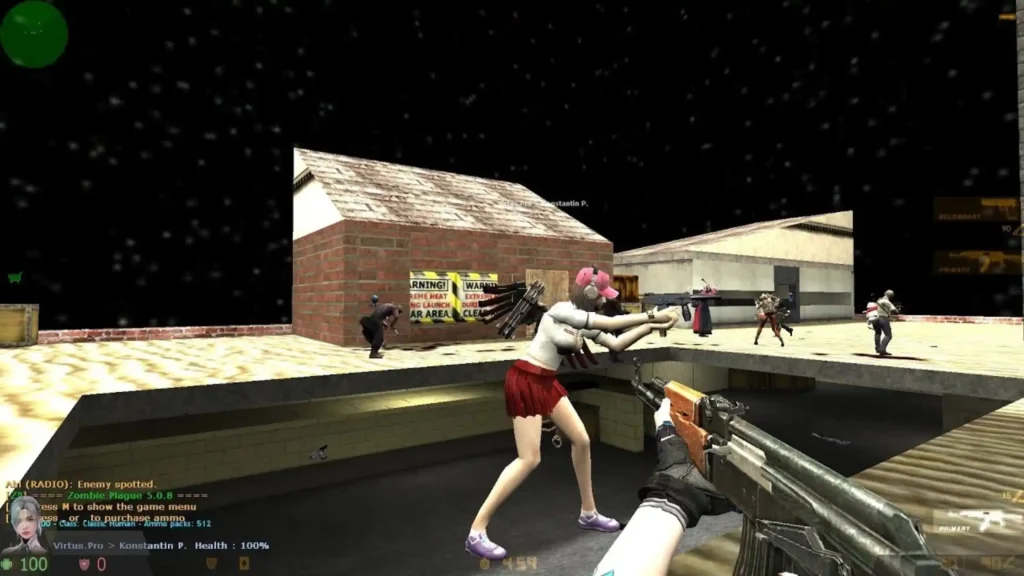
Step 1: Install TurisVPN & Join the Network
- Install TurisVPN.
- Open the main window → select “Join Network”.
- Enter the Network Name and Password provided by the host.
Step 2: Run Counter-Strike 1.6
- Launch Counter-Strike 1.6 after connecting to the TurisVPN network.
- Make sure TurisVPN stays active in the background; this ensures your connection routes through the secure VPN tunnel.
Step 3: Optimize TurisVPN Connection
- Before joining, make sure you’re connected to a stable and low-latency server region in TurisVPN.
- For most players in Asia, servers like Singapore, Malaysia, or Thailand offer smooth performance.
Step 4: Connect to the Game
- Open the console (~) in CS 1.6.
- Enter connect [host IP]:27015 (e.g., connect 26.12.125.71:27015) to join the game.
| >> Read more: The Risks and Precautions of Steamrip Causes and How to Avoid Fortnite Apply IP Bans How to Check Valorant Purchase History 10 Legit Ways to Get Free Gems for Brawl Stars |
How to Play Counter-Strike 1.6 With Friends via LAN?
Playing Counter-Strike 1.6 with friends over LAN (local network) is simple and with TurisVPN, you can follow steps on how to play Counter strike 1.6 even with LAN to play together from anywhere.
Step 1: Set Up a Dedicated Server
- Open Steam → Library → Tools.
- Install Half-Life Dedicated Server (HLDS)
- Once installed, launch HLDS and choose Counter-Strike 1.6 from the game list.
Step 2: Configure the Server
- In the Start Dedicated Server window, set:
- Server Name: any name you like.
- Map: choose your starting map (e.g., de_dust2).
- Network: select LAN if playing locally.
- Click Start Server
Step 3: (Optional) Use TurisVPN for Online LAN
If your friends aren’t on the same physical network, use TurisVPN to create a virtual LAN:
- Host creates a private VPN network in TurisVPN.
- Friends join using the provided Network Name and Password.
- Once connected, everyone appears as if they’re on the same LAN, no matter where they are.
Step 4: Connect to the Server
- Launch Counter-Strike 1.6 on each player’s computer.
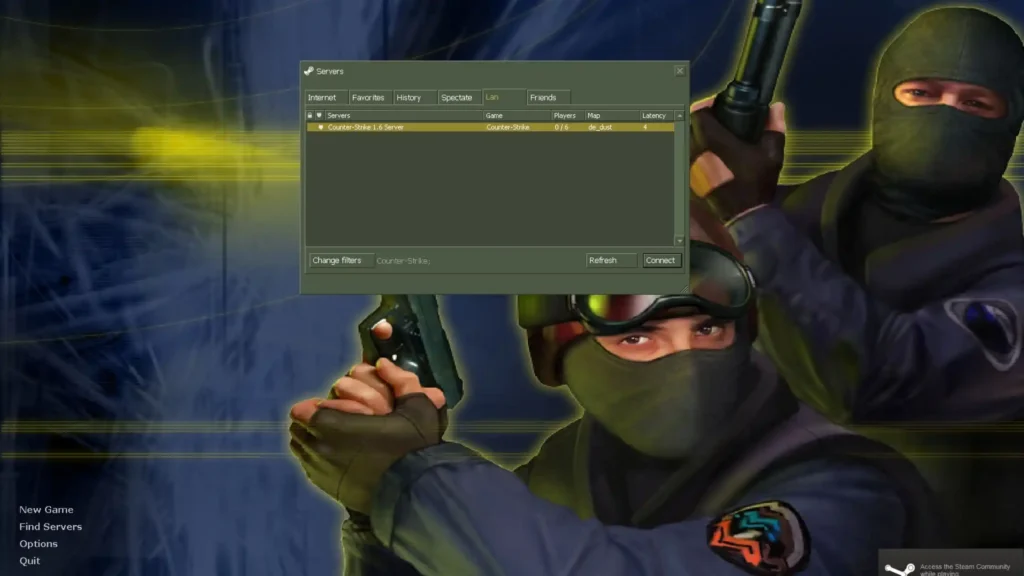
- Go to Find Servers → LAN tab to see the host’s game.
If it doesn’t appear, open the console (~) and type:
connect [host IP]:27015
Example: connect 26.12.125.71:27015
Step 5: Play & Manage: The host can manage maps, time limits, or player bans directly in the server window.
Is Counter-Strike 1.6 Available on Steam?
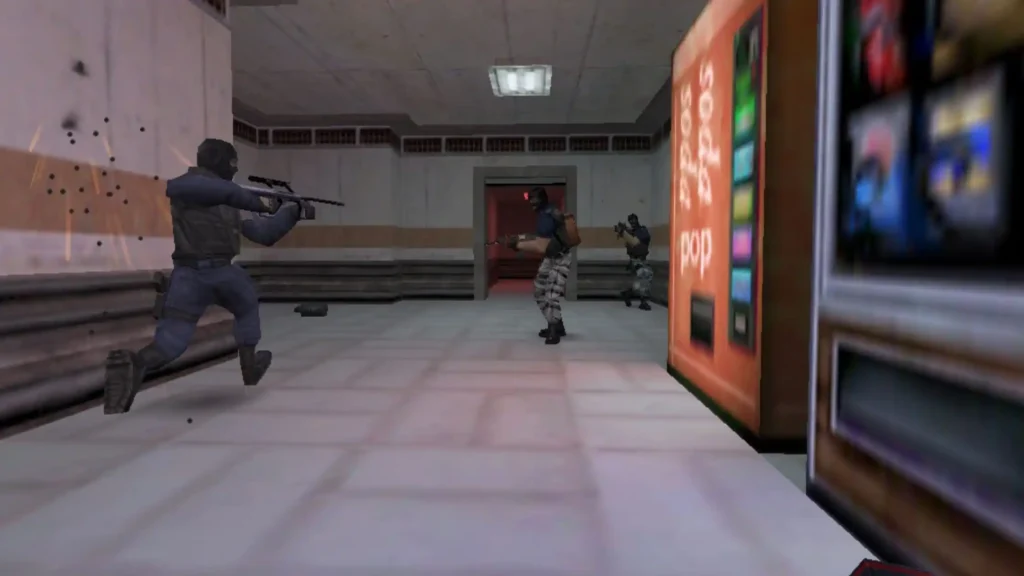
Yes, Counter-Strike 1.6 is available as an official paid version on Steam. So, you can easily access and know how to play Counter-Strike 1.6 play with all the benefits of a modern gaming platform.
Steam Features for CS 1.6:
- Auto-updates: Keeps your game current with the latest patches and bug fixes.
- Achievements: Track progress and unlock milestones for additional challenges.
- Matchmaking: Quickly find online opponents or join friends with integrated multiplayer support.
- Community Integration: Access Steam forums, guides, and workshop content to enhance your gameplay.
Purchasing through Steam ensures a legitimate copy, safe downloads, and compatibility with modern Windows versions.
How to Access Counter-Strike 1.6 for Free
If you want to know how to play Counter-Strike 1.6 for free, there are a few safe and legal ways to experience the game without paying up front.
You can choose between community-supported free builds, browser or cloud versions, and the official Steam release (paid, but more complete). Here’s what you should know before playing counter strike 1.6 free:
Free vs Paid Versions
Free or community versions let you jump straight into the classic CS 1.6 gameplay without needing a Steam account or full installation.
Benefits:
- Free access: No purchase or activation key required.
- Lightweight & fast: Runs on older or low-spec devices easily.
- Instant play: Browser or cloud builds often let you start playing within minutes.
- Community servers: Access to modded maps, custom rules, and private matches.
Limitations:
- Unofficial: These versions aren’t supported or verified by Valve.
- No achievements or matchmaking: You’ll play mostly on public or fan-hosted servers.
- Security risk: Some “free CS 1.6 downloads” online may contain malware or pirated files.
Tips for safe access:
- Search through trusted communities like Reddit (r/CounterStrike) or long-running CS forums.
- Avoid random “free CS” download sites or torrents.
- Look for well-known browser or community projects such as: Play-CS.com (browser-based version — community-hosted, not by Valve)
Paid (Steam) Version
If you enjoy the game and want full stability, buy the official Steam version of Counter-Strike 1.6.
Benefits:
- Official updates, verified files, and built-in security.
- Access to Steam matchmaking, achievements, workshop mods, and anti-cheat protection.
- Stable performance and no risk of malware or copycat servers.
Cost: Usually around $9.99 on Steam or Prime Status Upgrade for $14.99, but often discounted during Steam sales.
You can try Counter-Strike 1.6 for free through community or browser versions. But for the best and safest experience, especially if you plan to play long-term, the official Steam version is worth it.
| Option | Cost | Source | Safety | Multiplayer | Recommended For |
| Free (Browser / Cloud) | $0 | Community-hosted | Medium | Yes | Casual or quick play |
| Free (Fan Download) | $0 | Unofficial sites | Risky | Yes | Offline / LAN testing |
| Paid (Steam) | ~$10 | Official (Valve) | Safe | Yes | Long-term, full experience |
Browser-Based Versions and Cloud Gaming Options
If you want to play Counter-Strike 1.6 for free, CS: GO on the browser is the quickest and easiest way. These versions run Counter-Strike directly in browser:
How to Play for Free (Browser Version):
- Open a trusted community website such as: Play-CS.com
- Click “Play” or “Start Game.”
- Wait for the game to load in your browser (WebGL/HTML5).
- Choose a nickname and a public server, you can play counter strike online instantly.
Benefits of Browser-Based Free Play:
- 100% Free: No purchase or Steam account required.
- No Installation: Runs directly in Chrome, Edge, or Firefox with counter strike online no download.
- Low System Requirements: Perfect for old laptops, school computers, or Chromebooks.
- Instant Access: Great for casual players or testing the cs go online game free.
Safety Tips:
- Only use community-verified sites (avoid random “free CS” links).
- Check user reviews and make sure the site uses HTTPS.
- Don’t enter any Steam credentials or personal information.
- Keep antivirus and browser security tools active while playing.
Cloud Gaming Options (Paid or Limited Free Trials)
If you prefer smoother performance, private servers, or official builds, you can use cloud gaming platforms. These services stream the full Counter-Strike 1.6 game to your device, no local installation needed, but typically not 100% free.
Popular Cloud Gaming Platforms:
- NVIDIA GeForce NOW: supports Steam versions you already own.
- Boosteroid and Loudplay: run older titles like CS 1.6 in the cloud with minimal lag.
Cost & Access:
- Most offer free trials (1-hour sessions) or low monthly fees.
- You still need the Steam copy of the game in most cases.
Benefits Compared to Free Browser Versions:
- Better performance and lower latency.
- Access to official, non-modified Counter-Strike builds.
- Secure and reliable game files.
| Feature | Browser Version (Free) | Cloud Gaming (Paid / Trial) |
| Cost | Free | Usually subscription or trial |
| Installation | No download needed | None (streamed) |
| Performance | Depends on browser | High (server-grade) |
| Game Type | Community-hosted version | Official Steam version |
| Ideal For | Casual or low-spec play | Serious or long sessions |
Why Use TurisVPN for Better Gameplay Experience
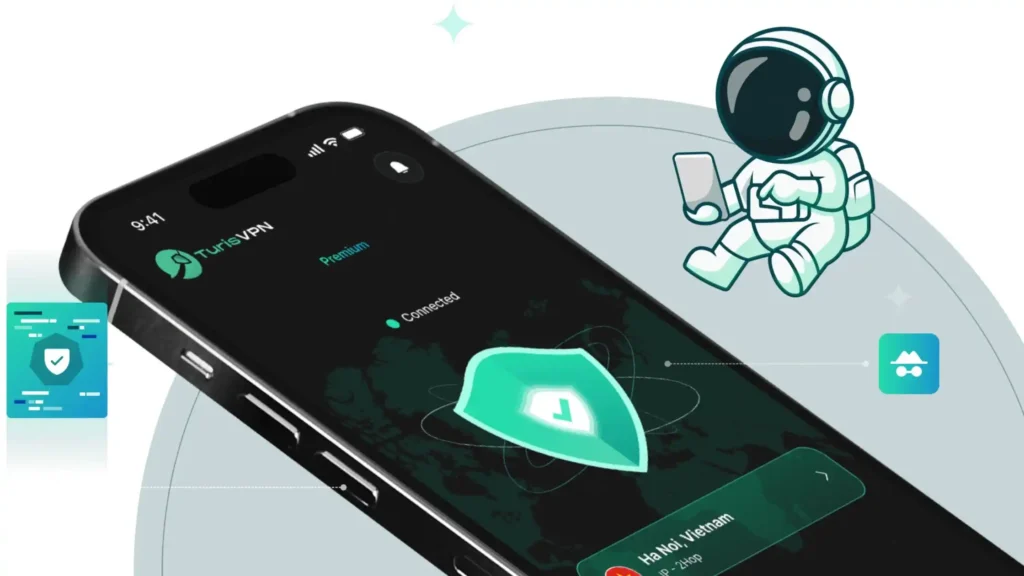
Using TurisVPN while playing Counter‑Strike 1.6 offers several advantages:
- Reduce Lag & Improve Stability: Connect to servers closer to your friends or preferred game server to lower ping and smooth gameplay.
- Protect Privacy: Hide your real IP address to prevent potential threats from other players.
- Bypass Geo-Blocks: Access community servers or browser-based CS 1.6 versions that may be restricted in your region.
Using TurisVPN ensures a secure, faster, and more reliable multiplayer experience while keeping your IP hidden from potential threats.
Improving Your Skills in Counter-Strike 1.6
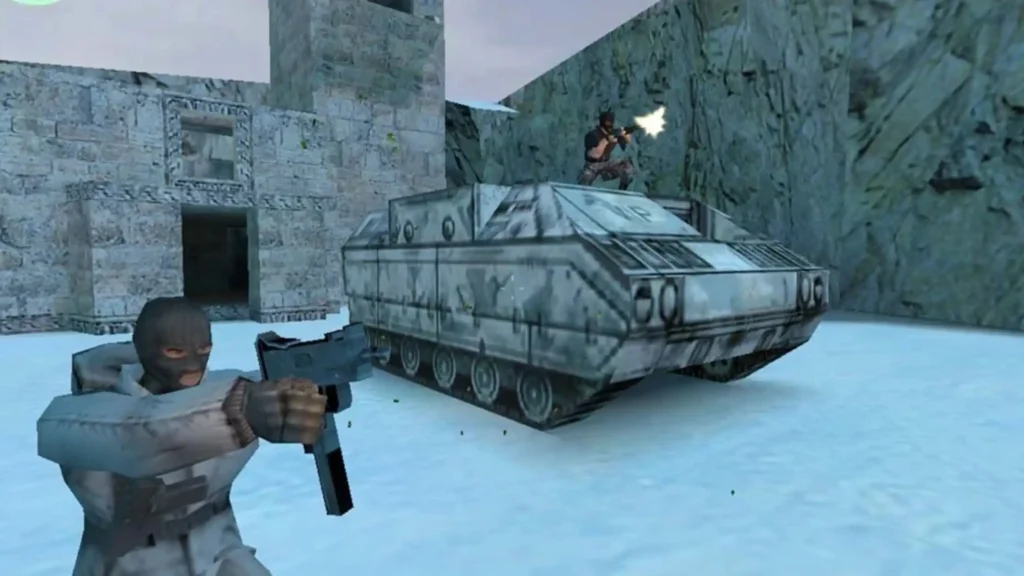
Mastering Counter-Strike 1.6 goes beyond running and shooting; it requires practice, awareness, and smart decision-making. Here’s how to improve key aspects of your gameplay:
Aim and shooting mechanics
- Crosshair Placement: Keep your crosshair at head level to reduce reaction time and increase headshot chances.
- Recoil Control: Learn each weapon’s spray pattern and adjust your mouse movements accordingly.
- Headshots: Focus on precision rather than rapid fire to maximize efficiency in combat
Movement and positioning
- Strafing: Move side-to-side while shooting to make yourself a harder target.
- Map Knowledge: Learn chokepoints, bomb sites, and common hiding spots to anticipate enemy movements.
- Sound Cues: Listen for footsteps, reloads, and grenade throws to gain an information advantage.
Strategy and game sense
- Economy Management: Save or spend in-game money wisely to buy weapons and utilities for critical rounds.
- Team Coordination: Communicate with teammates via voice or chat to execute strategies effectively.
- Adaptability: Adjust your tactics based on enemy behavior, map layout, and game momentum.
Consistent practice in these areas will make you a more skilled and effective player, giving you an edge in both casual and competitive matches.
Bottom Line
Counter-Strike 1.6 remains a legendary and competitive FPS even in 2025, thanks to its simple yet deep mechanics, tactical gameplay, and dedicated community. Whether you choose the official Steam version, a free browser-based platform, or multiplayer sessions via LAN/VPN with TurisVPN, CS 1.6 offers hours of team-based action and skill development. By mastering aiming, movement, and strategy, players of all levels can enjoy and improve in this classic title.
FAQs
Q1. Is Counter-Strike 1.6 free to play?
Yes, you can play CS 1.6 for free through legal browser-based platforms like CS-ONLINE.CLUB or Play-CS.com, while the official Steam version is paid. Free versions are malware-free if sourced from reputable platforms.
Q2. Can I play Counter-Strike 1.6 online without download?
Yes, browser-based versions allow you to play directly without installing the game. Cloud gaming options and web platforms provide quick access for low-spec devices or casual sessions.
Q3. What’s the difference between CS 1.6 and CS:GO?
CS 1.6 is the classic version with simpler graphics, mechanics, and maps, while CS:GO offers updated visuals, modernized weapons, and a more competitive ecosystem with matchmaking and ranking systems. Both games emphasize tactical teamwork, but CS:GO has a steeper learning curve for new players.





