







Getting banned from Rocket League can be frustrating, especially if it was a temporary mistake or misunderstanding. Whether you were hit with a 72-hour suspension for leaving matches or received a permanent ban due to cheating accusations, the question is always the same: how to get unbanned from Rocket League?
In our blog post, we’ll show you how to appeal directly to Psyonix, how VPNs can help bypass IP bans, and what steps to take to avoid getting banned again.
Key Takeaways
| – You can appeal, wait for the ban to expire, or use a VPN to bypass IP bans. – Temporary bans happen for leaving matches, griefing, or toxic chat, while cheating leads to permanent bans. – TurisVPN lets you bypass IP bans with fresh servers and low ping for smooth gameplay. – Submitting a respectful ticket to Epic Games support may reverse temporary or mistaken bans. – Follow Rocket League’s Code of Conduct, finish matches, respect rules, and never use cheats. |
Why You Got Banned from Rocket League?
If you’ve been banned from Rocket League, you’re not alone. Psyonix enforces a strict Code of Conduct to maintain a fair and respectful playing environment. Violating these rules, whether through toxic behavior, match throwing, or using unauthorized mods. This can result in temporary or permanent bans.
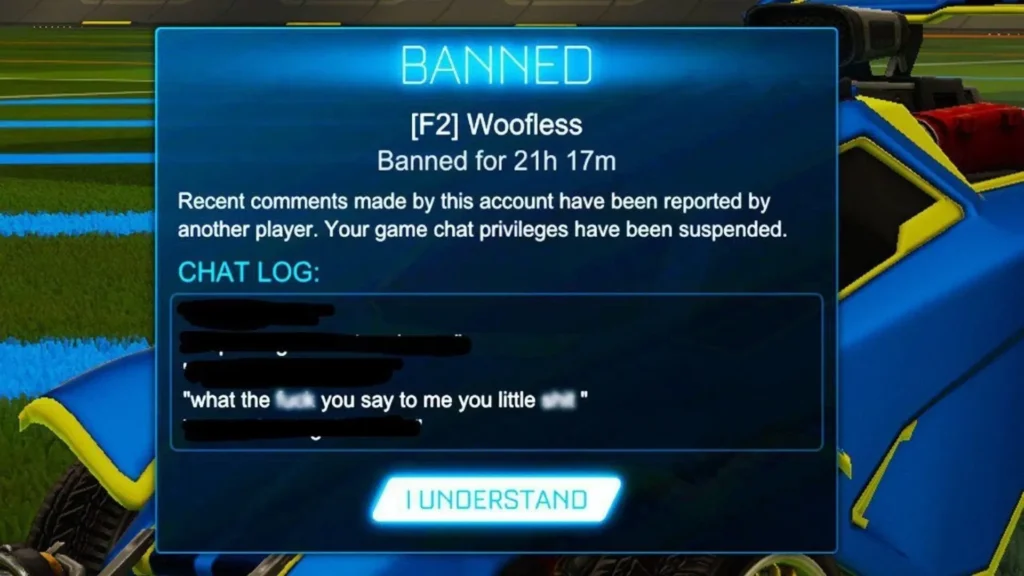
In most cases, you got banned from Rocket League due to repeated offenses such as leaving games early, abusing the chat, or disrupting matches. A Rocket League ban for 72 hours is often a warning signal, typically applied after excessive match forfeits or minor rule-breaking. Temporary bans can also last up to 30 days depending on the severity or frequency of violations.
On the other hand, a permanent ban usually means you were caught cheating or exploiting the game, which Psyonix does not tolerate.
While you can try to appeal a Rocket League ban, not all appeals are successful. It depends on the reason, your history, and whether you’re dealing with a reversible penalty. Knowing the type of ban you’re facing is the first step in figuring out how to get unbanned from Rocket League.
Types of Bans in Rocket League
To understand how to get unbanned from Rocket League, it’s important to first recognize the different types of bans and their causes. Here’s a quick breakdown:
| Ban Type | Cause / Reason | Penalty Details |
| Match Leave Penalties | Leaving casual matches early or too frequently | Short cooldowns (e.g., 5–15 mins), increasing with repeat offenses |
| Competitive Match Bans | Abandoning ranked games, AFK behavior | Temporary matchmaking bans (up to 24 hours) |
| Match Throwing / Griefing | Intentionally sabotaging team performance, own-goals, and trolling | Bans range from a few hours to several days |
| Permanent Bans | Cheating, account selling, and using unauthorized software | Irreversible ban, access to the account or game is blocked |
1. Match Leave Penalties (Casual Matches)
Rocket League tracks when you leave casual matches too often or too early. While casual mode doesn’t impact your rank, leaving mid-game still disrupts the experience for others.
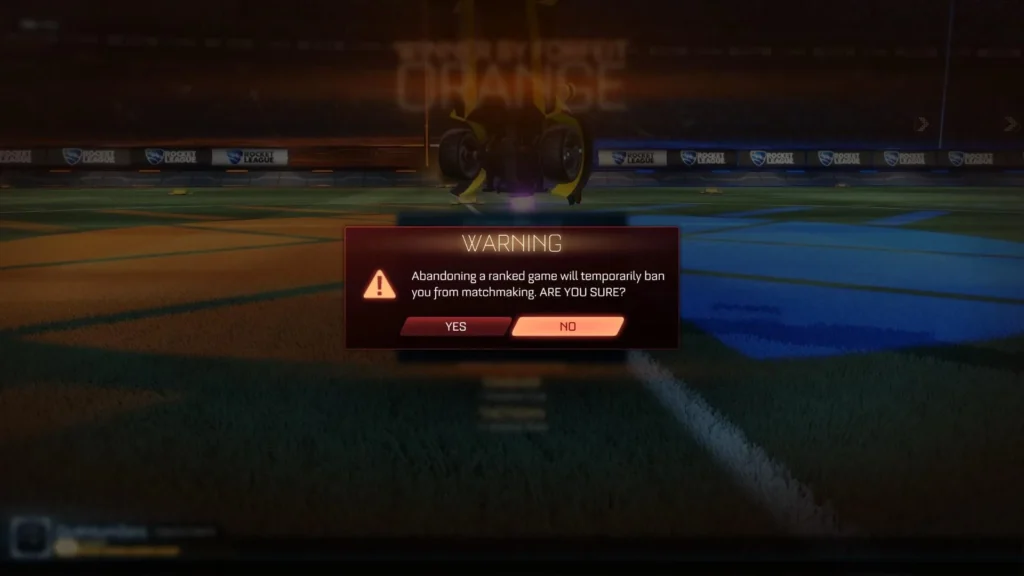
You’re allowed to quit one match per day without consequence. After that, leaving again within the next 12 hours triggers a Matchmaking Ban. The system has seven ban levels, and each offense increases the penalty:
- First quit: 0 minutes (warning only)
- Second quit: 5 minutes
- Third quit: 10 minutes
- Fourth quit: 20 minutes
- Fifth quit: 40 minutes
- Sixth quit: 1 hour
- Seventh (or more): 2 hours
These bans are temporary but stack if you repeatedly abandon matches.
2. Competitive Match Bans
In ranked playlists, quitting a match early or going AFK is taken more seriously. Not only do you risk losing MMR, but you’ll also be banned from matchmaking for a set period.
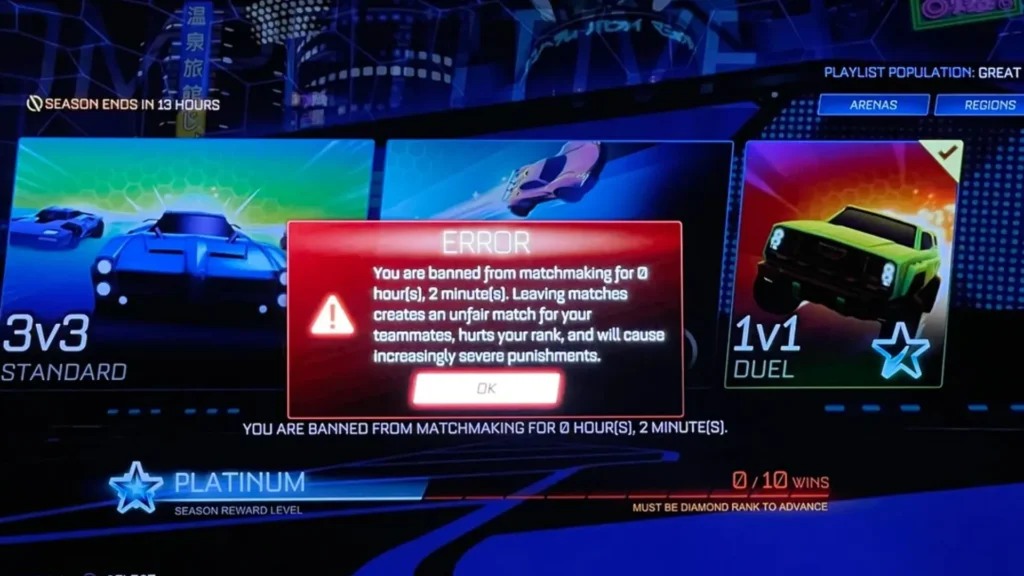
Penalties start around 15 minutes and can escalate to hours or even a full day, depending on how often you’ve violated the rules. This type of ban hurts both your rank and credibility.
3. Match Throwing/Griefing Bans
Trolling teammates, deliberately scoring own goals, or refusing to play properly is considered griefing or throwing. Rocket League uses automated and manual review systems to identify these behaviors.
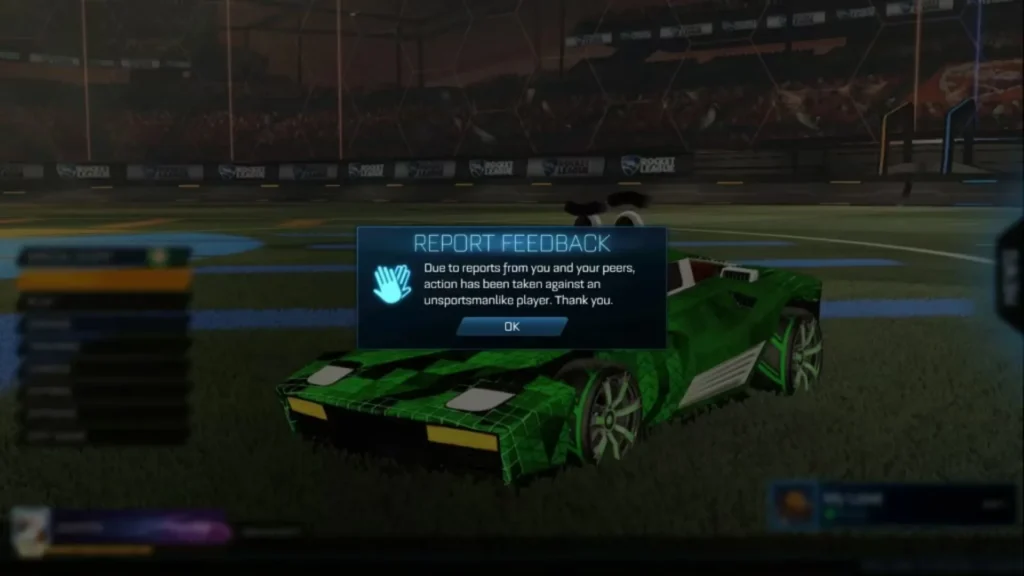
Offenders face time-based bans starting from a few hours and extending to several days. These bans are more serious because they affect team trust and game integrity.
4. Permanent Bans
If you’re caught cheating, using third-party software, or engaging in real-money trading/account selling, expect a permanent ban.
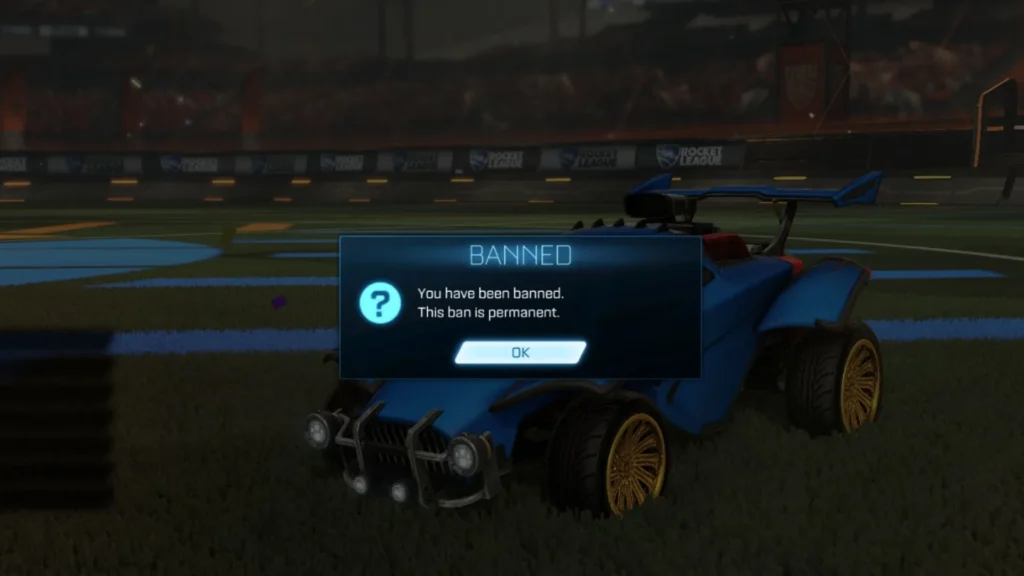
This type of ban is non-reversible, and you will lose access to your Rocket League account for good. Epic Games enforces these harsh penalties to protect fair competition and discourage rule-breaking at all levels.
Rocket League bans come in four main types: casual match leave penalties, competitive bans, griefing bans, and permanent bans. The most common are casual and competitive bans, since many players quit mid-match or go AFK, especially when losing.
Griefing bans are less frequent but target toxic players who troll games, while permanent bans are rare and mainly hit cheaters or account sellers.
How to Get Unbanned from Rocket League?
You were banned from Rocket League for leaving matches, toxic behavior, or suspicious activity. There are still ways to get back into the game.
In this section, we’ll walk you through three methods to recover access depending on the type and reason behind your ban.
Method 1: Use a VPN to Bypass IP Ban and Play Again
If you’ve been IP-banned due to cheating suspicions, repeat offenses, or EAC detection, using a VPN can help you access Rocket League again with a different IP address.
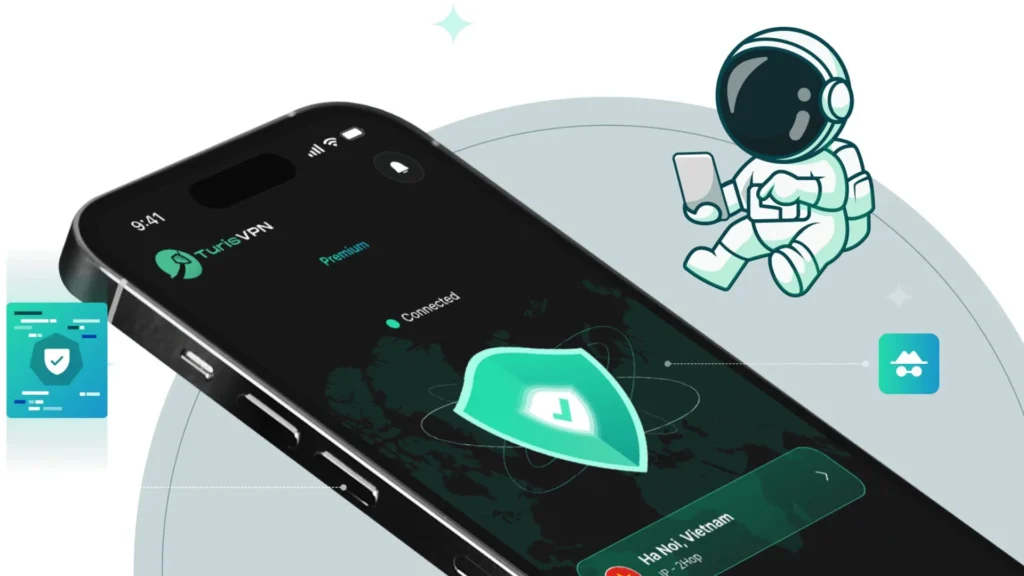
Here’s how to do it:
- Step 1: Install TurisVPN.
- Step 2: Uninstall Rocket League from your device.
- Step 3: Restart your device and connect to a VPN server (e.g., Singapore VPN for low ping).
- Step 4: Download Rocket League again and reinstall it.
- Step 5: Open the game and log in with a new or secondary Epic Games account.
This won’t work if your hardware or account is permanently banned. A VPN is a safe workaround when the ban is based only on your IP address. It’s also useful if you’re banned for 72 hours and just want to jump back in temporarily.
Method 2: Appeal Your Rocket League Ban
If you believe your ban was a mistake, or you’ve learned from a temporary suspension, you can submit an appeal to Rocket League’s support team.
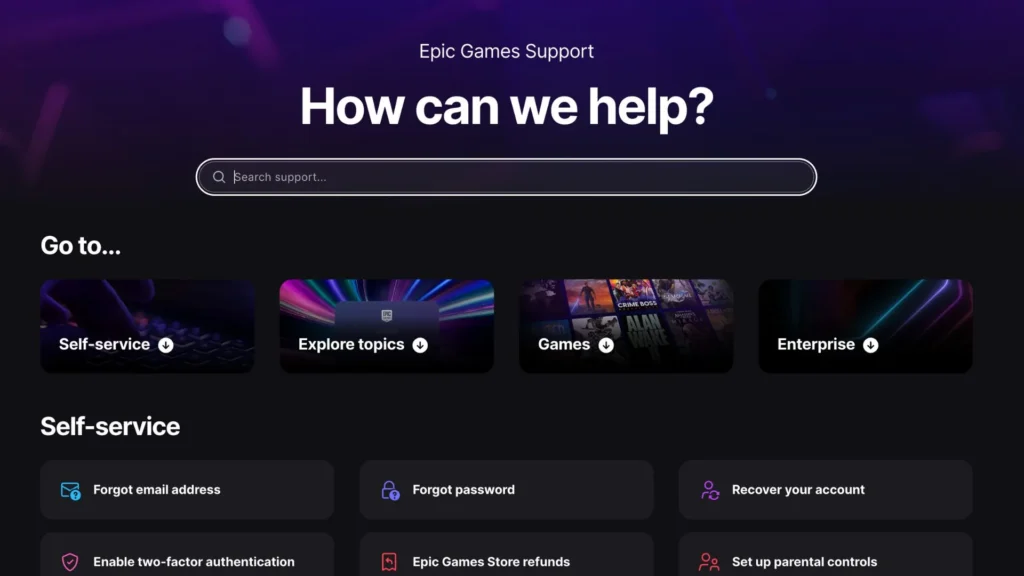
Steps to appeal Rocket League ban:
- Step 1: Go to the Epic Games Support Page and log in with your Epic Games or platform account (Steam, PlayStation, Xbox, or Switch).
- Step 2: Open the Unban Appeal form and enter a subject line such as “Ban Appeal”.
- Step 3: Fill in the required details, including your full name, email address, country, and the platform you play on.
- Step 4: Write your explanation in the description box. Be clear, honest, and respectful, describe what happened, why you believe the ban should be lifted, and assure that you’ll follow the rules moving forward.
- Step 5: Submit the form. After that, you’ll need to wait for Epic Games’ response. In most cases, you should receive a reply within a few days via email.
Mention if you’ve never been banned before or if your behavior has improved. Appealing works best for cases like chat bans, false reports, or temporary suspensions. Keep in mind: permanent bans for cheating are rarely lifted.
Method 3: Wait for the Ban to Expire
Sometimes, patience is the best option. If you’ve been banned for 24 hours, 72 hours, or even up to 30 days, the easiest solution is simply to wait it out.
alt: wait for the ban
What you can do while waiting:
- Review the Rocket League Code of Conduct
- Practice your mechanics offline or in other games
- Set reminders to avoid repeating the behavior that triggered the ban
Ban timers reset after expiration, but repeat violations can result in longer bans or permanent removal.
| >> Read more: How To Get Unbanned From Snapchat How To Get Unbanned From Grindr How to Get Unbanned from Bumble |
TurisVPN – Best Choice For Ban Bypass & Gaming Experience
TurisVPN is a reliable way to bypass Rocket League bans. With high-speed servers, low-ping gaming routes, and strong privacy protection, TurisVPN helps you not only avoid IP bans but also improve your overall gaming experience.
Some VPNs can slow you down or get detected, but TurisVPN is optimized specifically for gaming, keeping your connection stable and your identity anonymous.
Why Choose TurisVPN for Rocket League?
- Bypass IP bans in seconds with fresh, clean IPs
- Lower latency with gaming-optimized servers across multiple regions
- No logs, no data leaks, your activity stays private
- Works with Epic Games, Steam, and console setups
- Multi-device support (iOS App Store, Google Play Store and Web Extension)
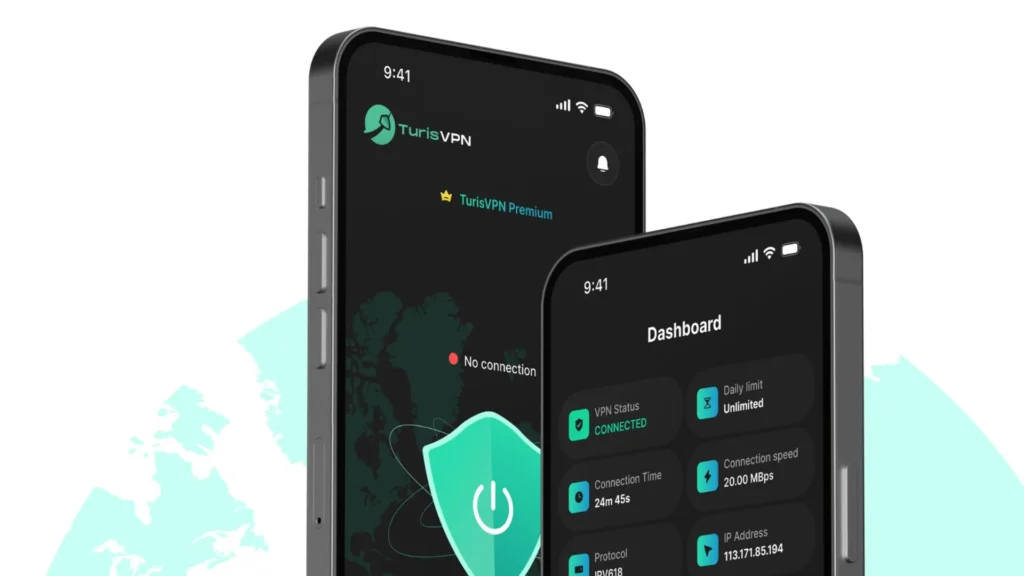
How to Use TurisVPN to Unban and Play Rocket League Again
- Step 1: Visit TurisVPN’s official site and sign up for a gaming plan.
- Step 2: Download and install TurisVPN on your device (iOS App Store, Google Play Store and Web Extension).
- Step 3: Launch TurisVPN and choose a server location that’s outside your banned IP region.
Preferably select a nearby server for the best ping. - Step 4: Open Rocket League and log in with your Epic Games or platform account.
- Step 5: Start playing, now with a fresh IP and lag-free experience.
How to Avoid Getting Banned Again in Rocket League?

Getting back into the game is one thing, staying unbanned is another. If you don’t want to repeat the same mistake (or risk a permanent ban), here are four crucial habits every Rocket League player should follow:
1. Follow Rocket League’s Code of Conduct
Rocket League has clear rules around fair play, sportsmanship, and in-game behavior. Avoid toxic language, throwing matches, or exploiting bugs. Even if you’re frustrated, don’t lash out, one report can lead to a suspension or worse.
2. Avoid Leaving Matches Early
Frequent early exits in casual or ranked matches can trigger penalties especially in Competitive Mode. Always try to finish what you start, even if the match isn’t going your way. Quitting repeatedly may escalate to longer bans.
3. Respect Tournament Rules
If you’re participating in Rocket League tournaments, follow the format, timing, and rules set by organizers. Any attempt to manipulate brackets, delay games, or cheat can result in immediate disqualification and platform bans.
4. Do Not Engage in Illicit Activities
Never use cheats, bots, or unauthorized software to gain an edge. Trading items outside of approved channels, using Free Secure VPN to abuse region-based rewards, or account sharing can also lead to permanent bans. Keep it clean and competitive.
Bottom Line
Getting banned from Rocket League can feel frustrating, especially when you just want to play. But whether it’s a 72-hour suspension, a chat restriction, or a permanent ban, there’s usually a reason behind it, from violating the Code of Conduct to leaving matches early.
Luckily, now you know how to get unbanned from Rocket League. You can appeal a Rocket League ban, wait it out, or use TurisVPN to bypass IP restrictions and play again. Just remember: once you’re back in, play fair, stay respectful, and protect your account from future penalties.
FAQs
Q1. Is it legal to use a VPN to bypass a Rocket League ban?
Using a VPN isn’t illegal. TurisVPN is useful for privacy, connection stability, and even changing regions.
Q2. How long are Rocket League bans?
Rocket League bans vary depending on the offense:
- Temporary bans (like a Rocket League ban for 72 hours or up to 30 days) are common for behavior issues or match leaving.
- Chat bans can also last a few hours to several days.
- Permanent bans are issued for serious violations like cheating or using third-party software, and these cannot be reversed.
You can check your ban status in-game or appeal it through the Epic Games Support system.





