To watch Vudu (now rebranded as Fandango at Home) outside the US in 2026, you need a high-quality VPN like TurisVPN to connect to a US IP address.
It’s important to understand two things upfront. First, Vudu (Fandango at Home) is officially US-only, so international users are blocked at the network level by IP checks enforced through your ISP (Internet Service Provider). Second, access and payment are separate problems.
Our blogpost shows you exactly how to watch Vudu internationally by using TurisVPN and walks through payment workarounds step by step. By the end, you’ll know which setup works best for your device, your location, and your streaming needs.
Key Takeaways
|
Step-by-Step Guide to Watching Vudu Outside the U.S By TurisVPN?
Watching Vudu (Fandango at Home) outside the U.S. works best when you follow the flow: Connect TurisVPN to a U.S. server, log in to Vudu (Fandango at Home), then start streaming. This order matters because Vudu checks your IP address before allowing playback. If something fails, switching U.S. servers, clearing cookies/app cache, or using Smart DNS usually fixes the issue.
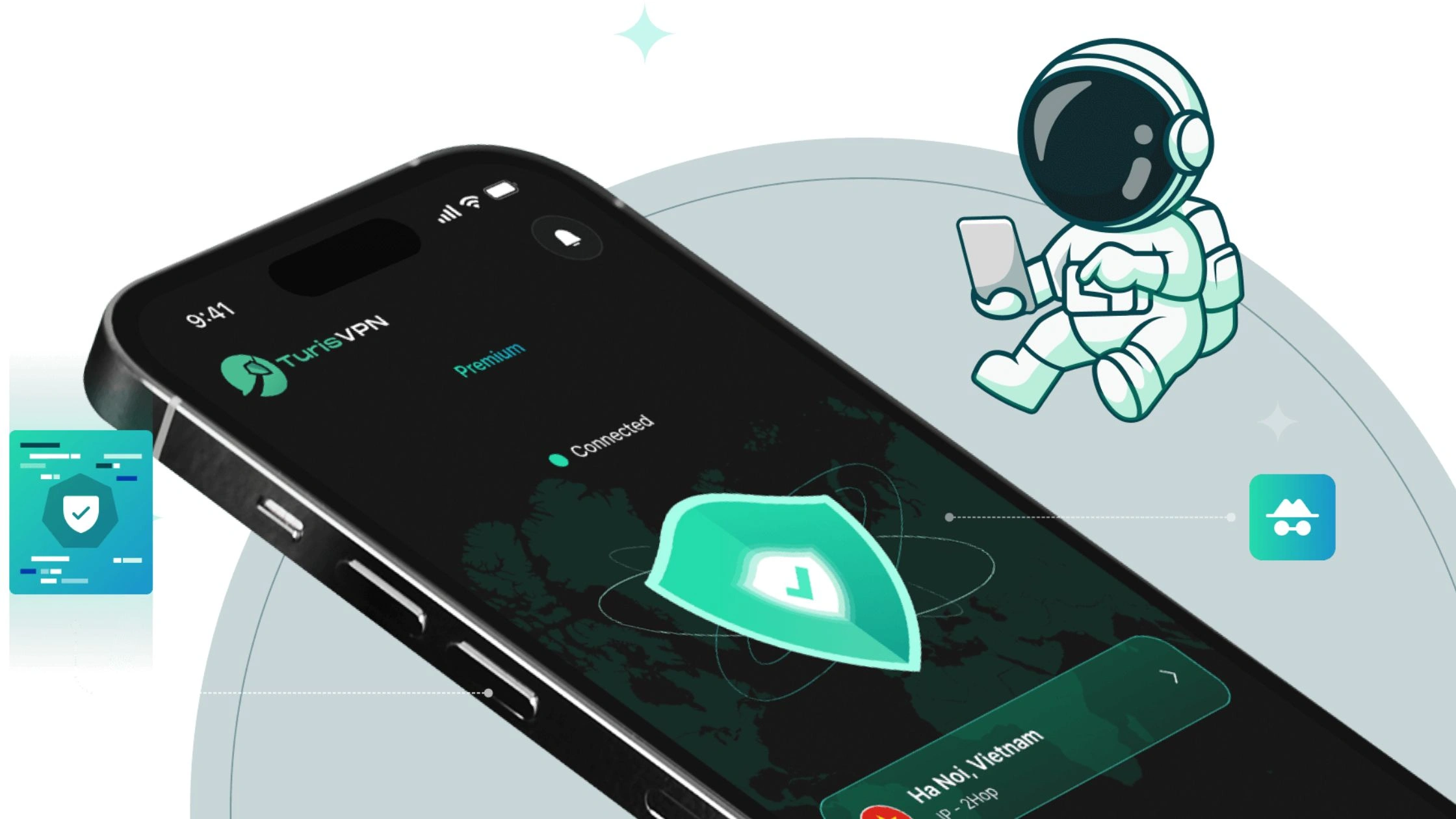
Below is a beginner-safe walkthrough that works on phones, laptops, and browsers, plus notes for TV devices.
Install TurisVPN App
Start by installing TurisVPN on a supported device.
- iOS / Android: Download the TurisVPN app from the App Store or Google Play.
- Windows / macOS: TurisVPN does not have a desktop app. Use the browser extension instead.
Once installed, open TurisVPN and allow the required permissions so the VPN can secure your connection.
Connect to a U.S. Server
Next, connect to a U.S. server to obtain a US IP address and bypass Vudu’s geo-restriction. Choose a U.S. location closest to you for better speed. To be safe, avoid DNS leaks by keeping the VPN connected before opening your browser or the Vudu app.
Create/Log in to Vudu
With the VPN active, go to Vudu / Fandango at Home and log in or create an account. Important notes:
- The location check happens at login and playback.
- Access does not guarantee payment success.
- Rentals or purchases may still require a US billing address and US ZIP code (gift cards or PayPal are common workarounds, explained later).
If you previously tried accessing Vudu without a VPN, clear browser cookies or app cache before logging in again.
Start Streaming
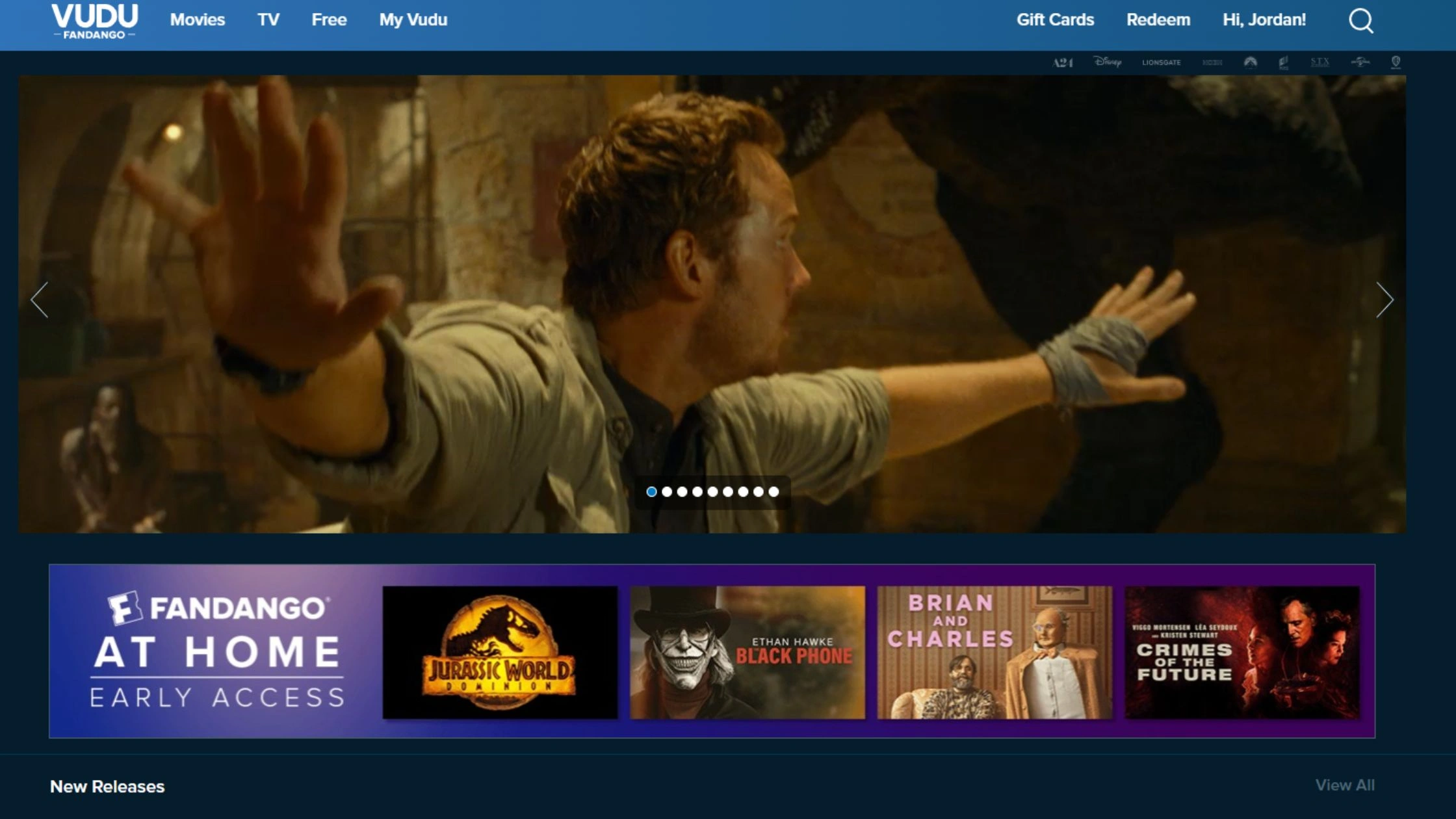
Once logged in, you can start watching immediately. What to expect:
- Streaming quality depends on the title and your connection (many titles support HDX and 4K UHD).
- Mobile and browser streaming works best with TurisVPN.
- For Smart TV, Roku, Amazon Fire TV Stick, Chromecast, or Apple TV, a VPN alone may not work. These devices often require Smart DNS or a router-level VPN setup.
If playback fails:
- Switch U.S. servers.
- Restart the Vudu app or browser.
- Clear cache.
- Try Smart DNS for TV-based streaming.
This setup covers most users who want reliable access to Vudu outside the U.S. without constant trial and error.
Is Vudu now “Fandango at Home”?
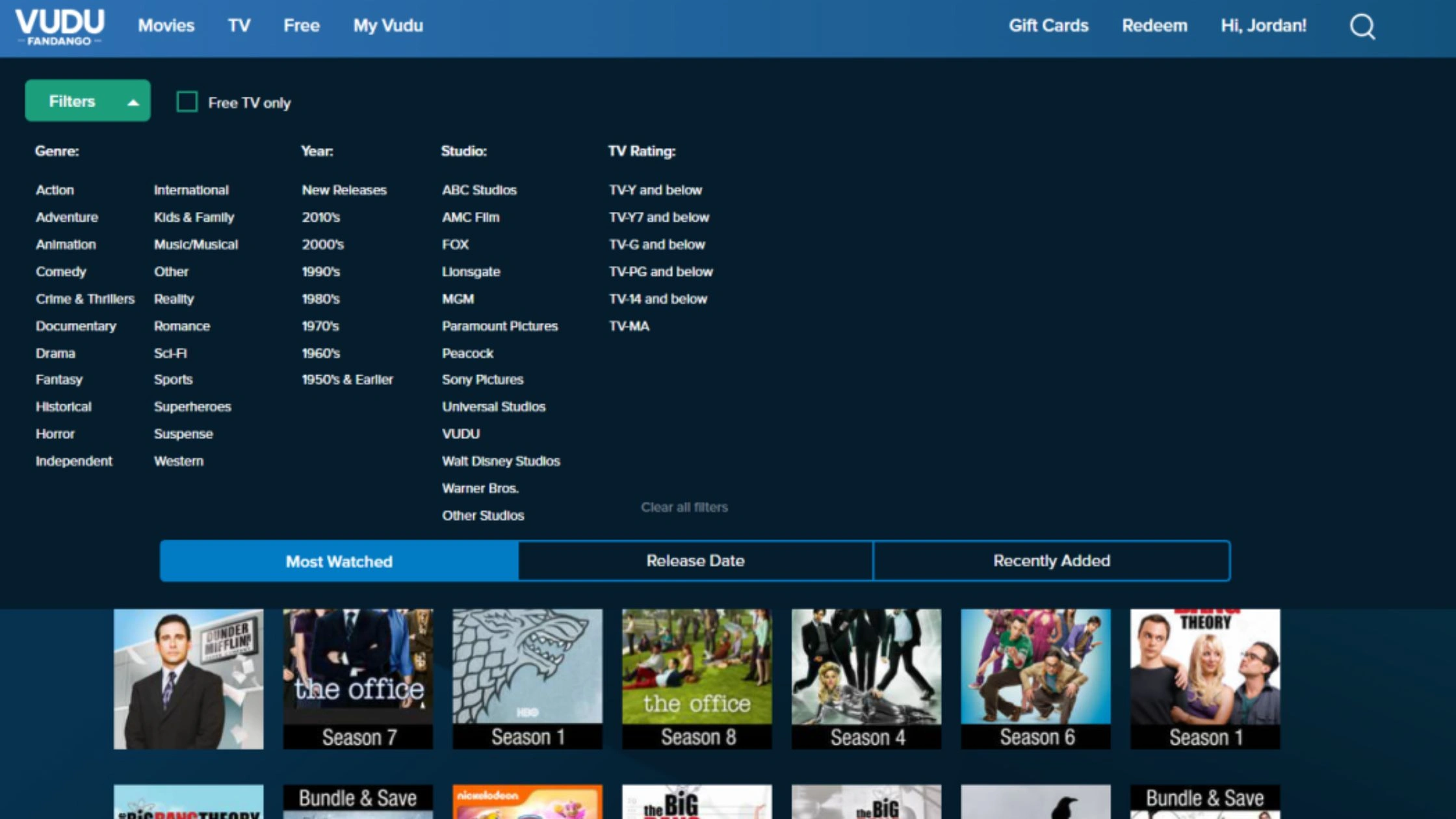
Yes, Vudu has been rebranded to Fandango at Home, but it is still the same service under a new name. The rebrand was done by Fandango to unify its digital movie ecosystem, which is why many users now see “Fandango at Home” instead of Vudu in apps, URLs, or account pages.
What has not changed:
- Your Vudu account still works the same.
- Your purchased movies, rentals, and watch history remain intact.
- Existing Vudu gift cards and balances continue to work.
- The streaming quality (HDX, 4K UHD where available) is unchanged.
What did change:
- Branding and interface labels now say Fandango at Home.
- Some apps and support pages were renamed, causing confusion in searches like “Vudu not working” or “Is Fandango at Home different from Vudu?”
In short, Vudu and Fandango at Home are the same platform. If you previously used Vudu, you don’t need a new account or subscription, just log in as usual, even when accessing the service outside the U.S. using a VPN.
How to Use Smart DNS Services as an Alternative to VPNs
Smart DNS is an alternative way to bypass geo-restrictions, but it works very differently from a VPN. Instead of changing or hiding your IP address, Smart DNS reroutes specific DNS requests related to location checks. This allows services like Vudu (Fandango at Home) to think you are in the U.S., while the rest of your internet traffic stays unchanged.
Because Smart DNS does not encrypt traffic and does not mask your IP, it offers no privacy or security protection. The trade-off is speed and compatibility. Without encryption overhead, Smart DNS is usually faster than a VPN and works well on devices that struggle with VPN apps, such as Smart TVs, Roku, Apple TV, Xbox, and PlayStation.
This is why many users choose Smart DNS specifically for home streaming setups, not for privacy-sensitive use cases.
Comparison: Smart DNS vs. VPN
Both Smart DNS and a VPN can bypass geo-restrictions, but they serve different purposes.
| Feature | VPN | Smart DNS |
| Main purpose | Privacy and access | Access only (geo-unblock) |
| Geo-restriction bypass | Yes | Yes |
| Encryption | Yes (typically AES-256) | No |
| Hides your IP address | Yes | No |
| Hides activity from ISP | Yes | No |
| Speed impact | Can be slightly slower (encryption overhead) | Usually faster (no encryption) |
| Best for | Privacy, security, public Wi-Fi, reliable unblocking | Streaming speed + devices that don’t support VPN apps |
| Device compatibility | App/extension/router (depends on provider/device) | Works on most devices via DNS settings |
| Leak risk | Lower (but still possible without safeguards) | Higher (DNS leak + ISP visibility) |
Use a VPN when privacy matters. Use Smart DNS when speed and device compatibility matter more than security.
How to Set Up Smart DNS
Setting up Smart DNS is manual but straightforward:
- Sign up with a Smart DNS provider and obtain their DNS server addresses.
- Open network settings on your device or router.
- Switch from automatic DNS to manual DNS configuration.
- Enter the provided DNS addresses.
- Confirm your IP on the provider’s dashboard (some require activation).
- Restart the device or router.
Smart DNS works best on: Smart TV, Roku, Apple TV, Xbox, PlayStation. These devices often lack reliable VPN app support, making Smart DNS the more practical option.
When to Use Smart DNS
Use Smart DNS when:
- Your goal is only to bypass geo-blocks for streaming.
- You watch Vudu on Smart TVs or consoles.
- You want maximum speed with minimal setup.
- Privacy and encryption are not priorities.
Do NOT use Smart DNS when:
- You need to hide activity from your ISP.
- You use public Wi-Fi.
- You care about encryption or anonymity.
- You want protection beyond bypassing a simple geo-block.
Smart DNS is a streaming convenience tool, while a VPN is a privacy and security tool. Choosing between them depends on whether performance or protection is your top priority.
How to Pay for Vudu Without a US Card?
Paying for Vudu (now Fandango at Home) without a U.S. card is possible, but options are limited and must match Vudu’s accepted payment system. Even if you successfully bypass the geo-restriction with a VPN or Smart DNS, payment can still fail if the method does not meet U.S. billing requirements.
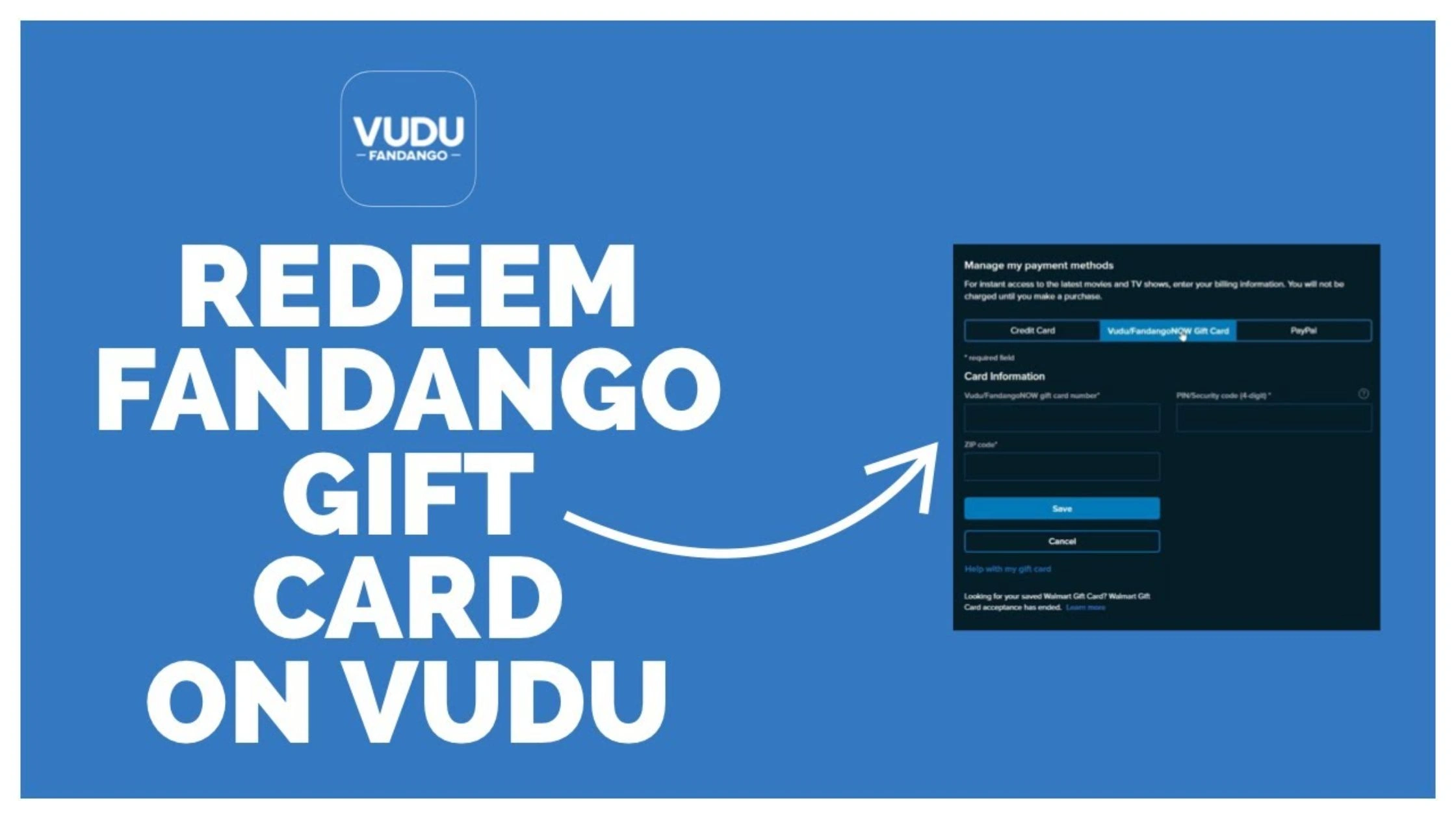
Vudu officially accepts credit/debit cards, PayPal, and Fandango at Home gift cards. For international users, the most reliable approaches are gift cards or a PayPal setup that Vudu recognizes.
- Fandango at Home (Vudu) Gift Cards: Most Reliable
- Purchase official Fandango at Home gift cards from reputable online retailers.
- Redeem the gift card directly in your Vudu account under payment settings.
- Important: Walmart gift cards are no longer accepted for Vudu purchases. Buying them will not work and often leads to wasted money.
- PayPal (Limited and Inconsistent)
- Vudu accepts PayPal, but success depends on how the PayPal account is configured.
- Some users need a U.S.-based PayPal account or a PayPal profile linked to a US billing address.
- International PayPal accounts may still be rejected, even when connected through a VPN.
- Credit or Debit Cards (Most Difficult)
- Most international cards are declined.
- A valid US billing address and US ZIP code are typically required.
- Even virtual or prepaid cards can fail if the issuing region does not match the U.S.
What You Should Expect
- Access and payment are separate checks. Passing the geo-block does not guarantee payment approval.
- A US ZIP code is often required, even when using gift cards.
- Vudu may change payment validation rules without notice, so methods that work today may stop working later.
For users outside the U.S., official Fandango at Home gift cards remain the easiest and safest way to pay, while PayPal works inconsistently and cards are the least reliable option.
Switching to a VPN and U.S. IP address is the fastest way to bypass Vudu’s geo-restriction, but it doesn’t always work smoothly. Before you rely on it for HDX or 4K UHD streaming, you need to understand the common issues that cause errors, buffering, or sudden blocks.
Risks and Challenges When Using a VPN for Vudu
Vudu (Fandango at Home) is strict about geo-restriction, so using a VPN can trigger blocks even if you’re connected to a US IP address.
- VPN IPs get flagged (most common issue): Fandango at Home actively blocks many shared VPN IP ranges to enforce licensing. When that happens, you’ll see “service not available” or location-related errors even if your VPN says “United States.”
- Speed drops can break HDX / 4K UHD playback: A VPN adds encryption and routing overhead. If speeds dip, the stream may buffer, downgrade quality, or fail to hold HDX / 4K UHD. Fandango at Home specifically recommends around 11 Mbps minimum for UHD, so any VPN slowdown can matter.
- DNS leaks and location mismatches: If a DNS leak exposes your real region while your VPN shows the US, the platform can still block playback. This is why leak prevention matters (VPN DNS, secure resolvers, “no leak” settings).
- Kill Switch gaps and instant region reveal: If the VPN disconnects for even a moment and there’s no Kill Switch, Fandango at Home can immediately see your real IP Address and re-block access mid-session.
- Policy risk (keep it realistic, not scary): Using a VPN to bypass geo-blocks can conflict with streaming terms/licensing rules, which may lead to playback denial or account friction (usually errors, not dramatic punishments).
These VPN issues are exactly what’s blocking your Vudu access, the next section shows how to make TurisVPN more consistent. This VPN helps minimize flagged US IPs, prevent DNS leaks, and keep HDX/4K UHD stable with the right settings.
How TurisVPN Avoids Detection and Ensures Reliable Access
TurisVPN avoids detection by keeping your US IP address consistent during streaming sessions and reducing the most common failure points, DNS leaks, sudden disconnects, and “location mismatch” signals.
The VPN is built for privacy (encryption first), but the same protections also reduce “VPN detected” errors that happen when streaming platforms see inconsistent region data.
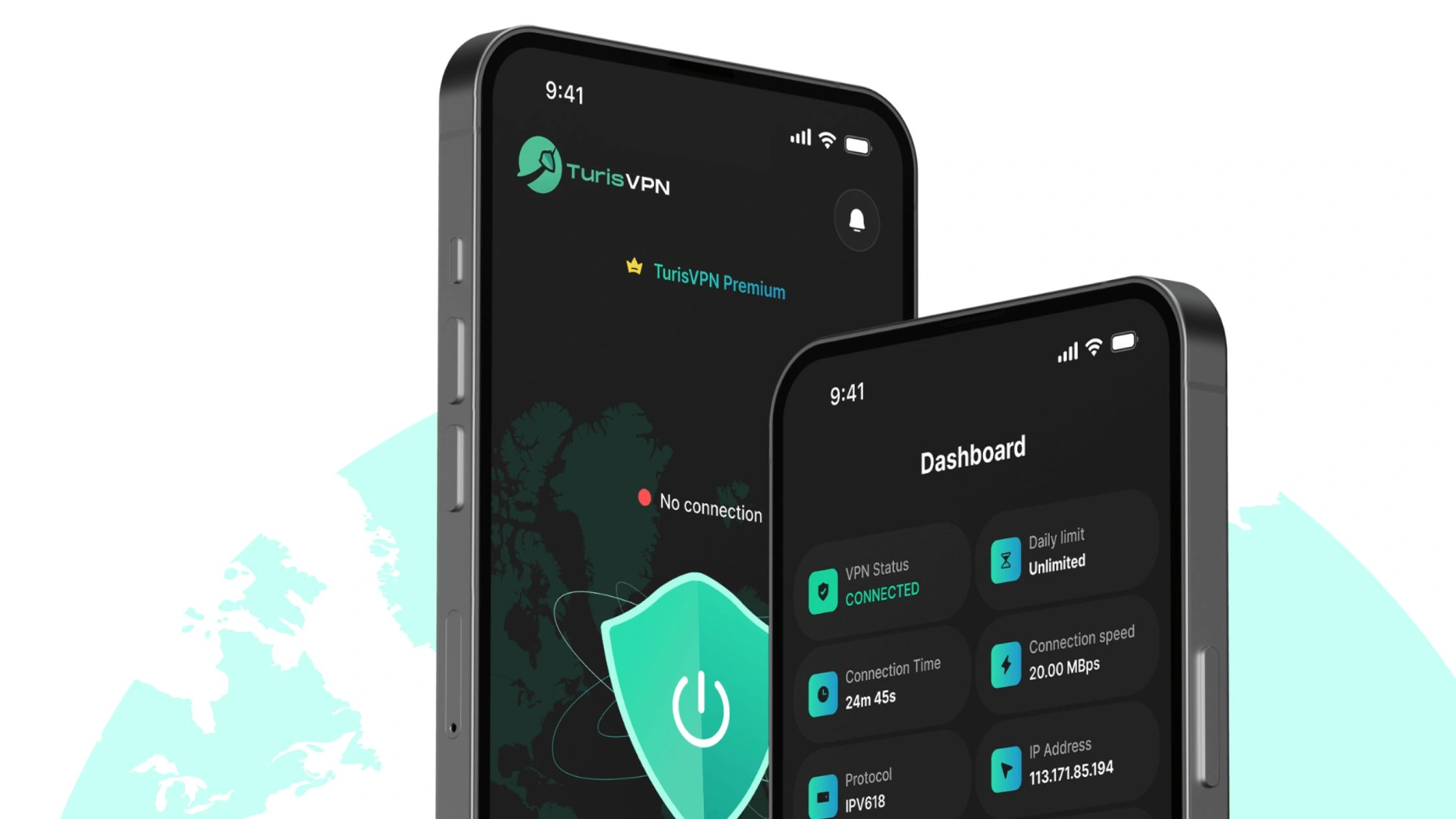
What TurisVPN does that helps Vudu work more consistently
- Stable U.S. routing: A clean, consistent US IP Address lowers the chance of mid-stream rechecks failing.
- Strong encryption: Traffic is protected end-to-end, so your ISP (Internet Service Provider) can’t inspect or throttle what you’re watching.
- Leak protection habits: The goal is simple: don’t let DNS or IP data “spill” outside the tunnel while Vudu is checking your region.
- WireGuard support: Faster, modern protocol for smoother HD playback and fewer drops during HDX / 4K UHD streams.
Bottom Line
Watching Vudu (Fandango at Home) outside the U.S. is possible, but it’s a two-part problem: access and payment. A VPN setup with TurisVPN helps you pass the geo-block by giving you a US IP address, while Smart DNS can be a faster option for Smart TV, Roku, Apple TV, Xbox, and PlayStation devices that don’t handle VPN apps well.
If access works but checkout fails, use Fandango at Home gift cards or an accepted PayPal method, and avoid buying unsupported cards (like Walmart gift cards) to prevent wasting money. Use a VPN for privacy and security first, then treat Vudu access as a convenience bonus, not a guarantee.
FAQs
Q1. Why is my VPN not working with Vudu?
Because Vudu actively blocks known VPN IP addresses to enforce U.S. licensing. If the VPN IP is flagged, you’ll see “service not available” errors. DNS or IP leaks, disabled kill switch, or heavy server load can also cause failures. Try switching to a different U.S. server, clearing cookies/app cache, enabling leak protection, or using Smart DNS on TV devices.
Q2. What Are Safer Alternatives to VPN for Vudu Access?
Smart DNS is the safest alternative when your goal is streaming only. It’s faster, works well on Smart TVs, Roku, Apple TV, Xbox, and PlayStation, and avoids VPN IP blocks but it doesn’t encrypt traffic or hide your IP. For privacy-sensitive situations (public Wi-Fi), a VPN remains the safer choice.