Wondering how to watch Hallmark outside the US in 2025? The solution is simple. First, download a reliable VPN like TurisVPN. Next, connect to a US server to change your virtual location. Finally, log in to Hallmark+ or Peacock and start streaming.
This guide reveals the best way to enjoy Hallmark Christmas movies, and original series, no matter where you are in the world.
Hallmark Movies Now vs. Hallmark+: What Changed in 2025?
In 2025, the landscape of streaming holiday romance has changed: Hallmark Movies Now has officially been rebranded as Hallmark+. For decades, the Hallmark Channel has been the gold standard for entertainment in America, famous for its wholesome romantic comedies and the “Countdown to Christmas” phenomenon.
However, this recent shift is more than just a new logo; it is a complete overhaul of the viewing experience. Hallmark+ is now the premier destination for on-demand content. It offers ad-free viewing of a vast library, including exclusive series that you cannot find on cable.
For viewers trying to figure out how to watch Hallmark movies outside the US, this distinction is vital. Hallmark+ focuses on Video On-Demand (VOD), meaning you get libraries of movies rather than a live feed of the cable channel.
However, the restrictions remain the same. The app is strictly geofenced to the United States. While the service now offers “rewards” and “shopping perks” for US residents, international viewers mostly just want the movies. The new interface is sleeker, but without the right tools, it is just as inaccessible abroad as the old one was.
Why Is Hallmark Blocked Outside the US?
It can feel personal when you see that “Content Unavailable” screen, but it is purely business. Understanding why these blocks exist helps explain why you need specific tools to bypass them. Here is the breakdown of the invisible walls keeping you from your movies.
IP Address Detection
Every device on the internet has a unique identifier known as an IP address. This digital fingerprint reveals your physical location to websites. When you visit Hallmark’s site, their servers check your IP.
If it doesn’t match a US-based location, you are instantly blocked. This is why learning how to watch Hallmark outside the US starts with manipulating this number.
Regional Rights
Television rights are sold region by region. Hallmark might own the rights to show a movie in America, but a different network might own it in France or Japan. To avoid legal battles, Hallmark restricts their stream to the territory where it holds full copyright.
This is a standard practice in network and application security across the streaming industry.
No International Availability
Unlike Netflix, which has global libraries, Hallmark has not launched a worldwide streaming platform. They focus their infrastructure entirely on the North American market.
This lack of international servers means that even if you have a valid US subscription, the system physically cannot serve the video file to you once you cross the border.
Watch Hallmark Abroad in 3 Easy Steps
Getting access to your favourite Hallmark Christmas movies shouldn’t be a complicated process, regardless of where you are in the world. With TurisVPN, you can master how to watch Hallmark outside the US in just three simple steps.
Get TurisVPN (Optimised for Streaming)
First, you need a Virtual Private Network (VPN) capable of handling high-definition video without buffering. Not all VPNs are created equal; you need a service that refreshes its server IPs regularly to avoid detection.
- Visit the TurisVPN Website: Go to our signup page and select a subscription plan that fits your needs.
- Download the App: Install the TurisVPN application on your preferred device (Chrome Web Extension, iOS, or Android).
- Verify Your Speed: We recommend you check our guide on the best VPN for streaming in 2025 to understand why speed and server quality matter so much for services like Hallmark+.
- Log In: Open the app and sign in with your new credentials to ensure you have the bandwidth necessary for HD movies.
Connect to a US Server
Once you have installed the app, you need to virtually transport your device to the United States.
- Open the Server List: Launch TurisVPN and click on the server location menu.
- Search for the US: Type “United States” in the search bar. We suggest choosing a server in a major city like New York or Los Angeles for the best speeds.
- Click Connect: Tap the power button to establish the connection. This step effectively masks your real location.
- Wait for Confirmation: Do not close the app until the connection indicator turns green.
Sign up for a Streaming Service
With your VPN connected and your location masked, you are ready to access the content.
- Navigate to the Platform: Open your browser and go to the Hallmark+ website or a partner platform like Peacock.
- Create an Account: Click “Sign Up” and register as if you were in the States.
- Handle Payment: Note that you may need a US payment method. If you don’t have a US credit card, use a workaround like a US-based PayPal account or a digital gift card.
- Start Streaming: Log in, browse the library, and start watching your favourite movies immediately.
How to Watch Hallmark Using Different Platforms (With a VPN)
Knowing how to watch Hallmark outside the US is only half the battle; you also need to pick the right platform. Since Hallmark content is licensed to various providers, you have several options depending on whether you want live TV or on-demand movies.
Peacock Premium
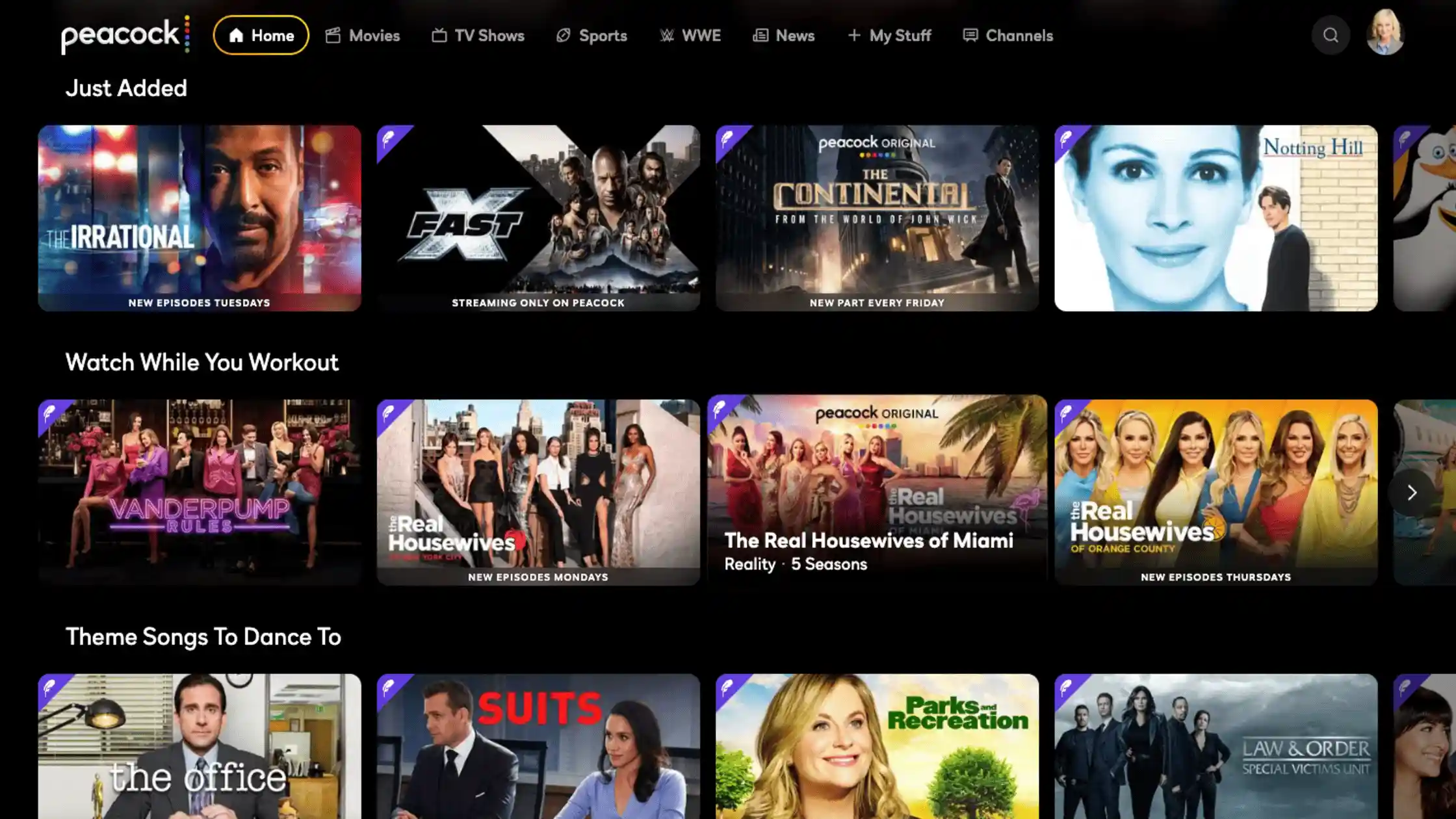
For budget-conscious viewers, Peacock Premium offers excellent value. With subscriptions starting at $10.99/month, this platform features a dedicated hub for Hallmark Channel, Hallmark Mystery, and Hallmark Family, granting you access to both live feeds and a robust on-demand library.
This means you can stream the latest premieres or catch up on favorite Hallmark Christmas movies like Christmas on Duty and Holiday Touchdown: A Bills Love Story whenever you want. The service is often cheaper than a standalone Hallmark+ subscription and works excellently with a VPN.
How to use TurisVPN to watch Hallmark on Peacock: Connect to a US server location in the TurisVPN app, then simply launch the Peacock app or website. You will need a Peacock Premium subscription to access the Hallmark content.
Frndly TV
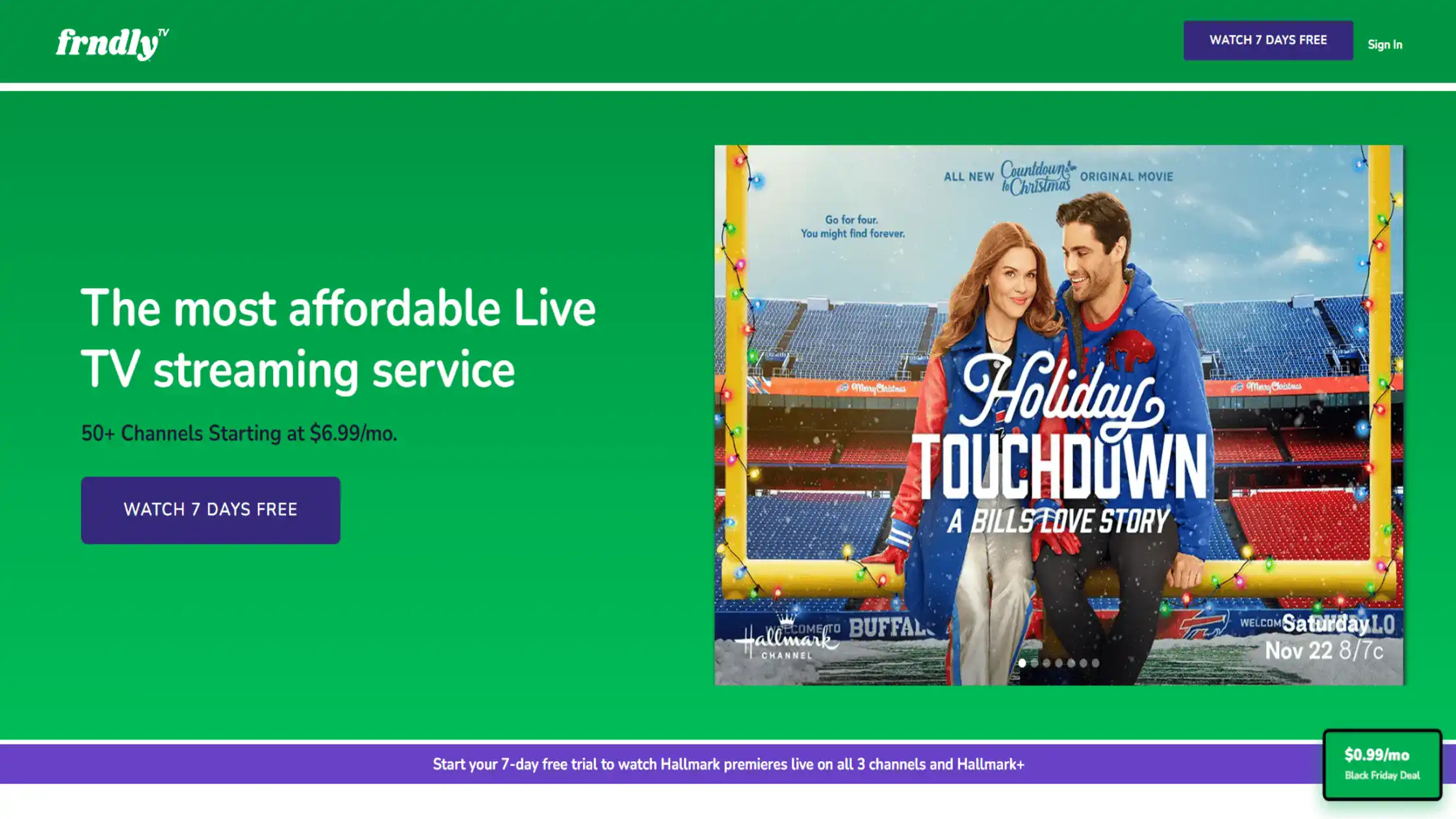
If you are a die-hard fan who needs the live experience to keep up with the Hallmark movies and mysteries schedule, Frndly TV is your best choice. Frndly TV offers the most budget-friendly option, with plans starting at just $8.99/month. This entry-level “Basic” plan gives you access to all three Hallmark channels in standard definition.
If you want High Definition (HD) and unlimited DVR to record your favourite Hallmark Christmas movies, you can upgrade to the “Classic” plan for $10.99/month. All plans include a handy “72-hour lookback” feature, so you never miss a premiere even if you forget to hit record.
How to use TurisVPN to watch Hallmark on Frndly TV: Connect to any US server location in the TurisVPN app. Go to the Frndly TV website or app, sign up for a plan, and you’ll have instant access to all three channels.
Hallmark+ App

As the network’s direct-to-consumer flagship, the Hallmark+ App caters to viewers who hate commercials and crave exclusives. While the platform does not provide a live channel feed, the ad-free environment is perfect for binge-watching curated collections or streaming classic Hallmark Christmas movies without interruption.
How to use TurisVPN to watch Hallmark+: Connect your TurisVPN app to a US server location. Access the Hallmark+ website or download the app. You may need to use a US app store account (iOS/Android) for the app version.
YouTube TV
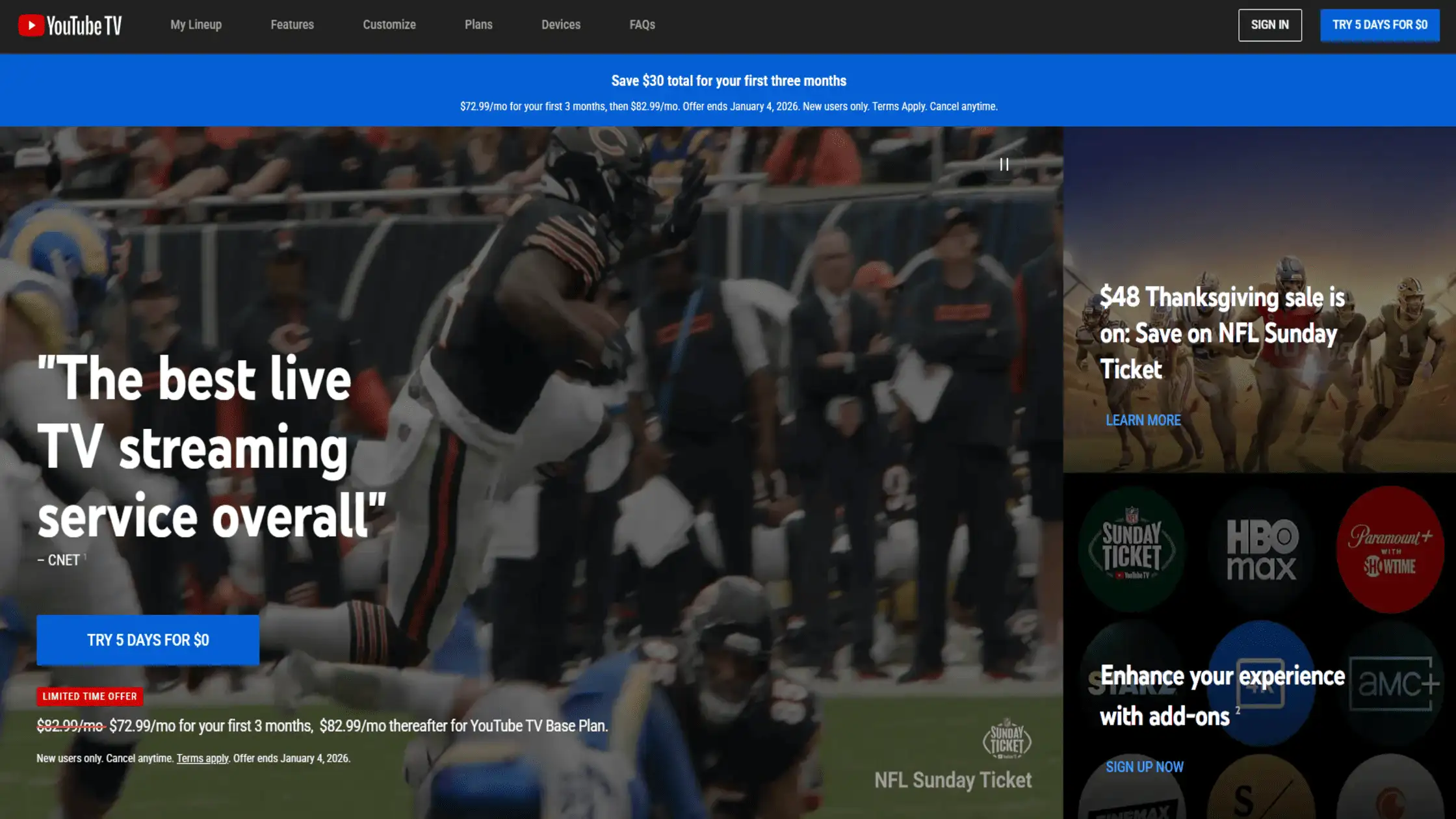
For those seeking a full cable replacement, YouTube TV stands out as a premium option. The service bundles Hallmark channels alongside major networks like ABC and NBC, offering a superb interface despite the higher price point.
If ads on the platform annoy you, you might want to look into how to block YouTube ads to improve your general viewing experience on the site.
How to use TurisVPN to watch Hallmark on YouTube TV: Connect to a US server location on TurisVPN, then sign up for a YouTube TV subscription. Remember that YouTube TV often relies on your billing zip code for regional channel offerings.
Amazon Prime Video Channels

For existing Amazon Prime members, the “Channels” feature offers the ultimate convenience. You can subscribe to Hallmark+ directly through the Prime Video interface, meaning you don’t need to create a new account or enter payment details again—it simply uses your stored Amazon credentials.
This integration allows you to switch between your regular Prime content and a Hallmark romance seamlessly within the same app.
How to use TurisVPN to watch Hallmark on Amazon Prime Video Channels: Connect to a US server location. Navigate to the Prime Video Channels section and subscribe to the Hallmark+ add-on. This requires you to have a US-based Amazon Prime account.
Best Practices for Watching Hallmark on Different Devices (iPhone & Android)
Just as location restrictions affect Hulu streaming in certain countries, Hallmark apps on iPhone and Android require careful VPN configuration to ensure all streaming features work flawlessly.
How to watch Hallmark on iPhone and iPad
- Disable Location Services: Go to Settings > Privacy > Location Services and turn them off for your streaming app.
- Connect VPN: Open Free VPN for Browsing and connect to a US server location.
- Reinstall App: Sometimes, you need to delete and reinstall the Hallmark app while the VPN is active to clear the old location cache.
How to watch Hallmark on Android
- Clear Data: Go to Settings > Apps > Hallmark+ > Storage and tap “Clear Data”.
- Mock Locations: In Developer Options, ensure “Mock Location App” is disabled, as some streaming apps check for this to detect VPNs.
- Connect: Launch TurisVPN and connect to the US.
If you are trying to host a watch party with friends back home, you might be interested in learning how to stream Netflix on Discord. Similar screen-sharing methods can often be applied to Hallmark streams, provided your browser settings allow it (usually by disabling hardware acceleration).
How to Fix Hallmark Not Working With a VPN?

Even with the best tools, you might occasionally hit a snag. Streaming services constantly update their firewalls. If you are following our guide on how to watch Hallmark outside the US and still get blocked, try these fixes.
Basic Troubleshooting Steps
First, clear your browser’s cache and cookies. Streaming services store “cookies” that can leak your real location even if your VPN is on. A quick way to test this is to use “Incognito” or “Private” mode. We have a guide on how to use VPN on Incognito that explains why this creates a cleaner slate for streaming.
- Restart the VPN: Disconnect and reconnect to a different US city.
- Check Time Zone: Adjust your device’s system time to match the time zone of the US server you are connected to.
Advanced Solutions
If basic steps fail, your VPN installation may be corrupt, or the protocol may be detected.
- Change Protocols: Go to TurisVPN settings and switch from UDP to TCP or WireGuard.
- Reinstall: Sometimes a fresh start is needed. Read our article on how to uninstall a VPN on any device to ensure you remove all residual files before re-installing the latest version of TurisVPN.
- DNS Leak Test: Ensure your DNS traffic isn’t bypassing the VPN tunnel.
Bottom Line
The 2025 rebrand to Hallmark+ has made accessing content slightly more complex, but it hasn’t made it impossible to do so. Knowing how to watch Hallmark outside the US is simply a matter of having the right tool to reclaim your digital freedom.
By using a reliable service like TurisVPN, you can bypass geo-blocks, protect your data, and enjoy the full Hallmark movies and mysteries schedule from any corner of the globe. With a few clicks, you can turn any hotel room or foreign apartment into a cosy home theatre.
FAQs
Q1. Is It Legal to Watch Hallmark With a VPN?
Yes, using a VPN is legal in most countries. While watching Hallmark via a VPN might go against the streaming service’s Terms of Service, it is generally not a legal issue for the viewer. You are simply protecting your privacy and changing your virtual location.
Q2. Can I watch Hallmark while travelling abroad?
Absolutely. By using the methods described above, you can access your account while travelling. This is the only reliable way to view how to watch Hallmark movies outside the us without being blocked by the local network providers.
Q3. Does VPN slow down Hallmark streaming?
A premium VPN should not noticeably slow down your stream. In fact, if your ISP throttles streaming traffic, a VPN might actually improve your speed. However, low-quality free VPNs will cause buffering.
Q4. Does Hallmark block VPNs?
Hallmark attempts to block IP addresses associated with VPNs. This is why you need a high-quality provider like TurisVPN that frequently updates its server IPs to stay one step ahead of these blocks.