Knowing how to listen to music if YouTube is blocked is a vital skill for anyone trying to survive a quiet day at school or the office. We know the frustration of opening YouTube Music only to see a “Restricted” notice on the screen.
In this guide, we will show you exactly how to unblock YouTube for music using eight proven methods. Whether you find YouTube blocked at school and want to listen to music, or you are facing YouTube blocked at work and need to know how to access it, these solutions are designed for you.
8 Secure Methods to Bypass YouTube Blocks and Listen to Music
There are many ways to bypass restrictions, but not all of them are safe or effective for every network. Below, we break down the top 8 strategies on how to listen to music if YouTube is blocked, so you can pick the one that works for you.
1. Use TurisVPN to Unblock YouTube
The most robust way to get around a firewall is to stop the network from seeing what you are doing in the first place. A VPN encrypts your connection, turning your traffic into unreadable code. The school or office firewall sees data moving back and forth, but it cannot tell that the data is music from YouTube, so it lets it through.
Because it secures your connection while restoring access, using a high-quality VPN is the best way to listen to music if YouTube is blocked.
Here is how to set it up:
- Download the TurisVPN app for your mobile phone or install the Chrome Extension on your computer, and create an account.
- Open the app and choose a server location. Picking a server in your own country usually offers the best speeds.
- Check your protocol settings. Ensure you are using modern WireGuard VPNs, which are designed for high-speed streaming without the lag older protocols suffer from.
- Navigate to YouTube. With the VPN running, the site will load normally, bypassing the local block entirely.
2. The Google Docs “Mini-Player” Hack
Here is a trick that usually flies under the radar. Most networks whitelist Google Drive because you need it to do your job. That is your loophole. When you embed a video inside a document, you force the music to play through Google’s trusted servers. The filter sees homework while you hear your playlist.
Follow these steps to trick the system:
- Open Google Slides and start a blank presentation.
- Insert the video by clicking Insert > Video in the menu and searching for your song.
- Copy the video player (Ctrl+C) once it appears on the slide.
- Switch to Google Docs and open a new document. Go to Insert > Drawing > New.
- Paste the video into the drawing canvas and click Save and Close.
- Double-click the drawing in your doc to trigger the mini-player and start listening.
3. Leverage Browser Proxies and Extensions
If you don’t have administrative rights to install software on your computer, a browser extension is your best friend. These act as a middleman: you ask the extension for a site, it fetches the content for you, and displays it. The network filter only sees you talking to the extension, not to the blocked streaming site. Essentially, you use the extension as a specific proxy to access YouTube Music discreetly.
To get this working:
- Visit the Chrome Web Store (or Firefox Add-ons) and search for a “YouTube Unblocker” or “Proxy.”
- Add the extension to your browser.
- Activate it by clicking the icon in your toolbar.
- Head to YouTube. The extension will route your traffic through a different server, allowing you to browse freely.
4. The Google Translate Proxy
This is a classic workaround that persists because blocking Google Translate would hinder actual work. When you “translate” a website, Google’s servers fetch the page content and display it to you. This means the request comes from Google, not you, which often slips right past the firewall. It is a slightly clunky but effective YouTube music blocked workaround when you have no other options.
Here is the quick fix:
- Go to Google Translate.
- Set the source language to something random (like Japanese) and the destination to English.
- Paste the YouTube URL into the left-hand box.
- Click the blue link that appears in the translated box on the right.
- Listen as YouTube loads within the translation frame.
5. Mobile Hotspot Bypassing
Sometimes the smartest move is to stop fighting the firewall and leave the network entirely. Switching to your personal cellular data removes the school or office administrator from the equation. You are no longer on their equipment, so their rules don’t apply. This is the most direct method to listen to YouTube music without YouTube restrictions interfering with your playback.
To make the switch:
- Disconnect your device from the school or office WiFi.
- Enable the “Personal Hotspot” feature in your smartphone’s settings.
- Connect your laptop to your phone’s network.
- Stream freely, keeping an eye on your data usage since streaming audio can consume bandwidth quickly.
6. Audio-Only Extractors
Many content filters are triggered by the heavy bandwidth of video streaming or the specific youtube.com domain. “YouTube to MP3” sites often fly under the radar because they use low-bandwidth techniques and obscure domain names that admins haven’t blacklisted yet.
How to extract the audio:
- Copy the URL of the video you want (you can find this via Google Search).
- Find an extractor site by searching for “YouTube to MP3” or “Audio Proxy.”
- Paste the link into the site’s conversion box.
- Play the audio directly from the site’s embedded player without ever loading the actual YouTube interface.
7. Download for Offline Playback
The only method that is 100% immune to every firewall is playing files stored locally on your hard drive. If the music is on your computer, the network administrator can’t stop you from hitting play.
Prepare ahead of time:
- Download your playlists while you are at home or on an unrestricted network. You can use YouTube Premium or third-party tools.
- Save the files to your phone or laptop.
- Open your media player when you get to school or work. You don’t need an internet connection, so the block is irrelevant.
8. Switch to Unblocked Alternatives
If YouTube is the primary target of the censorship, simply moving to a less popular platform works wonders. Admins usually block the big names but forget about the niche sites. Just as you might look for M4ufree alternatives to watch free movies online when your main movie site is down, you can apply the same logic to music.
Try these steps:
- Verify YouTube is blocked.
- Navigate to alternative sites such as SoundCloud, Vimeo, or Mixcloud.
- Check movie streaming sites. It sounds odd, but many Vumoo alternatives host concert documentaries and music-heavy content that isn’t categorized as “music streaming” by filters, giving you another way to listen.
While these manual tricks can be handy in a pinch, you might prefer a more permanent, high-speed solution that doesn’t require constant tinkering.
Why TurisVPN is the Best Choice for Music Streaming
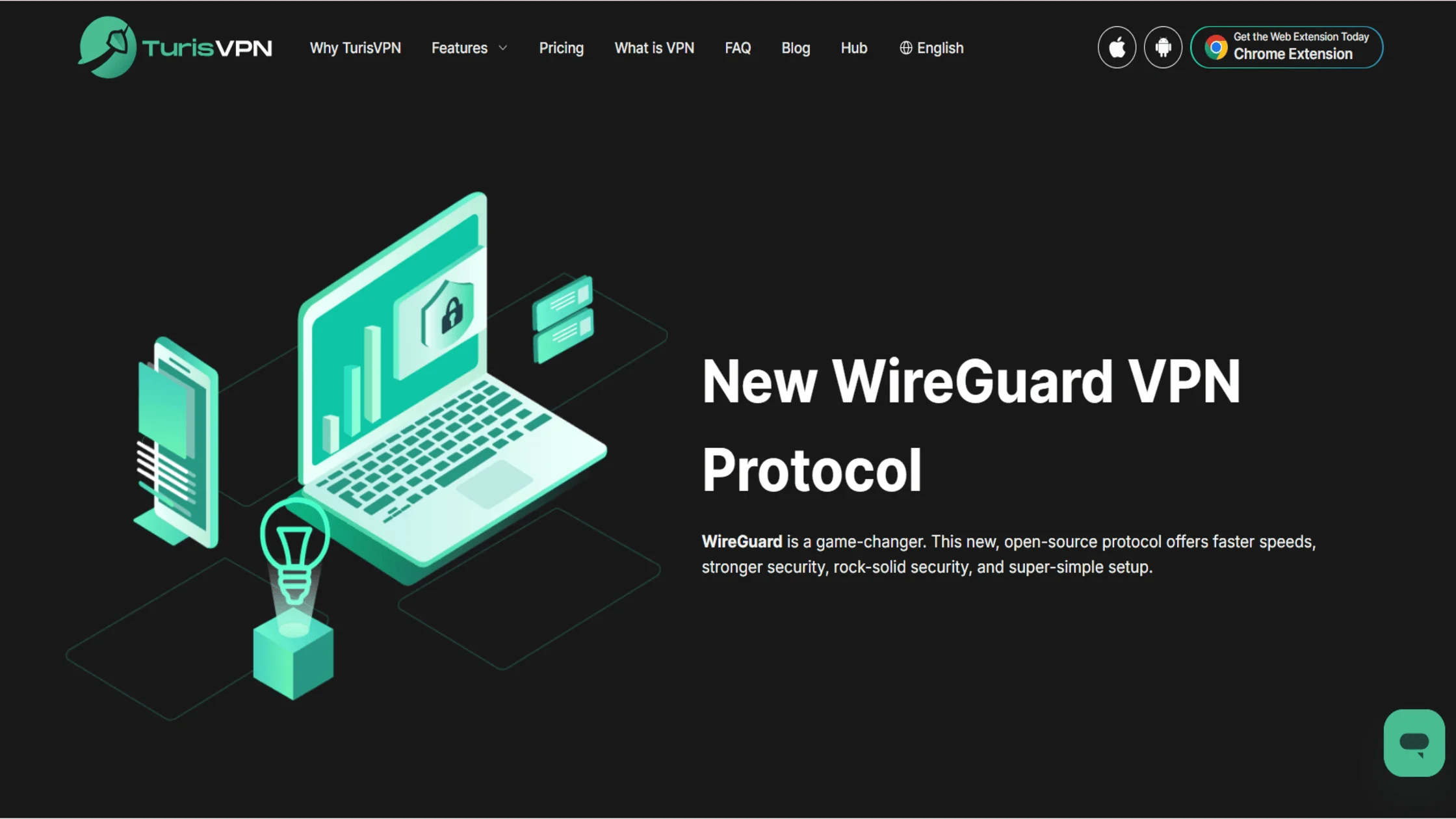
While tricks like Google Translate or proxies work for a while, they are often slow or get patched. TurisVPN offers a permanent solution. We provide stable connections that allow you to unblock YouTube Music using a hard-to-detect VPN. Unlike free proxies, we do not sell your data.
Our service solves the problem of listening to music when YouTube is blocked by removing the block entirely. You get the full YouTube experience, not a hacked-together workaround. We prioritize speed so your audio does not stutter. Here is why we are the superior choice:
- Cutting-Edge WireGuard Protocol: We utilize the latest WireGuard technology to ensure lightning-fast connection speeds. This means you can stream high-quality audio and video without the annoying buffering lag common with older VPN protocols.
- IP-2Hop Technology: For those facing strict firewalls at school or work, our premium IP-2Hop feature routes your traffic through two different servers. This double layer of encryption makes it nearly impossible for network administrators to detect or block your music streaming.
- Strict No-Logs Policy: We take your privacy seriously. We have a strict no-logs policy, which means that we don’t track, store, or sell any of your personal data. So you can listen to your guilty pleasure playlists without worrying at all.
- Unlimited Data & Bandwidth: Music streaming eats up data quickly. Unlike many free tools that cap your usage, we offer unlimited data so you can listen to your favorite albums on repeat all day long without being cut off.
- Global Server Network: Sometimes the music you want is locked to a specific region. Our ever-expanding list of global servers allows you to geo-hop instantly, giving you access to international libraries and blocked content from anywhere in the world.
However, if you are still tempted to look for free alternatives to a premium service, it is crucial to understand the security risks lurking in those “no-cost” offers.
Risks of Using Untrusted Tools to Unblock YouTube

You must be careful when searching for a free VPN to unblock YouTube Music. While the price tag is tempting, many free services are dangerous. They often track your browsing history, sell your data, or inject invasive ads into your browser. A random proxy to access YouTube Music might work once, but it can also expose your personal data to hackers who monitor these unsecured connections.
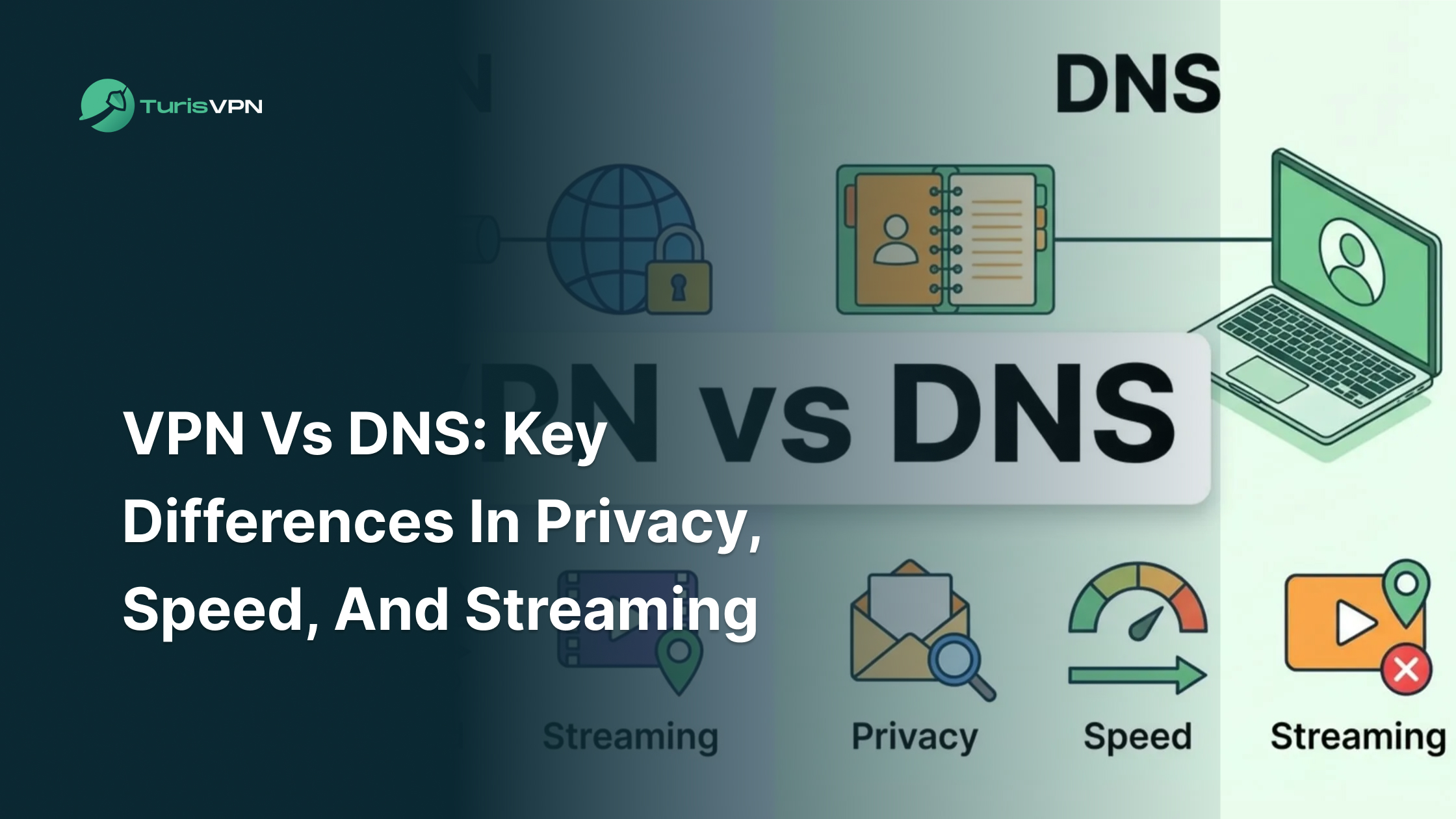
It is important to distinguish between safe and unsafe methods. For instance, configuring Cloudflare DNS to unblock YouTube is generally safe because it uses a trusted provider. Similarly, attempting a Google DNS unblock YouTube strategy is safe, even if it is not always effective against strict firewalls.
However, using random “free proxy” sites found on Google is not. These malicious sites can infect your computer with malware. This is especially risky on school WiFi or an office network where security is strictly monitored, and getting caught with malware could land you in trouble.
Your safest bet is a reputable, paid service like TurisVPN. It guarantees privacy, allowing you to listen to music if YouTube is blocked without compromising your digital safety or putting your device at risk.
Bottom Line
Knowing how to listen to music if YouTube is blocked doesn’t have to be a headache. Whether you choose a quick browser hack, a change-DNS-to-unblock-YouTube method, or a professional tool, the goal is the same: reclaiming your audio freedom.
We recommend starting with TurisVPN for the safest and most reliable experience. Remember, while skipping restrictions is useful, always be mindful of your local policies. With the right tools in hand, you can turn that silent office or study hall back into your personal concert venue.
FAQs
Q1. How to listen to music with YouTube closed?
You can use YouTube Premium or a mobile browser like Firefox to listen to music while the YouTube app is closed. Go to your home screen after playing the video and requesting the “Desktop Site” view in Firefox. The sound should continue to play.
Q2. How to access YouTube if it’s blocked?
To access YouTube if it’s blocked, the best method is to use TurisVPN. It hides your traffic so the network blocker cannot stop you. Alternatively, you can try using a proxy site, Google Translate, or mobile data.
Q3. Is it illegal to unblock YouTube at school?
It is usually not illegal to unblock YouTube, but it likely violates your school’s Acceptable Use Policy. You could get in trouble with the administration, but it is not a crime. Always use discretion when bypassing network rules.
Q4. Can I use a free VPN to unblock YouTube Music?
Yes, you can use a free VPN to unblock YouTube Music, but be cautious. Free VPNs often have data limits, slow speeds, and weak security. For uninterrupted music streaming, a paid service like TurisVPN is much better.
Q5. Does changing DNS unblock YouTube?
Sometimes. If you change your DNS to unblock YouTube (e.g., to 8.8.8.8 or 1.1.1.1), it can bypass basic DNS-level blocks. However, if the firewall uses Deep Packet Inspection (DPI), DNS changes alone will not work, and you will need a VPN.