Kik is a freeware instant messaging app created by the Canadian company Kik Interactive. Even today, Kik still has more than 15 million monthly active users. But many people search for Kik messenger account delete because of privacy concerns, spam messages, or moving to another chat app.
The deletion process can be confusing since Kik does not let you remove your account from inside the app. You must use Kik’s online portals, and each method works differently. Our blog post gives you clear, step-by-step instructions on how to deactivate your Kik account and permanently delete it.
Key Takeaways
|
What “deactivating” your Kik account means?
Deactivating your Kik account is a temporary action. This hides your profile and stops all activity, but it does not erase your account forever.

When you deactivate, your username disappears from searches, friends can’t message you, and you stop receiving notifications. You can reactivate anytime by signing back in, and your old chats or contacts may still be there when you return.
What “permanently deleting” your Kik account means?
When you permanently delete Kik, your account is removed forever. You can’t log in again, recover your messages, or restore your contacts.

Your username becomes unsearchable across the entire app, and your profile is gradually removed from the contact lists of people you chatted with. You also stop receiving all Kik messages or emails. Once this process is done, your account and data are gone permanently.
Critical Steps Before You Delete Your Kik Messenger Account
Before you deactivate or permanently delete your Kik account, take a moment to prepare. Kik does not save your chat history on its servers, and you’ll need access to your registered email to complete any deletion request. If your app is malfunctioning and Kik is not working, you may want to fix those issues first before deciding to delete your account permanently.
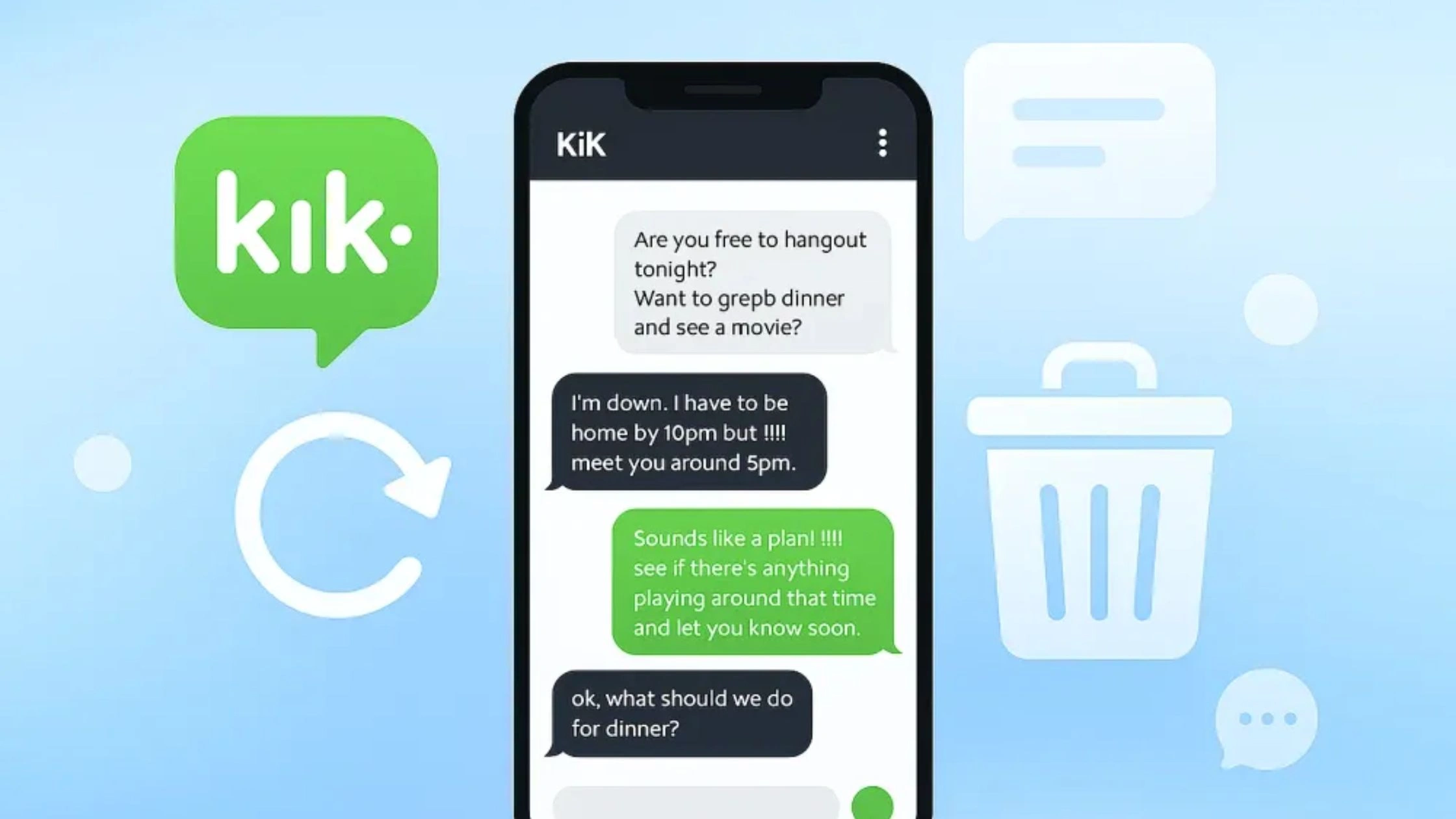
Save Important Messages First
Kik can’t restore old chats once your account is deactivated or deleted. If you have important messages, screenshots, photos, or information, save them now. Take screenshots or copy anything you want to keep because everything disappears once the account is removed.
Check Your Linked Email Access
Kik will send a confirmation link to the email attached to your account. If you can’t access that inbox, you won’t be able to complete the deletion. Make sure you can log in to your registered email or update it in the app before you move forward.
How to Temporarily Deactivate Your Kik Account?
Temporary deactivation hides your profile and stops all messages, but lets you return anytime. You must use Kik’s official deactivation page because the app does not offer this option.
Visit the Deactivation Portal
Open a web browser on your phone or computer (Chrome, Safari, Firefox). Go to the official Kik Deactivation Portal.
You can find it by searching “Kik account deactivation” on Google and choosing the link from Kik’s official website. You don’t need to be logged into the app to use this page.
Enter your email address
On the portal page, you will see a field asking for your email address. Type the same email you used when you created your Kik account.
This is important because Kik uses this email to confirm that you own the account.
Check your email
After you submit your email, Kik will send you a message with a deactivation link. Open your inbox and look for an email from Kik.
If you don’t see it, check your spam or junk folder. Make sure you open the email on the same device where you want to finish the process.
Confirm deactivation
Inside the email, click the deactivation link. This tells Kik that you really want to deactivate your account.
Once you confirm, your profile is hidden, you stop receiving messages and notifications, and your username no longer shows up in searches. If you ever want to use Kik again, just log back in with the same username and password to reactivate your account.
How to Permanently Delete Your Kik Messenger Account?
Permanent deletion removes your Kik account forever. You cannot reactivate it, recover your messages, or use the same username again. Follow these steps through Kik’s official deletion portal.
Visit the Permanent Deletion Portal
Open a browser and go to the official Kik Permanent Account Deletion page. You can find it by searching “Kik permanent delete” on Google and choosing the link from Kik’s official website.
Fill your information
You will see a form asking for your username and email address. Enter the same email that is linked to your Kik account. Kik uses this information to verify that you are the owner of the account you want to delete.
Provide a reason (Optional)
Kik will ask why you want to delete your account. This field is optional. You can select a reason or simply skip it. Your choice does not affect your ability to delete the account.
Confirm understanding
Before you continue, Kik will show a short notice explaining what permanent deletion means. You must confirm that you understand your account will be gone forever. Check the box to agree.
Submit the request
Click the Submit button. This sends a deletion request to Kik’s system. Kik will immediately send a confirmation email to the address you entered.
Check your email
Open your inbox and look for an email from Kik. If you don’t see it, check your spam folder. The email contains a link that confirms you truly want to delete your account. You must click this link to move forward.
Finalize deletion
Click the confirmation link in the email. Once you do, your Kik account is permanently deleted. Your username becomes unavailable, your profile is removed from contacts, and all messages and data are erased. You cannot log back in after this step.
How to Delete Your Kik Account From Different Devices?
Kik does not let you delete your account inside the app on any device. Whether you use iPhone or Android, you must use Kik’s official online portals. The steps are almost the same, but here’s a quick guide for each device.
How to delete your Kik account on iPhone
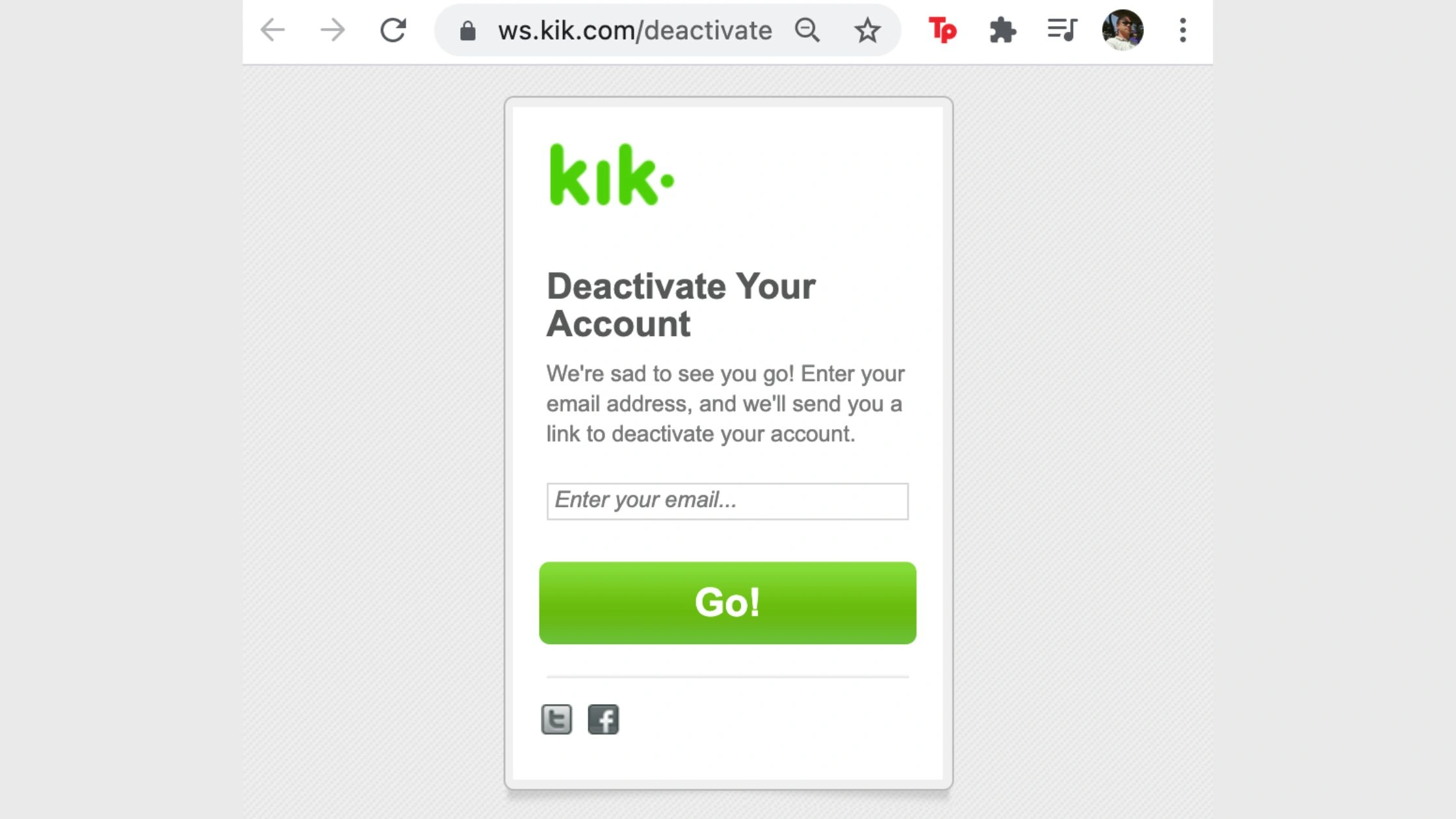
- Open Safari and go to the Kik Deactivation or Permanent Deletion Portal.
- Enter your username and email address.
- Follow the instructions shown on the page.
- Check your inbox on the Mail app.
- Tap the confirmation link to deactivate or permanently delete the account.
How to delete your Kik account on Android
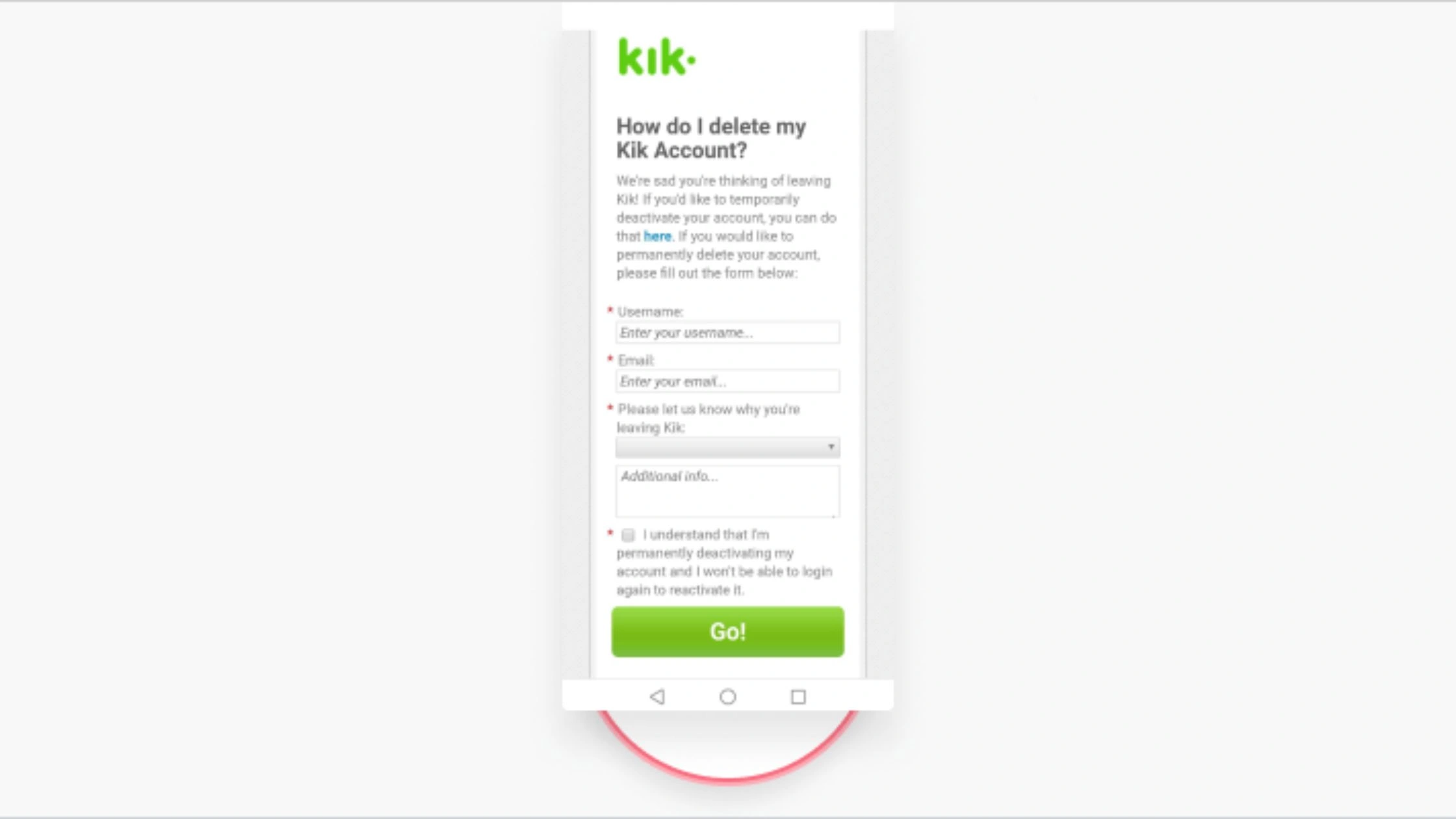
- Open Chrome and visit the official Kik deactivation or deletion page.
- Type in your username and email to verify your account.
- Follow the on-screen steps provided by Kik.
- Open your email app and find the confirmation email.
- Tap the link to complete the deactivation or permanent deletion.
How to Delete Kik Without Logging In?
You can still delete your Kik account even if you can’t log in. The process depends on what information you’ve lost: your password, your email, or if you’re a parent trying to remove a teen’s account. Here’s what to do in each situation.
Scenario A: I Forgot My Password
If you can’t log in because you forgot your password, you can reset it first and then delete the account.
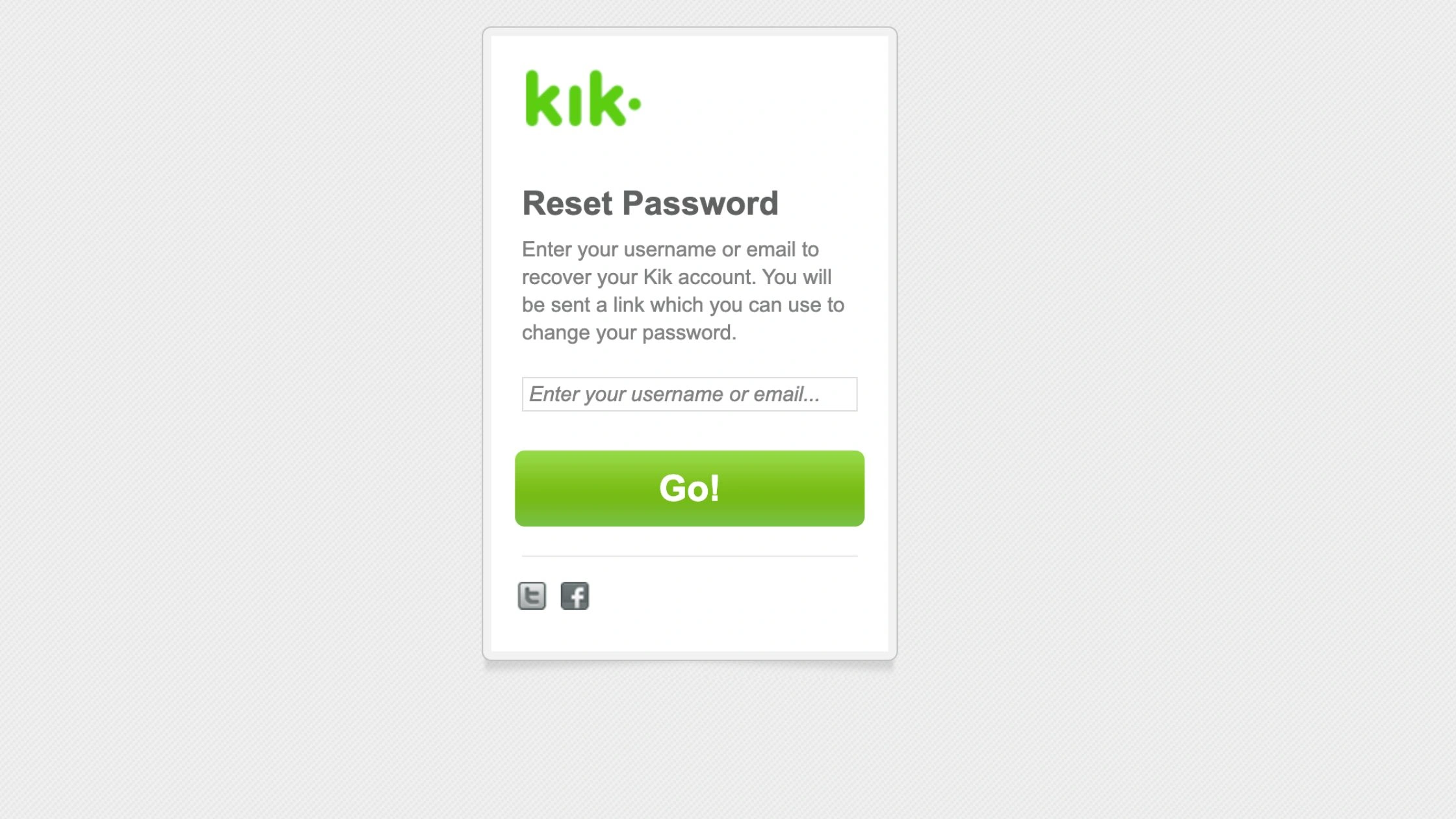
- Go to the Kik Password Reset page.
- Enter the email linked to your account.
- Open your inbox and tap the reset link.
- Create a new strong password.
- Once you regain access, visit the Permanent Deletion Portal and complete the deletion steps.
You must regain access before Kik allows permanent removal.
Scenario B: I Forgot My Registered Email
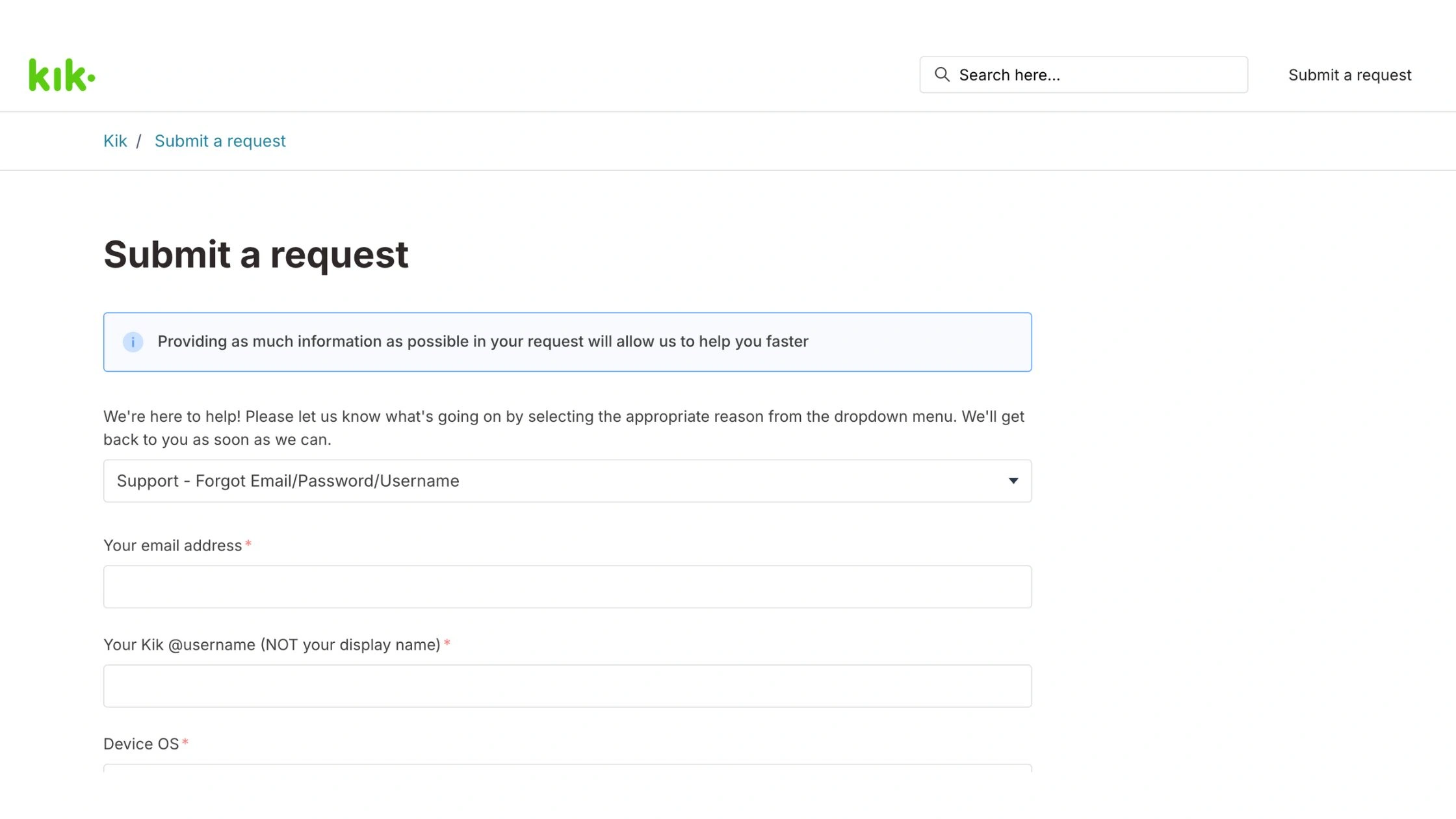
If you don’t remember which email you used, you still have options.
- Search all your inboxes for the keyword “Kik” or “welcome to Kik”.
- Check old screenshots or saved logins on your phone.
- If you still can’t find it, contact Kik Support and provide proof of account ownership, such as: Username, approximate creation date, device information, screenshots of the account.
- Kik may help you verify ownership and delete the account manually.
This process may take several days.
Scenario C: For Parents – Deleting Your Teen’s Account
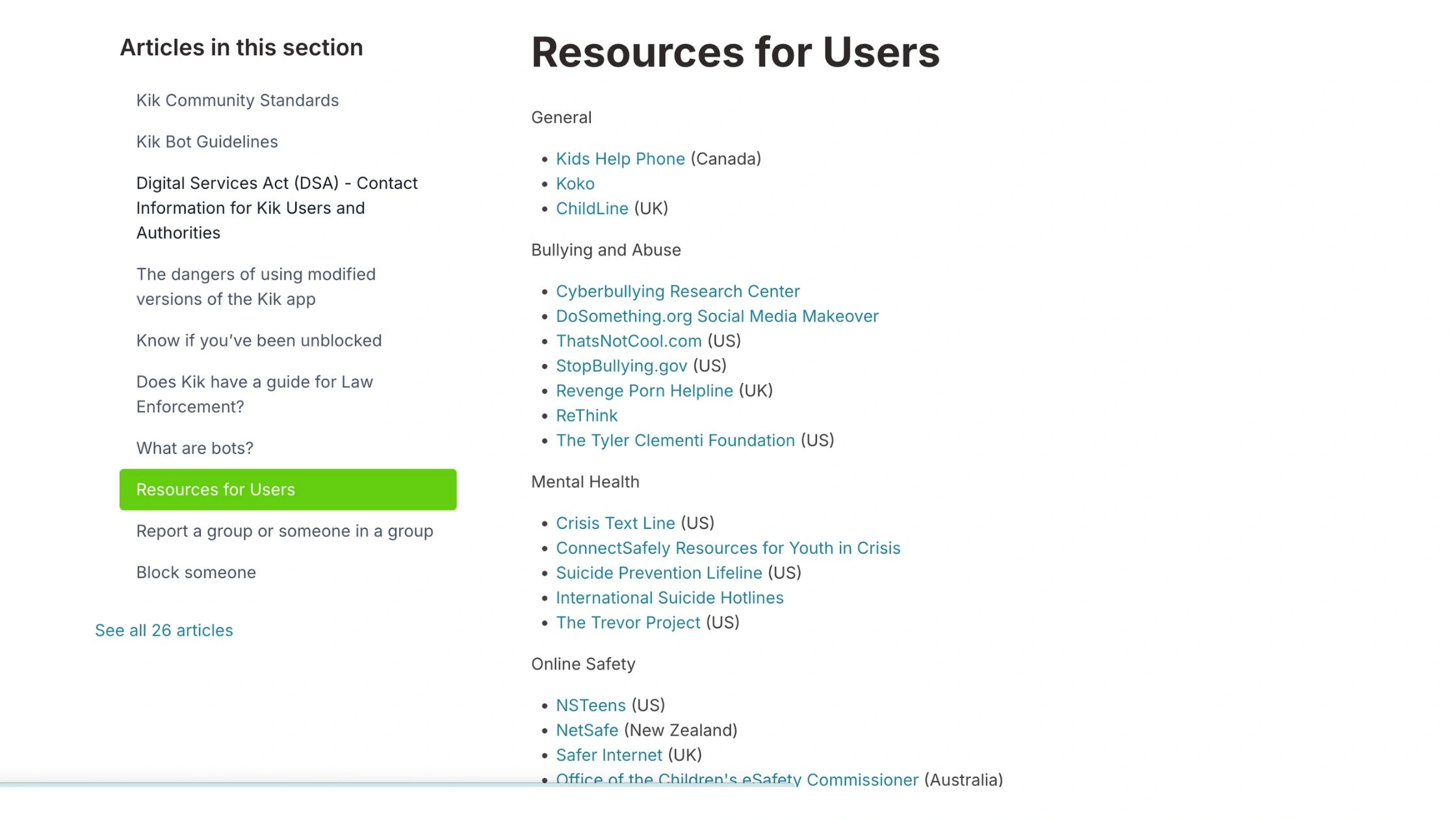
Kik allows parents or legal guardians to request deletion of a minor’s account for safety reasons.
- Visit the official Kik Support page.
- Provide your teen’s username and explain the safety concern.
- Submit proof of guardianship if requested.
- Kik will review the case and delete the account on your behalf.
This works even if you don’t have access to your child’s email or device.
How TurisVPN Helps Protect Your Privacy Before or After Deleting Your Kik Account?
Deleting your Kik account stops new messages, but it doesn’t erase your past IP history, device fingerprints, or the networks you used before. TurisVPN protects your privacy by hiding your IP address, encrypting your traffic, and preventing anyone, including Wi-Fi owners or apps, from seeing what you do online.
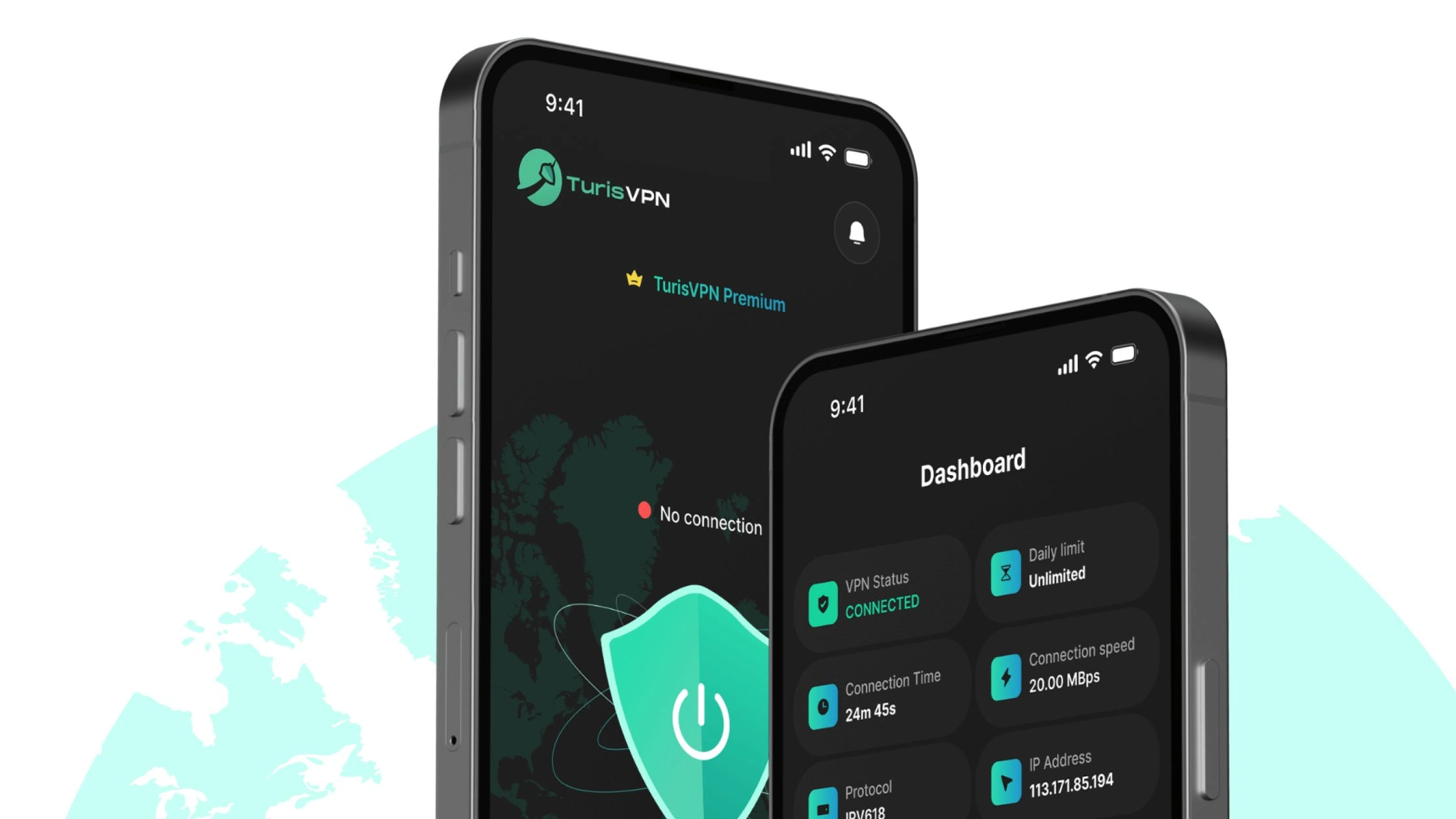
How to Stay Private With TurisVPN
- Step 1: Install TurisVPN on your phone or laptop before managing your Kik deletion.
- Step 2: Open the app and choose a nearby fast server (e.g, Singapore VPN)
- Step 3: Connect to TurisVPN to encrypt all your internet traffic.
- Step 4: Visit Kik’s deactivation or deletion portal only after the VPN is active.
- Step 5: Keep TurisVPN on whenever using messaging apps or public Wi-Fi to avoid IP tracking.
What Happens After You Delete Kik?

Once you delete your Kik account, the removal is permanent:
- Your username disappears from all Kik searches.
- Your profile is deleted from the contact lists of everyone you chatted with.
- You no longer receive messages, notifications, or emails from Kik.
- All your Kik data, including messages, groups, and contacts, is erased.
- Conversations you had may remain on other people’s devices, but your profile becomes inactive.
- You must create a brand-new account if you ever want to use Kik again.
Bottom Line
Deleting your Kik Messenger account is simple once you know where to go and which steps to follow. Kik only allows account removal through its online portals, so you’ll need access to your email and a few minutes to complete the process. Using TurisVPN during or after the deletion process adds an extra layer of protection by hiding your IP address and securing your online activity.
FAQs
Q1. Can you delete Kik from inside the app?
No, Kik does not allow account deletion inside the app. You must use Kik’s online deactivation or deletion portals.
Q2. Can I create a new account with the same email?
Yes. After you permanently delete your old Kik account, you can reuse the same email to create a new one.
Q3. Can Kik delete my account automatically if inactive?
Yes, but it’s not guaranteed. Kik may remove long-inactive accounts, but if you want it gone for sure, you should permanently delete it yourself.