To access the dark web on an iPhone, download Onion Browser from the Apple App Store, then tap “Connect” to join the Tor network, and open .onion websites inside Onion Browser.
Apple iOS doesn’t support the official Tor Browser, so Onion Browser is the practical Tor-compatible option on iPhone. For better privacy, connect to a TurisVPN first to hide your real IP address from your ISP, then use Onion Browser to browse .onion domains.
Our blog shows you how to access the dark web on an iPhone safely, step by step. By the end, you’ll know exactly what setup is required, what risks to avoid, and whether browsing the dark web on an iPhone makes sense for you at all.
Key Takeaways
|
Step-by-Step Guide: How to Access the Dark Web on iPhone
To access the dark web safely on an iPhone, you need the right tools and the right order. The safest approach is to combine a Tor-compatible browser with a VPN, and only access verified .onion domains.
Start by protecting your connection, then use a browser approved by the Tor Project, and avoid random links or search results that often lead to phishing or malicious pages. The steps below walk you through this setup in a beginner-safe way.
Download and Install TurisVPN for Extra Anonymity
Before opening any Tor-based browser on your iPhone, you should secure your connection with a VPN. This step protects your privacy at the network level and reduces exposure when accessing the dark web.
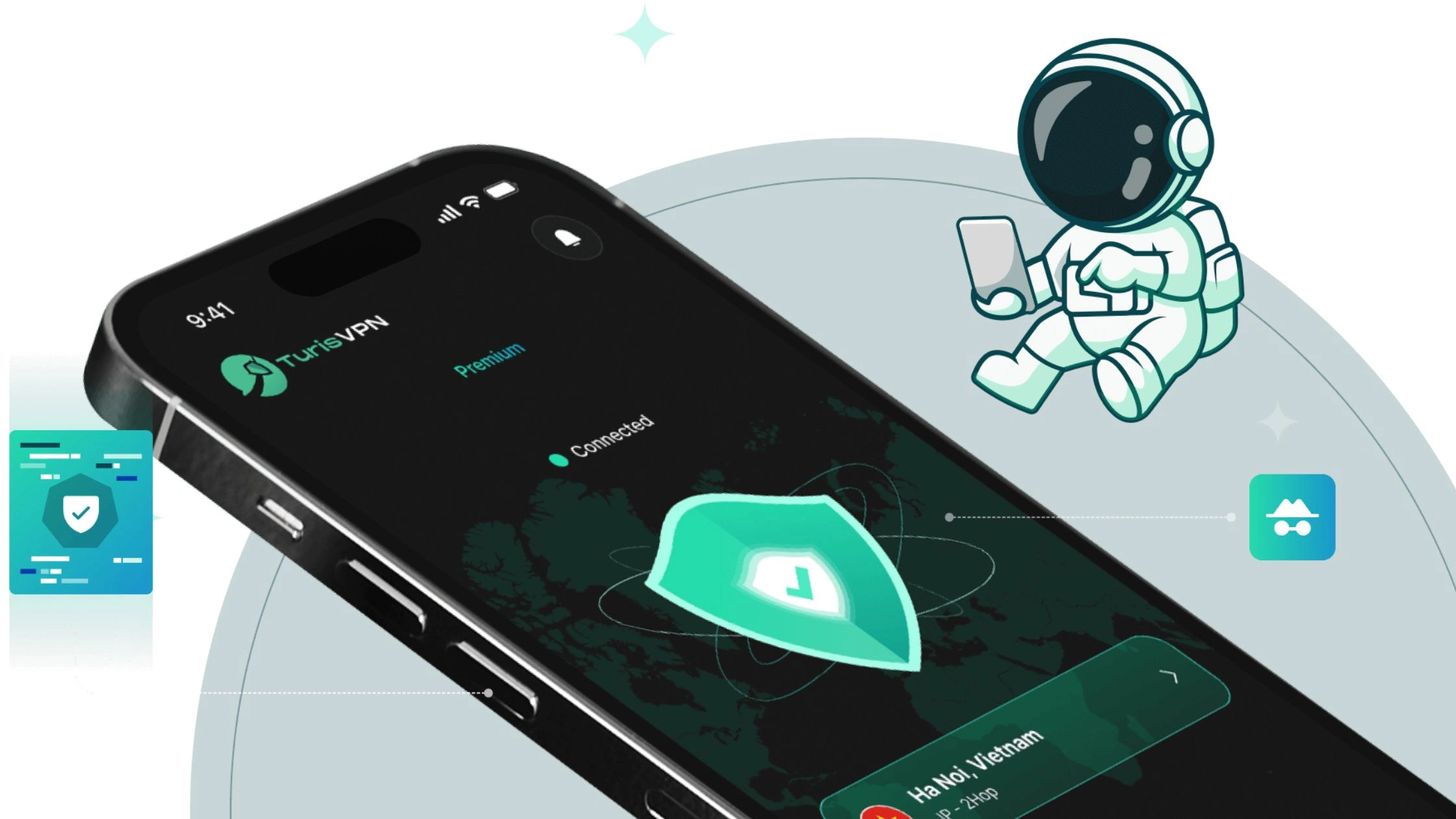
Quick setup steps on iPhone (iOS):
- Step 1: Open the Apple App Store and search for TurisVPN.
- Step 2: Download and install the app on your iPhone or iPad.
- Step 3: Launch TurisVPN and accept the required permissions.
- Step 4: Tap Connect to activate the VPN and encrypt your traffic.
- Step 5: Keep TurisVPN running in the background before opening Onion Browser.
Once connected, TurisVPN hides your real IP address, encrypts your traffic using secure protocols like WireGuard, and prevents your Internet Service Provider (ISP) from seeing Tor-related activity.
This VPN does not replace Tor; it simply adds a protective layer before your traffic enters the Tor network, which is especially important on Apple iOS, where browser-level isolation is limited.
Download and Set Up Recommended Browser on iPhone
Safari, Chrome, Brave, or Firefox on Apple iOS cannot access .onion domains. Apple requires all iOS browsers to use WebKit, which does not support Tor routing or .onion resolution. This means no matter how “private” they claim to be, they are surface-web browsers only.
The only practical option on iPhone is Onion Browser, a Tor-compatible browser recommended by the Tor Project for iOS.
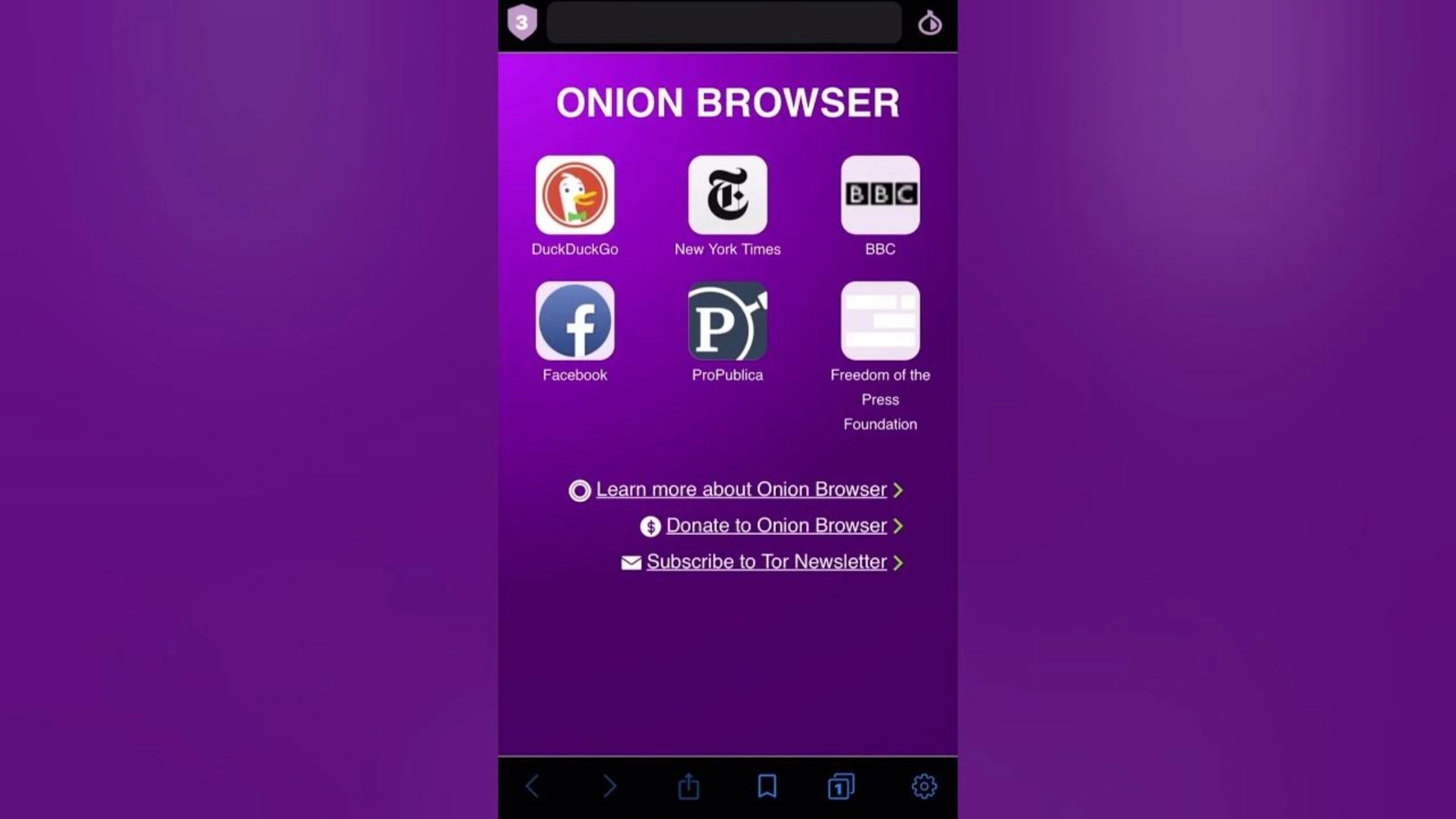
Step-by-step: Set up Onion Browser on iPhone
- Step 1: Open the Apple App Store on your iPhone or iPad.
- Step 2: Search for Onion Browser (developer: Mike Tigas).
- Step 3: Download and install the app.
- Step 4: Open Onion Browser and allow the requested network permissions.
- Step 5: Wait for the browser to connect to the Tor network before visiting any .onion site.
Once connected, Onion Browser routes your traffic through The Onion Router (Tor) using multiple relays, enabling access to .onion domains that are unreachable from normal browsers.
Important clarifications (to avoid common mistakes)
- DuckDuckGo inside Onion Browser can help with surface-web privacy searches, but it is not a dark web search engine.
- DuckDuckGo does not index .onion sites. You still need trusted .onion directories to navigate the dark web.
- Privacy browsers like Brave or Firefox are useful only for regular web privacy, not for dark web access on iOS.
On iPhone, Onion Browser is required for dark web access. Other browsers can complement privacy on the surface web, but they cannot replace Onion Browser when dealing with the Tor network.
Why You Should Use a VPN with Onion Browser on iPhone
Tor alone is not enough on iPhone if privacy is your priority. While Onion Browser encrypts traffic inside the Tor network, it does not hide Tor usage from your Internet Service Provider (ISP) and does not fully protect your real IP address on iOS.
Tor protects traffic, but not Tor usage
When Onion Browser connects to the Tor network, traffic is routed through multiple relays before exiting via exit nodes. This protects the content of your browsing, but your ISP can still see that your device is connecting to Tor. In many regions, Tor usage is flagged, logged, or throttled even when no illegal activity is involved.
A VPN encrypts traffic before Tor is used, preventing the ISP from seeing Tor connections at all.
VPN shields your IP from Tor entry nodes
The first hop in the Tor network, known as the entry node (guard node), can see the user’s IP address. Without a VPN, that IP belongs directly to the iPhone’s network connection.
Using a VPN ensures the entry node sees only the VPN server IP, not the real location or identity of the device.
“Onion over VPN” is the safest setup on iOS
On desktop systems, Tor can isolate traffic more effectively. On iOS, browser-level restrictions make isolation weaker. Running a VPN first, then opening Onion Browser, creates an Onion over VPN setup that:
- Hides Tor usage from the ISP
- Protects the real IP address from entry nodes
- Reduces the impact of iOS WebKit limitations
- Encrypts all other background traffic on the iPhone, not just browser traffic
Extra protection for iOS-specific limitations
Because Apple iOS restricts low-level network controls, Onion Browser cannot guarantee full traffic isolation. A VPN compensates by securing DNS requests, background connections, and app-level traffic that might otherwise leak metadata.
You can see that using a VPN with Onion Browser significantly improves privacy on the iPhone. The remaining gaps come from iOS itself, which restricts how Tor can operate compared to desktop or Android platforms. This is why the iPhone is inherently less secure for Tor browsing.
Why iOS is Less Secure for Tor Browsing Compared to Desktop or Android
iOS is less secure for Tor browsing because Apple limits how Tor-based browsers can work, so Onion Browser cannot match the protection level of the official Tor Browser on desktop or Android.
| Criteria | iOS | Desktop | Android |
| Official Tor Browser support | No official Tor Browser (third-party only) | Official Tor Browser by Tor Project | Official Tor Browser by Tor Project |
| Browser engine control | Forced WebKit (Apple restriction) | Full Tor hardening stack (Firefox-based) | Tor hardening stack (Firefox-based) |
| Anti-fingerprinting strength | Weaker vs desktop Tor | Strongest (built for anonymity) | Strong, close to desktop |
| Traffic / tab isolation | More limited isolation model | Strong site isolation + process controls | Good isolation, generally stronger than iOS |
| Leak resistance (DNS / background traffic) | More dependent on iOS APIs; VPN helps | Stronger isolation; fewer OS-level surprises | Strong; Orbot can reduce leak surface further |
| Bridge setup & flexibility (Bridges) | Supported, but fewer debug/advanced options | Most flexible + easiest troubleshooting | Flexible; often easier than iOS |
| Best “safe default” setup | VPN → Onion Browser | Tor Browser alone (VPN optional) | Tor Browser (Orbot optional; VPN optional) |
| Best use case | Quick access + basic privacy, not max anonymity | Highest anonymity + safest Tor experience | Strong mobile Tor option (better than iOS) |
| Risk level (Tor browsing) | Highest of the three | Lowest | Middle (usually closer to desktop) |
Apple forces iOS browsers to use WebKit
On iOS, Apple requires all browsers to use WebKit as the rendering engine. That restriction reduces what a Tor-style browser can control, especially for privacy hardening features that help prevent tracking. What this changes in practice:
- Weaker anti-fingerprinting compared to desktop Tor Browser
- Less control over deep network routing behaviors
- More reliance on iOS system APIs that were not designed for anonymity-first browsing
There is no official Tor Browser for iOS
The Tor Project does not offer an official Tor Browser app for iPhone or iPad. Onion Browser is the commonly recommended option on iOS, but it is still a third-party implementation working under Apple’s restrictions—so it cannot replicate the full Tor Browser security model.
Traffic isolation is weaker on iPhone
Desktop Tor Browser uses stronger isolation techniques (site separation, process isolation, stricter sandboxing behaviors). On iOS, Tor browsing happens inside a more constrained app environment, which can make:
- Session separation weaker
- Media/audio/video traffic can bypass the Tor proxy on iOS due to Apple’s background networking and WebKit media
- Leak prevention harder to guarantee
- “One mistake” behavior (opening the wrong link, enabling risky settings) more costly
Bridges exist, but setup flexibility is limited on iOS
If Tor is blocked in your network or country, Bridges help users connect to Tor more discreetly. On desktop/Android, bridge configuration and troubleshooting is typically easier and more flexible. On iOS, bridge support can work, but options and debugging are more limited because the app can’t expose as many low-level controls.
That’s why the safest iPhone setup is usually VPN → Onion Browser, plus strict browsing habits. Because iOS limits how securely Tor can operate, the technical constraints discussed above directly increase real-world exposure. These limitations become more serious once you consider the practical risks of accessing the dark web on a mobile device.
Understanding the Risks of Accessing the Dark Web on Mobile Devices
Accessing the dark web on a phone is riskier than on a desktop because mobile devices are easier to track, easier to misconfigure, and harder to secure once something goes wrong.
- Tracking and fingerprinting: Even if a .onion domain hides the website’s location, your device can still leak identifying signals (device model, browser behavior, time zone) that make you easier to fingerprint. A leaked IP Address defeats the whole purpose of using Tor.
- Phishing and malicious scripts: Dark web pages often include fake login screens, fake “verification” forms, and “update required” prompts. Some pages try to run scripts that push you to install profiles, apps, or configuration files that compromise the device.
- Permission abuse: Mobile apps can request access to photos, files, camera, microphone, contacts, or location. Granting permissions to the wrong app makes stalking and data theft much easier than on a desktop.
- Unsafe search paths: Search tools like DuckDuckGo help on the surface web, but they won’t reliably validate dark web destinations. Many “dark web link lists” are outdated or deliberately booby-trapped.
- Physical device loss: If an iPhone is lost, stolen, or shared, saved tabs, downloads, screenshots, copied crypto addresses, or notes can expose sensitive activity even if Tor was used correctly.
Because mobile access already increases exposure to tracking, malware, and data leaks, the next critical question becomes how to protect yourself. That’s where privacy-first habits and strong security practices are no longer optional but essential when browsing the dark web.
Importance of Privacy and Security When Browsing the Dark Web
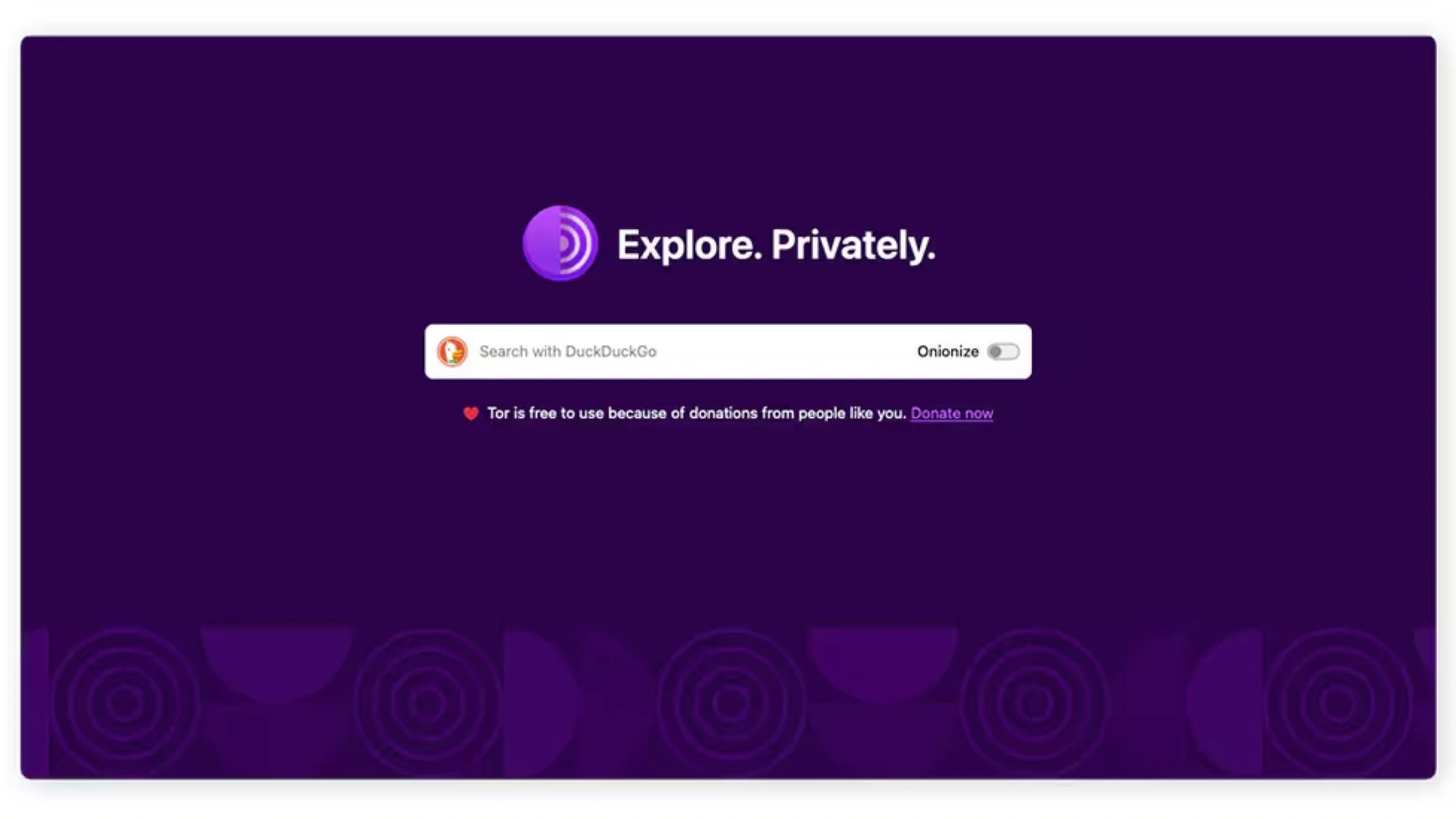
Privacy and security matter on the dark web because dark web browsing attracts more scams, phishing, and malicious sites than normal web browsing, especially across .onion domains where you can’t rely on familiar “trust signals” like brand reputation or customer support.
Privacy-first browsing reduces real-world exposure. A Tor Project tool like Onion Browser helps hide where you connect from, while a VPN adds protection by encrypting traffic before Tor and hiding Tor use from your Internet Service Provider (ISP). TurisVPN also helps reduce common leak risks (IP/DNS exposure) on mobile networks and public Wi-Fi, so your browsing is harder to monitor, profile, or target.
Read more: ISP Blocking Websites: Why They Do It & How to Access Safely
Security matters for a simpler reason: one bad click can have consequences. Dark web pages often include fake logins, impersonation pages, and file downloads designed to steal credentials or infect devices. Strong security habits lower the chance of identity theft, account takeover, or malware installation.
Anonymity is not about doing anything illegal. Anonymity is about minimizing exposure, protecting your identity, limiting tracking, and reducing the damage if you land on a hostile site or get targeted by opportunistic attackers.
Bottom Line
You can access the dark web on an iPhone / iPad, but you should treat iOS as a limited Tor setup, not the safest one. Apple iOS doesn’t support the official Tor Browser from the Tor Project, so the practical path is Onion Browser for .onion domains plus a VPN for an extra privacy layer.
Use this order every time: TurisVPN → Onion Browser → trusted .onion sources. A VPN helps protect your IP address, hides Tor usage from your Internet Service Provider (ISP), and reduces exposure on risky networks like public Wi-Fi. Onion Browser then routes traffic through Tor entry nodes, relays, and exit nodes.
FAQs
Q1. Is Using Onion Browser on iPhone Safe and Private?
Safer than regular browsing for .onion access, but not “fully private.” Onion Browser (Tor on iOS) can protect your traffic inside the Tor network, but iOS limits Tor-level protections (WebKit + weaker anti-fingerprinting). Use TurisVPN and Onion Browser to better protect your IP address and hide Tor use from your ISP.
Q2. Can I use Safari/Chrome to access Dark Web?
No, Safari and Chrome can’t open .onion domains. You need a Tor-based browser like Onion Browser on iPhone.
Q3. Is it illegal to access the dark web on iPhone?
Accessing the dark web (using Tor and visiting .onion sites) is usually legal in many countries, but illegal activity is not. Local laws vary, so follow your local rules and stick to legal, reputable sites.