Adobe Photoshop is the most popular photo editing and graphic design software in 2025. About one-third of users choose Photoshop when they need a tool to edit photos. But the price can be high, and not everyone wants to spend that much. So, what is the cheapest way to get Photoshop?
Our blog post will show you the lowest-cost options. You’ll learn about free versions, cheap subscription plans, and smart tips like using a VPN to buy Photoshop at a lower price.
Key Takeaways
| – The Photography Plan (1TB) is the cheapest option for most users. – You get Photoshop, Lightroom, and 1TB of storage for $19.99/month. – The Photoshop Single App plan costs more but includes Adobe Fonts and Portfolio. – Use TurisVPN to get lower prices from countries like Singapore. – Check Amazon or Adobe’s sales for extra Photoshop deals. |
Introduction to Photoshop’s Pricing and Plans
Adobe Photoshop is a subscription-based product under Adobe’s Creative Cloud system. In 2025, you can’t buy it just once and own it forever. There is no option to purchase Photoshop outright anymore. Therefore, the software is not free because users must pay every month or year, depending on the plan they choose.
Adobe offers different Photoshop plans based on who you are: an individual, student, or business user. Each plan includes different apps, cloud storage, and AI features:
| User Type | Plan Name | Monthly Price |
| Individuals | Photoshop Plan | US$22.99/mo |
| Photography Plan | US$19.99/mo | |
| Creative Cloud All Apps | US$69.99/mo | |
| Students and Teachers | Creative Cloud All Apps | US$19.99/mo* |
| Business | Photoshop for Teams | US$35.99/mo |
| Creative Cloud All Apps | US$89.99/mo |
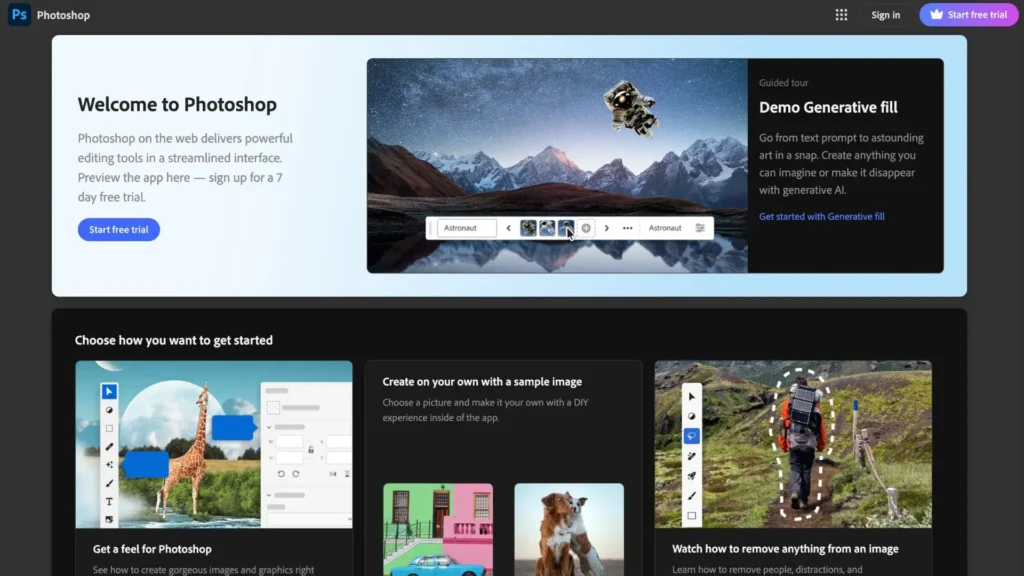
In the U.S., the Photoshop Single App plan costs $20.99 per month. That price includes cloud storage, regular updates, and smart AI features. These plans are useful, but they also make the software more expensive. That’s one reason why many users ask, “Why is Photoshop so expensive?”
In Singapore and Malaysia, the cost can be 20–40% lower. These regional discounts can help people find the cheapest way to get Photoshop. With a good VPN, you might even unlock those prices from other locations.
If you’re looking for Photoshop deals such as cheaper regional pricing, student discounts, bundle offers with Lightroom or Adobe Express or want to find the best buy Adobe Creative Cloud, we will continue to show you where the Adobe Photoshop cheap plans are. We also explain the price of Adobe Photoshop CC and how to get the best value below.
How to Get Photoshop for Free
There are four free ways to try or use Photoshop, but each comes with some limits. If you’re looking for the cheapest way to get Photoshop, you can consider some ways below:
1. Use the Adobe Photoshop Free Trial
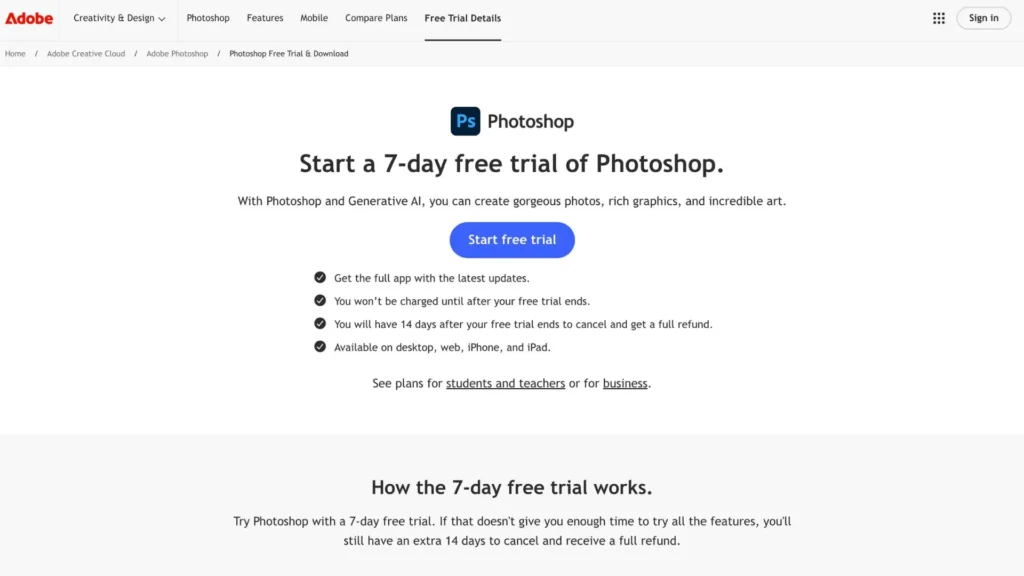
Adobe gives everyone a 7-day free trial of Photoshop. The trial includes full access to Photoshop and Lightroom Classic. So, you can use Free VPN to switch regions and sign up with a different Adobe account.
Some countries may offer better trial terms or lower follow-up prices. This is a smart way if you’re hunting for the best deal on Photoshop.
2. Get Photoshop Express Free on Android, iOS & Windows
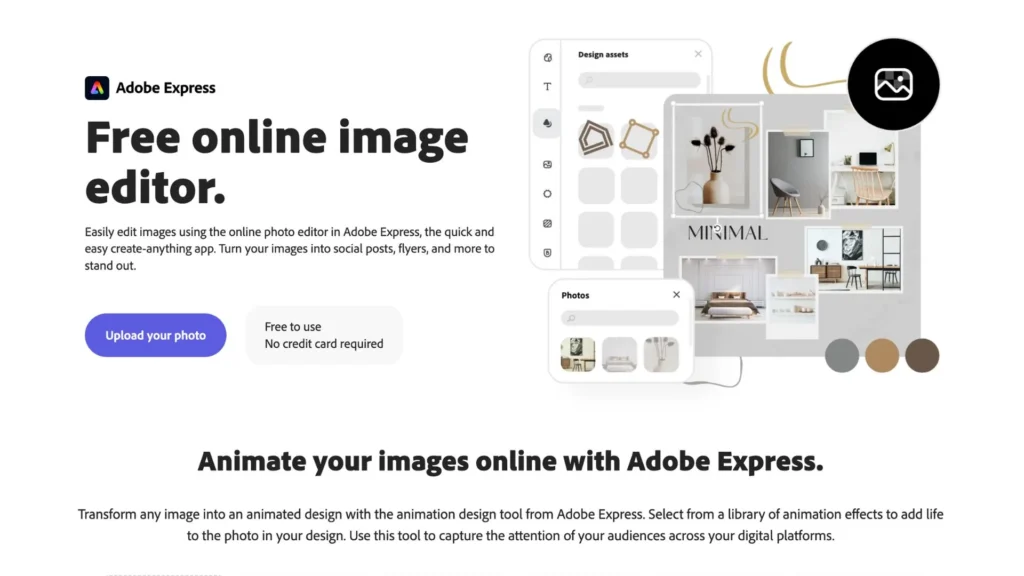
Photoshop Express is a free app with basic editing tools. The app has some useful features such as quick filters, light edits, or simple social media photos. If you want to buy Photoshop for your MacBook or laptop but don’t need the full features, you can try the Photoshop Express app first.
Photoshop on Mac has the same price as on Windows. The Photoshop Single App plan costs US$22.99/month on both platforms. There’s no extra charge for Mac users. But if you use a VPN to change your region, you might get it for less in some countries.
3. Get Photoshop Camera Free on Android and iOS
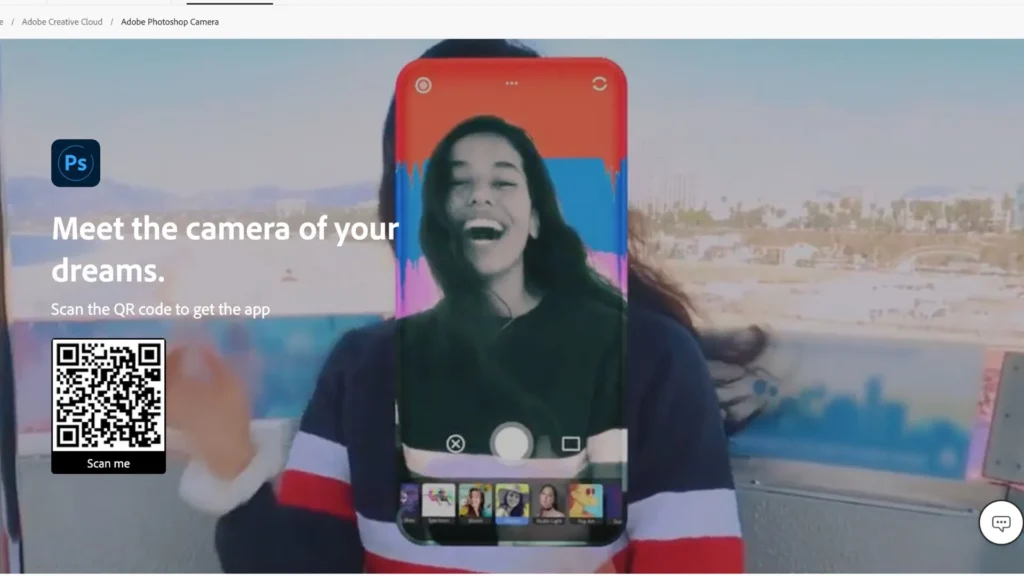
Photoshop Camera is a free mobile app from Adobe. The app uses AI to automatically enhance your photos with filters, effects, and smart suggestions.
There’s no cost and no Creative Cloud subscription required. So, Photoshop Camera is perfect for content creators, influencers, or anyone who wants eye-catching images without spending time on detailed editing. Just point, shoot, and post.
4. Get Photoshop for Free as a Student or Teacher
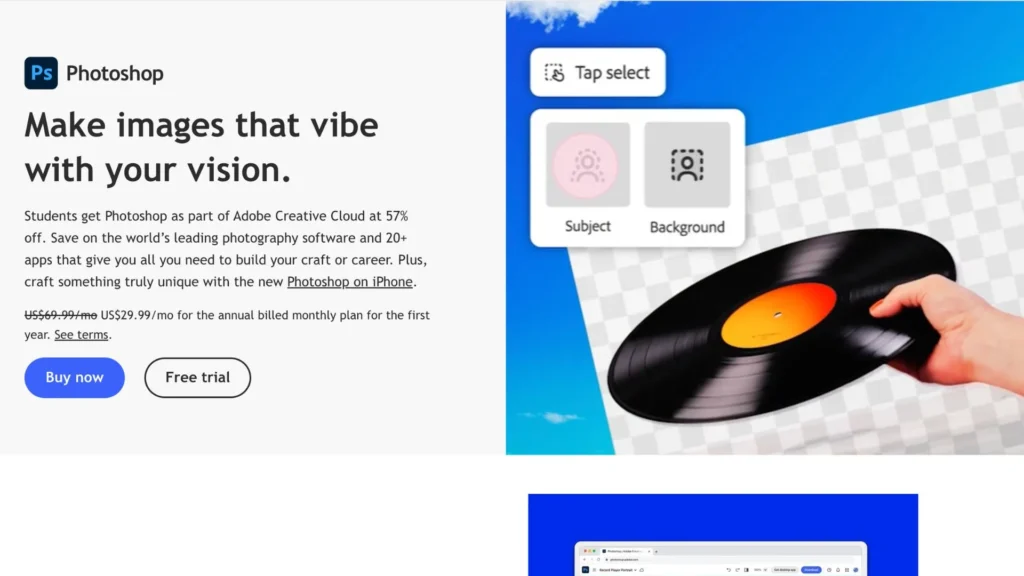
Adobe has a 7-day free trial for students and teachers. You can try out Photoshop and other apps completely free before committing to a plan.
Adobe gives students and educators up to 60–67% off with the Creative Cloud All Apps plan. You get Photoshop, Illustrator, Premiere Pro, and more for just $19.99/month (first year).
That’s a big saving compared to the regular $54.99/month. You’ll need a school email to sign up.
Cheapest Photoshop Subscription Plans
If you’re looking for the cheapest way to get Photoshop, here are the most affordable plans available right now. These deals are from Adobe directly, no third-party tricks needed. Whether you edit photos once a week or work as a full-time designer, there’s a plan that fits.
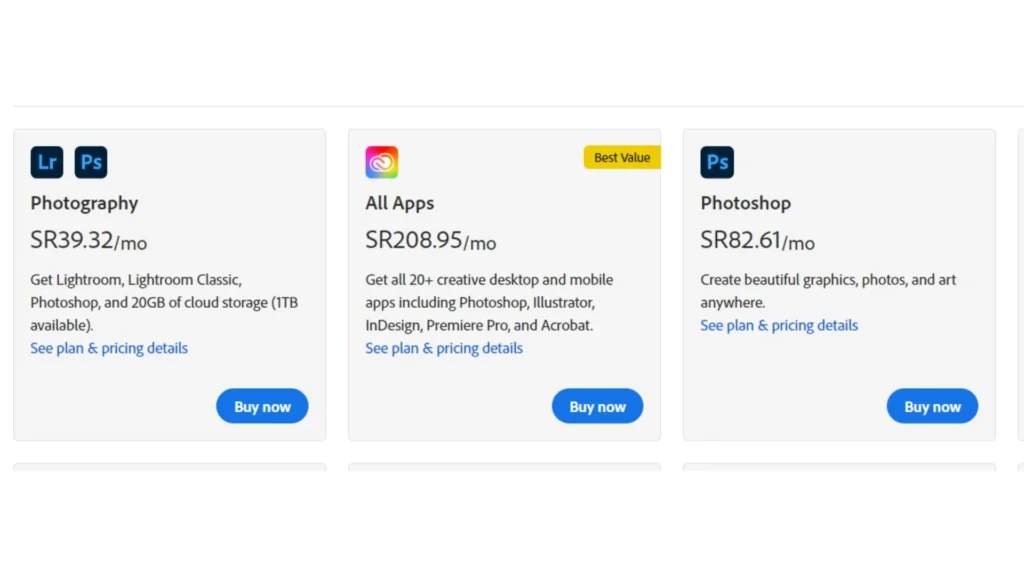
The Cheapest Photoshop Plans Today
Photography Plan (1TB)
- Price: $19.99/month
- Includes: Photoshop, Lightroom, and 1TB of cloud storage
- Best For: People who want Photoshop plus photo storage — ideal for photographers
- Free Trial: 7 days
This is the best deal on Photoshop if you also use Lightroom. You get two powerful tools and lots of storage for less than the regular Photoshop plan. It’s one of the smartest picks for those wanting Photoshop cheaper with cloud space.
Photoshop Single App Plan
- Price: $20.99/month
- Includes: Photoshop and 100GB of cloud storage
- Best For: People who just want Photoshop without extras
- Free Trial: 7 days
This plan is simple. You get full Photoshop access without paying for other Adobe apps. If you don’t need Lightroom or other tools, this is the cheapest Photoshop plan for solo use.
Creative Cloud All Apps
- Price: $54.99/month
- Includes: 20+ apps like Photoshop, Illustrator, Premiere Pro, After Effects, Adobe XD, and more
- Best For: Designers, video editors, and creative pros
- Free Trial: 7 days
The Cheapest Photoshop Plans Compared
There are three plans to subscribe to Photoshop, depending on what you need. Some plans include extra apps or more storage. Let’s compare the cheapest Photoshop plans side by side to help you choose the best option:
| Plan Name | Monthly Price | Annual Price (Paid Monthly) | Annual Price (Prepaid) | Storage | Included Apps | Free Trial |
| Photography Plan (1TB) | $19.99 | $239.88 | $239.88 | 1TB | Photoshop, Lightroom | 7 days |
| Photoshop Single App | $20.99 | $251.88 | $239.88 | 100GB | Photoshop | 7 days |
| Creative Cloud All Apps | $54.99 | $659.88 | $599.88 | 100GB | 20+ Adobe apps (Photoshop, Illustrator, Premiere Pro, etc.) | 7 days |
- The Photography Plan (1TB) is the cheapest way to get Photoshop with Lightroom and high storage.
- The Single App Plan offers Photoshop cheaper if you only need one tool.
- Creative Cloud All Apps is the best deal on Photoshop for professionals needing multiple Adobe tools.
Photoshop Plan vs. Photography Plan: Which is the Best Deal?
If you’re looking for the cheapest way to get Photoshop, the Photography Plan (1TB) gives you the best value. It’s cheaper than the Photoshop Single App plan with 1TB of cloud storage, and even includes Lightroom for extra photo editing tools.
Choose the Photoshop Single App Plan only if:
- You need access to Adobe Fonts, Adobe Portfolio, or extra features not in the Photography plan.
- You’re okay with just 100GB storage and want a simpler setup focused only on Photoshop.
For most users, the Photography Plan offers more tools and storage at a better price.
How to Get Adobe Photoshop Discounts
Looking for the cheapest way to get Photoshop? You don’t always have to pay full price. Here are two easy ways to save money and unlock the best deal on Photoshop, even if you’re on a budget.
1. Get Photoshop Discounts on Amazon
Sometimes, you can find discounted Adobe Photoshop plans on Amazon. These may include prepaid yearly codes or student deals that are cheaper than buying directly from Adobe. Just search for “Adobe Creative Cloud” and check the seller ratings before buying.
2. Use TurisVPN to Access Regional Discounts (Bonus Tip)
Prices for Photoshop change by country. For example, users in Singapore often pay 15–35% less than users in the U.S. or UK. With Singapore VPN, you can change your virtual location and buy Photoshop at a lower regional price.
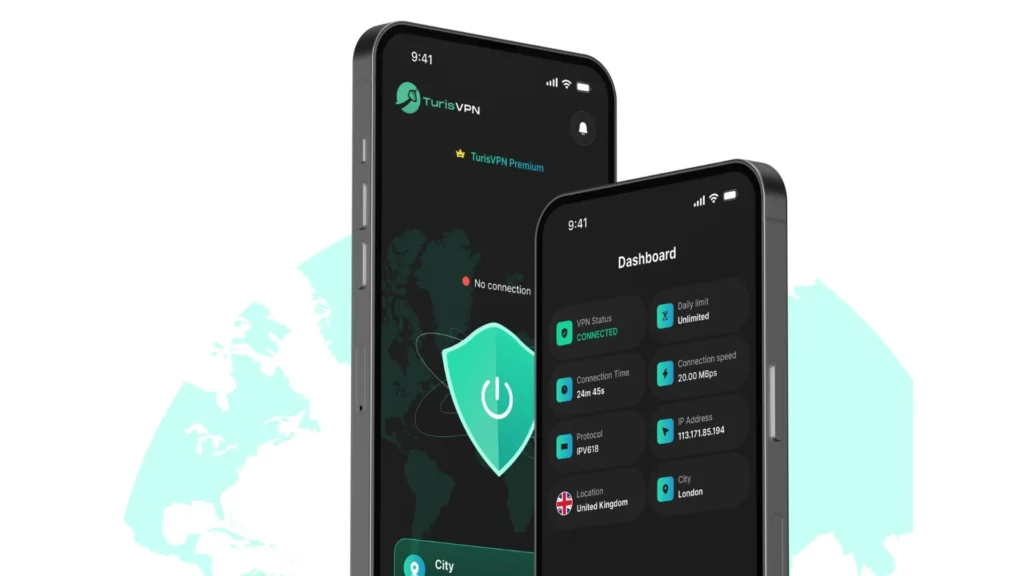
This is one of the cheapest ways to get Photoshop legally. Many users use VPNs to compare prices across regions and pick the most affordable option. Here’s how to do it in 3 easy steps:
- Step 1: Download and install TurisVPN on your device.
- Step 2: Connect to a server in Singapore or another region with lower Photoshop prices.
- Step 3: Go to Adobe’s pricing page and subscribe while connected — you’ll see local pricing in that region.
This method works for buying either the Photography Plan, Photoshop Single App, or the full Creative Cloud All Apps suite. It’s a clever way to get the best deal on Photoshop without breaking any rules.
Bottom Line
The cheapest way to get Photoshop in 2025 depends on your needs, but for most people, the Photography Plan (1TB) is the best value. You get both Photoshop and Lightroom, plus 1TB of cloud storage, for just $19.99/month.
Use TurisVPN to unlock regional discounts. Singapore often has lower prices than the US or UK. It’s safe, easy, and smart. Whether you’re a student, content creator, or pro designer, there’s a budget-friendly option waiting for you
FAQs
How Much is the Cheapest Version of Photoshop?
The Photography Plan is the cheapest version of Photoshop. It costs $19.99/month and includes both Photoshop and Lightroom with 1TB cloud storage. You can lower the cost even more with regional pricing via a VPN.
How Can I Get Photoshop for $10 a Month?
Adobe sometimes offers special student/teacher discounts or limited-time deals that bring the price close to $10/month, usually part of bundles or regional promotions. Using a VPN to buy from countries with lower prices can also help.
Is There a Way to Get Photoshop for Free?
Yes, you can try Photoshop free for 7 days with Adobe’s official trial. Another option is Photoshop Camera (100% free on mobile) or Adobe Express for basic editing. But for full features, a subscription is required.