







Many people want to bypass YouTube age restrictions because the platform blocks content for viewers under 18 or those not logged in. These restrictions can be annoying when a video looks interesting but is locked behind an age gate.
Fortunately, in 2026, several ways will let you watch age-restricted YouTube videos without signing in. A VPN like TurisVPN, browser tweaks, or proxies help you access such videos safely without sharing private data. This article explains the top methods and answers common questions about how to do this right.
Why Does YouTube Ask for Age Verification?
YouTube must ensure its users are old enough to view mature content. This helps protect kids from harmful videos and meets legal rules worldwide. Verification checks your Google account details, date of birth, and sometimes even government ID before granting access. YouTube uses age restriction systems based on:
- Account Data: Based on the registered age in your Google profile.
- Regional Regulations: Compliance with local media laws varies; for example, the EU and the US enforce stricter digital content laws.
- Content Flagging: Creators or YouTube’s AI may label videos as sensitive.
Sometimes, videos are marked “age restricted” because they involve violence, adult themes, or sensitive material. Some regions automatically apply a YouTube age limit if you use public connections or shared devices. Others demand government ID verification, making it difficult to stream freely without revealing personal information.
For instance, if a video about combat training is deemed “18+,” YouTube restricts access to logged-in adults. While this prevents exposure to harmful footage, it also blocks educational content watched responsibly.
Using a VPN can help you hide your location and age, letting you watch videos unavailable in your region. Apart from bypassing YouTube age restrictions, we also teach how to get around other restrictions, like those on iOS devices.
What Happens If You Don’t Verify Your Age on YouTube?
If you do not verify your age, YouTube shows a block screen that stops you from watching the video. You might still see thumbnails or previews, but the video won’t play. Unverified users typically face these issues:
- Limited access to channels producing mature content.
- Blocked comment or download features.
- Inaccurate recommendations due to filtered algorithms.
These restrictions apply regardless of your actual age, especially when using public or school networks, where administrators often enforce stricter controls to protect minors. Understanding how to get around age restrictions on YouTube lets you avoid these problems while browsing safely.
How to Use a VPN to Bypass YouTube Age Restrictions?
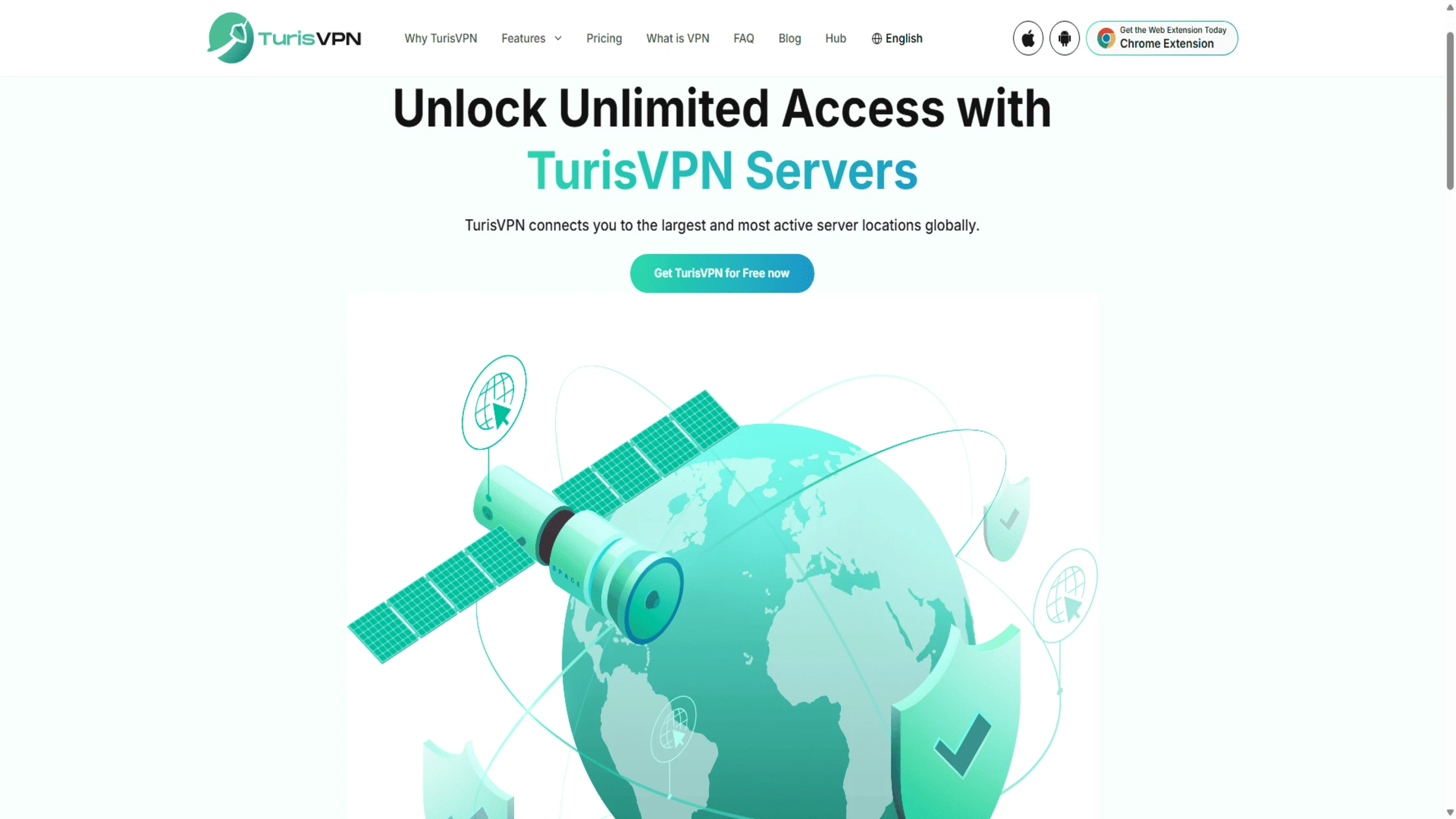
VPN is one of the best ways to bypass YouTube age restrictions. A VPN hides your IP address and routes traffic through servers in other countries where restrictions may be looser. Here’s a clear step-by-step guide:
- Choose a VPN service like TurisVPN, which is known to work well with YouTube. (Ex: Free Singapore VPN or & Free Malaysia VPN)
- Install the VPN app on your device.
- Connect to a server in a country with less strict YouTube restrictions, like Switzerland or Germany.
- Open YouTube in a private or incognito browser window by following our guide on using a VPN with incognito mode to keep your activity private and avoid age restrictions.
- Search for the video that was previously blocked.
- Play the video without encountering age verification prompts.
VPNs offer privacy and bypass both location and age blocks. They work fast and protect your identity. Many people use VPNs to access content outside their region or to get around YouTube age restrictions. Similarly, you can bypass a Discord server ban with a VPN.
Other Methods to Bypass YouTube Age Restrictions Without Signing In
Suppose you don’t want to use a VPN and need a quick way to watch age-restricted YouTube videos without logging in. There are a few clever workarounds you can use. These involve changing the video’s URL or using other websites.
1. Modify the YouTube URL

The easiest trick to bypass YouTube age restrictions is quickly change the video’s URL directly in your browser’s address bar, which tricks YouTube’s internal player and its age check.
- Replace “youtube.com” with sites like “youtubensfw.com” or “pnxyoutube.com” in the video link.
- This directs you to an alternative video version that does not have an age gate.
2. Use Proxy Websites
Proxy websites act as a middleman. They send your internet request through their servers before it reaches YouTube. Doing this right can help you bypass the YouTube age limit. The proxy hides your request’s origin. Here’s how to do this:
- Access a proxy site and enter the restricted video’s URL.
- The proxy fetches the footage on your behalf, letting you watch without age checks.
- Choose reputable proxy services or rely on VPN tools with proxy features like TurisVPN.
These methods provide reliable options for accessing YouTube without age restrictions securely and privately. If you are interested in other ways to overcome online blocks, you might find strategies to bypass a Lightspeed filter helpful.
3. Browser Extensions or Userscripts
You can use specific browser extensions and userscripts for a more permanent fix. These tools are built to bypass YouTube age restrictions. They change how your browser interacts with YouTube.
- Install userscripts like “Simple YouTube Age Restriction Bypass” using script managers like Tampermonkey.
- These extensions use API tricks to unlock videos automatically. This is a key method for YouTube age restriction bypass 2026
- Note: Some official browser extension stores may remove such tools, but manual installation is often possible.
This strategy is comparable to IP routing methods described in our 4chan ban bypass blog, where network routing overrides account-layer bans.
4. Download the Video

If your only goal is to watch the video, not to watch it on the YouTube site, downloading it works. It’s a sure way to override YouTube’s age restriction entirely. Once the file is on your device, the age gate is gone.
- Use downloader tools like “youtube-dl” or “yt-dlp” to save the restricted video offline.
- Once downloaded, watch the video anytime without logging in or age checks.
- Remember to respect copyright laws when downloading.
These steps give you a range of options to safely get around YouTube age restrictions without signing in. VPNs provide privacy and flexibility, while URL tricks and extensions offer quick access.
Is It Legal to Bypass YouTube Age Verification with a VPN?
Using a VPN to bypass YouTube age verification is legal in most countries, as VPNs are common tools for privacy, security, and accessing geo-restricted content. However, bypassing YouTube’s age restrictions may violate YouTube’s Terms of Service. These terms include:
- Creating or using accounts to circumvent content restrictions
- Providing false information regarding age or identity
- Using tools or methods to access content not permitted by the service
- Repeated or material breaches leading to account suspension or termination
YouTube probably won’t sue a user for bypassing these rules. However, such violations can lead to penalties, including account suspension or termination. Legally, as long as the content itself is legal in your country, using a VPN to override YouTube age restrictions is usually a terms of service issue. It’s not a crime.
At TurisVPN, we promote digital freedom paired with safety. We don’t encourage hacking or bypassing content illegally. Instead, our VPN focuses on privacy, protecting data when watching content that’s unfairly restricted by region or network filters.
You should use a good service like TurisVPN. This keeps your online actions private and secure.
How to Verify Your Age on YouTube?
Although bypassing age restrictions on YouTube is a quick fix, verification is often a practical way to avoid being checked repeatedly. To verify your age on YouTube:
- Sign in to your Google account.
- Click on profile > Settings > Personal Info.
- Add a valid birthdate proving you’re 18 or above.
- If asked, upload proof of ID such as a driver’s license or bank card.
- Wait for verification prompts to refresh.
Verification will remove age locks and allow viewing between all of your devices. However, younger users who understand privacy might oftentimes seek ways of avoiding identification altogether by using a VPN-based method that does not ask for ID.
Bottom Line
Knowing how to bypass YouTube age restrictions helps you control your viewing without signing in. Whether using TurisVPN or URL tweaks, you can watch restricted videos while protecting your privacy.
In 2026, content filtering is still standard, but with the right tools, you can navigate safely and freely. Use these lawful tips to unlock your favorite videos without hassle.
FAQs
Q1. How Can I Watch 18+ Content on YouTube?
Use a trusted VPN like TurisVPN to bypass YouTube age restrictions or modify the video URL. This helps load content directly without logging in, ensuring the bypass remains private.
Q2. How to Remove Age Restrictions on YouTube for Kids?
Visit the settings in the YouTube app or learn how to turn off YouTube age restrictions from the Family Link controls. Adjust “Restricted Mode” to off for general family accounts.
Q3. Why Does YouTube Restrict My Access to Content Even Though I’m 18?
Your device or location settings may tag your account under filters. Switching servers through a VPN often solves this, letting you view all age-restricted YouTube videos.
Q4. What Are the Steps to Confirm My Age on YouTube?
You can verify your age on YouTube by adding a valid ID or card that matches the birthdate listed in your Google account. Once verified, you’ll enjoy unrestricted playback across all videos.





