Are you trying to access Unblocked Games 911 to play your favourite titles during a break, but finding yourself stopped by a school or workplace firewall? In this guide, we will show you exactly how to bypass those annoying network restrictions, allowing you to get back to gaming instantly.
What Are Unblocked Games 911?
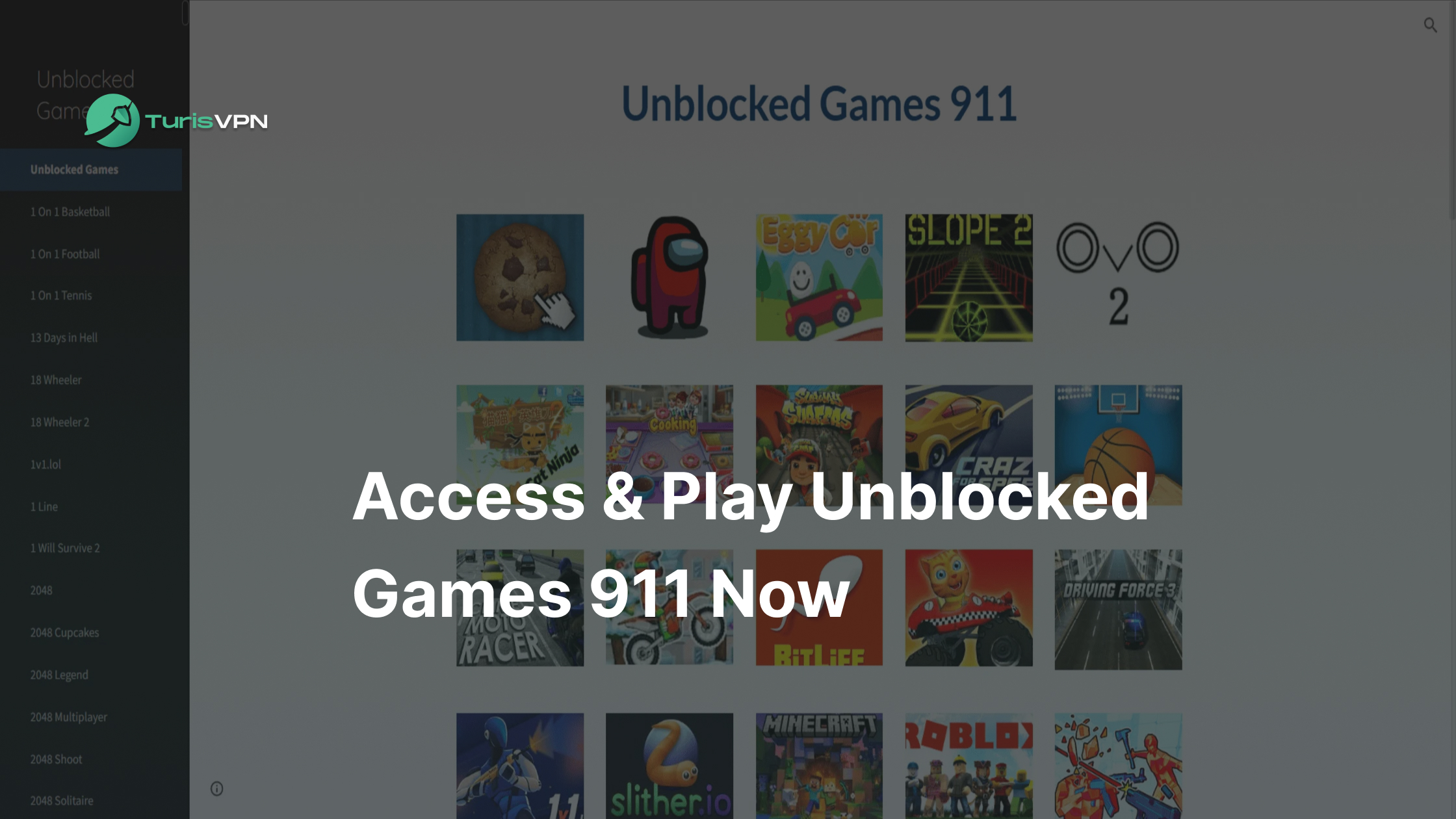
Unblocked Games 911 is a popular platform where you can play hits like Slope, Minecraft clones, Retro Bowl, and Drift Hunters directly in your browser. Unlike heavy gaming clients, this site uses Google Sites to host lightweight games that bypass many network filters.
It is important to note that you cannot play the full PC versions of Roblox or Fortnite here; instead, the site offers fun, browser-based alternatives that mimic their gameplay. With no downloads required, it is the perfect solution for gaming on a basic Chromebook at school or work.
Is Using Unblocked Games 911 Safe?
Generally, Unblocked Games 911 is safer than many arcade sites because it leverages Google’s secure infrastructure. This reduces the risk of encountering malicious scripts. However, “safe” does not mean entirely risk-free. You should always be cautious of ads that redirect you to third-party pages.
When playing on shared networks, privacy is your biggest concern. Admins can track your activity. We always recommend encrypting your connection. This protects your personal data if you decide to log into game accounts.
Furthermore, while the games on 911 are browser-based, you should be wary of any site asking you to download .exe files. A true unblocked game should run purely in your browser. If you are also a fan of Epic Games, you can check out our guide on Epic Games download safety to know how to use the launcher securely.
Top 4 Must-Play Games on Unblocked Games 911
To save you time, we have curated a list of the absolute best titles you can play right now. These games are chosen for their replayability, smooth performance on low-end hardware, and immense popularity. We also recommend checking out Slope if you want a fast-paced test of skill, but the following four are the heavy hitters of the platform.
Minecraft Classic
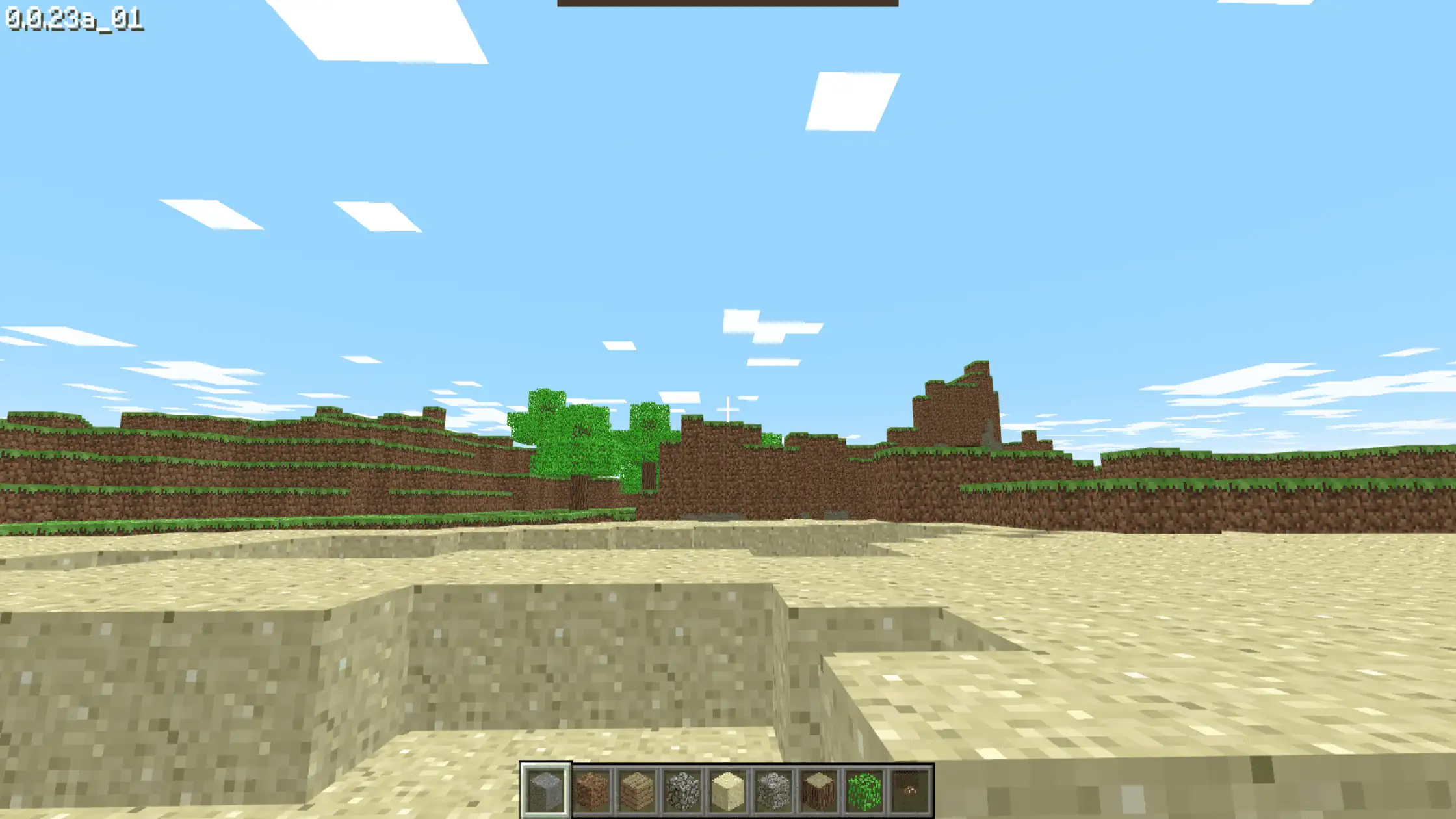
Minecraft is a legend, but playing it on a restricted network can be challenging without the right tools. On Unblocked Games 911, you can play the “Classic” version or HTML5 clones. This version strips away complex survival mechanics to focus on pure creativity. You get a set of blocks to build anything imaginable, from castles to bunkers.
It brings the core gameplay to your browser without a Java installation. The beauty of this web-based Minecraft lies in its accessibility. It loads in seconds. While it lacks modern updates, it captures the nostalgic essence perfectly. It is the best way to scratch that creative itch during a short break.
Retro Bowl
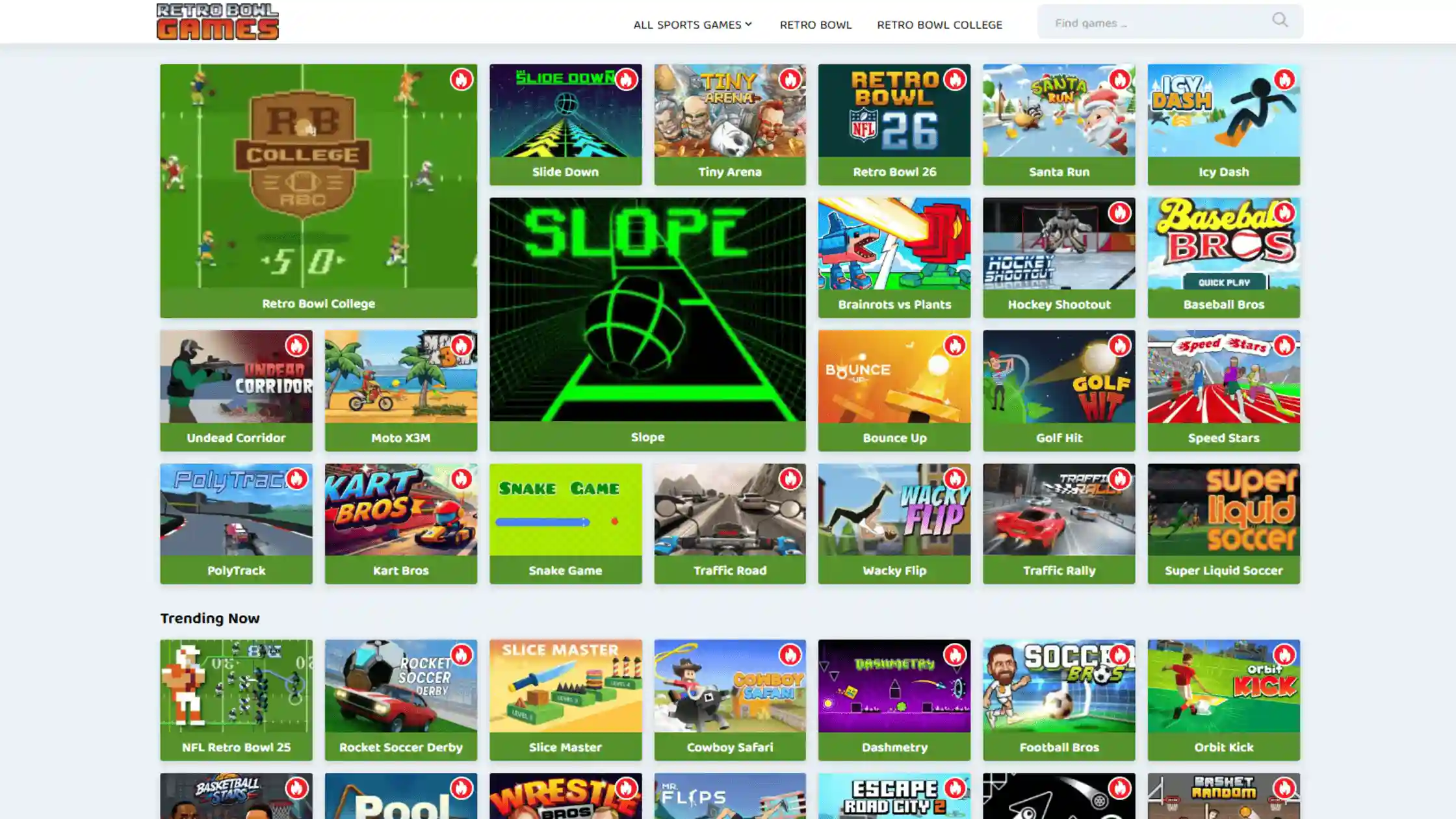
If you love football but find modern simulators too heavy, Retro Bowl is the perfect match. This game combines 8-bit arcade action with deep team management. You act as both the quarterback and the general manager. On the field, you control the offense with simple swipes. Off the field, you manage rosters, morale, and upgrades.
It moves fast, making it ideal for filling gaps in your schedule. Retro Bowl rewards skill and strategy equally. You can’t just rely on reflexes; you need to build a winning team. It is widely considered one of the best sports games on the unblocked circuit.
Friday Night Funkin’ (FNF)

Friday Night Funkin‘ has exploded in popularity, becoming a staple for fans of rhythm and music. You play as “Boyfriend,” winning rap battles to impress your girlfriend. The gameplay is simple: arrows scroll up, and you must hit keys in time with the beat. It sounds easy, but the difficulty increases rapidly.
Unblocked Games 911 hosts many versions of this open-source hit. The catchy music and vibrant art make it instantly engaging. It is a great test of coordination that wakes you up during a slump. Since it relies on timing, a stable connection is key.
Drift Hunters

For those who love cars, Drift Hunters offers a robust 3D driving experience in your browser. This isn’t just a race; it is a drift simulator. The goal is to keep your car sideways to rack up points. You can choose from various cars and tune them. Adjust brake balance and turbo to find your perfect setup.
The graphics are impressive, utilising Unity to deliver 3D environments without crashing your browser. Earning points lets you buy better cars. It is one of the few unblocked games that offers high-fidelity driving.
Why Can’t I Access Unblocked Games 911?
It is incredibly annoying when you type in the URL and nothing loads. Understanding why this happens is the first step to fixing it. Here are the four main reasons you are staring at a blocked screen instead of playing.
1. Network Firewalls and Filters
The most common culprit is the network firewall. This is a security system that monitors incoming and outgoing traffic based on predetermined security rules. Schools use sophisticated filtering software that categorises websites.
If a site is tagged as “Gaming” or “Entertainment,” the firewall automatically drops the connection. Since Unblocked Games 911 is widely known, it is often manually added to these blocklists. Even if the site content is harmless, the category alone is enough to trigger a block.
2. DNS-Based Blocking
Sometimes the block happens at the Domain Name System (DNS) level. When you type “unblockedgames911” into your browser, your computer requests that a DNS server translate that name into an IP address.
Administrators can configure their DNS servers to refuse to resolve the addresses of known gaming sites. It’s like removing a house from the map so the postman can’t find it. This method is effective because it stops the connection before it even starts.
3. Security Risks
IT departments are paranoid about security, and for good reason. Flash and older HTML game sites were historically vectors for malware. While modern sites are safer, the stigma remains. Administrators might block these sites to prevent students from accidentally downloading viruses or clicking on phishing links disguised as game cheats.
If a site uses unencrypted HTTP instead of HTTPS, it is almost guaranteed to be blocked by modern security policies.
4. Site-Specific Issues
Sometimes, the problem isn’t on your end. The “911” sites often rely on Google Sites or other free hosting platforms. If the site owner takes it down or if Google suspends it for policy violations, the site will be inaccessible to everyone.
Additionally, popular sites often have to change their URLs to evade detection. If you are using an outdated link, it may simply be inactive. This is why you often see variations like “66”, “76”, or “World” appended to the names.
How to Use TurisVPN to Unblock Games 911 (Step-by-Step)
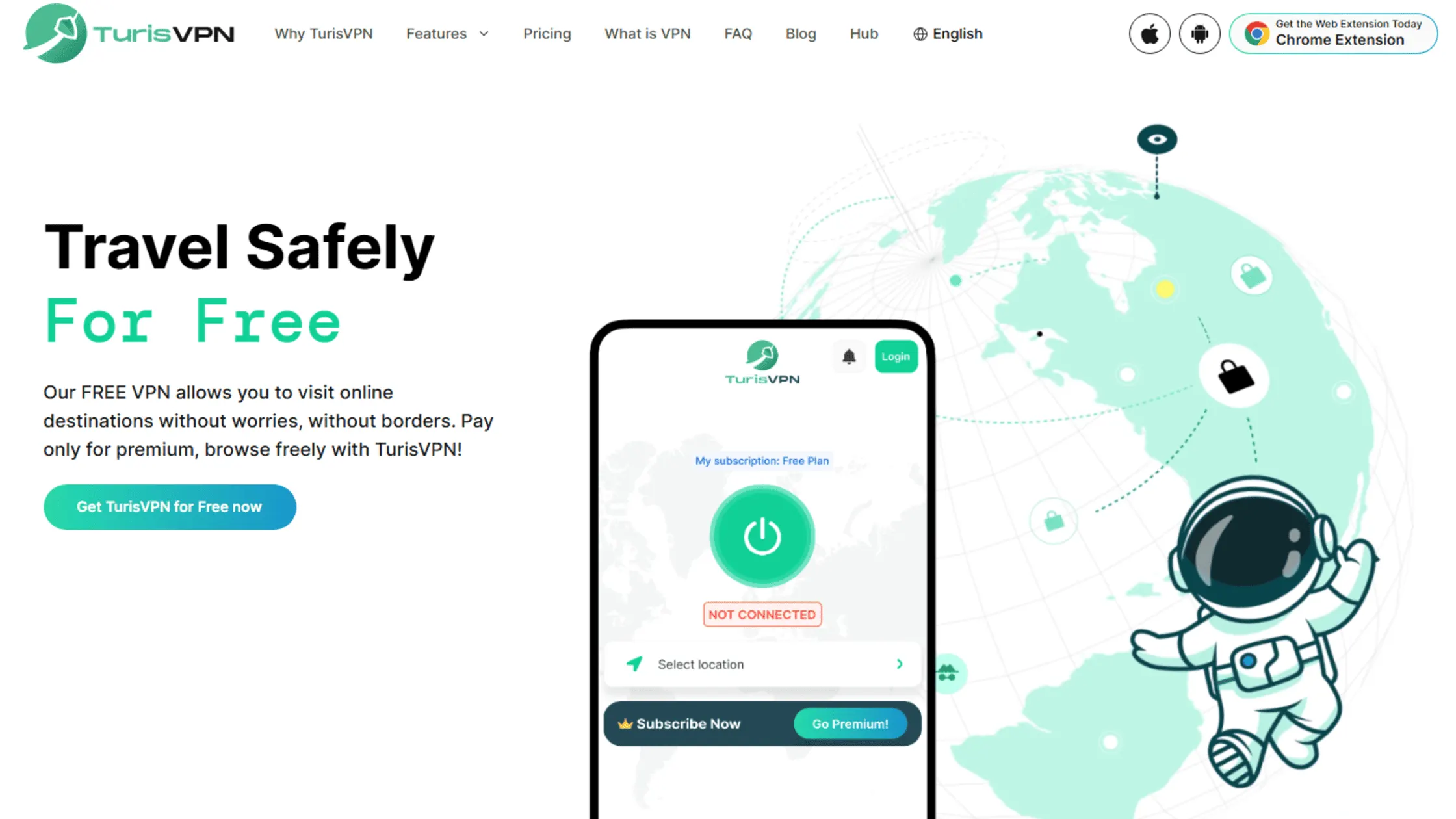
Using a VPN is the most reliable way to bypass these restrictions. A VPN encrypts your traffic and routes it through a secure server, effectively hiding your destination from the local network. The firewall can’t block what it can’t read. Here is how you can use TurisVPN to get back in the game:
- Sign Up & Download: First, create a TurisVPN account and download the app for your device.
- Install the App: Follow the on-screen instructions to install the software. It takes less than a minute.
- Connect to a Server: Open the app and choose a server location. For optimal gaming speeds, select a server located near your physical location.
- Verify Connection: Wait for the “Connected” indicator to appear. Your internet traffic is now encrypted.
- Play Freely: Open your browser and navigate to Unblocked Games 911. The site should load instantly, bypassing your school or work filter.
This method also works if you are trying to learn how to unblock games on school computer systems, generally, not just for 911. It opens up the entire internet for you.
How Unblocked Games 911 Works
Unblocked Games 911 employs a few clever technical strategies to stay one step ahead of the filters. Understanding this helps you find better mirrors and maintain a stronger connection.
Whitelisted Hosting
The primary trick is hosting the content on Google Sites. Most schools and workplaces use Google Workspace for Education or business tools (Gmail, Docs, Drive). Because these domains are essential for work and study, administrators cannot simply block sites.google.com without breaking the entire workflow.
Since Unblocked Games 911 is built within a Google Site, it leverages the high trust schools already have in Google to bypass security filters.
HTML5 Technology
Gone are the days of Flash Player, which was easily detectable and blockable. Modern unblocked games are built with HTML5 and WebGL. This code appears to be very similar to standard website code.
To a basic filter, a game of Retro Bowl looks just like a regular interactive webpage or a math quiz. This makes it much harder for automated bots to distinguish between a “game” and a “learning tool.”
Mirror Links
Resilience is key. The operators of these sites create dozens, if not hundreds, of “mirror” sites. These are identical copies of the website hosted on slightly different URLs.
If one link gets discovered and blacklisted by a school district, the users can simply switch to another mirror. It is a decentralised approach that makes it nearly impossible to block the platform completely.
Low-Profile Signatures
Big games like Fortnite utilise specific ports and consume massive amounts of data, making them easy to identify. Browser games on 911 use standard web ports (80 and 443) and consume very little data. This “low profile” traffic blends in with normal web browsing.
A student reading Wikipedia and a student playing Slope generate very similar traffic patterns, making it difficult for administrators to pinpoint the gamer without physically inspecting the screen.
Bottom Line
Unblocked Games 911 remains a digital oasis for players stuck in restrictive environments. Whether you want to build in Minecraft, score touchdowns in Retro Bowl, the platform offers a diverse and accessible library.
Ultimately, your freedom to play shouldn’t stop at the school gate. With the right knowledge and TurisVPN, you can game safely and securely, regardless of your location. If you are looking for variety, exploring hubs like Unblocked Games Plus can offer new adventures when your main site is down.
FAQs
Q1. Are unblocked games legal to play?
Yes, playing these games is generally legal. However, accessing them might violate your school or workplace’s specific usage policies.
Q2. Can I access Unblocked Games 911 with a VPN?
Absolutely. Using a VPN is the best way to access the site. It hides your activity from the network, allowing you to bypass filters easily and access games securely.
Q3. How do I avoid getting caught while playing unblocked games at school or work?
To avoid getting caught playing unblocked games at school or work, use VPNs, proxies, or Tor.