







Learning how to hide your IP on Discord is the only way to protect yourself from DDoS attacks and doxing truly. In 2026, malicious links and IP loggers are smarter than ever, making your digital footprint vulnerable even on secure platforms.
Whether you are dodging an unfair ban or just want privacy, hiding your IP is essential. This guide explains why you need protection and the best methods for staying invisible, including how TurisVPN makes it effortless.
Why You Should Hide Your IP on Discord
Most users assume Discord’s Client-Server Architecture protects them completely, but that is not the full story. While Discord does not broadcast your IP in voice chat, human error and external tools can still leave you exposed.
1. Protection from DDoS Attacks
A DDoS attack can shut down your internet for hours. If a malicious user finds your IP address, they can flood your network with traffic. Such massive data floods cause high latency and disconnect you from your games. Knowing how to prevent DDoS on Discord starts with masking your IP address.
While a single user might try to flood your connection, knowing the difference between DoS and DDoS attacks helps you understand why coordinated botnets are much harder to stop without professional protection. If an attacker targets you while you are hidden, they only hit the VPN server. Your home network stays safe.
2. Preventing Location Tracking
Your IP address reveals your rough physical location. Many privacy-conscious gamers want to know how to hide their location on Discord to avoid potential stalkers. Hackers use tools like Grabify to pinpoint your city or ISP.
If you have ever been left wondering how someone got your address on Discord, the answer often lies in an accidental click on one of these tracking links. By hiding your IP, you scramble this data so they cannot find you.
Beyond simple tracking, understanding what hackers can do with your IP address is crucial, as they often target open ports on your network to install malware. Even if you click a bad link, the tracker sees a server in another country, not your home.
3. Bypassing Network Restrictions
Schools and workplaces often block Discord using firewalls. These networks restrict access based on your IP requests. Hiding your IP is necessary to create an encrypted tunnel that bypasses these blocks. When masked, the ISP or network admin cannot see that you are using Discord.
A stable connection allows for high-quality video sharing, which is essential if you want to learn how to stream Netflix on Discord for movie nights with friends without black screens. Such freedom lets you chat and stream regardless of local restrictions.
4. Avoiding IP-Based Bans
Discord bans can lock your entire household out of the platform. If you share a network with someone who breaks the rules, you might get banned too. This is an IP-based ban. You must change your digital identity to get back in.
If you are unfairly caught in a sweep, using a masked IP is the most effective way to bypass Discord server bans and regain access to your community. Learning how to hide your IP on Discord allows you to rotate your IP address. Rotating your connection is the only way to evade these unfair restrictions.
Now that you understand the risks, let’s look at the tools that actually work.
Best Methods to Hide Your IP on Discord
There are several ways to mask your footprint, but they vary in speed and security. We have tested these methods to see which effectively solves how to hide your IP on Discord.
1. Virtual Private Network (VPN)

A VPN is the safest and fastest way to hide your IP. When you connect to a Virtual Private Network, your traffic passes through a secure server using protocols such as WireGuard or OpenVPN. This process replaces your real IP with a masked address from the server location. The software encrypts your data, preventing your ISP from spying on you.
Many gamers worry about lag, yet they often overlook how a VPN can increase internet speed by preventing ISP throttling during peak hours. For gamers, this is the best option because it balances security with low ping.
- Pros: Military-grade encryption, prevents DDoS, and unlocks geo-blocked content.
- Cons: Many free alternatives monetize your traffic by selling user logs to advertisers. Reputable premium services such as TurisVPN, in contrast, operate under strict no-logs policies to ensure your digital footprint vanishes when you disconnect.
2. Proxy Servers

Proxies act as a middleman for your internet traffic. A Proxy Server masks your IP address but does not encrypt your data, unlike a VPN. SOCKS5 proxies are popular for Discord because they handle VoIP traffic better than standard HTTP proxies.
These proxies are useful for quickly bypassing a simple IP ban. But because they lack encryption, they are not very private. Hackers can still intercept data if the proxy is unsecured.
- Pros: Fast setup, often free, good for simple web browsing.
- Cons: No encryption tunnel, high risk of data leaks to the proxy owner.
3. Mobile Data (Quick Fix)

Switching to mobile data assigns you a new IP address. If you are stuck and need to hide your IP on Discord instantly, turn off your Wi-Fi. Your phone carrier uses a dynamic IP system, meaning you get a different IP address than your home router. Toggling your connection offers a quick fix if you are targeted by a DoS attack on your home network.
- Pros: Instant IP change, free (depending on your data plan).
- Cons: Consumes data beyond the limited caps, often resulting in high latency during gaming.
4. Tor Browser (Web Version Only)
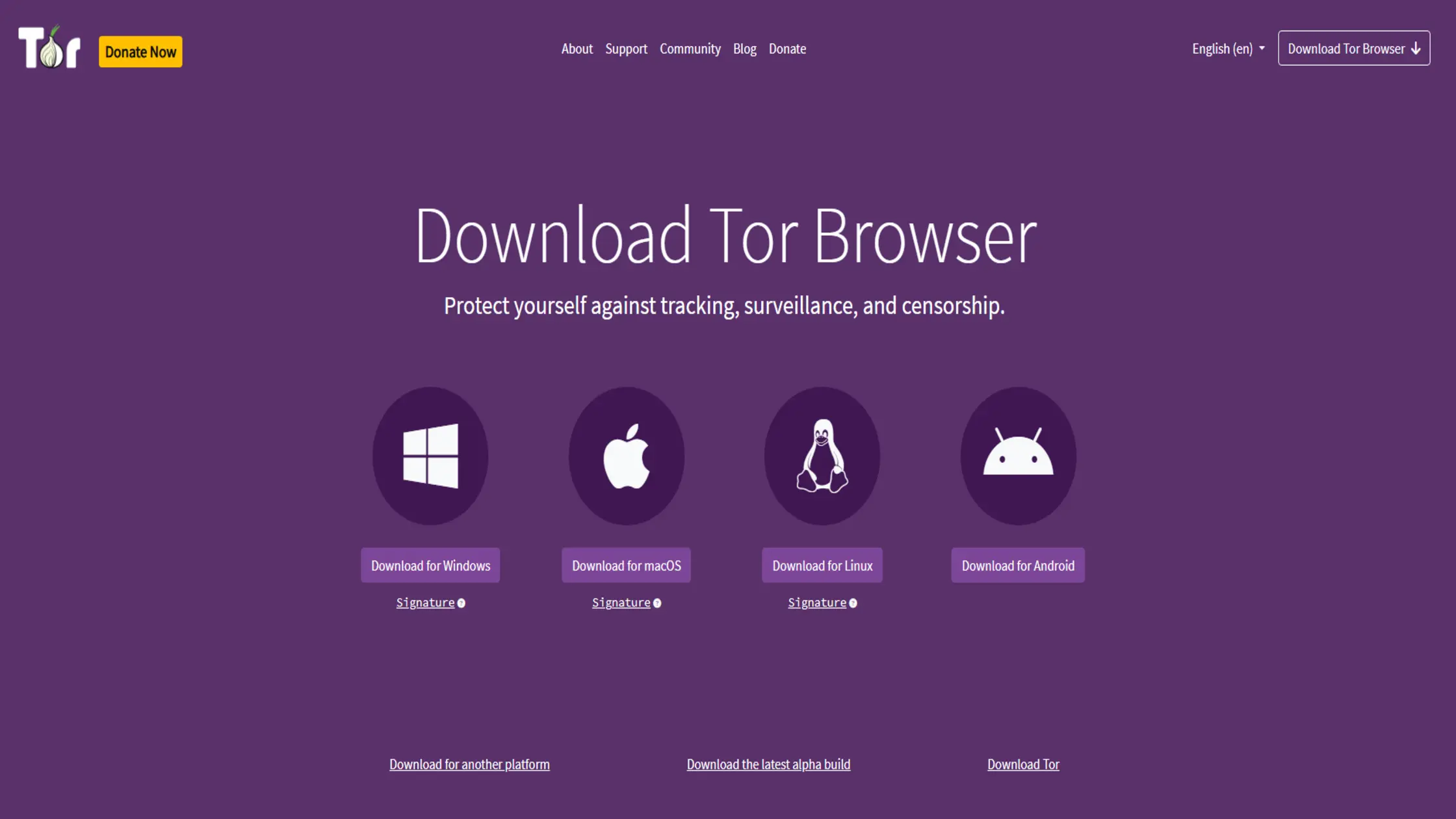
Tor routes your traffic through multiple random nodes (The Onion Router). The Tor Browser is excellent for anonymity but terrible for gaming. It bounces your signal around the world through three different layers, effectively hiding your location.
Unfortunately, this routing process causes massive lag. You can only use this for the web version of Discord, not the desktop app.
- Pros: Extreme privacy, difficult to trace.
- Cons: Very slow speeds, WebRTC leaks can still occur, and voice chat often fails.
If you want the best balance of speed and protection, a VPN is the clear winner.
How to Set Up TurisVPN for Discord: Step-by-Step
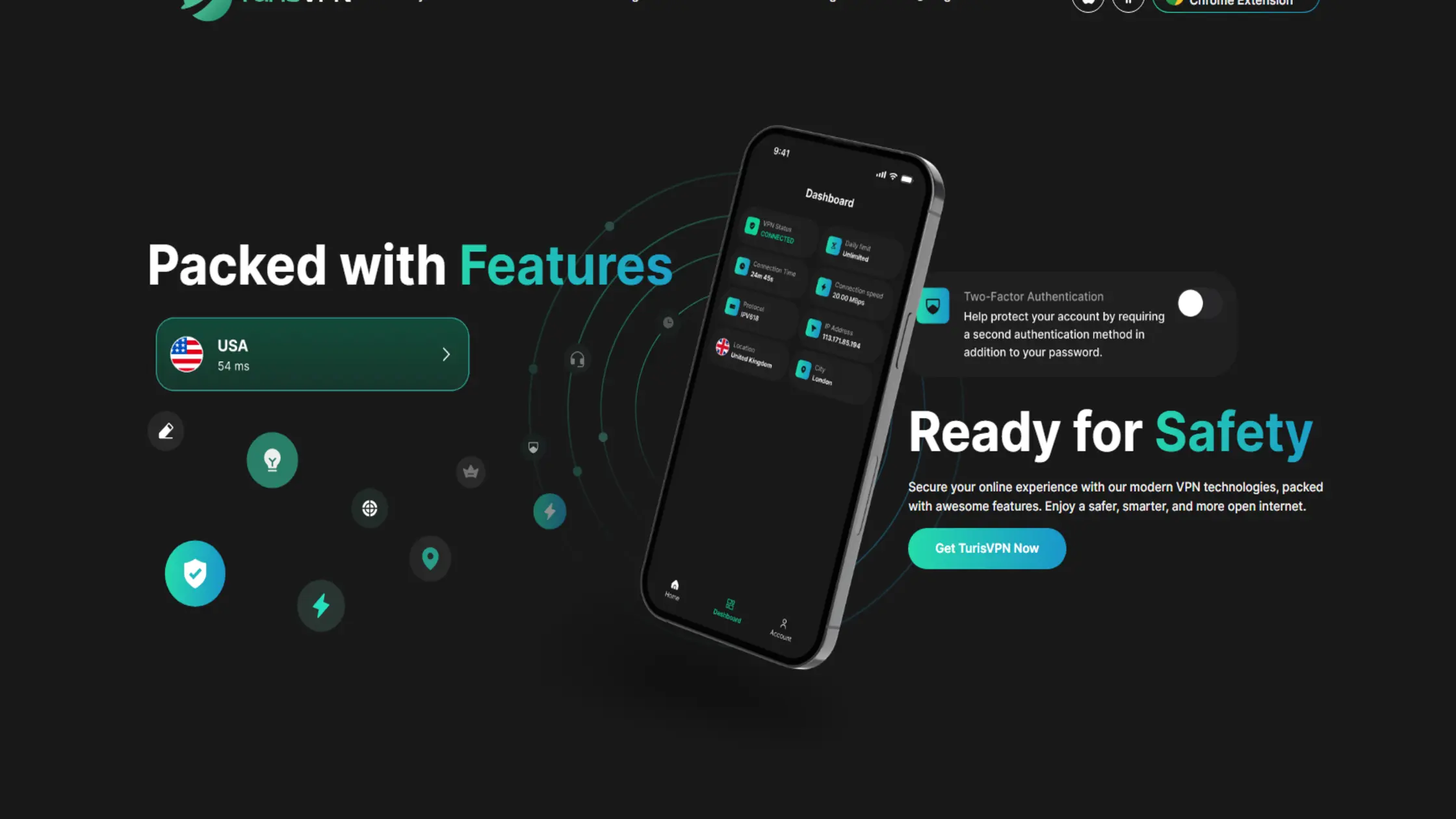
By utilizing our high-speed WireGuard protocol, TurisVPN guarantees lag-free voice chats while keeping your identity completely anonymous. Setting up TurisVPN is the most reliable way to hide your IP address on Discord, as our app integrates smoothly with gaming platforms without causing latency spikes.
Follow these simple steps to secure your connection:
- Download and Install: Download the TurisVPN app for your mobile phone or install the Chrome Extension on your computer.
- Create an Account: Sign up and log in. We have a strict no-logs policy to ensure your privacy.
- Choose a Server: Select a server region near you for the best speed, or choose a server in a different country to bypass bans.
- Connect: Click the large “Connect” button. Wait for the status to turn green.
- Launch Discord: Open Discord. You are now protected.
Your real IP is now hidden behind our secure servers. If you ever click a malicious link, the IP logger will only see our server address. This renders attempts at doxing useless.
Can TurisVPN Bypass Discord IP Bans?
Yes, TurisVPN can successfully bypass Discord IP bans. When Discord bans a user, the platform typically blacklists the IP address associated with that account. Connecting to TurisVPN assigns you a fresh IP that does not appear on the blacklist. Such a change signals to Discord that you are a new user connecting from a different location.
However, masking your IP is only half the battle. Changing your connection might fail if browser cookies or local data still reveal your identity. We strongly recommend clearing your cache or using a fresh browser profile alongside the VPN. Taking these extra steps ensures a truly clean slate.
Bottom Line
Learning how to hide IP on Discord is a vital skill for modern gamers. It protects you from petty revenge, DDoS attacks, and invasive tracking. While Discord is generally secure, risks often come from external links and human error.
Don’t wait until you are attacked to take action. We recommend using TurisVPN as your primary defense. It offers the speed you need for gaming with the military-grade encryption required for privacy. By masking your IP address, you take control of your digital safety.
FAQs
Q1. Can Discord Detect and Block VPN or Proxy Connections?
Discord rarely blocks VPNs unless the IP is abused. Most of the time, Discord allows VPN connections without issue. However, if a specific Proxy Server IP has been used for spamming, Discord might flag it. TurisVPN frequently refreshes IPs to prevent this from happening.
Q2. Will using a VPN increase my ping in Discord voice chat?
A high-quality VPN can actually stabilize your ping. While adding encryption can technically add milliseconds, it often prevents ISP throttling. If your provider slows down UDP traffic (used for voice), a VPN can bypass that bottleneck. This results in smoother calls.
Q3. Can Discord Owners See My IP?
No, server owners cannot see your IP address. Discord uses a Client-Server Architecture. Your data goes to Discord’s central servers, then to the admin. The admin only sees your username. However, if you click a link sent by an admin, they could use an IP logger to find you.
Q4. Can Discord ban me for using a VPN?
Using a VPN is not against Discord’s Terms of Service. You will not be banned just for protecting your privacy. However, if you use a VPN to evade a ban for severe harassment, Discord may still ban the new account. We always encourage responsible usage.





