







Tinder is the largest dating app in the world. There are over 75 million monthly active users in 2025. Its AI system now automatically detects fake profiles, spam, or inappropriate behavior and bans accounts instantly. Many users get banned without warning or clear reasons. You might open the app one day and see a message saying your account has been banned even if you didn’t break any rules.
In this blog post, we’ll explain how to get unbanned from Tinder, what actually happens when you’re banned, and what steps you can take to recover or create a new account safely. You’ll also learn how to protect your profile and avoid future bans using simple tools like TurisVPN.
Key Takeaways
|
Is It Possible to Get Unbanned from Tinder?
Yes, you can get unbanned from Tinder. Tinder bans are permanent by policy based on the violation, but there is a way to get unbanned from Tinder. Some users do get their accounts back through the official appeal form. If your account was banned by mistake—for example, due to a false spam flag, mass reporting, or an AI error —Tinder may reinstate it.
However, bans for serious violations such as harassment, hate speech, underage use, or scams are permanent. There’s no way to reverse those.
Appeals work best if you submit them within 72 hours of the ban. After that, Tinder often deletes your data permanently. Some cases now require ID verification to confirm your identity.
If your account is shadowbanned, the restriction might lift automatically after 2–4 weeks. But if you’re hard-banned, you’ll need to create a new account with a clean phone number, email, and IP address.
If the issue is tied to billing or subscription errors, you can contact Google Play or Apple Support to fix payments. When all else fails, creating a new account is often the safest and most effective solution.
Sometimes users mistake a ban for a temporary lock or suspension. If you only want to take a break without losing data, you can choose to pause Tinder account instead, and it will hide your profile without deleting it.
What Actually Happens When Tinder Bans You?
When Tinder bans an account, it can happen in two main ways: a hard ban or a shadowban. Knowing which one you have helps you decide whether to appeal or start fresh:
Hard ban
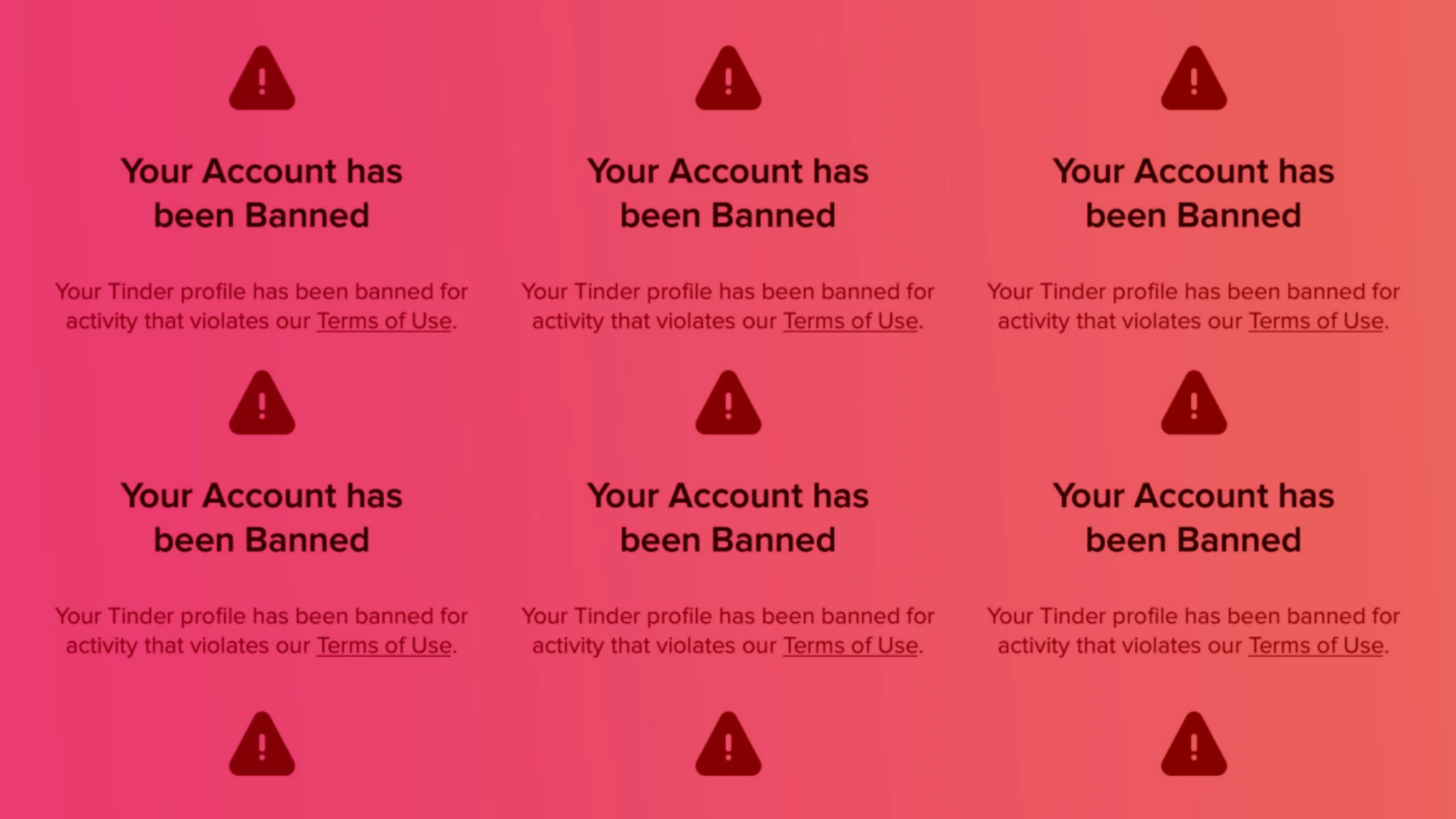
A hard ban means your account is fully deleted, and you’re completely blocked from logging in.
Login failure
You lose access right away. When you try to log in, Tinder may show the message: “Your account has been banned. You won’t be able to create a new one.”. In some cases, you’re redirected to the login screen repeatedly without explanation. This is a silent ban. The app may also crash or refuse to verify OTPs.
Email notification
Tinder usually sends a short automated email confirming the ban. It mentions a community guideline violation but rarely explains the exact reason.
A hard ban blacklists your device ID, IP address, and all linked credentials (phone number, email, Facebook, Google, or Apple ID). Once this happens, logging in again with the same info won’t work.
Shadowban
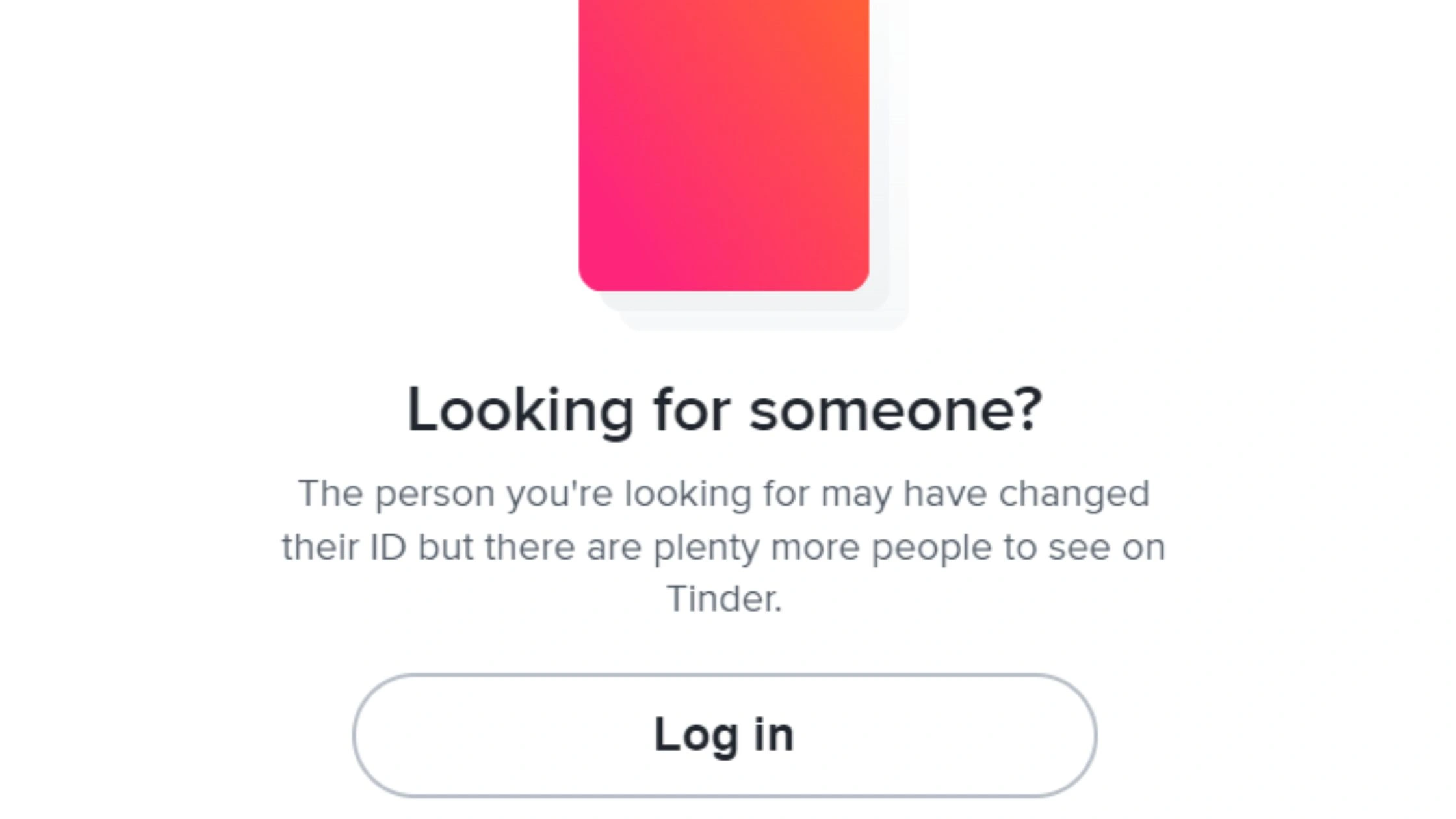
A shadowban is softer but frustrating. You can still log in, swipe, and send messages but other users don’t see you.
No new matches
Even if you use Gold or Platinum, your match rate drops to zero.
Unanswered messages
Your chats stay unread or unanswered. Likes and exposure decrease sharply.
Reduced engagement
Fewer people see your profile, and your visibility fades without warning. It feels like the app is “broken,” but in reality, Tinder has quietly limited your account’s reach.
How to Appeal a Tinder Ban (Step-by-Step)
If you want to try recovery first, start with an official appeal. Below are clear, short steps on how to appeal Tinder ban:
1. Go to Tinder’s Official Appeal Form
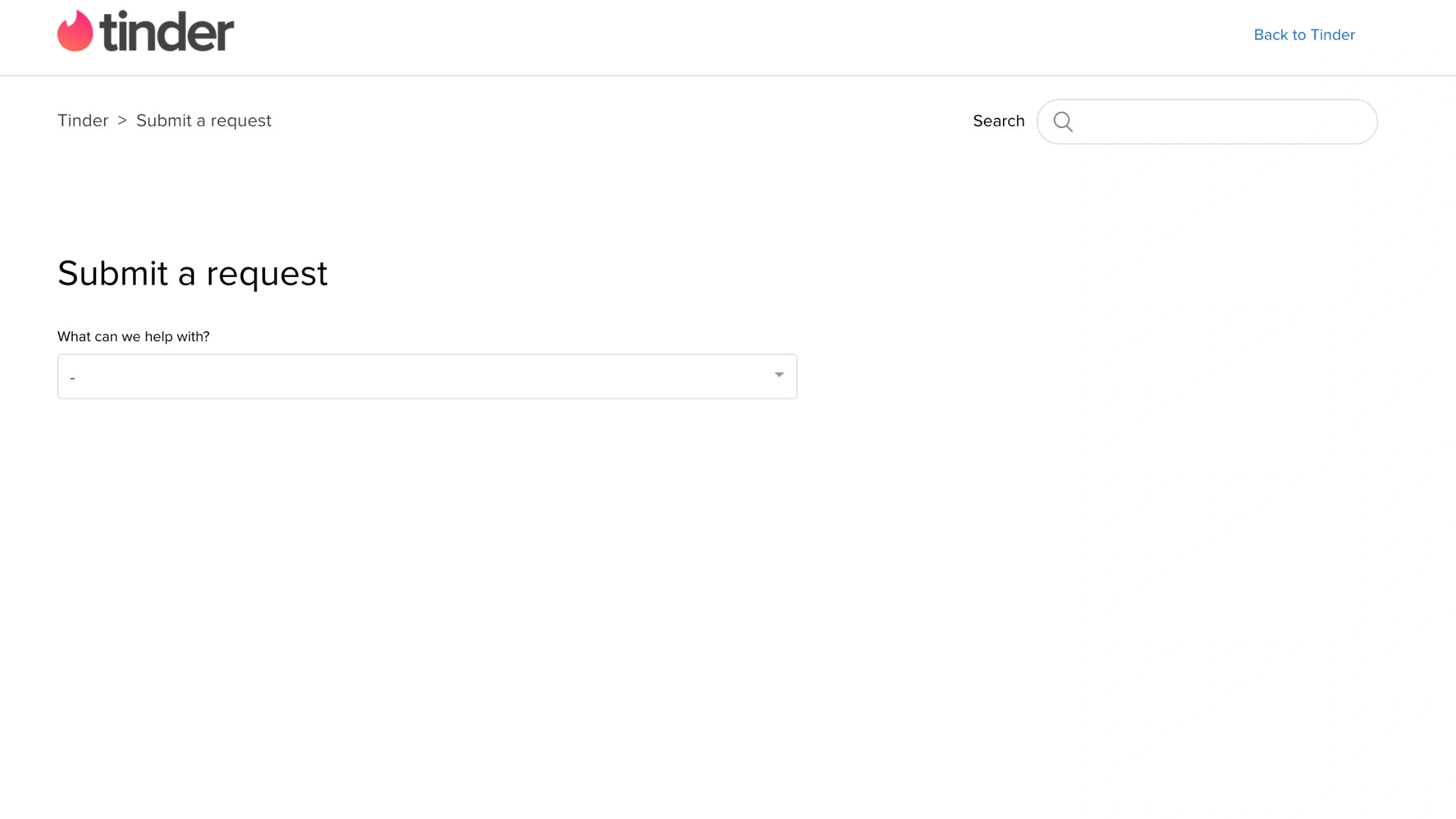
- Visit Tinder Help → “Trouble with account login” → “Can’t log in, my account was banned.”
- Open: https://www.help.tinder.com/hc/en-us/requests/new?ticket_form_id=31807
2. Be Honest and Respectful
Use the same email/phone tied to the banned account. Then give the exact username and linked phone/email. Keep it short and factual (dates, what happened, any error messages).
Say briefly what happened. Explain if you think it was a mistake (mass report, verification bug, etc.). Attach screenshots or ID only if Tinder asks for them. Don’t argue or threaten. Clear, polite messages get faster attention.
3. Wait for a Response (Usually 3–5 Days)
Tinder normally replies in 3–5 business days. Check the same email you used for the form. If you get no reply after 7–10 days, the appeal likely failed.
How to Create a new account with new data?
If your appeal fails, carefully creating a fresh account can work. Follow these steps exactly to create a new Tinder account after being banned:
1. Secure a new phone number and email address.
- Get a new number (new SIM, Google Voice, or TextNow).
- Use a new email address that was never linked to Tinder.
- Don’t reuse the old phone or email.
2. Prepare new photos and other profile information.
- Use different photos. Do not reuse the same images or copy exact captions.
- Remove EXIF data from photos (strip location and device metadata).
- Write a fresh bio and pick new interests. Keep everything authentic.
3. Mask your device and network information.
- Clear Tinder app data, uninstall, then reinstall.
- Use a different device if possible. A factory reset helps if you must reuse the same device.
- Connect TurisVPN before you open the app. Pick a stable server (nearby country) so GPS stays accurate.
- Sign up while VPN is active so your new IP is clean and not linked to the banned account.
4. Avoid future bans.
- Verify with the new phone number and email.
- Don’t log into old accounts or link the same social accounts.
- Don’t use automation, mass swiping, or spammy messages.
- Follow Tinder’s Community Guidelines. Be polite and genuine.
- Wait 30–90 days after a hard ban if you can, some users report lower detection after a cooldown.
- Never spoof GPS. Fake-location tools can get you permanently banned.
- Using VPNs is for privacy and clean IPs, not for cheating.
- Rebuilding matches and chats is likely. Back up anything important before you lose access.
Why You Should Use TurisVPN When Accessing Tinder Safely?
Beyond just getting unbanned, using a reliable VPN like TurisVPN adds a necessary layer of privacy and functionality to dating apps.
Avoid IP Tracking and Region-Based Blocks
Dating apps can be restricted on certain networks (like university Wi-Fi or offices) or even in certain countries. TurisVPN lets you bypass these blocks.
Utilize Key High-Speed Locations
For the best experience, you need a stable connection that doesn’t make you look suspicious. TurisVPN offers optimized servers for this exact purpose:
- VPN Singapore: Ideal for users in Southeast Asia needing a high-speed, low-latency connection that is trusted by major apps.
- VPN Malaysia: Another excellent alternative for stable regional connectivity, allowing you to mask your location without sacrificing speed.Secure Setup in Minutes
If you want to safely change your location on Tinder for travel or better match visibility, TurisVPN helps you do that without triggering security flags. It’s also useful if you want to get Tinder Gold cheaper by accessing regional pricing during your subscription setup.
Protect Your Privacy
TurisVPN encrypts all your traffic, keeping your personal info, messages, and payment data secure. Tinder and other apps can’t track or build a digital profile around your IP or network activity. This prevents advertisers and data brokers from following your online behavior.
Secure Setup in Minutes
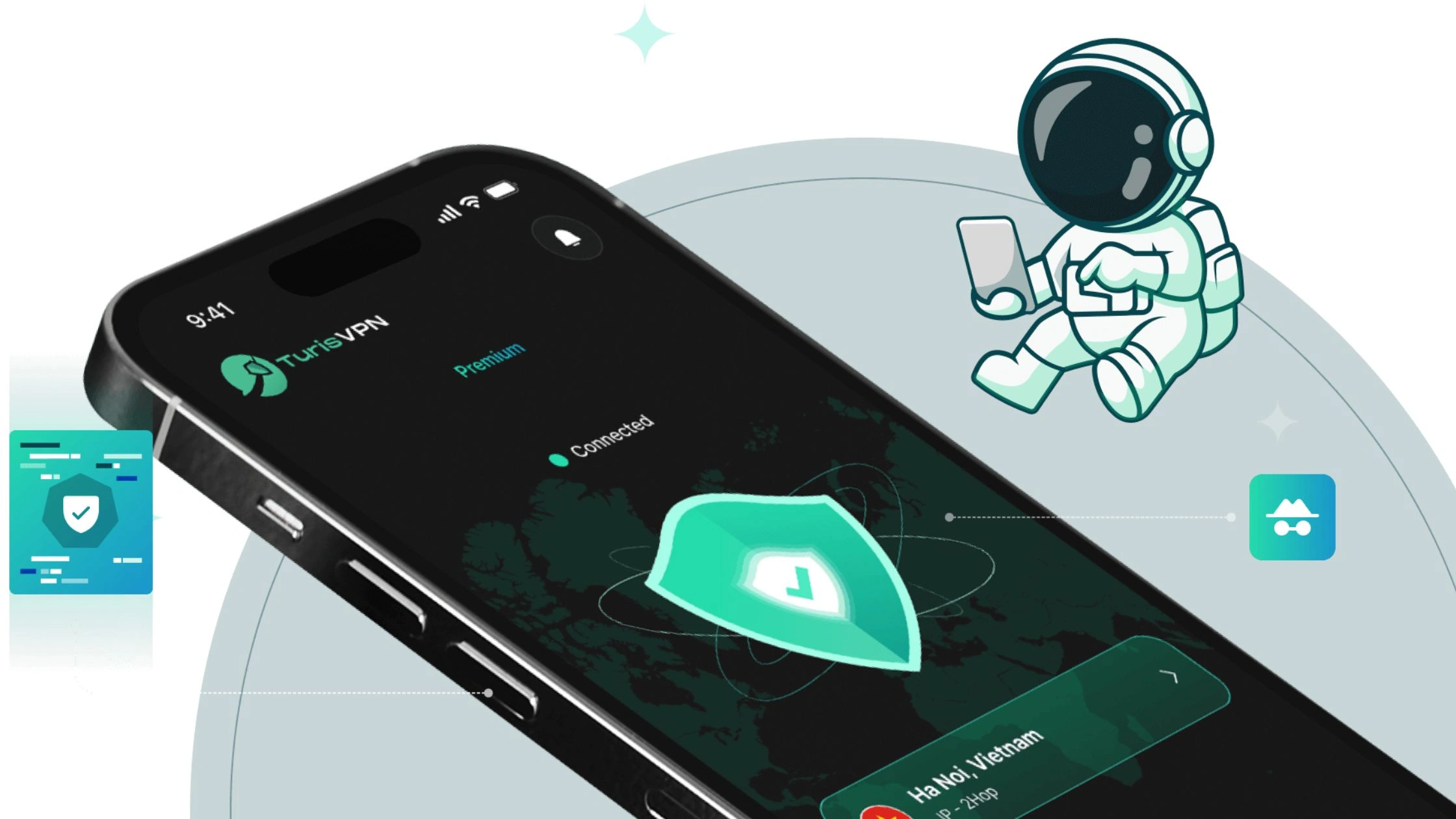
You don’t need tech skills to use it. Just download TurisVPN, open it, and connect to a nearby server. Your connection is instantly protected.
TurisVPN isn’t a cheat tool or GPS spoofer. It’s your safety layer, keeping your identity, location, and device data private while you use Tinder normally and securely.
Quick Steps:
- Step 1: Download and install TurisVPN.
- Step 2: Open the app and choose a server in your region (e.g Singapore VPN).
- Step 3: Connect to the VPN. Once active, your IP and data are hidden.
- Step 4: Open Tinder and sign up or log in safely.
How to Prevent Getting Banned Again?
Once you’re back on Tinder, staying safe is key. Most bans happen from small mistakes or automated reports. Follow these simple habits to keep your new account clean and active.
Follow Tinder’s Community Guidelines
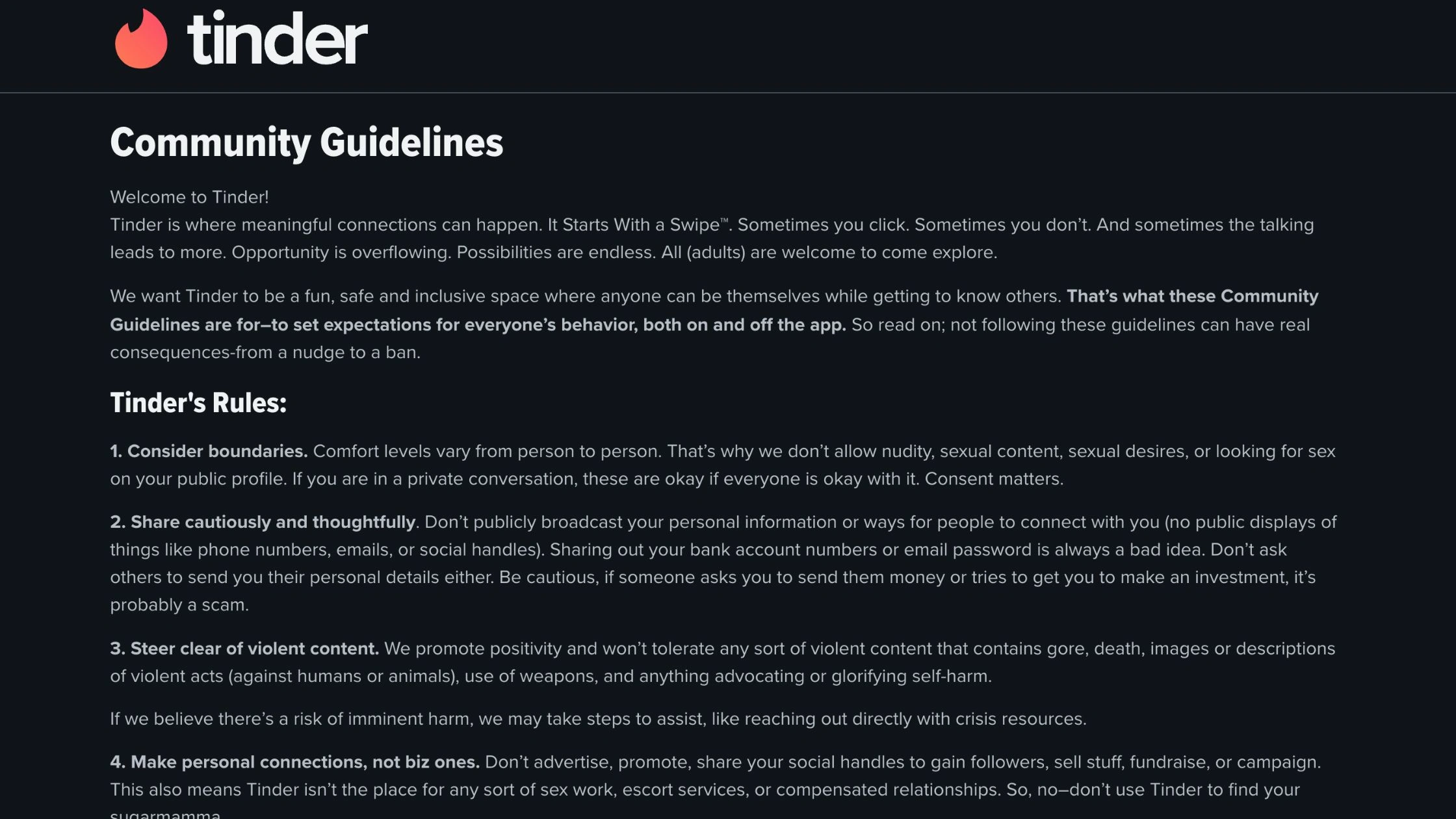
Tinder Community Guideline require you to be respectful in chats and matches. Avoid hate speech, adult content, spam, or repetitive swiping patterns. Tinder’s AI automatically flags accounts with suspicious or spam-like behavior.
Don’t Create Multiple Accounts on the Same Device
Tinder can detect device IDs even if you use different emails or numbers. Stick to one verified account per phone. If you must manage another account, use a different device and connect through TurisVPN for a new, clean IP.
Keep Your Profile Authentic
Use real photos, not stock images or edited pictures that look fake. Add genuine bio details and verified information. Fake or misleading profiles are the fastest way to trigger another ban.
Bottom Line
Getting banned from Tinder can be frustrating, especially when it happens without a clear reason. The good news is you can often recover your account or safely start over if you follow the right steps.
We explained how to get unbanned from Tinder, the difference between hard bans and shadow bans, and how to appeal directly through Tinder’s support form. If your appeal fails, creating a new account with a fresh number, email, and IP using TurisVPN gives you the best chance to start clean.
FAQs
Q1. Is it possible to get unbanned from Tinder?
Yes, but it’s not guaranteed. You can submit an appeal through Tinder’s official form. If the ban was a mistake such as a false report or system error. Tinder may restore your account. Serious violations, however, usually result in permanent bans.
Q2. Are Tinder bans permanent?
Most bans are permanent under Tinder’s policy. Once your device ID and account are blacklisted, you can’t log in again. However, if your ban was due to a misunderstanding, appealing within a few days gives you the best chance of recovery.
Q3. Can Tinder bans be reversed?
Yes, but only in limited cases. If Tinder determines that your account was banned by mistake or through false reports, it can be reinstated. Otherwise, the only option is to create a new account with a different phone number, email, and IP using TurisVPN.
Q4. What is the 3 month rule on Tinder?
It’s an informal term users use for Tinder’s data reset period. After about 3 months, Tinder’s system may stop linking your new profile to your banned one if you use a new IP, device, and credentials. TurisVPN can help speed this up by masking your old IP immediately.





