







MangaGo is a popular online manga reading site. The website is known for its wide collection of titles across every genre. However, sometimes users have started reporting issues pages won’t load, links break, or the site becomes unreachable. Maybe you’ve been wondering why MangaGo not working keeps showing up on your screen.
Our blog post will explain what’s causing the problem, how to check if MangaGo is down, and how to fix it step by step. You’ll also learn how to access MangaGo safely with TurisVPN and what to do when the site is blocked or unavailable in your country.
Key Takeaways
|
Is MangaGo Down Right Now?
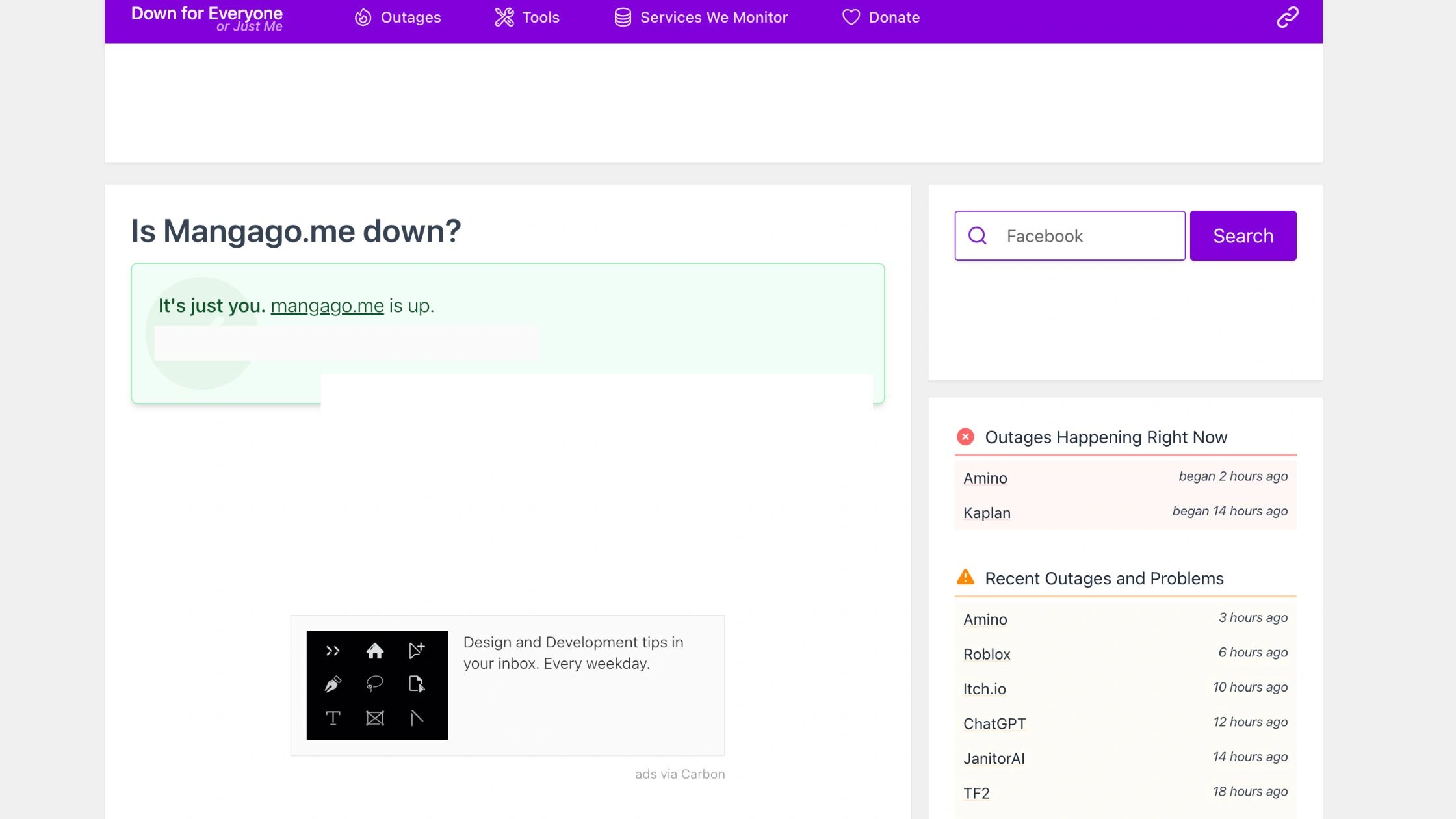
No, MangaGo is up and running. Users still report occasional loading errors and slow response times. If you’re seeing messages like “MangaGo not working today” or “request file not found,” the problem is usually temporary or local.
You can quickly check the live site status at DownForEveryoneOrJustMe. This will confirm whether MangaGo is not working, only affecting you, or if the whole site is experiencing issues.
At the moment, there is no confirmed news of mangago.me shutting down 2025, the domain remains active. However, some regions experience restricted access, causing users to think it’s actually blocked or delayed by their network.
Common Reasons Why MangaGo Is Not Working
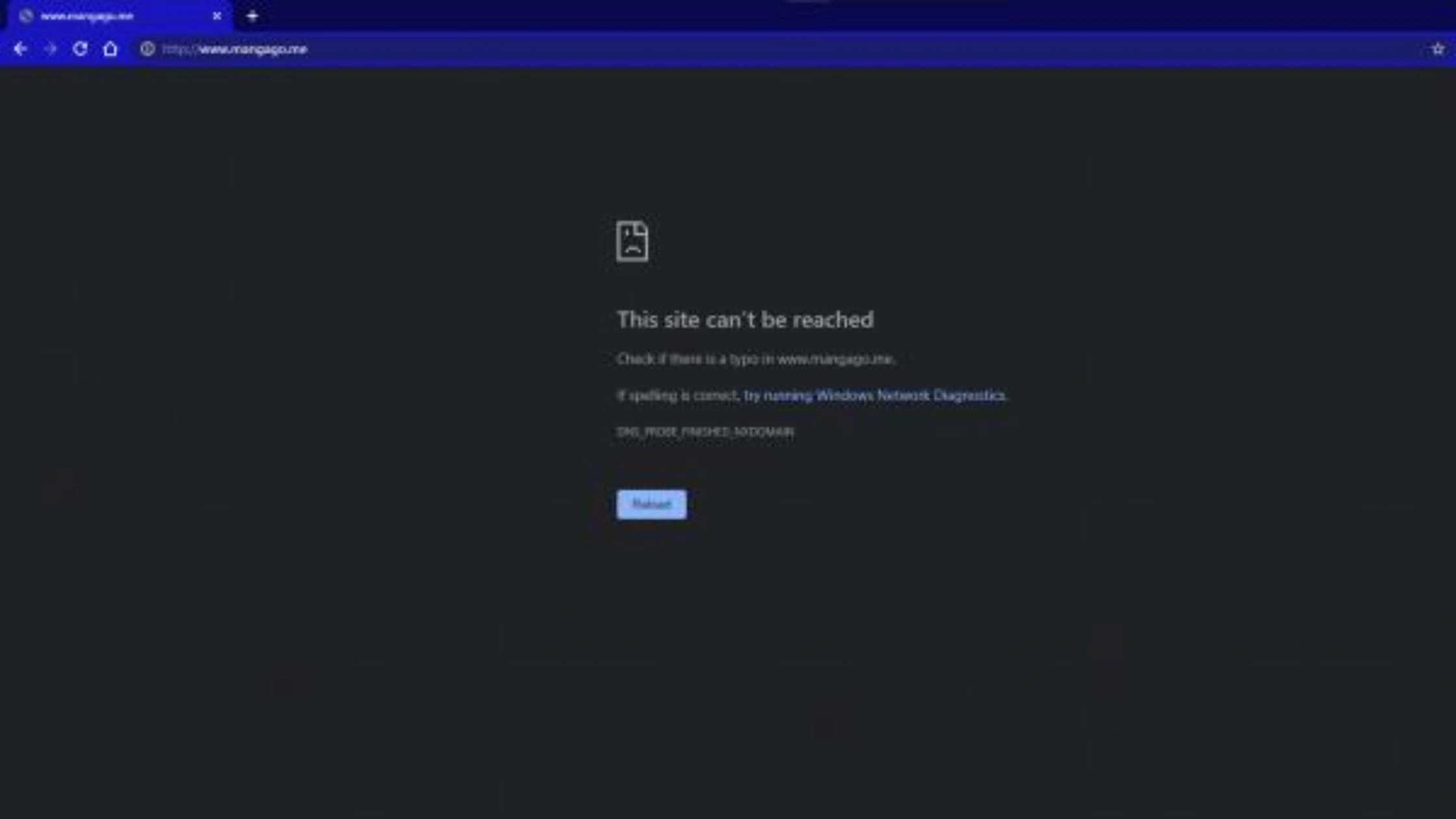
When you see MangaGo not working, it usually comes down to a few common issues:
Website and server problems
- Server overload: MangaGo often receives high traffic, especially during peak hours. When too many users access the site at once, the server can slow down or crash.
- Maintenance downtime: Sometimes, developers take the site offline temporarily for updates or bug fixes.
- Domain changes: If mangago.me shifts to a new domain, your browser may still be pointing to the old one.
- Expired SSL certificate: Outdated security certificates can trigger “connection not private” or “page not found” messages.
- Request file not found: This message means the page or manga you’re trying to open was deleted or moved.
Internet and location issues
- Geo-blocking: Some countries restrict access to certain manga sites due to copyright rules. This can make it seem like MangaGo not working today, even though it’s accessible elsewhere.
- ISP restrictions: Internet providers may block MangaGo at the DNS level, preventing the site from loading.
- Weak or unstable connection: Slow Wi-Fi or mobile data often leads to pages freezing or not loading images.
- VPN interference: Using a low-quality or unstable VPN may cause access errors or delays.
Browser and app issues
- Corrupted cache or cookies: Old stored data can block the site from loading correctly.
- Outdated browser or app version: Older versions may not support MangaGo’s latest scripts or design updates.
- Ad-blockers or extensions: Certain ad-blockers or privacy extensions can block essential scripts, making pages appear blank.
- Pop-up blockers: Some chapters or login prompts rely on pop-ups that these blockers automatically disable.
- Mobile app glitches: If using third-party MangaGo apps (not official), they may be outdated or unsupported in 2025.
How to Fix MangaGo Not Working (Step-by-Step)
If MangaGo not working keeps showing up, most issues are easy to fix. Follow these simple steps to get the site running again.
Step 1: Use a VPN to bypass geographical blocks
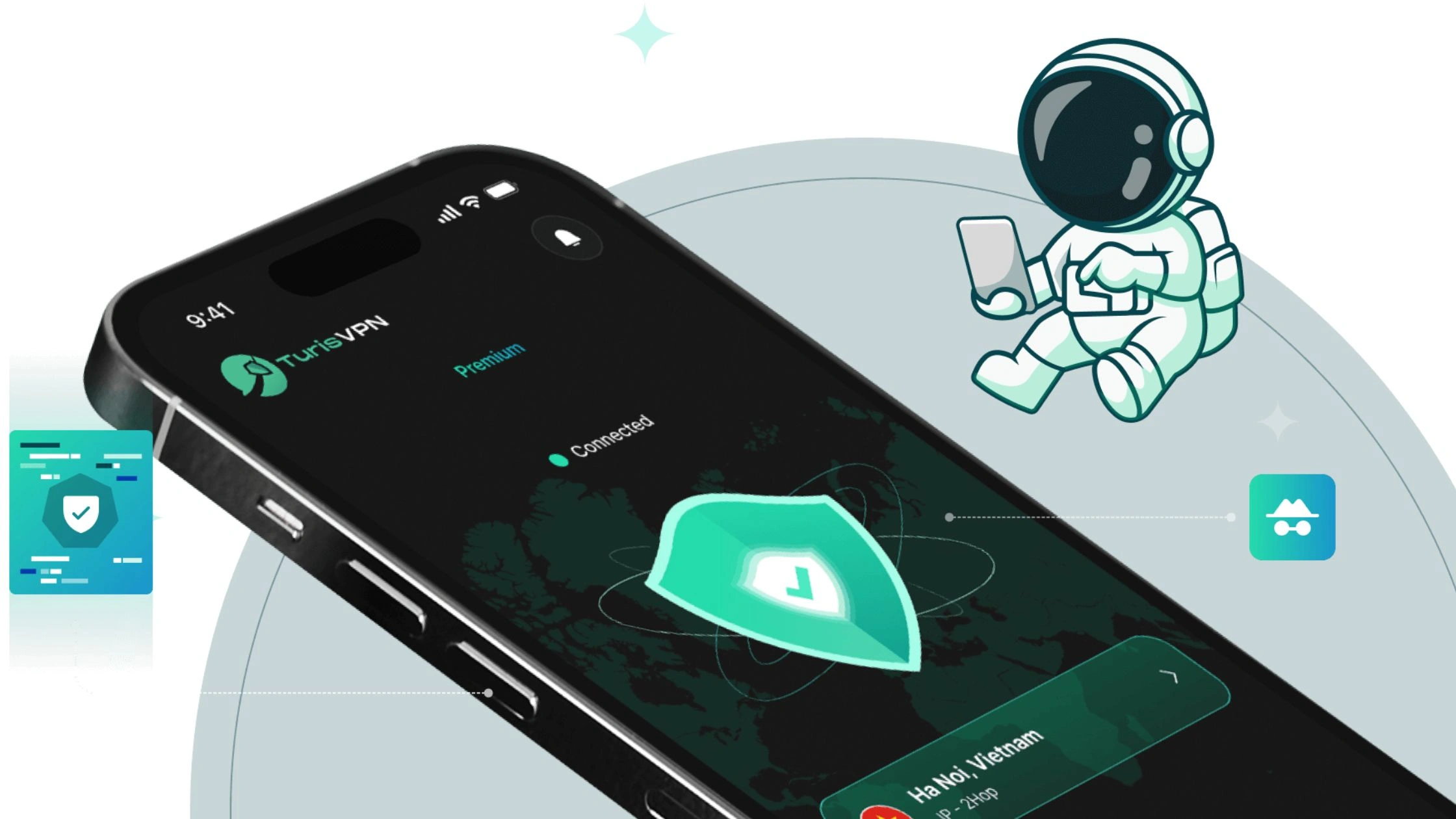
Sometimes, MangaGo is restricted in certain countries or by local ISPs. A VPN can help you bypass these restrictions safely.
- Install TurisVPN on your device.
- Open the app and connect to a server in a country where MangaGo is accessible (such as SingaporeVPN).
- Clear your browser cache, then reload the mangago.me site. This usually solves regional access problems instantly.


Step 2: Clear your browser’s cache and cookies
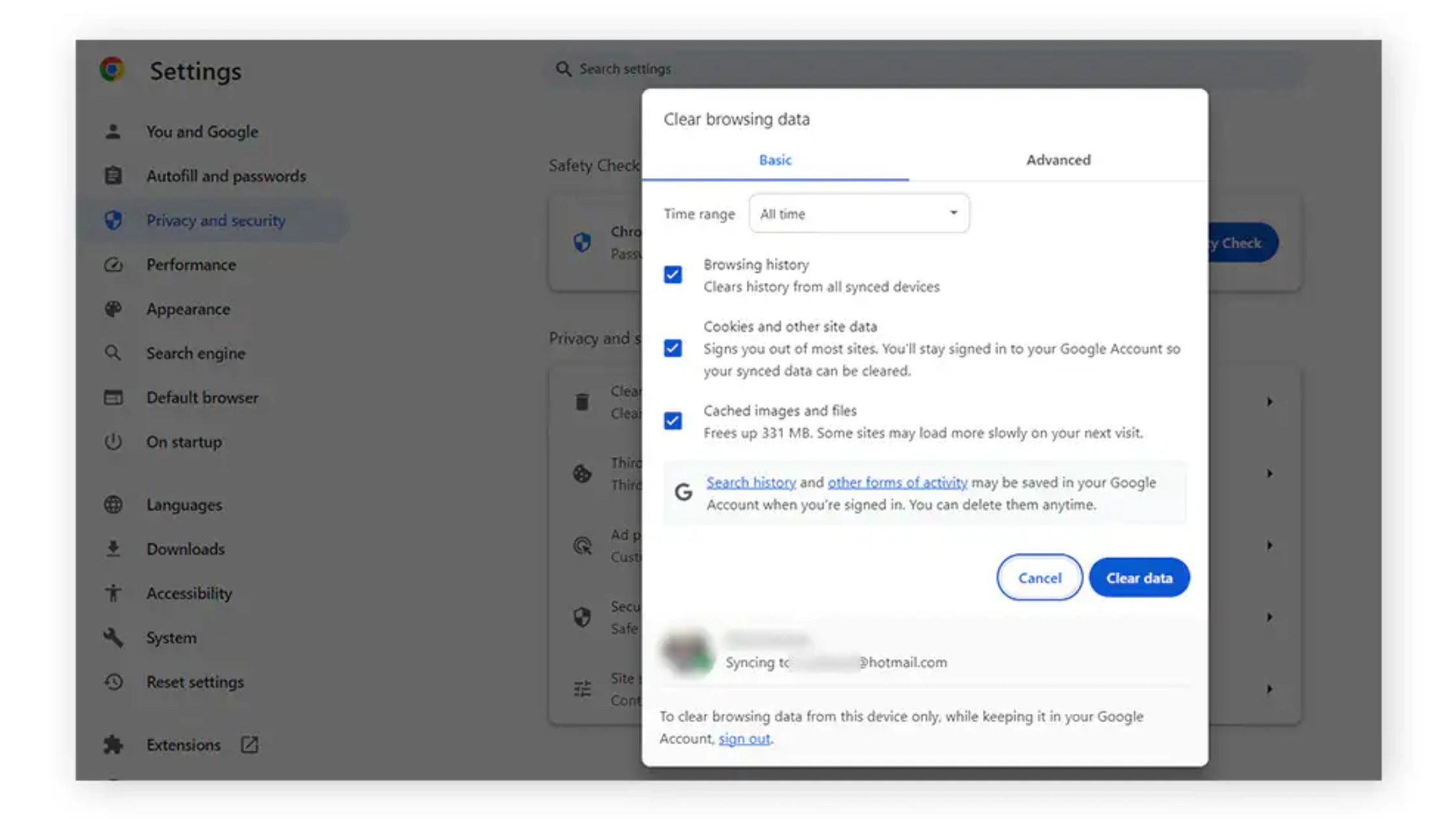
Outdated cache or cookies can prevent the site from loading correctly.
- On Chrome: Settings → Privacy and Security → Clear Browsing Data.
- On Safari: Preferences → Privacy → Manage Website Data → Remove All.
- On mobile browsers, clear cache under App Info → Storage → Clear Data.
After clearing, restart your browser and try MangaGo again.
Step 3: Try alternative methods
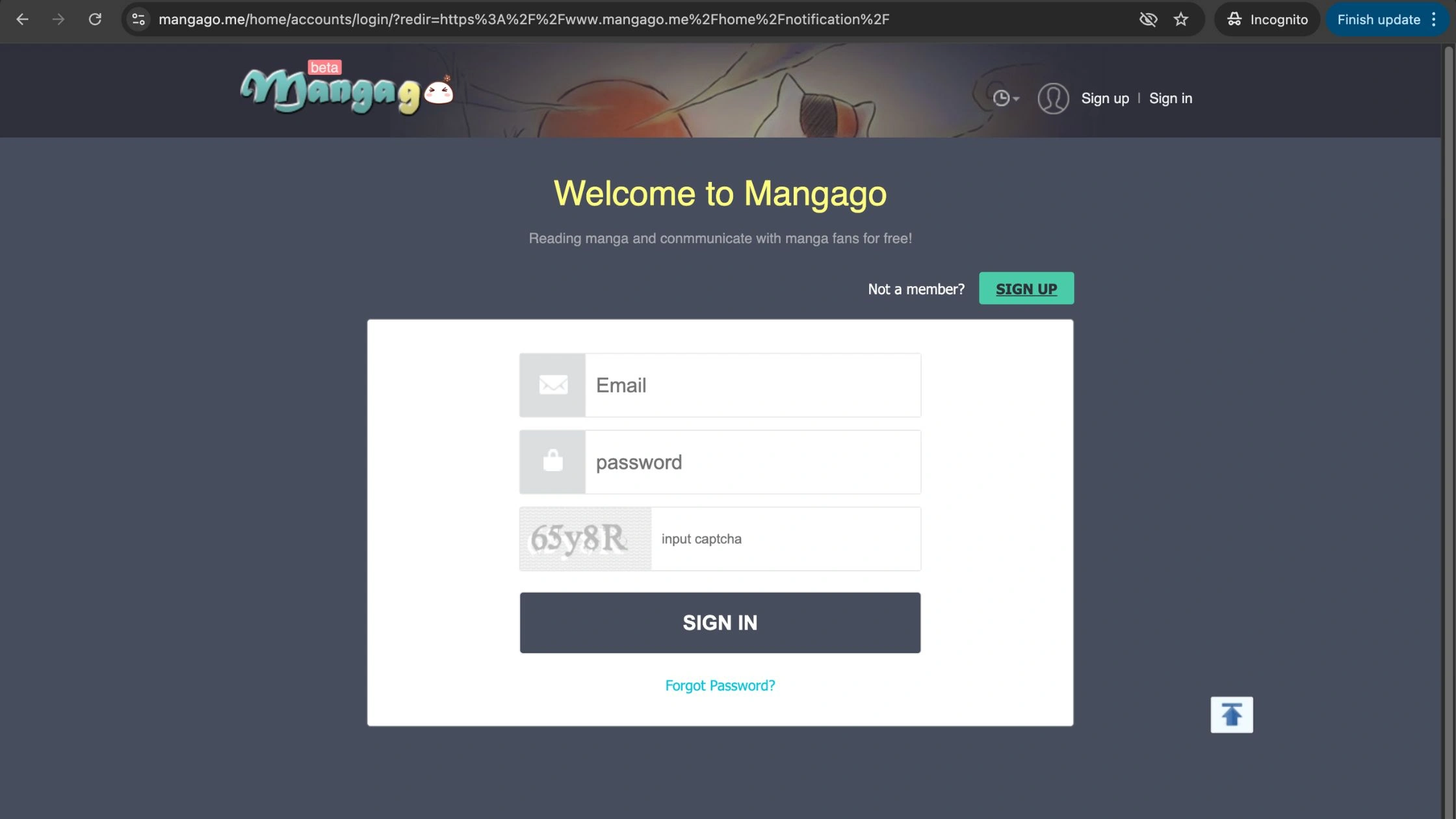
If the website still doesn’t open:
- Use incognito/private mode to avoid cached errors.
- Disable ad-blockers or privacy extensions.
- Switch to another browser like Firefox or Brave.
- Try a different device (mobile, tablet, or desktop). If nothing works, you can check MangaGo alternatives to continue reading your favorite series while the site recovers.
Step 4: Use an alternative site
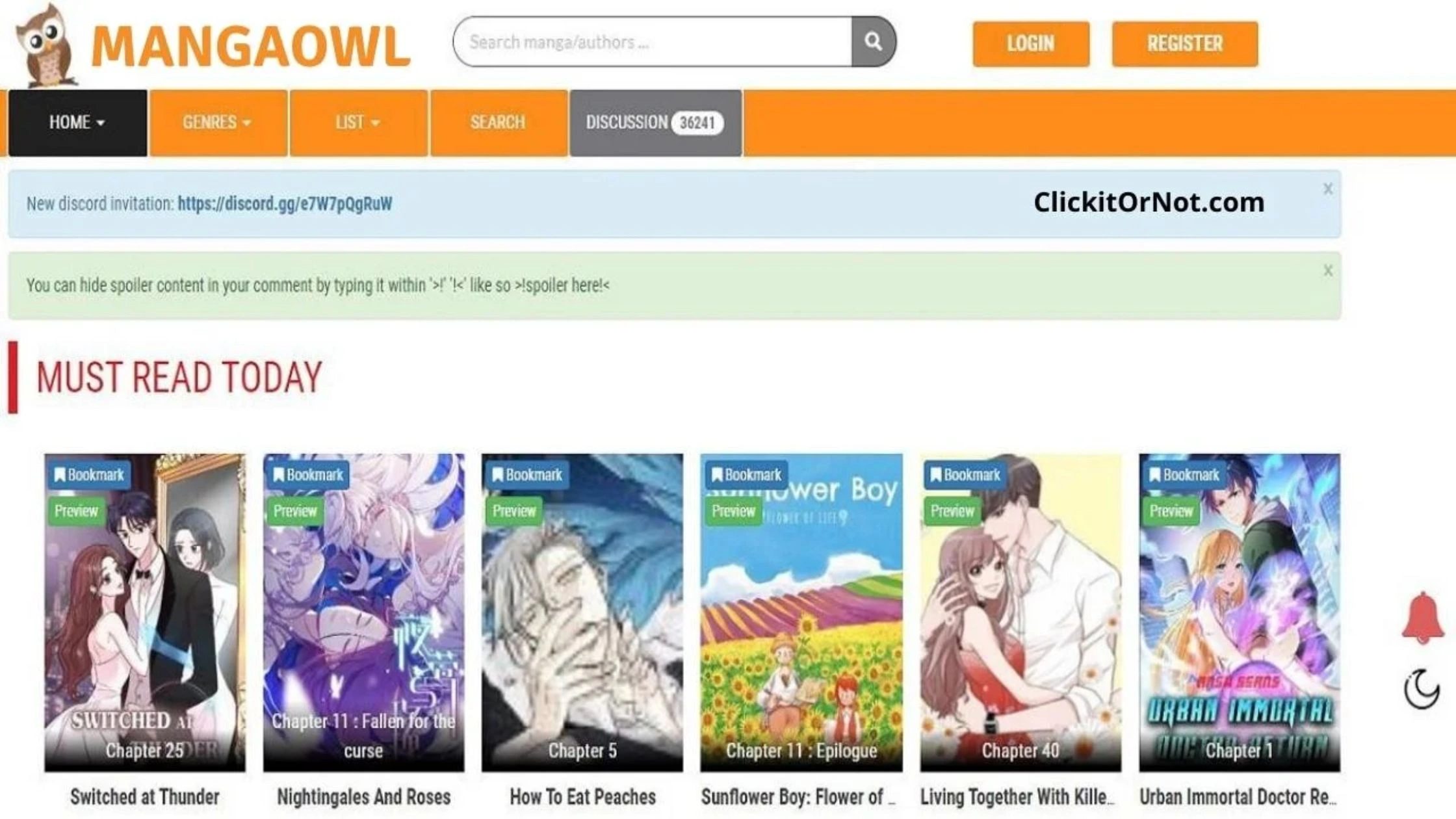
MangaGo not working may be a larger server issue. Try safe MangaGo alternatives like:
- MangaDex: community-based, free, and reliable.
- MangaReader: simple interface, supports multiple genres.
- ComicK: updated frequently and easy to navigate.
- MangaOwl: another fan favorite with broad manga selection.
Switching to trusted MangaGo alternatives ensures you can keep reading without interruptions or unsafe mirror links.
How to Access MangaGo Safely with TurisVPN
MangaGo not working in your region or keeps showing access errors, it might be blocked by your ISP or local regulations. Using TurisVPN lets you safely unlock MangaGo while keeping your browsing private and protected.
alt: MangaGo Safely with TurisVPN
Follow these quick steps:
- Step 1: Download and install TurisVPN on your device
- Step 2: Open the app and sign in to your account.
- Step 3: Choose a server location where MangaGo is accessible, for example, the Singapore VPN.
- Step 4: Click Connect to change your virtual location
- Step 5: Clear your browser cache or app data, then visit mangago.me again.
Once connected, TurisVPN encrypts your traffic and hides your real IP address. This not only helps you access the site but also protects your data from trackers or unsecured networks.
Keep TurisVPN running while reading or downloading manga to prevent sudden access errors and keep your connection secure at all times.
Bottom Line
When you see MangaGo not working, it doesn’t always mean the site is gone. Most issues come from regional blocks, server overload, or browser errors. A few quick fixes like clearing your cache, updating your browser, or using a VPN usually solve the problem fast.
TurisVPN is the safest and easiest way to restore access. The VPN helps you connect securely from another region and keeps your activity private while browsing manga online.
FAQs
Q1. What devices can I use Mangago on?
You can access MangaGo on most modern devices including Windows PCs, Macs, Android phones, and iPhones. The website works best through mobile or desktop browsers like Chrome, Safari, or Firefox.
Q2. Is Mangago shut down in 2025?
No, MangaGo has not officially shut down in 2025. However, it faces frequent outages, regional blocks, and domain changes. If it’s unavailable in your area, use TurisVPN to access the latest working domain safely.
Q3. What devices can I use Mangago on?
You can read MangaGo on any device with a web browser, such as laptops, tablets, or smartphones. For the smoothest experience, keep your browser updated and use a VPN if your region restricts the site.





