







Is the PS Plus region locked? Yes, PlayStation Plus subscriptions are region-locked. That’s the reason some players find themselves missing out on certain free games, discount bundles, or early access to new titles. In this guide, we’ll explain how region locking works and show you how to change your PSN region the smart way!
Is PS Plus Region Locked? Understanding Region Lock for PS Plus in 2025
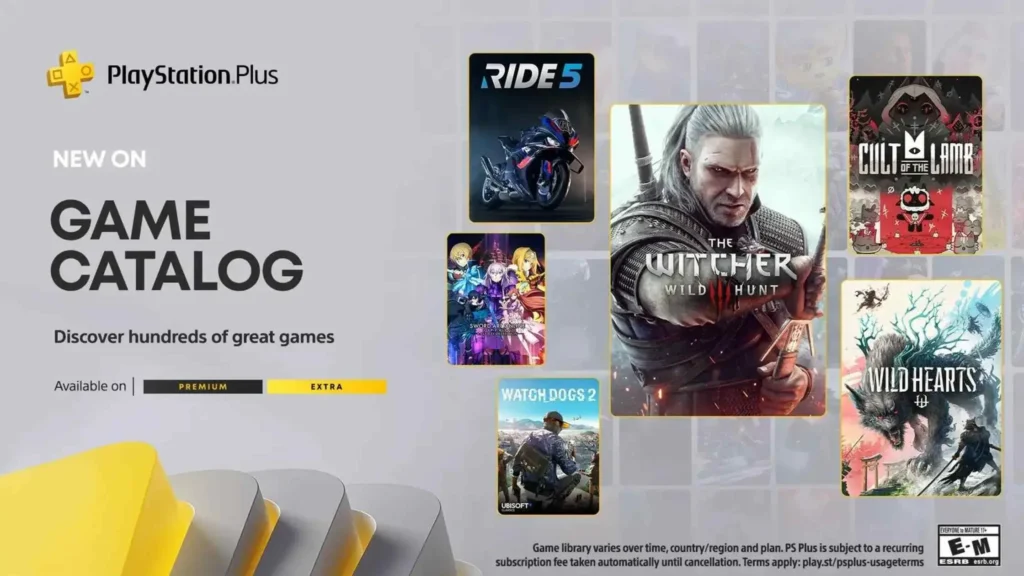
Is the PS Plus region locked?
Yes, PlayStation Plus is region-locked. While you can still use your subscription when traveling or logging in from another country, the games, prices, and features available to you are tied to the region where your PSN account was originally created.
- Each country gets different PS Plus games each month.
- Subscription prices vary from region to region.
- Some features or offers may only be available in certain areas.
Once you create a PlayStation Network (PSN) account and choose your country, Sony locks that region in following the PS Plus region-lock policy. You can’t change the country on PSN later, and the PlayStation Store you see will always match that country.
In 2025, that still hasn’t changed. Sony does not allow you to change your PSN country.
One thing to keep in mind is that PS Plus subscription cards are also region-locked. So, if you buy a PS Plus card in one country, you’ll only be able to use it with a PSN account registered in that same country. For example, a PS Plus card from the U.S. won’t work if you try to redeem it on a European or Asian account. That’s because each PlayStation Store has its own prices, currency, and content rules, and Sony keeps things tied to regions to make sure everything stays organized.
The concept of PS Plus account region restrictions is similar to how online platforms like Valorant game server networks restrict matchmaking and content by geographic region to optimize performance and comply with local regulations.
How Does PS Plus Region Lock Work?
PS Plus account region restrictions all come down to the country you picked when you created your PSN account. That little detail affects quite a bit of what you see and can do on PlayStation, even though your subscription itself works anywhere you log in.
Here’s what gets influenced by your account’s region:
- Game availability: Some games are only listed in certain regional stores.
- Subscription content: The tiers of PS Plus (Essential, Extra, Premium) and the perks they offer can vary between countries. So your access to specific benefits really depends on your region.
- Prices and currency: You pay in the currency of the country you chose for your PSN account, and prices can differ a lot. What’s cheap in one region might be way more expensive in another.
- Payment options: The credit cards, PayPal accounts, or gift cards you can use all depend on regional availability. Some payment methods might work in the US but not in other countries, and vice versa.
PlayStation Plus regional limitations are built into your account from the very start.
- When you first sign up for a PlayStation Network (PSN) account, you’re required to pick a country or region. This choice seems simple but has long-term consequences.
- Once your account is created, your chosen country is permanently tied to it.
- The PlayStation Store is localized. Some titles may launch earlier or be entirely exclusive to certain countries.
- You pay in the currency of your selected region. Game prices, PS Plus subscription fees, and discount campaigns vary by country. Likewise, accepted payment methods (credit cards, PayPal, gift cards) are region-specific.
- If you move countries or want access to another region’s content, your only option is to create a new PSN account using a different region.
Can You Use a PS Plus Card From Another Country?
No, you can’t use a PS Plus card from another country, unless your PSN account is registered to that same region.
Each gift card or subscription code is region-locked:
- A U.S. PS Plus code only works on a U.S. account.
- A Japanese card won’t be redeemed on a European account.
- A Canadian PSN account won’t accept cards from other stores like the U.S., UK, or Singapore.
This system keeps things organized since different regions have their currencies, prices, and available content. But it also means you have to be careful when buying codes, especially from online marketplaces or third-party sellers. If the region on the card doesn’t match your account’s region, the code just won’t redeem, no matter how much you want it to work.
So, before you hit that “Buy” button, double-check the region of the card and make sure it matches your PSN account. Otherwise, you might end up with a useless code and no refund.
How to Change PSN Region to Access Different PS Plus Content?
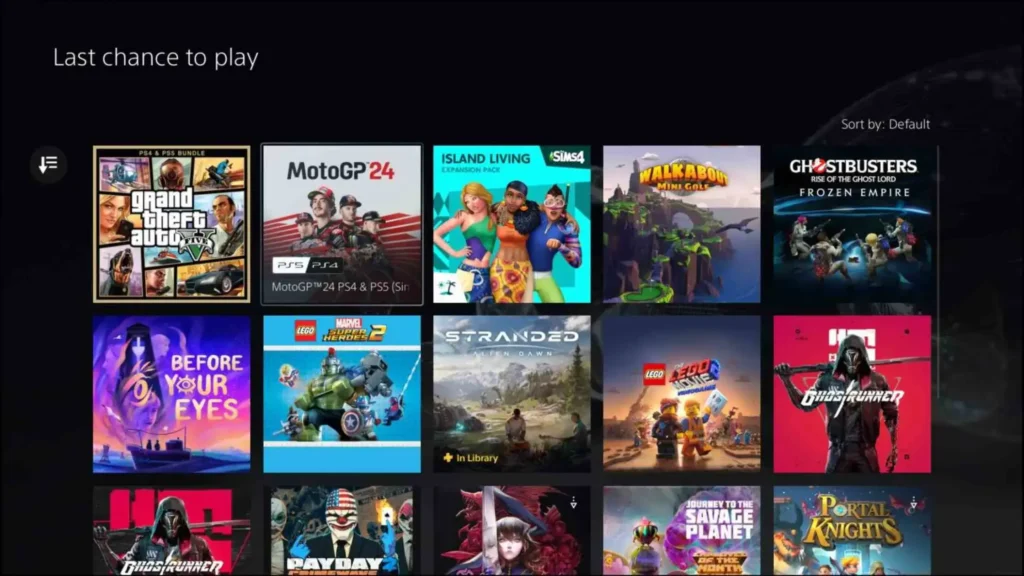
If you’re after better pricing, more games, or access to a specific country’s content, you can create a new PSN account set to the PSN region you want.
This allows you to:
- Subscribe to PS Plus in that region.
- Redeem region-specific gift cards and codes.
- Access different regional PlayStation Stores.
Let’s break it down into two possible routes.
Step 1: Create a New PSN Account with a Different Region
The most reliable way to switch regions is by creating a brand-new PSN account and choosing your desired PSN country at signup.
- Log out of your current account on your PlayStation console.
- Create a new user profile and select “New to PlayStation Network?”
- During setup, choose the country you want (e.g. United States, Japan, Singapore).
- Use a real address from that region (Google Maps can help).
- Complete the sign-up process and verify your email.
Tip: You can still play games on your main account. Just install them using your secondary region account.
Step 2: Change the Country on Your Existing PSN Account
One common method is using a free VPN for PSN to help your console or browser connect through another country. It’s not a permanent fix, but it can let you:
- Access a different region’s PlayStation Store (for browsing, not purchasing).
- See localized content or game pages.
- Check the availability of certain titles in other countries before creating a new account.
Note: You can’t actually buy games or PS Plus through this method on your original account. It’s more for previewing what other regions offer before you commit to making a new PSN account.
Using TurisVPN to Bypass PSN Region Lock for PS Plus
If you’re trying to explore PlayStation Plus content from another country or access regional deals and exclusive games, TurisVPN is one of the easiest tools to help make that happen.
TurisVPN is one of the top free VPN services that makes it easy to browse and compare regions before you commit to switching or creating a new account. It’s also useful for avoiding geo-blocks when accessing PlayStation services or any games like League Of Legends while traveling.
How to Use TurisVPN for PS Plus:
- Download and install TurisVPN on your PC, smartphone, or tablet. The app is user-friendly and works smoothly across devices.
- Connect to the country you want to access (e.g. United States or Singapore).
- Head over to the PlayStation website using your browser, or use your console’s built-in web browser to open the regional PlayStation Store.
- (Optional) Create a new PSN account while connected to the VPN. This step is important if you want to actually purchase or redeem content tied to that region, since your account’s registered country determines what you can buy and download.
- Redeem local gift cards or subscribe to PS Plus using payment methods that are accepted in that region. Keep in mind that payment options like credit cards or PayPal need to match the country you’re connecting through for purchases to go through smoothly.
How to Protect Your PSN Account and Stay Safe Online
Your PSN account holds your games, purchases, and personal info, so keeping it safe should be a top priority. On top of basic security (like using two-factor authentication and a strong password), one of the smartest things you can do today is use a VPN.
A VPN adds an extra layer of protection by encrypting your internet traffic and hiding your IP address. This keeps you safer from hackers, data leaks, and even DDoS attacks (especially useful if you play online multiplayer games like Call of Duty or FIFA).
For instance, using a VPN like Singapore VPN can let you:
- Access Singapore’s PS Store to check PS Plus games, prices, and deals
- Protect your account while logging in on public Wi-Fi
- Browse freely, without location-based PlayStation Plus regional limitations.
Bottom Line
Is the PS Plus region locked? Yes, PlayStation Plus is region-locked. While your subscription can technically be used from anywhere you log in, the content, pricing, subscription tiers, and even gift card compatibility are all tied to the region of your PSN account. To unlock the best value, consider using a VPN and exploring other regions through a second PSN account!
FAQs
Q1. Can I Use PS Plus Premium from a Different Country?
PS Plus Premium works worldwide on your console, but the content you see depends on your PSN account’s region. So if your account is registered in the U.S., you’ll access the U.S. PS Plus library, even if you travel abroad. To get Premium content from another country, you’d need to create a new PSN account set to that region.
Q2. What Happens if I Use a PS Plus Card from Another Country?
PS Plus cards only work with PSN accounts from the same country where the card was bought. So, if you have a PS Plus card from the US, it won’t work on a UK account. If you try to use it, the code will be rejected. To avoid this, always double-check that your card’s region matches your PSN account.
Q3. What country is Playstation from?
PlayStation is a brand created and owned by Sony Interactive Entertainment, which is a division of the Japanese company Sony Corporation. So, PlayStation originally comes from Japan. Since its launch in the 1990s, PlayStation has become a global gaming powerhouse, with regional stores and servers all around the world to serve players everywhere.





